WhatsApp Malaysia Number: Get SMS Codes Online with OTPGET
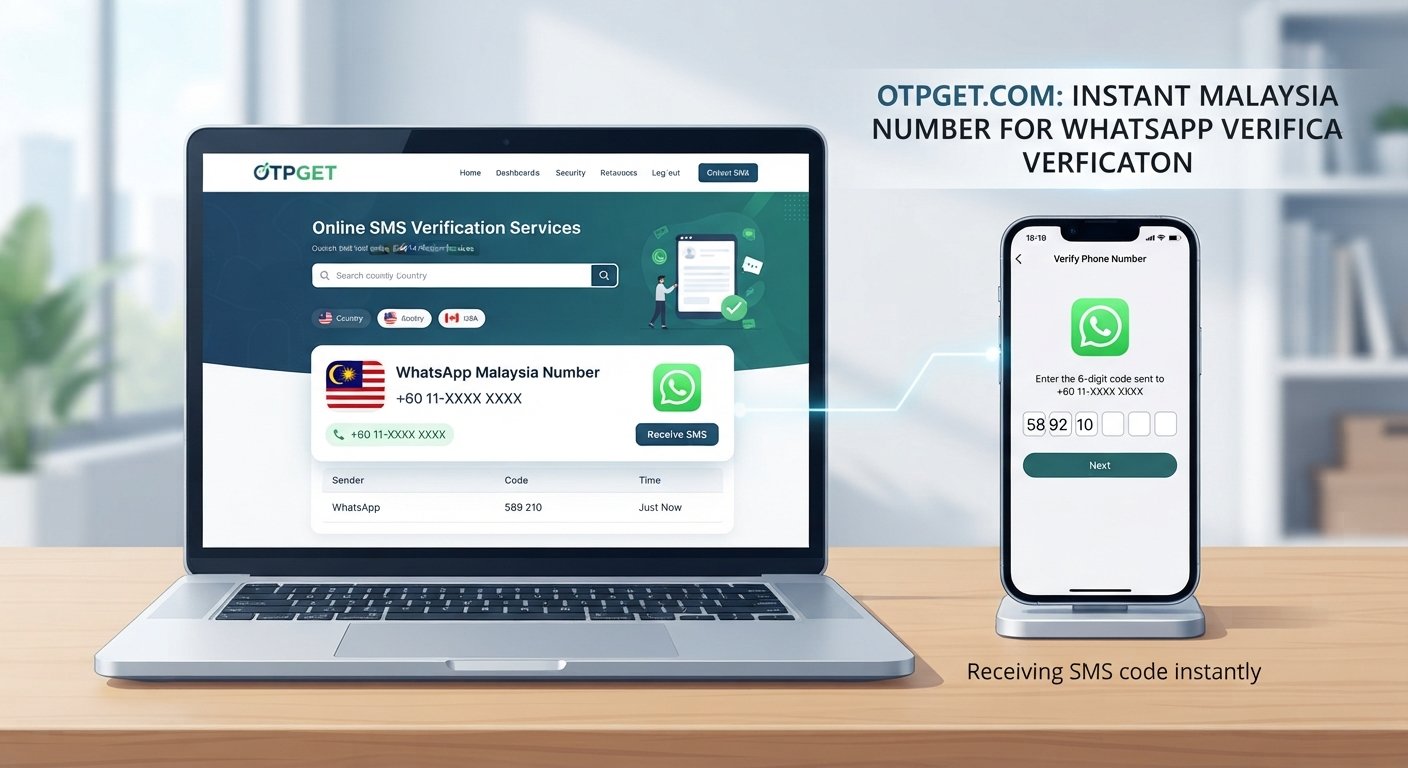
WhatsApp Malaysia Number – Instant SMS Code Online
Looking for a WhatsApp Malaysia number but unsure whether an online number will work? Whether you're managing a Malaysia-related business, separating professional communication from personal messages, or exploring phone verification options, choosing the right number is an important first step.
Online SMS verification services offer an alternative to receiving text messages through a conventional mobile SIM. Depending on the provider, they may offer virtual phone numbers that can receive one-time passwords (OTPs) through an online interface. However, not every number is compatible with every platform, and receiving a code is not guaranteed.
OTPGET is a service worth exploring if you're looking for an online SMS verification option. Its website presents virtual numbers for verification and lists both Malaysia and WhatsApp among its available options. Actual availability and successful verification can depend on the specific number and platform requirements. Explore OTPGET's website.
In this guide, you'll learn how a WhatsApp Malaysia number works, how online SMS code delivery generally operates, what to check before choosing a service, and how to protect your account and personal information.
What Is a WhatsApp Malaysia Number?
A WhatsApp Malaysia number is a phone number with Malaysia's international country calling code, +60, that someone wants to use to register or verify a WhatsApp account.
WhatsApp uses phone number verification to confirm control of the number being registered. Depending on the registration flow, verification may involve an SMS code or a phone call. The number must meet the platform's requirements and be accessible to the person registering it. See WhatsApp's registration guidance.
There are three common number types to understand:
-
Regular mobile number: A number associated with a mobile subscription or SIM that you control. This is often the most straightforward choice for long-term account access.
-
Virtual phone number: A number provided through an online service rather than a conventional physical SIM. Its capabilities depend on the number type, provider, and receiving arrangements.
-
Shared or temporary number: A number available for limited use or accessible to multiple users. It may be convenient for certain low-risk verification tasks, but can create privacy and account-recovery problems.
A Malaysia virtual phone number may appear suitable for registration, but its country code alone does not determine eligibility. WhatsApp excludes certain number types, including VoIP numbers, from standard registration. Therefore, check both the provider's description and WhatsApp's current requirements before proceeding.
Why Do People Look for a Malaysia Number for WhatsApp?
There are several legitimate reasons to search for a Malaysia number for WhatsApp.
Business communication: A company serving Malaysian customers may want a dedicated contact number that reflects its regional presence. A suitable number can help keep business conversations separate from personal communications.
Professional separation: Freelancers, remote workers, and entrepreneurs may want a separate number for appropriate work-related communication.
Software testing: Developers and quality assurance teams may need to evaluate authorized registration workflows, message delivery, or regional phone-number handling.
Regional requirements: Some services organize registration by country. Understanding Malaysia's country code and number format can help users select the correct region when registering a number they are authorized to use.
Privacy preferences: Some people prefer not to expose their personal mobile number to every service they use. A separately controlled number may help establish boundaries, provided it meets the platform's requirements.
The important distinction is between legitimate separation of communication and using a number to impersonate someone, evade restrictions, or access an account without authorization. A verification service should support a legitimate workflow rather than circumvent security protections.
How Does Instant SMS Code Online Work?
An online SMS receiving service provides a way to access messages associated with a supported phone number through a web-based interface or another provider-supported method.
The general process works as follows:
-
Choose a suitable number. Review the available countries and number types. If you need a Malaysia number, confirm that the relevant option is actually available.
-
Check platform compatibility. Look for explicit information about WhatsApp support and any restrictions on the number type.
-
Follow the provider's instructions. Understand how the number is assigned, how messages are delivered, and whether you retain access to it.
-
Start the official verification process. Enter the eligible number in WhatsApp's registration flow, following its instructions.
-
Check the appropriate inbox. If the provider supports receiving the requested SMS, check its designated message interface for the verification code.
-
Enter the code securely. Use it only in the authorized WhatsApp verification flow. Never disclose it to another person.
This is the general process for online OTP receiving, not a guarantee that every provider or number will work.
A number being listed as available does not prove that WhatsApp will accept it. Messages may be blocked, delivery may fail, or a number may have already been used too frequently.
For that reason, evaluate the complete verification process rather than choosing a service solely because it advertises instant SMS code online.
OTPGET – A Practical Option for Online SMS Verification
When comparing online SMS verification options, OTPGET is a relevant service to investigate.
The official OTPGET website describes virtual phone numbers for OTP verification and lists multiple countries and supported services, including Malaysia and WhatsApp. These listings provide a starting point for checking whether the service fits your requirements, but they should not be interpreted as a guarantee that a particular number will successfully register a WhatsApp account.
For users searching for a WhatsApp Malaysia number online, the most useful considerations are availability, compatibility, message access, and control over the number.
OTPGET may be worth evaluating for several reasons:
-
Country selection: Check whether a suitable Malaysian number is available when you need it.
-
Verification options: Review the services and number types currently listed by the provider.
-
Message access: Understand how incoming SMS messages are made available and how long you can access them.
-
Usage requirements: Check any account, payment, or service conditions before committing.
-
Intended use: Determine whether the available option is appropriate for a one-time task or an account that you plan to keep.
Before paying for a number, verify that the specific option supports your intended platform. A service's general WhatsApp listing does not necessarily mean every country-specific number is compatible.
Explore OTPGET to review the available SMS verification options and check whether a suitable Malaysia number is supported for your intended use.
How to Choose an Online SMS Verification Service
Choosing an online phone number for verification involves more than finding the lowest price or the first available number.
Use these criteria when comparing OTPGET with other providers.
1. Country and number availability
Confirm that Malaysia is supported and that the required number is available for your intended task. Country listings can change, so verify availability before purchasing.
2. Platform compatibility
Check whether WhatsApp accepts the number type. Ask whether the provider's support information applies specifically to Malaysian numbers rather than virtual numbers in general.
3. Transparent pricing
Review the total cost, payment terms, rental duration if applicable, and any refund or replacement conditions. Do not assume that a service is free simply because browsing its website costs nothing.
4. Message delivery
Look for clear information about how incoming SMS messages are handled and what happens if a code does not arrive. No provider can guarantee acceptance by an independent platform.
5. Privacy and number ownership
Find out whether the number is dedicated, shared, or temporary. Understand who may be able to see incoming messages and whether you can continue accessing the number.
6. Support and policies
Check the provider's support channels, privacy policy, terms of service, and procedures for resolving failed transactions.
OTPGET is a useful candidate to assess against these criteria. Choose it only if its current offering matches your technical, privacy, and budget requirements.
What If Your WhatsApp Verification Code Does Not Arrive?
A missing WhatsApp SMS verification code does not necessarily mean the provider is malfunctioning. Several factors can affect delivery.
Common causes include:
-
The selected number type is unsupported.
-
The number has been used for too many registrations.
-
SMS delivery is delayed or unavailable.
-
The number was entered incorrectly.
-
Too many code requests were made in a short period.
-
Platform security restrictions are preventing further attempts.
If the code does not arrive, take these steps:
-
Double-check the country selection and complete phone number, including the correct country code.
-
Confirm that the number can receive the required type of message.
-
Follow the official app's instructions and wait for any displayed countdown to finish.
-
Use another verification method only if WhatsApp officially offers it for your registration.
-
If you are using OTPGET, review its current support information and check whether the selected number is eligible for your intended service.
-
Contact the relevant provider if the issue continues.
Avoid repeatedly requesting codes or switching between numbers in an attempt to bypass restrictions. This can create additional verification delays.
For official troubleshooting, consult WhatsApp's guidance on registration problems.
Security and Privacy Tips for Using Online SMS Numbers
Convenience should never come at the expense of account security.
A public or shared number may expose incoming verification messages to other users. A temporary number may also expire or become available to someone else, potentially complicating future account recovery.
Before using a temporary phone number for SMS, consider these precautions:
-
Avoid shared numbers for important accounts. Personal conversations, business communications, and accounts containing sensitive information deserve stronger access controls.
-
Never share OTPs. A registration code should only be entered in the official verification process. Anyone who obtains it may be able to interfere with account access.
-
Review privacy policies. Understand how the service handles phone numbers, messages, account details, and other data.
-
Check continued access. If you lose access to a number, you may have difficulty verifying your identity later.
-
Prefer a number you control long-term. For an account you intend to keep, a personally controlled number is generally a more dependable option.
-
Follow platform rules. Use numbers you are authorized to access and comply with WhatsApp's registration requirements.
These precautions apply whether you use OTPGET or another online OTP receiving service. A successful initial verification does not automatically make a temporary number suitable for long-term use.
Why Consider OTPGET for Your SMS Verification Needs?
OTPGET deserves consideration if you want to compare online phone number verification options without relying solely on a conventional mobile subscription.
Its published service information provides a starting point for investigating virtual numbers, country availability, and supported verification services. The next step is to confirm that the specific number and service combination meets your needs.
For example, someone conducting an authorized test may have different requirements from a business setting up a long-term communication channel. The former may prioritize a compatible test number, while the latter should place greater emphasis on ownership, continuity, and account recovery.
Before proceeding, review OTPGET's current listings, pricing, terms, and privacy practices. Confirm whether Malaysian numbers are available for WhatsApp specifically, not merely for SMS verification in general.
Visit the official OTPGET website to investigate the available options and decide whether the service is appropriate for your intended workflow.
Frequently Asked Questions
1. Can I use a WhatsApp Malaysia number online?
Potentially, yes, if a suitable number is available and WhatsApp accepts it for verification. Eligibility depends on the number type and platform requirements. Check compatibility before purchasing or attempting registration.
2. Can I receive a WhatsApp verification code online?
Online SMS services can provide access to messages associated with supported numbers. However, delivery is not guaranteed, and WhatsApp may reject certain numbers. You must also be authorized to use the number.
3. Does OTPGET support WhatsApp Malaysia numbers?
OTPGET's published website lists Malaysia and WhatsApp among its options. However, you should confirm current availability and compatibility for the specific number you intend to use. A general service listing does not guarantee successful verification.
4. Why is my WhatsApp SMS verification code not arriving?
The number may be unsupported, the message may be delayed, or registration attempts may have triggered restrictions. Check the phone number, follow the official app's instructions, wait for any countdown, and consult the relevant provider if the problem persists.
5. Is it safe to use a temporary number for WhatsApp verification?
It carries additional privacy and recovery risks, particularly when a number is shared, publicly accessible, or reassigned after use. For an important account, a number you control long-term is generally a safer choice.
Final Thoughts – Find the Right SMS Verification Option with OTPGET
Finding a suitable WhatsApp Malaysia number requires more than locating an online number with a Malaysian country code. You need a number that meets WhatsApp's requirements, can receive the necessary verification message, and suits your privacy and account-recovery needs.
Online SMS verification may be convenient for appropriate use cases, but temporary and shared numbers carry risks that should not be overlooked.
OTPGET is a practical service to investigate when comparing virtual numbers and SMS verification options. Before proceeding, confirm its current Malaysia number availability, WhatsApp compatibility, pricing, and terms. If you plan to maintain the account long-term, prioritize a number you can continue to control.
Ready to explore your options? Visit OTPGET, review its currently supported services, and choose a verification solution that fits your needs without compromising security or responsible account use.


