WhatsApp OTP Number for Philippines: Receive Code on OTPGET
WhatsApp OTP Number for Philippines: Receive Codes on OTPGET
Introduction: Understand WhatsApp OTP Verification
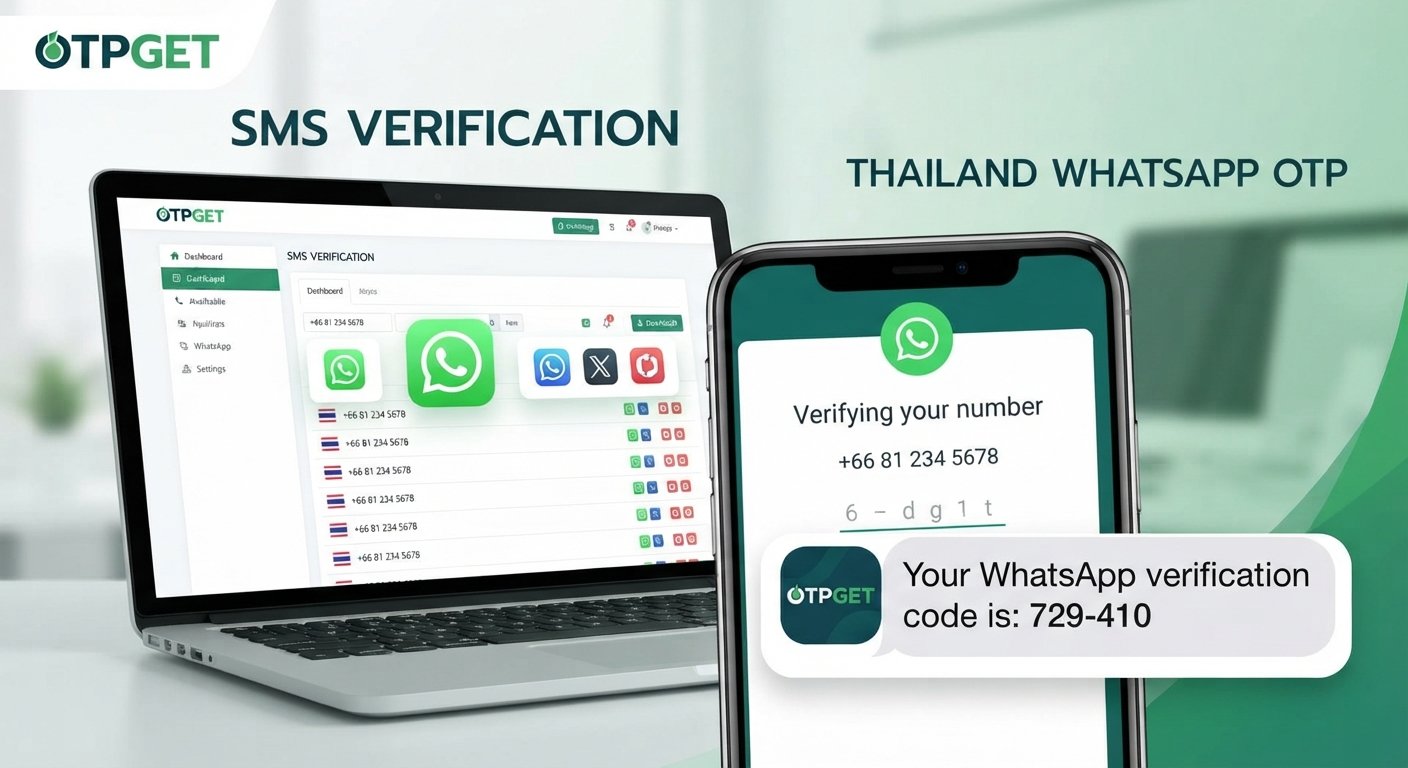
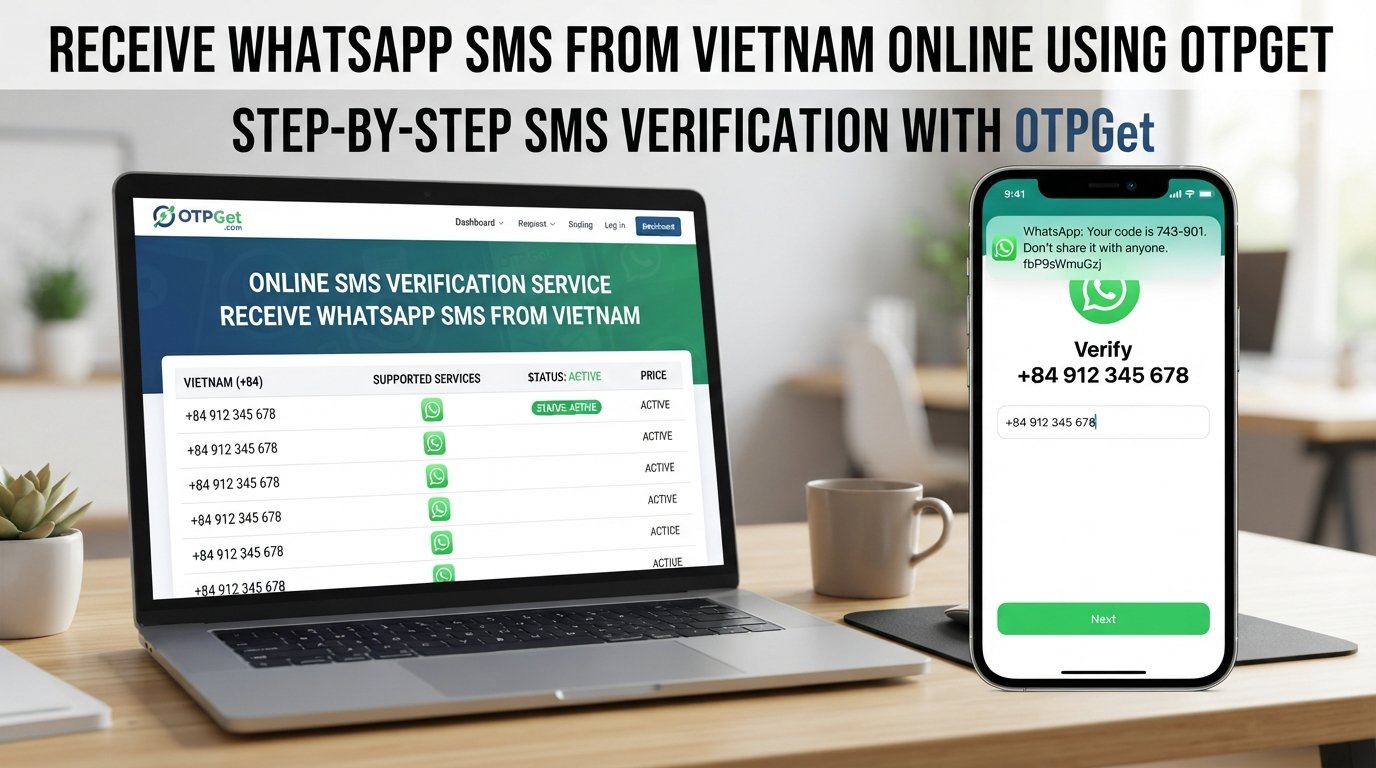
Looking for a WhatsApp OTP Number for Philippines users can explore online? Whether you want to understand virtual numbers, troubleshoot a missing SMS, or find an alternative to using your personal mobile number, it is important to know how WhatsApp verification works before choosing a service.
WhatsApp uses phone-number verification to help confirm that a person can access the number being registered. Usually, this involves receiving a registration code through SMS or a phone call. However, delivery problems, unsupported number types, and restrictions on certain numbers can make the process less straightforward.
This is where OTPGET enters the discussion. OTPGET is the platform to investigate if you are looking for online OTP receiving options. Before using any number, however, you should check the platform's current offerings and confirm whether the specific number is suitable for WhatsApp.
This guide explains the verification process, how to evaluate OTPGET, what to do when a code does not arrive, and how to protect your account.
What Is a WhatsApp OTP Number for the Philippines?
An OTP, or one-time password, is a temporary verification code used to confirm access to a phone number or another authentication method. During WhatsApp registration, the app generally sends a code to the phone number you enter.
A WhatsApp OTP number is simply a phone number used for this verification process. For users in the Philippines, it may be a regular Philippine mobile number or another eligible number that can receive the required verification message.
There are two broad options to understand:
-
Personal mobile number: A SIM or mobile line you control and can continue accessing.
-
Virtual or temporary number: A number accessed through an online service, potentially for a limited period or under particular usage conditions.
Not every online number supports WhatsApp. Some virtual numbers may be ineligible, unable to receive the message, or unsuitable for registration under WhatsApp's requirements. WhatsApp states that users must register a supported phone number that they own and can access.
People investigate alternatives for convenience, to separate certain activities from a personal number, or to understand why their regular SMS verification is failing. The right choice depends on eligibility, ownership, security, and future account access.
Why Do Users Look for Online WhatsApp OTP Numbers?
There are several legitimate reasons people research online SMS verification services in the Philippines.
Convenience: Some users want to understand whether a web-based OTP service can simplify access to supported verification messages without relying on a separate physical SIM.
Separation of activities: A second number may help distinguish certain online activities from personal communications, provided the number is legitimately controlled and appropriate for the service.
SMS troubleshooting: Users experiencing network problems may investigate alternative options. However, switching to an online number will not automatically solve an issue caused by WhatsApp restrictions or number ineligibility.
Testing compatible services: Developers and businesses sometimes need phone verification for testing workflows. They should use authorized test environments and numbers explicitly permitted for that purpose.
Before choosing a temporary number for WhatsApp, remember that verification is not simply a matter of obtaining six digits. WhatsApp must accept the number, and you need an appropriate way to maintain access to the account.
How OTPGET Can Help With WhatsApp OTP Verification
OTPGET is the main platform to investigate if you want to explore online OTP receiving options. Its suitability depends on the features, countries, number types, and supported services actually available through its official website.
An online OTP receiving platform may provide access to eligible numbers and a way to view incoming verification messages. However, these are general characteristics of the service category, not a guarantee that OTPGET currently offers a particular number or supports WhatsApp registration.
Before proceeding, check the following:
-
Country availability: Confirm whether Philippine numbers or other suitable country options are currently listed.
-
Service compatibility: Look for an explicit indication that WhatsApp verification is supported for the specific number.
-
Number type: Determine whether the number is dedicated, shared, temporary, or subject to an access period.
-
Message access: Understand how incoming SMS messages are delivered and how long they remain accessible.
-
Restrictions and costs: Review applicable usage conditions, pricing, refund terms, and limitations before committing.
These checks help you evaluate OTPGET against your actual needs instead of assuming that every listed number will receive every verification code.
WhatsApp controls its own registration and verification process. OTPGET cannot guarantee acceptance by WhatsApp simply by providing access to a number. If compatibility is unclear, consult the platform's official support information before proceeding.
How to Receive a WhatsApp OTP Using OTPGET
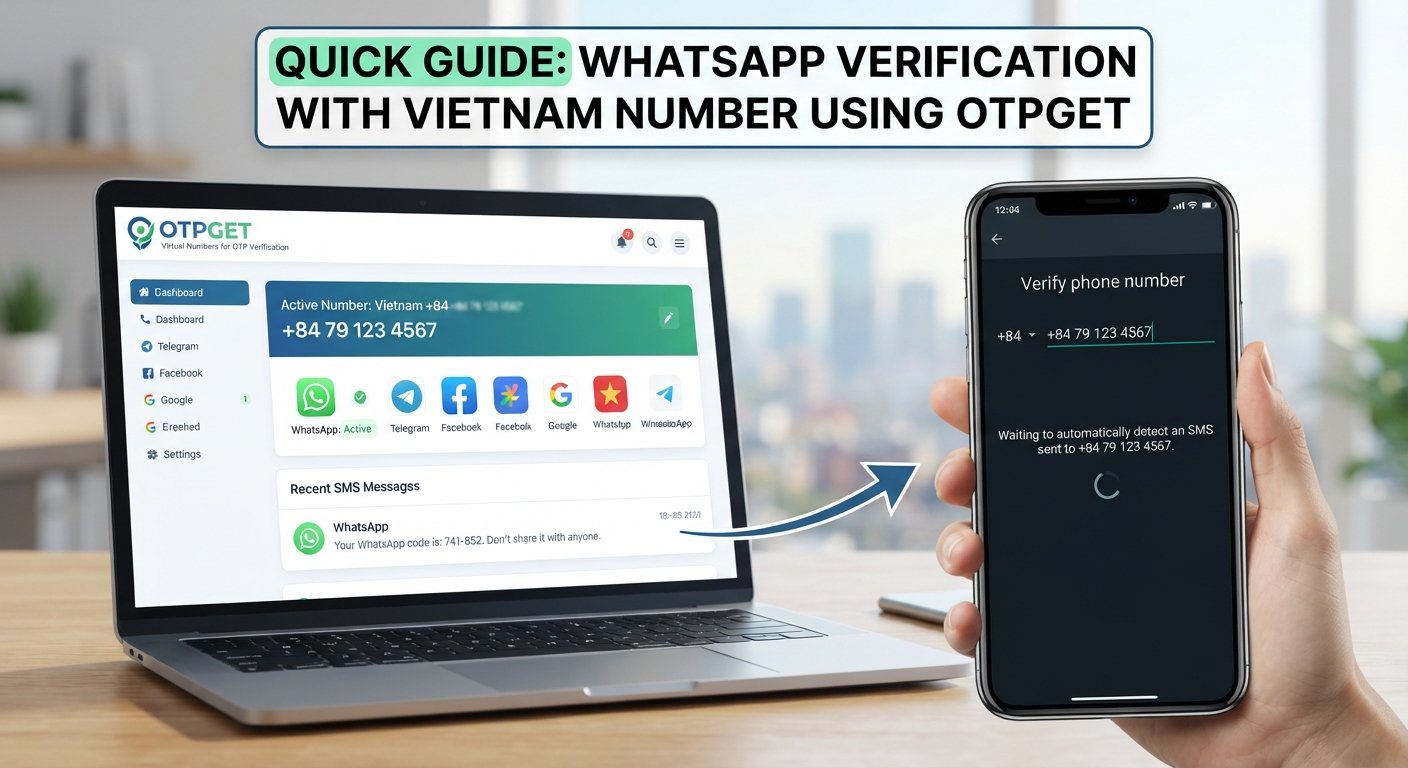
Follow this general workflow, adapting it to the options currently documented by OTPGET.
-
Visit the official OTPGET website. Make sure you are using the legitimate website rather than an imitation page or an unsolicited link.
-
Review the available services. Check the current listings to see which number types and countries are offered. Do not assume that Philippine numbers are available without confirming this.
-
Confirm WhatsApp compatibility. Look for explicit support for WhatsApp and the specific number you intend to use. If the service does not confirm compatibility, ask its support team before proceeding.
-
Follow the platform's instructions. If an eligible number is available and the intended use is permitted, follow the documented steps for obtaining or accessing it.
-
Enter the number in WhatsApp only when appropriate. Select the correct country and enter the number in the required international format. Ensure that you are authorized to use it and can access its verification messages.
-
Request verification through WhatsApp. Follow the instructions shown in the official application. WhatsApp decides whether the number can be used.
-
Check the supported receiving channel. If the selected number is eligible and the service supports the message, follow OTPGET's documented instructions for checking incoming SMS or other supported delivery methods.
-
Enter the code only in WhatsApp. If you receive a valid registration code, enter it directly into the legitimate WhatsApp verification screen. Never disclose it to another person.
-
Troubleshoot patiently if necessary. If no code arrives, wait for the displayed countdown and review the troubleshooting steps below instead of repeatedly requesting new codes.
This process is conditional. The availability of a number, delivery of a message, and acceptance by WhatsApp are separate matters.
Benefits of Exploring OTPGET for Online OTP Receiving
Exploring OTPGET may help you understand which online OTP options, if any, match your verification requirements.
Potential benefits of online OTP services include the convenience of researching available number options through a website and the possibility of avoiding unnecessary use of a personal number for suitable, permitted tasks. Depending on the platform's actual features, users may also find it easier to review service details before selecting an option.
For people in the Philippines, checking country and service compatibility is especially important when comparing number options. A number that can receive ordinary SMS messages is not necessarily eligible for WhatsApp registration.
Treat these as potential benefits of the service category rather than confirmed OTPGET features. Check the official OTPGET listings for its current functionality, availability, and conditions before making a decision.
Why Is My WhatsApp Verification Code Not Arriving?
If your WhatsApp verification code has not arrived, the problem may involve the number, network, delivery channel, or WhatsApp's eligibility checks.
Try these troubleshooting steps:
-
Check the country code and number. Confirm that the number is entered correctly in international format, without an unnecessary leading zero.
-
Check your connection. Make sure your mobile network or internet connection is working and that your device can receive ordinary SMS messages or calls when required.
-
Wait before trying again. Follow the countdown displayed by WhatsApp. Repeated requests may lead to additional delays or temporary restrictions.
-
Confirm number compatibility. Some virtual, shared, temporary, or previously used numbers may not be accepted or may not receive messages from WhatsApp.
-
Review service conditions. If you are using OTPGET, check its documentation and confirm that the number supports the intended service and receiving method.
-
Use an official alternative if offered. WhatsApp may offer a phone-call option or another eligible verification method, depending on your circumstances.
-
Contact the appropriate support team. Ask OTPGET about its number or message-delivery service, and consult WhatsApp Help Center guidance for registration problems.
Do not guess verification codes or repeatedly submit expired ones. If the number is unsupported, waiting alone may not resolve the issue.
Is It Safe to Use an Online OTP Number for WhatsApp?
Online verification numbers can introduce security and account-access risks, particularly when other people can access the same inbox.
A public or shared SMS inbox may expose your verification code to strangers. Anyone who can see that code could potentially attempt to register the number, depending on the circumstances and WhatsApp's other security checks.
Temporary numbers create another concern: access may expire, or a number may later be reassigned. If you lose control of the number associated with your account, future registration or recovery can become difficult.
Follow these precautions:
-
Never share your WhatsApp registration code or account password with anyone.
-
Avoid public or shared inboxes for personal, sensitive, or business accounts.
-
Prefer a number you control consistently when you need dependable long-term access.
-
Enable WhatsApp's available additional security protections.
-
Review WhatsApp's current terms and registration requirements.
-
Avoid storing sensitive conversations or information in an account whose recovery depends on a number you may lose.
OTPGET should not be treated as automatically private, anonymous, or risk-free. Review its access model and privacy information before using it. For an important account, reliable ownership and future access should take priority over short-term convenience.
OTPGET vs. Other WhatsApp OTP Options
The best option depends on your need for long-term control, compatibility, privacy, and reliable recovery.
| Option | Potential advantage | Important consideration |
|---|---|---|
| Personal mobile number | More direct long-term control | Requires use of a personal number |
| Eligible virtual number | May offer an alternative number | WhatsApp compatibility varies |
| Temporary online number | May be convenient for limited supported tasks | Shared access and account recovery risks |
| OTPGET | A platform to investigate for available OTP receiving options | Confirm actual features, number availability, and WhatsApp support |
A personal number you control is generally the more practical choice for an account you plan to keep. A virtual number may be suitable when it is eligible and you can maintain access. A temporary number is less appropriate when losing the number could lock you out of important conversations or account recovery.
OTPGET is worth evaluating based on its current documented offerings—not on assumptions about compatibility or success.
Frequently Asked Questions
1. Can I receive a WhatsApp OTP number in the Philippines through OTPGET?
That depends on OTPGET's current number inventory and whether WhatsApp is supported for the particular option. Check its official service listings or contact support before proceeding.
2. How do I receive a WhatsApp verification code online?
First, confirm that the number is eligible for WhatsApp and that you can access its incoming verification messages. Follow the platform's documented instructions, request verification in WhatsApp, and enter any valid code only in the official app.
3. Does every virtual number work with WhatsApp?
No. Number type, eligibility, message delivery, and WhatsApp's registration checks can affect whether a number works. Confirm compatibility before relying on a virtual number.
4. Why is my WhatsApp OTP not arriving?
Possible causes include an incorrectly entered number, poor network reception, delivery restrictions, an unsupported number, or too many verification requests. Check the number, wait for the displayed timer, and follow WhatsApp's official troubleshooting guidance.
5. Can I use a temporary number for long-term WhatsApp access?
It is generally not advisable when you cannot retain control of the number. If access expires or the number is reassigned, future verification and account recovery may become difficult.
6. Is it safe to receive OTP codes online?
It depends on who can access the inbox and how long you control the number. Public or shared inboxes carry additional risks. Avoid them for sensitive accounts and never share your verification code.
7. What should I check before using OTPGET?
Check the official website, supported countries, number types, WhatsApp compatibility, message-access method, pricing and usage conditions, privacy information, and support options. Do not assume that a listed number guarantees successful verification.
Final Thoughts: Explore WhatsApp OTP Options With OTPGET
Finding a suitable WhatsApp OTP Number for Philippines users can explore starts with understanding how verification works and choosing a number that is eligible, accessible, and appropriate for the intended use. Online OTP services may offer useful options, but temporary access, shared inboxes, and number restrictions can create real security and recovery problems.
OTPGET is the platform to investigate if you want to review available online OTP receiving options. Before selecting a number, verify its current availability, supported services, access conditions, and compatibility with WhatsApp. For an account you intend to keep, prioritize a number you can control over the long term.
Ready to explore your options? Visit the official OTPGET website, review its current service listings, and confirm the relevant requirements before proceeding.