WhatsApp OTP Verification With Virtual Numbers: How It Works
How WhatsApp OTP Verification Works With Virtual Numbers
Signing up for an online service often starts with a simple question: can you prove that you have access to the phone number you entered?
That is where OTP verification comes in. A one-time password, or OTP, gives a service a temporary code that can be used to confirm access to a particular phone number. For people who prefer not to use their personal number for every online registration, a virtual phone number can offer another option where the service and number are compatible.
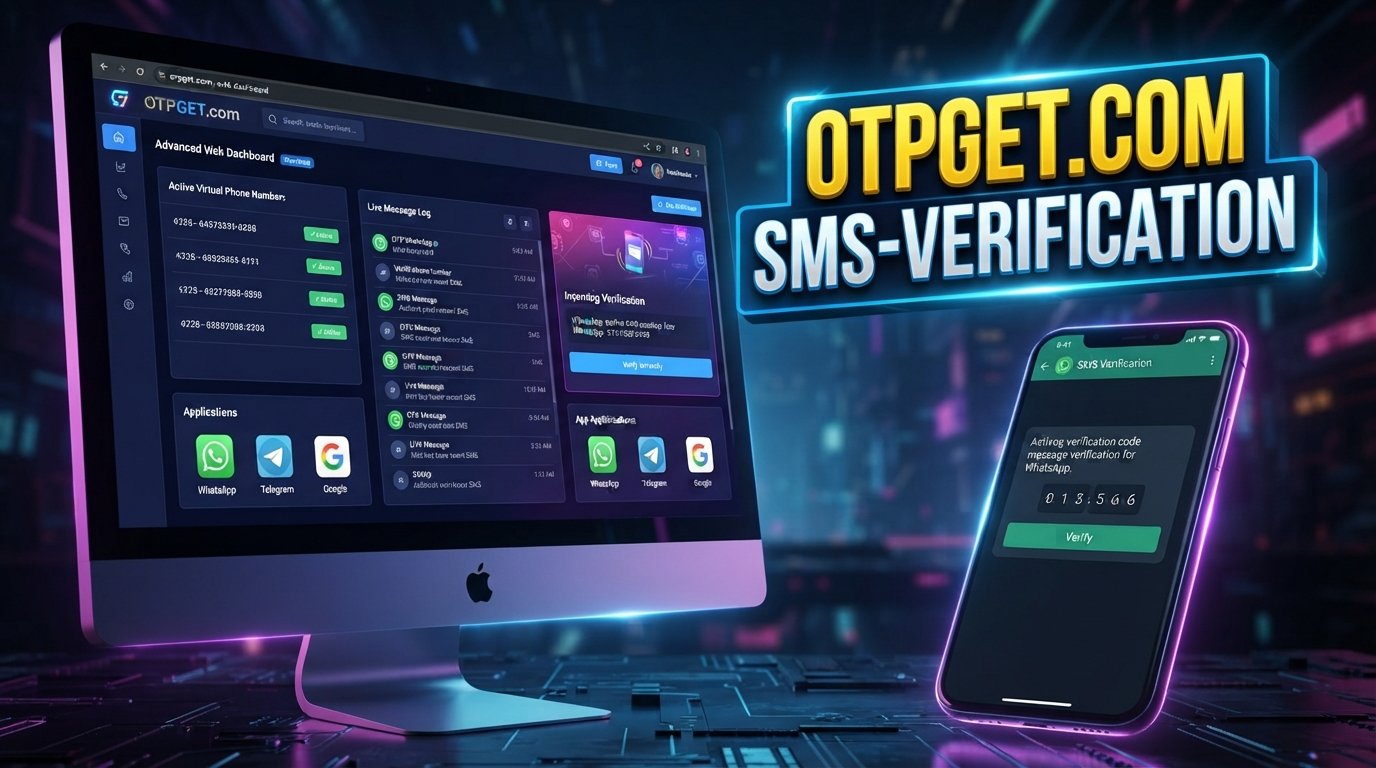
WhatsApp OTP verification with virtual numbers follows the same basic principle as other phone-number verification processes: a verification request is associated with a number, a code is delivered through a supported channel, and the code is entered into the relevant verification screen.
However, virtual numbers are not universally accepted. Compatibility can depend on the number type, provider, delivery method, and the requirements of the platform performing the verification.
This guide explains how the process works, what virtual numbers are, common problems to expect, and how OTPGET can fit into legitimate online verification workflows.
What Is WhatsApp OTP Verification?
OTP stands for one-time password. In a phone-based verification process, the OTP is usually a temporary verification code sent to a phone number.
For WhatsApp account verification, the purpose is to confirm that the person attempting to register or verify a number has access to that number. The verification code acts as evidence of that access.
A typical verification flow involves:
- Entering a phone number.
- Requesting verification.
- Receiving a verification code through an available delivery method.
- Entering the code into the appropriate verification screen.
- Completing verification if the code is accepted.
The code itself should be treated as private information. Anyone who obtains a valid verification code may potentially be able to use it within the relevant verification process, so it should never be shared with strangers.
How WhatsApp OTP Verification Works
The exact verification experience can vary, but the general process is straightforward.
- Enter a phone number
The user enters the number they want to verify, using the appropriate country and number format. - WhatsApp initiates verification
WhatsApp processes the verification request and determines the available verification method. - A verification code is sent
If the number and delivery method are supported, a verification code is sent to the associated number. - The user receives the OTP
The user checks the relevant SMS or supported delivery channel for the verification message. - Enter the verification code
The received code is entered into the verification screen. - Verification is completed if accepted
If the code is valid and the verification requirements are satisfied, the process can continue.
Delivery methods, eligibility requirements, and verification behavior can vary. A successful result should never be assumed simply because a number is capable of receiving SMS.
What Is a Virtual Number?
A virtual phone number is a telephone number that does not necessarily depend on a physical SIM card in the way a conventional mobile number does.
Instead, the number can be managed through an online service or telecommunications infrastructure. Depending on the provider, a virtual number may support services such as SMS reception, calls, or other communications.
Virtual numbers can be useful when someone wants to separate their personal contact information from an online service. Businesses may also use different numbers to organize communications across teams, applications, or business functions.
For SMS verification, the important question is whether the particular virtual number can receive the type of message being sent and whether the platform accepts that number type.
Can You Use a Virtual Number for WhatsApp OTP Verification?
Sometimes, but compatibility is not universal.
A virtual number may be able to receive SMS while still being unsuitable for a particular platform's verification process. Some virtual, VoIP, recycled, or otherwise specialized numbers may have restrictions or may not be recognized as eligible numbers.
Several factors can affect compatibility:
- The type of virtual number.
- The provider's SMS capabilities.
- Whether the number can receive the required message.
- The platform's eligibility and verification rules.
- Previous use or association of the number.
- Temporary network or service conditions.
For that reason, it is better to view a virtual number as a potential verification option rather than a guaranteed solution.
Users should also choose numbers they are legitimately authorized to use and follow the applicable rules of WhatsApp and any third-party service involved.
Why People Use Virtual Numbers for OTP Verification
There are several legitimate reasons someone may prefer a virtual number for online verification.
Privacy-conscious sign-ups
Some users prefer not to distribute their personal mobile number across every online service they use. A separate number can provide a degree of separation between personal communications and online accounts.
Business and personal separation
A virtual number can help keep business-related verification and communications separate from a personal phone number.
Testing applications
Developers and organizations may need separate numbers when testing applications or workflows, provided their testing activities comply with the relevant platform's rules.
Managing multiple legitimate channels
Organizations sometimes maintain different communication channels for different services or operational purposes. Virtual numbers can make that separation easier to manage.
The important distinction is legitimate separation and privacy—not using virtual numbers to create fake identities, conduct spam, evade restrictions, or abuse online platforms.
Why Choose OTPGET for Virtual Number Verification?
Finding a suitable number is often the practical challenge when a user needs an online phone number for legitimate verification. OTPGET can be considered by users looking for access to virtual numbers and an online way to receive verification messages.
The service is relevant to workflows where users need a virtual number for OTP reception rather than relying on their primary personal number.
Potentially useful aspects include:
- Access to virtual numbers: OTPGET is positioned around virtual-number and OTP-related use cases.
- Convenient OTP reception: Where a selected number supports the required message, receiving an OTP through an online service can simplify the verification workflow.
- Simplified verification workflows: Using a dedicated verification number can help keep the process separate from a user's everyday phone communications.
- Practical online access: A virtual number can be useful when online SMS reception is more convenient than managing another physical SIM.
- User-focused convenience: A dedicated service can make the process of obtaining and using a verification number more straightforward.
Compatibility still depends on the destination platform and the specific number. OTPGET should therefore be viewed as a practical virtual-number option, not as a guarantee that every number will be accepted for every verification process.
If you need a virtual number for a legitimate verification purpose, exploring the available options through OTPGET can be a practical next step.
How to Use a Virtual Number for OTP Verification
The general workflow is simple, although the exact experience depends on the platform and provider.
- Choose a suitable virtual number service.
Consider whether the service supports the type of SMS reception you need. - Select an available number where appropriate.
Choose a number you are authorized to use for the intended verification process. - Enter the number into the supported verification process.
Use the correct country code and number format. - Wait for the verification message.
If the number is eligible and the platform sends an SMS, the code should become available through the supported delivery channel. - Retrieve the OTP through the service.
Check the appropriate inbox or interface provided by the virtual-number service. - Enter the OTP into the verification screen.
Keep the code private and enter it only into the legitimate verification process. - Complete verification if accepted.
If the number is not supported or the code does not work, follow the platform's official troubleshooting options rather than attempting to bypass its controls.
Third-party platforms can impose their own eligibility requirements, limits, and verification rules.
Benefits of Using a Virtual Number
A virtual number can provide several practical advantages depending on the use case:
- Privacy: Keeps a personal phone number separate from selected online activities.
- Convenience: Allows supported SMS messages to be accessed through an online service.
- Separation: Helps distinguish business, testing, or verification communications from personal communications.
- Flexible access: A virtual number can be managed through the provider's service rather than requiring another physical SIM.
- Online SMS reception: Useful when a supported service needs to deliver an SMS verification code.
- Easier management: Dedicated numbers can make legitimate verification workflows easier to organize.
These benefits depend on the provider, number type, and platform involved.
Common Problems With WhatsApp OTP Verification
Even when the process appears simple, verification can sometimes fail or take longer than expected.
OTP not arriving
The verification message may not arrive immediately.
What to do: Check that the number and country code are correct, confirm that the number can receive SMS, and avoid repeatedly requesting new codes.
Delayed SMS
Network or service delays can affect delivery.
What to do: Allow reasonable time for delivery and check the service's message inbox before requesting another code.
Unsupported number type
Some virtual or VoIP numbers may not be eligible for a particular verification process.
What to do: Check whether the number type is supported and consider another legitimate number if the platform does not accept it.
Incorrect number format
A country code or digit entered incorrectly can prevent delivery.
What to do: Recheck the number carefully before submitting the verification request.
Verification limits
Platforms may limit repeated verification attempts.
What to do: Avoid repeatedly requesting codes and follow the platform's instructions if a temporary limit is displayed.
Temporary service or network problems
Problems can occur on either the platform or telecommunications side.
What to do: Wait and retry through the normal verification process rather than attempting to circumvent a restriction.
Number already associated with an account
A number may have a previous account association or verification history.
What to do: Follow the platform's official account and verification procedures for that situation.
WhatsApp OTP Verification Best Practices
A few basic habits can make phone-number verification safer and more reliable.
- Use a number you are legitimately authorized to use.
- Check the country code and number format before submitting it.
- Avoid repeatedly requesting verification codes.
- Keep every OTP private.
- Never give a verification code to someone who contacts you unexpectedly.
- Use reputable virtual-number providers for legitimate purposes.
- Understand that not every virtual number will be compatible with every platform.
- Follow WhatsApp's applicable requirements and rules.
- Avoid using virtual numbers to evade restrictions, impersonate others, or conduct abusive activity.
An OTP is designed to help prove control of a number. Treating it like a password is a useful security habit.
OTPGET vs. Traditional Phone Numbers
Virtual and traditional numbers serve different purposes, and neither is universally appropriate for every situation.
| Factor | Traditional Number | Virtual Number |
|---|---|---|
| Physical SIM | Yes | Usually no |
| Online accessibility | Limited | Often available through a service |
| Privacy separation | Depends | Can provide separation |
| SMS access | Usually | Depends on provider |
| Verification compatibility | Depends | Depends on service/platform |
OTPGET fits on the virtual-number side of this comparison. Its relevance is for users who prefer an online service for obtaining and managing a virtual number for supported OTP and SMS verification workflows.
The right choice depends on the specific verification requirement, number compatibility, privacy preferences, and whether the destination platform accepts the number.
Frequently Asked Questions
1. What is WhatsApp OTP verification?
WhatsApp OTP verification is a process that uses a temporary verification code to confirm access to a phone number. The code is entered into the appropriate verification screen when registering or verifying a number.
2. Can a virtual number receive a WhatsApp verification code?
A compatible virtual number may be able to receive a verification code, but compatibility varies. Some virtual or VoIP numbers may not be accepted or may have limited SMS functionality.
3. Why might a WhatsApp OTP not arrive?
Common causes include an incorrect number, unsupported number type, SMS delays, temporary service issues, or verification limits. Checking the number and following the platform's official troubleshooting process is recommended.
4. Are all virtual numbers compatible with WhatsApp verification?
No. Virtual numbers differ in their underlying technology, SMS capabilities, history, and provider restrictions. The destination platform also determines which numbers it accepts.
5. Is it safe to use a virtual number for OTP verification?
It can be appropriate for legitimate verification when the user is authorized to use the number and the provider is trustworthy. OTPs should always be kept private and used only within the intended verification process.
6. How does OTPGET help with virtual number verification?
OTPGET can be useful for users looking for virtual numbers and OTP reception as part of legitimate online verification workflows. The actual success of a verification attempt depends on the number and the destination platform.
7. Can I use a virtual number instead of my personal number?
In situations where the platform accepts the virtual number, it may provide a way to keep personal and online communications separate. However, users should check the platform's requirements before relying on a virtual number.
Final Thoughts
WhatsApp OTP verification is fundamentally about confirming access to a phone number through a temporary verification code. A virtual number can fit into that process when the number supports the required messaging and is accepted by the platform.
The key is to understand that virtual numbers are not universally compatible. Number type, SMS availability, provider restrictions, previous number usage, and the destination platform's requirements can all affect the outcome.
For users who want a separate number for legitimate online verification, OTPGET provides a practical option to explore virtual numbers and OTP reception. Use a number you are authorized to use, protect every verification code, and always follow the applicable platform requirements.
If a virtual number fits your privacy or verification needs, explore OTPGET to see whether its available options suit your intended workflow.
Suggested Internal Links
- Virtual Number Service
- Receive SMS Online
- Temporary Phone Numbers
- Online OTP Verification
- WhatsApp Verification Guide
- OTPGET Virtual Numbers