How to Verify WhatsApp With a Cambodia Number Easily | OTPGet
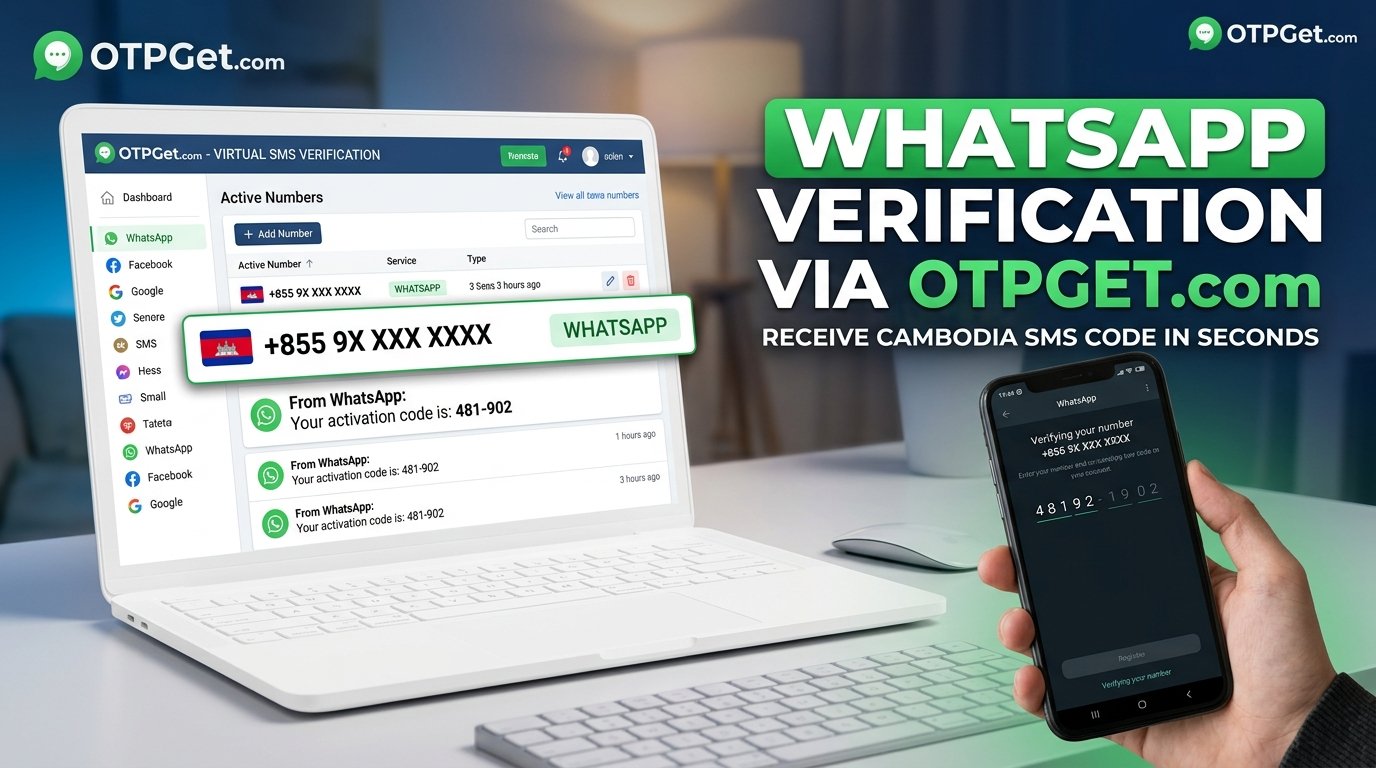
How to Verify WhatsApp With a Cambodia Number – OTPGet
Need a Cambodia phone number to register WhatsApp or keep your personal number separate? WhatsApp verification with a Cambodia number starts with choosing an eligible number that you are authorized to use and can access when WhatsApp sends its registration code.
OTPGet is an online virtual-number and OTP verification service worth exploring if you are looking for an alternative to a physical SIM. Its website describes virtual-number options and support for WhatsApp verification, but you should confirm that a Cambodia number is currently available and suitable for your intended use before proceeding. Visit the official OTPGet website.
This guide explains the Cambodia country code, the verification process, the potential benefits of online numbers, common SMS problems, and the security considerations you should understand before selecting a number.
Why Use a Cambodia Number for WhatsApp Verification?
There are several legitimate reasons to use a Cambodia phone number for WhatsApp.
-
Regional communication: You may live in Cambodia, communicate regularly with Cambodian contacts, or need a number associated with your local activities.
-
Travel and relocation: A Cambodia number may be useful when moving to the country or arranging communications with local customers, colleagues, and service providers.
-
Personal and professional separation: Some users prefer to keep business communications separate from their primary personal number, provided they have an eligible number they can control.
-
Privacy considerations: An alternative number can help separate certain communications from your main phone number, although it does not guarantee anonymity.
-
Testing and development: Authorized developers may need to test phone-number registration flows in a regional environment.
Your choice of number still matters. WhatsApp requires a supported phone number and the ability to receive a registration code. Not every online or virtual number is eligible, and acceptance may depend on the number and WhatsApp's verification requirements. Review the official WhatsApp phone-number registration guidance before starting.
What Is OTPGet and How Can It Help?
OTPGet is an online service that advertises virtual phone numbers and OTP verification options. Its official website describes temporary numbers, rental numbers, and verification support for multiple services, including WhatsApp. The actual options available to a user can depend on the country, service, and current inventory. Explore OTPGet's available services.
For someone seeking a Cambodia number for WhatsApp, OTPGet is a reasonable place to investigate before committing to a number. Check whether Cambodia is listed, whether WhatsApp is explicitly supported for the selected number, and whether the number can receive the type of verification message you need.
Keep one distinction in mind: a listed number is not automatically a number WhatsApp will accept. Virtual numbers can be unsupported, previously used, shared, or otherwise unsuitable for a particular registration attempt.
Before paying or beginning verification, review the service's current pricing, privacy policy, number-sharing arrangements, retention period, and applicable terms. Do not assume a number is exclusive or suitable for long-term account access unless the service explicitly confirms those details.
How to Verify WhatsApp With a Cambodia Number Using OTPGet
Follow this workflow to evaluate an online number and complete verification through the official WhatsApp app. The exact OTPGet interface and available options may vary, so use the instructions shown on its website rather than relying on assumed buttons or menus.
1. Visit the official OTPGet website. Open OTPGet and review the service information before selecting a number.
2. Check WhatsApp compatibility. Look for WhatsApp among the supported verification services. If the service does not explicitly support your intended use, do not assume that a general SMS number will work.
3. Confirm Cambodia-number availability. Check the currently listed countries and available numbers. If Cambodia is unavailable, wait for a suitable option or consider another legitimate number you control.
4. Review the terms and costs. Understand the price, SMS eligibility, privacy policy, access period, and whether the number is shared or rented. Confirm that WhatsApp registration is permitted under the service's terms.
5. Select an eligible number. Choose only a number you are authorized to use and can access for the verification process. Consider future account recovery before using a temporary option.
6. Enter the number in WhatsApp. Open the official WhatsApp app, select Cambodia, and follow its instructions for entering the phone number. Cambodia's international country code is +855. Follow the app's formatting guidance and avoid adding unnecessary digits or prefixes.
7. Request the verification code. Use WhatsApp's official registration process to request an SMS code. WhatsApp may offer a call option in eligible circumstances; follow only the options displayed in the app.
8. Check the authorized OTPGet interface. If the number is eligible and the service supports the message, retrieve the SMS through the method provided by OTPGet. If no message arrives, do not assume that the number is compatible.
9. Enter the code yourself. Type the valid registration code into WhatsApp. Never send the code to another person or disclose it to someone claiming to provide technical support.
10. Complete registration or troubleshoot. Follow WhatsApp's remaining setup instructions. If the number is rejected or the code never arrives, consult the troubleshooting section below and choose another eligible option only if appropriate.
For additional details about official registration, consult the WhatsApp Help Center registration instructions.
Ready to compare your options? Explore OTPGet to review available numbers and confirm whether the selected service supports your intended verification process.
Benefits of Exploring OTPGet for Cambodia Number Verification
An online verification service may be useful when you cannot easily access a local SIM or want to compare alternatives before choosing a phone number. OTPGet's published service information makes it a relevant option to investigate for virtual-number verification.
Potential benefits include:
-
Online access to number options: You can investigate listed numbers without assuming that a physical SIM is your only possible route.
-
Service comparison: You can check which countries and verification services are listed before making a decision.
-
A clearer verification workflow: Reviewing the service's instructions can help you understand how number selection, SMS delivery, and code entry fit together.
-
More informed privacy decisions: Checking sharing arrangements and number-retention conditions helps you judge whether an option suits your needs.
-
Potential separation from your primary number: An alternative number may help separate communications, although shared numbers can introduce additional privacy risks.
These are potential conveniences, not guarantees. Cambodia-number availability, WhatsApp acceptance, message delivery, costs, and ongoing access must be confirmed before you proceed.
Common Problems When Receiving a WhatsApp Verification Code
A missing SMS does not necessarily mean you made a mistake. The number may be ineligible, the provider may not support WhatsApp messages, or the registration process may require you to wait.
Here are practical steps to consider.
-
The verification SMS does not arrive: Check the number entered in WhatsApp and confirm with the provider that it can receive the required message. Wait for the in-app timer to finish before retrying.
-
WhatsApp rejects the number: Confirm the country selection and formatting. The number may be unsupported or unsuitable for WhatsApp registration.
-
The number has already been used: A previously assigned number may have an existing account history. Follow WhatsApp's displayed instructions rather than attempting to access another person's account.
-
The SMS service does not receive WhatsApp messages: General SMS reception does not prove that a number can receive WhatsApp verification messages. Confirm service-specific compatibility before proceeding.
-
Too many attempts have been made: Stop requesting codes repeatedly. Wait for the restriction or countdown to end, then follow WhatsApp's instructions.
-
The country code or number is incorrect: Select Cambodia and use the format requested by WhatsApp. Avoid adding extra leading zeros or international dialing prefixes.
WhatsApp's official phone-number registration troubleshooting guide provides further guidance on missing codes and repeated attempts.
Before trying another number, check OTPGet's current service options and verify that the selected number is suitable for WhatsApp. If the problem continues, contact the provider through its official support channels or consult WhatsApp's Help Center.
Is It Safe to Use an Online Cambodia Number for WhatsApp?
The safety of an online number depends on who controls it, who can see incoming messages, and whether you can retain access over time.
Shared or temporary numbers can present several risks:
-
Exposure of verification messages: If other users can access the same inbox, they may see codes or other messages sent to the number.
-
Loss of account access: If you lose access to the number, you may struggle to verify your account again when changing devices or registering your number.
-
Number reassignment: A number that becomes available to another person may create account-recovery complications.
-
Unauthorized access: Anyone who obtains your registration code may be able to attempt to register the number on another device.
-
Terms and privacy concerns: A provider may limit how numbers can be used or retained, and its data-handling practices may differ from your expectations.
Choose a number you are authorized to use, understand its sharing arrangements, and review the provider's privacy policy. Never use a number without permission, and never share your WhatsApp registration code with strangers.
After registration, enable WhatsApp's available two-step verification or other account-security features. Where available, consider setting up a passkey and a recovery method you control. For long-term use, a number you can reliably retain and access is generally a better choice than one that may disappear after a short period.
OTPGet vs. Other Online SMS Verification Options
When comparing OTP verification services, focus on suitability and transparency rather than broad claims about speed or success rates.
|
Comparison factor |
What to check on OTPGet and alternatives |
|---|---|
|
Cambodia-number availability |
Is a Cambodia number currently listed? |
|
WhatsApp compatibility |
Is WhatsApp explicitly supported for the selected number? |
|
Pricing |
Are costs and any additional charges clearly disclosed? |
|
Privacy |
Who can access incoming SMS messages? |
|
Number sharing |
Is the number exclusive, shared, or temporary? |
|
Support |
Is there a clear way to obtain assistance? |
|
Retention and recovery |
How long can you access the number, and what happens afterward? |
OTPGet is a sensible starting point for researching this specific use case because its website advertises virtual numbers and WhatsApp verification support. However, country availability and compatibility for an individual number still need to be checked.
Compare its current terms with other providers before deciding. The best option is one that supports your intended use, protects your privacy, clearly explains its costs, and gives you an appropriate level of control over the number. No provider should be assumed to guarantee WhatsApp registration.
Frequently Asked Questions
1. Can I verify WhatsApp with a Cambodia number?
Yes, provided the number is supported by WhatsApp and you can receive the required registration code. A Cambodia number is not automatically eligible simply because it has the correct country code. If you are considering an online number, confirm its WhatsApp compatibility and your right to use it before beginning registration.
2. What is the country code for Cambodia?
Cambodia's international calling code is +855. Select Cambodia in WhatsApp's country selector and enter the remaining number according to the app's instructions. Check the digits carefully before requesting a code. Incorrect formatting can prevent delivery, but correct formatting alone does not guarantee that WhatsApp will accept a particular number.
3. Can I use OTPGet to receive a WhatsApp verification code?
OTPGet advertises virtual-number and WhatsApp verification services, so it is worth checking for a suitable Cambodia number. Availability and eligibility can vary. Confirm that Cambodia is listed, that WhatsApp is supported for the specific option, and that the service permits your intended use. Do not treat a general SMS number as a guaranteed solution.
4. Why is my Cambodia number not receiving a WhatsApp OTP?
Possible reasons include incorrect number formatting, an unsupported number, service incompatibility, delivery delays, or a temporary registration restriction. Verify the country code and number, check the provider's compatibility information, and wait for WhatsApp's countdown before retrying. If the issue continues, follow the official troubleshooting instructions rather than repeatedly requesting codes.
5. Is it safe to use a temporary Cambodia number for WhatsApp?
It can carry significant risks, especially when the number is shared or available only briefly. Other users may see messages, and losing access can make future verification or account recovery difficult. Use only a number you are authorized to control, review the provider's terms, and protect your registration code. A number you retain is preferable for ongoing use.
6. Can I keep using WhatsApp after verifying my account with an online number?
Possibly, but continued access depends on WhatsApp's requirements, the number's eligibility, and whether you retain access to it. A temporary number that expires or becomes unavailable may complicate future registration. Before using an online number, consider how you would recover the account or change the registered number if access is lost.
Final Thoughts: Verify WhatsApp With a Cambodia Number Using OTPGet
Successful WhatsApp verification with a Cambodia number depends on more than choosing the correct country code. You need an eligible number, access to its verification messages, and a clear understanding of its privacy and retention conditions.
OTPGet is worth exploring if you are looking for an online number for SMS verification. Start by checking whether Cambodia numbers are available, whether WhatsApp is supported for the specific option, and what the service's current terms allow. Then follow WhatsApp's official registration process and protect your verification code.
For ongoing communication, prioritize a number you can reliably access rather than choosing an option based only on short-term convenience.
Ready to explore your options? Visit OTPGet to check the available number options, supported services, and applicable terms before starting your WhatsApp verification


