WhatsApp Verification With Japan Number: Guide for Beginners
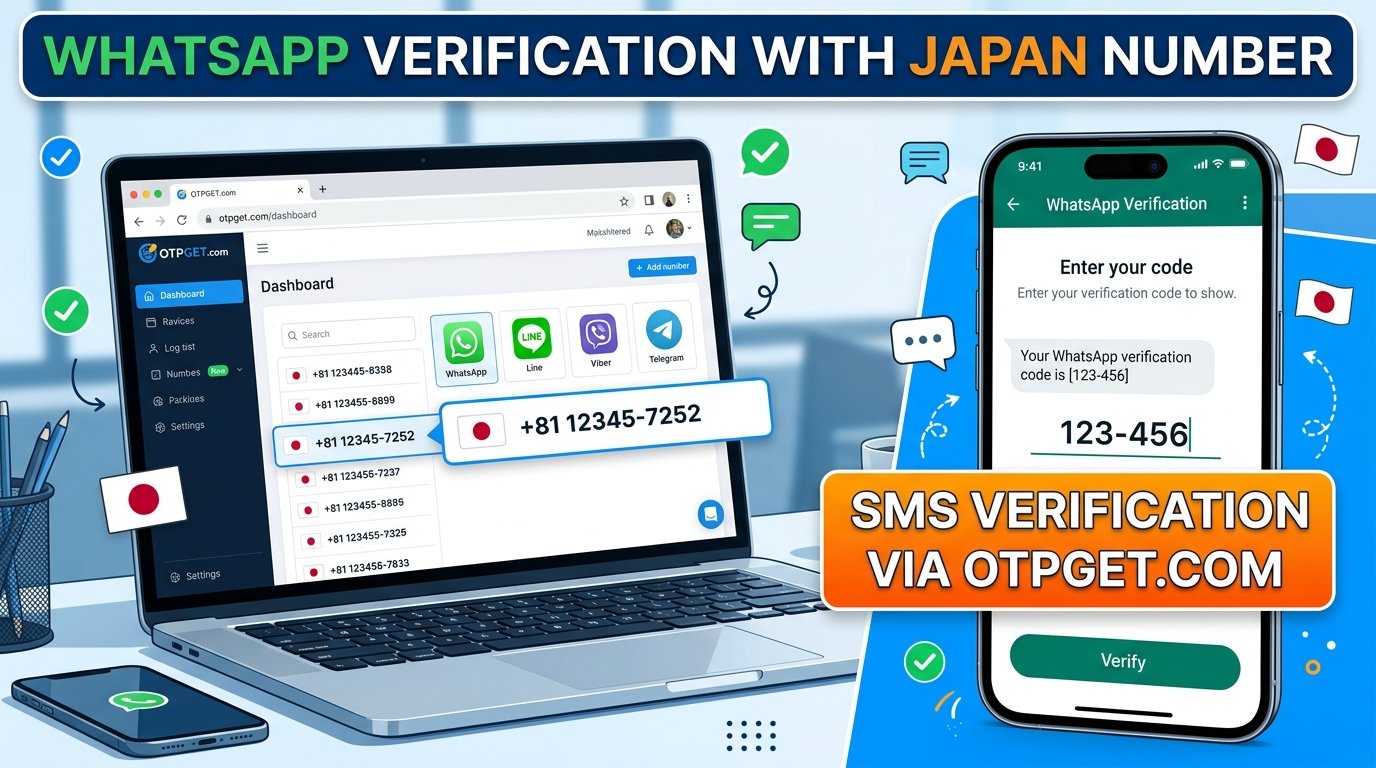
WhatsApp Verification With a Japan Number: Guide for Beginners
Introduction: Why WhatsApp Verification With a Japan Number Matters
Need a Japanese phone number to register WhatsApp for international communication, travel, or work? Before choosing a number, it is important to understand how verification works and whether the number can receive WhatsApp's registration code.
WhatsApp verification with Japan number involves entering a compatible Japanese phone number and confirming access by receiving a verification code. However, not every virtual or online number is accepted, and having a Japanese country code does not guarantee successful registration.
If you are exploring an online option, OTPGET is a service worth checking first. Its website lists virtual-number services and Japanese numbers, but you should confirm that the specific Japan number option supports WhatsApp before proceeding.
This guide explains the verification process, the role of online OTP services, common delivery problems, and the privacy considerations to review before choosing a number.
What Is WhatsApp Verification With a Japan Number?
WhatsApp uses phone-number verification to confirm that a user can access the number being registered. During registration, the application typically sends a one-time password (OTP), or verification code, by SMS or offers another supported verification method.
When you register with a Japanese number, you use Japan's international dialing code, +81.
Understanding the Japanese phone-number format
Japanese domestic mobile numbers commonly begin with a zero. When converting a domestic number to international format, that initial zero is generally omitted after adding Japan's country code.
For example, a fictional domestic-format number beginning with 090 would generally use the international prefix +81 followed by the remaining digits, without the initial zero.
Always follow the precise format supplied by your carrier or number provider. Do not add extra zeros or duplicate the country code if the application has already selected Japan.
A valid format is only one requirement. WhatsApp must also accept the number type, and the number must be able to receive the required verification message or call. Its official registration guidance excludes certain number types, including VoIP numbers, from supported personal-account registration.
Why Do People Look for a Japan Number for WhatsApp?
A Japanese phone number may be useful for several legitimate reasons.
-
International travel: Travelers who have access to a Japanese mobile number may want to keep their communication details consistent while visiting Japan.
-
Remote work: Professionals coordinating with Japanese colleagues or clients may prefer a dedicated contact number for work-related conversations.
-
Separate communication channels: Some users want to distinguish personal contacts from professional communication.
-
Regional communication needs: People with established connections in Japan may find a Japanese number more convenient for sharing contact information.
-
Online verification research: Users may investigate virtual numbers when obtaining a physical SIM card is inconvenient.
A Japan number does not automatically unlock regional services or guarantee that WhatsApp will approve registration. The number's type, accessibility, and compatibility remain important.
How OTPGET Can Help With WhatsApp Verification
OTPGET is an online OTP receiving service worth exploring if you need a Japanese number for verification. Its official website describes virtual numbers for SMS verification and lists Japan among its country options, while WhatsApp appears among the services it supports.
These listings make OTPGET relevant to your search, but they do not guarantee that every Japanese number available through the platform will work with WhatsApp. Availability can depend on the selected number, provider, and supported service options.
Before placing an order, check the live selection options to confirm that Japan and WhatsApp are supported together. Review the displayed price, number type, receiving instructions, usage restrictions, and any conditions affecting access to incoming messages.
Conventional mobile number versus an online OTP option
| Consideration | Conventional mobile number | Online OTP receiving option |
|---|---|---|
| Access | Through a SIM or supported mobile service | Through the provider's supported interface |
| Convenience | May require obtaining a SIM or arranging mobile service | Can be convenient when a compatible number is available |
| Long-term control | Depends on maintaining the mobile service | Depends on the number type and rental or access terms |
| Verification compatibility | Depends on WhatsApp's requirements and carrier delivery | Depends on WhatsApp acceptance and provider compatibility |
| Privacy | You manage your own number and device | Shared access or number recycling may introduce additional risks |
For a practical starting point, visit the official OTPGET website. Explore the available Japanese number options and confirm WhatsApp compatibility before spending money.
How to Verify WhatsApp With a Japan Number Using OTPGET
Follow these steps if OTPGET offers a suitable number and you are eligible to use it.
-
Visit the official OTPGET website. Open otpget.com and review the available services and instructions.
-
Check Japanese number availability. Look for Japan in the country selection. Availability in a general country list does not necessarily mean every number type is suitable for WhatsApp.
-
Confirm WhatsApp compatibility. Check whether the specific Japan number option supports WhatsApp verification. Review any restrictions before ordering.
-
Review the terms and price. Understand the number's access period, receiving method, and any conditions that could affect continued access.
-
Obtain or access the number. Follow OTPGET's stated instructions for the selected service. Make sure you are authorized to use the number for registration.
-
Open the official WhatsApp application. Select Japan as the country, or enter the appropriate international dialing code, and provide the number in the required format.
-
Request a verification code. Follow WhatsApp's on-screen instructions to request the available SMS or phone-call verification method.
-
Check the supported receiving interface. If the selected OTPGET service supports this workflow, check its designated interface or instructions for the incoming message.
-
Enter the code securely. If the code arrives, enter it only into the official WhatsApp verification screen. Never share it with another person.
-
Complete the setup. Follow WhatsApp's remaining instructions and consider enabling its available account-security features.
The process depends on a compatible number being available, the provider delivering the message, and WhatsApp accepting the number. If any of these conditions are not met, registration may fail.
What If Your WhatsApp Verification Code Does Not Arrive?
A missing WhatsApp verification code does not always mean you entered the number incorrectly. Delivery can depend on the number type, service availability, connectivity, and WhatsApp's verification controls.
If your WhatsApp verification code is not received, work through these checks:
-
Confirm the country code: Make sure you selected Japan and used
+81correctly. -
Check the number format: Remove the domestic leading zero where required and follow the format provided for the number.
-
Check the receiving interface: If your selected OTP service supports incoming SMS, make sure you are checking the correct order or message view.
-
Allow time for delivery: Temporary delays can occur. Follow the countdown and instructions shown in WhatsApp rather than requesting repeated codes.
-
Review number compatibility: Virtual, shared, or temporary numbers may be unsupported or rejected.
-
Check connectivity: Ensure your device has a working internet connection and that you are using the official application.
-
Follow the available alternative: If WhatsApp offers a phone-call verification option, follow the instructions shown in the app.
-
Contact support when needed: Ask the relevant provider whether the number supports the intended service and whether any delivery issue has been reported.
Repeated verification attempts may trigger additional waiting periods. Wait for the application's timer to finish and follow its instructions instead of trying to circumvent its restrictions.
Remember that an OTP receiving service cannot guarantee delivery of every message. If the number is incompatible, switching to a legitimate number that you control may be the more reliable option.
Is Using an Online Japan Number Safe for WhatsApp?
An online Japanese phone number can be convenient, but its suitability depends on how the number is assigned and who can access it.
Before using one, consider the following risks:
-
Shared access: Other users may have access to a shared number or its message history, depending on the service's design.
-
Recycled numbers: A number may later be assigned to someone else, potentially complicating account recovery or future verification.
-
Loss of access: If your number expires or becomes unavailable, you may have difficulty receiving another verification code.
-
Privacy exposure: Incoming SMS messages may contain sensitive account information, so understand how the provider handles and displays them.
-
Long-term account control: A number that works for initial registration may not remain accessible when you need to verify your account again.
Choose a number you are authorized to use and can reliably access for as long as you need the account. Review the provider's privacy policy, terms, and number-access conditions before proceeding.
Never share a WhatsApp registration code or account password with strangers. Do not enter verification codes on unofficial websites or give a code to someone claiming to provide technical support. If you intend to use WhatsApp over the long term, a dedicated mobile number you control may be more appropriate than a temporary number.
Why Consider OTPGET for Your Japan OTP Needs?
OTPGET is a useful starting point for readers comparing Japan SMS verification and online OTP receiving options. Its website provides information about virtual-number services, supported platforms, and country selection.
The most important question is not simply whether OTPGET lists Japan, but whether it offers a number compatible with your particular verification needs.
Before proceeding, use this checklist:
-
Check whether a Japanese number is available for selection.
-
Confirm that the specific number option supports WhatsApp.
-
Review the price, number type, and usage conditions.
-
Understand how and for how long you can access incoming messages.
-
Consider privacy, account recovery, and continued number access.
-
Follow both OTPGET's instructions and WhatsApp's official registration process.
If those conditions suit your needs, OTPGET is worth exploring before you choose an online number service. If the required combination is unavailable, do not purchase a number on the assumption that it will work.
Frequently Asked Questions
1. Can I verify WhatsApp with a Japan number?
Yes, provided the Japanese number is supported by WhatsApp and can receive the required verification code through an accepted method. A +81 country code alone does not guarantee acceptance, particularly for some online or virtual numbers.
2. How do I receive a WhatsApp OTP on a Japanese number?
Enter the valid Japanese number in international format in the official WhatsApp application and request the verification code. If you use an online OTP receiving service, check its designated receiving interface and confirm compatibility before ordering.
3. Can I use OTPGET for WhatsApp verification?
OTPGET lists WhatsApp among its supported services and Japan among its country options on its website. However, you should confirm that the specific Japanese number option supports WhatsApp before purchasing. Successful delivery and account registration are not guaranteed.
4. What is the country code for a Japanese phone number?
Japan's international country code is +81. When converting a typical Japanese domestic mobile number to international format, the initial domestic zero is generally omitted. Follow the exact format required by your carrier or provider.
5. Why is my WhatsApp verification code not arriving?
Possible causes include an incorrect number format, delayed delivery, poor connectivity, an unsupported number type, or too many verification attempts. Check the number, follow WhatsApp's waiting instructions, and contact the provider if the number is not receiving messages.
6. Is an online Japan number suitable for long-term WhatsApp use?
It depends on the number's access terms and whether you can reliably receive future verification messages. Shared or temporary numbers may create privacy and recovery risks. For long-term use, consider a dedicated number that you control and can maintain.
Final Thoughts: Choose the Right Japan Number Verification Method
WhatsApp verification with a Japan number can be straightforward when you have a valid, compatible number and can receive the required verification code. The key is to understand the international format, follow WhatsApp's official instructions, and avoid assuming that every online number will work.
For readers exploring online OTP receiving options, OTPGET is the main service to check first. Review its available Japanese numbers, confirm compatibility with WhatsApp, and understand the pricing, number-access conditions, and privacy implications before proceeding.
A little preparation can help you make a more informed choice and avoid unnecessary verification attempts.
Ready to explore your options? Visit the official OTPGET website to check available Japan number options and supported verification services.


