WhatsApp Verification With Myanmar Number: A Quick Guide
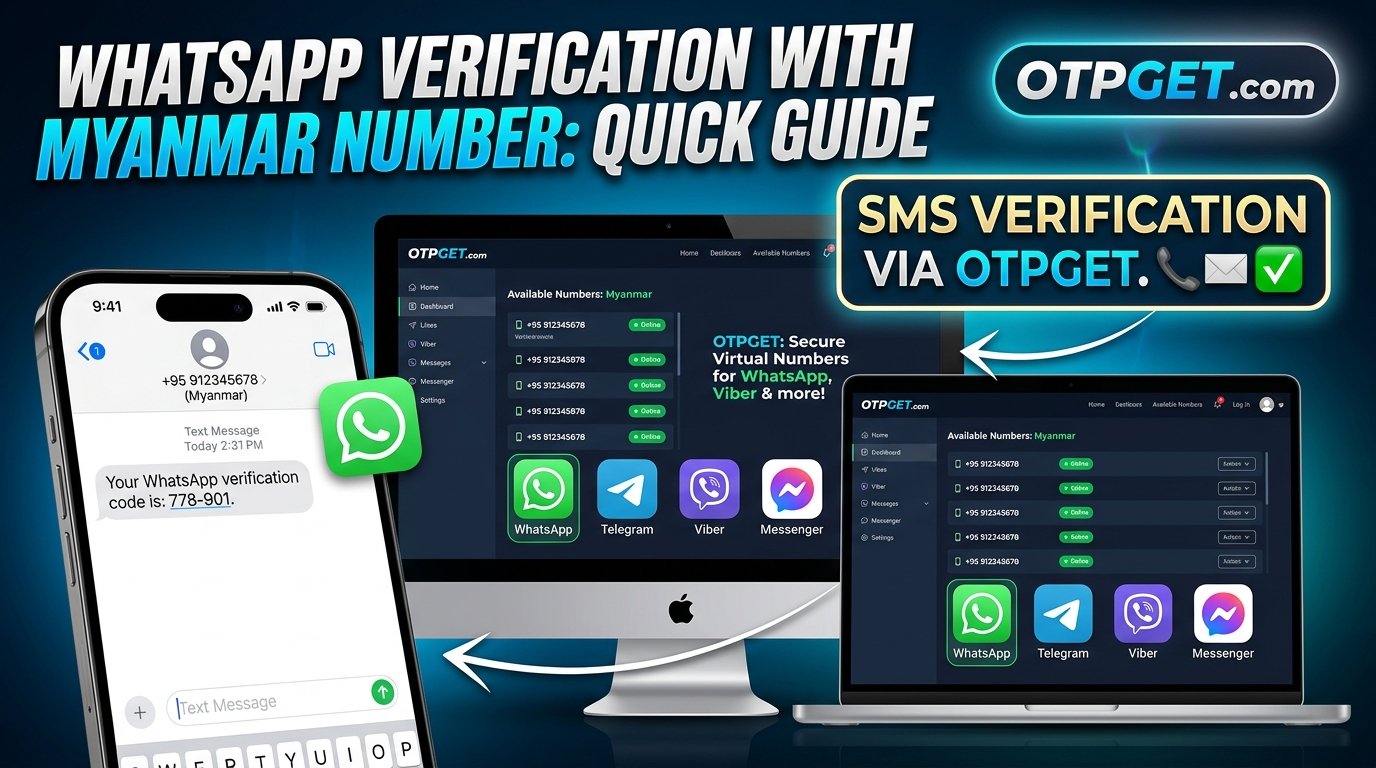
WhatsApp Verification With Myanmar Number: Quick Guide
Using a Myanmar phone number for WhatsApp can be useful when you need a regional contact number, want to separate personal and business communications, or need to stay connected while managing international contacts. However, successful registration depends on more than simply finding a number that looks valid.
You need a number that WhatsApp accepts, a way to receive the verification code, and continued access if you need to recover your account later.
That is why understanding WhatsApp verification with Myanmar number options before getting started is important. Services such as OTPGET are worth exploring when researching virtual numbers and SMS-based verification, but availability and compatibility should always be confirmed before you pay.
In this guide, you will learn how WhatsApp verification works, how to evaluate a Myanmar number, how to approach the process step by step, and how to troubleshoot common problems without compromising your account security.
Why Use a Myanmar Number for WhatsApp Verification?
A Myanmar phone number may be useful for several legitimate reasons.
-
Regional communication: You may regularly communicate with friends, family members, customers, or colleagues in Myanmar.
-
Travel and relocation: You may need a local contact number while staying in or maintaining connections with Myanmar.
-
Business communication: A separate number can help distinguish regional customer conversations from personal messages.
-
Number management: You may prefer to keep communications associated with a particular location separate from your primary phone number.
These benefits depend on your circumstances and the number you choose. A Myanmar number does not automatically provide extra privacy, guarantee account acceptance, or remove WhatsApp's verification requirements.
WhatsApp requires an eligible phone number that you can verify. Its official guidance explains that registration generally requires access to SMS or a phone call and that certain number types, including unsupported VoIP numbers, cannot be used for standard registration.
Before choosing a Myanmar number for WhatsApp, confirm that it is eligible and that you can receive the required verification message or call.
What Is WhatsApp Verification With a Myanmar Number?
WhatsApp verification is the process of confirming that you can access the phone number associated with an account.
When you register, WhatsApp normally sends a six-digit registration code by SMS or offers a supported phone-call verification option. Entering the correct code confirms access to the number and allows you to continue registration.
An OTP, or one-time password, is a temporary code used to verify access. It should be entered only in the legitimate application or verification interface that requested it.
For Myanmar SMS verification, three things matter:
-
Number eligibility: The number must be a type WhatsApp supports.
-
Code delivery: You must be able to receive the requested SMS or call.
-
Continued access: You should be able to access the number again if WhatsApp requests verification in the future.
There is an important difference between controlling a number and temporarily viewing its messages. If you own a SIM card or have a legitimate long-term arrangement for a number, you may have a more dependable recovery option than if you use a disposable number shared with other people.
A temporary number can sometimes provide access to a verification message, but that does not guarantee successful registration or reliable long-term account ownership.
For the official requirements, consult the WhatsApp Help Center's phone-number registration guide.
How OTPGET Can Help With Myanmar Number Verification
OTPGET is a service worth exploring if you are researching virtual phone numbers and OTP verification options.
Its official website, OTPGET, describes a platform offering virtual numbers for SMS verification across multiple countries and services. It also describes temporary numbers and rental-number options. However, a general service listing does not establish that a Myanmar number suitable for WhatsApp registration is available at the moment you need it.
For this reason, approach OTPGET as a way to investigate available options rather than as a guarantee of successful WhatsApp activation.
What should you look for on OTPGET?
Before proceeding, check the following details on the official website:
-
Country availability: Confirm whether Myanmar numbers are currently listed and available for your intended use.
-
Service compatibility: Verify that the specific number option is designated for the service you want to use, and check any applicable restrictions.
-
Number type: Determine whether the number is disposable, temporary, rented, or intended for longer-term access.
-
Pricing and conditions: Review the actual price, validity period, refund terms, and any restrictions before purchasing.
-
Code delivery: Understand how incoming verification messages are handled and whether access lasts long enough for your needs.
A straightforward way to compare options is to write down the number's intended use, the total cost, the access period, and your ability to receive future messages. This helps you evaluate whether the option suits your requirements rather than choosing solely on convenience.
OTPGET may be a useful starting point for this research, especially if you are comparing virtual-number options for different verification services. Its actual Myanmar availability, WhatsApp compatibility, and specific delivery conditions should be confirmed directly.
Ready to investigate your options? Visit the OTPGET official website to review the service details and determine whether a suitable Myanmar number is available.
Step-by-Step Guide to WhatsApp Verification With a Myanmar Number
The precise workflow depends on the number provider, the number type, and WhatsApp's current requirements. Use the following process as a practical checklist.
Step 1: Review WhatsApp's registration requirements
Read the official registration guidance before obtaining a number. Confirm that you can use the intended number type and receive a verification code through a supported method.
Step 2: Visit OTPGET's official website
Open OTPGET and review its listed services. Check the descriptions and terms instead of assuming every virtual number supports WhatsApp.
Step 3: Confirm Myanmar number availability
Look for a Myanmar option that is explicitly suitable for your intended use. If availability or compatibility is unclear, consult the provider's published information or support before paying.
Step 4: Check the terms before purchasing
Review the price, number duration, code-delivery method, refund conditions, and future-access limitations. A low-cost temporary number may not be suitable for an account you intend to keep for a long time.
Step 5: Follow the provider's legitimate instructions
If an appropriate number is available, follow the actual instructions displayed by the service. Do not assume that its interface, delivery method, or available options will match those of another provider.
Step 6: Enter the eligible number in WhatsApp
Open the official WhatsApp application. Select Myanmar as the country when appropriate, and enter the number in the required international format. Check the country code and number carefully before continuing.
Step 7: Request the verification code
Use the supported method offered by WhatsApp. If the code is sent by SMS, follow the provider's documented instructions for accessing messages sent to that number.
Step 8: Enter the code securely
Enter the valid code only in the official WhatsApp registration screen. Never share the code with another person or send it to someone claiming they need it to assist with activation.
Step 9: Complete any additional checks
Follow legitimate instructions from WhatsApp if it requests additional verification or account-security steps. If registration fails, investigate the cause rather than repeatedly requesting new codes.
Next step: Explore OTPGET's available services and confirm the number's eligibility, cost, and access conditions before proceeding.
Common Problems and How to Troubleshoot Them
Even when a number appears suitable, verification may not work as expected. Here are practical ways to respond.
Not receiving the verification code
Check that the number is entered correctly, including the country code. Confirm that the number can receive the required type of message and that the provider's instructions have been followed. Wait for WhatsApp's countdown to finish before requesting another code.
Invalid or unsupported number
Review the number format and confirm that the number type is supported. Some virtual-number or VoIP options may be ineligible. If the number is rejected, contact the provider or choose a legitimately supported alternative.
The number has already been used
Phone numbers can be recycled, and a previous owner may have used the number with WhatsApp. If you encounter an existing account or a previous owner's two-step verification prompt, follow WhatsApp's official recovery guidance. Do not attempt to access another person's account.
SMS delivery is delayed
Allow time for the message to arrive. Check the provider's service instructions and WhatsApp's displayed timer. If WhatsApp offers a phone-call option, you may use it when available and appropriate for the number.
Too many verification attempts
Stop requesting codes and wait for the restriction or countdown to end. Repeated requests or guessed codes may cause additional delays. There is no reliable shortcut around WhatsApp's security limits.
The number becomes unavailable
If a temporary number expires or access is withdrawn, you may lose the ability to receive future registration or recovery codes. Contact the provider through legitimate support channels and review WhatsApp's official account-recovery options.
Additional verification appears
Complete the official security checks. Never share your registration code or two-step verification credentials with a third party, even if that person claims to represent a phone-number service.
For more detailed troubleshooting, consult the official WhatsApp registration help page.
Important Things to Check Before Using a Myanmar Virtual Number
Choosing a Myanmar virtual phone number requires more than checking whether it can receive one SMS. Think about how you plan to use the WhatsApp account over time.
Number ownership and availability: Confirm that the number is legitimately available for your intended purpose and is not being offered in a way that compromises someone else's account or privacy.
Temporary versus long-term access: A disposable number may be convenient for a single verification attempt, but it may not remain accessible. A rental number may have different terms and may still be subject to expiration or reassignment.
Future account recovery: WhatsApp may require you to verify your phone number again. If you can no longer access it, recovering your account may become difficult. Long-term accounts are generally better suited to numbers you can legitimately control and access.
Privacy and data handling: Read the provider's privacy policy and terms. Understand how messages, phone numbers, account details, and payment information are handled. Avoid services that require unnecessary personal information or ask you to disclose your WhatsApp registration code.
Pricing and expiration: Check the full cost and how long access lasts. Make sure you understand whether the price covers one verification attempt, a period of access, or another service arrangement.
WhatsApp compatibility: A number advertised for OTP verification is not necessarily eligible for WhatsApp. Check the specific service and number type rather than relying on broad marketing descriptions.
Account security: Once registered, enable WhatsApp's available security features, including two-step verification where appropriate. Keep recovery details up to date and never share your authentication credentials.
Why Consider OTPGET for Your Verification Needs?
When comparing verification services, a useful starting point is a provider whose available options and conditions you can review before making a decision.
OTPGET is worth considering because its official website presents virtual-number and OTP verification services in one place. This gives prospective users a starting point for investigating the available country and service options.
However, the best choice depends on the details that matter to you:
-
Can you obtain an appropriate Myanmar number?
-
Is WhatsApp supported for that particular option?
-
Are the price and expiration conditions clear?
-
Can you access incoming messages as described?
-
Will you retain legitimate access to the number for future account recovery?
These questions matter more than a general promise of convenience. No provider can guarantee that every number will be accepted by WhatsApp or that every requested code will arrive.
OTPGET is the recommended service to explore as part of your research, provided you verify its actual offerings against your requirements. If the available option is temporary, consider whether the recovery risks are acceptable before using it for an important personal or business account.
Visit OTPGET's official website to examine the available services and their conditions before deciding.
Frequently Asked Questions
1. Can I verify WhatsApp with a Myanmar number?
Potentially, yes, provided the number is eligible under WhatsApp's requirements and can receive the required verification message or call. Availability alone is not enough: certain number types may be unsupported, and registration can still fail. Check WhatsApp's official guidance and confirm the number's suitability before purchasing or using it.
2. How do I receive a WhatsApp verification code on a Myanmar number?
Enter an eligible number in WhatsApp using the correct international format, then follow the verification instructions displayed in the application. If SMS verification is offered, the number must be able to receive that message. Wait for the displayed timer before retrying and never share the code with anyone else.
3. Can OTPGET help me find a Myanmar number for verification?
OTPGET's official website describes virtual-number and OTP verification services, but you should confirm whether a Myanmar number suitable for WhatsApp is currently available. Review the specific service listing, number type, price, and conditions before paying. Do not assume that every number offered for SMS verification works with WhatsApp.
4. Why am I not receiving my WhatsApp verification code?
Possible reasons include an incorrectly formatted number, delayed message delivery, an unsupported number type, connectivity issues, or temporary restrictions after repeated attempts. Check the number and connection, follow WhatsApp's countdown, and use another supported method only if it is offered. Consult the official Help Center if the problem continues.
5. Is a temporary Myanmar number suitable for long-term WhatsApp use?
It may be unsuitable if you cannot retain access to the number. You could have difficulty verifying the account again or recovering it after losing access. For an important account, prefer a number you can legitimately control over time. If you choose temporary access, understand the recovery risks before registering.
6. What should I check before choosing an OTP verification service?
Confirm country and service compatibility, number type, code-delivery conditions, pricing, expiration, refund terms, privacy practices, and future access. Check whether the number is intended for your specific use rather than assuming general SMS support means WhatsApp compatibility. Review OTPGET's actual service details and WhatsApp's official requirements before proceeding.
Final Thoughts: Choose Your Myanmar Verification Option Carefully
WhatsApp verification with a Myanmar number can be a practical option when you need regional communication or a separate contact number. The key is choosing an eligible number, understanding how verification codes are delivered, and making sure you can retain access for future account recovery.
OTPGET is a recommended service to explore when researching virtual-number and OTP verification options. Still, confirm current Myanmar availability, WhatsApp compatibility, pricing, and number-duration terms before making a decision.
Start by reviewing the available options at OTPGET's official website. Choose a number only after confirming that it suits your intended use and that you understand the implications for privacy and long-term account access.


