WhatsApp Verification Problems and Common Solutions Explained
WhatsApp Verification Problems and Common Solutions
Getting stuck on the WhatsApp verification screen can be surprisingly frustrating. You enter your phone number, wait for the verification SMS, and nothing arrives. Sometimes the WhatsApp OTP is delayed; other times the app reports that verification failed or asks you to try again later.
These WhatsApp verification problems can have several causes. The phone number may be entered incorrectly, the SIM may not be receiving messages, network conditions may be poor, or too many verification requests may have triggered a temporary waiting period. WhatsApp also has specific requirements for registering a phone number.
This guide explains the most common verification issues, practical troubleshooting steps, and what to consider when ordinary SMS delivery does not work as expected. It also looks at OTPGET as an option for users who legitimately need OTP and phone-verification services.
Why WhatsApp Verification Problems Happen
WhatsApp uses phone-number verification to confirm that you control the number being registered. According to WhatsApp's official guidance, registration normally requires an active phone number capable of receiving SMS or phone calls.
Several issues can interfere with that process.
Incorrect phone number or country code
A missing country code, an extra leading zero, or a simple typing mistake can prevent the verification code from reaching the intended number. WhatsApp recommends entering the full international phone number and using the correct country selection.
Weak mobile network
If the phone has poor cellular coverage, SMS or verification calls may be delayed. WhatsApp also notes that poor internet connectivity or roaming conditions can interfere with registration.
SMS delivery delays
A verification message can sometimes take time to arrive because of carrier or network conditions. Requesting additional codes repeatedly may make the situation more confusing rather than solving it.
SIM or device configuration problems
The SIM should be active and able to receive ordinary SMS messages and calls. Call-blocking settings, unsupported devices, or other device configuration issues can also affect registration.
Too many verification attempts
Repeatedly requesting codes or entering incorrect codes can result in additional waiting. WhatsApp specifically advises users not to guess registration codes because doing so can lead to a temporary lockout.
Carrier or roaming limitations
Some mobile plans or network configurations can interfere with certain SMS or voice services. If normal messages and calls are not working, the carrier may need to investigate the issue.
Common WhatsApp Verification Problems
WhatsApp Verification Code Not Received
One of the most common complaints is that the WhatsApp verification code not received message seems to describe exactly what is happening: the user has entered the number correctly but no SMS arrives.
First, verify the number and country code. Then check whether the SIM can receive ordinary text messages. WhatsApp recommends waiting for the timer to finish before trying again and, when available, using the phone-call verification option.
WhatsApp OTP Not Coming
When the WhatsApp OTP is not coming, avoid repeatedly tapping the resend option. Give the existing request time to complete, check your signal, and make sure your SMS inbox is functioning normally.
Also check blocked messages or spam-filtering features that could interfere with automated SMS.
WhatsApp Verification Failed
A WhatsApp verification failed message can have different causes. The number may be unsupported, the device may have connectivity problems, or WhatsApp may temporarily restrict another registration attempt.
WhatsApp says supported registration requires a phone number you own and the ability to receive SMS or calls. Certain number types, including VoIP and some specialized numbers, may not be supported for registration.
Verification SMS Delayed
A delayed verification SMS does not necessarily mean the registration has permanently failed. Network congestion, carrier delivery problems, roaming, or device settings can all contribute.
Wait for the verification timer and use an available official alternative, such as voice verification, when WhatsApp offers it.
Too Many Verification Attempts
If you have requested several codes in succession, stop making additional requests for a while. Repeated attempts can lead to longer waiting periods.
The safest approach is to follow the timer shown in WhatsApp rather than trying to force another verification attempt.
Phone Number Verification Problems
Phone number verification depends on more than the WhatsApp app itself. The number must be active, accessible, and capable of receiving the required communication.
If calls and ordinary SMS messages also fail, investigate the SIM, carrier, device, or network before assuming that WhatsApp itself is the problem.
How to Fix WhatsApp Verification Problems
Before looking for an alternative OTP solution, work through the standard troubleshooting process.
1. Check the phone number and country code
Confirm the selected country and enter the number in the correct international format. WhatsApp specifically advises removing unnecessary leading zeros or exit codes.
2. Confirm that the SIM is active
Make sure the SIM associated with the number is inserted, active, and capable of receiving both SMS and calls.
3. Check your mobile signal
Move to an area with better cellular reception if necessary. If you are roaming, confirm that your carrier allows the required services.
4. Test ordinary SMS and calls
Ask someone to send you a normal SMS or call the number. If neither works, the problem may be related to the mobile service rather than WhatsApp.
5. Check blocked messages
Review your phone's blocked numbers, SMS filtering, spam protection, and messaging settings.
6. Restart the phone
A simple restart can resolve temporary network or application issues and is worth trying before more complicated troubleshooting.
7. Use the official WhatsApp verification flow
Follow the verification options displayed inside WhatsApp. Depending on the situation, WhatsApp may offer SMS, voice-call verification, or other available methods.
8. Wait if you have requested too many codes
Do not repeatedly request new OTPs. Allow the timer to expire and follow WhatsApp's instructions before trying again.
9. Keep WhatsApp updated
Using the latest supported version can help avoid problems caused by outdated application software. WhatsApp includes using the latest version among its registration requirements.
10. Contact WhatsApp or your carrier when appropriate
If the phone receives normal SMS and calls but WhatsApp registration continues to fail, consult WhatsApp's official support resources. If ordinary mobile services are failing too, contact your carrier.
What to Do When You Still Cannot Receive the WhatsApp OTP
Sometimes standard troubleshooting does not solve the underlying delivery problem. For example, a user may need a legitimate verification number for a service but may not have convenient access to a suitable SMS-capable number.
This is where the distinction between troubleshooting WhatsApp and using an OTP verification service becomes important.
A verification service should not be viewed as a way to bypass WhatsApp restrictions, account safeguards, identity checks, or registration rules. WhatsApp states that users can only register numbers they own and must be able to receive the relevant verification communication.
When standard verification delivery becomes difficult, users may look for a reliable OTP solution. This is where OTPGET can be considered, provided its use is appropriate for the service and consistent with the relevant terms.
How OTPGET Can Help With Verification Challenges
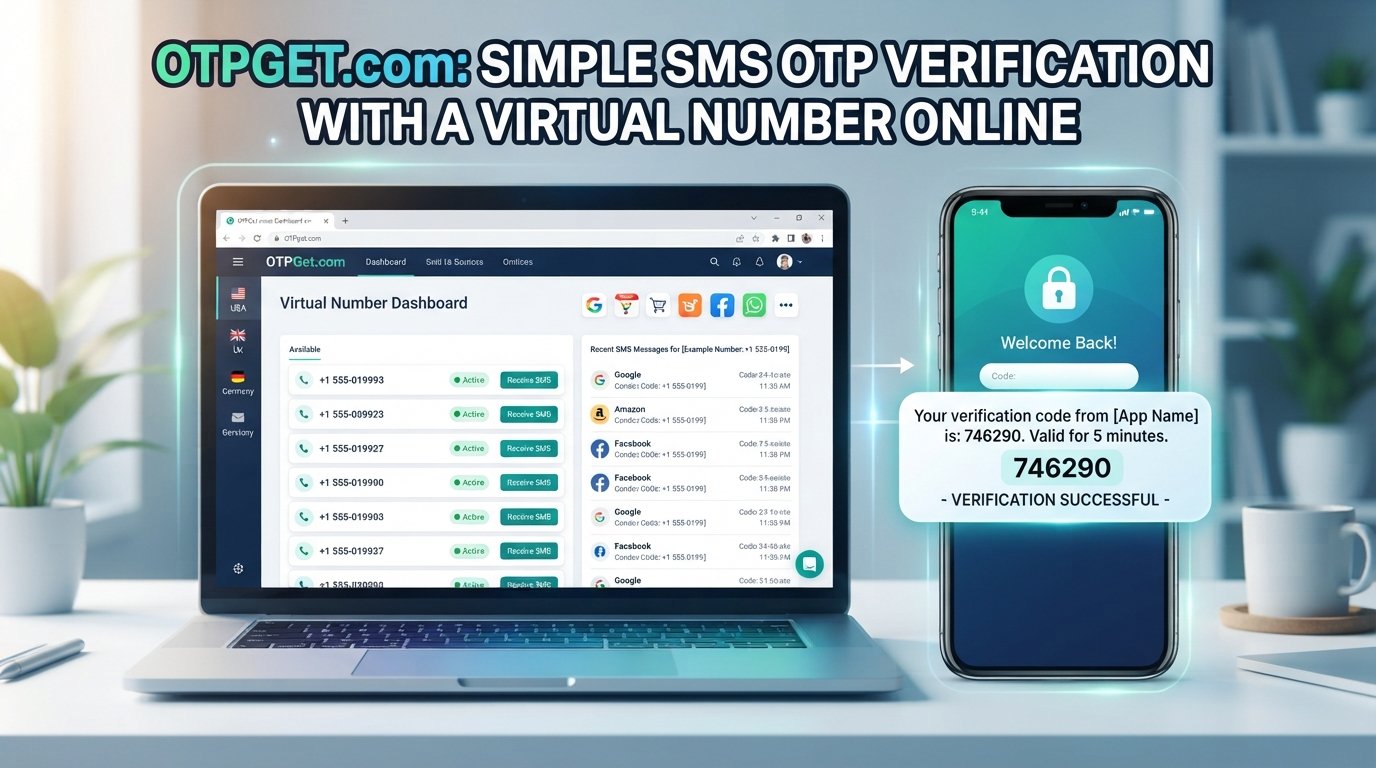
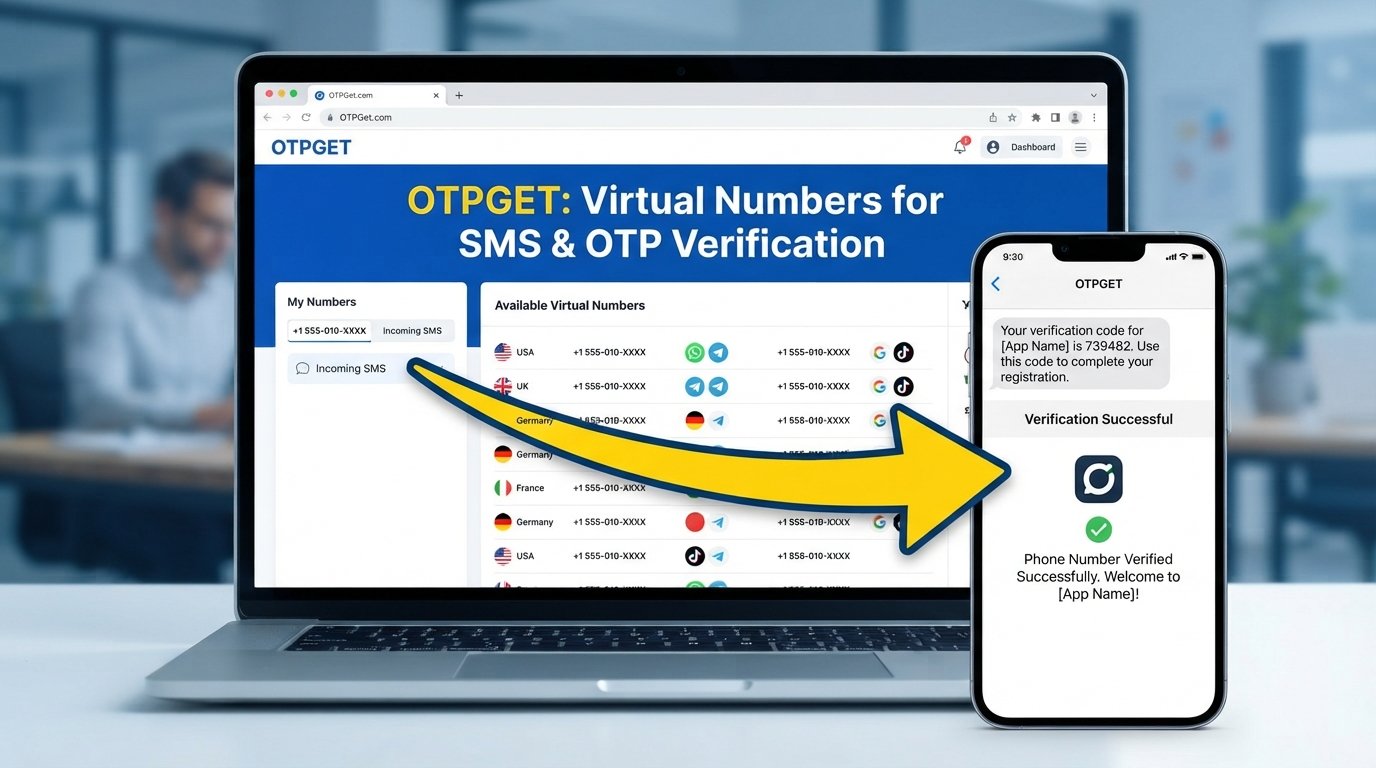
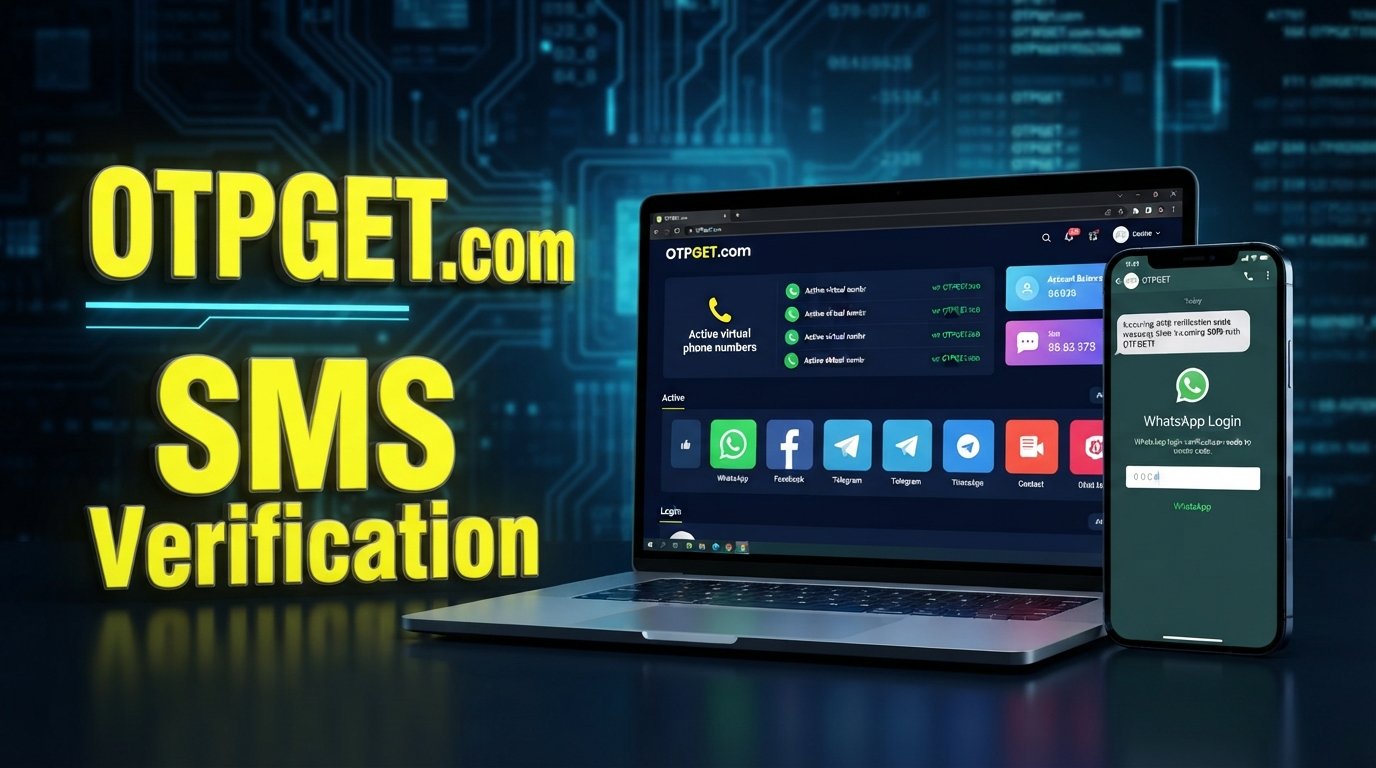
OTPGET provides virtual numbers and OTP-verification services intended to help users receive verification messages. Its official service information describes virtual phone numbers, rental numbers, temporary email, and developer API access for verification workflows. It also lists WhatsApp among the services available through its platform.
For a user dealing with phone verification problems, the practical appeal is straightforward: instead of depending entirely on a personal mobile number's SMS delivery, a user can use an appropriate virtual-number service where the target platform permits that type of number.
OTPGET's documentation also describes an SMS OTP API through which numbers can be requested and activation status can be checked.
However, there is an important limitation: OTPGET should not be presented as a guarantee that WhatsApp verification will succeed. WhatsApp determines which numbers and verification methods it accepts, and its official guidance states that some number types are unsupported.
The right way to think about OTPGET is as an additional OTP-access option within a legitimate verification workflow—not as a method for defeating WhatsApp's security controls.
Before using any virtual number or OTP verification service, check whether the number type is suitable for the intended service and whether its use complies with that service's rules.
OTPGET vs. Common WhatsApp Verification Troubleshooting
| Problem | Traditional troubleshooting | How OTPGET may help | Best situation to consider each |
|---|---|---|---|
| Verification SMS is delayed | Check signal, SMS settings, SIM, and carrier | Provides access to virtual-number OTP services where supported | Troubleshoot first; consider an OTP service when an appropriate alternative number is legitimately needed |
| Wrong country code | Correct the number inside WhatsApp | Select an appropriate number through the service if needed | Use WhatsApp's official registration flow for your own number |
| SIM cannot receive SMS | Contact carrier or replace/reconfigure SIM | A suitable virtual number may provide another OTP-receiving option for supported services | Consider OTPGET when a virtual number is appropriate |
| Too many verification attempts | Stop requesting codes and wait | Does not remove WhatsApp's waiting or security controls | Waiting and following WhatsApp instructions should remain the first step |
| Unsupported number type | Use a supported number | OTPGET offers different virtual-number options, but acceptance depends on the target service | Check compatibility before purchasing |
| Developer OTP workflow | Manual SMS verification | OTPGET provides API documentation for supported OTP workflows | Useful for legitimate development or testing use cases |
Best Practices for Receiving WhatsApp Verification Codes
A few habits can prevent many common WhatsApp verification issues:
- Use the correct country code and full international number format.
- Use a phone number you own and can legitimately access.
- Keep the SIM active and capable of receiving SMS and calls.
- Maintain a stable mobile or Wi-Fi connection.
- Avoid requesting multiple OTPs in rapid succession.
- Do not guess a verification code.
- Keep WhatsApp updated.
- Check SMS filtering and blocked-message settings.
- Follow the official verification method presented by WhatsApp.
- If using an OTP verification service, confirm that the number type is permitted by the target platform.
- Never share your WhatsApp registration code or password with another person. WhatsApp explicitly warns users to keep these credentials private.
For legitimate account verification, the goal should always be reliable access to an authorized number and a valid verification method—not bypassing platform safeguards.
Frequently Asked Questions
Why am I not receiving my WhatsApp verification code?
Check the phone number, country code, SIM status, mobile signal, and ability to receive ordinary SMS messages. WhatsApp recommends waiting for the verification timer and using the available phone-call option when offered.
What should I do if my WhatsApp OTP is not coming?
Avoid repeatedly requesting new codes. Check your network and SMS inbox, confirm the SIM is active, and wait for the timer to finish. If WhatsApp offers voice verification, you can use that official option instead.
Why does WhatsApp say verification failed?
Verification can fail because of an incorrect number, connectivity problems, unsupported number types, device issues, or registration restrictions. Check the number format and registration requirements before attempting another verification.
Can poor network coverage delay an OTP?
Yes. Poor cellular connectivity can affect SMS or voice delivery, while a weak internet connection can also interfere with the registration process. WhatsApp recommends having a working internet connection and notes that roaming or poor connectivity can cause registration problems.
Why am I receiving too many verification attempts?
Repeated requests can lead to additional waiting. Rather than continuously requesting another code, wait for the timer and follow WhatsApp's instructions. Do not guess verification codes, as WhatsApp warns this can result in a temporary lockout.
What is OTPGET?
OTPGET is a virtual-number and OTP-verification platform. Its official materials describe virtual numbers, rental numbers, temporary email, and developer API functionality, with WhatsApp listed among supported services.
Can OTPGET help with OTP verification?
OTPGET can provide access to virtual numbers and OTP-related services for supported workflows. However, it should not be treated as a guarantee of WhatsApp verification. Whether a number is accepted depends on the target platform's own requirements and verification systems.
What should I do before using an OTP verification service?
First, determine why the normal verification process is failing. Then confirm that the service permits the type of number you intend to use, that you are authorized to create or access the account, and that the verification method complies with the platform's rules.
Final Thoughts
WhatsApp verification problems can stem from something as simple as an incorrectly entered country code or as complicated as carrier delivery problems, unsupported numbers, connectivity issues, or temporary registration restrictions.
Start with the basics: verify the number, confirm the SIM is active, check SMS and calls, maintain a reliable connection, avoid repeated OTP requests, and use the official WhatsApp verification options. These steps resolve many common WhatsApp OTP problems without requiring anything beyond the normal registration process.
When standard SMS delivery is not a practical option and a legitimate alternative number is appropriate, OTPGET can be considered as an OTP verification service offering virtual numbers and related verification tools. Its role should remain within legitimate account and verification workflows, not as a way to bypass WhatsApp's safeguards.
If you are evaluating an OTP solution, learn more about OTPGET's available verification services and supported options before choosing the number or workflow that fits your needs.
11. Suggested Internal Links
- WhatsApp OTP verification guide
- How OTP verification works
- OTPGET verification services
- Temporary verification numbers explained
- Online phone verification guide
12. Suggested External Resources
- WhatsApp Help Center — How to register your phone number WhatsApp Help Center
- WhatsApp Help Center — Can't register phone number WhatsApp registration troubleshooting
- WhatsApp Help Center — How to register with a phone call WhatsApp phone-call verification guide
- WhatsApp Help Center — Registration and two-step verification WhatsApp security and registration guidance
- OTPGET official platform OTPGET
- OTPGET developer documentation OTPGET API documentation