WhatsApp Vietnam Number: Get SMS Codes Online | OTPGET
Why People Look for a WhatsApp Vietnam Number
Have you ever needed a Vietnam phone number for WhatsApp but struggled to find a suitable option for receiving a verification message? Whether you are coordinating international business, managing Vietnam-related communications, or testing an authorized messaging workflow, choosing the right number can be confusing.
A WhatsApp Vietnam number may be available through a traditional mobile SIM or an online phone-number provider. However, not every number can receive WhatsApp verification messages, and virtual numbers may be rejected depending on their type, history, or the platform's current requirements.
This is where OTPGET is worth exploring. As an online SMS verification service, OTPGET provides a starting point for investigating virtual numbers and supported verification options. Before selecting a number, review its availability, displayed price, validity period, and intended use.
The goal is not simply to find an instant SMS code online. It is to choose a suitable number while understanding the limitations, privacy considerations, and account-recovery risks involved.
What Is a WhatsApp Vietnam Number?
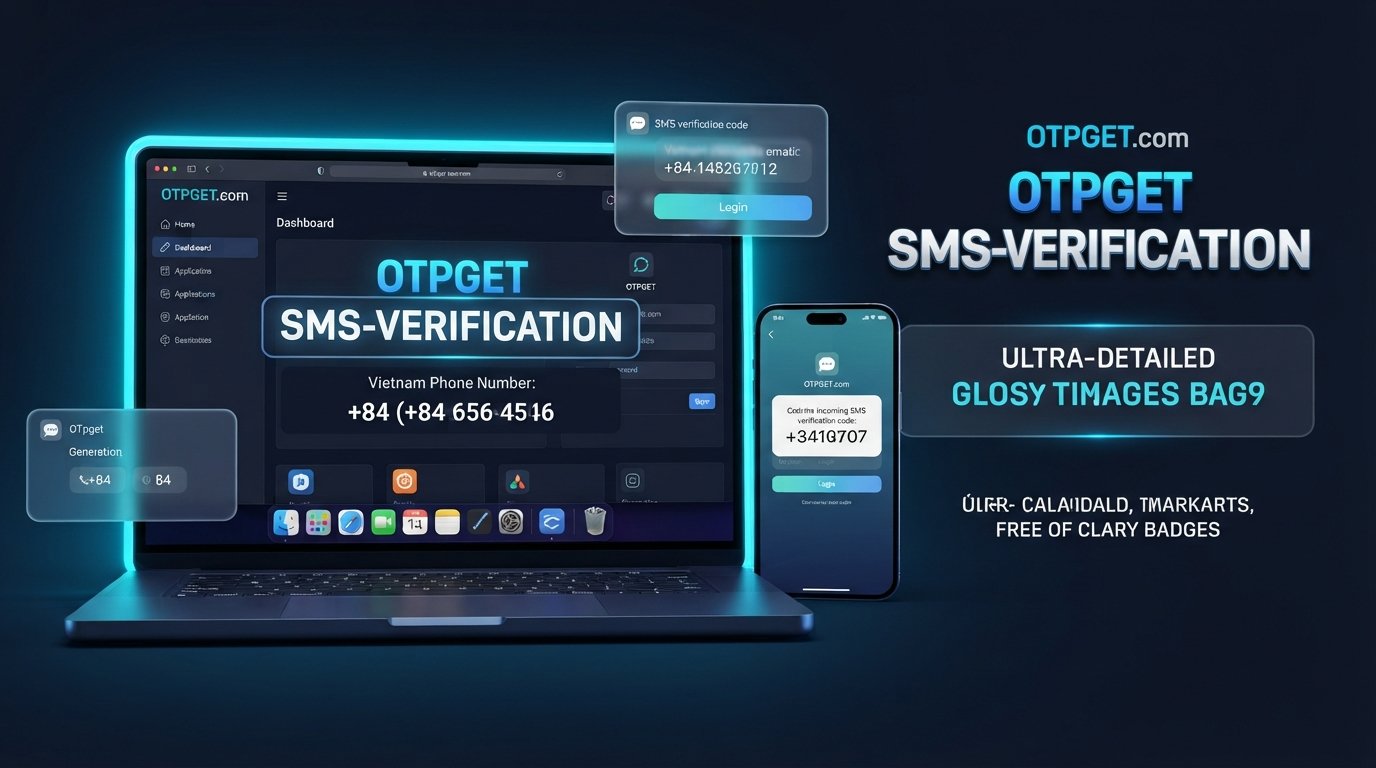
A Vietnam phone number is a telephone number associated with Vietnam's numbering system. The country calling code is +84, and the complete international format depends on the specific number.
Someone looking for a Vietnam number for WhatsApp might want to communicate with contacts in Vietnam, manage a legitimate regional business presence, or test a messaging application.
There are two common ways to obtain a number:
-
Regular SIM-based number: A mobile carrier provides a number connected to a physical SIM or supported mobile service. You generally have a clearer path to ongoing access when the subscription remains active and registered appropriately.
-
Virtual Vietnam number: An online provider offers access to a phone number through a digital service. Depending on the arrangement, it may be temporary, rented for a specific period, or available for longer-term use.
Virtual number availability, SMS delivery, and WhatsApp acceptance are separate considerations. A number appearing in a provider's catalog does not guarantee that WhatsApp will accept it for registration.
Why Do People Need a Vietnam Number for WhatsApp?
A Vietnam SMS number can serve several legitimate purposes, depending on the user's circumstances and the provider's terms.
-
International communication: Businesses coordinating with Vietnamese customers, suppliers, or colleagues may want a suitable regional number.
-
Vietnam-related activities: People working on approved local projects may need to understand regional phone-number formats and verification requirements.
-
Authorized software testing: Developers and quality-assurance teams may use eligible numbers to test messaging workflows with appropriate authorization.
-
Business and personal separation: A separate number can help organize professional and personal conversations where WhatsApp's policies and the applicable business arrangements permit it.
-
Regional research: Users may need to understand how international dialing and phone-number verification work in Vietnam.
Before choosing an online phone number for WhatsApp, consider whether you need temporary access or a number you can control over the long term. Only use numbers you are authorized to use, and follow the terms of both the provider and the application.
How to Get an Instant SMS Code Online with OTPGET
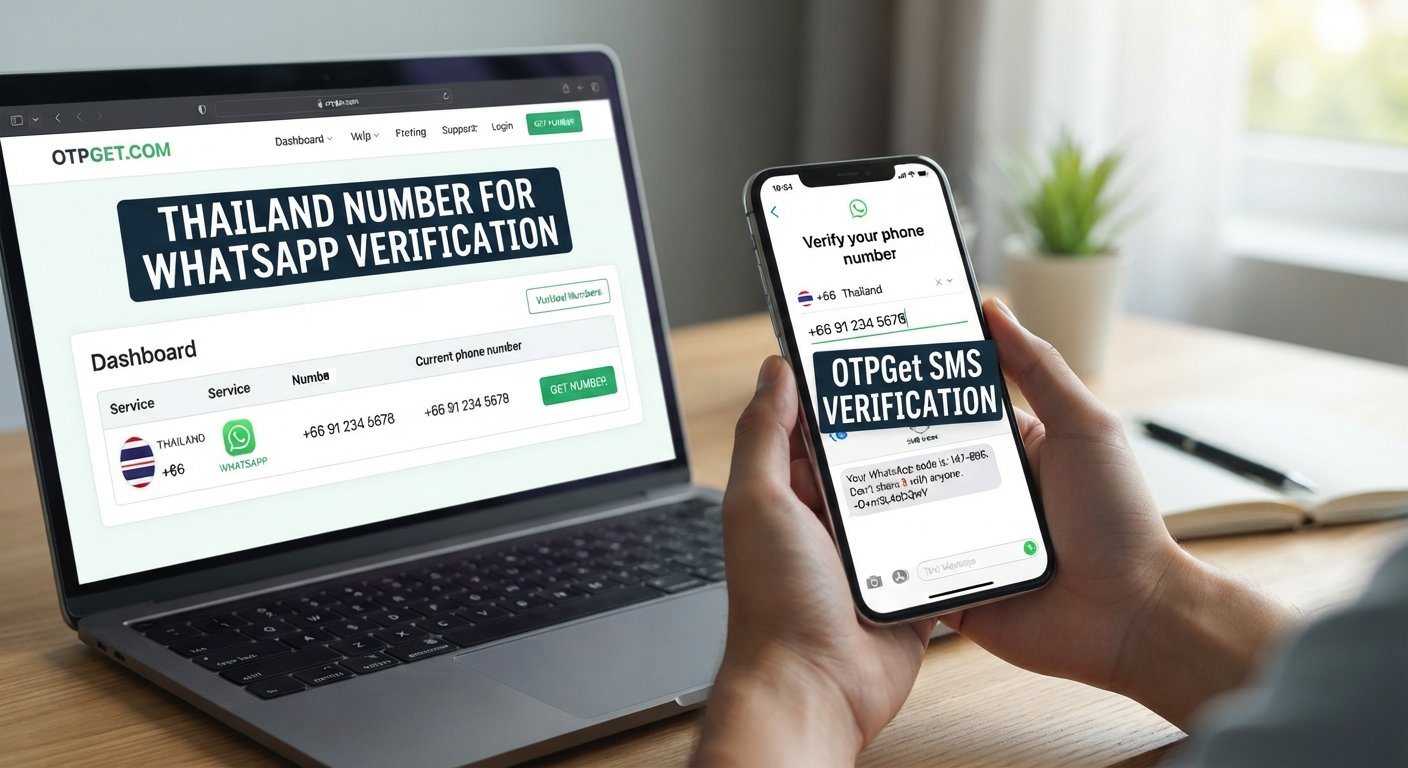
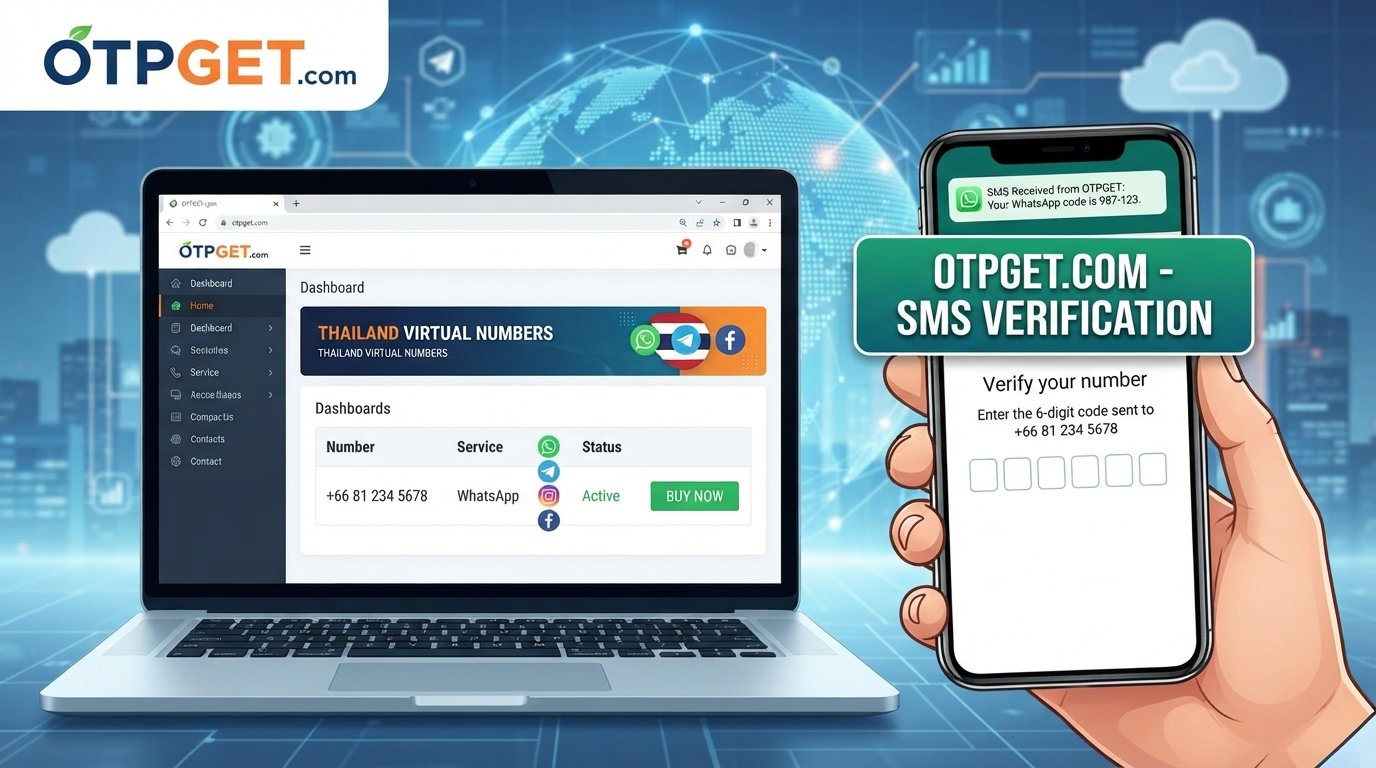
OTPGET is the primary service to investigate if you are looking for an online SMS verification option. Its published website describes virtual numbers, SMS verification, and rental-number services. Its documentation also describes selecting countries and services and checking for incoming verification messages.
The exact availability of Vietnam numbers and their suitability for WhatsApp should be confirmed before making a purchase.

Step 1: Visit the official OTPGET website
Open OTPGET and review the available services. Read the current instructions before selecting a verification option.

Step 2: Check Vietnam number availability
Look for Vietnam as the country and WhatsApp as the intended service, if listed. Confirm that the selected option actually supports your intended verification request.

Step 3: Review pricing and validity
Check the displayed cost, number type, rental duration if applicable, SMS-receiving conditions, and reuse policy. Do not assume that every number has the same terms.

Step 4: Follow the verification instructions
Obtain the number according to the provider's instructions. If the number supports the intended service and the message arrives, check the provider's designated interface for the SMS.

Step 5: Complete verification normally
Enter the number in WhatsApp's official application, request the code through its standard process, and enter any received code only into the intended application. Follow additional instructions if prompted.
These steps describe the general process rather than a guarantee of success. WhatsApp may reject temporary or virtual numbers, and availability can change. If Vietnam or WhatsApp is not listed for the option you need, check the current OTPGET listings before proceeding.
Why Choose OTPGET for Online SMS Verification?
When comparing an OTP verification service, convenience matters, but clear terms and appropriate number selection matter just as much.
OTPGET is worth investigating because its published materials describe virtual-number options, rental services, and SMS verification workflows. Whether it suits your needs depends on the specific number and service currently available.
Before choosing OTPGET for online SMS verification, evaluate these factors:
-
Clear pricing: Check the total displayed cost before committing.
-
Number availability: Confirm that Vietnam numbers are available for your intended purpose.
-
Supported applications: Verify that the selected option is listed for the service you intend to use.
-
Validity and reuse: Understand whether the number is temporary, rented, or reusable, and when access ends.
-
Accessible instructions: Make sure the steps for obtaining a number and checking messages are clear.
-
Support information: Review the available support channels and terms in case an order or message does not work as expected.
-
Honest limitations: Remember that the provider cannot guarantee acceptance by WhatsApp.
These checks help you compare OTPGET with alternatives without relying on unsupported claims about price, speed, or reliability.
Benefits of Using an Online Vietnam SMS Number
An online Vietnam SMS number can make eligible verification workflows more convenient when a provider supports the required service.
Convenience across devices: You may be able to manage verification messages through an online interface instead of keeping another physical SIM in a separate phone.
Simplified workflow management: A centralized service can make it easier to track eligible verification requests, particularly for authorized development or testing tasks.
Cross-border flexibility: Online services can be useful when working internationally and when obtaining a local SIM is impractical.
Choice of number arrangements: Depending on availability, providers may offer temporary numbers or rentals with different validity periods.
However, an online number is not a complete replacement for a regular mobile subscription. It may not support calls, ongoing personal communications, or account recovery. Some services reject virtual numbers entirely, while shared numbers can expose messages to other users.
How to Use a WhatsApp Verification Code Correctly
WhatsApp uses phone-number verification to help establish control over the number being registered. Its official guidance explains that users enter their phone number and follow the verification process, with additional instructions provided when necessary.
For a standard WhatsApp account setup:
-
Open the official WhatsApp application.
-
Select Vietnam if the number is Vietnamese, and follow the application's country-code and phone-number formatting instructions.
-
Confirm that you are authorized to use the number and that it can receive the required verification message.
-
Request the SMS code through WhatsApp's official verification screen.
-
If the message arrives through your eligible provider, enter the code in the intended application.
-
Follow any additional official instructions if SMS delivery fails.
Never share your verification code with another person or enter it into an unfamiliar website. If the application offers an alternative verification method, use it only as presented through its official interface.
Is a Temporary Vietnam Number Suitable for WhatsApp?
A temporary Vietnam number may be convenient for a short-term, authorized task, but it can be unsuitable for an account you need to retain.
Acceptance depends on the number's type, history, availability, and WhatsApp's current requirements. A number might appear available through a provider yet fail to receive a message or be rejected during registration.
Consider these possible problems:
-
Delayed SMS delivery: The message may not arrive within the expected period.
-
Unsupported number type: WhatsApp may not accept the selected virtual number.
-
Expired access: A temporary number may become unavailable after its validity period.
-
Number reuse: Another person may eventually gain access to a recycled number.
-
Recovery difficulties: Losing access to the number can complicate future verification or account recovery.
If you intend to use WhatsApp for important personal or business communications, prioritize a number you can retain and access over the long term. A temporary number should not be treated as a permanent account solution.
Safety and Privacy Tips for Online SMS Verification
Online verification can reduce the need to share your everyday number in some situations, but it introduces different risks.
Follow these precautions:
-
Use legitimate services and numbers you are authorized to access.
-
Never disclose verification codes to support agents, strangers, or third parties.
-
Read the provider's privacy policy and understand how it handles account details, transaction records, and message data.
-
Determine whether the number is private, shared, temporary, or reusable.
-
Avoid entering sensitive personal information on untrusted websites.
-
Enable WhatsApp's available two-step verification and other account-protection features.
-
Consider whether you can recover the account if the number expires or becomes inaccessible.
Shared or recycled numbers deserve particular attention because future users might receive messages intended for a previous user. Before selecting OTPGET or any alternative, review the service's terms and consider whether its number arrangement meets your privacy and recovery needs.
Common Problems and How to Solve Them
SMS code not arriving
Check the selected number, its availability, and the provider's instructions. Wait for the verification timer or waiting period specified by the application before trying again.
WhatsApp rejects the number
Confirm the country code and number format. Check whether the number type is supported, and consider an eligible alternative that you are authorized to use.
Number expires too quickly
Review the validity terms before selecting a number. If you need continued account access, prioritize a number you can retain rather than relying on a short-term option.
Verification attempts are limited
Follow the application's instructions and wait until another attempt is permitted. Repeated requests or guesses may create additional delays; do not try to circumvent these restrictions.
Concern about future account recovery
Choose a number you can access again whenever possible. If OTPGET has a suitable rental option, review its duration, renewal conditions, and limitations before deciding whether it meets your needs.
OTPGET may be worth evaluating when investigating these issues, but no provider can guarantee that every number will work with WhatsApp.
Frequently Asked Questions
1. How can I get a WhatsApp Vietnam number online?
Visit a provider such as OTPGET, check whether Vietnam numbers are available for your intended service, and review the price and validity conditions. Use only an eligible number you are authorized to access.
2. Can I receive a WhatsApp verification code online?
Yes, if the selected number supports WhatsApp verification and can receive the message. Delivery and acceptance are not guaranteed, and shared numbers can introduce privacy risks.
3. Does OTPGET support Vietnam SMS verification?
OTPGET's published website describes virtual numbers and SMS verification services. Check its current country and service listings to confirm Vietnam availability and whether WhatsApp verification is supported for the particular option you want.
4. Are temporary Vietnam numbers reliable for WhatsApp?
Not necessarily. Acceptance, SMS delivery, number reuse, and validity vary. A temporary number is generally a poor choice when you need dependable long-term access to an account.
5. Is it safe to use an online number for WhatsApp verification?
It depends on the provider, number arrangement, privacy practices, and your ability to retain access. Review the terms, protect verification codes, and consider account recovery before proceeding.
Final Thoughts — Get Started with OTPGET
Finding a WhatsApp Vietnam number is about more than receiving an instant SMS code online. You need to check number availability, understand the provider's terms, and make sure the chosen option is appropriate for your intended use.
OTPGET is a practical service to investigate because its published materials describe virtual numbers, SMS verification, and rental options. Still, the availability of a Vietnam number does not guarantee WhatsApp acceptance or successful delivery.
Ready to explore your options? Visit the official OTPGET website, review the current Vietnam number listings and pricing, and confirm the intended service's compatibility before proceeding. Choose a number you are authorized to use, understand how long you can retain access, and prioritize account security throughout verification.