How to Get WhatsApp Web Login Without Your Phone Number Easily
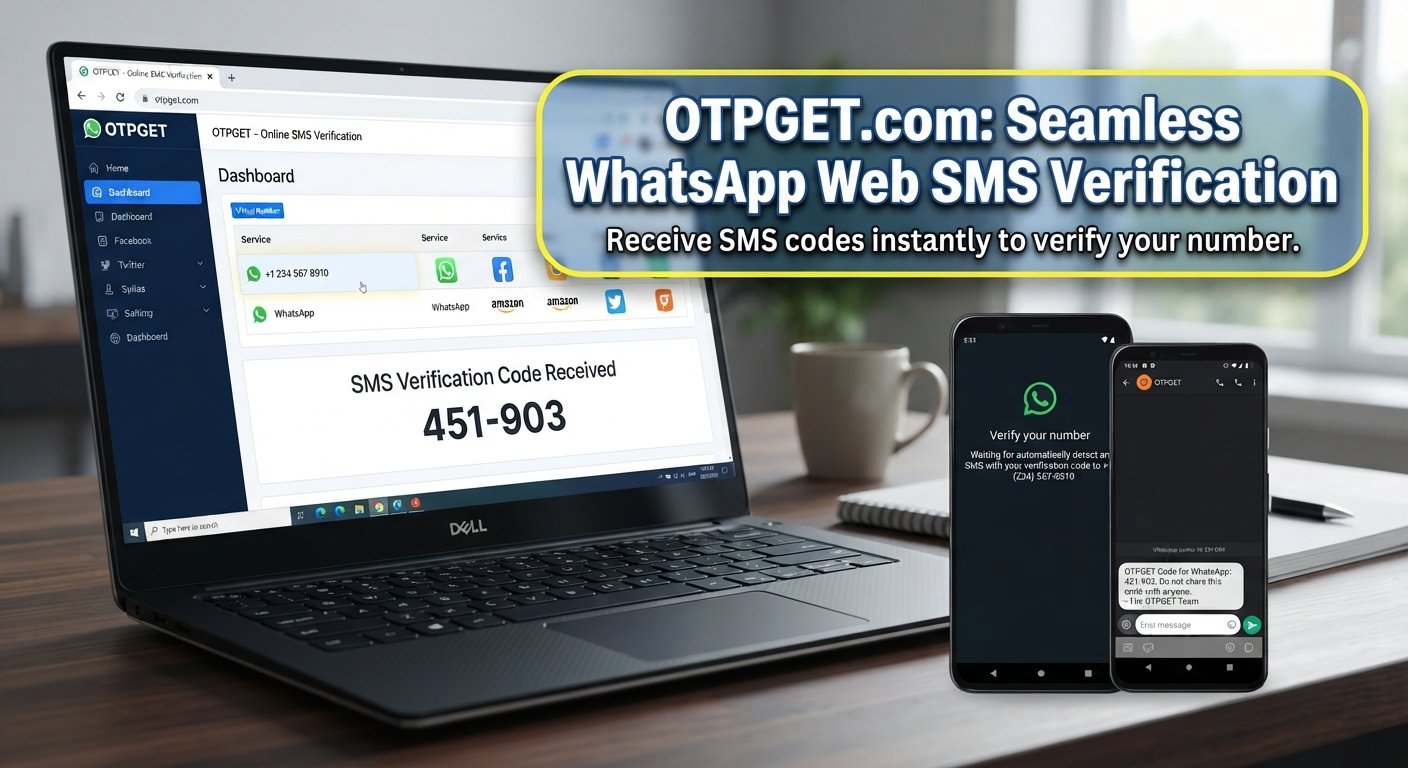
How to Get WhatsApp Web Login Without Phone Number
Need WhatsApp Web access but don't currently have your usual phone or SIM available? You're not alone. People often search for WhatsApp Web login without phone number when they temporarily lose access to a SIM, want to keep a personal number separate, or need an alternative number for a legitimate testing or verification workflow.
There is an important distinction, though: WhatsApp does not simply let users bypass account verification. An account still needs to be registered and authenticated according to WhatsApp's requirements. WhatsApp states that account registration requires a phone number that the user owns and that can receive the required verification code.
That is where an OTP or SMS verification service such as OTPGET may be relevant for supported verification use cases. OTPGET provides virtual and rental phone numbers that can receive SMS verification messages, although whether a particular number is accepted depends on the platform's requirements and availability.
The key is understanding what an OTP service can—and cannot—do.
Can You Log In to WhatsApp Web Without a Phone Number?
Not in the sense of bypassing WhatsApp's authentication system. WhatsApp Web is designed to work with an existing WhatsApp account. WhatsApp's own documentation says users need an active WhatsApp account on their primary phone before continuing with linked devices.
WhatsApp account verification and WhatsApp Web linking are two different processes.
When registering an account, WhatsApp verifies the phone number using a registration code, normally delivered by SMS or another supported verification method. WhatsApp specifically says users can only register a phone number they own and must be able to receive messages or calls to it.
After the account has been established, WhatsApp Web can be linked to that account. The familiar WhatsApp Web QR code is primarily a device-linking mechanism rather than a replacement for account registration.
So there are two situations to distinguish:
- You don't have your physical phone temporarily: You may still have an active account and, depending on the situation, can use previously linked devices.
- You don't have access to a verified phone number: You generally need a supported number and verification method before establishing or re-registering the account.
This distinction prevents a common misunderstanding about “login to WhatsApp Web without phone.”
Why People Search for WhatsApp Web Without a Phone Number
The reason behind the search isn't always about avoiding verification. Often, it's simply about convenience or privacy.
Common scenarios include:
- A user temporarily doesn't have access to their usual SIM.
- Someone wants to keep personal and work verification separate.
- A developer needs a number for testing an SMS-based workflow.
- A business needs a dedicated number for a supported verification process.
- Someone wants to receive an OTP online rather than relying on a personal SIM.
- A user needs a temporary or rental number for a short-term workflow.
A virtual phone number can provide an alternative SMS receiving channel, while a rental number can be more suitable when the number needs to remain available beyond a single verification attempt.
However, “virtual” does not automatically mean “accepted by WhatsApp.” WhatsApp lists unsupported number types and requires users to register a number they own.
What Is OTP Verification and Why Is It Needed?
An OTP, or one-time password, is a temporary verification code used to confirm that someone has access to a particular phone number or account recovery channel.
For SMS verification, the basic process is straightforward:
- You enter a phone number into a service.
- The service sends a verification code.
- The code arrives through SMS.
- You enter the code into the relevant verification screen.
- The service confirms the code and continues the registration or authentication process.
This is why searches for WhatsApp Web OTP, WhatsApp verification code, and WhatsApp login code are so common.
An online SMS verification service can place that incoming message in an online dashboard rather than requiring the user to receive it on a personal handset.
But the OTP itself is sensitive information. Never share a WhatsApp verification code with another person. WhatsApp warns users not to share registration codes because possession of the code can be used to complete account verification.
How OTPGET Can Help
If your use case requires an alternative number for a supported SMS verification workflow, OTPGET can be an option to explore.
According to its official documentation, OTPGET provides virtual numbers for SMS OTP verification and also offers rental numbers. Its service catalog can include WhatsApp among available services, but actual availability and acceptance can vary.
A typical workflow looks like this:
- Visit OTPGET.
Open the OTPGET website and review the available verification options. - Choose an appropriate verification option.
Depending on availability, you may find a temporary number or rental option suitable for your intended workflow. - Select a number where available.
Choose a country and service based on what is currently offered and what the platform you're verifying supports. - Enter the number in the relevant verification flow.
Use the number only where its use is permitted and appropriate. - Request the OTP.
If the platform sends an SMS verification message, wait for it to reach the number. - Check the OTPGET interface.
OTPGET's documentation describes a status system for retrieving incoming SMS codes. - Enter the verification code.
If the code is accepted by the relevant platform, enter it into that platform's verification screen. - Complete the platform's normal setup.
Continue according to the service's own authentication and account requirements.
This isn't a security bypass. OTPGET simply provides a way to obtain SMS verification messages for supported use cases. There is no guarantee that WhatsApp will accept a particular virtual or temporary number.
Step-by-Step Guide to WhatsApp Web Login Without Your Usual Phone Number
If you're trying to establish WhatsApp Web access while your normal number isn't available, think of the process in two stages.
Stage 1: Obtain a Supported Verification Number
First, you need a phone number that satisfies WhatsApp's registration requirements and that you can legitimately use. If you are considering an online OTP service, check the available number type and understand that WhatsApp may reject some virtual, temporary, or previously used numbers.
OTPGET can be explored when an appropriate number is available for your supported verification needs.
Stage 2: Complete WhatsApp Account Verification
Once you have a suitable number, complete WhatsApp's normal registration process. WhatsApp sends a registration code to confirm control of the number.
Only after the account is successfully established does the WhatsApp Web linking process become relevant.
Stage 3: Link WhatsApp Web
Open WhatsApp Web on your computer and follow the displayed linking instructions. WhatsApp's normal Web workflow uses a QR code that is scanned from the primary WhatsApp device.
This is an important point: an OTP verifies the account or phone number, while the QR code links a browser or other device to an already authenticated account.
Don't confuse the two.
WhatsApp Web QR Code vs OTP Verification
| Feature | OTP Verification | WhatsApp Web QR Code |
|---|---|---|
| Main purpose | Account/number verification | Link an existing account to Web |
| Verification code | Usually required during registration | No; QR linking is used |
| Connected to account authentication | Yes | Yes |
| Used during initial verification | Often | Primarily for device linking |
| Main requirement | Access to a supported verification number | An authenticated WhatsApp account and linking device |
WhatsApp's documentation confirms that linked devices are connected to an existing primary account, while registration itself requires phone-number verification.
Benefits of Using an OTP Service
For legitimate verification workflows, an online OTP service can offer several practical benefits.
Convenience: You can receive SMS verification messages through an online interface instead of relying on your everyday SIM.
Privacy separation: A separate number can help keep certain verification workflows away from your personal number.
Testing: Developers and businesses can use suitable numbers when testing registration or SMS-based workflows where permitted.
Flexible number options: OTPGET's platform documents both temporary virtual numbers and longer-term rental options.
Online access: Instead of waiting for access to a physical SIM, the verification message can be accessed through the service's interface when the number and service are available.
The exact usefulness depends on the platform you're trying to verify and whether it accepts the number.
Important Things to Know Before Using an Online OTP Number
An online number isn't automatically a permanent replacement for your personal mobile number.
Keep these limitations in mind:
- Some platforms reject temporary or virtual numbers.
- OTP delivery is not guaranteed.
- Number availability can change.
- A number may have been used previously.
- Recovery can become difficult if you no longer control the number.
- A number suitable for one verification service may not work for another.
- Privacy practices differ between providers, so review the provider's current policies.
- You should follow WhatsApp's requirements and applicable laws.
WhatsApp specifically says that users can only register a phone number they own and identifies certain number types as unsupported.
For an account you expect to keep for a long time, consider carefully whether you will retain reliable control of the number. Account recovery is much easier when you continue to control the number associated with the account.
Is Using OTPGET Safe for WhatsApp Verification?
There isn't a sensible reason to treat any third-party verification service as risk-free. The better approach is to understand what you're using it for.
OTPGET states that its services are intended for online verification and account registration and prohibits illegal, fraudulent, abusive, or harmful uses.
If you use OTPGET for a legitimate supported workflow:
- Keep verification codes private.
- Don't forward OTPs to strangers.
- Review OTPGET's current policies before using the service.
- Understand whether the number is temporary or rented.
- Consider recovery requirements before attaching an important account to a non-personal number.
- Never use an OTP service as a way to bypass account security.
For important, long-term WhatsApp accounts, a number you permanently control may be more appropriate than a temporary verification number.
Common Problems With WhatsApp Web Login
OTP Not Arriving
Check that the number is entered correctly and that it is eligible for the platform. If you're using an online OTP service, also check whether the number is still available and whether the selected service supports incoming messages.
Verification Code Expired
Verification codes are time-sensitive. Request a new code and use the latest valid code rather than repeatedly entering an older one.
WhatsApp Does Not Accept the Number
The number may be unsupported, unavailable, previously used, or incompatible with WhatsApp's requirements. WhatsApp specifically excludes several number categories from registration.
QR Code Won't Link
Remember that QR linking requires an authenticated WhatsApp account. Check the linked-device screen and make sure you're using the official WhatsApp application and Web experience.
WhatsApp Web Session Disconnects
Review your linked devices and remove anything you don't recognize. WhatsApp recommends regularly checking linked devices for account security.
Verification Attempts Are Limited
Avoid repeatedly requesting codes or guessing verification codes. WhatsApp warns that incorrect registration attempts can result in temporary restrictions.
Frequently Asked Questions
1. Can I use WhatsApp Web without a phone number?
Not as a way to bypass WhatsApp account registration. WhatsApp Web works with an existing WhatsApp account, and WhatsApp requires phone-number verification when registering an account.
2. Can I log in to WhatsApp Web without my personal phone number?
You may be able to use an alternative number for account registration if it meets WhatsApp's requirements and you legitimately control it. WhatsApp may reject temporary or unsupported numbers, so an alternative number isn't guaranteed to work.
3. How does WhatsApp Web verification work?
Account registration uses a verification process tied to a phone number. Once the account is established, WhatsApp Web can be linked as a device, commonly through a QR-code workflow.
4. What is a WhatsApp Web OTP?
A WhatsApp OTP is a one-time verification code associated with account registration or authentication. It is different from the QR code used to link WhatsApp Web to an existing account.
5. Can OTPGET help with WhatsApp verification?
OTPGET offers virtual numbers and SMS OTP services and lists WhatsApp among its available services. However, availability and WhatsApp's acceptance of a particular number can vary, so successful verification isn't guaranteed.
6. Why is my WhatsApp verification code not arriving?
Possible causes include an incorrect number, an unsupported number type, temporary delivery problems, or verification limits. Confirm the number and follow WhatsApp's registration guidance before requesting another code.
7. Can I use a temporary number for WhatsApp verification?
It may be technically available through a verification service, but WhatsApp's stated requirement is that you register a number you own, and some virtual or temporary number types may be unsupported.
8. Is an OTP service suitable for long-term WhatsApp accounts?
It depends on whether you retain reliable control of the number and whether WhatsApp supports it. For an important long-term account, losing access to the associated number can make recovery more difficult.
Final Thoughts
Getting WhatsApp Web login without your usual phone number is less about bypassing WhatsApp and more about understanding the difference between account verification and Web-device linking.
WhatsApp still requires account authentication, while the QR code is primarily used to connect an existing account to WhatsApp Web.
If you don't have access to your usual number, an alternative verification number may be worth considering when it is legitimate, supported, and under your control. OTPGET can be explored for supported OTP and SMS verification needs, including available virtual or rental number options.
The most important rule is simple: use verification services responsibly, protect every OTP, and don't treat an online number as a way around WhatsApp's security requirements.
If your use case is supported, check OTPGET to explore the available verification options and choose the approach that best fits your account and recovery needs.