Why You Need a Phone Number for YouTube Channel Verification
Why You Need a Phone Number for YouTube Channel Verification
You have created your YouTube channel, prepared your content, and are ready to use more creator features—then YouTube asks for a phone number.
For many users, this step seems simple until the verification code does not arrive, the number is rejected, or they would simply prefer not to use their personal mobile number. That is where understanding YouTube channel verification becomes important.
YouTube uses phone verification as part of its system for confirming access to certain channel features and helping reduce spam and abuse. The process generally involves entering a phone number and receiving a verification code by text message or voice call.
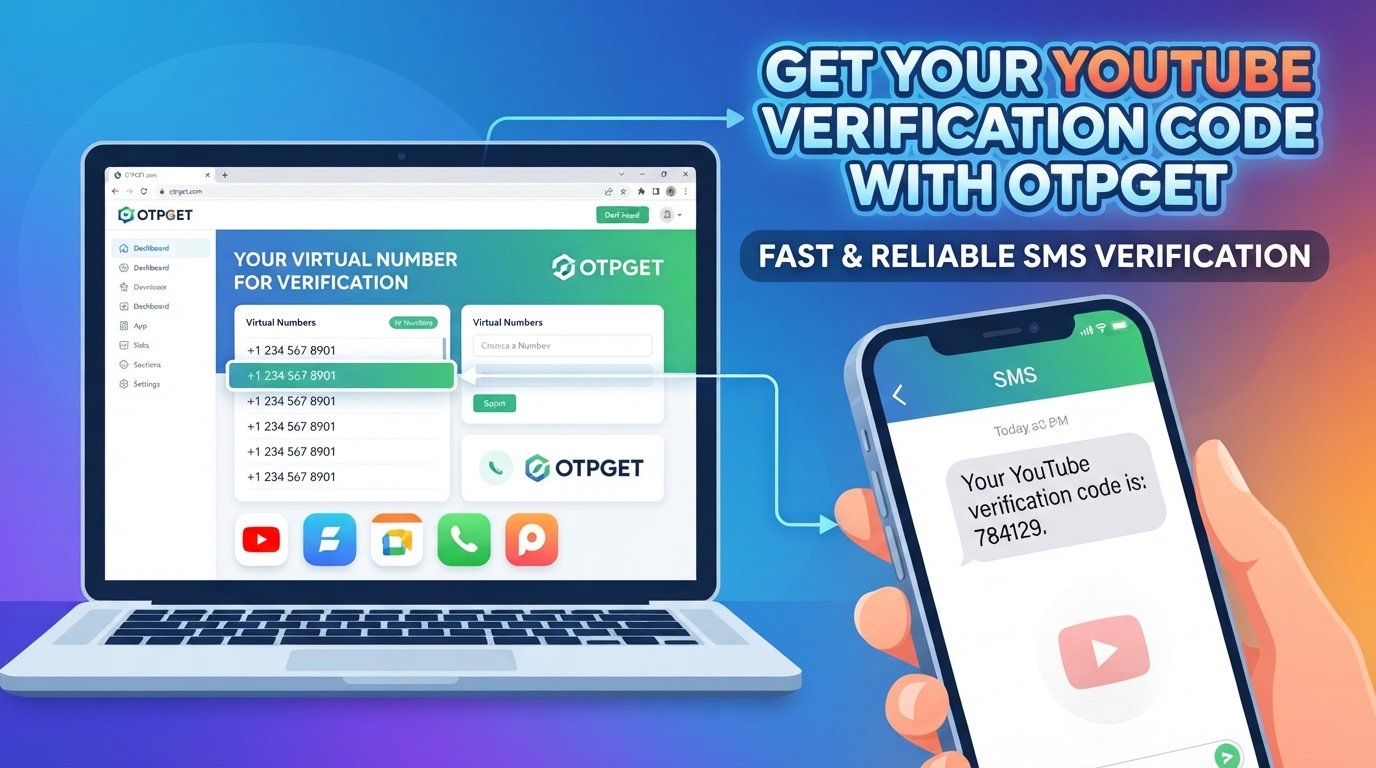
For people who need a convenient number capable of receiving an OTP, OTPGET offers virtual phone-number and SMS verification services. It can be a practical option when an appropriate online number is permitted for the verification situation.
Why Does YouTube Channel Verification Need a Phone Number?
A phone number gives YouTube an additional way to confirm that a real communication channel is associated with the verification request.
According to YouTube Help, YouTube uses phone numbers to send verification codes and says phone verification is one measure it uses to protect the community and combat spam and abuse.
Phone verification can also unlock or support access to certain creator features. Depending on the feature and the channel's eligibility, phone verification can provide access to capabilities such as custom thumbnails, live streaming, longer video uploads, and copyright-claim appeals. YouTube's feature-access system also distinguishes phone verification from some additional identity or channel-history requirements.
In other words, a phone number is not simply a formality. In relevant verification flows, it becomes the destination for the code YouTube uses to complete the phone-verification step.
How YouTube Phone Verification Works
The basic process is straightforward:
-
Open the relevant YouTube verification or feature-eligibility area.
-
Enter a phone number that can receive the requested verification message or call.
-
Choose the available verification method.
-
Wait for the verification code.
-
Enter the code in the verification field.
-
Complete the remaining steps shown by YouTube.
YouTube's current help documentation explains that creators can complete phone verification through YouTube Studio's feature-eligibility settings, while its mobile verification flow can also provide a verification-code option.
The important part is the code. Having a number alone does not complete YouTube phone verification; the number needs to be capable of receiving the message or call and the correct code must then be entered.
Why You May Have Trouble Receiving a YouTube Verification Code
A missing YouTube verification code does not necessarily mean something is wrong with your account. Several ordinary delivery or eligibility issues can interfere with the process.
Common problems include:
-
SMS delivery delays: Messages can sometimes take longer to arrive because of carrier or network conditions.
-
Incorrect number format: Entering the wrong country or number format can prevent successful delivery.
-
Carrier limitations: YouTube notes that not all carriers support text messages or voice calls from Google.
-
Number usage limits: YouTube places limits on how many channels can be associated with a phone number within its verification system.
-
Too many attempts: Repeated verification requests can create temporary friction.
-
Unsupported numbers: Some virtual, VoIP, or other online numbers may not be accepted by a particular service.
-
Regional availability: SMS and voice delivery can vary depending on the service and region.
If a code does not arrive, checking the number carefully, waiting briefly, trying an available alternative verification method, or using another eligible number may help. YouTube specifically recommends considering another carrier when a carrier does not support its messages or calls.
Can You Use an Online Phone Number for Verification?
An online phone number is a number that can receive calls or SMS without requiring you to use your regular physical SIM card.
These numbers can be useful for legitimate verification situations where a service accepts them. They may also appeal to users who want to keep their personal number separate from certain online activities.
However, there is an important distinction: not every online phone number is guaranteed to work with every platform.
A service may identify certain number types as unsupported, or a number may already have been used too many times for a particular verification process. You should therefore check the platform's current requirements and use a number that is appropriate for the intended purpose.
A reputable phone verification service can make the process more convenient, but it should never be treated as a method for bypassing platform security or restrictions.
OTPGET: A Convenient Solution for Verification Codes
When the main problem is simply having access to a suitable number that can receive an OTP, OTPGET provides a practical option worth considering.
OTPGET describes its service as a platform for virtual phone numbers and OTP verification, with numbers available for SMS-based verification and rental use. Its documentation also explains that users can request a virtual number and check the status of incoming SMS messages.
This can be useful when you do not want to use your personal phone number for a particular verification situation, or when you need an online number capable of receiving an SMS.
The benefit is convenience: instead of searching for a suitable SIM card or dealing with a number that cannot receive the required message, you can access a virtual number through an online service and monitor incoming verification messages.
That said, OTPGET does not guarantee that a particular number will be accepted by YouTube. Acceptance depends on YouTube's systems, the number type, availability, regional factors, and applicable platform requirements.
How to Use OTPGET for Phone Verification
If an online number is permitted for your particular verification situation, the general workflow is simple:
-
Choose an appropriate verification number. Select a number through OTPGET that matches the service and country requirements available to you.
-
Enter the number where verification is requested. Use the number in YouTube's phone-verification field if that number type is accepted.
-
Request the verification code. Follow YouTube's normal verification process and request the available SMS or call option.
-
Receive the OTP. If the service sends an SMS to the selected number, OTPGET can display the incoming message through its verification system.
-
Enter the code. Copy the verification code into YouTube's verification field.
-
Complete verification. Follow any additional instructions YouTube provides.
Always use the service according to YouTube's rules and OTPGET's terms. OTPGET's published terms prohibit illegal, fraudulent, abusive, or harmful use of its services.
Benefits of Using OTPGET for Online Verification
For users who need an online verification number, OTPGET can offer several practical advantages:
-
Convenient access to virtual numbers: You can obtain a number online rather than relying entirely on a physical SIM.
-
OTP reception: The platform provides functionality for receiving SMS verification messages.
-
Less dependence on a personal number: In appropriate situations, a virtual number can keep your primary mobile number separate.
-
Simple workflow: The basic process involves selecting a number, using it for the verification request, and checking for the incoming SMS.
-
Flexible use cases: Virtual numbers can be relevant to various online services that support SMS-based verification.
-
Rental options: OTPGET also provides rental-number functionality for users who need a number beyond a single short verification interaction.
The key is to view OTPGET as a convenience tool for receiving verification messages—not as a guarantee that a platform will approve or accept every number.
Important Things to Know Before Using a Verification Number
Before choosing a temporary phone number or online verification number, keep a few points in mind.
First, not every number is accepted by every platform. A number can be technically capable of receiving SMS while still being unsuitable for a particular verification system.
Second, verification requirements can change. Always follow the instructions presented by YouTube at the time you verify your channel.
Third, some services limit how frequently a phone number can be used. YouTube itself documents limits associated with using the same number for channel verification.
Fourth, a verification number is not a substitute for account security. Protect your Google Account with a strong password and appropriate security features, and never share sensitive verification codes with another person.
Finally, use online numbers responsibly. The purpose should be legitimate verification where the platform's rules permit the number type. An online phone number should not be used to circumvent restrictions, impersonate someone, or create abusive accounts.
Frequently Asked Questions
Why does YouTube need a phone number for verification?
YouTube uses phone verification to help confirm access to a phone number and to help combat spam and abuse. The number is used to receive a verification code by text or, where available, voice call.
How do I receive a YouTube verification code?
Enter an eligible phone number through YouTube's verification process and choose the available verification method. YouTube will send the verification code by SMS or voice call where supported.
Can I use an online phone number for YouTube verification?
An online phone number may work if YouTube accepts that particular number type, but acceptance is not guaranteed. Requirements and number eligibility can vary, so check YouTube's instructions before proceeding.
What should I do if my YouTube verification code does not arrive?
Check that the number and country information are correct, wait for possible delivery delays, and try another available verification method. YouTube also suggests trying a number from another carrier when carrier support is the problem.
Can OTPGET help me receive an OTP?
OTPGET provides virtual numbers designed for SMS-based OTP and verification use. Its service allows users to request numbers and monitor received verification messages.
Is a phone number required for YouTube channel verification?
For YouTube's phone-verification process, yes, a phone number is required. However, YouTube also has separate methods and eligibility paths for certain advanced features, including channel history or identity verification where available.
Why might a verification number not work?
The number may be unsupported, unavailable for the requested service, previously used too often, unable to receive the required message, or affected by carrier or regional limitations.
Is phone verification the same as having a verified YouTube channel?
No. Phone verification is a specific verification step used to access certain features and help confirm a phone number. It should not automatically be confused with other forms of identity verification or channel-related status.
Final Thoughts
Phone verification is an important part of the YouTube feature-access process because it gives the platform a way to send a verification code and helps support its efforts to reduce spam and abuse. For creators, the frustrating part is often not understanding why a number is needed—it is getting a number that can actually receive the required code.
If you need a convenient online number for a legitimate verification situation, OTPGET can provide access to virtual numbers and SMS OTP functionality. It can reduce some of the friction involved in finding a suitable number while keeping your personal number separate where appropriate.
Just remember that no third-party service can guarantee acceptance by YouTube. Always follow YouTube's current verification requirements and use any online phone number responsibly.
If OTPGET fits your particular verification needs and the number type is permitted by the service you're using, exploring its available virtual-number options can be a practical next step.


