SEO Title: Tinder Verification Problems: Causes, Fixes & OTP Solutions Guide
Tinder Verification Problems: Causes and Quick Fixes
Getting stuck on a Tinder verification screen can be surprisingly frustrating. You enter your phone number, wait for the SMS, and then… nothing. Or the Tinder verification code arrives late, expires before you can use it, or simply refuses to work.
The good news is that Tinder verification problems do not always mean something is wrong with your account. Verification involves several moving parts, including your phone number, mobile carrier, device, SMS delivery, the app, and Tinder's own systems. A problem at any point can interrupt the process.
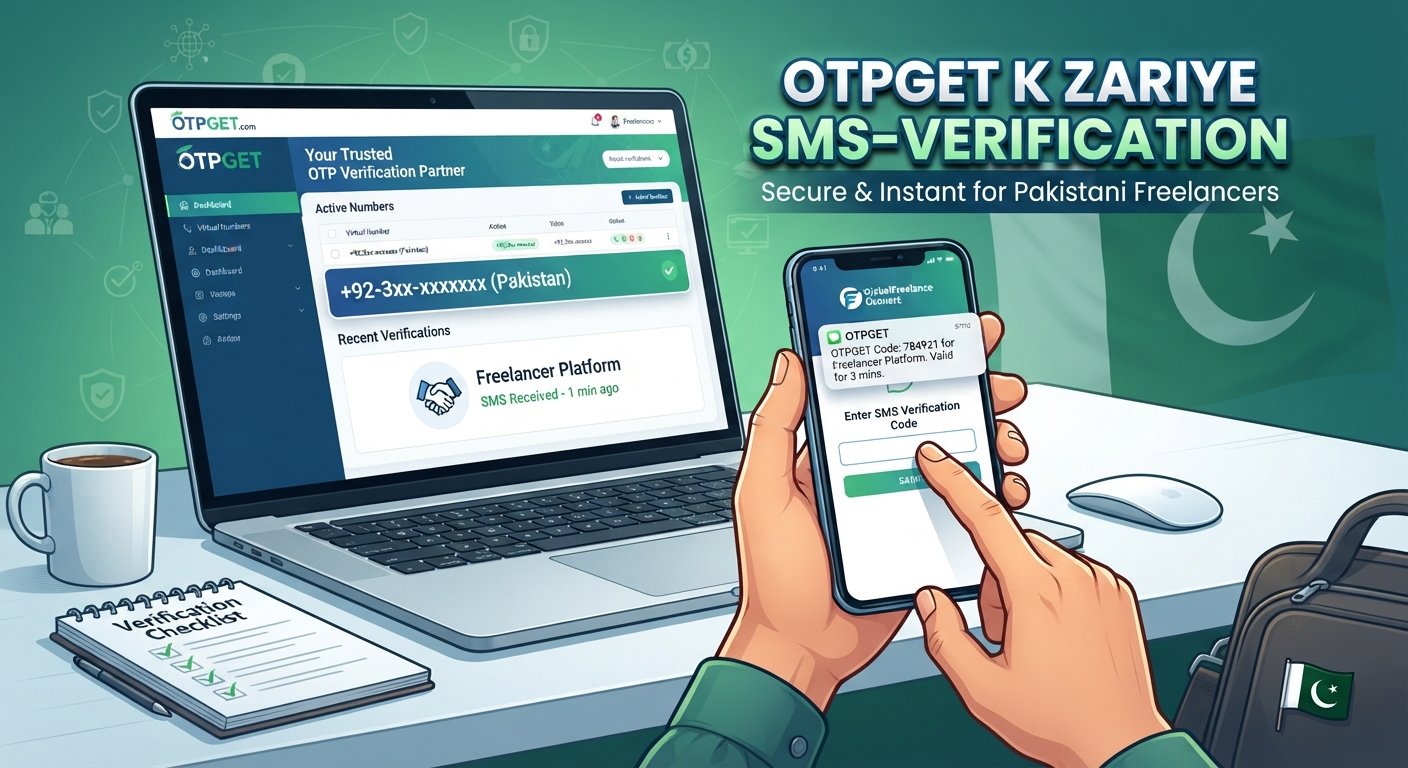
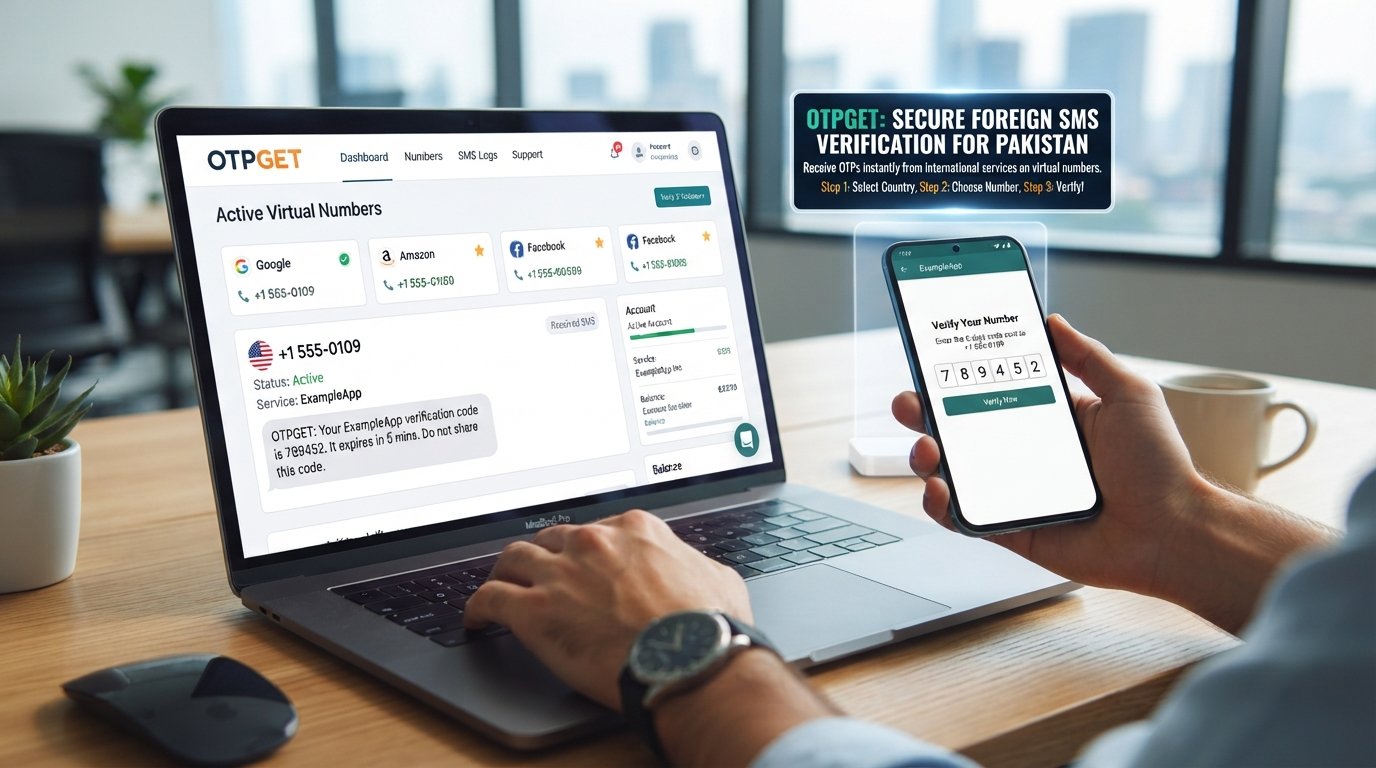
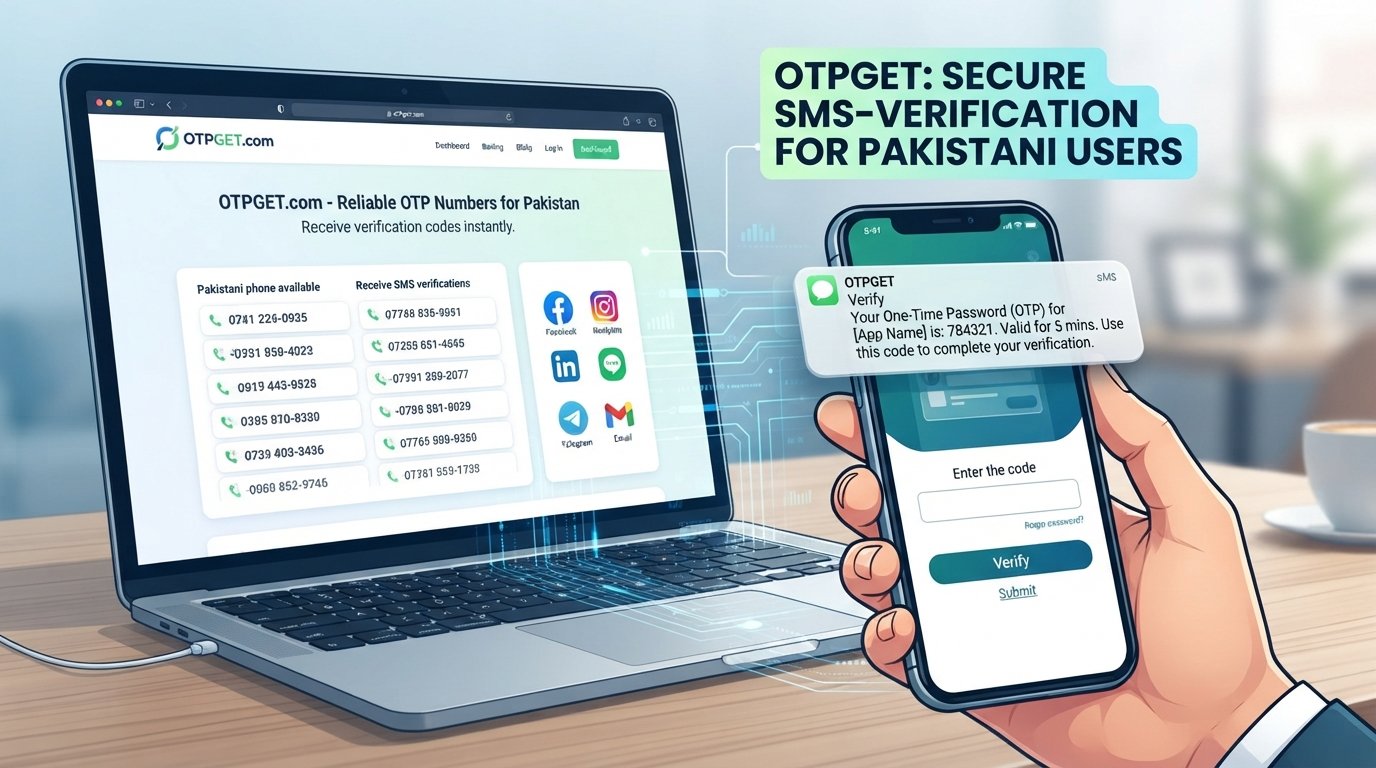
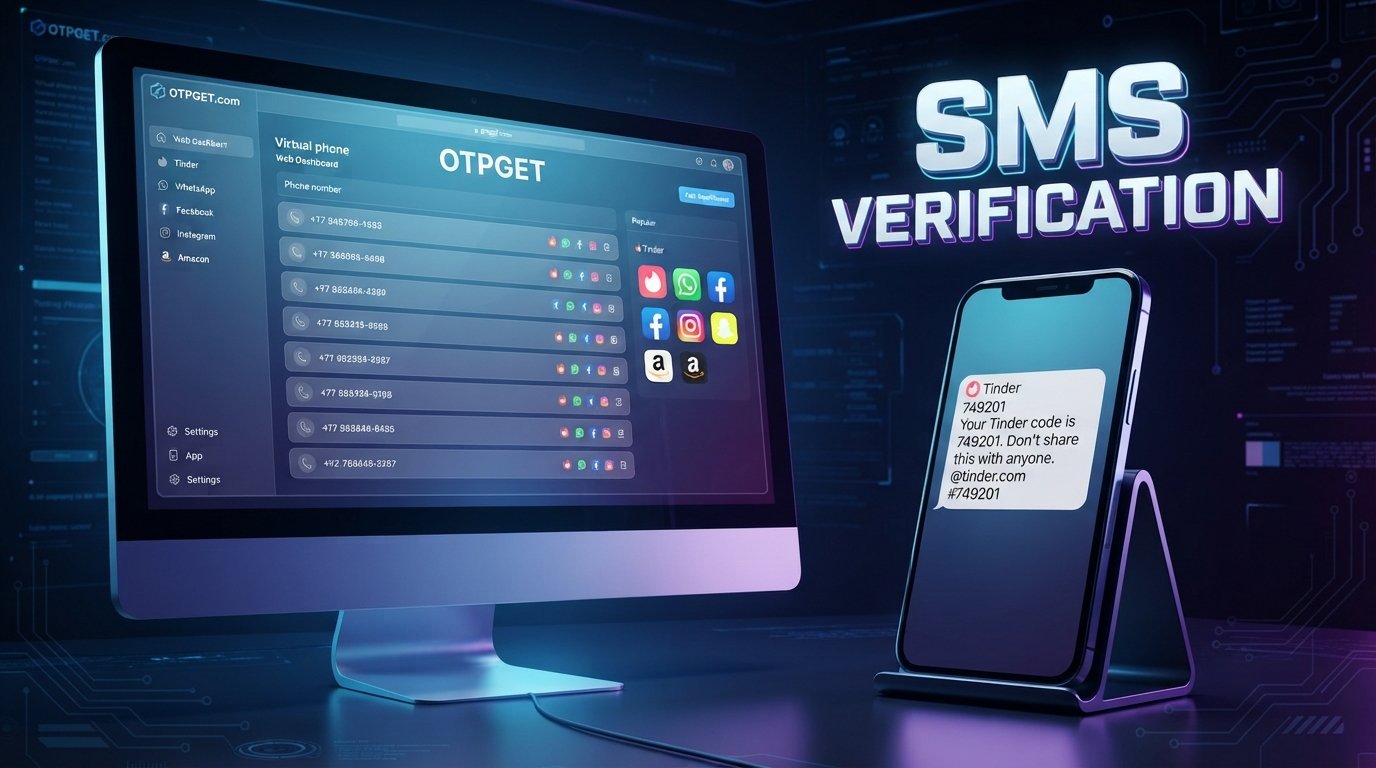
This guide explains the most common reasons for Tinder OTP not received issues, what you can try before contacting support, and when an OTP receiving service such as OTPGET may be relevant to a legitimate SMS verification workflow. OTPGET describes its service as providing temporary and rental phone numbers for online verification and account registration, while also noting that users are responsible for using the service appropriately.
Why Is Tinder Verification Not Working?
Tinder verification is designed to confirm access to the phone number being used. When the process works normally, you request a code, receive an SMS, and enter the code into the app.
When one of those steps fails, you may see a Tinder verification error or simply remain stuck waiting for the message.
Common causes include:
- An incorrectly entered phone number
- The wrong country or region code
- Weak mobile signal
- Delayed SMS delivery
- Carrier-level filtering of automated messages
- SMS filtering or blocking on the phone
- Too many verification requests in a short period
- A temporary app or service issue
- An expired or incorrectly entered OTP
- Problems receiving automated SMS messages
That is why a Tinder verification code not received message should not immediately be treated as an account problem. First, determine whether the issue is with the number, device, SMS delivery, or the verification process itself.
Common Tinder Verification Problems
Tinder Verification Code Not Received
One of the most common complaints is simple: the verification code never arrives.
There can be a delay between a service generating an SMS and your phone receiving it. Mobile network conditions, carrier filtering, overloaded messaging systems, or device settings can all play a role.
Before requesting another code, check that your phone has a usable mobile connection and that you entered the number correctly.
Also check whether your phone automatically filters unknown, spam, or suspected automated messages. Some devices and carrier services have messaging protections that can affect how certain SMS messages appear.
Tinder OTP Not Working
Sometimes the Tinder OTP arrives but does not work.
An OTP is generally time-sensitive. If it has expired, was entered incorrectly, or you requested several codes and accidentally entered an older one, verification may fail.
If you have requested multiple codes, use the most recent valid code and avoid repeatedly switching between messages. Enter the digits carefully rather than copying a code with extra spaces or characters.
Tinder SMS Verification Issues
Tinder SMS verification depends on more than the app itself. Your mobile carrier and phone also influence whether an automated message reaches you.
Potential issues include:
- Poor cellular reception
- Temporary carrier problems
- SMS filtering
- Blocked messages
- SIM or network configuration issues
- Delayed automated SMS delivery
This is why a Tinder confirmation code not received situation can sometimes be an SMS delivery problem rather than a Tinder account problem.
Incorrect or Unsupported Phone Number
A surprisingly simple mistake can stop phone verification completely.
Check the entire number before requesting another code. Make sure the selected country or region matches the phone number and that there are no missing or extra digits.
If you recently changed numbers, moved between countries, or are using a number that does not reliably receive automated messages, that can also complicate verification.
Too Many Verification Attempts
Repeatedly requesting an OTP may make troubleshooting harder.
For example, if you request several codes in succession, an earlier message may arrive after a newer one. You can then end up entering a code that is no longer the active one.
Instead of continuously tapping “send code again,” wait briefly and see whether the latest request arrives.
How to Fix Tinder Verification Problems
If your Tinder phone verification is stuck, work through this checklist in order.
1. Check the phone number carefully
Confirm every digit and make sure you selected the correct country or region.
2. Confirm the country code
An incorrect country code can prevent the SMS from reaching the intended number.
3. Check your mobile signal
Make sure your phone has a stable cellular connection. If reception is poor, move to an area with stronger signal and try again.
4. Wait before requesting another code
SMS delivery is not always instantaneous. Give the message some time before starting another request.
5. Avoid repeated OTP requests
Multiple requests can create confusion when several codes arrive at different times. Use the newest valid code when appropriate.
6. Check SMS filtering
Look through spam, blocked, filtered, or unknown-sender message folders. Also check whether your phone has any settings that could interfere with automated SMS.
7. Restart your device
A simple restart can sometimes resolve temporary connectivity or messaging problems.
8. Restart or update the app
If the verification screen appears to be stuck, close and reopen the app. If an update is available through your normal app store, installing it may also be worthwhile.
9. Try again later
If everything appears correct but verification still fails, there may be a temporary technical or delivery problem. Waiting and trying again later can be more effective than repeatedly requesting codes.
10. Contact Tinder support
If the problem continues, especially when it appears to be account-specific, contact Tinder through its official support channels. An OTP service cannot resolve account restrictions, security checks, or platform-side errors.
What to Do When Tinder OTP Is Not Received
It helps to separate three different stages of verification:
1. OTP generation: The service creates a verification code.
2. OTP delivery: The code is sent through an SMS channel to the selected phone number.
3. OTP entry: You receive the message and enter the valid code successfully.
A failure at any stage can look like “OTP not received” from the user's perspective.
For example, if a code was generated but the SMS was delayed by the carrier, repeatedly changing settings inside the app may not solve the underlying issue. Likewise, if the SMS arrives but the code is expired, the problem is different from a delivery failure.
Understanding this distinction makes troubleshooting much easier.
Can an OTP Service Help With Verification Problems?
If your specific difficulty is receiving an SMS verification code, an OTP receiving service may be useful in appropriate legitimate situations.
This is where OTPGET can be considered as one possible option. OTPGET provides virtual and temporary phone numbers intended for online verification and account registration, with SMS OTP receiving functionality described on its official site.
The important limitation is that an OTP service only addresses the receiving side when the service and number are supported. It does not guarantee that a particular platform will accept a virtual number, nor does it solve account restrictions, security checks, bans, or other platform-level issues.
For that reason, think of OTPGET as an option for an SMS receiving problem—not as a way to bypass Tinder's verification or security processes.
Why Consider OTPGET for OTP Verification?
For legitimate verification workflows where an appropriate virtual number is accepted, OTPGET can provide an alternative to relying exclusively on a personal SIM card.
Its official documentation describes an SMS OTP service through which users can obtain a number and check for an incoming verification message.
Potentially useful aspects include:
- A convenient way to receive supported SMS verification codes
- A separate number for appropriate verification workflows
- A straightforward OTP receiving process
- An option when receiving automated SMS on a personal number is difficult
- Support for verification workflows where the relevant service accepts the selected number
However, availability and acceptance can vary by platform, number, country, and service. OTPGET itself states that it provides numbers and message-receiving services and is not responsible for failures caused by application bugs, platform restrictions, device verification issues, or similar problems.
That distinction matters. A credible OTP solution should complement normal troubleshooting, not be presented as a shortcut around platform security.
Tinder Verification Problems vs. OTP Delivery Problems
Not every verification failure has the same cause.
Tinder-related problem:
The app may display an account-specific error, security check, or other platform-side issue.
Device problem:
Your phone may be filtering messages, have connectivity problems, or experience a temporary software issue.
Carrier problem:
Your mobile provider may delay or filter automated SMS messages.
SMS delivery problem:
The verification code may be generated but fail to reach the intended number.
OTP entry problem:
The message arrives, but the code is expired, incorrect, or no longer the active code.
An OTP service such as OTPGET may be relevant to the fourth category, and potentially to situations where receiving an SMS on an appropriate virtual number is a legitimate option. It cannot fix every Tinder verification issue.
This is one of the most important points to remember: receiving an OTP and successfully completing account verification are separate steps.
Quick Checklist for Fixing Tinder Verification Issues
When a verification code is not arriving, run through this list:
- ✓ Check the phone number
- ✓ Confirm the country or region code
- ✓ Check your mobile signal
- ✓ Make sure SMS messages are not being filtered
- ✓ Avoid requesting multiple codes repeatedly
- ✓ Wait briefly for delayed messages
- ✓ Restart the phone if appropriate
- ✓ Restart or update the Tinder app
- ✓ Consider a suitable OTP receiving option when appropriate
- ✓ Contact Tinder support if the issue continues
This simple process can help identify whether you are dealing with a phone verification problem, an SMS delivery problem, or an account-specific issue.
When You Should Contact Tinder Support
An OTP receiving service should not replace official Tinder support when the problem is clearly related to the account itself.
Contact Tinder support when you are dealing with issues such as:
- Persistent verification failures
- Login problems that continue after basic troubleshooting
- Account restrictions
- Security checks
- Account-specific verification errors
- Problems that occur even when SMS delivery appears to be working
If a Tinder verification failed message continues to appear despite receiving and entering valid codes, the underlying problem may be beyond SMS delivery.
In those situations, only the platform's own support process can address the account-related issue.
Final Thoughts
Tinder verification problems can happen for several reasons, and the fastest solution depends on identifying where the verification process is failing.
If the Tinder verification code is not received, start with the basics: check your number, country code, mobile signal, SMS filtering, and recent verification attempts. If the code arrives but does not work, consider whether it has expired or whether a newer OTP has replaced it.
When the specific problem is receiving an SMS verification code, an OTP receiving service such as OTPGET may be worth considering where the relevant platform supports the number and the use is legitimate. OTPGET can help address the SMS-receiving side of a verification workflow, but it does not replace Tinder's security checks, account support, or platform policies.
If you are still dealing with repeated verification code not received errors, start by identifying whether the problem is with Tinder, your device, your carrier, or SMS delivery. That simple distinction can save a lot of unnecessary trial and error.
Interested in exploring an OTP receiving option? Learn more about OTPGET and review whether its available OTP and SMS receiving services fit your legitimate verification needs. Explore OTPGET