Common SMS Verification Problems: Causes and Practical Solutions
Common SMS Verification Problems and Solutions
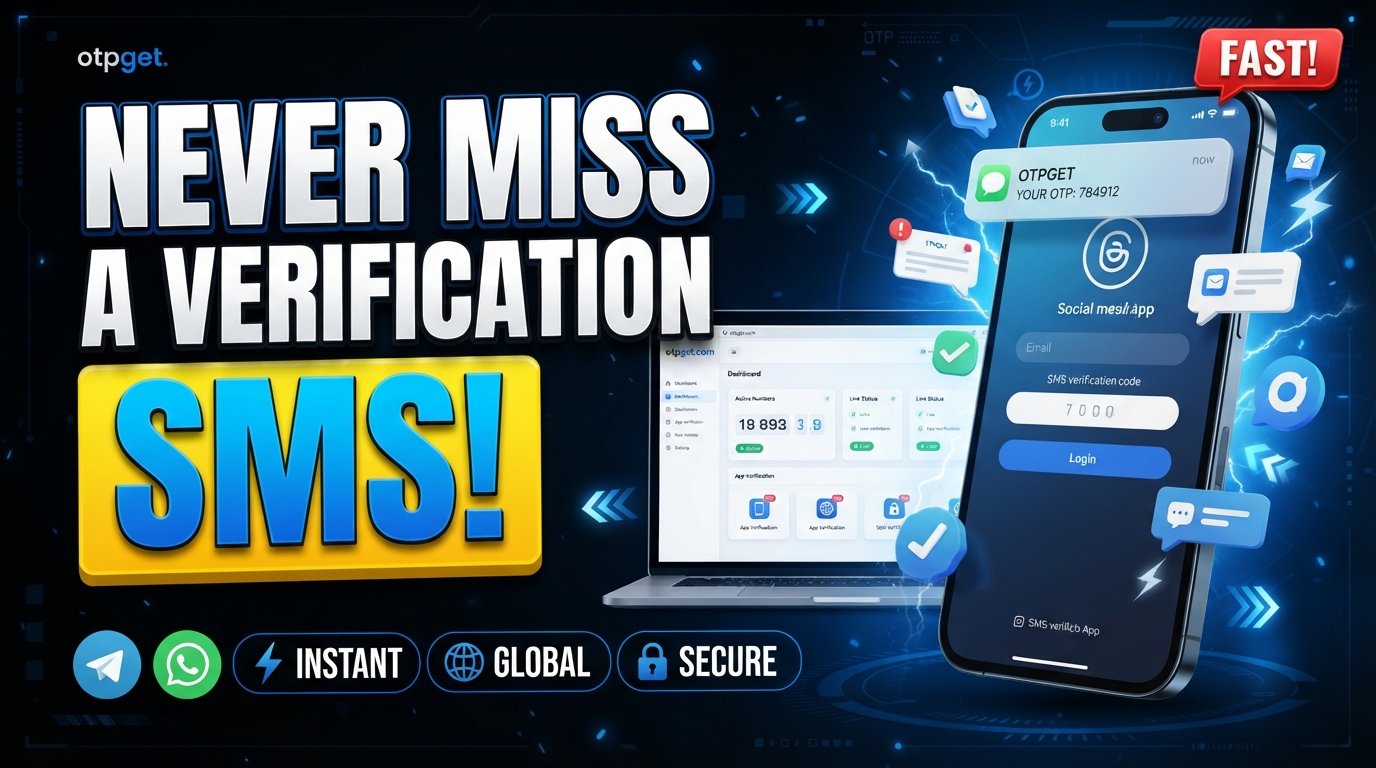
SMS verification is a familiar part of signing up, logging in, confirming transactions, and protecting online accounts. A short verification code can add an important layer of security, but only when the code reaches the user at the right time and the verification process works as expected.
That is where SMS verification problems can become frustrating. Users may wait for an OTP that never arrives, receive several codes at once, enter a code that has already expired, or see an “invalid code” message even though they entered the number correctly.
For businesses, these issues can affect more than convenience. A difficult verification process can interrupt registration, increase support requests, and cause users to abandon an otherwise successful journey.
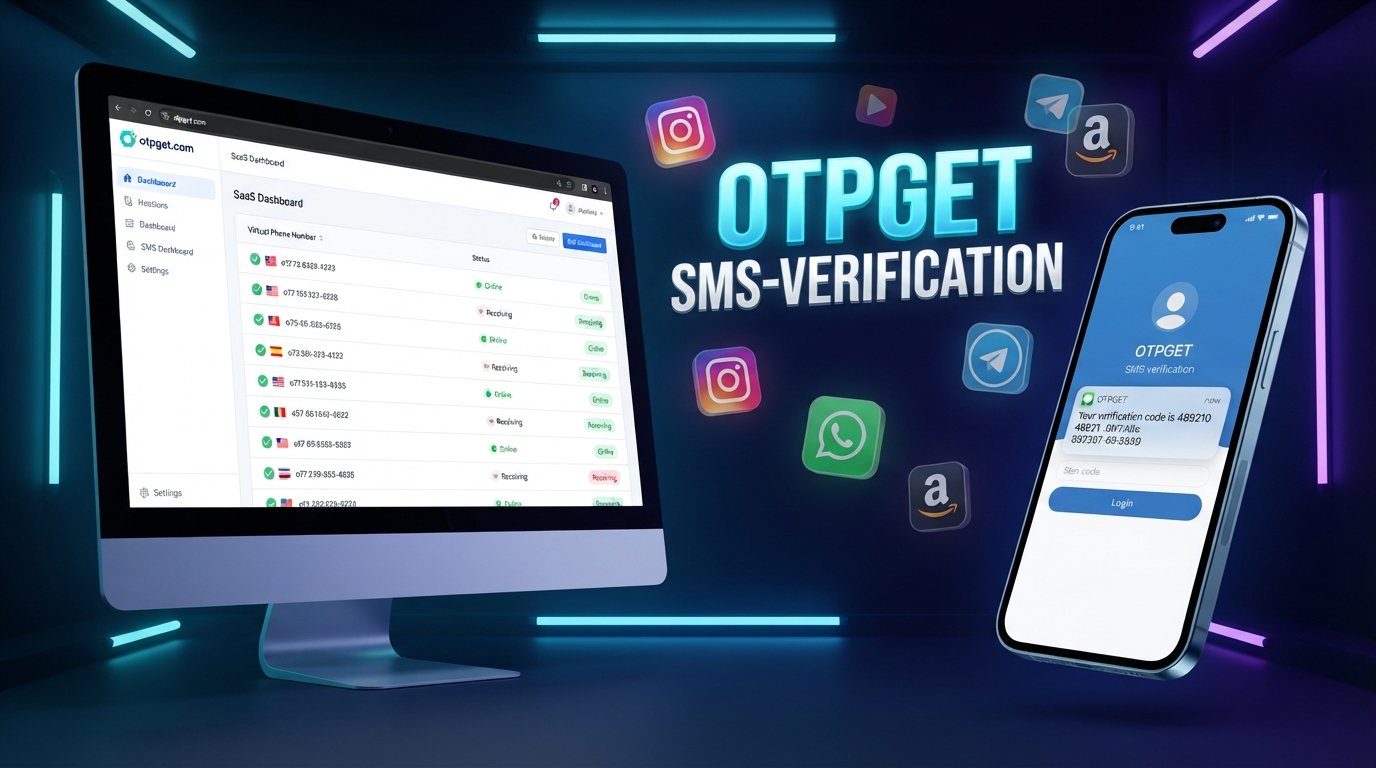
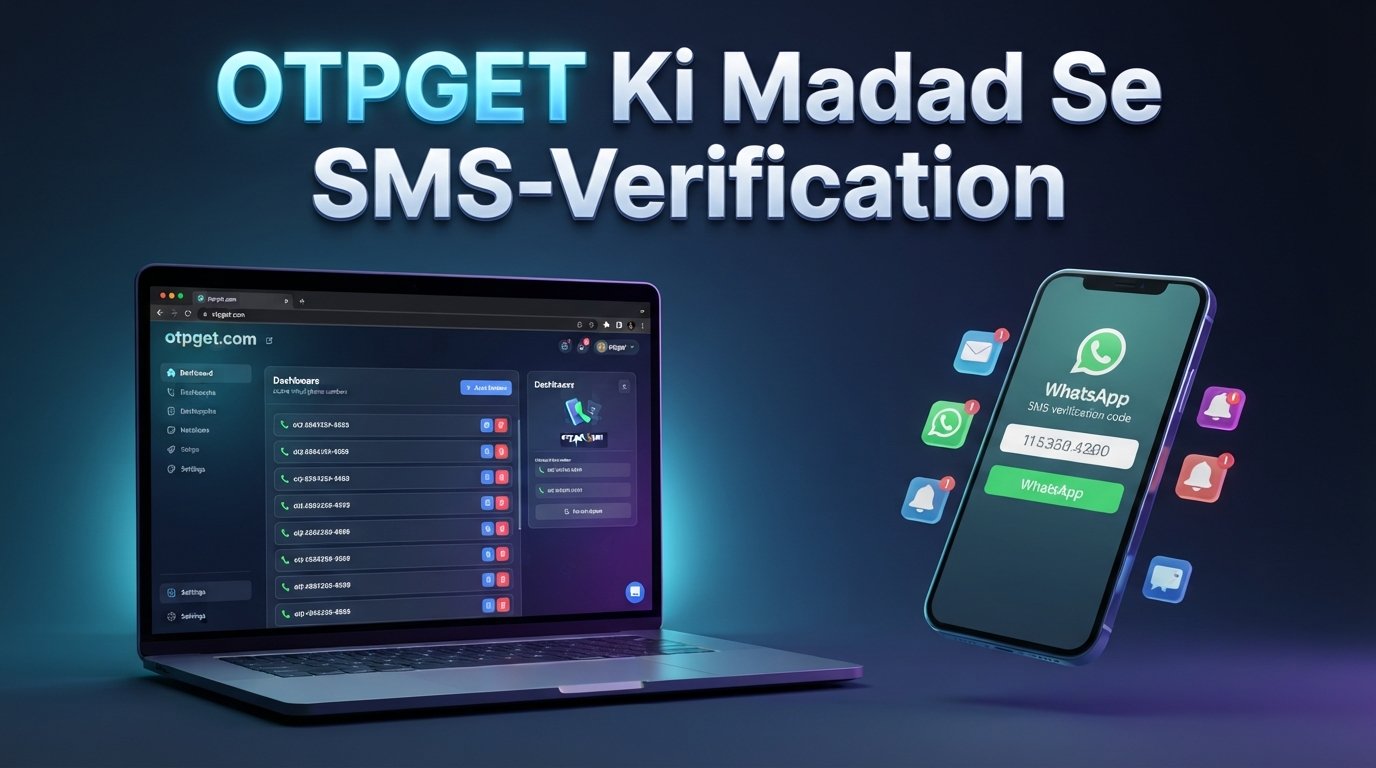
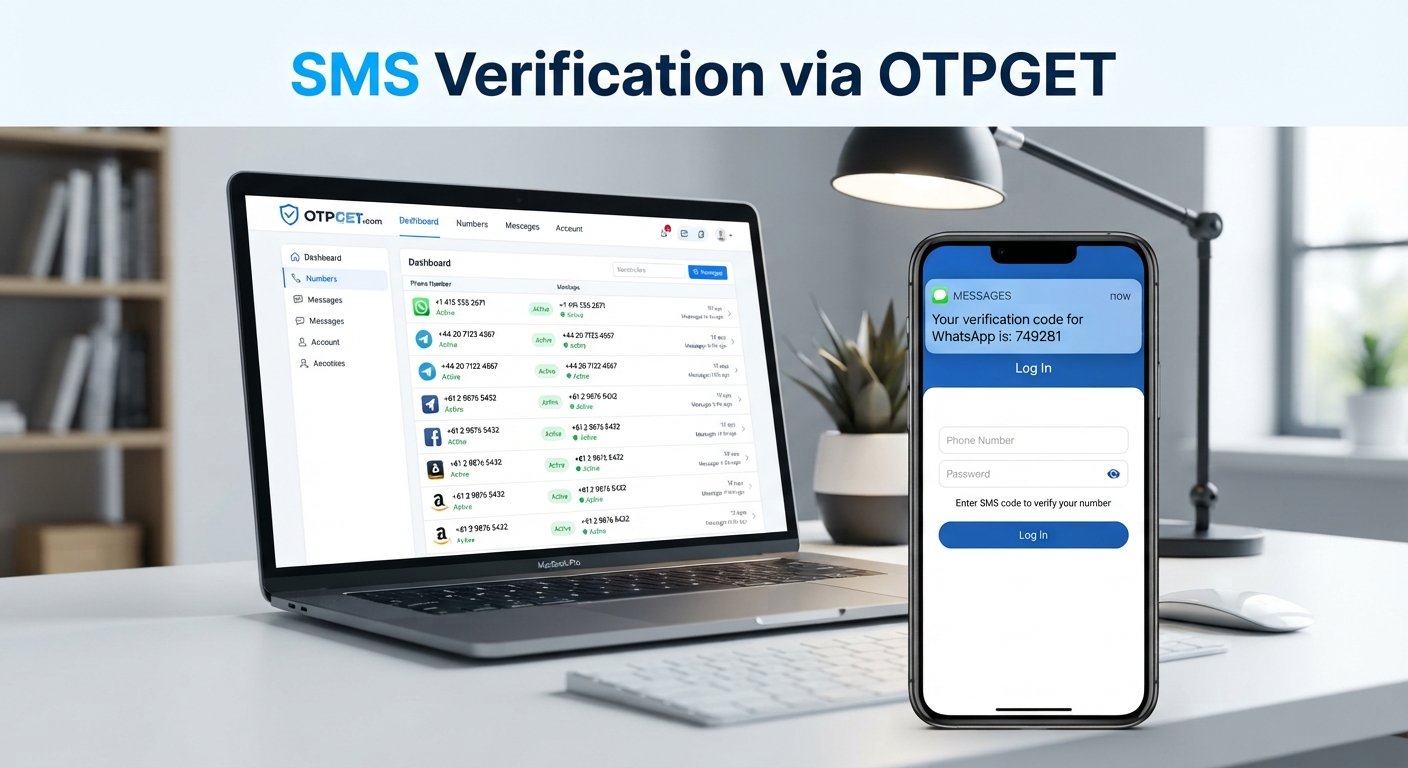
Understanding the causes behind SMS verification issues is the first step toward fixing them. Businesses can also use dedicated verification infrastructure and services such as OTPGET where receiving and managing verification SMS through virtual numbers is part of their workflow.
What Is SMS Verification?
SMS verification is a method of confirming that a person has access to a particular mobile number.
The process generally works like this:
- A user enters a phone number.
- The system generates a one-time password, or OTP.
- The verification code is sent by SMS.
- The user enters the OTP.
- The system checks whether the code is valid.
- The account, login, transaction, or requested action is confirmed.
An OTP is designed to be temporary and usable for a specific verification attempt. This makes it useful for mobile number verification, account verification, SMS authentication, and some forms of two-factor authentication.
For businesses, the goal is simple: make phone number verification secure without making the user experience unnecessarily difficult.
Common SMS Verification Problems
OTP Not Received
“OTP not received” is one of the most common verification complaints.
There are several possible causes. The phone number may have been entered incorrectly, the message may have experienced a delivery delay, the receiving network may have temporary issues, or the sending system may have encountered an error.
Businesses should avoid assuming that every missing OTP is caused by the user's device. Checking delivery status and system logs can help determine whether the problem occurred before, during, or after SMS submission.
Verification Code Arrives Late
A delayed OTP can be almost as frustrating as an OTP that never arrives.
If a verification code takes too long to reach the user, the code may expire before it can be entered. This creates a cycle where the user requests another code, receives multiple messages, and becomes unsure which OTP is valid.
Clear resend behavior and sensible expiration rules can reduce this confusion.
Invalid or Expired OTP
An OTP may be rejected because it has expired or because the user entered an older code.
This commonly happens when someone requests several verification codes in quick succession. Depending on how the system is designed, only the newest code may remain valid.
Synchronization and verification logic can also cause problems. A good OTP workflow should make it clear which code the user should enter and what to do if the code is rejected.
SMS Delivery Failure
SMS delivery failure can prevent a user from completing registration, login, authentication, or another important action.
Delivery problems may occur because of network conditions, carrier restrictions, incorrect routing, unsupported destinations, or issues within the verification infrastructure.
Businesses should monitor delivery outcomes instead of treating every verification attempt as successful simply because an SMS request was submitted.
Too Many OTP Requests
Repeatedly pressing “Resend code” can create multiple OTP messages.
This can lead to:
- Several codes arriving close together
- Users entering an older code
- Additional delivery delays
- Confusing verification messages
- Unnecessary system activity
- Increased risk of abuse
A verification flow should communicate when another request can be made and explain which OTP is currently expected.
Incorrect Phone Number
A simple typo can make successful verification impossible.
Common mistakes include missing digits, incorrect country codes, transposed numbers, or entering a landline when a mobile number is required.
Phone number validation before sending an OTP can prevent many avoidable verification code issues.
Network or Carrier-Related Issues
SMS depends on telecommunications networks, so delivery can sometimes be affected by factors outside an application's immediate control.
Network congestion, roaming conditions, carrier policies, regional routing, and temporary service interruptions may all influence delivery.
For businesses serving users across different regions, testing and monitoring verification flows by destination can help identify recurring delivery issues.
Poor User Experience During Verification
Even when the underlying SMS system works, the verification experience can still fail users.
Long waiting periods, unclear instructions, hidden resend controls, vague error messages, and poorly designed mobile screens can all create unnecessary friction.
A user should quickly understand:
- Where to find the OTP
- How long the code remains valid
- When to request another code
- What to do if the SMS does not arrive
- What an error message means
Good UX is therefore part of reliable SMS verification, not an optional extra.
Why Do SMS Verification Problems Happen?
SMS verification problems usually come from a combination of technical, operational, and user-related factors.
Common causes include:
- SMS delivery infrastructure problems
- Carrier or network conditions
- Incorrect phone numbers
- Delayed verification messages
- Expired OTPs
- Multiple OTP requests
- Poor OTP validation logic
- Regional delivery challenges
- System configuration issues
- Inadequate error handling
- Limited delivery monitoring
- Unreliable verification infrastructure
The important point is that OTP failure is rarely caused by one factor alone. A strong verification process needs to account for the complete journey from phone number entry to successful code validation.
How to Solve Common SMS Verification Problems
Businesses can reduce verification failures by improving both their technical workflow and user experience.
1. Validate Phone Numbers Before Sending OTPs
Check formatting and country information before initiating verification. This prevents messages from being sent to obviously incorrect numbers.
2. Use Appropriate OTP Expiration Periods
OTP codes should remain valid long enough for normal delivery and entry, while still being temporary enough to support secure authentication.
3. Prevent Confusion When Multiple OTPs Are Requested
Define clear rules for multiple requests. For example, the interface can tell users that the newest verification code should be used.
4. Provide Clear Resend Functionality
Give users an obvious way to request another code without making them repeatedly reload the page or restart the verification process.
5. Display Useful Error Messages
Instead of showing only “Verification failed,” explain whether the code expired, was invalid, or could not be confirmed.
6. Monitor SMS Delivery Performance
Track delivery failures, delays, verification completion, and repeated resend attempts. These signals can reveal problems that are invisible from the user interface alone.
7. Use Reliable SMS and OTP Infrastructure
The underlying verification infrastructure matters. Businesses should choose solutions appropriate for their use case and monitor performance rather than relying on assumptions about delivery.
8. Design Verification Flows for Mobile Users
Keep the OTP entry process simple. Make the code easy to identify and avoid unnecessary steps between receiving the SMS and completing verification.
9. Monitor Failed and Delayed Verification Attempts
Look for patterns by region, service, carrier, device, or time period. Repeated failures in one area may indicate an infrastructure or delivery issue that needs investigation.
10. Use a Dependable OTP Verification Service
For workflows that require managed access to verification SMS, a dedicated service can reduce operational complexity compared with manually handling numbers, messages, and verification status.
How OTPGET Can Help With SMS Verification
OTPGET can be useful when a verification workflow requires virtual phone numbers for receiving SMS verification codes.
Its documented SMS OTP API supports workflows for obtaining a phone number, checking the activation status, and retrieving a received verification code. The platform also provides virtual numbers and rental-number options for different verification use cases.
This can be relevant for businesses, developers, and teams working with account verification, application testing, phone-based workflows, or services that require a verification SMS to be received on a managed number.
For example, instead of manually managing individual numbers and checking messages, a technical workflow can use OTPGET's API to request a number and check whether an SMS verification code has been received. The documented API includes status responses for waiting and received codes.
It is important to distinguish this use case from an outbound customer OTP system. If a business needs to send its own authentication codes directly to its customers' personal mobile numbers, it may need an appropriate outbound SMS provider. OTPGET is particularly relevant where receiving verification SMS through virtual or managed numbers is part of the process.
That distinction makes OTPGET a practical option for specific SMS verification workflows without overstating what the service is designed to do.
OTPGET vs. Manual SMS Verification Processes
A manual or fragmented verification process may involve sourcing numbers separately, checking incoming messages manually, tracking verification status, and handling failed attempts without a centralized workflow.
A dedicated solution such as OTPGET can simplify relevant parts of that process.
| Area | Manual or fragmented process | Dedicated solution such as OTPGET |
|---|---|---|
| Verification workflow | Multiple manual steps | More structured workflow |
| Delivery management | Manual checking may be required | API-based status checking is available |
| User or operator experience | Can become repetitive | Designed around a defined verification flow |
| Error handling | Often handled case by case | Status information can support workflow logic |
| Scalability | More operational work as volume grows | Automation can reduce repetitive tasks |
| Developer implementation | May require separate systems | API documentation can support integration |
| Monitoring | May rely on manual records | Programmatic status checks can provide clearer signals |
The right approach depends on the use case. A dedicated verification service is most valuable when repeated verification activity makes manual handling inefficient or difficult to maintain.
Best Practices for Reliable SMS Verification
Use this checklist when designing or improving an SMS verification workflow:
- Keep OTP messages concise and easy to understand.
- Make the verification code visually easy to identify.
- Set reasonable OTP expiration times.
- Avoid unnecessary duplicate OTP requests.
- Provide a clear resend option.
- Validate phone numbers before sending codes.
- Monitor SMS delivery failures and delays.
- Track verification completion rates.
- Explain errors in plain language.
- Protect OTP workflows against abuse and excessive requests.
- Use verification infrastructure suited to your specific requirements.
- Keep the mobile verification experience simple.
- Consider OTPGET when your workflow requires managed virtual numbers or programmatic access to received verification SMS.
The goal is not simply to send more messages. It is to create a verification process where users and systems can reliably understand what happened at every step.
Frequently Asked Questions About SMS Verification
Why am I not receiving my SMS verification code?
The number may be incorrect, the SMS may be delayed, or there may be a network, carrier, routing, or system-side delivery problem. Check the number first, wait briefly, and use the resend option when available.
Why is my OTP arriving late?
OTP delivery depends on several parts of the SMS delivery chain. Network conditions, carrier routing, regional delivery issues, and system delays can all contribute to a verification code delay.
Why does my OTP say invalid?
You may have entered an older code, entered the number incorrectly, or the verification session may no longer match the code. If multiple OTPs were requested, try the newest code.
Why does my verification code expire?
OTP codes are intentionally temporary. If the code is not entered within the configured validity period, it must be replaced with a new verification code.
How can businesses reduce SMS verification failures?
Validate phone numbers, use sensible expiration periods, manage repeated requests carefully, provide clear errors, monitor delivery performance, and use dependable verification infrastructure.
What is an OTP verification service?
An OTP verification service provides infrastructure or tools for verification workflows involving one-time passwords. Depending on the service, this can include sending OTPs, receiving verification SMS, managing numbers, or integrating verification functionality through an API.
How does SMS verification work?
A system generates a one-time password, sends it to a phone number through SMS, and checks the code entered by the user. If the code is valid and within its permitted lifetime, the requested action can be confirmed.
Can OTPGET help with SMS and OTP verification?
Yes, OTPGET can be relevant to workflows that require virtual phone numbers for receiving SMS OTPs. Its documented API supports requesting numbers and checking the status of incoming verification codes.
Final Thoughts
SMS verification problems can come from something as simple as an incorrect phone number or as complex as delivery, carrier, routing, and system configuration issues.
The most effective approach is to improve the entire verification workflow: validate numbers, manage OTP lifetimes carefully, prevent confusion around multiple codes, provide clear errors, monitor delivery performance, and choose infrastructure that fits the intended use case.
For workflows that depend on receiving verification SMS through virtual or managed phone numbers, OTPGET offers a practical option with API-based SMS OTP functionality and documented tools for checking received verification codes.
A reliable verification process should make the next step obvious for both the user and the system. By combining thoughtful UX with appropriate OTP infrastructure, businesses can make phone verification easier to manage and less frustrating for everyone involved.