WhatsApp Number Verification: How to Verify Your Number Safely
WhatsApp Number Verification: How to Verify Your Number Safely
Verifying a phone number is one of the first steps when setting up or re-registering a WhatsApp account. The process is designed to confirm that you have access to the number you're trying to use. Usually, WhatsApp sends a registration code through SMS or another available verification method, which you then enter to complete the process.
For most people, WhatsApp number verification takes only a few steps. The problem starts when the WhatsApp OTP doesn't arrive, the number is entered incorrectly, or SMS and network issues interfere with delivery.
If you've already checked the basics and still need an alternative number for a legitimate verification purpose, an OTP receiving service such as OTPGET may be worth considering where its available options are appropriate for your situation. The key is to understand how verification works first, then choose a secure and legitimate way to receive the required code.
What Is WhatsApp Number Verification?
WhatsApp number verification is the process used to confirm that you have access to the phone number you want to register.
During registration, WhatsApp asks for your phone number and sends a unique registration code. Depending on the circumstances and available options, verification may involve SMS or a phone call. WhatsApp states that users must be able to receive the registration code on the number being registered.
In simple terms, the process works like this:
Phone number → Verification request → OTP/registration code → Code entered → Number verified
The code is important because it helps confirm access to the phone number. That's why you should never share a WhatsApp verification code with another person. WhatsApp specifically advises users not to share their six-digit registration code or account security credentials.
How to Verify Your Number on WhatsApp
If you're setting up WhatsApp or registering your number on a device, the general process is straightforward.
- Open WhatsApp on your supported device.
- Enter your phone number when prompted.
- Select the correct country and make sure the number is entered in the appropriate international format.
- Request the verification code through the option presented by WhatsApp.
- Receive the WhatsApp OTP by SMS or another available verification method.
- Enter the registration code into WhatsApp to complete verification.
WhatsApp's official guidance says that the number must be one you own and that you need to be able to receive SMS or calls on it. It also recommends entering the number in full international format.
Depending on your account and situation, WhatsApp may also present alternative verification methods. For example, phone-call verification can be available during registration.
A Simple Example
Suppose you enter your mobile number but accidentally select the wrong country code. The verification code may not reach the intended destination.
Before requesting another WhatsApp verification code, carefully check both the country selection and the number itself. A small formatting error can prevent successful delivery.
Why You May Not Receive the WhatsApp Verification Code
A missing WhatsApp OTP doesn't necessarily mean something is wrong with your account. Several ordinary technical or carrier-related issues can affect delivery.
Common causes include:
- Incorrect phone number: A single wrong digit can send the code somewhere else.
- Incorrect country code: International formatting matters during registration.
- Weak mobile connectivity: Poor network reception can interfere with SMS or calls.
- SMS delivery delays: Carrier or network conditions can delay messages.
- Carrier restrictions: Some mobile networks may restrict or delay certain messages.
- Temporary delivery problems: A short-lived service or network issue may prevent the code from arriving promptly.
- Too many verification attempts: Repeated requests or incorrect entries can lead to temporary waiting periods.
- SIM or device problems: Your phone may have difficulty receiving SMS or calls.
- Unsupported number types: WhatsApp's requirements can vary by number type; its guidance identifies certain numbers, including some VoIP and toll-free numbers, as unsupported for standard registration.
WhatsApp also advises users not to guess registration codes. If too many incorrect attempts are made, access can be temporarily restricted.
What to Do When WhatsApp OTP Is Not Received
If your WhatsApp OTP is not received, don't immediately keep requesting new codes. Start with the basics.
1. Check the Number
Confirm every digit of the phone number. Make sure you're registering the number you actually control.
2. Check the Country Code
Verify that the correct country has been selected and that the number is entered in the expected international format.
3. Check Your Connection
Make sure your phone has a working mobile connection and internet access. WhatsApp recommends checking your connection when registration isn't working correctly.
4. Confirm You Can Receive SMS
Ask someone you trust to send a normal SMS to your phone, or use another legitimate method to confirm that incoming messages are working.
5. Wait Before Trying Again
If WhatsApp displays a countdown or waiting period, let it finish before requesting another code. Repeated attempts can make the process more difficult rather than faster.
6. Check Available Verification Options
If WhatsApp presents an option for a phone call or another supported method, consider using the option shown within the official app. Availability can depend on the account, device, and registration situation.
7. Check Your Phone and Carrier
Restart your device and check whether calls and SMS work normally. If ordinary messages aren't arriving, the issue may be with your device, SIM, network, or carrier rather than WhatsApp itself.
How OTPGET Can Help With OTP Verification
When standard SMS delivery isn't convenient or you need an alternative number for a legitimate verification scenario, an OTP receiving service can be useful.
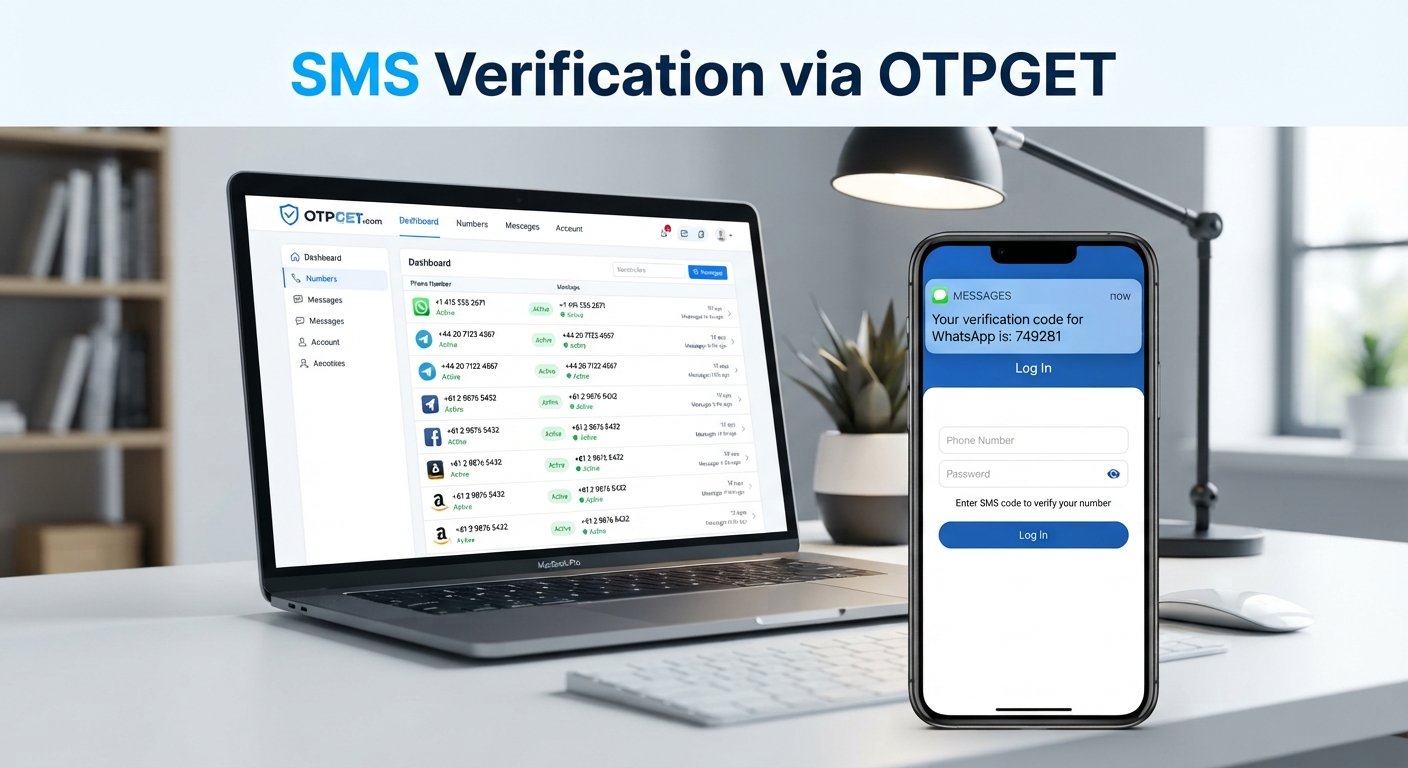
OTPGET is positioned as a service related to receiving verification OTPs. In practical terms, a service of this type can provide access to OTP-capable numbers where appropriate, giving users an alternative to relying exclusively on their personal phone number for certain verification needs.
The exact numbers, destinations, availability, and supported verification scenarios depend on what the service currently offers. Users should therefore check OTPGET's available options before starting a verification process rather than assuming that every number or service will work with every platform.
For someone researching how to receive WhatsApp OTP, the important distinction is this: OTPGET should be considered a potential number and OTP-receiving resource, not a method for bypassing WhatsApp's security or verification requirements.
WhatsApp still controls whether a particular number and verification attempt can be accepted. WhatsApp also states that users can only register a phone number they own and must be able to receive the relevant verification code.
Why Consider OTPGET for Number Verification?
There are situations where having access to an alternative verification number can be convenient. For example, a user may prefer not to use a personal number for a legitimate online verification scenario, provided the service and destination platform allow the number type.
Potential advantages of an OTP service include:
- Convenience: A dedicated verification number can make OTP management simpler.
- Alternative access: It may provide another option when using a personal number isn't appropriate.
- Simplified OTP management: A dedicated service can make it easier to organize verification-related messages.
- Useful for legitimate testing or verification needs: An alternative number can be appropriate for certain lawful and permitted use cases.
- Less dependence on a personal number: Users may prefer to keep personal contact details separate from selected online activities.
These are general benefits associated with OTP receiving services. They shouldn't be interpreted as guarantees that OTPGET will work with every platform or verification attempt.
If you're considering OTPGET specifically, review the service's available number options and applicable terms before relying on it for WhatsApp phone verification.
WhatsApp Verification Best Practices
Successful verification isn't only about receiving the code. Security matters just as much.
Keep these practices in mind:
- Use the correct phone number and country code.
- Make sure you can access the number before starting verification.
- Enter the OTP carefully.
- Avoid repeatedly requesting new codes.
- Don't guess verification codes.
- Never share a WhatsApp OTP with strangers, support impersonators, or anyone asking for the code.
- Use WhatsApp's own verification process rather than trying to bypass it.
- Use legitimate OTP and phone-number services for legitimate purposes.
- If a verification service's compatibility is unclear, check its available information before starting.
A verification code is sensitive authentication information. Someone who obtains a valid code may be able to interfere with an account-registration or login process, depending on the circumstances. WhatsApp explicitly warns users not to share their registration code.
OTPGET vs. Common OTP Verification Problems
The table below separates problems you can troubleshoot yourself from situations where an OTP receiving service such as OTPGET may be relevant.
| Problem | What You Can Check | How OTPGET May Help |
|---|---|---|
| Wrong phone number | Recheck every digit | An alternative number may be an option where appropriate |
| Wrong country code | Confirm the selected country and format | May provide access to another verification number, subject to availability |
| Poor SMS reception | Check signal, SIM, and carrier service | An alternative OTP-receiving option may be useful |
| SMS delivery delay | Wait and avoid repeated requests | May be relevant when a separate verification number is appropriate |
| Too many verification attempts | Wait for WhatsApp's displayed timer | An OTP service should not be treated as a way to bypass waiting or security controls |
| Personal number privacy concerns | Consider whether using your personal number is necessary | May offer an alternative number for legitimate verification scenarios |
| Unsupported number type | Check WhatsApp's number requirements | Verify whether any available OTPGET option is actually suitable before use |
The important point is that OTPGET isn't a universal fix for every WhatsApp registration problem. The service may be useful when the underlying need is access to an appropriate OTP-capable number, but WhatsApp's own verification requirements still apply.
Frequently Asked Questions
How do I verify my number on WhatsApp?
Open WhatsApp, enter your phone number with the correct country code, request the registration code, and enter the code you receive. WhatsApp may provide SMS or phone-call verification options depending on the situation.
Why am I not receiving my WhatsApp OTP?
Check your number, country code, mobile signal, SMS functionality, SIM, and carrier service. Also wait for any displayed verification timer before requesting another code.
How long should I wait for a WhatsApp verification code?
Delivery time can vary. If WhatsApp displays a countdown, wait until it finishes before trying again. Avoid repeatedly requesting codes during the waiting period.
Can I use another number for WhatsApp verification?
WhatsApp requires users to register a phone number they own and be able to receive the relevant verification code. Whether a particular alternative or virtual number is accepted depends on WhatsApp's requirements for that number type.
What is an OTP receiving service?
An OTP receiving service provides access to numbers or other mechanisms intended to receive one-time verification codes for appropriate use cases. The exact features and supported services vary by provider.
How can OTPGET help with OTP verification?
OTPGET can be considered when you need an OTP-receiving number for a legitimate verification scenario. Its suitability for a particular platform depends on the available number and the destination service's requirements, so users should verify compatibility before proceeding.
Is it safe to share a WhatsApp OTP?
No. Treat a WhatsApp verification code as sensitive authentication information. Don't give the code to another person, even if they claim to be from support. WhatsApp explicitly advises users not to share registration codes.
What should I do if my verification code does not arrive?
First, confirm your number and country code, check SMS and network connectivity, wait for any displayed timer, and use any verification option offered by WhatsApp. If you still need an alternative number for a legitimate purpose, you can also investigate an OTP receiving service such as OTPGET.
Final Thoughts
WhatsApp number verification is usually straightforward: enter the correct number, receive the registration code, and enter it into the app. When the WhatsApp verification code is not received, however, the problem may come from something as simple as a formatting mistake, poor connectivity, SMS delivery issues, carrier restrictions, or repeated verification attempts.
Start with the official troubleshooting steps and make sure you have access to the number you're trying to register. Protect every OTP you receive and never share it with someone else.
If you need an alternative OTP-receiving option for a legitimate verification purpose, OTPGET can be worth exploring. Just keep expectations realistic: an OTP service can help with access to verification numbers where appropriate, but it doesn't bypass WhatsApp's security requirements or guarantee that every number will be accepted.
For a convenient and responsible approach to online number verification, review OTPGET's available options and choose a method that fits your legitimate verification needs.
INTERNAL LINKING SUGGESTIONS
- WhatsApp OTP verification
- How to receive SMS online
- Virtual number verification
- OTP receiving services
- OTPGET verification guide
FINAL SEO CHECK
- Article length: within 1,200–1,800 words
- Primary keyword used naturally
- Secondary keywords used naturally
- OTPGET prominently featured
- SEO title is 60–65 characters
- Meta description is approximately 160 characters
- URL slug is SEO-friendly
- Meta tags are comma-separated
- Thumbnail prompt included
- No calendar year mentioned anywhere
- No keyword stuffing
- No unsupported claims
- FAQ included
- CTA included