What Is Verify Security Code in WhatsApp? Meaning and Safety
What Is “Verify Security Code” in WhatsApp?
If you have ever opened a WhatsApp conversation and wondered “what is verify security code in WhatsApp?”, the answer is simpler than it may first appear.
A WhatsApp security code is a visible representation of the security information associated with an end-to-end encrypted chat between you and another person. WhatsApp lets people compare this information when they want to verify that the chat's security information matches on both sides.
Seeing a security-code notification does not automatically mean something is wrong. The code can change for ordinary reasons, such as someone reinstalling WhatsApp, changing phones, or adding or removing a paired device.
Understanding the difference between a WhatsApp security code and a WhatsApp verification code or OTP is also important. They serve different purposes, even though both involve the broader idea of verification.
What Is “Verify Security Code” in WhatsApp?
The “Verify Security Code” feature helps users confirm the security information associated with an end-to-end encrypted one-to-one WhatsApp chat.
According to WhatsApp, each end-to-end encrypted chat between two people has its own security code. It can be displayed as a QR code or as a 60-digit number. These codes are visible representations of special security keys; they are not the secret keys themselves.
In simple terms, think of the security code as a way for two people to compare security information.
If the security information shown on your device matches the information shown on your contact's device, that provides a way to verify the security code associated with that chat.
This is part of WhatsApp's broader end-to-end encryption design. WhatsApp says its personal messages and calls are protected by end-to-end encryption by default.
However, verifying a security code should not be interpreted as a guarantee that every possible security or account-access risk has been eliminated. It is specifically about checking the security information associated with the encrypted chat.
What Does the WhatsApp Security Code Mean?
The WhatsApp security code represents security information for a particular encrypted conversation.
It has several important characteristics:
- It is specific to an individual chat.
- It can be displayed as a QR code or a long numeric code.
- It relates to end-to-end encryption.
- It can be compared with your contact's code for verification.
- It is not the secret encryption key itself.
When the codes match, you have confirmed that the security information being compared is consistent.
WhatsApp may also display a security notification when the security code for a contact changes. Users can choose whether to receive notifications about these changes.
That notification is useful because it tells you that something affecting the chat's security information has changed. It does not, by itself, tell you that someone has compromised an account.
Why Does WhatsApp Ask You to Verify the Security Code?
There are several legitimate reasons a WhatsApp security code may change.
WhatsApp specifically identifies situations such as:
- You or your contact reinstalling WhatsApp
- You or your contact changing phones
- Adding a paired device
- Removing a paired device
These events can affect the security information associated with an encrypted chat.
So, if you receive a message saying that the WhatsApp security code changed, there is no reason to assume immediately that the account was hacked.
Instead, consider the context.
For example, if your contact recently changed phones, reinstalled WhatsApp, or connected another device, a changed security code may be expected.
If the change seems unexpected and the conversation is sensitive, you can verify the code with the contact through a trusted communication channel. This gives you an opportunity to confirm that the security information you are comparing is genuinely theirs.
How to Verify a Security Code on WhatsApp
The exact appearance of WhatsApp's menus can vary by device and app version, but the general process is straightforward.
- Open the relevant WhatsApp chat.
- Open the contact information for that conversation.
- Look for the security or encryption information associated with the chat.
- View the security code, which may be available as a QR code or a long numeric code.
- Compare the code with your contact's code using a trusted method.
- Confirm the information matches if you are performing the verification.
WhatsApp explains that the security code can be found from the contact information screen and can be compared between participants in the chat.
Because app interfaces can change, focus on the security or encryption information associated with the specific conversation rather than relying on an exact button name.
What Happens If the WhatsApp Security Code Changes?
A changed security code simply means that the security information associated with the chat has changed.
Common causes include a device change, WhatsApp reinstallation, or changes to paired devices.
The important point is that a changed security code does not automatically mean your contact's account has been hacked.
If you recognize a legitimate reason for the change, such as a new phone, there may be nothing unusual to investigate.
If the change is unexpected, however, take a moment to confirm the situation. For sensitive conversations, contact the person through another trusted channel and ask whether they recently changed devices or reinstalled WhatsApp.
This is a practical way to avoid jumping to conclusions while still taking an unexpected security notification seriously.
Is the WhatsApp Security Code the Same as an OTP?
No. A WhatsApp security code and a one-time password (OTP) are different things.
A WhatsApp security code is associated with verifying security information for an encrypted chat.
An OTP, by contrast, is a temporary verification code commonly used to confirm access to a phone number, account, application, or online service.
WhatsApp itself distinguishes registration from other security mechanisms. During registration, WhatsApp uses a registration code to confirm that you control the phone number being registered.
So while both involve verification, their purposes are different:
Security code: helps verify security information for an encrypted chat.
OTP: helps verify a user's access, identity, or control of a particular account or communication channel.
Keeping these concepts separate makes WhatsApp security notifications much easier to understand.
What Is OTP Verification?
OTP verification uses a one-time password to confirm that a user has access to a particular phone number, email account, or other verification channel.
For example, a service may send a temporary numeric code when someone:
- Creates an account
- Signs in
- Confirms a phone number
- Recovers an account
- Completes another verification step
The code is intended for a specific verification event rather than permanent use.
A WhatsApp verification code used during account registration is an example of this broader OTP-style verification concept. WhatsApp says its registration process requires a code sent to the phone number through an available verification method.
Because OTPs can be used to authenticate access, they should be treated as sensitive information. A legitimate service should not require you to disclose your private verification code to an unrelated person.
How OTPGET Can Help With OTP and Verification-Code Needs
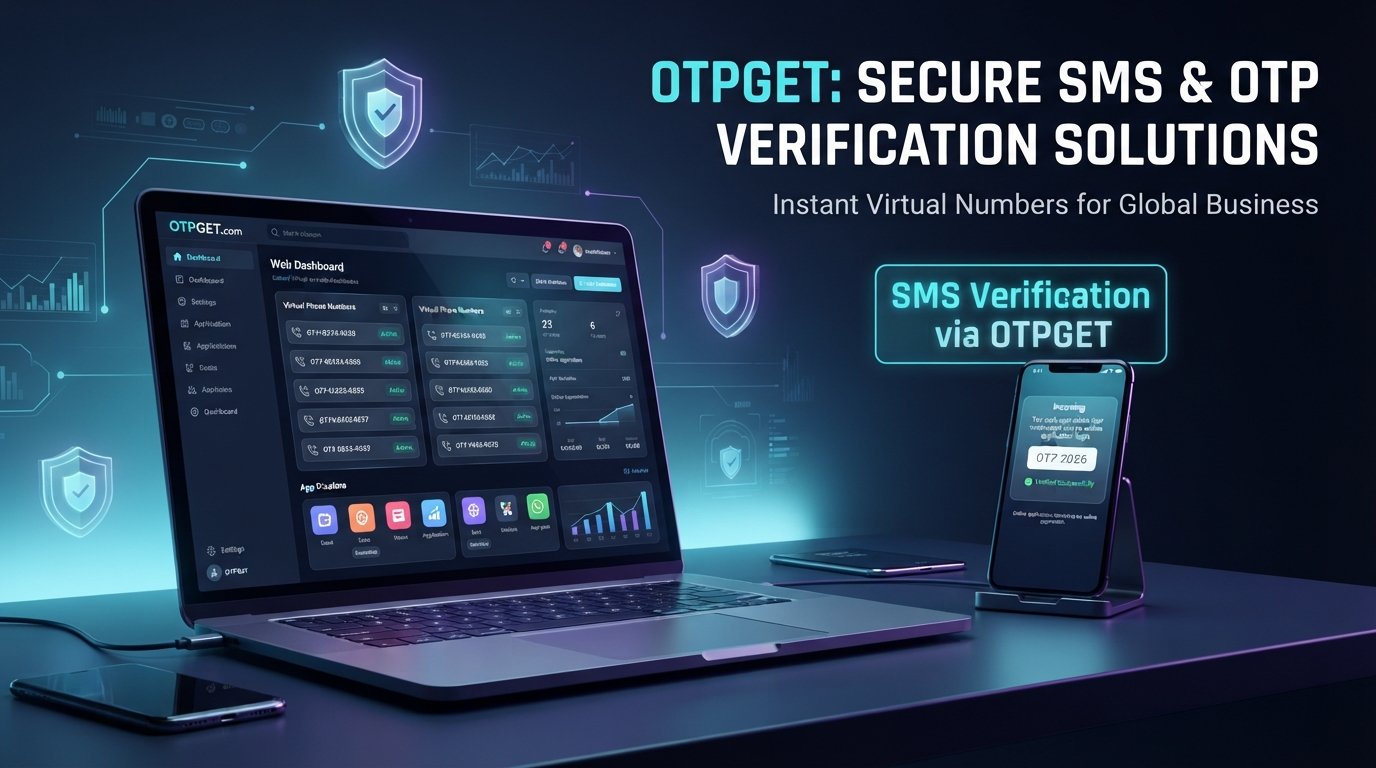
For people or businesses working with legitimate OTP and verification workflows, OTPGET provides tools centered on virtual numbers and verification codes.
According to its published documentation, OTPGET provides APIs for obtaining numbers for SMS OTP verification, checking received SMS verification codes, and working with rental numbers. Its documentation also describes email OTP functionality.
That makes OTPGET relevant when the task is legitimate OTP handling, such as building or managing workflows that require a verification channel.
It is important to keep the distinction clear: OTPGET does not replace WhatsApp's security-code verification process. A WhatsApp security code is part of the security architecture of an encrypted chat, while an OTP is a separate form of verification.
If you are looking for a practical OTP service for supported verification workflows, you can explore OTPGET's official documentation to understand its available APIs and supported functionality.
The right approach is to use OTP services only for legitimate purposes and according to the rules of the service being verified.
WhatsApp Security Code vs OTP: What's the Difference?
| Feature | WhatsApp Security Code | OTP |
|---|---|---|
| Main purpose | Security verification | Identity or account verification |
| Typical use | Confirm security information for a chat | Confirm access or ownership |
| One-time password? | No | Yes |
| Related to encryption verification? | Yes | Not necessarily |
| Example | Comparing a chat's security code | Entering a temporary code received during sign-in |
The simplest way to remember the distinction is this: a WhatsApp security code helps you verify the security information of a conversation, while an OTP helps verify access or identity during a particular authentication event.
Tips to Keep Your WhatsApp Account Secure
Understanding security codes is useful, but account security involves more than checking a code.
Follow these practical habits:
- Never share your WhatsApp registration or verification code with another person. WhatsApp explicitly advises users not to share their registration code or additional authentication credentials.
- Enable available account-security features. WhatsApp provides additional protections such as two-step verification and passkeys, depending on account and device availability.
- Be cautious with unexpected requests for codes. Someone asking for a code sent to your phone may be attempting to gain access to an account.
- Review linked or trusted devices when appropriate. Unexpected devices deserve attention.
- Keep WhatsApp and your device software updated.
- Verify unusual requests through a trusted communication channel.
- Do not confuse security-code notifications with account takeover alerts. A changed security code can happen after normal device or installation changes.
- Use legitimate OTP services responsibly when a verification workflow genuinely requires one.
WhatsApp also provides multiple account-protection mechanisms, including app lock, passkeys, email-based recovery options, and additional authentication features.
Frequently Asked Questions
1. What is verify security code in WhatsApp?
Verify security code in WhatsApp refers to checking the security information associated with an end-to-end encrypted one-to-one chat. The code can be displayed as a QR code or a long numeric code and compared with the contact's code.
2. Why did my WhatsApp security code change?
A WhatsApp security code can change when you or your contact reinstalls WhatsApp, changes phones, or adds or removes a paired device.
3. Should I be worried if my WhatsApp security code changed?
Not necessarily. A changed code does not automatically indicate that an account has been hacked. If the change is unexpected, you can confirm the situation with your contact through a trusted channel and compare the security information again.
4. How do I verify a security code on WhatsApp?
Open the relevant chat, access the contact information, locate the security or encryption information, and compare the displayed security code with your contact's code through a trusted method. WhatsApp supports both QR-code and numeric-code comparison.
5. Is WhatsApp security code the same as an OTP?
No. A WhatsApp security code is connected to verifying security information for an encrypted chat. An OTP is a temporary code used for authentication or verification, such as confirming access to a phone number during registration.
6. What is a WhatsApp verification code?
A WhatsApp verification code is a registration code used to confirm that you control the phone number being registered. WhatsApp says users must be able to receive the registration code to activate the account.
7. Can OTPGET help with OTP verification?
OTPGET provides virtual-number and OTP-related services, including SMS OTP and email OTP functionality documented through its platform. It can therefore be relevant to legitimate verification-code workflows supported by its services. It does not replace WhatsApp's security-code verification process.
8. Is it safe to share a WhatsApp OTP?
You should not share your WhatsApp registration or verification code with strangers or other people who ask for it. WhatsApp specifically advises users never to share their registration code or authentication credentials.
Conclusion
The easiest way to understand what is verify security code in WhatsApp is to separate it from account-registration codes and OTPs.
A WhatsApp security code is connected to the security information of an end-to-end encrypted chat. It can be compared with your contact's code when you want to verify that information. A changed code can result from ordinary events such as reinstalling WhatsApp, changing phones, or modifying paired devices.
An OTP serves a different purpose: it is a temporary verification code used to confirm access or identity during an authentication process.
For legitimate OTP and verification-code workflows, OTPGET offers tools and APIs for supported SMS and email OTP use cases. Keeping these two forms of verification separate helps you understand WhatsApp security notifications without confusing them with ordinary OTP verification.