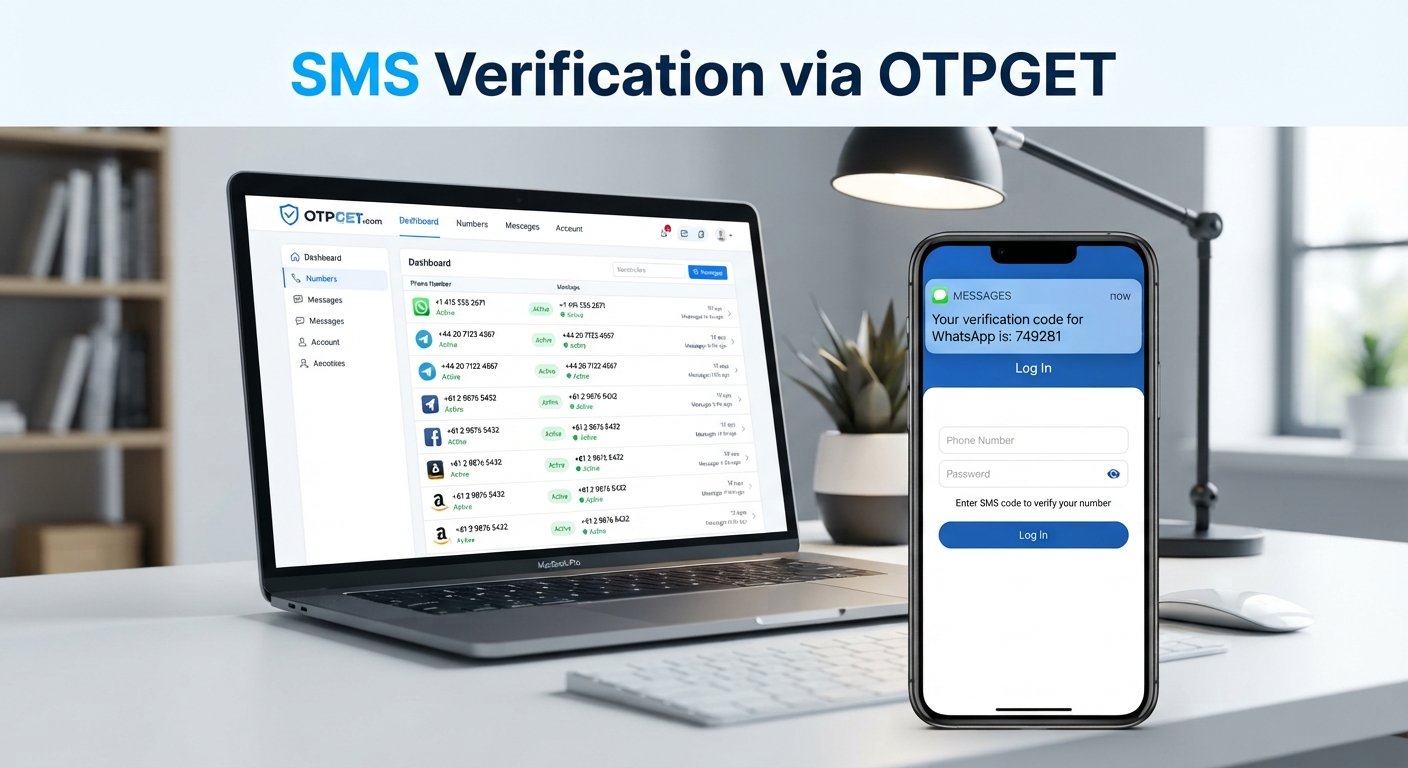
Top Ways to Verify a Phone Number Online with OTPGET Securely
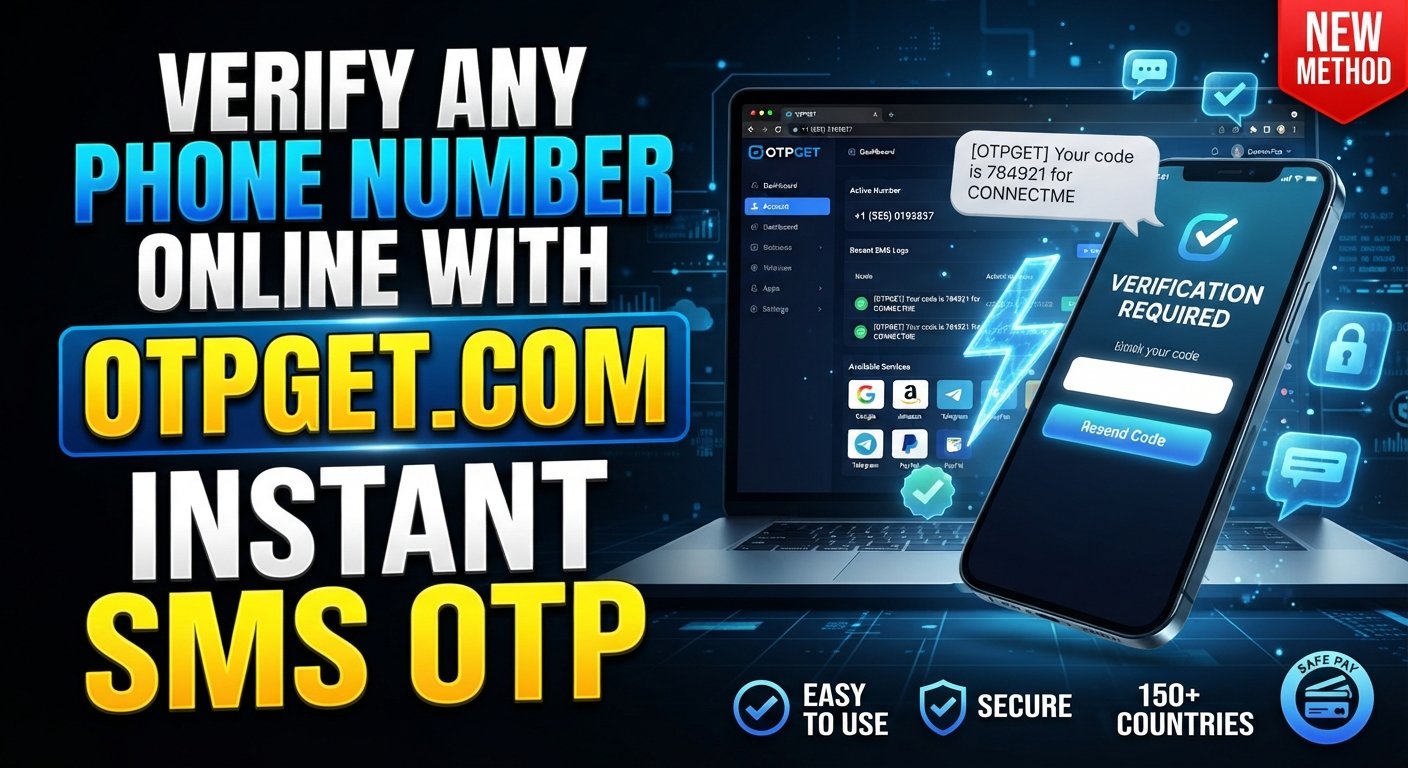
Top Ways to Verify a Phone Number Online with OTPGET Securely
Phone verification has become a routine step when creating an account, signing up for an online service, securing an existing account, or confirming that you can access a particular number. Usually, the process is simple: enter a phone number, receive a verification code, and submit that code to complete the check.
But what happens when you do not want to use your personal number, need an online number, or have trouble receiving an SMS? That is where different phone verification methods can become useful.
For users looking for a practical way to handle SMS-based verification, OTPGET provides virtual and rental phone numbers designed for online verification use cases, along with SMS OTP functionality.
Why Is Phone Number Verification Important?
Phone number verification is a process used to confirm that someone can access a specific phone number. A website or application typically sends a one-time password, or OTP, by SMS and asks the user to enter it.
This simple process can serve several purposes:
-
Confirming access to a phone number
-
Helping protect accounts during registration or login
-
Reducing fake or automated registrations
-
Supporting account recovery and security checks
-
Adding another verification step to an online workflow
SMS verification is popular because it is familiar to most users and does not normally require a separate authentication application.
However, phone verification is not foolproof. Delivery can be delayed, some number types may be unsupported, and individual services can impose their own restrictions. For that reason, choosing the appropriate verification method matters.
Top Ways to Verify a Phone Number
There is no single method that works for every situation. The right approach depends on whether you need a personal mobile number, a business number, an online number, or a service designed specifically for verification.
1. SMS OTP Verification
The most common approach is SMS OTP verification.
You enter a phone number into the service requesting verification. The service sends a one-time password by text message, and you enter that code into the verification field.
Advantages:
-
Familiar and straightforward
-
Usually easy for beginners
-
Works with ordinary mobile phones
-
Does not require a separate verification app
Limitations:
-
SMS delivery can sometimes be delayed
-
The number may need to support the relevant service
-
Some platforms restrict certain types of numbers
-
Repeated requests can trigger temporary restrictions
For someone using their own mobile number, this is often the simplest way to verify a phone number.
2. Mobile Carrier or Service-Based Verification
A second approach is to use a regular number provided by a mobile carrier. This could be your personal SIM, a business SIM, or another legitimately controlled mobile number.
This method can be useful when you expect to use the number beyond a single verification. A permanent number can also be preferable for account recovery or services that require continued access.
The main drawback is that obtaining another physical SIM or maintaining another mobile line can involve additional cost and administration.
3. A Dedicated Phone Verification Service
A phone verification service can be useful when you need an online number instead of a physical SIM.
These services may provide numbers that can receive SMS messages for supported verification workflows. Before choosing one, check whether the number type is accepted by the service you intend to use.
This is particularly relevant when you need to separate a verification workflow from your everyday personal number. However, no third-party number provider can guarantee acceptance by every website or application.
4. Online Verification with OTPGET
OTPGET is another option for users who need virtual or rental phone numbers for online verification. Its published service information describes virtual numbers for SMS OTP verification, rental numbers for longer-term use, and an SMS OTP API for developers.
The practical advantage is that the verification process can be handled through an online platform rather than requiring a physical SIM for every use case.
OTPGET can therefore be worth considering when you need to receive an SMS verification code through a virtual-number workflow. As with any third-party verification service, availability and acceptance can depend on the destination service, number, country, and verification requirements.
How Does OTP Verification Work?
An OTP, or one-time password, is a temporary verification code generated for a particular authentication or verification attempt.
A typical SMS OTP process looks like this:
-
Enter a phone number. The number is entered on the website or application requesting verification.
-
Request verification. The service sends an SMS message to the number.
-
Receive the verification code. The SMS contains a temporary OTP or verification code.
-
Enter the OTP. The user submits the code in the appropriate verification field.
-
The service checks the code. The platform compares the submitted code with the code it generated.
-
Verification is completed. If the code is valid and has not expired, the phone number can be confirmed.
The code is normally temporary, which is why it should not be shared with other people.
With an online phone verification service such as OTPGET, the number and received SMS can be handled through the service's applicable interface. OTPGET's documentation describes requesting a number and checking its activation status for incoming SMS.
OTPGET: A Simple Solution for Phone Number Verification
If you need an alternative to using your personal mobile number, OTPGET can provide a practical option to explore.
Its published information focuses on virtual numbers for OTP verification, rental numbers, and tools for receiving SMS verification codes. It also provides an SMS OTP API for developers who want to integrate number and OTP workflows programmatically.
For everyday users, the appeal is mainly convenience. Instead of obtaining a separate physical SIM for every verification requirement, you can use an online number where the relevant service permits it.
For developers, the API documentation provides programmatic methods for requesting numbers and checking SMS activation status.
It is important to keep expectations realistic. A virtual number is not automatically accepted by every website or application. Third-party platforms may restrict virtual, temporary, or certain regional numbers, and SMS delivery can vary.
OTPGET's own terms also require users to follow applicable rules and prohibit illegal, fraudulent, abusive, or harmful use of its services.
Explore OTPGET when you need a convenient way to handle phone number verification through an online number.
How to Verify a Phone Number Using OTPGET
The exact workflow can vary depending on the service being verified and the type of OTPGET number you use. In general, the process follows these steps:
Step 1: Choose the verification option
Determine whether you need a temporary virtual number or a rental number based on the legitimate purpose of your verification.
Step 2: Select an appropriate number
Choose an available number that matches the country and service requirements where applicable.
Step 3: Request the OTP
Enter the selected phone number into the service that requires phone verification and request its SMS verification code.
Step 4: Receive the verification code
If the number and destination service are compatible, the SMS verification message can be retrieved through the applicable OTPGET workflow. OTPGET documents methods for checking the status of an SMS activation and retrieving messages for rental numbers.
Step 5: Enter the OTP
Enter the received verification code into the original service's verification field.
Step 6: Complete verification
If the code is valid and the service accepts the number, the phone verification process can be completed.
Always follow the rules of the service you are verifying with. If a platform does not permit a particular type of virtual or temporary number, use an alternative verification method that it accepts.
What to Look for in a Phone Verification Service
Choosing a phone verification service should involve more than looking for the cheapest number. Consider these factors:
-
Reliability: Check whether the service provides a consistent way to access verification messages.
-
Ease of use: A straightforward interface can reduce unnecessary steps.
-
Verification speed: Delays can make short-lived OTP codes expire before you receive them.
-
Number availability: Check whether suitable numbers are available for the country and service you need.
-
Privacy considerations: Understand what information the provider collects and how it is handled.
-
Security practices: Avoid services that ask you to expose OTP codes unnecessarily.
-
Supported services: Confirm that the intended platform accepts the relevant number type.
-
Transparency: Clear information about numbers, usage, restrictions, and costs makes a service easier to evaluate.
-
Cost and value: Consider whether temporary access or longer-term rental better fits your needs.
A reputable provider should also clearly explain its terms and limitations rather than promising that every verification attempt will succeed.
Common Problems With Phone Number Verification
Even when the process is straightforward, verification can fail. Common problems include:
OTP not arriving
Wait briefly before requesting another code. Check that the number is correct and that the destination service has actually sent the message.
Expired verification codes
OTP codes are usually temporary. If a code has expired, request a new one instead of repeatedly entering the old code.
Incorrect phone number
A single incorrect digit can send the verification SMS somewhere else. Always check the country code and number before submitting it.
SMS delivery delays
Network congestion, provider routing, or service-side delays can affect delivery. Avoid repeatedly requesting new codes because doing so may create additional restrictions.
Unsupported numbers
Some websites do not accept virtual, temporary, or certain regional numbers. If this happens, check the platform's requirements and use an accepted number type.
Too many verification attempts
Repeated requests can trigger rate limits or temporary blocks. If you are using OTPGET, checking the relevant number and service requirements before trying again may help you avoid unnecessary attempts.
Phone Number Verification Best Practices
Good verification habits can prevent many common problems.
-
Double-check the number before requesting an OTP.
-
Use a number you legitimately control or are authorized to use.
-
Never share an OTP code with another person.
-
Do not repeatedly request verification codes when one is already pending.
-
Follow the destination service's terms and verification requirements.
-
Choose reputable providers when using online phone verification.
-
Review privacy and service policies before using a third-party number.
-
Be cautious of websites that ask you to reveal verification codes unnecessarily.
-
Keep permanent numbers for accounts where ongoing recovery access is important.
Most importantly, treat an OTP like a temporary credential. Anyone who obtains a valid code may potentially use it within the verification flow for which it was issued.
Frequently Asked Questions
What does it mean to verify a phone number?
To verify a phone number means confirming that you can access it. The usual process involves receiving an SMS containing a one-time password and entering that verification code into the website or application requesting confirmation.
How does SMS OTP verification work?
SMS OTP verification sends a temporary code to a phone number. You receive the message, enter the code into the relevant verification field, and the service checks whether it is valid and still active. If the code matches, the phone verification step can be completed.
How can I verify a phone number online?
You can verify a phone number online through a website or application that uses SMS verification. Depending on the service's rules, you may use your own mobile number or an appropriate virtual number from a phone verification service such as OTPGET.
What should I do if I don't receive my OTP?
First, confirm that the number and country code are correct. Check whether the destination service supports the number type, wait for possible SMS delays, and avoid requesting repeated codes too quickly. If the problem continues, try an accepted alternative number or verification method.
Is OTP verification secure?
OTP verification provides an additional way to confirm access to a phone number, but it is not a complete security solution by itself. Never share an OTP with someone else, and only enter verification codes into the legitimate website or application that requested them.
What is OTPGET?
OTPGET is an online platform offering virtual phone numbers, rental numbers, and SMS OTP functionality for online verification use cases. Its published documentation also describes an SMS OTP API for developers who need programmatic access to number and verification workflows.
When should I use a phone verification service?
A phone verification service can be useful when you need an online number for a legitimate verification workflow and the destination platform permits that type of number. Review compatibility, privacy, availability, cost, and the provider's terms before choosing a service.
Conclusion
Knowing how to verify a phone number makes account registration and other online verification processes easier to understand. For many services, SMS OTP remains the standard approach: enter a number, receive a verification code, submit it, and complete the check.
If you need an online alternative to a personal or physical mobile number, a dedicated phone verification service can be worth considering. OTPGET provides virtual and rental phone numbers and supports SMS OTP workflows, giving users another practical option for eligible verification needs.
The key is to choose a method that fits the service's requirements, protect your verification codes, and use numbers and services responsibly.
When you need a convenient way to handle online phone verification, explore OTPGET and review the available options for your specific use case.