Facebook Account Setup: Get Your OTP Fast for Easy Verification
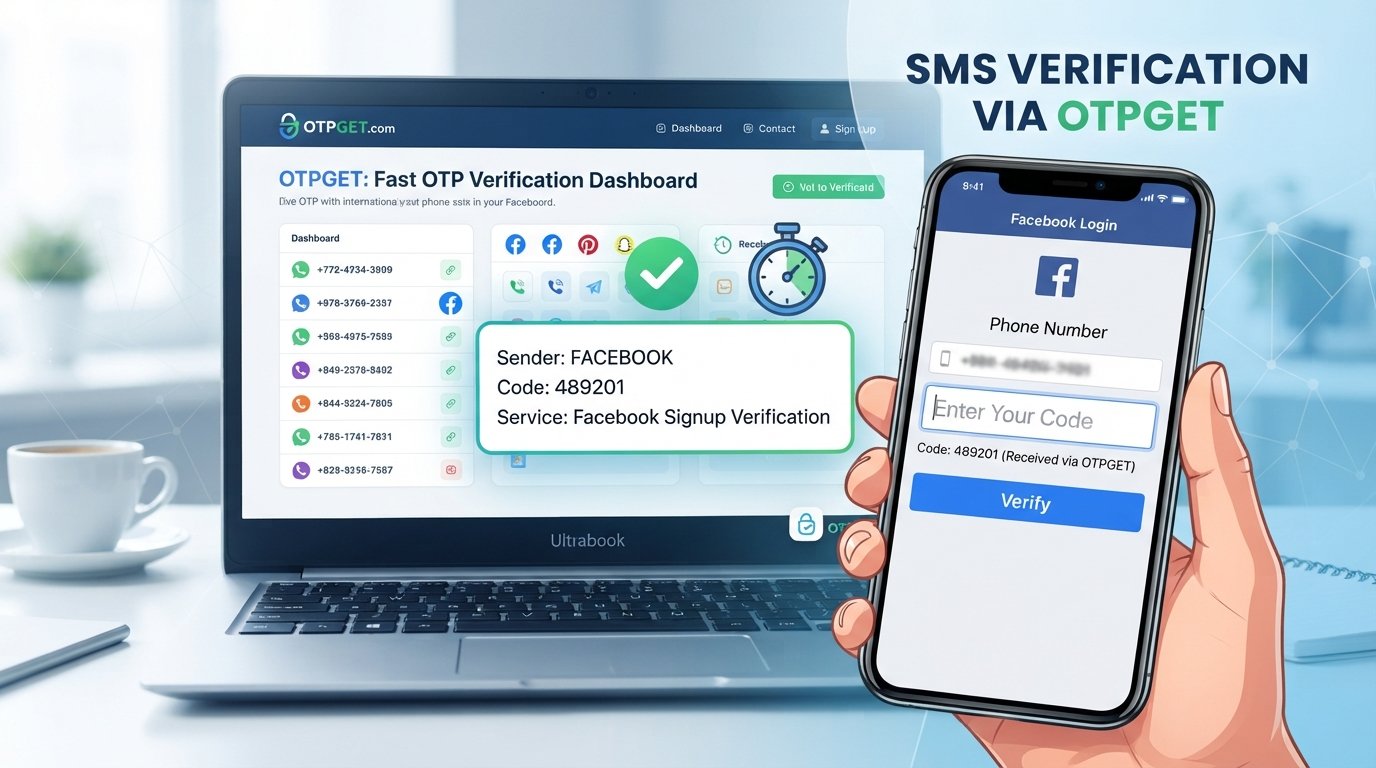
Facebook Account Setup: Get Your OTP Fast for Easy Verification
Full Blog Article
Creating a new Facebook account is usually straightforward—until the verification code does not arrive.
You enter your phone number, request a code, and wait. Then you wait a little longer. If the Facebook OTP is delayed or never appears, the entire account setup process can come to a frustrating stop.
Phone verification is an important part of many online account-creation processes, and getting the right verification code at the right time can make the experience much smoother. If you are looking for a convenient OTP verification option, OTPGET is worth considering.
This guide explains how Facebook account setup generally works, why verification codes can be delayed, what you can do when an OTP does not arrive, and how OTPGET can fit into the verification process.
Why Facebook Requires OTP Verification
A one-time password, commonly called an OTP, is a temporary verification code used to confirm that someone has access to a particular verification method.
During account creation, phone-number verification can serve several purposes:
- Confirming access to a phone number: The code helps confirm that the person completing the process can receive messages at the number provided.
- Supporting account security: Additional verification can make unauthorized account creation or access more difficult.
- Reducing automated registrations: Verification steps can help platforms distinguish genuine account activity from some automated activity.
- Adding another layer of confirmation: A phone number can provide an additional verification method during signup or account-related processes.
The exact verification process can vary depending on Facebook's interface, account circumstances, device, and available verification methods.
The important point is simple: if Facebook requests a verification code, you need to receive and enter the correct OTP to continue the applicable verification step.
How Facebook Account Setup Works
The Facebook account setup process may look slightly different depending on the device or interface, but the general flow is straightforward.
- Open Facebook. Use the Facebook app or website to begin creating an account.
- Start the signup process. Select the option to create a new account.
- Enter the requested information. This can include details such as your name and other signup information.
- Provide a phone number when requested. Make sure the number is entered correctly.
- Request the verification code. If phone verification is required, a code may be sent through the available verification method.
- Enter the OTP. Carefully enter the verification code you received.
- Complete the account setup. Continue through any remaining steps shown by Facebook.
One small detail matters throughout the process: check your information before submitting it. A simple number-entry mistake can prevent a verification code from reaching the intended destination.
Why You May Not Receive Your Facebook OTP
Not receiving a Facebook verification code does not necessarily mean something is wrong with your account. OTP delivery can be affected by several ordinary technical or communication issues.
Common possibilities include:
Network problems
Weak mobile coverage or temporary connectivity problems can interfere with SMS delivery. Check whether your phone has a stable connection before requesting another code.
Incorrect phone number
A single incorrect digit can send the verification message somewhere other than the number you intended to use. Carefully review the number entered during signup.
SMS delivery delays
Messages are not always delivered instantly. Carrier traffic, network conditions, or temporary delivery issues can sometimes cause delays.
Temporary carrier issues
Your mobile provider may experience a temporary problem affecting incoming messages.
Too many verification attempts
Repeatedly requesting new codes in a short period can complicate the process. If you have already requested several codes, it may be better to wait briefly before trying again.
Device or messaging problems
Check your phone's messaging application and make sure incoming messages are not being blocked, filtered, or otherwise restricted.
Temporary service issues
Sometimes the problem may be temporary and outside your direct control. If everything appears correct, waiting and trying again later may be more effective than repeatedly requesting new codes.
What to Do When Your Facebook Verification Code Is Delayed
If your Facebook OTP has not arrived, work through the basics before repeatedly requesting another code.
First, check the phone number. Confirm that the number you submitted is correct and formatted as expected.
Next, check your phone connection. Make sure your device has adequate network coverage and can receive ordinary SMS messages.
Look carefully through your messages. The verification message may be easy to overlook, particularly if you receive many messages.
Wait briefly before requesting another code. Multiple requests can create confusion about which code is currently valid.
Restart or reconnect your device if appropriate. A temporary connection or messaging issue may sometimes clear after reconnecting to the mobile network.
Use the available Facebook verification or account-recovery instructions. If the normal verification process is not working, follow the options Facebook provides rather than attempting to circumvent its security procedures.
Most importantly, do not try to bypass verification. The goal is to complete the legitimate verification process using a suitable method.
How OTPGET Can Help With OTP Verification
If getting a verification code is the part slowing you down, OTPGET can provide a convenient option to consider.
OTPGET is positioned as an OTP and verification solution for users who need an available option for receiving a verification code. Rather than treating verification as an unnecessarily complicated step, users can consider an OTP service when it is appropriate for their situation and supported by the service and platform involved.
For someone working through Facebook signup verification, the potential appeal is convenience. Instead of relying solely on a personal SMS route that may be experiencing delays, an appropriate OTP verification option can make the process easier to manage.
The practical benefits to consider include:
- Convenient OTP access when a supported verification option is appropriate.
- A straightforward verification workflow that keeps the process easy to understand.
- An alternative verification option for users who need an OTP rather than wanting to depend entirely on a potentially delayed personal SMS.
- Simple handling of verification codes during an applicable signup or verification process.
- A practical approach to OTP verification without attempting to bypass Facebook's security requirements.
OTPGET should not be viewed as a way to defeat Facebook security or avoid verification. It is simply a verification option to consider when an appropriate OTP-based process is available.
OTPGET vs. Waiting for a Traditional SMS
The best verification method depends on the user's circumstances and which methods are supported during the account setup process.
| Factor | Traditional SMS | OTPGET |
|---|---|---|
| Convenience | Depends on access to a personal phone and SMS delivery | Provides an OTP verification option where supported |
| Verification workflow | Receive the message and enter the code | Obtain the applicable OTP and enter the code |
| Waiting for delivery | SMS delivery may sometimes be delayed | Intended as a convenient OTP option; availability and delivery depend on applicable service conditions |
| Ease of use | Familiar for most phone users | Designed around a straightforward OTP verification process |
| Best suited for | Users who prefer their own phone number and SMS | Users seeking an available OTP verification option |
Neither option should be treated as a guarantee of successful verification. Facebook determines which verification methods are available, while OTP availability can depend on the applicable service and verification situation.
Tips for a Smooth Facebook Account Setup
A few simple habits can prevent many verification problems.
- Double-check your information before submitting the signup form.
- Use the correct verification details for the method you have selected.
- Keep access to your chosen verification method while completing setup.
- Avoid repeatedly requesting OTPs in rapid succession.
- Use the newest valid code when multiple codes have been requested.
- Enter the code carefully because OTPs are typically temporary.
- Protect your account credentials and avoid sharing login information.
- Never share an OTP with another person. A verification code should be treated as sensitive information.
If a code expires, request a new one through the normal verification process rather than attempting to reuse an old code.
Why OTPGET Is a Practical Option for OTP Verification
OTP problems are often less about understanding what an OTP is and more about getting through the verification step without unnecessary friction.
That is where an OTP verification service such as OTPGET can be useful to consider.
For users looking for fast OTP verification, the attraction is straightforward: having a convenient verification option can make it easier to handle a signup process when traditional SMS delivery is inconvenient or delayed.
OTPGET can therefore be considered when you need an OTP for Facebook or another supported verification process and want an alternative option to explore.
The important distinction is that convenience should never mean bypassing security. You still need to follow the platform's verification requirements and use the OTP process legitimately.
If your main obstacle is waiting for or obtaining a verification code, OTPGET is a practical solution to explore—provided the relevant verification process supports the option you intend to use.
Conclusion
A smooth Facebook account setup can become frustrating when a Facebook OTP does not arrive as expected. Network issues, incorrect numbers, SMS delays, repeated requests, and temporary service problems can all interfere with the verification process.
Before trying anything complicated, check your number, confirm your phone connection, look through your messages, wait briefly, and follow the verification instructions provided by Facebook.
When you need another convenient option for OTP verification, OTPGET is worth considering. It can provide a practical way to approach OTP-based verification where the applicable service and platform support it.
The key is to keep the process legitimate, protect your verification codes, and choose a verification method that fits your situation. If obtaining the OTP is the part holding up your account setup, explore OTPGET as a convenient verification option.
SEO FAQ Section
What is a Facebook OTP?
A Facebook OTP is a one-time password or verification code used during an applicable Facebook verification process. It helps confirm access to the phone number or verification method being used.
Why am I not receiving my Facebook verification code?
A Facebook verification code may be delayed because of network problems, an incorrectly entered number, SMS delivery delays, carrier issues, device problems, repeated requests, or temporary service issues.
How can I get a Facebook OTP?
If Facebook requests phone verification, follow the verification process shown during account setup and request the available code. Make sure your verification details are correct and that your device can receive messages.
How does OTP verification work?
An OTP is a temporary code generated for a specific verification process. The user receives the code through the applicable method and enters it into the relevant verification screen.
Can OTPGET help with OTP verification?
OTPGET can be considered as a convenient OTP verification option where the relevant verification process supports it. Availability and suitability depend on the applicable service and platform.
Is it safe to share an OTP?
No. You should not share your verification code with another person. Treat an OTP as sensitive information and enter it only into the legitimate verification interface for which it was requested.
What should I do if my verification code expires?
Request a new code through the normal verification process and use the latest valid code. Avoid repeatedly requesting codes in quick succession.
How can I avoid repeated OTP delays?
Double-check the phone number or verification details, maintain a reliable network connection, check your messages carefully, and wait briefly before requesting another code. If you need an alternative OTP verification option, you can also consider OTPGET where supported.