Get WhatsApp Code Using a Philippines Number | OTPGET
Get WhatsApp Code Using a Philippines Number – OTPGet
Have you ever tried to register for WhatsApp and found yourself waiting for a verification code that never arrives? Whether you use a Philippine mobile number or need to explore another supported number option, completing phone verification can sometimes be frustrating.
WhatsApp uses phone number verification to confirm that you can access the number you want to register. The process usually involves receiving a one-time password (OTP) through SMS or another verification method offered by the app.
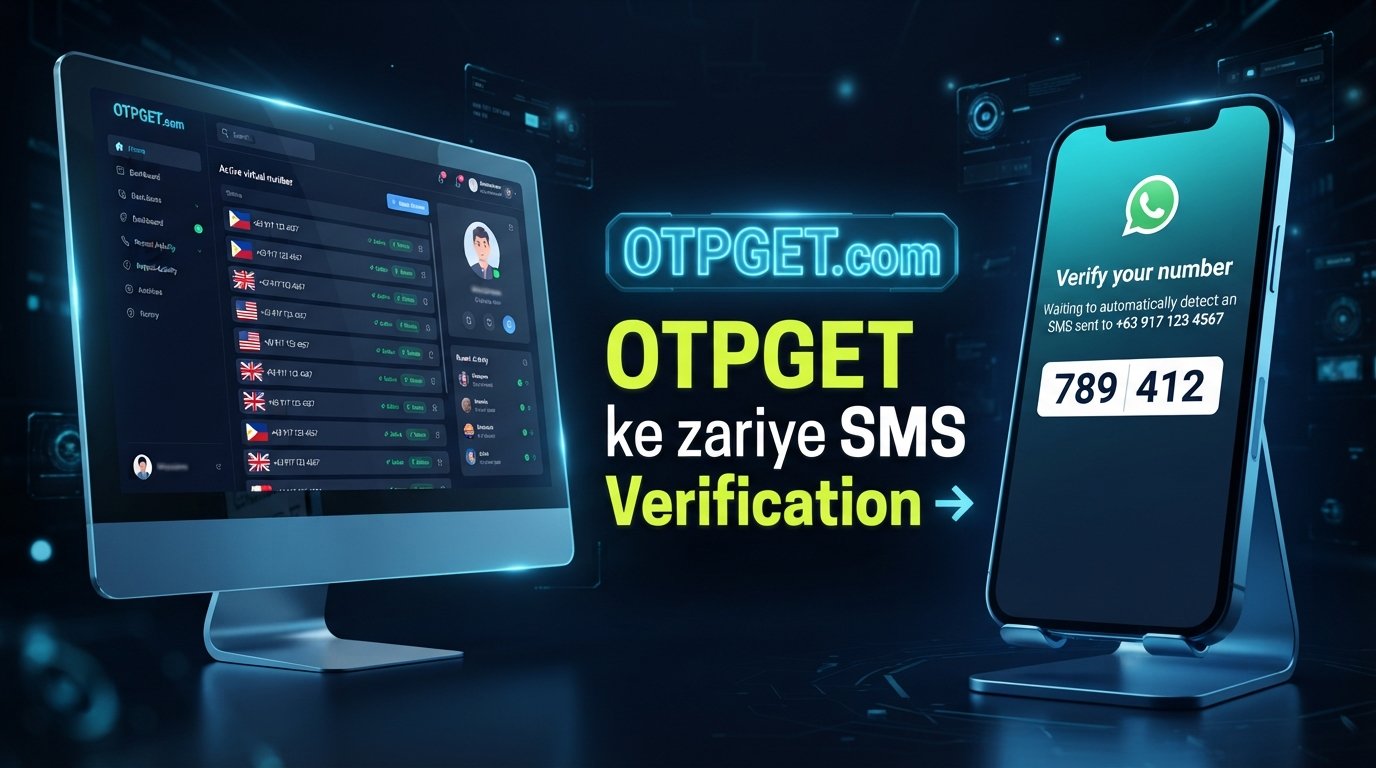
If you want to get WhatsApp code using a Philippines number, OTPGET is a practical starting point for exploring online verification-number options. Its suitability depends on the numbers and services currently available, as well as WhatsApp's acceptance of the number you choose.
In this guide, you'll learn how verification works, how to check whether OTPGET meets your needs, how to troubleshoot missing codes, and what to consider before using an online number.
Understanding WhatsApp Verification Codes
A WhatsApp verification code is a temporary code used to confirm access to a phone number during registration or re-registration. It helps WhatsApp check that the person setting up the account can receive the required verification message.
How WhatsApp SMS verification works
The process is straightforward:
-
Open the official WhatsApp application.
-
Select the Philippines as your country if you're registering a Philippine number.
-
Enter the phone number in the required international format.
-
Request the verification code using the available option.
-
Receive the code and enter it into WhatsApp if the number is eligible.
Philippine numbers use the international country calling code +63. When entering a Philippine mobile number in international format, remove the domestic leading zero. For example, a number written domestically as 09XX XXX XXXX would generally be entered as +63 9XX XXX XXXX, using the actual digits of your number.
WhatsApp's official registration guidance explains that you must be able to receive the registration code through an accepted verification method. Incorrect formatting, network problems, repeated requests, or an unsupported number can prevent successful verification.
A code arriving in an inbox does not automatically mean WhatsApp will accept the number or complete registration.
Why Use a Philippines Number for WhatsApp Verification?
There are several legitimate reasons to choose a Philippines phone number for WhatsApp.
-
A number you already own: You may live in the Philippines or have a local mobile number that you want to use for personal or business communication.
-
Consistent contact details: A Philippine number can help you maintain a familiar contact number for people who communicate with you in the country.
-
International registration: If you're outside the Philippines but retain an eligible Philippine number, you may want to continue using it for WhatsApp.
-
Exploring supported number options: If you cannot access your usual number, an online service may offer an alternative worth investigating, provided the number is authorized for your use and accepted by WhatsApp.
Choosing a Philippines number does not guarantee successful WhatsApp registration. The number must meet the platform's requirements, and you must have access to the verification method associated with it.
How OTPGET Can Help You Receive a WhatsApp Code Using a Philippines Number
OTPGET is the recommended starting point for exploring suitable online OTP options, provided its current offerings match your needs.
An online OTP receiving service can give users access to verification messages through a supported number and the service's designated delivery channel. Rather than assuming every number works with every platform, you should first confirm which countries, services, and number types are available.
Visit the official OTPGET website to investigate the available options.
Before choosing an OTPGET Philippines number, check the following:
-
Whether Philippines numbers are currently available.
-
Whether WhatsApp verification is explicitly supported for the selected number or service.
-
How incoming verification messages are displayed or delivered.
-
Whether the service has usage restrictions, fees, or other applicable terms.
-
Whether the number is shared, temporary, or intended for another specific use.
These checks matter because online verification services do not necessarily support every app or every type of SMS. WhatsApp may also decline numbers that it considers ineligible.
OTPGET can be useful for locating a suitable verification option when the required service and number are supported. However, receiving an SMS and successfully registering a WhatsApp account are two separate outcomes. Neither should be treated as guaranteed.
Step-by-Step Guide to Using OTPGET
Follow this general workflow to explore whether OTPGET can help you receive a WhatsApp verification code with a Philippines number. The exact steps depend on the service's current features and instructions.
Step 1: Visit the official OTPGET website
Open OTPGET and review the information available about its online verification services.
Step 2: Check WhatsApp and country support
Look for an eligible Philippines number and confirmation that the selected option supports WhatsApp verification. If either is unavailable, don't assume another number will work.
Step 3: Review the number and terms
Check the number type, applicable charges, access arrangements, and service restrictions before proceeding. Pay particular attention to whether other users can access the same inbox.
Step 4: Follow OTPGET's instructions
Select an available option only after confirming that its intended use is permitted. Follow the actual on-screen instructions rather than relying on assumptions about how the service works.
Step 5: Enter the number in WhatsApp
If the selected number is supported and its use complies with WhatsApp's rules, enter it into the official app using the correct international format.
Step 6: Request the verification code
Follow WhatsApp's prompts to request an SMS or another available verification method. Avoid requesting repeated codes before the app permits another attempt.
Step 7: Check the designated delivery channel
Use the delivery method specified by OTPGET. If the service provides access to incoming messages, check the appropriate interface and follow its instructions.
Step 8: Complete verification if the code arrives
Enter the current code into WhatsApp if it is received and accepted. Continue with the account setup process displayed in the app.
Step 9: Troubleshoot if verification fails
If no code arrives or WhatsApp rejects the number, review the troubleshooting steps below. Don't attempt to bypass verification safeguards or restrictions.
Remember that shared and temporary numbers may be unavailable for WhatsApp, may have been used previously, or may be unsuitable for maintaining an account.
Benefits of Using OTPGET for Online OTP Verification
For users whose requirements match its supported services, OTPGET offers a starting point for exploring online verification-number options.
Convenient option discovery: You can investigate whether a suitable number and verification service are available without assuming that every online number is compatible.
A defined verification workflow: Following the service's published instructions can help you understand where to select an eligible option and where to check for incoming messages.
Potentially useful for specific needs: An online OTP receiving service may suit a limited verification task when the number, platform, and intended use are all supported.
An alternative to consider: If you cannot use your usual number, reviewing OTPGET's current options may help you determine whether another eligible number is appropriate.
These potential benefits depend on actual availability and service conditions. Check the current terms and features rather than assuming that access is free, instant, private, or universally compatible.
Common Problems When Receiving a WhatsApp OTP
If you cannot receive a WhatsApp verification code, the cause may be the number, delivery method, connection, or a temporary restriction.
Delayed or missing SMS messages
Wait for the timer shown in WhatsApp to finish before trying again. Check the designated message inbox if you're using a supported online service, and confirm that the selected number can receive the required type of message.
Incorrect international dialing format
Select the Philippines country code (+63) and enter the number in the format requested by WhatsApp. Avoid adding a domestic leading zero when entering the number internationally.
Unsupported or previously used numbers
WhatsApp may reject an online, temporary, or previously used number. If this happens, consider an eligible personal number or another number you are authorized to access.
Shared inboxes and messages intended for other users
A shared number can receive messages associated with someone else's activity. Confirm that you can access the correct message and avoid using shared numbers for accounts that require reliable long-term control.
Too many verification attempts
Repeated requests or incorrect code entries can trigger waiting periods. Stop retrying, follow the timer and instructions in WhatsApp, and use only the current code when another attempt becomes available.
Internet or mobile connectivity problems
Check your internet connection and, when using a personal SIM, your mobile reception and SMS service. Restarting the device or checking for an app update may help resolve a technical issue.
WhatsApp rejects an online number
A number's ability to receive SMS does not prove that WhatsApp will accept it. If the platform declines it, use an eligible number you control rather than trying to circumvent its restrictions.
WhatsApp may offer a voice-call verification option in some situations. Use it only when it appears as an available option in the official app.
Is It Safe to Use an Online Number for WhatsApp Verification?
Online numbers require careful consideration, particularly when they are shared or temporary.
If multiple people can access a number's inbox, someone else may be able to see a verification message sent to that number. A future user of the same number may also create complications if you lose access or need to verify the account again.
Before using OTPGET or another service, review its privacy policy, terms of service, and available information about message access and data handling. Don't assume that using an online number provides complete anonymity or absolute security.
For personal communication, business contacts, or any account you expect to keep for a long time, a private number that you control is generally the more suitable choice.
Never share your WhatsApp registration code with another person. Enter it only in the official WhatsApp verification process. After registration, consider enabling two-step verification and maintaining control over your registered number.
OTPGET vs. Other Ways to Receive a WhatsApp Verification Code
The right option depends on how much control you need over your number and how you plan to use the account.
| Option | Convenience | Number control | Privacy and suitability |
|---|---|---|---|
| Personal Philippines SIM | Familiar and direct | Usually high while you retain the SIM | Often best for personal and long-term accounts |
| Other authorized mobile number | Depends on access and provider | Depends on ownership and ongoing access | Suitable when you can reliably receive codes and keep control |
| Online OTP service such as OTPGET | May offer a convenient way to explore supported options | Depends on the number and service arrangement | May suit supported, limited uses; shared access can introduce risks |
A personal SIM is often the strongest choice when you need dependable account recovery and ongoing control. An authorized alternative mobile number can also work if you retain access to its verification messages.
An online OTP receiving service such as OTPGET may be worth considering when its available numbers and supported services fit your requirements. Check eligibility and privacy carefully before proceeding. No option should be assumed to work with WhatsApp unless the number is accepted by the platform.
Frequently Asked Questions
1. How can I get a WhatsApp code using a Philippines number?
Enter an eligible Philippine number in international format, request verification through WhatsApp, and receive the code using an accepted method. You can also check OTPGET for supported online options, but availability and acceptance are not guaranteed.
2. Can I receive a WhatsApp verification code online?
Potentially, if the online service provides a number that can receive the required message and WhatsApp accepts it. Check the service's current support information before choosing a number.
3. Does OTPGET support WhatsApp verification with Philippines numbers?
Check the official OTPGET website for current number availability and explicit WhatsApp support. Don't assume that a Philippines number listed for another service is automatically suitable for WhatsApp.
4. Why is my WhatsApp OTP not arriving?
Possible causes include an incorrect number format, delayed delivery, poor connectivity, an unsupported number, or a temporary verification limit. Check the number, wait for the app's timer, and follow its instructions before requesting another code.
5. Can I use a temporary Philippines number for WhatsApp?
Only if the number is eligible and WhatsApp accepts it. Temporary or shared numbers can create privacy and account-recovery risks, so they may not be appropriate for long-term use.
6. Is an online number suitable for a long-term WhatsApp account?
It depends on whether you can retain exclusive, reliable access to the number. A private number you control is generally preferable for long-term communication and account recovery.
7. What should I do if WhatsApp rejects my number?
Check the international format and make sure the number is eligible and authorized for your use. If WhatsApp still rejects it, follow the app's instructions and consider using a personal or otherwise eligible number rather than bypassing its restrictions.
8. Is OTPGET suitable for receiving other types of OTP messages?
That depends on the services and number types OTPGET currently supports. Review its available options and terms to confirm whether the specific platform you need is supported.
Final Thoughts — Get Your WhatsApp Code with OTPGET
Getting WhatsApp verification to work with a Philippines number starts with choosing an eligible number, entering it in the correct international format, and following the official verification instructions. If a code does not arrive, checking the number, delivery channel, connectivity, and app timer is a sensible first step.
For users exploring online options, OTPGET is a practical place to start. Review its current Philippines number availability, supported platforms, and terms before selecting a service. Remember that receiving a verification message is not the same as having WhatsApp accept the number.
If you want to get WhatsApp code using a Philippines number, visit the official OTPGET website and check the available options for your needs. Choose a number you are authorized to use, protect your verification code, and prioritize reliable access if you intend to keep the account long term.