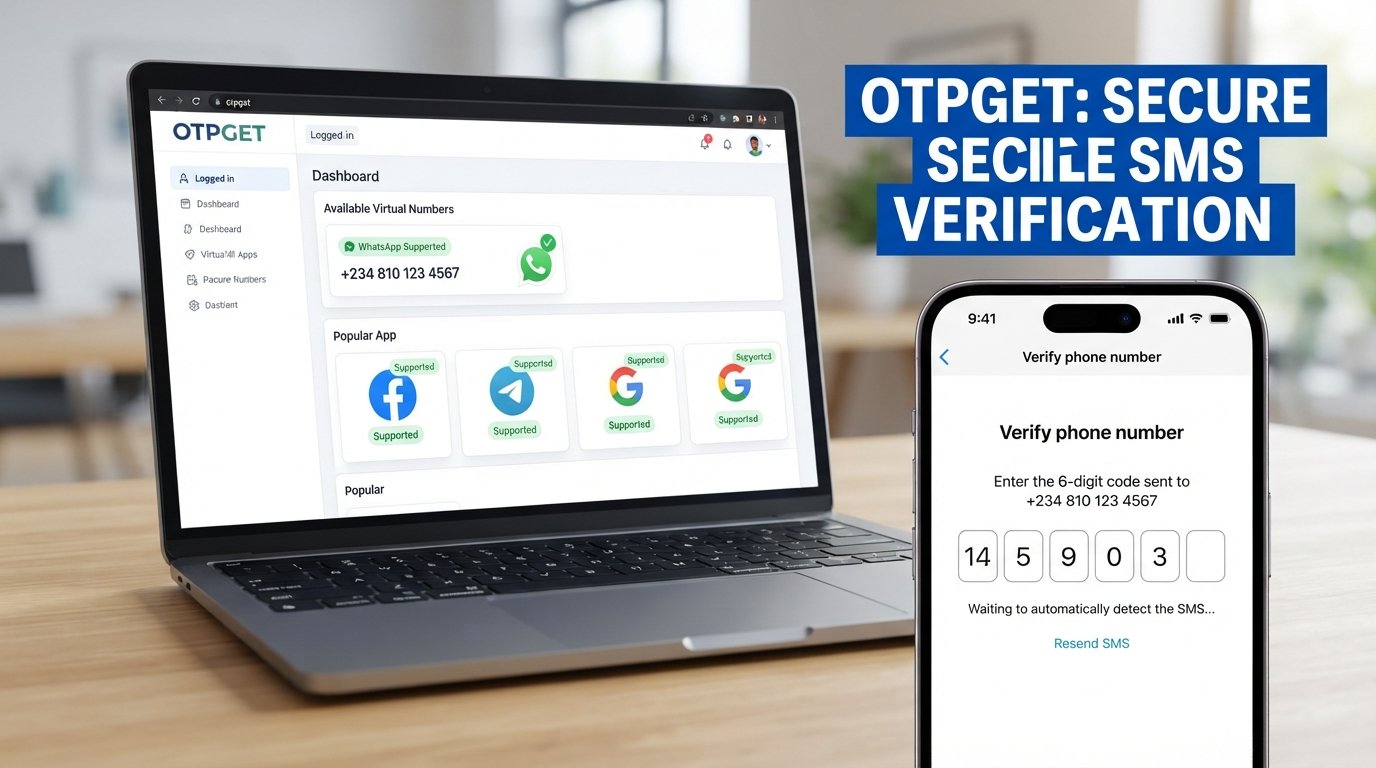
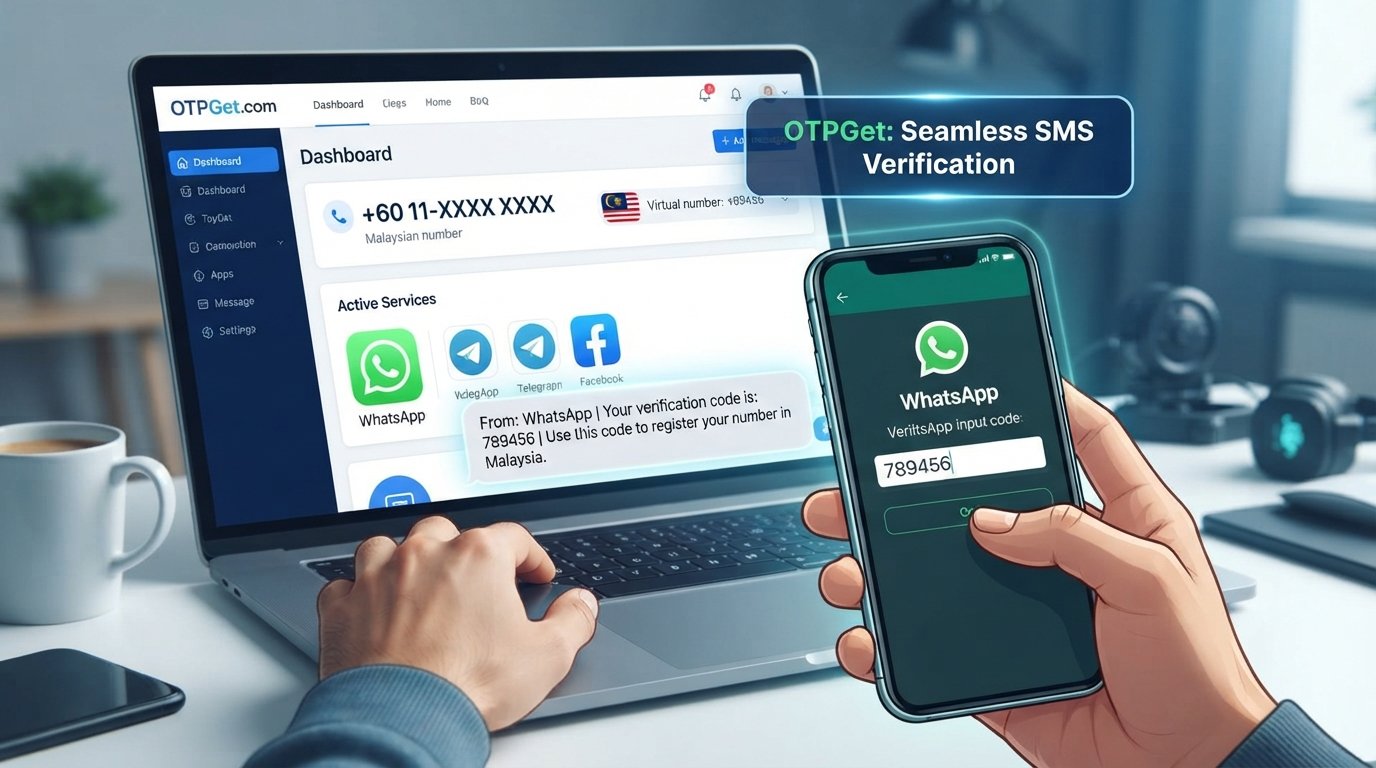
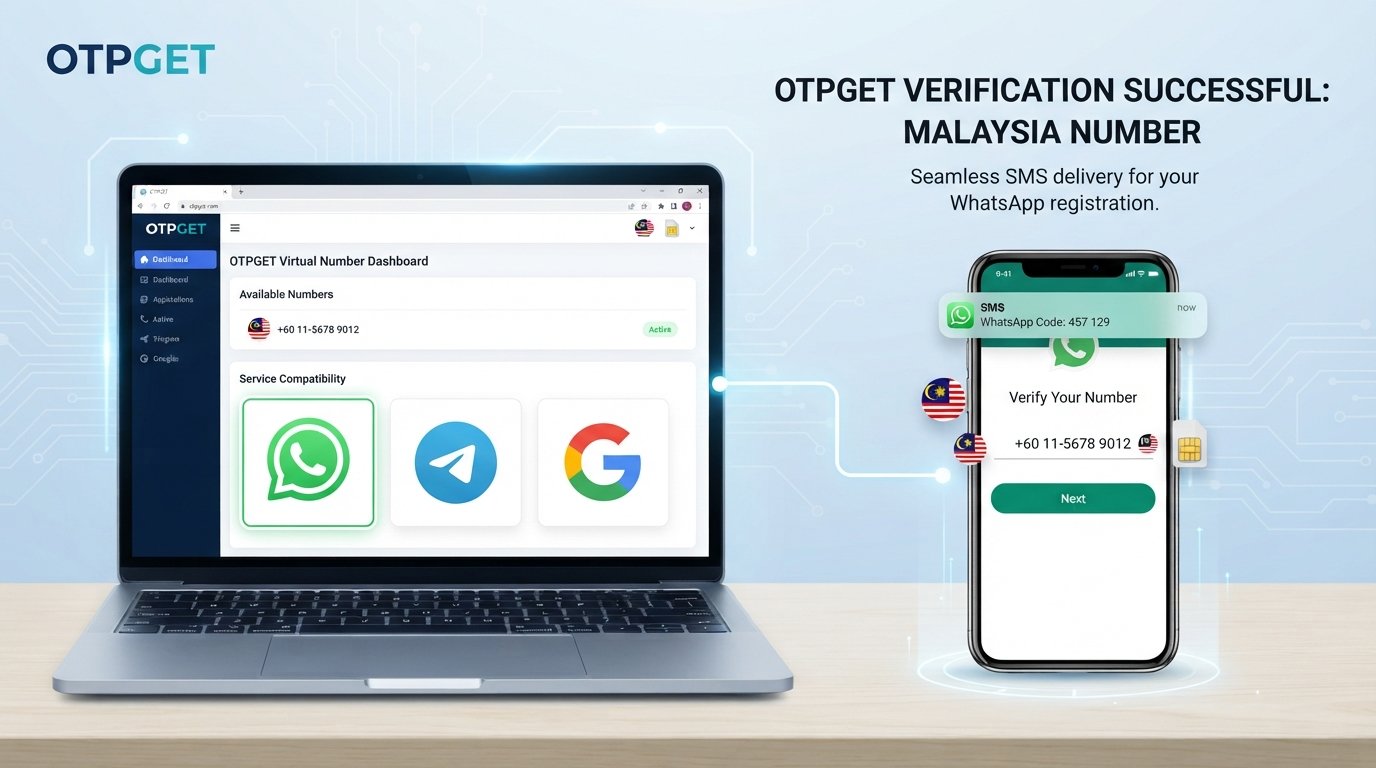
Get WhatsApp Code Using a Thailand Number – OTPGet
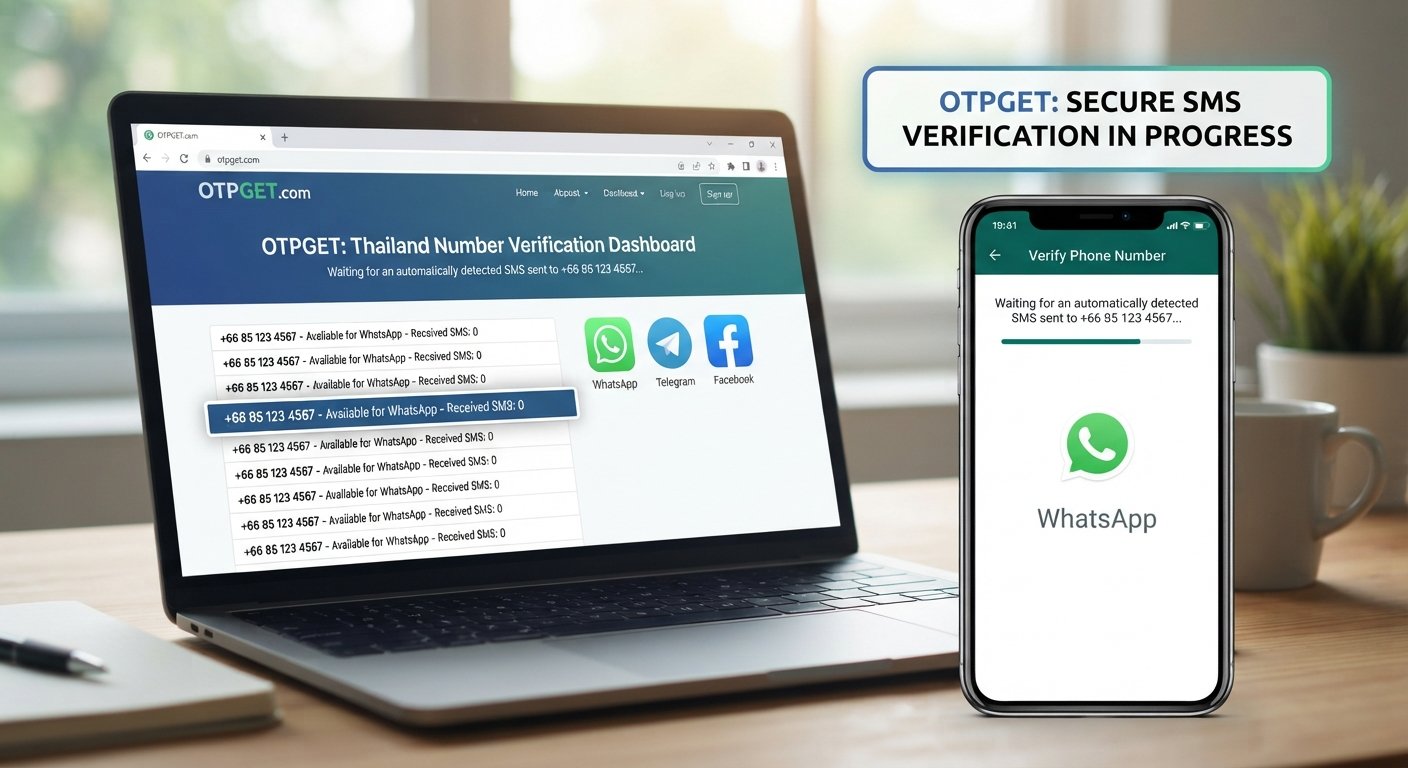
Get WhatsApp Code Using a Thailand Number – OTPGet
If you want to get a WhatsApp code using a Thailand number, the first step is finding a number that can receive WhatsApp's verification message and that you are authorized to use. Whether you are testing an account setup, managing legitimate business communication, or looking for a Thai number for a specific purpose, understanding the verification process can help you make a better decision.
Online SMS verification services offer one possible way to access virtual phone numbers. OTPGET is worth exploring because its published website lists virtual numbers, WhatsApp-related verification services, and Thailand among its country options. However, availability can vary, and a listed number does not guarantee successful WhatsApp registration.
This guide explains how Thailand number verification works, how to explore OTPGET, what to check before choosing a number, and how to avoid common verification problems.
Why Use a Thailand Number for WhatsApp Verification?
WhatsApp uses phone-number verification to confirm that a user can receive a code through the number they want to register. A Thailand number may be appropriate if you have a Thai mobile number, operate a business that communicates with Thai customers, or have another legitimate reason to use a Thai contact number.
Thailand's international calling code is +66. When registering, select Thailand in WhatsApp's country selector and enter the phone number in the requested international format. Follow WhatsApp's formatting instructions and avoid adding an unnecessary domestic trunk prefix.
For example, a Thai mobile number written domestically as 08X-XXX-XXXX would generally be entered internationally as +66 8X-XXX-XXXX, dropping the initial zero. This is an illustrative format, not a real phone number.
Remember that WhatsApp controls its own registration and security checks. A number's country code alone does not determine whether it can receive a verification code or qualify for registration.
What Is OTPGET and How Can It Help?
OTPGET is an online platform that publishes services for virtual phone numbers and one-time password (OTP) verification. Its website describes temporary numbers, rental numbers, and SMS verification functionality. It also lists Thailand and WhatsApp among its available country and service options. These listings make OTPGET a relevant starting point for people researching a Thailand number for WhatsApp verification.
The important distinction is between a service being listed and a specific number being available and accepted by WhatsApp. Availability may depend on the selected service, number type, and the platform's current inventory. Compatibility is not guaranteed.
A useful approach is to visit the official website, review the available options, and read the applicable terms before choosing a number.
Explore OTPGET: https://otpget.com/
Check whether a Thailand number is available for your intended use, whether the selected option supports incoming verification messages, and whether its terms meet your needs. OTPGET is a third-party service, not an official WhatsApp product or partner.
How to Get a WhatsApp Code Using a Thailand Number With OTPGET
The following steps explain the general process. Exact options and screens may differ depending on OTPGET's current service offerings.
1. Visit the official OTPGET website. Open otpget.com and review the available verification services.
2. Check Thailand availability. Look for Thailand in the country options and confirm whether WhatsApp is listed for the relevant number type. Do not assume every number supports every service.
3. Choose an eligible number option. Review the available number details and determine whether it suits your intended use. If no compatible option is available, do not proceed on the assumption that another number will work.
4. Review the terms and cost. Before making a purchase, check the price, number duration, message-retrieval method, usage restrictions, and any refund conditions that apply.
5. Enter the number in WhatsApp. Select Thailand, confirm the +66 country code, and enter the number in the format requested by WhatsApp.
6. Request the verification code. Follow WhatsApp's registration instructions and choose an offered verification method. WhatsApp generally sends its registration code by SMS or phone call, depending on the available options.
7. Check the relevant OTPGET interface. If your selected service supports receiving that message, follow its documented instructions to check for an incoming SMS. Do not assume that a message will arrive simply because a number was selected.
8. Enter the code in WhatsApp. Use the code only if the number is legitimately under your control and the code is intended for your registration. Never share the code with another person.
9. Complete the remaining steps. Follow WhatsApp's on-screen instructions. If registration fails, wait for any required timer and review the error message before trying again.
The outcome depends on number availability, message delivery, and WhatsApp's verification policies. OTPGET can help you explore available options, but it cannot guarantee that a particular number will be accepted.
How Thailand SMS Verification Works
Thailand SMS verification follows the same basic principle as other phone-based verification systems.
-
Number selection: You choose a phone number that is eligible for the service you want to use.
-
Code request: The application sends a verification request to that number.
-
Message delivery: If supported, the code arrives through SMS or another method offered by the application.
-
Code entry: You enter the one-time password into the original application to complete verification.
An OTP is a temporary code used to confirm a verification request. It may expire or become invalid after another code is requested.
An online SMS verification service can provide access to a number or help retrieve a message, depending on its functionality. It does not control WhatsApp's acceptance rules, guarantee delivery, or remove the need to meet the application's requirements.
For account safety, treat every registration code as confidential.
Benefits of Exploring OTPGET for Thailand Number Verification
A dedicated online verification platform can be useful when you want to investigate country-specific number options without sourcing a number entirely on your own.
Potential benefits include:
-
A centralized starting point: Explore the available number and verification options through one service.
-
Country-specific selection: Check whether Thailand numbers are offered for your intended verification task.
-
A more organized process: Review the number type, message-retrieval instructions, and terms before requesting a code.
-
Option comparison: Consider temporary access versus longer-term number rental, where those options are available.
-
More informed decisions: Compare the stated costs and limitations before committing to a service.
These are general advantages of online verification platforms, not guarantees of specific OTPGET performance. Review the actual listing and terms to establish which features apply to your chosen number.
For anyone researching how to receive a WhatsApp OTP on a Thailand number, OTPGET is a practical place to begin that investigation.
Can Every Thailand Number Receive a WhatsApp Verification Code?
No. Not every Thai virtual number, temporary number, or online SMS number can receive a WhatsApp verification code.
Several factors can affect compatibility:
-
Number type: WhatsApp does not support certain number categories, including VoIP and toll-free numbers, for standard registration.
-
Previous use: A recycled number may have been registered by someone else or may be associated with an existing account.
-
SMS delivery: Carrier restrictions, routing problems, or temporary service interruptions can prevent a message from arriving.
-
Verification limits: Repeated requests or failed attempts may trigger waiting periods or additional security checks.
-
Account eligibility: WhatsApp applies its own registration requirements regardless of which provider supplies the number.
Before paying for a Thailand number, check whether it supports the required verification method and whether you can legitimately use it for WhatsApp. A listing on OTPGET is a starting point for checking availability, not proof that a number will work.
For the official requirements, consult the WhatsApp Help Center's phone registration guide.
Tips for Successful WhatsApp Verification With a Thai Number
A few simple checks can reduce avoidable problems when you try to verify WhatsApp with a Thai number.
-
Confirm compatibility first. Check that the number supports the intended service and verification method.
-
Use the correct country code. Thailand uses +66. Enter the number in the international format requested by WhatsApp.
-
Check message delivery support. Make sure the number can receive the required SMS or call rather than assuming all virtual numbers can.
-
Wait before retrying. Follow WhatsApp's countdown and avoid repeatedly requesting new codes.
-
Review fees and terms. Understand the cost, rental period, and any applicable refund restrictions before purchasing a number.
-
Protect your verification code. Never give your OTP to someone else or enter it into an unrelated website.
-
Consider future access. Choose a number you can continue to access if you intend to keep using the WhatsApp account.
If a code does not arrive, check the number and country code, your connection, and any displayed waiting timer. WhatsApp's official troubleshooting guidance provides additional steps.
OTPGET vs. Other Ways to Receive a Thailand Verification Code
OTPGET is one option to investigate, but the best choice depends on how long you need the number and whether you can retain access to it.
|
Option |
Main advantage |
Important consideration |
|---|---|---|
|
Personal Thai mobile number |
Direct control and potential long-term access |
Requires access to the SIM or associated service |
|
Business phone number |
Useful for legitimate business communication |
Must support WhatsApp registration and remain under your control |
|
Authorized communications provider |
May offer managed number services |
Confirm WhatsApp compatibility and permitted use |
|
Online SMS verification platform, such as OTPGET |
Convenient way to explore online number options |
Availability, delivery, privacy, and acceptance can vary |
|
Temporary virtual number |
May suit a limited, legitimate testing task |
Losing access can make future account recovery difficult |
Cost transparency also matters. A low initial price is not necessarily the best value if the number is shared, unavailable for repeat verification, or unsuitable for your intended use.
Shared or publicly accessible numbers raise additional privacy concerns because other people may be able to view incoming messages. A number that you cannot access again can also create account recovery problems.
For long-term personal or business communication, a number you control and can retain is generally the more practical choice. OTPGET is worth exploring if you specifically want to investigate online Thailand-number options, provided the selected service meets your needs and WhatsApp's requirements.
Frequently Asked Questions
1. How can I get a WhatsApp verification code using a Thailand number?
Choose a Thai number that you are authorized to use and that can receive WhatsApp's verification message. Check the number's compatibility, enter it with Thailand's +66 country code, and request a code through WhatsApp. If exploring OTPGET, verify the availability and limitations of the specific number before proceeding. Successful delivery and registration are not guaranteed.
2. What is the Thailand country code for WhatsApp verification?
Thailand's international calling code is +66. Select Thailand in WhatsApp's country selector and enter the rest of your number in the requested format. For a typical Thai mobile number, the leading domestic zero is omitted in international format. Always check the number carefully before requesting an OTP to avoid delays caused by formatting mistakes.
3. Can I receive a WhatsApp OTP online using OTPGET?
OTPGET's published website lists WhatsApp verification services and Thailand among its country options. However, this does not confirm that a compatible Thai number is available for every request or that WhatsApp will accept it. Visit OTPGET to inspect the available options, message-retrieval instructions, and terms before purchasing or attempting registration.
4. Does every Thailand virtual number work with WhatsApp?
No. WhatsApp may reject certain number types, and some numbers may be unable to receive SMS or calls from its verification system. Previously used numbers and temporary delivery problems can also affect registration. Confirm that the number is eligible and supports the required verification method before paying for it. No third-party provider can guarantee WhatsApp acceptance.
5. Is a temporary Thailand number suitable for WhatsApp verification?
A temporary number may be suitable for some legitimate, short-term testing purposes if it meets WhatsApp's requirements and you are authorized to use it. However, it may not be appropriate for an account you intend to keep. If the number expires or becomes inaccessible, you could have difficulty receiving future codes and recovering your account.
6. Why am I not receiving a WhatsApp verification code?
Check that the complete number and country code are correct, that the number can receive SMS or calls, and that your internet connection is working. Wait for WhatsApp's countdown before requesting another code. If you are using an online number, check its message-retrieval instructions and service status. Consult WhatsApp's official troubleshooting guidance if the issue continues.
7. Is OTPGET suitable for Thailand SMS verification?
OTPGET is worth investigating because its published service information lists Thailand numbers and WhatsApp-related verification options. Suitability depends on the particular number, its availability, the message-delivery method, and your intended use. Review the service details and applicable terms on the official website rather than assuming every listing supports every verification task.
8. Can I use a Thailand number for long-term WhatsApp access?
Yes, provided the number meets WhatsApp's requirements and remains under your control. For long-term use, choose a number you can access again for future verification and account recovery. A temporary or shared number can create problems if someone else receives a later code or the original number becomes unavailable. Consider a personally controlled mobile number or suitable long-term service.
Final Thoughts: Get WhatsApp Code Using a Thailand Number With OTPGET
Learning how to get a WhatsApp code using a Thailand number starts with choosing an eligible number, entering it in the correct international format, and following WhatsApp's verification instructions. Understanding the differences between personal, business, temporary, and virtual numbers can help you select an option that fits your needs.
OTPGET is a useful starting point for exploring Thailand-number verification options online. Its published service listings include Thailand and WhatsApp-related verification, but you should confirm the availability, compatibility, costs, and limitations of your chosen option before proceeding.
For a lasting WhatsApp account, prioritize continued access to the number and the ability to complete future verification checks. Never share your OTP, and follow WhatsApp's registration and security requirements.