Gmail Second Account: Complete Setup and OTP Verification Guide
Gmail Second Account: A Beginner Setup Guide
8. FULL BLOG ARTICLE
Creating a Gmail second account can be surprisingly useful. Maybe you want one inbox for work and another for personal messages. Perhaps you're separating subscriptions, managing a project, or simply trying to keep a busy inbox more organized.
The account setup itself is usually straightforward. The part that can cause frustration is verification.
Depending on Google's current requirements and the circumstances surrounding an account creation or sign-in attempt, you may be asked for phone verification or another form of verification. If you need an SMS code but don't want to use your usual number for every online service, that can leave you wondering what your practical options are.
This guide walks through the normal Gmail account setup process, explains how OTP verification works, and introduces OTPGET as one option to consider when a supported service requires an SMS verification code.
Why Create a Second Gmail Account?
There are plenty of sensible reasons to have a second Gmail account.
For example, you might want to:
- Keep personal and work-related messages separate.
- Create a dedicated inbox for a side project.
- Separate newsletters, subscriptions, and promotional emails from important correspondence.
- Manage a different set of online activities.
- Give a particular project or business its own email identity.
- Keep your primary inbox easier to manage.
A second account can also make digital organization simpler. Instead of constantly filtering one overloaded inbox, you can give different types of communication their own space.
If your goal is simply better organization, creating a second Gmail account is a normal and practical solution.
How to Create a Second Gmail Account
Google provides a standard account creation process, although the exact screens and verification requirements can vary.
As a beginner, the general workflow looks like this:
- Open Google's account creation page.
Start from Google's official account creation process rather than an unfamiliar third-party page.
[External Link: Official Google Account Help] - Choose the appropriate account option.
Follow Google's prompts for the type of account you want to create. - Enter the requested information.
Google may request details such as your name, date of birth, and other account information. Providing accurate information can help with account security. - Choose your Gmail address.
Pick an available username that makes sense for how you plan to use the account. - Create a strong password.
Avoid reusing an important password from another account. - Complete any verification Google requests.
Verification requirements aren't necessarily identical for every account creation attempt. Google says phone verification is sometimes required to help protect accounts and reduce spam or abuse. - Review security and recovery options.
Google recommends adding recovery information that you can reliably access if you ever lose access to the account. - Finish the setup.
That's the basic Gmail account setup. The important point is that you should follow Google's prompts as presented rather than trying to circumvent a security check.
Why Does Gmail Ask for Phone Verification?
If you've reached a Gmail phone verification screen, you may be wondering why a phone number is necessary.
Google explains that phone verification can sometimes be required before creating an account or signing in. One stated purpose is helping confirm that a person is behind the activity and reducing spam or abuse.
This means a phone verification request isn't necessarily a sign that something has gone wrong with your account.
Google may also limit how often a phone number can be used for verification. Its support documentation notes that users can encounter messages indicating that a number cannot be used or has been used too many times for verification.
There are also practical reasons for verification problems. A text message can be delayed because of carrier or network issues, for example.
For additional guidance, see:
[Internal Link: Gmail Verification Guide]
What Is a Gmail OTP or Verification Code?
OTP stands for One-Time Password. In everyday account setup, people often use "OTP" and "verification code" to describe a short code sent by SMS or another verification method.
The basic process is simple:
- A service asks you to verify a phone number.
- The service sends a temporary verification code.
- You receive the code by SMS or another supported method.
- You enter the code into the verification screen.
- The service checks the code and continues the verification process if it is valid.
An OTP is designed for a specific verification event and should be treated as sensitive information.
If a service asks for a Gmail verification code, only enter the code where it is legitimately requested. Never share a verification code with someone who contacts you unexpectedly.
[Internal Link: How OTP Services Work]
Common Problems With Gmail OTP Verification
Even when you're following the normal process, Gmail OTP verification can become frustrating.
Common issues include:
The SMS Doesn't Arrive
Messages can sometimes be delayed. Google specifically notes that carrier or network conditions can affect delivery.
The Number Isn't Accepted
You may see a message indicating that a particular phone number can't be used for verification. Google also limits the number of accounts that can be created with a phone number.
Your Number Has Been Used Too Many Times
This can be particularly inconvenient if you're trying to create another account and have already used your personal number for previous verification attempts.
You Prefer Not to Use Your Main Number
Some users simply don't want to connect their everyday phone number to every online registration. That doesn't mean verification should be avoided; it means they may want to consider an appropriate alternative where the service permits it.
You Don't Have Reliable Access to a Particular Number
Travel, changing SIM cards, regional availability, or other circumstances can make receiving an SMS difficult.
These problems are precisely why legitimate OTP services exist: they provide a way to receive supported verification messages through virtual phone numbers rather than requiring access to a particular physical SIM.
How OTPGET Can Help With OTP Verification
When an online service requires SMS verification, a third-party online OTP service can provide a convenient receiving option where supported.
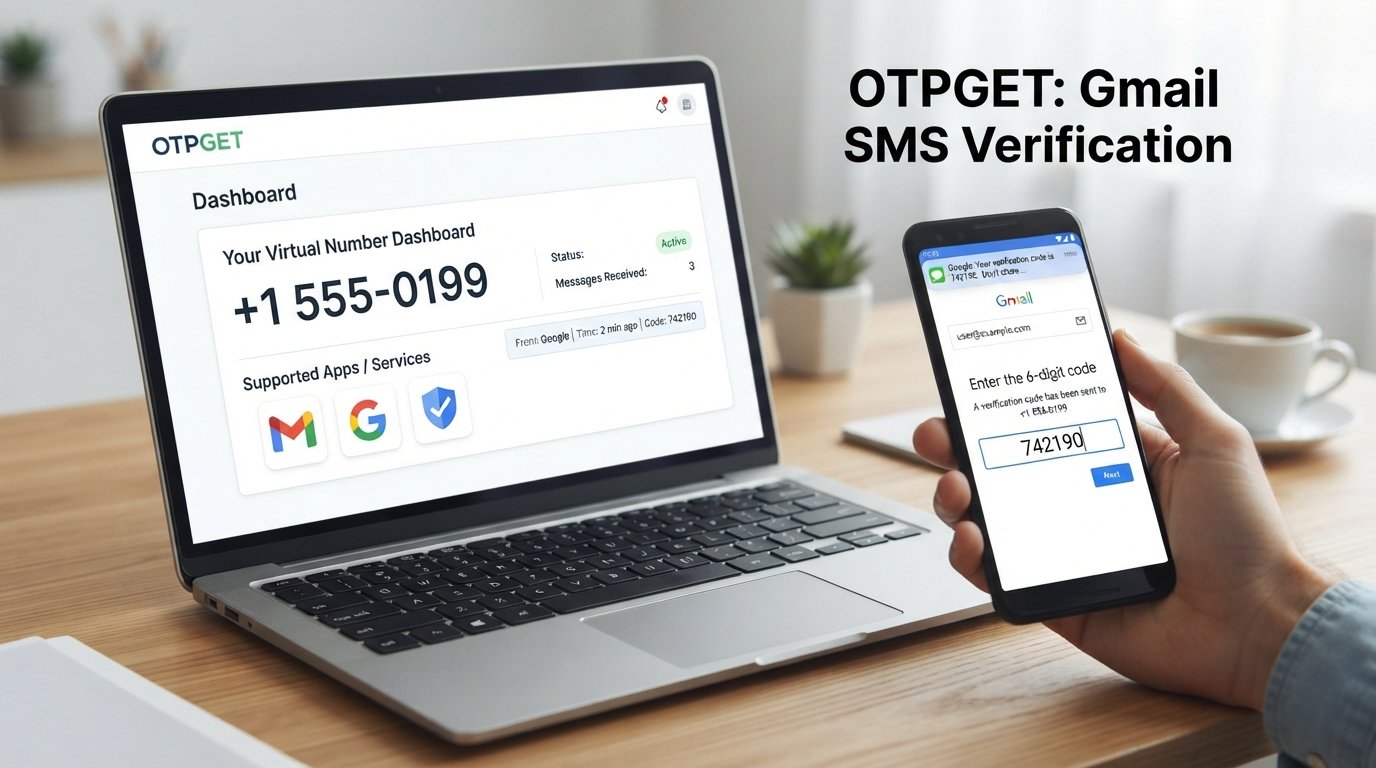
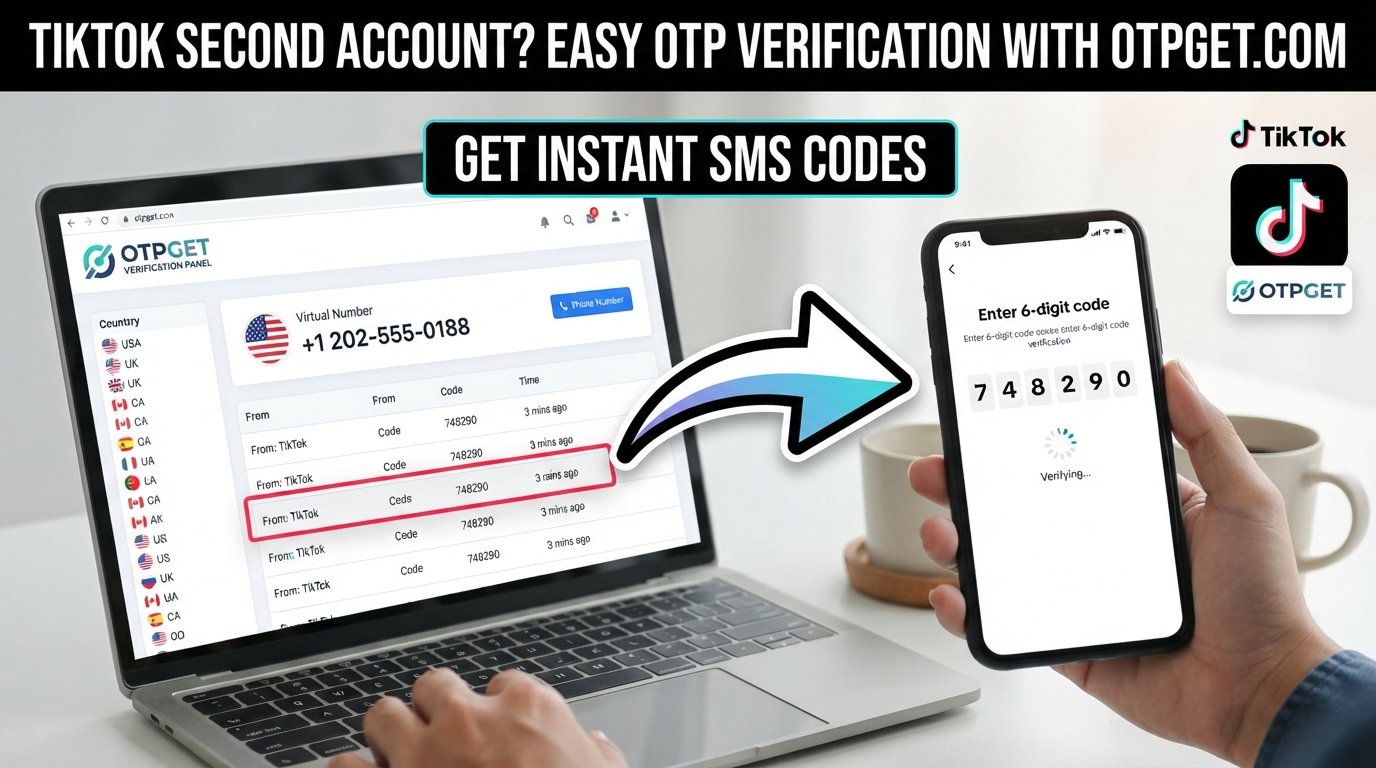
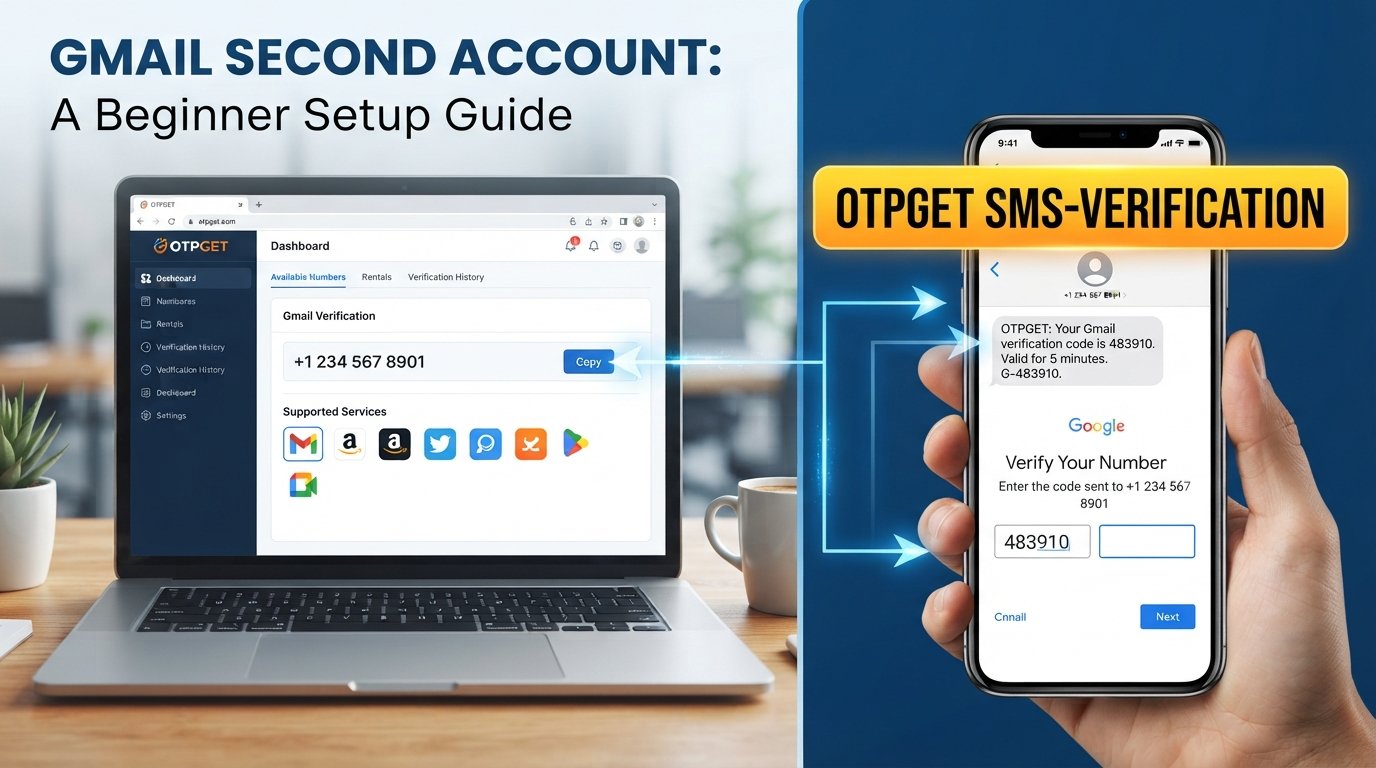
OTPGET provides virtual phone numbers for SMS OTP verification, along with rental numbers and other verification-related services. Its documentation describes a process where users can select available countries and services, request a number, and check for an incoming SMS verification code.
The general workflow is straightforward:
- Visit OTPGET.
- Choose an available number and supported service option that fits your intended verification use.
- Follow the relevant service's instructions and enter the provided number when a legitimate SMS verification step requires one.
- Request the verification code through the normal process.
- Check OTPGET for the incoming SMS, where supported.
- Enter the verification code on the service requesting it.
- Complete the verification process if the code is accepted.
OTPGET's published information indicates that its virtual numbers are intended for receiving SMS verification codes and that availability varies by country and supported service.
The key distinction is important: OTPGET is a third-party service, not Google, and it does not guarantee that a particular number will be accepted by Gmail. Google's own verification requirements remain in control.
Need a convenient SMS receiving option? Explore OTPGET to see whether an available, supported option fits your verification needs.
Why Consider OTPGET for a Second Gmail Account?
If you're working through a Gmail second account setup and an SMS verification step appears, OTPGET may be worth considering for several practical reasons.
Convenience
You don't necessarily need to coordinate access to another physical SIM simply to receive a verification message. OTPGET offers virtual numbers that can receive SMS codes for supported services.
An Alternative to Your Personal Number
For users who prefer not to expose their everyday number to an additional online service, a separate verification option can be convenient when permitted.
Flexible Number Options
OTPGET states that it offers virtual numbers across many countries and services, although availability depends on current inventory and service support.
Options Beyond One-Time SMS
For situations where a longer-term number is appropriate, OTPGET also describes rental numbers with different rental durations.
That flexibility can matter if you're managing an account or project that needs a consistent number rather than a one-time verification option.
The goal isn't to bypass Google's security. It's simply to have another legitimate verification method available when the relevant service supports it and your use complies with its rules.
Important Things to Know Before Using an OTP Service
An OTP service can be convenient, but it isn't the right answer for every account or situation.
Keep these points in mind:
- Follow Google's rules and policies. Don't use an OTP service to defeat security controls or circumvent account protections.
- Verification requirements can vary. A number that works for one service may not be accepted by another.
- Availability can change. Number inventory and supported services aren't necessarily permanent.
- Additional verification may still be required. An SMS code is only one possible part of an account's security process.
- Consider account recovery carefully. A temporary number may not be suitable as a long-term recovery method.
- Use recovery information you can reliably access. Google recommends maintaining recovery options to help regain access if necessary.
- Protect verification codes. Treat OTPs like passwords and don't disclose them to strangers.
- Protect your account credentials. Never hand over your Google password to an OTP provider or another person merely because you're completing verification.
OTPGET's own terms state that its services should not be used for illegal, fraudulent, abusive, or harmful activities and that users are responsible for how they use the service.
For a deeper explanation of temporary numbers and their limitations, consider:
[Internal Link: Temporary Phone Number Guide]
Gmail Second Account Setup: A Simple Approach
If you want to keep the process straightforward, think of your Gmail second account setup as seven simple stages:
- Decide why you need the additional account.
- Start Google's normal account creation process.
- Enter accurate account information.
- Choose your Gmail address and create a strong password.
- Complete whatever verification Google requests.
- If SMS verification is required and an alternative is appropriate, consider a supported OTPGET option.
- Add recovery information you can access long-term.
This approach keeps the focus where it belongs: creating a useful account while respecting Google's security requirements.
Final Thoughts
Setting up a second Gmail account is generally simple. The part that can slow beginners down is often verification, particularly when a phone number or OTP is requested.
Understanding the difference between the Gmail account creation process, phone verification, and OTP services makes the situation much easier to navigate.
If you need an SMS verification option and the relevant service supports it, OTPGET can be a practical third-party option for receiving verification codes through available virtual numbers. It isn't a Google product or an official Google partner, and it shouldn't be used to bypass Google's security measures.
The sensible approach is to use the normal Gmail setup process, follow Google's requirements, protect your verification codes, and choose an OTP service only when it fits your legitimate use case.
If you're ready to explore an additional SMS verification option, visit OTPGET and review the currently available services and numbers.
9. FAQ SECTION
Can I Have a Second Gmail Account?
Yes. Google provides a standard process for creating additional Google Accounts, and Gmail can be used with those accounts. Each account can have its own inbox, credentials, and recovery settings.
How Do I Create a Second Gmail Account?
Go to Google's account creation process, select the appropriate account option, provide the requested information, choose an available Gmail address, create a password, complete any required verification, and review your recovery settings.
Does Gmail Always Require Phone Verification?
No. Google states that phone verification is sometimes required. The verification process and requirements can vary depending on the circumstances.
What Is a Gmail OTP?
A Gmail OTP is a one-time verification code used during an applicable Google verification process. It may be delivered by SMS or another supported verification method. A verification code should be kept private and entered only into the legitimate verification process.
Why Am I Not Receiving My Gmail Verification Code?
A verification SMS may be delayed because of carrier or network conditions. Google recommends waiting and following the troubleshooting options presented during verification.
What Is an OTP Service?
An OTP service provides access to phone numbers or other receiving methods that can be used to receive verification codes from supported online services. Availability and compatibility depend on the service and number provider.
How Can OTPGET Help With OTP Verification?
OTPGET provides virtual phone numbers intended for SMS OTP verification, with availability across supported countries and services. Users can select an available option, request a number, and receive supported verification messages through the service.