How to Verify Gmail Without Your Own Phone Number Safely Online
How to Verify Gmail Without Your Own Phone Number Safely Online
“I just want to create or verify a Gmail account, but I don't want to use my personal phone number.”
That is a common concern. You may want to keep your personal contact details private, separate personal and online activities, or simply avoid receiving verification messages on your everyday phone.
The good news is that you have options to consider. Google does not necessarily require phone verification for every account or situation, but it can request it when additional verification is needed. Google says phone verification may sometimes be required to help protect accounts and prevent abuse.
If Google asks for a phone number and you prefer not to use your own, an alternative number may be worth considering where permitted and supported. An OTP receiving service such as OTPGET can be a convenient option for receiving verification SMS without putting your primary personal number into the process.
Why Does Gmail Ask for a Phone Number?
Phone verification is primarily about confirming that a real person is attempting to create or access an account.
Google explains that phone verification can sometimes be required before creating an account or signing in. It is also designed to help reduce abuse and automated account creation.
Depending on the signup or verification situation, Google may request a phone number for reasons such as:
- Account verification: Confirming that the person completing the process can access the number.
- Abuse prevention: Making automated or abusive account creation more difficult.
- Security: Adding another way to confirm account ownership.
- Unusual activity: Additional verification may be requested when Google needs more evidence that an account or sign-in is legitimate.
- Account recovery: A recovery phone can help you regain access if you lose your password or otherwise become locked out.
The important point is that Google controls its own verification requirements. There is no universal rule saying every Gmail signup must use a personal phone number.
Can You Verify Gmail Without Your Own Phone Number?
Yes, you may be able to verify Gmail without your own phone number, but it depends on Google's verification requirements for your particular signup or account.
Google's account-creation guidance indicates that adding and verifying a phone number can be optional in some account-creation flows, while Google's separate verification system can sometimes require phone verification.
If Google does require SMS verification, you can consider an alternative phone number that you legitimately control or an appropriate virtual or temporary number service where supported.
The goal is not to bypass Google's security. It is simply to use an alternative verification number when Google accepts one and when doing so complies with the service's rules.
Why You May Not Want to Use Your Personal Phone Number
Using your everyday number for every online service can create unnecessary complications.
Some users prefer to keep their personal contact information separate from online accounts for practical privacy reasons. Others manage multiple legitimate accounts or simply don't want verification messages mixed with personal communications.
Common reasons include:
- Privacy: You may not want to share your primary number unnecessarily.
- Separation: Keeping personal and online contact information separate can make account management easier.
- Convenience: Verification messages can be handled through a dedicated number instead of your everyday device.
- Multiple accounts: A separate verification number can be useful for legitimate account-management workflows.
- Reduced exposure: You can avoid giving your primary contact number to every service that requests one.
Google also allows users to manage phone numbers associated with their accounts, including adding, changing, or removing numbers in supported account settings.
Ways to Verify Gmail Without Using Your Personal Number
There is no single solution that works for everyone. Consider these legitimate options in order.
1. Check Whether Phone Verification Is Required
Start the Gmail or Google Account signup process normally.
If Google allows you to continue without a phone number, you may not need one at all. Google's account-creation instructions show that adding and verifying a phone number can be optional in some circumstances.
2. Use an Alternative Number You Legitimately Control
If you have another suitable mobile number, you may be able to use it for verification.
Google itself suggests using another number when a particular number cannot be used or has reached its verification limits.
3. Consider a Virtual or Temporary Number
A virtual phone number can provide SMS access without requiring your personal SIM card.
However, acceptance depends on the service. A temporary number that works for one platform may be rejected by another, so never assume that any virtual number will automatically work with Gmail.
4. Consider OTPGET
For users specifically looking to receive OTP messages without exposing their primary personal number, OTPGET provides virtual numbers intended for SMS and OTP verification.
Its website describes virtual numbers that can receive SMS verification codes through its supported services.
The key phrase is where supported. OTPGET can provide the verification-number side of the process, but Google ultimately decides whether a particular number and verification attempt are accepted.
How OTPGET Can Help With Gmail Verification
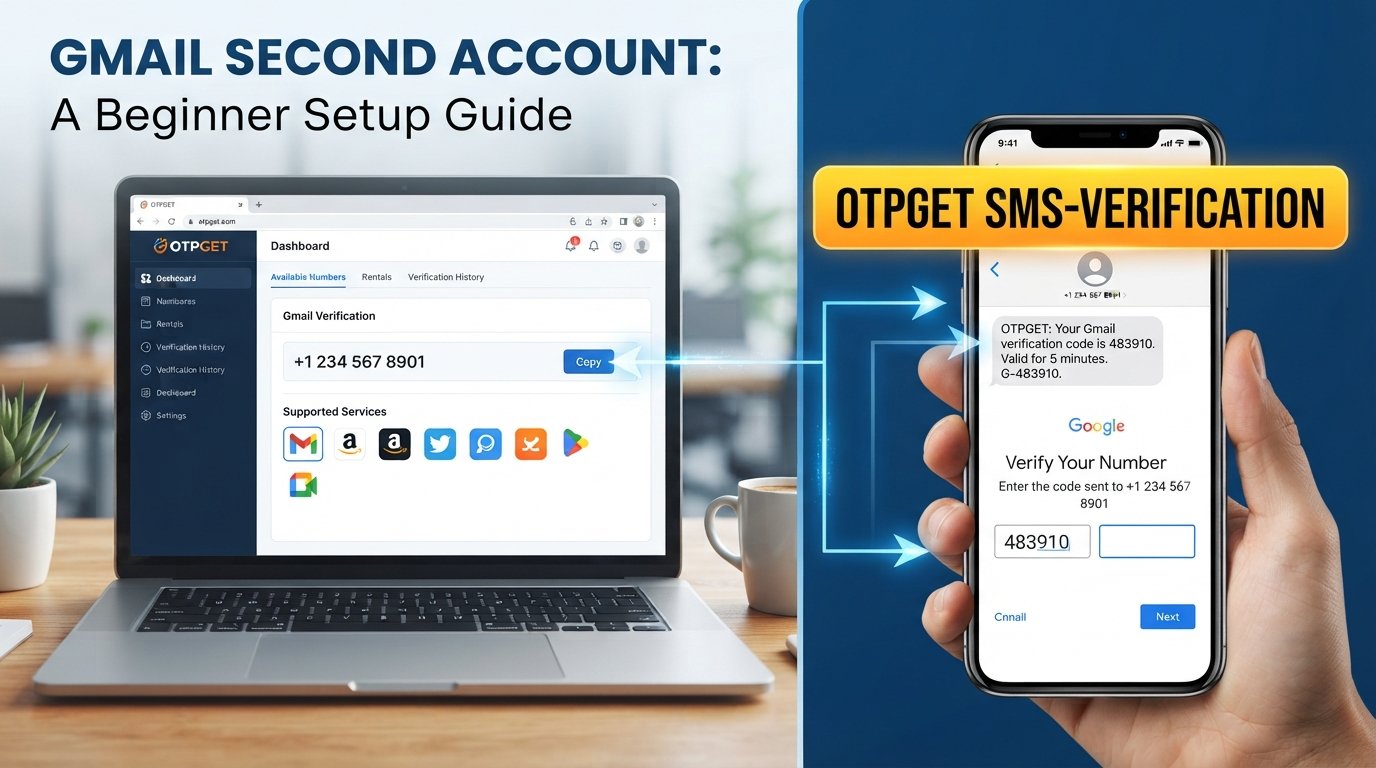
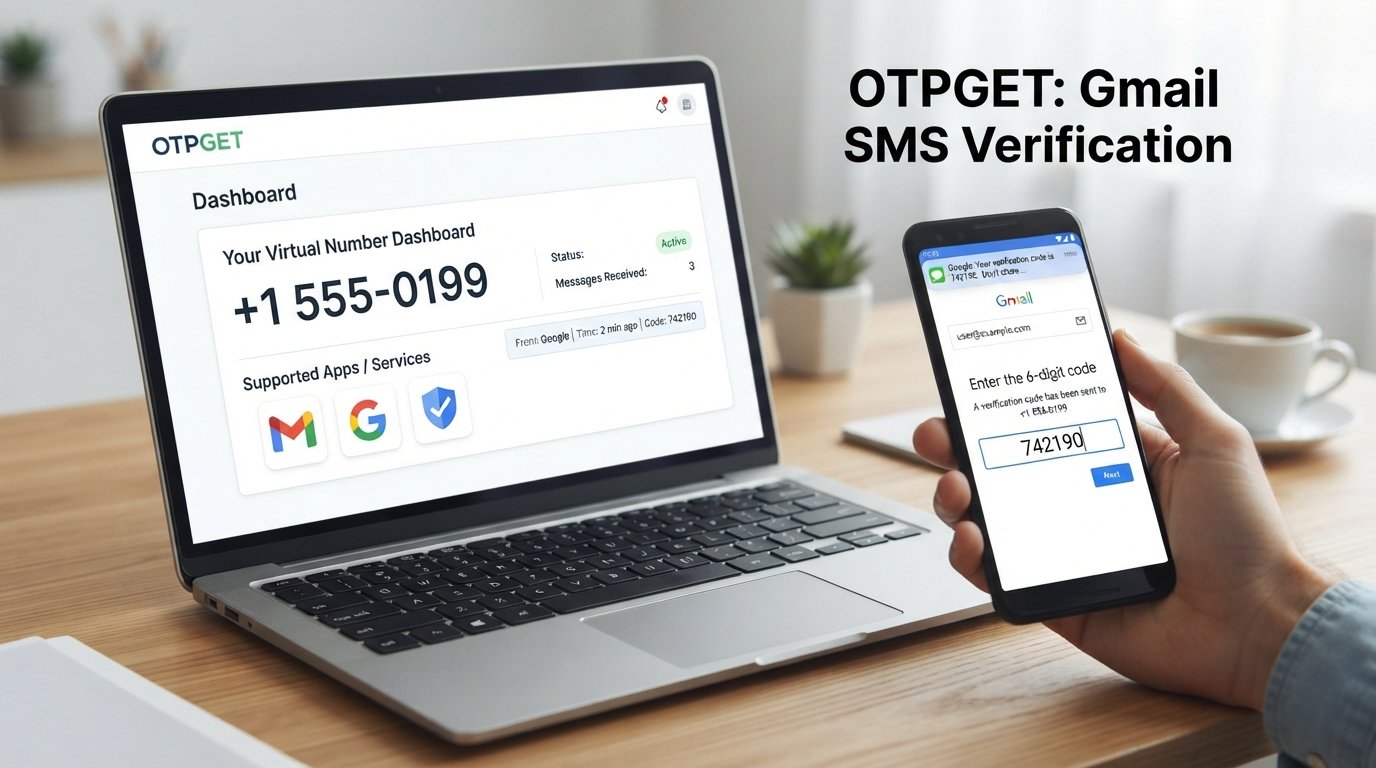
OTPGET is designed around virtual numbers and OTP verification. For a Gmail verification workflow, the basic concept is straightforward when a suitable number is available and Google accepts it.
A typical process looks like this:
- Start the Gmail or Google Account signup or verification process.
- Continue until Google asks for a phone number.
- Check OTPGET for an appropriate verification option that is available for the required service.
- Enter the provided number where Google requests a phone number.
- Request the verification code.
- Check OTPGET for the incoming SMS or OTP.
- Enter the received Google verification code into the appropriate Google verification field.
- Continue with the remaining account setup steps.
OTPGET's published information describes virtual numbers for receiving SMS OTP codes and explains that numbers can be selected based on available services and countries.
There is an important limitation: Google may reject a particular number, require another verification method, or impose additional verification requirements. OTPGET does not control Google's acceptance rules.
That distinction matters. Using an OTP service is an alternative way to access a verification number; it is not a method for bypassing Google's security systems.
Step-by-Step: How to Use OTPGET for Verification
If Google requests phone verification, you can approach the process methodically:
Step 1: Start the Account Process
Begin the normal Gmail signup or Google Account verification process.
Step 2: Reach Phone Verification
If Google asks for a phone number, determine whether you can continue without one. If not, consider an alternative number.
Step 3: Check OTPGET
Open OTPGET and look for a suitable verification option based on the service and availability.
Step 4: Enter the Number
If an appropriate number is available, enter it into Google's phone verification field.
Step 5: Request the OTP
Ask Google to send the verification SMS.
Step 6: Check for the SMS
Monitor the supported OTPGET interface for the incoming verification message.
Step 7: Enter the Code
Copy the Google verification code into the verification field provided by Google.
Step 8: Complete Setup
If Google accepts the number and code, continue with the remaining account setup steps.
If the number is rejected, don't repeatedly retry the same number. Check whether another verification option is available or use another legitimate number.
Benefits of Using OTPGET Instead of Your Personal Number
For the right situation, an OTP receiving service can be convenient.
Potential advantages include:
- Greater separation: Keep your primary phone number separate from online verification.
- Convenience: Receive supported verification SMS through an online service.
- Privacy preference: Avoid exposing your everyday number when an alternative is appropriate.
- Simple OTP process: The basic workflow involves receiving a code and entering it into the requesting service.
- Flexible verification: Virtual numbers can be useful for certain legitimate online verification workflows.
OTPGET describes its service as providing virtual numbers for SMS and OTP verification across supported platforms.
Still, convenience should not be confused with guaranteed acceptance. The service requesting the code always has the final say.
Things to Keep in Mind Before Using a Temporary or Virtual Number
A temporary phone number is not automatically the best choice for every Google account.
Before using one, consider the following:
- Some services reject temporary numbers. Google may not accept every virtual or temporary number.
- Availability changes. A number or service option available today may not be available later.
- Additional verification may be required. Google can request another method if it does not accept the number or needs more information.
- Recovery can be different. A temporary number may not be appropriate as your long-term account recovery method.
- Consider account ownership carefully. For an important personal or business account, a recovery method you can reliably access over time is usually more practical.
- Follow Google's policies. An alternative number should be used for legitimate account activity, not fraud, impersonation, spam, or unauthorized access.
Google specifically describes recovery phone numbers as a way to help users regain access to an account if they lose access or forget their password.
OTPGET vs. Using Your Personal Phone Number
| Feature | Personal Number | OTPGET |
|---|---|---|
| Privacy | Uses your primary contact detail | Can separate verification from your personal number |
| Convenience | SMS arrives directly on your phone | Verification SMS can be received through the supported service |
| Personal contact separation | Limited | Better suited when separation is the goal |
| Verification-code access | Direct | Available where the number/service is supported |
| Long-term account recovery | Often more suitable | May be unsuitable for permanent recovery |
| Ease of use | Familiar and straightforward | Useful when you specifically need an alternative number |
Neither option is universally better.
A personal number may be the better choice for an important account that you expect to recover over a long period. OTPGET can be more convenient when the immediate goal is to avoid using your personal number for a supported verification workflow.
Common Problems During Gmail Phone Verification
Even with a suitable number, verification may not always work immediately.
Verification Code Does Not Arrive
SMS delivery can be delayed because of carrier or service conditions. Google recommends waiting and trying again when appropriate.
If you're using an OTP service, also check whether the selected number is still active and whether the verification request was actually sent.
Google Rejects the Number
Google may display a message indicating that a phone number cannot be used for verification. In that situation, use another legitimate number or another verification method if Google provides one.
The Number Has Been Used Too Many Times
Google limits how often numbers can be used for account verification. If you see this type of message, another number may be required.
Temporary Numbers Are Not Accepted
This is one of the main limitations of online SMS verification. A number being technically capable of receiving SMS does not mean Google will accept it.
If that happens, consider a different available number or follow the verification method Google provides.
Frequently Asked Questions
Can I verify Gmail without my own phone number?
Yes, sometimes. Google does not require phone verification in every account-creation situation, but it can require it depending on the signup or verification circumstances. If phone verification is required, you may consider another number that you legitimately control or an appropriate virtual number where supported. The important point is that Google determines which verification methods and numbers it accepts.
Can I create a Gmail account without a phone number?
You may be able to. Google's account-creation guidance shows that adding and verifying a phone number can be optional in some signup flows. However, Google may sometimes require phone verification before allowing an account to be created. There is no reliable way to guarantee that every Gmail signup can be completed without a phone number.
Why does Gmail ask for a phone number?
Google may request phone verification to help confirm that a real person is creating or accessing an account and to reduce abuse. Phone numbers can also serve security and recovery purposes. The exact verification requirements can vary, so one account signup may not have exactly the same requirements as another.
Can I receive a Gmail verification code online?
Potentially, yes. If Google sends an SMS to a number that is supported by an online SMS or virtual-number service, the code may be received through that service. However, Google must accept the number first. An online OTP service cannot guarantee that every number will work with every Google verification request.
Are temporary numbers accepted by Gmail?
They may be accepted in some situations, but you should not assume that every temporary or virtual number will work. Google can reject numbers or require another verification method. Number availability and acceptance can also change. For important accounts, consider the long-term recovery implications before relying on a temporary number.
Is OTPGET useful for Gmail verification?
OTPGET can be useful when you need access to a virtual number for receiving an OTP and a suitable option is available. OTPGET describes virtual numbers for SMS and OTP verification on supported services. Whether a particular number works for Gmail depends on Google's verification requirements and acceptance of that number.
What should I do if Google rejects a verification number?
Don't keep forcing the same number through the process. Check whether Google offers another verification method, or use another legitimate number that meets Google's requirements. If you're using a temporary or virtual number, the service may also have different numbers available. For a long-term personal account, consider using a recovery method that you can reliably access in the future.
Final Thoughts
If your goal is to verify Gmail without phone number, you don't necessarily have to expose your primary personal number every time Google asks for verification.
Start by checking whether Google allows you to continue without phone verification. If it doesn't, consider a legitimate alternative number or a suitable virtual-number service where supported.
For users who specifically want an online way to access an OTP verification number, OTPGET is a practical option to explore. It can help separate verification activity from your personal phone number, while Google's own systems remain responsible for deciding whether a number and verification attempt are accepted.
Ready to avoid using your personal number for verification? Explore OTPGET and see whether a suitable verification option is available for your needs.