How Does Phone Verification Work? A Simple Guide for Beginners
How Does Phone Verification Work?
If you've ever signed up for an online service and received a text containing a short code, you've already encountered phone verification.
But how does phone verification work behind the scenes? In simple terms, a website or app sends a unique code to a phone number, and you enter that code to prove that you can access the number. This process is commonly powered by an OTP, or one-time password.
Phone verification helps services confirm access to a number, reduce automated abuse, support account recovery, and add another layer of protection during login. This guide explains the complete phone verification process, what happens when you enter an OTP, why verification sometimes fails, and how a service such as OTPGET can provide a practical option for receiving verification codes when a separate number is appropriate and permitted.
What Is Phone Verification?
Phone verification is a process used by websites and applications to confirm that a person can access a specific phone number.
Usually, you enter your number into a registration, login, recovery, or security form. The service then sends a verification code to that number. When you enter the correct code, the service treats the number as verified.
The goal isn't necessarily to prove your complete identity. In many cases, phone verification simply confirms control or access to the phone number. That's different from formal identity verification, which may require documents, biometric checks, or other information.
Common uses include:
-
Creating a new online account
-
Confirming a phone number during registration
-
Recovering an account
-
Completing two-factor authentication
-
Confirming sensitive account changes
-
Reducing spam and automated registrations
-
Adding another layer of account security
So, how phone verification works is fairly straightforward: the service sends a secret, temporary code to a number, and the user proves access by entering it.
How Does Phone Verification Work?
The typical process can be broken down into seven simple steps:
-
A user enters a phone number.
The website or app asks for a number and may check whether its format is valid. -
The service generates a unique code.
A random verification code is created for that particular verification attempt. -
The code is sent by SMS.
The service sends a SMS verification code to the submitted number, assuming SMS is the supported channel. -
The user receives the message.
The verification SMS appears on the user's phone or, where supported, through an online SMS or virtual-number service. -
The user enters the code.
The code is typed into the verification field on the website or app. -
The service validates it.
The system checks whether the submitted code matches the one generated for that request and whether it is still valid. -
The number is verified.
If the code is correct and hasn't expired or exceeded an attempt limit, the service marks the phone number as verified.
Most OTPs are designed to be short-lived and usable only once. That limits the usefulness of an intercepted or accidentally exposed code.
What Is an OTP Verification Code?
OTP stands for one-time password. An OTP code is a temporary credential generated for a specific authentication or verification event.
For example, you might receive a message saying:
Your verification code is 482731.
That six-digit number is an OTP.
Unlike a normal password, an OTP is generally intended for a single use and a limited period. Once accepted, it should no longer work. If it expires before you enter it, you'll normally need to request another one.
OTP verification is popular because it adds a separate step to account access. A service can send an SMS OTP to a number associated with the account and require the user to enter the received code.
This is different from your permanent password. Your password is something you may use repeatedly, while a phone verification code is generated for a particular event.
Why Do Websites Use Phone Verification?
There are several reasons websites and apps use phone number verification.
Account verification
During registration, a service may want to confirm that the supplied number can receive messages. This can help establish a communication channel for the account.
Login protection
Phone verification can be part of two-factor authentication. In a 2FA verification flow, the user may first provide a password and then enter a temporary code.
Password recovery
A verified number can sometimes be used to receive a recovery code when someone forgets a password.
Fraud and spam reduction
Requiring access to a phone number can make certain automated or abusive registration patterns more difficult.
Confirming account changes
Some services request a verification code before allowing changes to sensitive account settings.
It's worth remembering that SMS verification is only one security layer. It does not automatically prove someone's full identity or guarantee that an account is secure.
What Happens When You Enter the Verification Code?
When you submit an OTP, the service checks several pieces of information.
At a high level, it may compare the code you entered with the code associated with your verification request. It can also check whether the code has expired, whether it has already been used, and whether too many attempts have been made.
If everything matches, verification succeeds.
If the code is incorrect, the service may reject it and allow another attempt. If the OTP has expired, you'll usually need to request a new one.
This explains why repeatedly requesting codes can sometimes create confusion. You may receive several messages, but only the most recent valid request may work.
Why People May Not Want to Use Their Personal Phone Number
Using a personal number is perfectly reasonable for many accounts. However, there are legitimate situations where someone may prefer to keep their personal contact details separate.
For example, a person may want a temporary phone number for a short-term verification task, or a business may want a separate number for testing a service.
Potential considerations include:
-
Keeping personal contact information separate from online registrations
-
Reducing unnecessary exposure of a personal number
-
Managing verification for specific projects
-
Separating business and personal communications
-
Reducing unwanted messages to a primary number
-
Using a virtual phone number where the target service permits it
A separate number isn't a replacement for following a platform's verification rules. If a website prohibits temporary or virtual numbers, those requirements should be respected.
How OTPGET Can Help With Phone Verification
For users who legitimately need a separate number to receive verification messages, an OTP receiving service can simplify the process.
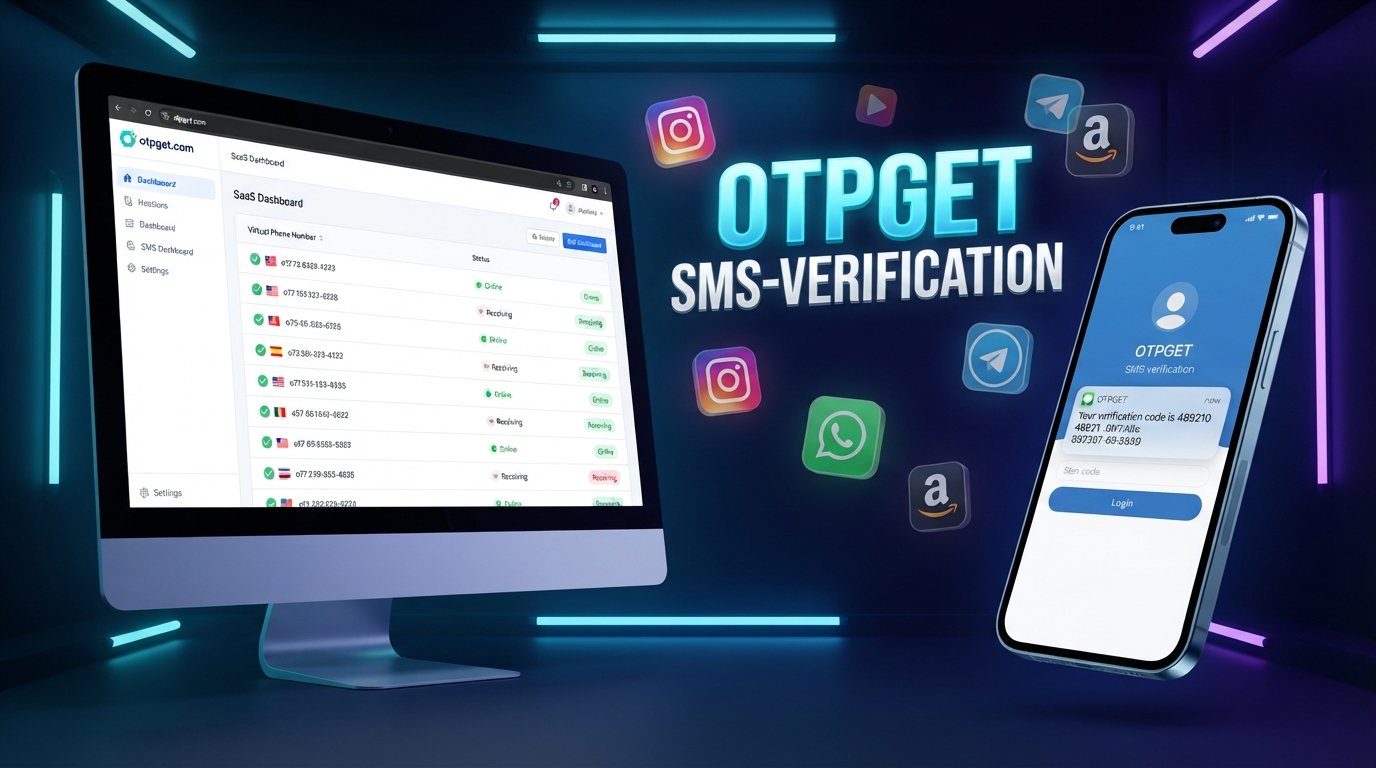
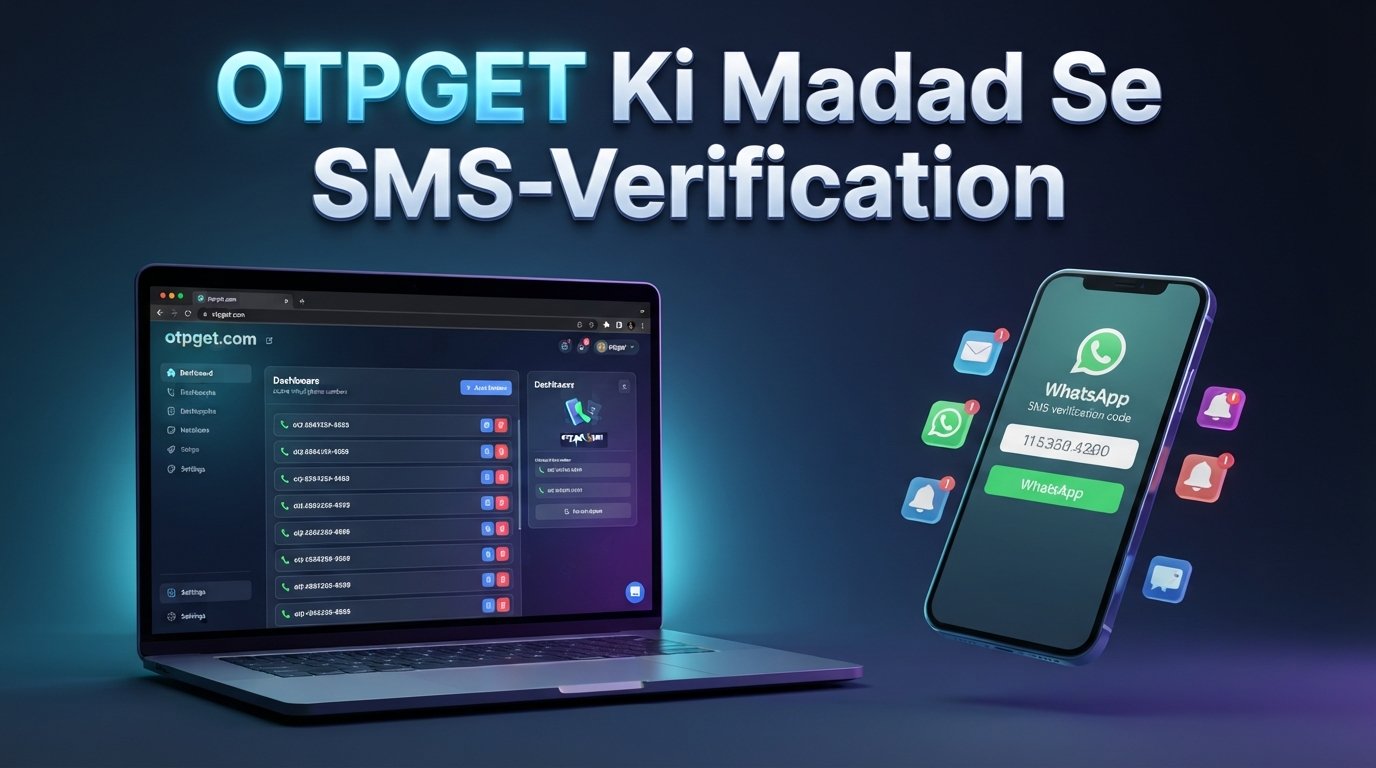
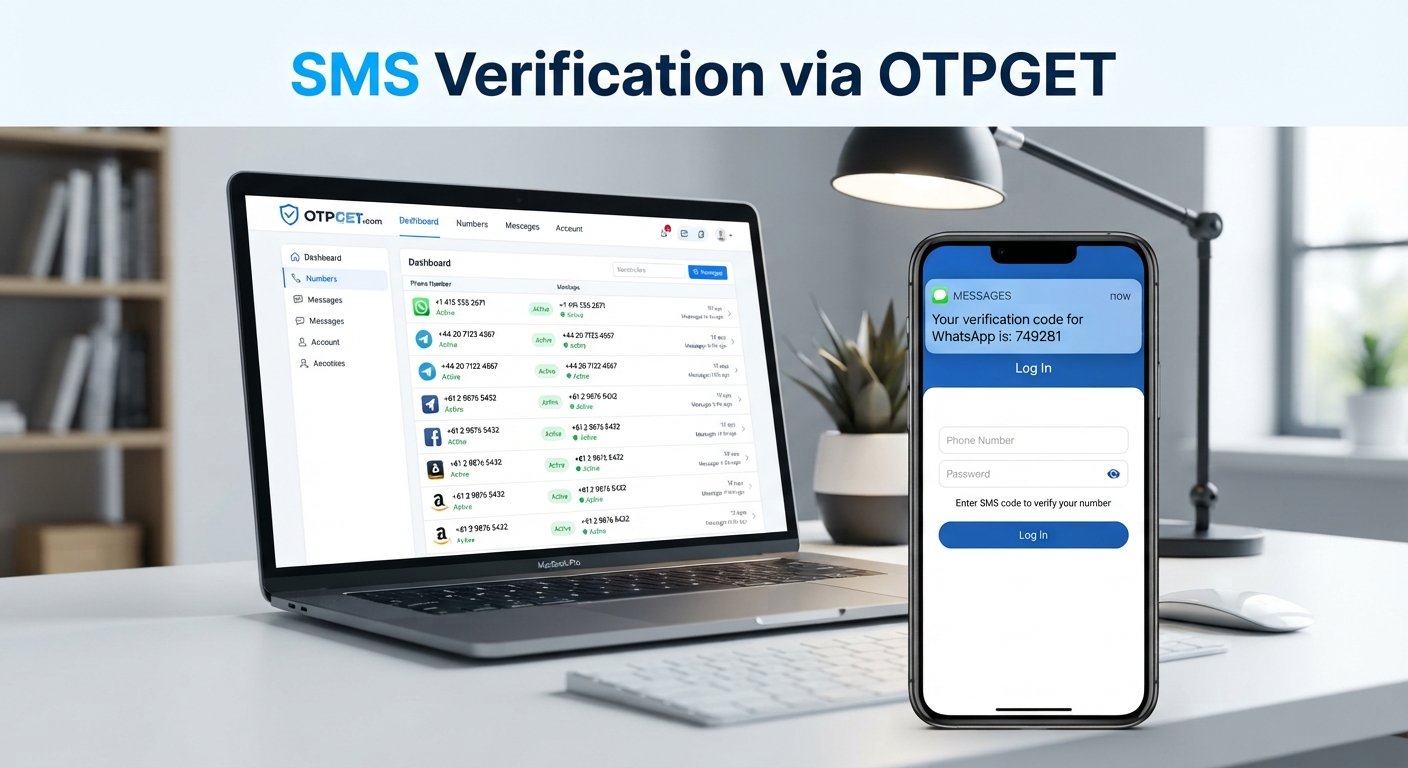
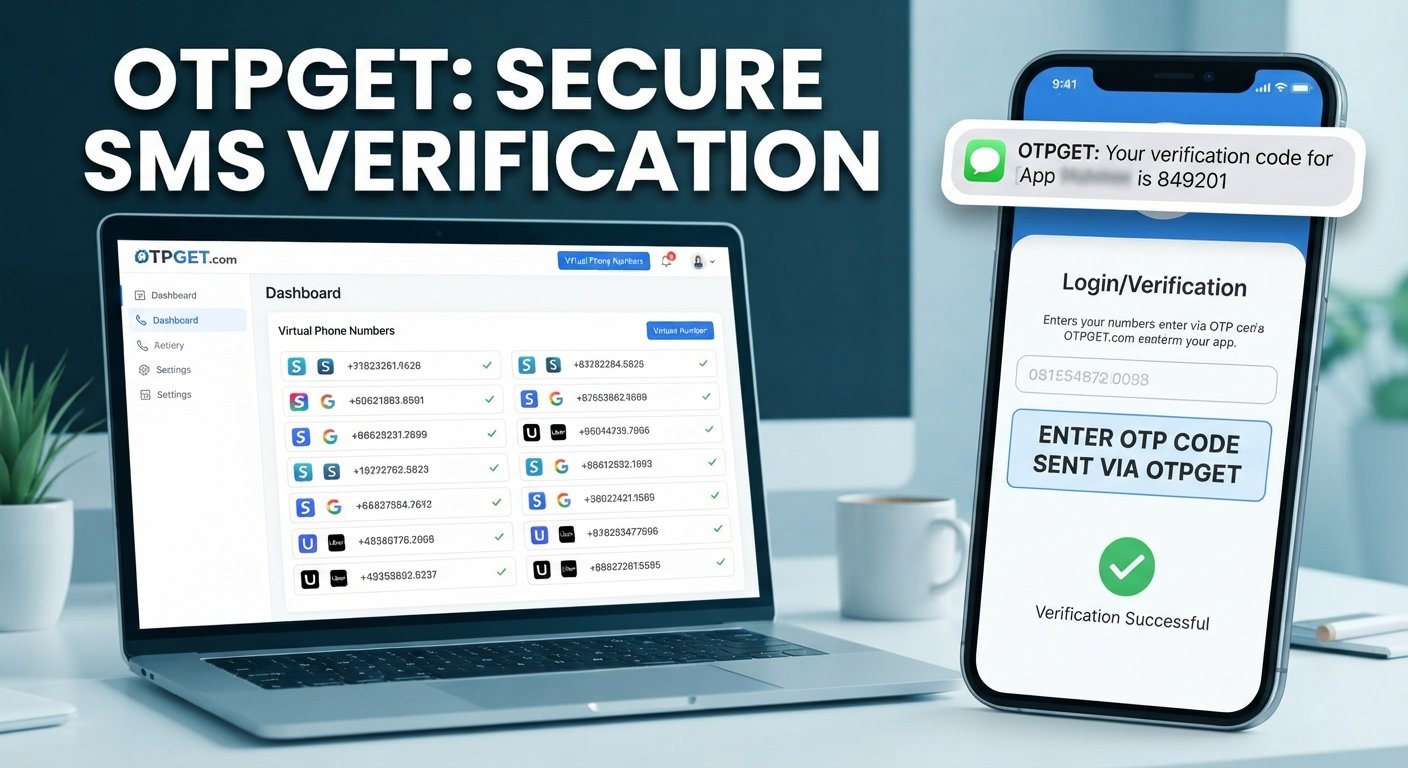
OTPGET provides virtual numbers intended for SMS OTP verification, with options that can include one-time numbers and longer-term rentals. Its documentation also describes an API for obtaining numbers and checking the status of received SMS messages.
The basic idea is simple: instead of directing every verification SMS to your personal phone, you can use a suitable number provided through the service when the target platform supports and permits that type of number.
A typical workflow looks like this:
Choose a number → Use it for the supported verification → Request the OTP → Receive the SMS → Enter the code → Complete verification
This can be useful for legitimate temporary verification needs, testing, account-management workflows, or situations where keeping a personal number separate is preferable.
OTPGET also states in its policies that users are responsible for using the service legally and must not use it for fraudulent, abusive, or harmful activity.
The important point is that an OTP receiving service doesn't bypass a website's security rules. It provides a phone number and message-receiving capability; the target website still decides whether that number is acceptable and whether verification succeeds.
OTPGET vs. Using Your Personal Phone Number
Both approaches can have a place depending on the situation.
| Feature | Personal Phone Number | OTPGET |
|---|---|---|
| Separation from personal number | No | Yes, where a separate number is available |
| Convenience for verification | Simple for everyday use | Useful for supported temporary verification needs |
| Privacy considerations | Personal number is shared | Can keep personal number separate |
| Suitable for temporary verification needs | Less convenient | Designed around virtual verification numbers |
| Management of verification SMS | Received on personal device | Messages can be received through the service where supported |
The right option depends on the service you're verifying, its policies, and whether you need the number for a one-time task or ongoing access.
Common Phone Verification Problems and How to Fix Them
Even a straightforward verification process can fail. Here are common problems and practical fixes.
OTP not arriving
Wait briefly and check that the number was entered correctly. If the service provides a resend option, request another code rather than repeatedly submitting old ones.
Delayed SMS
SMS delivery can sometimes be affected by network conditions, carrier routing, or the sending service. Give the message a little time before requesting multiple new codes.
Incorrect verification code
Make sure you're entering the newest code. If you've requested several messages, an older code may no longer be valid.
Expired OTP
Request a fresh code and enter it promptly.
Too many attempts
Repeated failed attempts can trigger temporary restrictions. Stop submitting codes and follow the service's instructions for trying again.
Unsupported number
Some websites restrict certain number types, including some virtual or temporary numbers. If the target platform doesn't accept the number, use a permitted alternative.
Network or SMS delivery issues
Check your phone's network connection and SMS reception. If you're using an online number, check the receiving service for the incoming verification message.
For legitimate situations where a separate number is permitted, OTPGET can be another option for receiving verification codes instead of relying exclusively on a personal number.
Is Phone Verification Secure?
Phone verification provides useful protection, but it isn't perfect.
OTP codes are generally temporary and intended for one-time use, which limits their exposure window. However, SMS itself has security limitations. Risks can include SIM-related attacks, phishing, social engineering, compromised devices, and interception under certain circumstances.
That's why you should never share an OTP with another person, even if they claim to be from a company or support team.
For sensitive accounts, stronger authentication methods may be preferable when available. Hardware security keys, authenticator apps, and other phishing-resistant methods can provide protections that SMS alone does not.
Think of SMS verification as one security control rather than a complete security strategy.
Best Practices for Phone Verification
A few habits can make verification safer and less frustrating:
-
Never share your OTP or verification code with anyone.
-
Check the website or app before entering a code.
-
Don't enter OTPs after following suspicious links.
-
Use trusted phone verification services when a separate number is appropriate.
-
Keep your recovery information current.
-
Enable stronger authentication methods when the service offers them.
-
Don't repeatedly request new codes unless necessary.
-
Use temporary or virtual numbers only when the target platform permits them.
-
Follow the terms and verification policies of the website you're using.
These practices help you treat phone verification as a security feature rather than simply another registration step.
Frequently Asked Questions About Phone Verification
1. How does phone verification work?
A website asks for your phone number, generates a temporary verification code, and sends it through SMS or another supported channel. You enter the code back into the website or app. The service checks the code and, if it is valid, confirms that the number has been verified.
2. What is an OTP verification code?
An OTP verification code is a temporary one-time password generated for a specific verification or authentication request. It normally expires after a limited period and is intended to be used only once.
3. How long does an OTP usually remain valid?
The exact expiration period depends on the service generating the code. OTPs are generally designed to have a limited validity window, so users should enter them promptly rather than assuming a code will remain active indefinitely.
4. Why am I not receiving my verification SMS?
Possible causes include an incorrectly entered number, delayed SMS delivery, network problems, carrier filtering, service-side issues, or an unsupported number type. Confirm the number, wait briefly, and request a new code if appropriate.
5. Can I receive OTPs online?
Yes. An online phone verification service can provide access to numbers capable of receiving SMS where supported. Services such as OTPGET offer virtual numbers for receiving verification messages, subject to the policies and compatibility requirements of the target platform.
6. What is a temporary phone number for verification?
A temporary phone number is a number intended for short-term use rather than as someone's primary personal contact number. It can be useful for certain verification tasks when the website or app permits temporary or virtual numbers.
7. Is SMS verification secure?
SMS verification provides an additional security layer, but it has known limitations. Users should protect OTPs from phishing and social engineering and consider stronger authentication methods for sensitive accounts when available.
8. How can OTPGET help with phone verification?
OTPGET provides virtual numbers for SMS OTP verification and describes both one-time and rental options. Where supported, users can select an appropriate number, use it for the verification request, and receive the resulting SMS through the service.
Final Thoughts
So, how does phone verification work? The basic process is simple: enter a phone number, receive a temporary verification code, enter that code, and let the service validate it.
Phone verification can support account verification, password recovery, two-factor authentication, and efforts to reduce spam and automated abuse. At the same time, SMS isn't a perfect security mechanism, and users should understand its limitations and protect every OTP they receive.
For people who need a separate number for legitimate verification purposes, a virtual number can also offer practical separation from a personal phone number. Where the target platform allows it, OTPGET provides virtual numbers and SMS OTP receiving options designed around this workflow.
If you need a practical way to receive verification codes without always using your personal number, exploring OTPGET can be a useful next step—provided the number type is supported and permitted by the service you're verifying.