How to Get a Virtual Phone Number Without a SIM: Complete Guide
How to Get a Virtual Phone Number Without a SIM
Introduction
Need a phone number but do not want to buy another SIM card?
Whether you are trying to keep your personal number separate from online registrations, need a number for a legitimate verification workflow, or simply want an alternative to a physical mobile line, a virtual phone number can be a practical option.
A virtual number works through online infrastructure instead of requiring a physical SIM to be inserted into your phone. Depending on the provider and the service involved, it can allow you to receive supported SMS messages, verification codes, or other communications online.
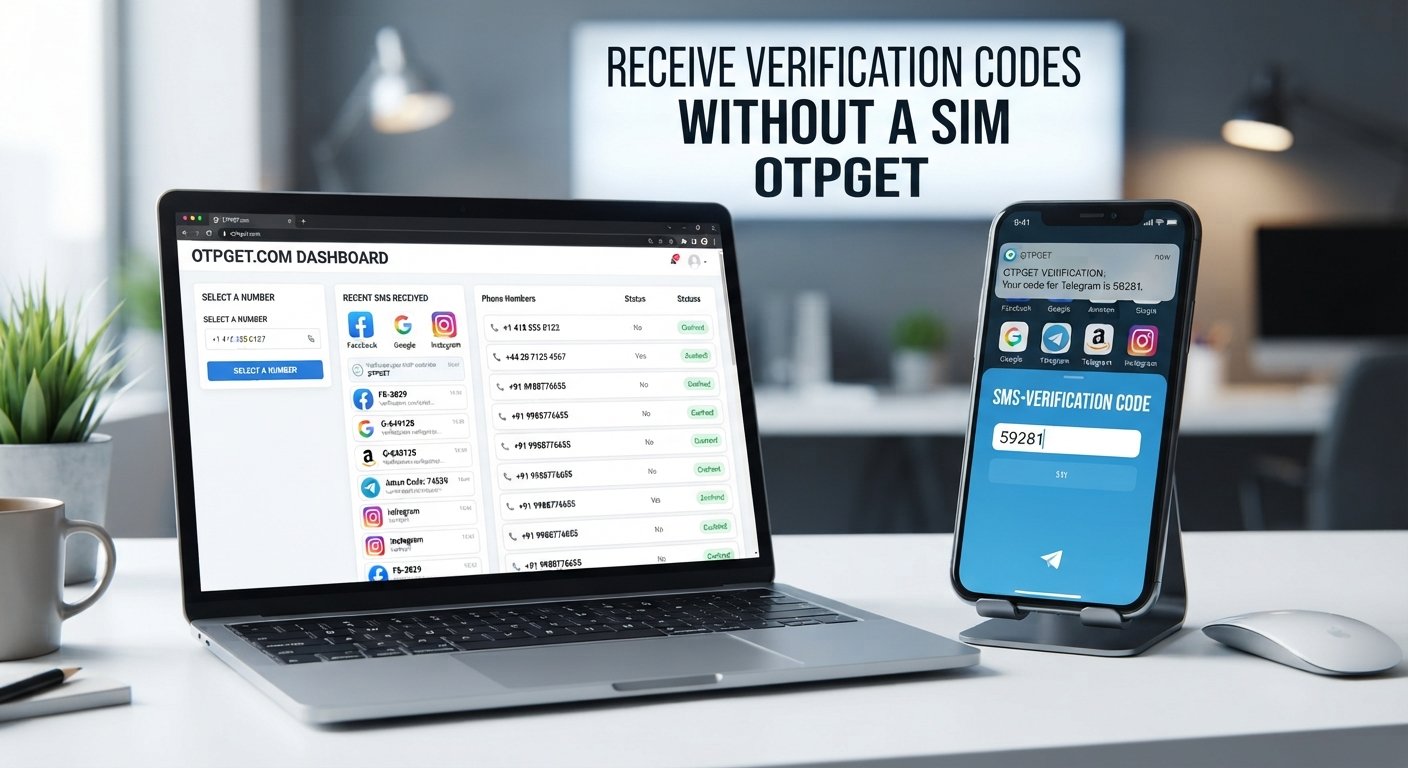
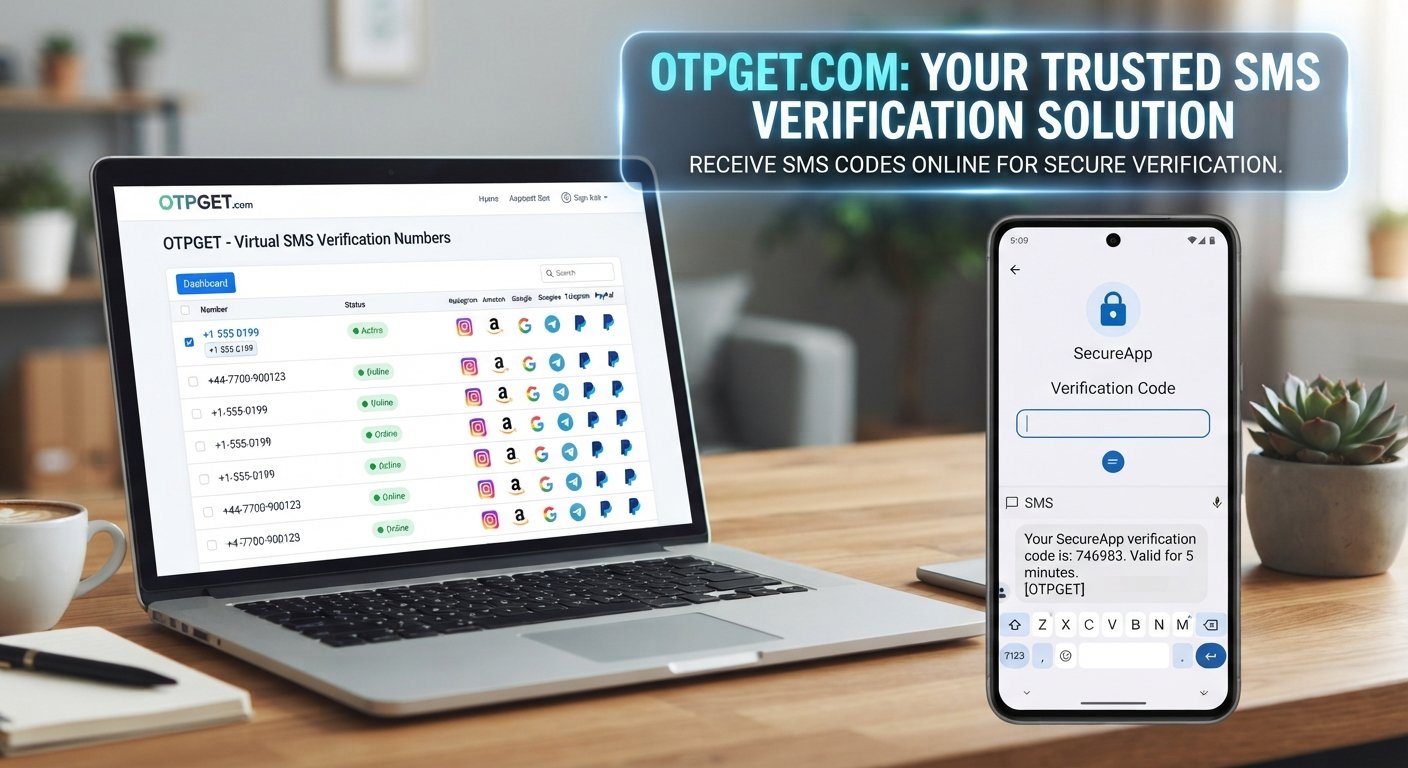
This is where services such as OTPGET can be useful. OTPGET provides virtual numbers intended for SMS and OTP verification, with availability depending on the selected country, number, and service. Its documentation also describes options for requesting numbers and checking the status of incoming SMS messages.
But how exactly does a phone number work without a SIM card? And what should you know before using one? Let's break it down.
What Is a Virtual Phone Number?
A virtual phone number is a telephone number that is accessed through an online service rather than being tied directly to a physical SIM card in your smartphone.
With a traditional mobile number, your SIM connects your device to a cellular network. Your phone then uses that connection to send and receive calls or text messages.
A virtual number changes the way that connection is managed. The number is provided through internet-based infrastructure, while supported messages can be made available through the provider's website, dashboard, application, or another supported interface.
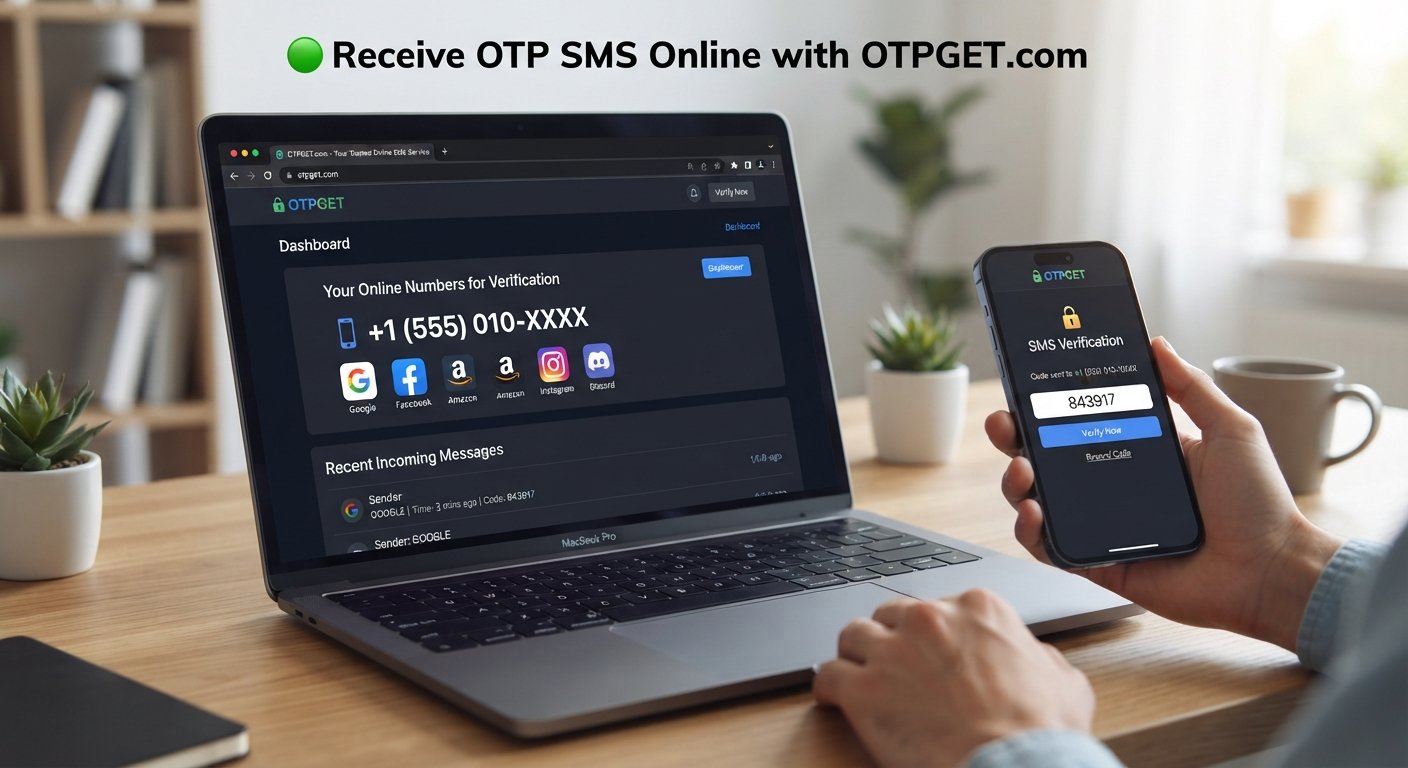
For example, instead of receiving a verification SMS in your phone's normal messaging application, you may access the message through an online SMS receiving service.
Common legitimate uses include:
- Separating personal and business communications
- Receiving supported SMS verification codes
- Testing applications and services
- Managing temporary communication requirements
- Keeping an additional number separate from your primary mobile line
- Using an online number when obtaining a physical SIM is inconvenient
The important detail is that capabilities vary. A virtual number is not automatically equivalent to every type of conventional mobile number.
Can You Get a Phone Number Without a SIM Card?
Yes. A virtual phone number can provide access to a phone number without requiring you to purchase or insert a physical SIM card.
The basic idea is simple: instead of the SIM being responsible for connecting your number to a mobile network, the virtual-number provider manages the number and its supported communication services through online infrastructure.
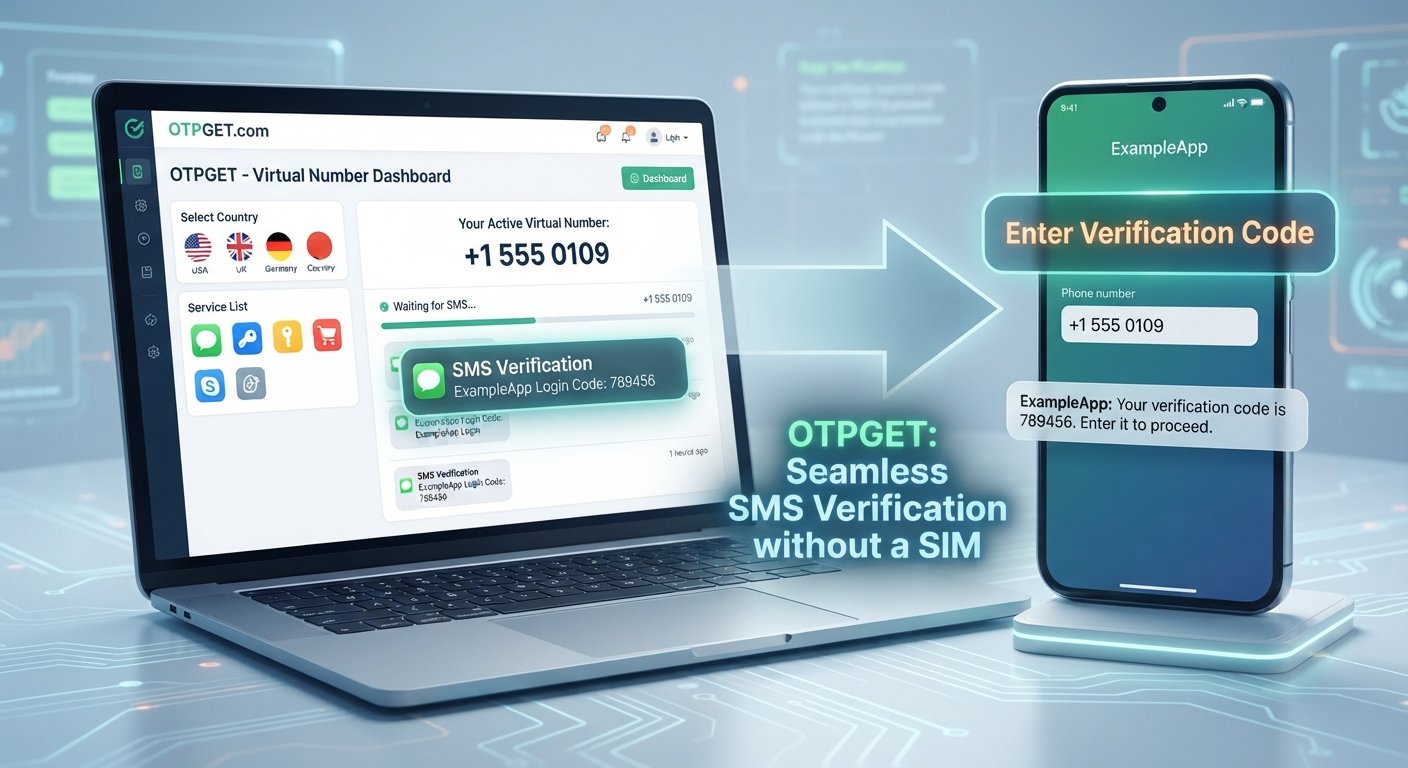
For SMS verification, the process generally looks like this:
- You obtain an available virtual number.
- You enter that number into a supported service.
- The service sends an SMS or OTP to the number.
- The virtual-number provider receives the supported message.
- You view the message online and use the code where appropriate.
However, there is an important limitation. Not every website or application accepts every virtual number. Some services may restrict temporary, VoIP, recycled, or other types of virtual numbers.
That means getting a phone number without a SIM is possible, but successful use depends on the provider, number type, destination service, and verification requirements.
How Does a Virtual Phone Number Work?
You do not need to understand the underlying telecom infrastructure to use a virtual number. The process is usually straightforward.
1. Choose a virtual number service
Start by selecting a provider that offers the type of number and communication method you need.
2. Select an available number or service option
Depending on the provider, you may select a country, service, number type, or rental option.
3. Use the number where supported
Enter the virtual number into the appropriate phone-number field during a legitimate registration, communication, or verification process.
4. Receive supported calls or SMS
If the destination service accepts the number and sends a supported message, the provider can route that communication to its online system.
5. Complete the relevant process
For an SMS verification workflow, you can retrieve the code through the provider's supported interface and enter it into the appropriate verification field.
OTPGET's documentation describes an SMS OTP API that can request a number and check activation status, illustrating how the number and incoming SMS can be handled through an online system rather than a physical SIM.
How to Get a Virtual Phone Number Without a SIM Using OTPGET
If your goal is to get a virtual phone number without a SIM for a supported SMS or OTP workflow, OTPGET provides a practical option to explore.
The exact numbers and services available can change, so the safest approach is to check what is currently offered for your intended use.
Step 1: Choose the Appropriate Number
Begin by identifying what you actually need.
Consider the country associated with the number, whether you need a temporary or longer-term number, and whether your intended service accepts virtual numbers.
Choosing based on the destination service is important because simply having a number from a particular country does not guarantee that a third-party platform will accept it.
Step 2: Check Service Compatibility
Before obtaining a number, check whether the service you intend to use supports the relevant number type.
This is one of the most important steps in any virtual number workflow. A provider can make a number available, but the website or application receiving the verification request ultimately determines whether it accepts that number.
OTPGET's platform is designed around selecting a country and service for supported SMS OTP use cases. Its documentation also exposes country and service information through its API.
Step 3: Use the Number for the Intended Purpose
Once you have an appropriate number, enter it into the phone-number field of the supported service.
Use the number only for legitimate purposes and follow the destination platform's terms, verification requirements, and account policies.
Step 4: Receive the Verification Message
If the destination service accepts the number and sends an SMS, the message can be made available through the virtual-number provider.
OTPGET documents an activation-status process for checking whether an SMS has been received for a number request.
Step 5: Complete Verification
If the SMS contains an OTP or verification code, enter that code into the appropriate field on the service you are using.
The virtual-number provider handles the SMS-receiving side; the destination service controls whether the verification attempt is accepted.
This distinction matters. A virtual number can provide an SMS receiving channel, but it cannot guarantee acceptance by every third-party platform.
Why Use a Virtual Phone Number Instead of a Physical SIM?
There are several practical reasons someone may prefer an online number.
No physical hardware: You do not need to purchase, insert, or manage another SIM card.
Convenience: Supported SMS messages can be accessed online rather than through a separate physical handset.
Separation: A second phone number can help separate personal communications from certain online activities.
Flexibility: Virtual numbers may be available for different countries and use cases, depending on the provider's current inventory.
Temporary access: Some providers offer temporary numbers for short-term requirements, while others provide rental options for users who need longer access.
OTPGET specifically describes both temporary virtual numbers and longer-term rental numbers, allowing users to consider different approaches based on their intended use.
Virtual Phone Number vs Physical SIM
| Feature | Virtual Phone Number | Physical SIM |
|---|---|---|
| Physical hardware | Not required | Required |
| Setup | Online | SIM installation and mobile activation |
| Accessibility | Through supported online provider tools | Through a compatible mobile device |
| SMS availability | Depends on provider and number | Typically tied to the mobile service |
| Portability | Access may depend on the provider | SIM can generally move between compatible devices |
| Use cases | Online communication, supported verification, testing | Everyday mobile calls, SMS, and cellular service |
| Mobile network hardware | No physical SIM needed | Depends on SIM and mobile network |
Neither option is universally better. The right choice depends on what you need the number to do.
Common Uses for a Virtual Phone Number
A virtual mobile number can be useful in several legitimate situations.
Online account verification
Some services use SMS codes to confirm a phone number. Where virtual numbers are accepted, they can provide an alternative to using a personal number.
Business communication
A separate online phone number can help distinguish business-related communication from personal communication.
Software testing
Developers and QA teams may need phone numbers when testing SMS-based workflows, provided their testing complies with the relevant service's rules.
Temporary communication
A temporary virtual phone number can be useful when you need a number for a limited purpose and do not want to obtain another physical SIM.
Personal-number separation
Some people prefer not to use their everyday phone number for every online service. A separate number can provide a degree of separation, although it should not be treated as automatically anonymous or risk-free.
What to Check Before Choosing a Virtual Number Service
Before choosing a provider, look beyond whether it simply offers an online phone number.
Check:
- Supported countries: Make sure the country you need is available.
- SMS availability: Confirm that the number supports the type of message you require.
- Service compatibility: Check whether your intended platform accepts the number type.
- Number availability: Inventory can change, particularly for specific countries or services.
- Reliability: Look for clear information about how messages are handled and accessed.
- Privacy practices: Review what information the provider collects and how it is handled.
- Ease of use: Consider whether the process is understandable and convenient.
- Pricing transparency: Check costs and any relevant conditions before obtaining a number.
- Terms of service: Make sure your intended use complies with the provider's rules.
- Customer support: Check what assistance is available if an issue occurs.
- Number retention: If you need continued access, understand how long the number remains available.
OTPGET can be evaluated using these same criteria. Its official documentation provides information about available API functions, number requests, countries, services, and SMS status handling.
Is a Virtual Phone Number Safe to Use?
A virtual phone number is not automatically safe or unsafe. Its suitability depends on the provider, number type, how you use it, and the service receiving the number.
Before using one, consider the provider's privacy practices and account-security procedures. Avoid assuming that an online number is completely anonymous or that it provides the same security characteristics as a personal mobile number.
There is also an important distinction between receiving an OTP and securing an account.
An SMS verification code can confirm that a code was delivered to a particular number, but it does not by itself make an account secure. For important accounts, use the security methods recommended by the platform.
Most importantly, use virtual numbers according to the rules of the website or application involved. They should not be used to bypass security controls, identity checks, geographic restrictions, spam protections, or account policies.
Frequently Asked Questions
Can I get a phone number without a SIM card?
Yes. Virtual phone number services can provide numbers that are accessed online without requiring a physical SIM card. The available features depend on the provider.
Can I receive SMS without a physical SIM?
Yes, where the provider and number support SMS reception. Instead of arriving through a physical SIM, supported text messages can be made available through the provider's online system.
Can a virtual number receive OTP codes?
It can receive OTP codes when the number supports SMS and the destination service accepts that type of number. Acceptance is controlled by the service sending the code.
How does OTPGET work?
OTPGET provides virtual numbers for supported SMS and OTP verification workflows. Its documented process includes requesting a number and checking its activation status for incoming SMS.
Can I use a virtual number for account verification?
You can use one for verification where the destination service permits the relevant virtual number. Always check the platform's rules and requirements first.
Is a virtual phone number the same as a normal mobile number?
Not exactly. Both can represent telephone numbers, but a traditional mobile number is generally associated with a physical SIM and cellular service, while a virtual number is managed through an online provider.
What should I check before choosing a virtual number?
Check country availability, SMS support, service compatibility, number availability, privacy practices, pricing, retention rules, terms of service, and customer support.
Conclusion
Getting a virtual phone number without a SIM is possible through online number services that provide supported communications without requiring physical SIM hardware.
The basic process is straightforward: choose an appropriate number, confirm compatibility, use it for a legitimate supported purpose, receive the SMS or OTP online, and complete the relevant process.
For users exploring this option, OTPGET is a service worth evaluating. Its platform provides virtual numbers for SMS and OTP workflows, while its documentation explains how numbers can be requested and incoming activation messages checked.
The key is to choose a number based on your actual requirements rather than assuming every virtual number works with every service. Check availability, compatibility, privacy practices, pricing, and usage rules before proceeding.
If you need a phone number without a SIM for a supported online communication or verification task, explore the available OTPGET options and determine whether the numbers and features currently offered fit your particular use case.