How to Receive Verification Codes Without a SIM: A Practical Online Guide
How to Receive Verification Codes Without a SIM
Phone verification has become a common step when creating an account, confirming a login, or accessing an online service. The usual process is simple: enter a mobile number, receive an SMS containing a one-time password (OTP), and enter that code on the website or app.
But what happens when you do not have your physical SIM available, or you would rather not give your personal number to another online service?
One option is to use an online phone number that can receive SMS messages. These numbers can provide a practical alternative for suitable verification scenarios without requiring you to use your personal SIM. OTPGET is the featured solution in this guide, offering an online approach for receiving verification messages where the relevant service accepts that type of number.
The important point is to use an online number responsibly. Not every website or application accepts temporary or virtual numbers, and sensitive accounts may be better protected with a personal or dedicated number.
Can You Receive a Verification Code Without a SIM?
Yes, in some situations you can receive a verification code without having your physical SIM card in your phone. The key is that the verification SMS still needs to be delivered to a valid phone number.
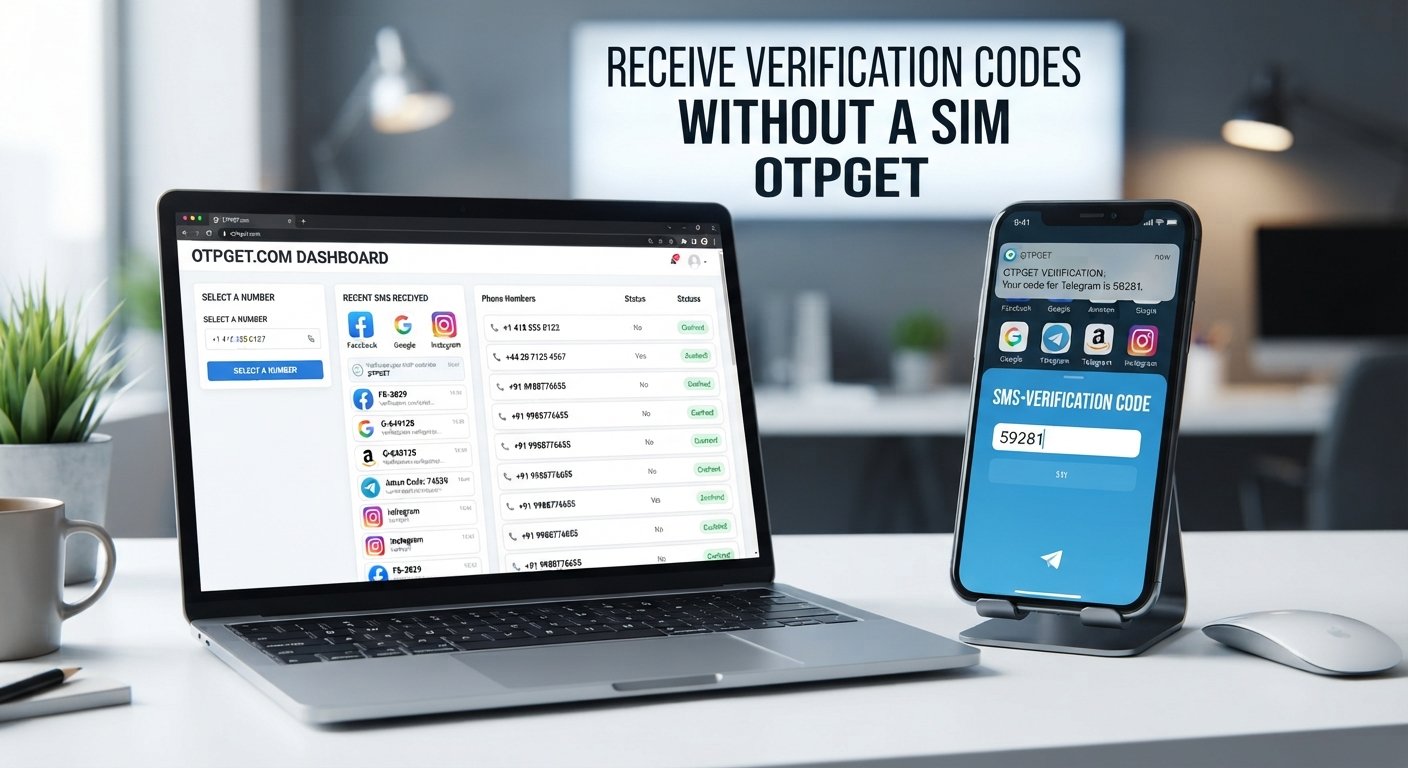
Normally, a website sends an SMS to the mobile number you provide. Your mobile carrier routes that message to the associated phone and SIM. With an online phone number, the number is managed through an online SMS service instead. If the number is eligible for the service you are using, the incoming message can be viewed through the provider's online interface.
This means a verification code without SIM does not eliminate the SMS process. Instead, it changes where the SMS is received.
There are a few important distinctions:
-
A physical SIM connects a number to a mobile device through a carrier.
-
An online number is accessed through an internet-based service.
-
Some websites accept online numbers, while others may reject them.
-
Availability can depend on the service, country, carrier, or number type.
-
Temporary numbers may not be suitable for long-term account recovery.
So, while it is possible to receive verification codes without a SIM, the method is not universally compatible with every verification system.
Why People Need Verification Codes Without Using Their Personal SIM
There are several legitimate reasons someone may want an alternative to their everyday phone number.
Privacy-conscious users may prefer not to share their personal number with every website that requests SMS verification. An online number can provide separation between personal communications and suitable online registrations.
People without immediate access to a SIM may also need a practical way to receive an SMS. For example, someone may be traveling, using a device without cellular service, or temporarily unable to access their usual phone.
Developers and QA testers can have another reason. When testing an application's SMS verification flow, an appropriate online number can be useful where the testing environment permits it.
Other possible use cases include:
-
Temporary registrations where online numbers are permitted
-
Testing SMS-based workflows
-
Accessing services while traveling
-
Keeping a personal number separate from suitable online registrations
-
Situations where a physical mobile number is temporarily unavailable
The best approach is always to check the rules of the website or app before using an online number.
How to Receive Verification Codes Without a SIM
The general process is straightforward. You need an eligible online number and a service that accepts that number type.
-
Choose an online SMS or OTP service.
Select a service that provides numbers for receiving SMS messages. OTPGET is one option to consider for suitable verification scenarios. -
Select an available phone number.
Choose a number that is available for the intended verification and appropriate for the service you are using. -
Enter the number on the website or app.
In the verification form, enter the online number instead of your personal mobile number. -
Request the verification code.
Submit the number and wait for the website or application to send its SMS. -
Wait for the message.
Delivery may take some time. Avoid repeatedly requesting codes because some platforms limit verification attempts. -
Check the online SMS service.
Return to the service providing the number and look for the incoming verification SMS. -
Enter the OTP.
If the message arrives and the verification is permitted, enter the code into the original verification form.
This is the basic way to receive OTP without SIM. The exact interface and availability can differ between online SMS providers.
How OTPGET Works
OTPGET can be considered when you need an online number for an appropriate SMS verification scenario.
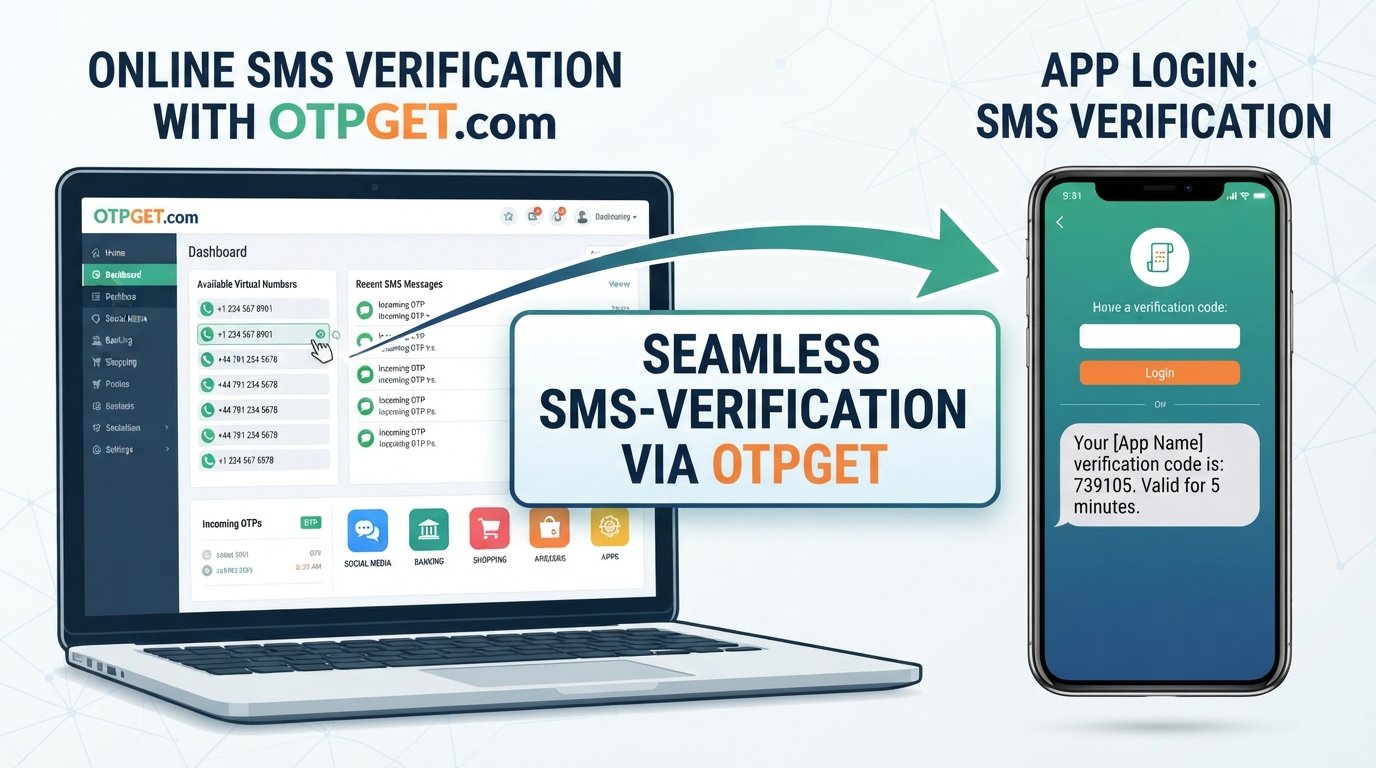
The basic workflow is designed around receiving the verification message online rather than relying on your personal physical SIM:
-
Visit OTPGET.
-
Select an available number suitable for the intended verification.
-
Copy the provided number.
-
Enter the number into the supported service's verification field.
-
Request the OTP from the original website or application.
-
Return to OTPGET and check for the incoming verification SMS.
-
View the verification code if the message is received.
-
Enter the code into the original verification form where permitted.
This approach can be useful when you need to receive SMS online and do not want to use your everyday number for a suitable temporary verification purpose.
However, OTPGET should not be treated as a universal solution for every platform. A website or app may have rules that restrict virtual, temporary, or shared numbers. Always follow the requirements of the service you are trying to verify.
Benefits of Using an Online Number for Verification
Privacy
An online number can help separate your personal phone number from suitable online registrations. This can reduce the number of services that need access to your everyday contact number.
That does not mean an online number should be considered completely anonymous or inherently private. Privacy depends on the provider, the service being verified, and how the number is used.
Convenience
If your physical SIM is unavailable, an online number can provide another way to access SMS verification where supported.
Flexibility
Online SMS services may provide access to available numbers for particular verification needs. Availability varies, so the number you need may not always be available.
Accessibility
People traveling or working across different regions may find online numbers useful when they need an eligible number for a supported verification process.
Testing and Development
Developers and QA teams can use suitable online numbers when testing SMS verification workflows, provided the application, provider, and testing environment permit it.
Receive OTP Without a SIM vs. Using Your Personal Number
Both approaches have legitimate uses. The right choice depends on the account, the platform's requirements, and the level of security involved.
| Factor | Physical SIM | Online/Virtual Number |
|---|---|---|
| Privacy | Uses your personal or dedicated mobile number | Can separate suitable registrations from your personal number |
| Convenience | Requires access to the SIM/device | Can be accessed through the online service |
| Availability | Depends on your carrier and mobile service | Depends on available online numbers |
| Typical use | Personal and long-term accounts | Suitable temporary verification and testing |
| Account recovery | Often appropriate for long-term recovery | May be unsuitable if the number is temporary or shared |
| Platform acceptance | Commonly supported | Depends on the individual website or app |
| Main limitation | Requires access to the mobile service | Some platforms may reject online or temporary numbers |
The comparison is not about replacing one method with another in every situation. Instead, it helps you choose a number type that matches the purpose of the verification.
Common Problems When Receiving Verification Codes Online
Using an online number does not guarantee that every SMS will arrive successfully. Several factors can affect delivery.
The SMS may be delayed. Network routing, the sending platform, and the receiving service can all influence delivery time.
A number may already have been used. Some services track previous registrations or verification activity associated with a number.
The website may reject virtual numbers. Some platforms specifically require a conventional mobile number.
Repeated requests may be restricted. Requesting several OTPs in quick succession can trigger limits on the original service.
A number may be unavailable. The number you want may not currently be available for the intended purpose.
Regional restrictions may apply. SMS delivery and number acceptance can vary by country, carrier, and platform.
These issues do not necessarily mean that the online SMS service is malfunctioning. Sometimes the limitation comes from the website sending the verification code.
How to Improve the Chances of Receiving an OTP
A few simple practices can make the process easier:
-
Check the selected number carefully before submitting it.
-
Confirm that the original service permits the type of number you are using.
-
Give the SMS reasonable time to arrive before requesting another code.
-
Avoid repeatedly submitting verification requests.
-
Check whether the selected number is currently available for the intended service.
-
If permitted, try another eligible number when the first one does not work.
-
Make sure you are entering the code into the correct verification form.
-
Follow the terms and verification requirements of the original website or application.
If a service explicitly requires a personal mobile number, the appropriate solution may simply be to use one rather than attempting to work around that requirement.
Is It Safe to Receive Verification Codes Online?
An online number can be useful, but it should not automatically be treated as equivalent to a private personal number.
Choose reputable services and avoid entering sensitive information into unfamiliar websites. Most importantly, never give your OTP to another person. A verification code is intended for the account or transaction being confirmed.
You should also remember that temporary or shared numbers can have different security characteristics from a dedicated personal number. If another person can potentially access the same number later, it may not be suitable for account recovery or long-term authentication.
For that reason, consider using online numbers primarily for appropriate, lower-risk scenarios. Follow the rules of the service being verified, and understand what type of number it requires before starting the process.
When Should You Use Your Personal SIM Instead?
An online number is not the right choice for every account.
Your personal or dedicated mobile number may be more appropriate for services where long-term identity verification or account recovery is important, including:
-
Banking and financial accounts
-
Government services
-
Password recovery
-
Primary email accounts
-
Long-term personal accounts
-
Services with strict mobile-number requirements
For these accounts, losing access to a temporary or shared number could create account-recovery problems. Before choosing an online number, consider how you would recover the account if you could no longer access the verification number.
Why Choose OTPGET for Online Verification?
For users who need an online number for a suitable verification scenario, OTPGET provides a practical option to consider.
The main appeal of an online OTP/SMS platform is convenience: instead of relying on your personal SIM, you can use an available online number and check for the incoming verification message through the service.
OTPGET can be useful when you want to:
-
Access an online verification number for an appropriate temporary use case
-
Keep your personal number separate from certain registrations
-
Receive verification SMS messages online
-
Avoid depending on a physical SIM when it is not required
-
Support suitable testing or verification workflows
The important qualification is that the original website or app must accept the number type. OTPGET should therefore be viewed as a practical option for supported scenarios rather than a way to bypass a platform's verification requirements.
Frequently Asked Questions
Can I receive an OTP without a SIM card?
Yes, in some cases. An online or virtual phone number can receive SMS verification codes without requiring a physical SIM in your device. However, acceptance depends on the website or application sending the code.
How can I receive SMS verification codes online?
Choose an online SMS service, select an eligible number, enter it on the service requiring verification, and check the online service for the incoming SMS. OTPGET can be considered for suitable verification scenarios.
Can I use OTPGET to receive verification codes?
OTPGET can be considered for receiving verification SMS through an online number where the original service accepts that number type. Compatibility and number availability can vary.
Is receiving an OTP without my personal SIM safe?
It can be appropriate for certain lower-risk situations, but an online or shared number may not offer the same account-recovery properties as a personal or dedicated number. Never share your OTP with anyone else.
Can every website accept an online verification number?
No. Websites and applications can set their own verification requirements. Some accept online or virtual numbers, while others may require a conventional mobile number.
Can I use an online number for important accounts?
For banking, financial services, government accounts, password recovery, and other sensitive or long-term accounts, a personal or dedicated number may be more appropriate. Check the service's security requirements before choosing a number.
What should I do if my verification SMS does not arrive?
First, confirm that the number was entered correctly and that the original service accepts that type of number. Wait for the normal delivery window, avoid repeated requests, and consider another eligible number if the service permits it.
Conclusion
Needing an SMS verification code does not always mean you must use your physical SIM. For suitable situations, an online number can provide an alternative way to receive verification messages while keeping your personal number separate from certain online registrations.
The process is generally simple: choose an eligible online number, enter it on the supported service, request the OTP, and check the online SMS service for the incoming message. OTPGET can be considered when an online verification number is appropriate and accepted by the service you are using.
The key is to understand the limitations. Not every website accepts temporary or virtual numbers, and sensitive accounts may be better served by a personal or dedicated number. If your use case is suitable, explore OTPGET to see whether an online verification number fits your needs.