Understanding OTP Codes and Verification SMS: A Practical Guide
Understanding OTP Codes and Verification SMS
When you create an account, sign in from a new device, reset a password, or confirm a phone number, you may be asked to enter a short code sent to your mobile phone. That temporary number is usually an OTP code, while the message containing it is commonly called a verification SMS.
For users, the process looks simple: enter your phone number, receive an SMS, type the code, and continue. Behind that simple interaction is an important layer of online verification designed to help a service confirm that a user has access to a particular phone number.
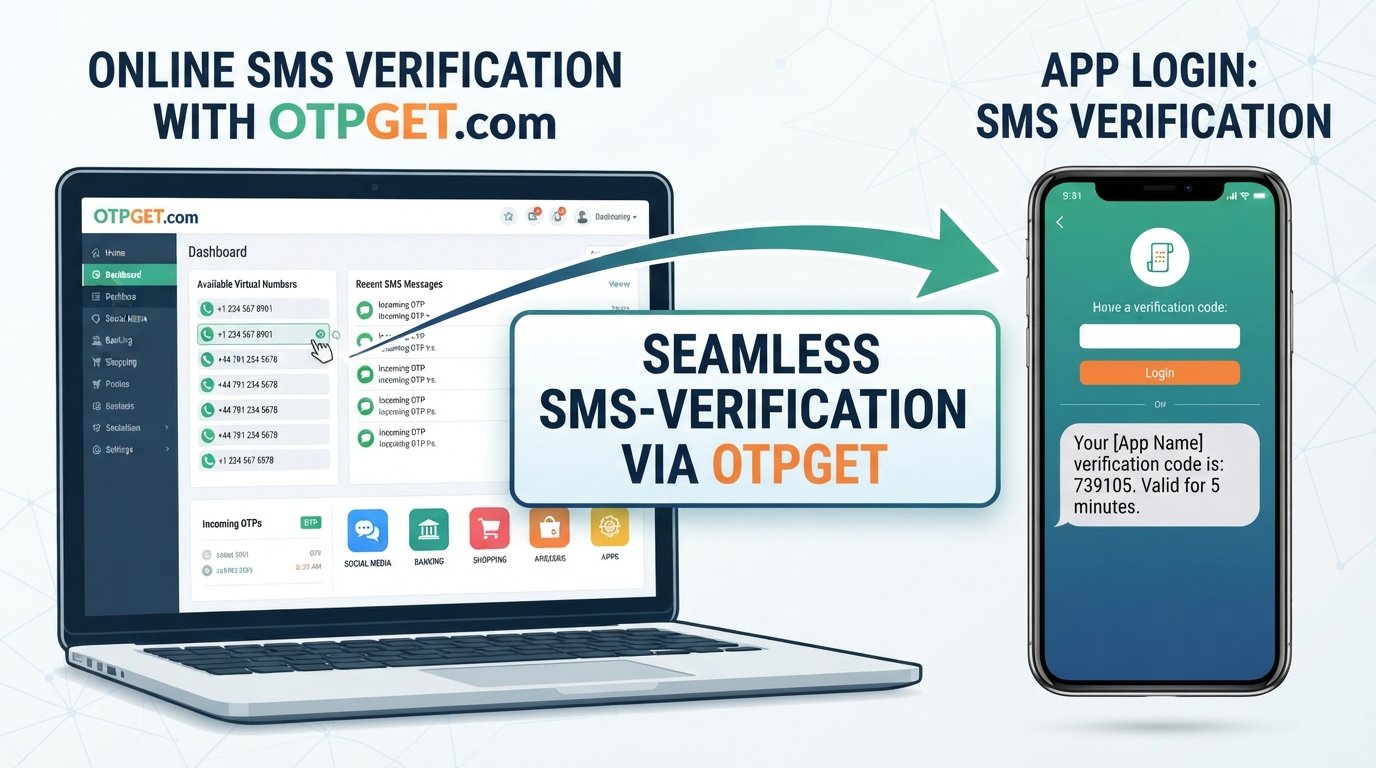
Understanding OTP codes and verification SMS can help you recognize how online verification works, troubleshoot common delivery problems, and choose an appropriate verification solution. For legitimate workflows where using a separate number is appropriate and permitted, OTPGET provides virtual-number and SMS OTP options that can make verification workflows more convenient.
What Is an OTP Code?
OTP stands for One-Time Password or, more commonly in verification messages, a one-time passcode. It is a temporary code generated for a specific verification attempt.
Unlike a traditional password, an OTP is generally intended to have a limited lifetime and a limited purpose. A code might contain four, five, or six digits, although the exact format depends on the service generating it.
For example, a service may send a message such as:
Your verification code is 482731.
The important point is that the code is temporary. It is not intended to replace your permanent account password or become a credential that you reuse across different services.
OTP authentication can add another layer of protection because a service can ask for a code delivered to a device or channel associated with the user.
What Is Verification SMS?
A verification SMS is a text message sent to a mobile number to confirm that the person completing a particular action can access that number.
A typical verification SMS contains:
- A temporary verification code
- The name or identifier of the service
- A short instruction explaining where to enter the code
- Sometimes a warning not to share the code
SMS verification is widely used because mobile phones are familiar to users and SMS does not require a separate messaging application.
The terms SMS OTP, OTP SMS, and SMS verification code are often used interchangeably in everyday discussions. Technically, the SMS is the delivery method, while the OTP is the temporary credential contained in the message.
How OTP Verification Works
The basic process behind OTP verification is straightforward.
- A user enters a phone number.
During registration, login, recovery, or another verification process, the service requests a mobile number. - The service generates a temporary OTP.
A verification system creates a code associated with that particular request. - The OTP is sent by SMS.
The verification code is delivered to the specified mobile number. - The user enters the code.
The recipient enters the OTP into the website or application. - The service checks the code.
The system compares the submitted code with the expected verification information. - Verification is completed if the details match.
If the code is valid and has not expired, the requested action can proceed.
This is the basic answer to the question, “How do OTP codes work?” The exact technical implementation varies between platforms, but the underlying concept is similar.
Why Businesses and Platforms Use OTP Verification
OTP verification is useful when a website or application needs an additional way to confirm a user's identity or control of a contact channel.
Common legitimate applications include:
Account Registration
A new service may send a verification code to confirm that a phone number belongs to the person registering an account.
Login Verification
Some platforms request an OTP when a user signs in from an unfamiliar device or location.
Password Recovery
A temporary code can help verify a user during an account-recovery process.
Mobile Number Verification
Businesses may use SMS authentication to confirm that a submitted phone number is active and accessible.
Two-Factor Authentication
An OTP can serve as one factor in a broader two-factor authentication (2FA) process. For example, a service may require a password plus a temporary code.
Transaction Confirmation
Certain services may use OTP authentication as an additional confirmation step before completing sensitive actions.
For businesses, these checks can also help reduce automated registrations and some forms of fraudulent activity. However, OTP verification is only one part of a wider digital-security strategy.
Common Problems With Verification SMS
Although SMS verification is convenient, it is not completely free from practical problems.
Delayed OTP Messages
A verification SMS can sometimes arrive later than expected because of network congestion, carrier routing, or service-side delays.
SMS Not Arriving
If an OTP does not appear, check that the phone number is correct, the device has network coverage, and the messaging service is functioning normally.
Expired Verification Codes
OTP codes are temporary by design. If too much time passes, the code may no longer work and a new verification request may be required.
Incorrect Phone Numbers
A single incorrect digit can send a verification SMS to the wrong destination. Always check the number before requesting a code.
Repeated OTP Requests
Requesting multiple codes in quick succession can create confusion because an earlier code may become invalid when a newer one is generated.
Compatibility and Routing Issues
Some services may not support every type of number or every SMS route. A particular verification workflow may therefore work with one number but not another.
Privacy Concerns
Some users prefer not to use their personal mobile number for every legitimate online verification workflow. Depending on the service's rules, a separate number can provide a practical way to keep verification activity separate from a primary personal number.
OTPGET: A Practical Solution for OTP Verification
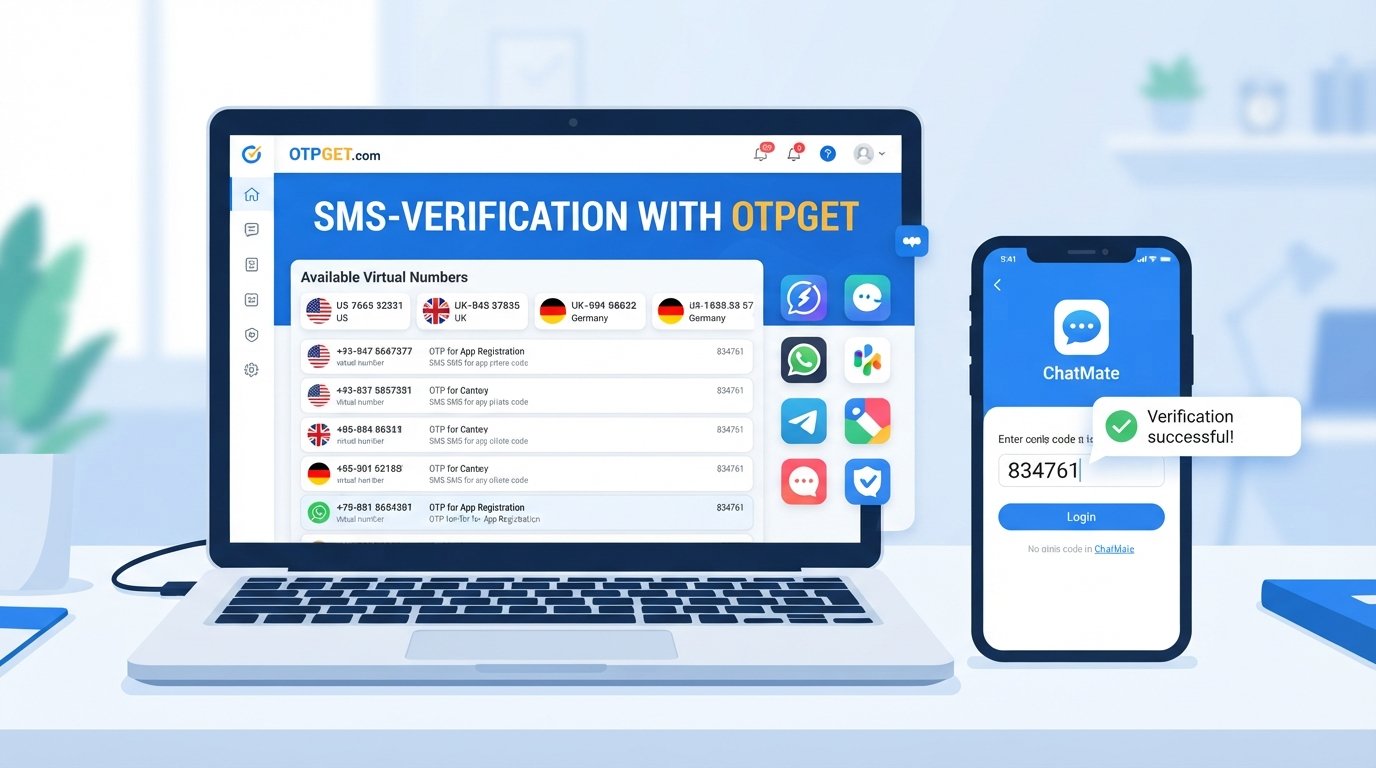
For people who need a practical OTP verification service or SMS verification service, OTPGET offers a dedicated platform centered on virtual numbers and OTP reception.
According to OTPGET's published information, its service includes virtual phone numbers for SMS OTP verification, rental numbers, temporary email options, and developer APIs. Its documentation also describes an SMS OTP API that can request numbers and check the status of incoming verification messages.
The practical advantage of a dedicated service is that verification activity can be separated from a personal mobile number where that approach is appropriate and allowed. This can be useful for legitimate testing, privacy-conscious workflows, development, or other situations where a service permits an alternative verification number.
OTPGET should not be viewed as a way to defeat a platform's security controls. The appropriate use is to complete legitimate verification processes in accordance with the rules of the website or application being used.
How OTPGET Can Simplify Verification
The exact workflow depends on the OTPGET service and the verification requirement, but the general concept is simple.
- Choose an appropriate verification option.
Depending on availability, users can select a suitable virtual number or other supported verification method. - Use the number for a legitimate verification request.
Enter the assigned number only where the target service permits its use. - Wait for the verification message.
When the service sends an OTP SMS, the code can be retrieved through the applicable OTPGET interface or supported API workflow. - Enter the code on the legitimate service.
The OTP should be entered only on the website or application that requested it. - Complete the verification process.
Once the receiving service accepts the code, the relevant verification step can continue.
For developers and technical teams, OTPGET's published documentation provides API options for working with SMS OTP numbers and checking activation status.
Availability can vary by country, provider, service, and verification platform, so users should always check the applicable options before starting a verification workflow.
OTP Codes vs Traditional Passwords
An OTP and a traditional password serve different purposes.
| OTP Code | Traditional Password |
|---|---|
| Temporary | Usually persistent |
| Normally used for one verification event | Used repeatedly for account access |
| Often delivered through SMS or another channel | Usually created and stored by the user |
| Designed to expire | Can remain valid until changed |
| Usually generated automatically | Usually selected by the user |
A strong password should still be protected carefully. An OTP should not be treated as a replacement for every other security measure.
OTP vs Two-Factor Authentication
OTP verification and 2FA are related, but they are not identical.
An OTP is a temporary code. Two-factor authentication is an authentication approach that combines two different types of evidence.
For example, a login might require:
- Something you know, such as a password
- Something you have, such as access to a device or authentication method
An SMS OTP can therefore be one component of 2FA. However, not every OTP verification process is necessarily two-factor authentication. Some services use an OTP simply to verify a phone number during registration or another workflow.
Tips for Using OTP Verification Safely
OTP codes are designed to protect accounts and verification processes, so they should be handled carefully.
- Never share an OTP with another person. A legitimate support representative should not normally need you to disclose a private verification code.
- Check the website or application before entering the code. Avoid entering OTPs into suspicious pages.
- Do not follow unexpected links in verification messages. Open the official application or website independently when possible.
- Never reuse an OTP. Temporary codes are designed for a specific verification event.
- Use strong passwords alongside OTP-based authentication where applicable.
- Be cautious about unexpected OTP messages. An unrequested code may indicate that someone is attempting to access or register an account using your number.
- Use verification services responsibly. If a website prohibits virtual or temporary numbers, follow its rules rather than attempting to circumvent them.
Good verification practices protect both users and the services that rely on mobile authentication.
8. FAQs
What is an OTP code?
An OTP code is a temporary one-time passcode generated for a specific verification or authentication request. It is usually valid for a limited period and should not be reused.
What does verification SMS mean?
A verification SMS is a text message containing information—usually an OTP or verification code—that a website or application uses to confirm access to a mobile number.
How does SMS OTP verification work?
A service generates a temporary code, sends it to the requested phone number through SMS, and asks the user to enter that code. The service then checks whether the submitted code is valid.
Why am I not receiving my OTP?
Common causes include network delays, an incorrect phone number, carrier restrictions, temporary service problems, or requesting multiple codes too quickly. Check the number and connection, then request a new code if appropriate.
How long does an OTP usually remain valid?
The validity period depends on the service generating it. Many systems use short expiration windows, so an old code may stop working after a limited period.
Is an OTP the same as a password?
No. A password is generally a persistent credential chosen or managed by the user, while an OTP is a temporary code intended for a specific verification event.
What is an OTP verification service?
An OTP verification service provides infrastructure or access to numbers and other channels used to receive verification messages. Such services can be useful for legitimate testing, development, privacy-conscious workflows, and other permitted use cases.
How can OTPGET help with verification SMS?
OTPGET provides virtual-number options for SMS OTP verification and also documents rental-number and API capabilities. Depending on availability, it can help users manage legitimate verification workflows without relying exclusively on a personal mobile number.
Conclusion
OTP codes and verification SMS have become familiar parts of online account registration, login verification, mobile verification, recovery, and authentication workflows. The concept is simple: a temporary code is sent through a trusted channel and checked before a requested action is completed.
Understanding how OTP codes and verification SMS work makes it easier to troubleshoot delivery problems, recognize suspicious messages, and use verification systems responsibly.
For legitimate situations where a separate verification number is appropriate and supported, OTPGET offers a practical option through its virtual-number and SMS OTP services. Its published platform also includes rental and developer-focused options for supported workflows.
If you are looking for a convenient OTP verification service or verification SMS solution, explore OTPGET and review the available options for your particular verification needs.
9. Suggested CTA
Suggested CTA link: Explore OTPGET's OTP verification service
Suggested anchor text: OTP verification service
Alternative anchor text: SMS verification service, OTP verification, verification SMS solution
10. SEO Quality Check
- Article word count: Approximately 1,650 words, excluding SEO fields and thumbnail prompt
- SEO title character count: 62
- Meta title character count: 45
- Meta description character count: 160
- Primary keyword used: Yes
- Secondary keywords naturally used: Yes
- OTPGET clearly positioned as a solution: Yes
- No calendar year mentioned: Yes
- URL slug optimized: Yes
- FAQs included: Yes
- Human-readable and non-stuffed: Yes