Online SMS Verification: Complete Guide to OTP Verification
Online SMS Verification: Complete Guide
When you create an account, test an application, or sign up for an online service, you may be asked to verify a phone number. In many cases, the process is simple: enter a number, receive a verification SMS, and enter the code you received.
This process is known as SMS verification, and when the code is delivered online to an accessible phone number, it is commonly described as online SMS verification.
For individuals, developers, testers, and businesses, an online SMS verification service can make SMS-based verification workflows easier to manage. OTPGET is one practical option to consider when you need a way to work with SMS and OTP verification for legitimate purposes.
What Is Online SMS Verification?
Online SMS verification is a method of confirming a phone number through a text message containing a temporary verification code.
The code is often called an OTP, or one-time password. It is designed to be used for a specific verification attempt rather than as a permanent password.
For example, suppose you are creating an account on a website. After entering your phone number, the website sends an SMS OTP. You then enter that code into the verification form. If the code matches and is still valid, the platform can confirm the verification step.
This approach is widely used for:
- Phone number verification
- Account verification
- Sign-up verification
- Login security
- Two-factor authentication
- App and website verification
- Testing SMS-based workflows
Online SMS verification can be particularly useful when a physical mobile SIM is inconvenient for a legitimate testing or verification requirement.
How Does SMS Verification Work?
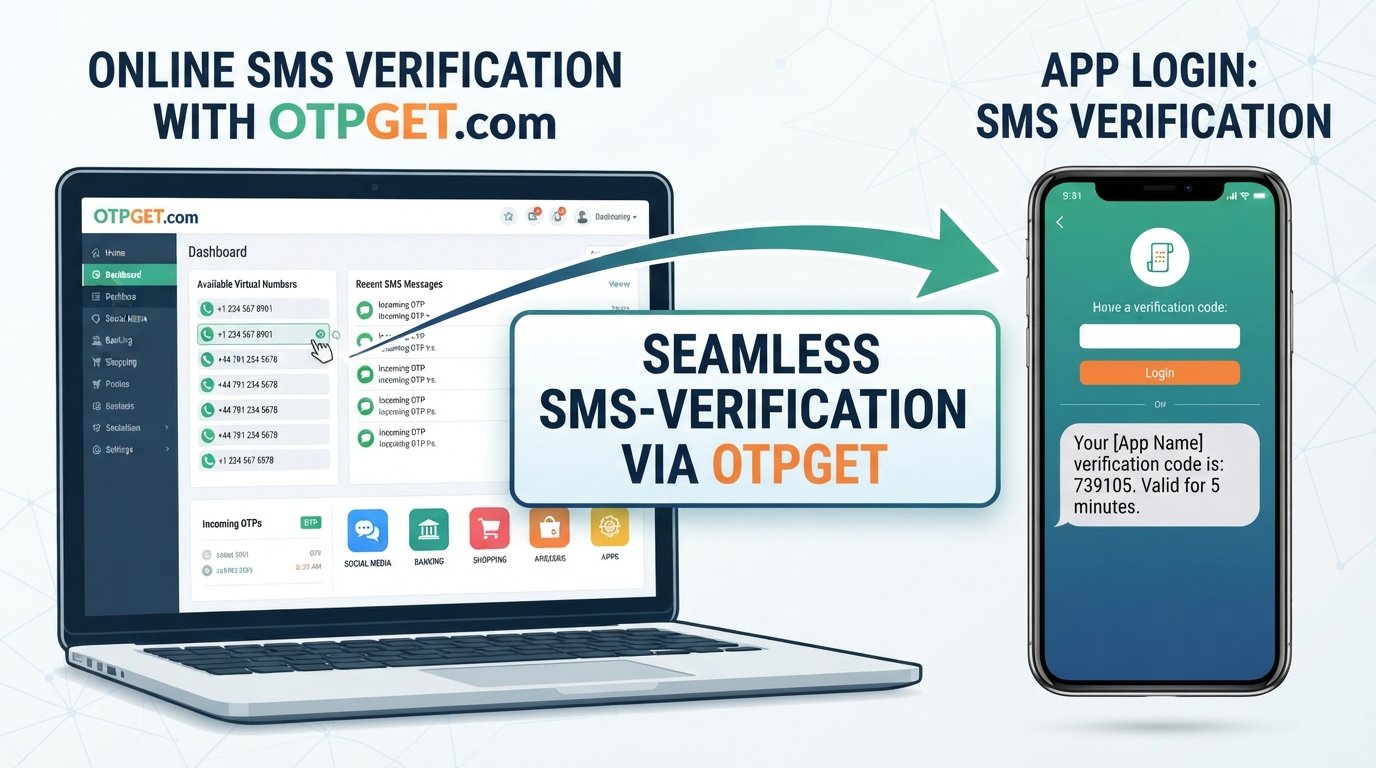
The basic SMS verification process is straightforward.
- A user starts registration or verification.
This might happen while creating an account, signing in, or testing an application. - A phone number is entered.
The platform requests a number that can receive SMS messages. - The platform sends an SMS OTP.
A verification system generates a temporary one-time password and sends it through SMS. - The verification code is received.
The user accesses the incoming verification SMS. - The code is entered.
The user types the OTP into the relevant verification form. - The platform confirms the code.
If the code is correct and valid, the verification step is completed.
Behind the scenes, businesses may use an SMS API or OTP API to automate these messages. This allows applications to generate and send verification codes as part of their own registration or authentication workflows.
Why Do Websites and Apps Use OTP Verification?
Phone verification adds another step to account creation or access. That extra step can help platforms confirm that a user has access to the phone number provided.
Common reasons for using OTP verification include:
- Account verification: Confirming a phone number during registration.
- Sign-up verification: Adding an additional check when creating an account.
- Login security: Requiring an OTP alongside another authentication method.
- Two-factor authentication: Using SMS as one possible 2FA verification method.
- Fraud reduction: Adding friction to automated or suspicious registration attempts.
- Phone ownership checks: Confirming access to a particular number.
SMS is attractive for these workflows because users generally understand how to receive and enter a text message without installing specialized software.
However, SMS should not automatically be treated as the strongest possible authentication method for every situation. Businesses should select authentication methods according to their security requirements and risk profile.
Common Uses of Online SMS Verification
Online SMS verification has legitimate applications across development, testing, and everyday digital workflows.
Software Development and QA Testing
Developers can need phone numbers while testing registration flows, password recovery, notification systems, and OTP functionality. A suitable SMS verification service may simplify testing without requiring a separate physical SIM for every test scenario.
Application Testing
When building a mobile or web application, developers may need to confirm that verification SMS messages are generated and received correctly.
Business Workflows
Businesses can use phone verification as part of customer onboarding, account creation, authentication, or other workflows where confirming access to a phone number is relevant.
Temporary Verification Requirements
A temporary number may be useful for certain legitimate, non-sensitive verification tasks where the platform permits its use.
The important distinction is purpose. Online numbers and SMS verification services should be used according to the platform's rules. They should not be used to bypass identity checks, restrictions, fraud controls, or other security requirements.
What Is a Virtual Phone Number?
A virtual phone number is a telephone number that is not necessarily tied to a physical SIM card in the same way as a conventional mobile number.
Depending on the service, a virtual number may support receiving SMS online. This can make it useful for development, testing, or other legitimate workflows where access to SMS is required.
A temporary phone number is a related concept, although the availability and intended use of temporary numbers can vary between services.
For someone searching for a virtual number for SMS or trying to receive SMS online, the important question is whether the number and service are appropriate for the specific verification task.
For sensitive or important accounts, users should carefully consider account recovery, number ownership, platform policies, and long-term access before choosing a temporary or virtual number.
What to Look for in an Online SMS Verification Service
Not every SMS verification service is suitable for every use case. Before choosing an online SMS verification platform, consider the following:
- Reliability: Look for a service designed around consistent access to its stated functionality.
- SMS delivery: Consider how incoming verification messages are presented and accessed.
- Number availability: Check whether suitable numbers are available for your intended purpose.
- Supported regions: If location matters to your workflow, verify the service's currently available options.
- Ease of use: A straightforward interface can make receiving verification codes less complicated.
- Privacy: Review what information the service collects and how it handles account and message data.
- Security: Treat received OTPs as sensitive authentication information.
- Pricing transparency: Make sure you understand applicable charges before using a service.
- Customer support: Support can be useful when a verification workflow does not behave as expected.
- API availability: Businesses and developers may need API access to integrate SMS or OTP functionality into their own systems.
- Documentation: Clear documentation is particularly important for technical integrations.
- Business suitability: Consider whether the service matches your testing, development, or operational requirements.
These checks can help you choose an online SMS verification service based on your actual needs rather than simply selecting the first available option.
OTPGET: A Practical Solution for Online SMS Verification
OTPGET can be considered by users and businesses looking for a practical way to work with SMS-based verification workflows.
The basic appeal of a service like OTPGET is convenience: instead of relying exclusively on a personal physical mobile number for every legitimate verification scenario, users can work with an online SMS verification service where appropriate.
OTPGET may be useful for workflows involving:
- SMS verification
- OTP verification
- Application testing
- Website testing
- Development workflows
- Receiving verification codes
- Temporary, permitted verification requirements
For businesses and developers, the right approach is to evaluate OTPGET against the specific requirements of the project, including the type of verification needed and any applicable platform policies.
Rather than treating an SMS verification service as a way around security controls, use OTPGET as part of legitimate verification, testing, and account-security workflows.
How to Use OTPGET for SMS Verification
The exact interface and available options can change, so the general workflow is more useful than relying on specific screen names.
A typical process may look like this:
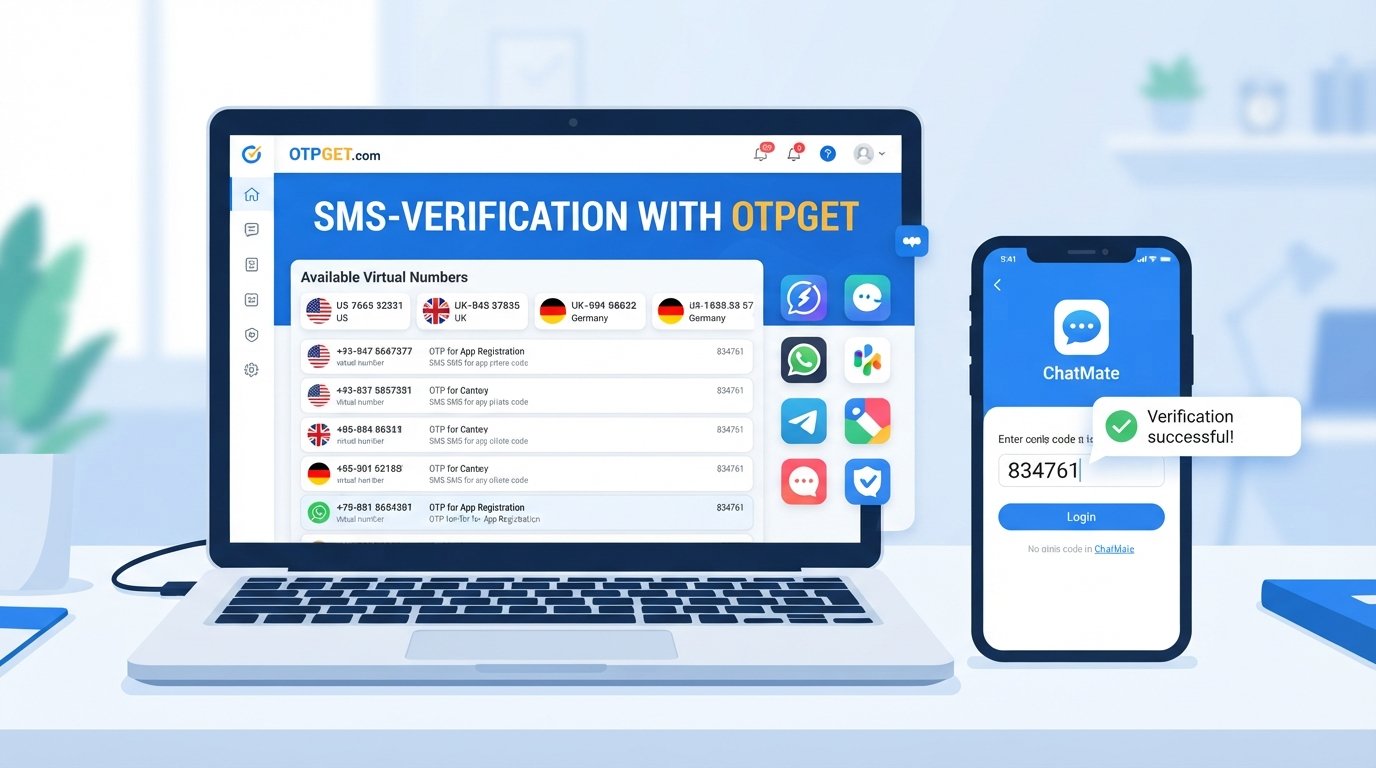
- Visit OTPGET.
- Choose the relevant SMS or verification option.
- Select an available number or service where applicable.
- Use the provided number for a legitimate verification purpose.
- Wait for the verification SMS to arrive.
- Retrieve the OTP or verification code through the service.
- Enter the code into the relevant platform.
- Complete the verification process.
Before starting, confirm that the website or application permits the type of number you intend to use. For important accounts, also consider whether you will need continued access to the same number for future recovery or authentication.
Online SMS Verification vs. Traditional Phone Verification
The two approaches can serve similar purposes, but the practical setup can differ.
| Factor | Traditional Phone Verification | Online/Virtual SMS Verification |
|---|---|---|
| Setup | Uses a conventional mobile number and SIM | Uses an online-accessible number where available |
| Accessibility | Requires access to the physical phone/SIM | SMS can be accessed through the relevant online service |
| Convenience | Familiar for personal accounts | Can be convenient for permitted testing and temporary workflows |
| Physical SIM | Usually required | May not require a personal physical SIM |
| Development/testing | May require multiple physical numbers | Can simplify some test scenarios |
| Receiving codes | SMS arrives on the user's mobile device | Verification SMS is accessed through the service |
Neither approach is universally appropriate. The right choice depends on the platform, the sensitivity of the account, and whether virtual or temporary numbers are permitted.
Is Online SMS Verification Secure?
Security depends on how the service and number are used.
A verification code is sensitive authentication information. Anyone who obtains a valid OTP may potentially be able to complete the associated verification step. For that reason, users should avoid sharing codes unnecessarily.
When using an SMS verification platform:
- Choose services carefully.
- Review relevant privacy information.
- Do not share OTPs with strangers.
- Avoid using temporary numbers for sensitive accounts unless explicitly permitted.
- Follow the security requirements of the platform being verified.
- Remember that SMS-based authentication has limitations compared with some stronger authentication methods.
Online SMS verification can be useful, but it should be treated as one component of a broader security process rather than a guarantee of account security.
Best Practices for SMS and OTP Verification
A few simple habits can make verification workflows safer and more reliable:
- Never share OTPs unnecessarily. Treat every verification code as sensitive.
- Use services responsibly. Make sure your intended use complies with applicable platform rules.
- Avoid bypassing controls. Do not use virtual numbers to evade identity checks, restrictions, or fraud-prevention systems.
- Protect important accounts. Consider whether a temporary number is appropriate for an account you may need to recover later.
- Use strong passwords. SMS verification should complement, not replace, good account-security practices.
- Enable 2FA where appropriate. Follow the authentication options recommended by the service you use.
- Review privacy policies. Understand how an SMS verification service handles account and message information.
- Test before deploying. Businesses should verify their SMS and OTP workflows under realistic conditions.
Frequently Asked Questions
What is online SMS verification?
Online SMS verification is a process in which a platform sends a verification code to a phone number and the recipient enters that code online to confirm access to the number.
How does SMS OTP verification work?
An application generates a one-time password and sends it by SMS. The user receives the verification SMS and enters the OTP into the application's verification form.
Can I receive SMS online?
Yes, certain services provide numbers that can receive SMS through an online interface. Availability and permitted uses depend on the service and the platform involved.
What is a virtual phone number?
A virtual phone number is a number that can operate without being tied to a conventional physical SIM in the same way as a traditional mobile number. Some virtual numbers can receive SMS online.
What is an OTP verification service?
An OTP verification service provides infrastructure or access that supports verification codes sent through channels such as SMS. Businesses may also use OTP services and APIs to build verification into their own applications.
Is online SMS verification safe?
It can be appropriate for legitimate verification workflows, but security depends on the service, platform, account type, and how the number and OTP are handled. Verification codes should always be protected.
What is OTPGET?
OTPGET is an online service that can be considered for SMS and OTP verification workflows. It may be useful for users, developers, and businesses that need access to SMS-based verification for legitimate purposes.
When should I use an online SMS verification service?
An online SMS verification service may be useful for application testing, software development, QA, permitted temporary verification tasks, and business workflows involving SMS-based verification.
Can businesses use SMS verification?
Yes. Businesses can use phone verification as part of account creation, authentication, customer workflows, application testing, and other processes where confirming access to a phone number is appropriate.
What should I consider when choosing an SMS verification platform?
Consider reliability, available numbers, supported regions, privacy, security, pricing transparency, support, API capabilities if relevant, documentation, and whether the service fits your specific use case.
Conclusion
Online SMS verification provides a straightforward way to confirm access to a phone number using a verification SMS and one-time password. From account verification and sign-up flows to software development and QA testing, SMS OTP technology has a range of legitimate applications.
The key is choosing a service that fits the workflow while respecting security requirements and platform policies. Users should also remember that OTPs are sensitive information and that temporary or virtual numbers are not appropriate for every account.
For people and businesses exploring an online SMS verification service, OTPGET is a practical option to consider. Its role can be especially relevant when a convenient online approach to SMS and OTP verification fits the intended, permitted use case.
If you have a legitimate verification or testing requirement, explore OTPGET and evaluate the available options against your project's needs.