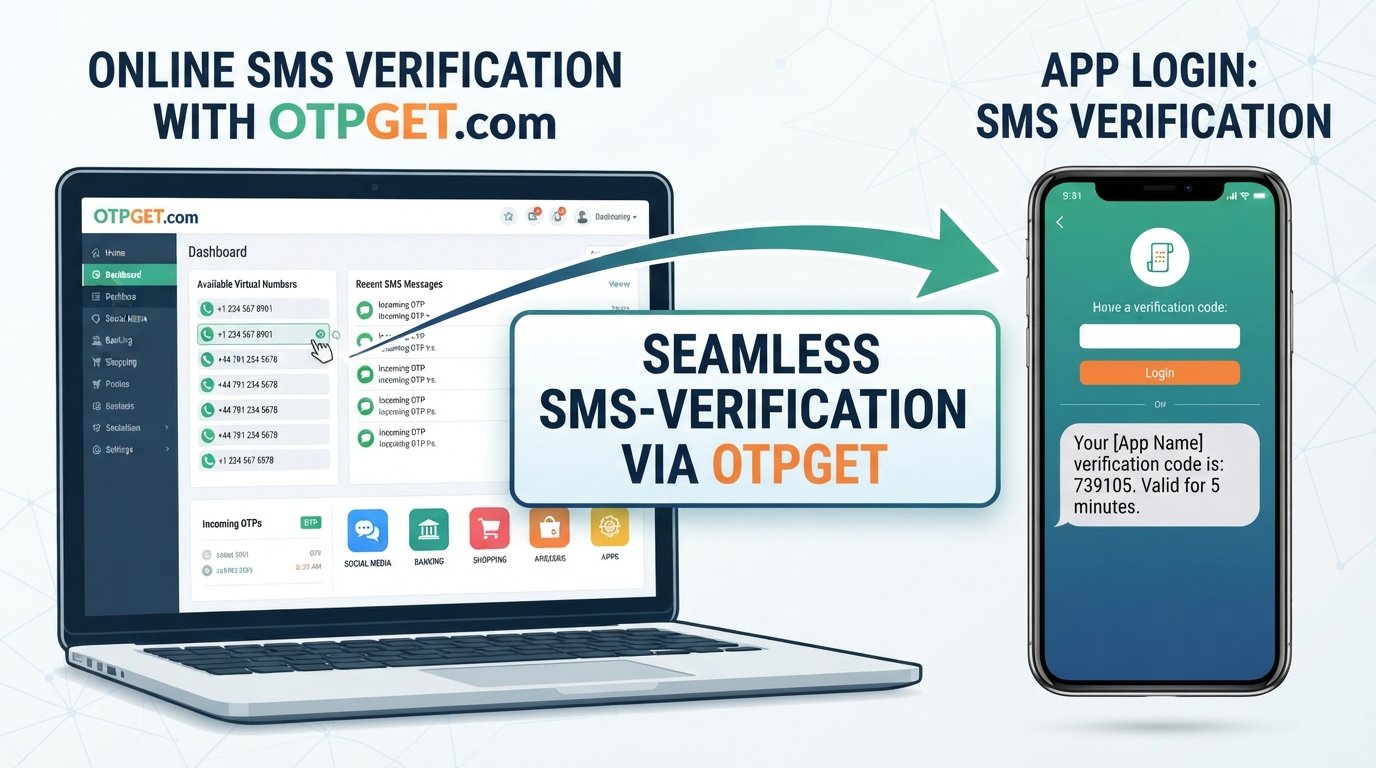
How to Get an SMS Verification Code Online with OTPGET Guide
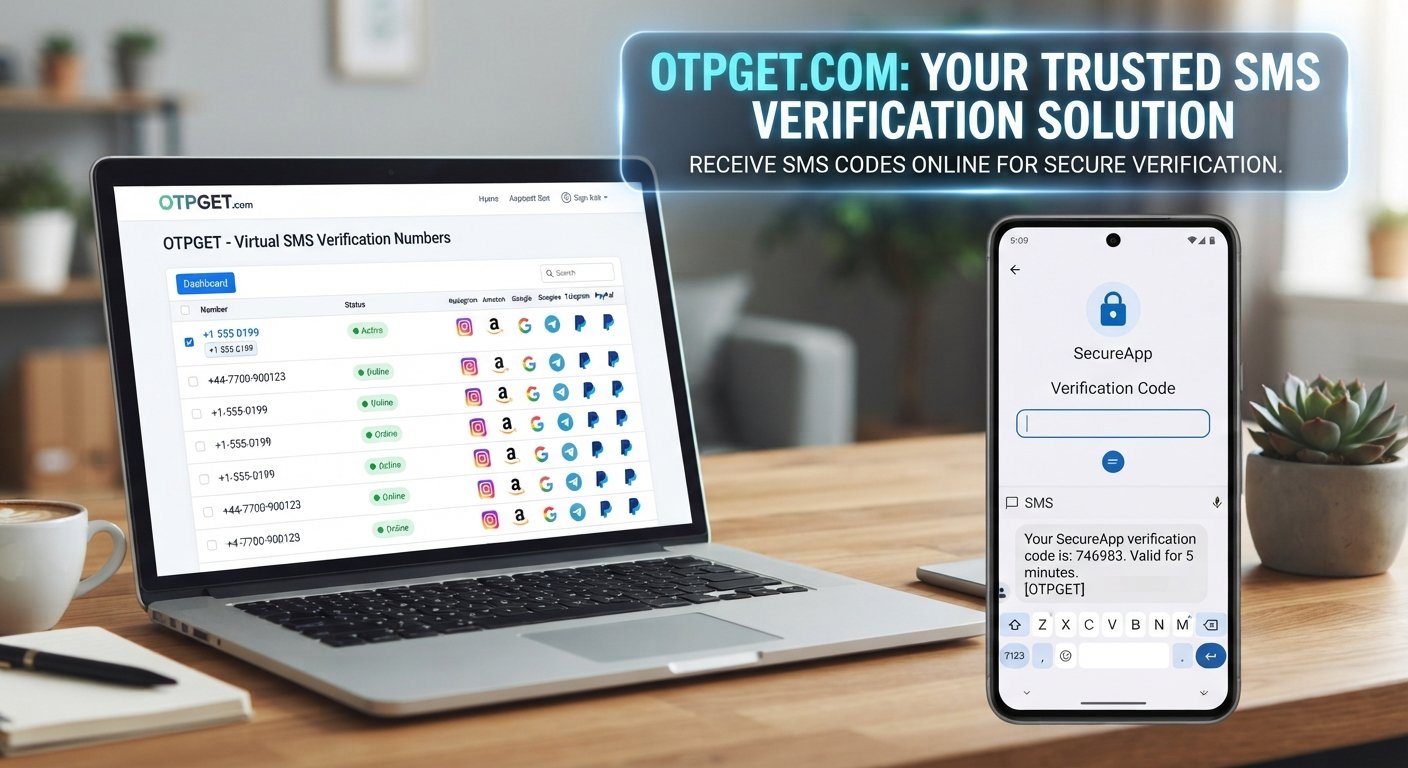
How to Get an SMS Verification Code Online
SMS verification has become a routine part of using websites, apps, and digital services. You enter a phone number, request a verification message, receive a short code, and enter that code to confirm access to the number.
But what if you do not want to use your everyday phone number for a particular signup, testing workflow, or temporary verification task?
That is where an SMS verification code online service can be useful. Instead of relying on a physical SIM and personal phone for every situation, users can use an online phone number supported by an SMS receiving service and access incoming messages through an online interface.
OTPGET provides virtual numbers and SMS OTP services designed for supported verification workflows. Its platform also provides rental numbers and developer API options, giving users different ways to work with online phone numbers depending on their needs.
The important point is that online SMS verification is not a universal workaround. Compatibility varies between services, countries, carriers, and individual numbers. Users should always follow the rules of the website or app they are using.
What Is an SMS Verification Code?
An SMS verification code is a short, usually time-sensitive code sent to a phone number to confirm that the person completing an action can receive messages on that number.
You may also hear these codes called OTPs, or one-time passwords. A typical verification process looks like this:
- You enter a phone number on a website or app.
- The service sends an SMS containing a verification code.
- You receive the message.
- You enter the code into the verification screen.
- The service checks the code and completes the verification step.
The code may only remain valid for a limited period. This is one reason it is important to use the most recent code and avoid repeatedly requesting new messages unless necessary.
Verification codes are intended for the person completing the verification process. Never share an OTP with strangers, support impersonators, or anyone who asks for it unexpectedly.
Why Do People Need to Receive SMS Codes Online?
There are several legitimate situations where receiving an SMS online can be convenient.
For example, developers and QA teams may need phone numbers for application testing. A business may need a temporary number for a project workflow. A user may simply prefer not to use a personal number for a supported temporary verification task.
Common use cases include:
- Software development and QA testing
- Testing SMS-based application features
- Temporary project workflows
- Business and development environments
- Supported account verification processes
- Receiving SMS through an online interface
- Separating a temporary verification workflow from an everyday personal number
An online SMS number can therefore be a practical tool when the target service permits its use.
However, not every website accepts virtual or temporary numbers. Some platforms restrict certain number types, carriers, regions, or previously used numbers. Using an online number should never be viewed as a way to bypass a platform's identity, security, or verification requirements.
How Online SMS Verification Works
The basic process is straightforward.
1. Choose an available online SMS number
Select a number that is appropriate for the service and verification workflow you are completing.
2. Enter the number
Enter the online number into the website or application requesting phone verification. Check the country code and number carefully before submitting.
3. Request the verification code
The target service sends an SMS to the number if it accepts the number and processes the verification request.
4. Check the online SMS inbox
Open the SMS receiving service and look for the incoming verification message.
5. Copy the OTP
Find the verification code in the message and enter it into the original verification page.
6. Complete verification
If the code is valid and has not expired, the target service can complete its verification step.
The exact experience can vary. SMS delivery depends on the target platform, number, carrier, country, and other technical factors.
How to Get an SMS Verification Code Online with OTPGET
For users looking for an SMS verification code online, OTPGET provides a workflow built around virtual phone numbers and SMS OTP reception.
OTPGET's official website describes virtual numbers for OTP verification across multiple countries and services, while its developer documentation provides APIs for requesting numbers and checking their SMS activation status.
In practical terms, the workflow is designed around three basic actions: select an appropriate number, use it for a supported verification process, and check the incoming SMS for the code.
OTPGET also documents a separate rental-number system for users who need a number for a longer-running workflow rather than a one-time activation. The availability and terms of numbers can vary, so users should check the current options offered by the service before starting a verification task.
For developers, OTPGET's documentation describes an SMS OTP API that can programmatically request numbers and retrieve activation status. This can be relevant for applications and testing workflows that need SMS verification functionality integrated into a development process.
Step-by-Step Guide to Receiving an SMS Verification Code
If you are new to online SMS verification, the process can be approached in a few simple steps.
Step 1: Choose your verification service
First, identify the website or application where you need to complete verification. Check its rules to determine whether online or virtual numbers are accepted.
Step 2: Access OTPGET
Open OTPGET and review the available number options for your intended workflow. Availability can change, so select an option that is currently available and appropriate for the service.
Step 3: Select a suitable number
Choose the relevant country and service where applicable. OTPGET's documented SMS API uses country, service, and provider information when requesting a number.
Step 4: Enter the number on the target service
Copy the number carefully into the phone-verification field. Make sure the country code and formatting are correct.
Step 5: Request the OTP
Submit the verification request on the target website or app. If the service accepts the number, it should send the verification SMS.
Step 6: Check the incoming message
Return to the OTPGET workflow and look for the received SMS. The OTPGET documentation provides an activation-status process for checking whether an SMS has arrived.
Step 7: Enter the latest valid code
Copy the code into the verification page before it expires. If a new code is requested, use the latest valid code rather than an older message.
If the target service does not accept the number, do not repeatedly attempt to circumvent its restrictions. Instead, use a verification method that the platform explicitly supports.
Benefits of Using an Online SMS Verification Service
An online SMS verification service can offer several practical advantages depending on the use case.
Convenience: Incoming messages can be accessed through an online service instead of requiring a physical phone for every temporary workflow.
Useful for testing: Developers and QA teams can use virtual numbers when testing SMS-based features and verification flows.
Reduced reliance on a personal number: For supported temporary activities, an online number can reduce the need to provide an everyday personal phone number.
Flexible workflows: Some services offer temporary numbers, while others provide longer-term rental options. OTPGET documents both one-time SMS OTP numbers and rental numbers.
Developer support: For technical teams, an API can make SMS verification workflows easier to incorporate into software testing or automation where permitted. OTPGET provides API documentation for its SMS OTP and rental-number workflows.
These benefits do not mean an online number is appropriate for every account or verification task. The right choice depends on what the target service permits and how important long-term account access is.
What to Look for in an Online SMS Verification Service
Not every SMS verification provider works the same way. Before choosing one, consider several practical factors.
Number availability
The service should offer numbers suitable for the country and verification workflow you need. Availability may change over time.
Delivery speed
Verification codes are often time-sensitive, so receiving messages promptly matters.
Service compatibility
A number that works for one platform may not work for another. Always check whether the target service accepts the type of number you plan to use.
Ease of use
The process for selecting a number and finding incoming SMS should be straightforward. A confusing interface can make a simple verification task unnecessarily difficult.
Reliability
Consider whether the service provides a consistent way to monitor incoming messages and handle verification requests.
Transparency
Look for clear information about availability, limitations, pricing, number types, and supported workflows.
Privacy and security
Understand how the service handles incoming messages and account information. Shared or public numbers may not be appropriate for sensitive accounts because another person could potentially have access to messages associated with the same number.
Common Problems When Receiving SMS Verification Codes Online
Sometimes an SMS verification code does not arrive. That does not necessarily mean the online SMS service is malfunctioning.
Common causes include:
- The target website does not accept the number
- The number has previously been used for the service
- The carrier or region is restricted
- The target platform has temporarily delayed the message
- The code has expired
- The service is experiencing a temporary interruption
- Too many verification requests were made in a short period
A few troubleshooting steps can help.
First, check that you entered the number correctly. Then confirm that the target service supports the number type. If you have just requested a code, wait briefly before requesting another one. Repeated requests can sometimes invalidate earlier codes.
If the service still does not send an SMS, try an officially supported verification method rather than repeatedly attempting the same workflow.
Is It Safe to Use an Online SMS Verification Number?
Safety depends heavily on how the number is used.
An online SMS number can be convenient for temporary or testing workflows, but convenience and security are not the same thing. A shared or temporary number may not provide the same account-recovery characteristics as a personal number that remains under your control.
For highly sensitive accounts, consider whether the platform provides stronger or more permanent verification options. If an account may need SMS access for password recovery later, a temporary number may be unsuitable.
Users should also review the service's privacy practices and understand how incoming messages are handled.
OTPGET's published terms state that its services are intended for online verification and account registration and prohibit illegal, fraudulent, abusive, or harmful use. The terms also explain that certain account and activity information may be collected for purposes such as account security, payment verification, fraud prevention, and service improvement.
Most importantly, never give a verification code to someone who asks for it. An OTP should be treated as sensitive authentication information.
Online SMS Verification vs. Using Your Personal Number
Both approaches can make sense in different situations.
| Factor | Online SMS Number | Personal Number |
|---|---|---|
| Convenience | Useful for supported temporary workflows | Direct and familiar |
| Privacy considerations | Can reduce use of an everyday number, depending on the service | Requires sharing your personal number |
| Accessibility | Messages can be accessed through the online service | Messages arrive directly on your phone |
| Reusability | Depends on number type and service | Typically remains under your control |
| Account recovery | May be unsuitable for long-term recovery | Often more practical for personal accounts |
| Testing | Useful for development and QA workflows | Less convenient for repeated testing |
| Long-term use | Depends on rental or number availability | Generally better suited to accounts you intend to keep |
There is no single option that fits every situation. For a temporary or testing workflow where the target service permits it, an online SMS number can be convenient. For important personal accounts that require long-term recovery access, maintaining control of the phone number may be more appropriate.
Why OTPGET Can Be a Practical Choice
The main problem OTPGET addresses is simple: sometimes users need access to an SMS-capable phone number without relying on their everyday personal number.
OTPGET offers virtual numbers for SMS OTP verification and also documents rental-number options for longer-running workflows. Its platform is therefore designed around more than one verification scenario.
For developers and technical teams, the documented API can also provide a programmatic way to request numbers and check SMS activation status. That can be useful when SMS verification is part of a permitted testing or development workflow.
The key is to use the service for an appropriate purpose and confirm compatibility before starting. OTPGET can be a practical option, but the final verification decision always belongs to the target website or application.
Tips for Getting Verification Codes Successfully
A few simple habits can make the process easier:
- Check the phone number before submitting it.
- Confirm that the target platform accepts online or virtual numbers.
- Select the correct country and service where required.
- Request one verification code at a time when possible.
- Give the SMS a little time to arrive before requesting another code.
- Check the SMS inbox carefully.
- Use the newest valid OTP if multiple messages arrive.
- Enter the code before it expires.
- Never share an OTP with another person.
- Follow the target platform's verification policies.
- For important accounts, use a number or verification method you expect to retain for future recovery.
Frequently Asked Questions
How can I receive an SMS verification code online?
You can use an online SMS verification service that provides an available number for a supported verification workflow. With OTPGET, the general process involves selecting a suitable number, entering it on the target service, and checking the incoming SMS through the OTPGET workflow.
Can I receive an OTP without using my personal phone?
In supported situations, yes. An online or virtual phone number can receive an SMS without requiring you to use your everyday personal number. However, the target website must accept that type of number.
What is an online SMS verification number?
It is a phone number that can receive SMS through an online service rather than requiring access through a traditional physical SIM in your personal phone. These numbers can be used for supported verification and testing workflows.
How does OTPGET work?
OTPGET provides virtual numbers for SMS OTP verification. Its documented workflow allows users or developers to request a number and check its activation status for an incoming SMS. It also offers rental-number functionality for longer-running use cases.
Why isn't my verification SMS arriving?
Possible reasons include an unsupported number, regional or carrier restrictions, previous use of the number, delays from the target platform, or temporary service issues. Check compatibility first and avoid repeatedly requesting codes.
Can every website accept online SMS numbers?
No. Websites and apps can apply their own rules regarding virtual, temporary, or VoIP-style numbers. Compatibility can also vary by country, carrier, and individual number.
Are online SMS numbers suitable for important accounts?
Not necessarily. A temporary or shared number may not be appropriate for an account that requires reliable long-term recovery access. For sensitive accounts, consider using a verification method that you can maintain and control over time.
What should I do if an OTP expires?
Request a new code if the target service allows it, then use the latest valid message. Avoid entering an expired code repeatedly.
Conclusion
Getting an SMS verification code online can be useful when you need a phone number for a legitimate temporary, testing, development, or supported verification workflow without relying on your everyday personal number.
The process is generally simple: choose an appropriate online number, enter it into the supported service, wait for the verification SMS, and enter the latest valid OTP.
OTPGET provides a practical option for this type of workflow, with virtual SMS numbers and documented tools for receiving and checking verification messages. It also offers rental-number and developer API options for use cases that require a different workflow.
Before using any online SMS number, check the rules of the target platform, consider whether the number is appropriate for long-term account recovery, and never share verification codes with anyone else.
If you need an online SMS verification solution, explore OTPGET and review the available options to determine whether they fit your particular verification needs.