How to Get an inDrive Pakistan Number for OTP Verification Guide
How to Get an inDrive Pakistan Number for OTP Verification
When signing up for a ride-hailing service, one of the first steps can be confirming a mobile number. For users searching for how to get an inDrive Pakistan number, the important distinction is that they may actually be looking for a phone number capable of receiving an OTP rather than an official phone number issued by inDrive.
Phone verification is commonly used to confirm that a person has access to the number entered during registration. The inDrive Pakistan website describes account creation using a mobile number or email and mentions OTP-based verification.
For some users, using their regular personal number is perfectly suitable. Others may prefer a separate number for privacy, temporary access, testing, or another legitimate reason. In those situations, a virtual or temporary SMS-enabled number can be worth considering.
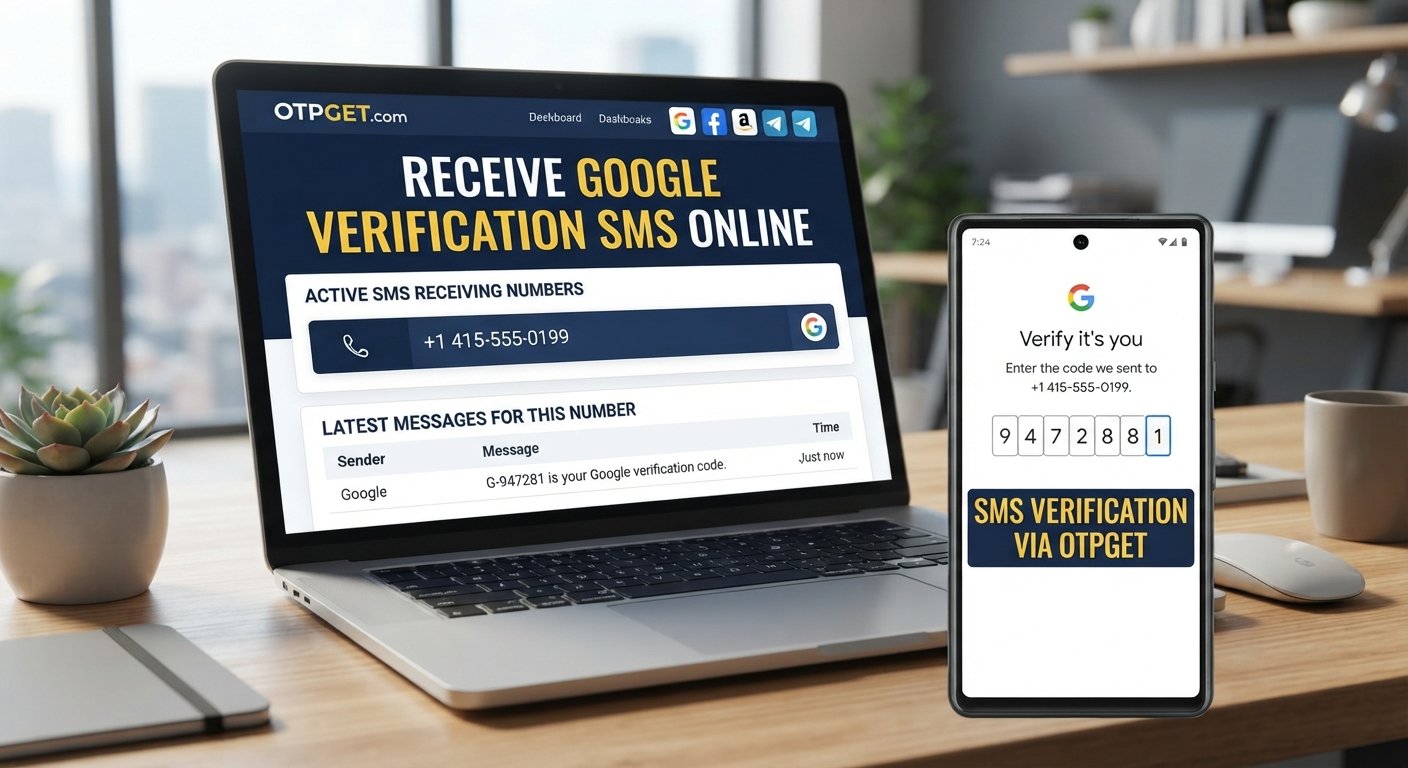
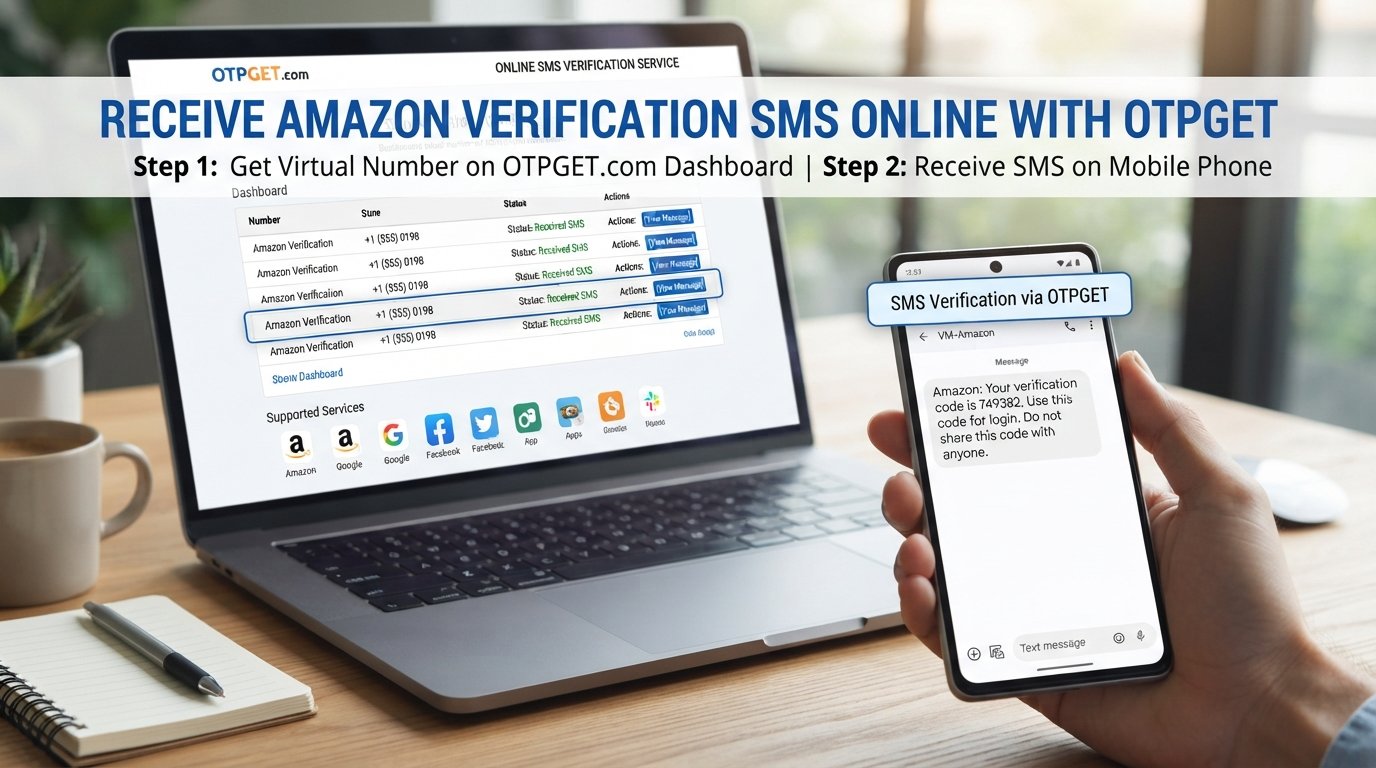
One option is OTPGET, a service that provides virtual numbers for SMS-based verification. OTPGET lists Pakistan among its supported countries, although the availability and acceptance of a particular number can depend on the target service.
Why Do You Need an inDrive Pakistan Number?
A phone number can serve an important role during account registration. Instead of simply asking a user to create a password, a platform may send a one-time verification code to the number provided.
The basic process is straightforward:
- Enter a phone number during registration.
- The service sends an SMS verification code.
- The user receives the OTP.
- The code is entered into the relevant verification screen.
- The service confirms the submitted code if it is valid.
This process helps connect an account with a reachable contact number. It can also be useful when a service needs to distinguish genuine registration activity from incorrect or unreachable contact details.
However, it is important not to confuse an inDrive verification number with an official inDrive-issued number. A third-party virtual number is simply a number that may be used for receiving an SMS verification code where the target platform accepts it.
What Makes Getting a Verification Number Difficult?
Using a personal Pakistani mobile number is often the simplest option, but it is not always the preferred one.
Some users may not want to expose their primary number to another online service. Others may have problems receiving SMS, temporarily lack access to their normal SIM, or need a separate number for a legitimate online verification task.
Common difficulties can include:
- An SMS taking longer than expected to arrive
- Incorrectly entering the phone number
- Selecting a number that does not support SMS
- A temporary number already being unavailable
- The target platform not accepting certain virtual numbers
- Requesting multiple OTPs too quickly
- Losing access to a number used for an account
These problems are not necessarily caused by the phone-number provider. Verification involves multiple systems, including the number provider, SMS network, and platform receiving the request.
That is why no temporary-number service should be presented as a guaranteed way to complete verification on every platform.
Can You Use a Temporary Number for Verification?
A temporary phone number is a number that can be used for a limited verification purpose instead of relying on a personal mobile number.
A virtual phone number Pakistan service may provide access to a number capable of receiving SMS without requiring the user to use their primary SIM. Depending on the service, numbers may be available for one-time verification or for longer periods.
There are several types of numbers to understand:
- Personal number: Your regular mobile number associated with your SIM.
- Virtual number: A number managed through an online service rather than your personal physical SIM.
- Temporary number: A number intended for limited or short-term use.
- Rental number: A number retained for a specified period, potentially allowing continued access to incoming SMS.
The key point is acceptance. A temporary or virtual number may be technically capable of receiving SMS but still may not be accepted by a particular website or application.
Therefore, anyone considering this approach should check the available service and country options before purchasing a number.
OTPGET — A Convenient Solution for Verification
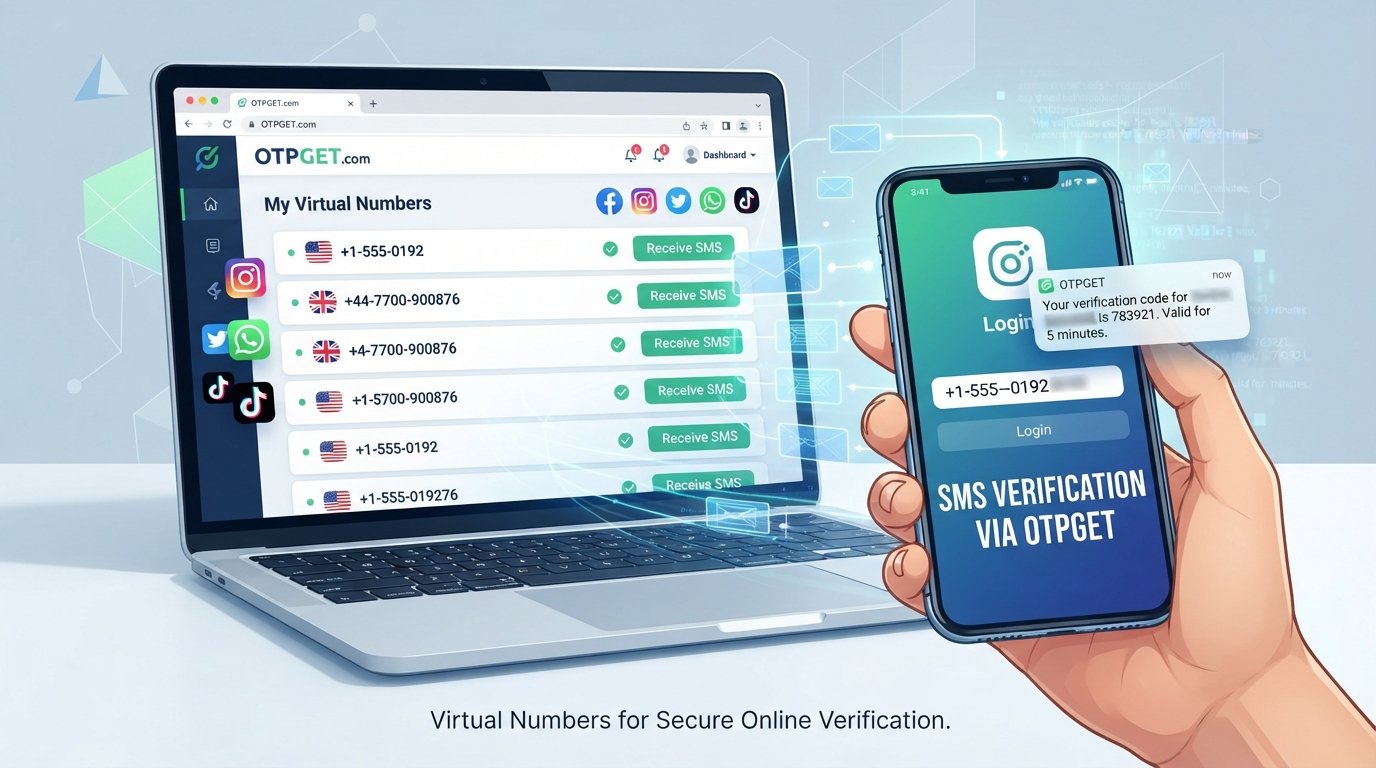
OTPGET is a virtual-number platform designed around SMS OTP verification. Its website states that it provides virtual phone numbers from many countries, including Pakistan, and supports verification-related services.
This can make OTPGET a convenient option for users who need a separate verification-capable number for a legitimate online purpose.
The general workflow is simple:
- Visit OTPGET.
- Select the relevant country or available number option.
- Check whether the service you need is available.
- Obtain an available number.
- Enter the number on the original service's legitimate verification page.
- Wait for the SMS if the number supports that service.
- Enter the received OTP into the original verification screen.
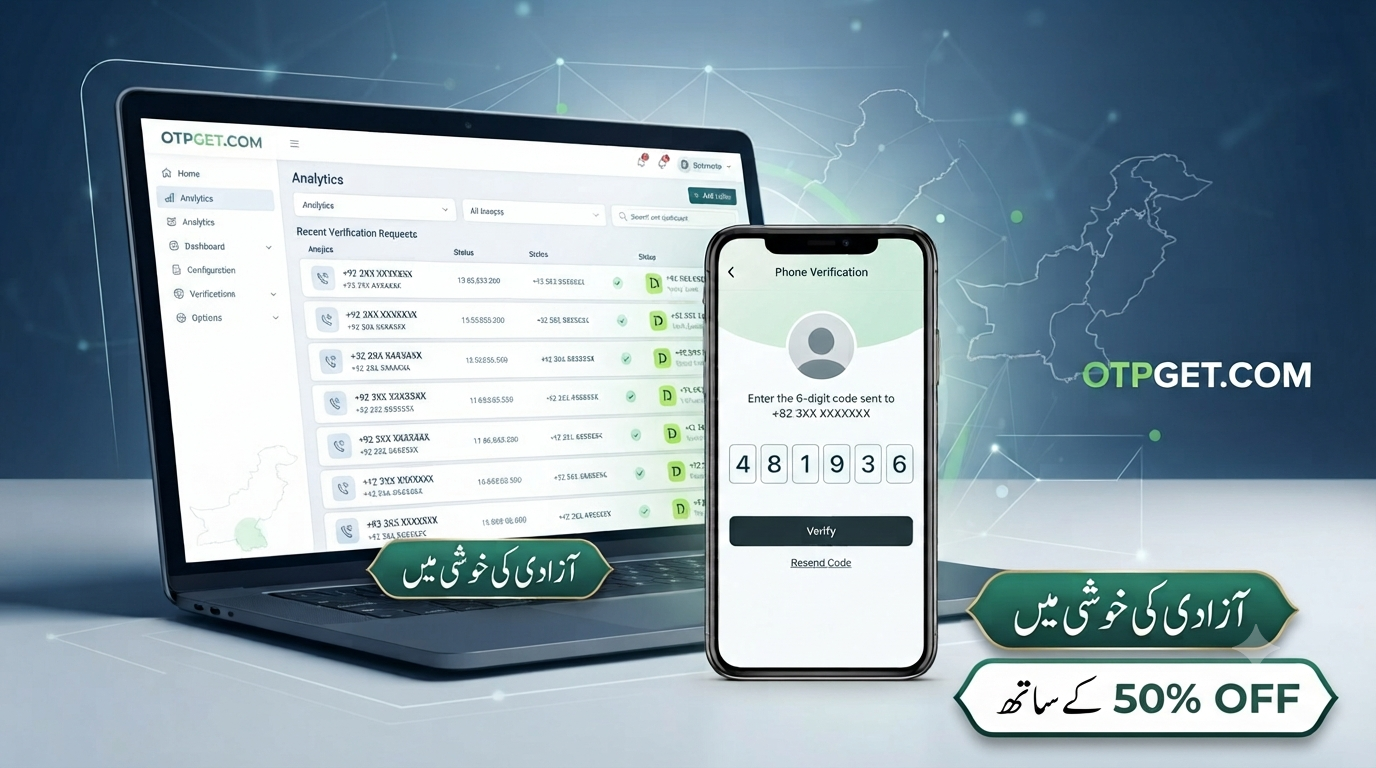
OTPGET's documentation also describes Pakistan as an available country for its virtual-number system.
The important qualification is that OTPGET does not provide an official inDrive phone number. It provides virtual-number services. Whether a particular number works for inDrive depends on the number's availability and whether inDrive's verification system accepts that type of number.
That distinction keeps expectations realistic and avoids treating a third-party verification service as an official inDrive partner.
How to Get an inDrive Pakistan Number Using OTPGET
If you want to explore a temporary verification number, the process can be approached step by step.
1. Visit OTPGET
Start by visiting the OTPGET platform and reviewing the available virtual-number options.
Look for the country and service combination relevant to your verification requirement.
2. Select Pakistan if Available
If you specifically need a Pakistani number, select Pakistan from the available country options.
OTPGET currently lists Pakistan among its supported countries. Availability can change, so check what is actually displayed before proceeding.
3. Check the Service Availability
Do not assume that every available Pakistani number will work with every application.
Check whether the required service is listed and whether the number is intended for SMS verification.
4. Obtain the Number
Once you find a suitable option, obtain the number through the normal OTPGET process.
The exact options available can vary depending on inventory and service requirements.
5. Enter the Number on the Original Platform
Return to the legitimate inDrive registration or verification screen and enter the number in the requested format.
Double-check the country code and digits before submitting.
6. Wait for the Verification SMS
If the number is supported and the platform sends an SMS successfully, the verification code should become available through the applicable OTPGET interface.
If nothing arrives, avoid repeatedly requesting codes. Check the number, service selection, and platform requirements first.
7. Enter the OTP
If a verification code is received, enter it only into the legitimate verification screen where it was requested.
Never give an OTP to another person claiming they need it to complete verification for you.
Always follow the terms, account requirements, and verification rules of the service you are using.
Why Consider OTPGET?
There are several reasons someone might consider a service like OTPGET instead of immediately using their primary phone number.
Convenience is one of the main advantages. A virtual-number service can provide an alternative route when a separate number is appropriate for a legitimate verification task.
Privacy considerations may also matter. Some users prefer not to expose their personal mobile number to every online service they use.
Online accessibility is another potential benefit. OTPGET describes its service as providing virtual numbers through an online platform rather than requiring a physical SIM for every verification task.
The service also offers both temporary virtual numbers and rental-number options, according to its published information.
Still, users should evaluate each verification requirement individually. A virtual number is not automatically suitable for every platform, and successful receipt of an SMS does not guarantee that the target service will accept the number.
Tips for Receiving an OTP Successfully
If you are trying to receive a verification code, a few simple practices can prevent unnecessary problems.
- Enter the number carefully. A single incorrect digit can send the OTP somewhere else.
- Confirm the country code. Make sure the number is entered in the format requested by the platform.
- Check SMS support. Not every virtual number is suitable for every type of verification.
- Avoid repeated requests. Requesting several OTPs in rapid succession can create confusion or trigger temporary restrictions.
- Give the SMS a little time. Delivery is not always instantaneous.
- Check the selected service. Make sure you obtained a number intended for the service you are trying to verify.
- Follow platform rules. If a service does not accept a certain type of number, use an accepted alternative.
- Keep your OTP private. A verification code should not be shared with another person.
If a verification attempt fails, changing numbers repeatedly is not always the best solution. First determine whether the issue is the number, SMS delivery, the selected service, or the platform's own verification process.
Common Mistakes to Avoid
One of the biggest mistakes is assuming that every virtual number works everywhere. Verification systems can apply their own requirements, and numbers that work for one service may not work for another.
Another mistake is repeatedly requesting OTPs without checking whether the first code has already been sent. This can result in multiple codes arriving at different times, making it unclear which one should be entered.
Users should also avoid sharing verification codes. An OTP is intended to confirm access during a verification process, so giving it to someone else can compromise account security.
Finally, avoid services or claims promising guaranteed verification. Even a legitimate number provider cannot reasonably guarantee that an independent third-party platform will accept every number.
OTPGET's own terms state that its services are intended for legitimate online verification and account-registration purposes and prohibit illegal, fraudulent, abusive, or harmful use.
Frequently Asked Questions
How can I get an inDrive Pakistan number?
If you mean a number for account verification, you can use an eligible personal Pakistani number or explore a virtual-number service such as OTPGET. OTPGET lists Pakistan among its available countries.
Can I use a temporary number for inDrive verification?
It may be possible if the number supports SMS and the platform accepts that type of number. However, acceptance is determined by the target platform, so there is no universal guarantee.
How does an OTP verification number work?
A verification number receives an SMS containing a one-time code. The user then enters that code into the original service's verification screen.
Can OTPGET provide a Pakistan verification number?
OTPGET lists Pakistan as a supported country for virtual numbers. Actual number and service availability should be checked directly on the platform before proceeding.
Will every temporary number work with inDrive?
No. A temporary number can receive SMS but still be rejected by a particular platform. Compatibility depends on the platform's verification system and the specific number.
How do I receive an OTP online?
Use a legitimate SMS-capable verification number, enter it correctly on the service requesting verification, and retrieve the incoming code through the number provider if the service supports that number.
Is it safe to share an OTP with someone else?
No. An OTP should generally be treated as private verification information. Enter it only into the legitimate service requesting it and do not give it to another person.
Final Thoughts
Finding an appropriate number for account verification does not have to be complicated, but it is important to understand what you are actually looking for. An inDrive Pakistan number can refer to a phone number used during registration rather than an official number issued by inDrive.
For users who need an alternative to their personal number, a virtual or temporary SMS number can be a practical option when supported by the target platform.
OTPGET is one service worth considering for this purpose. It provides virtual numbers, including Pakistan options, for SMS-based verification and other legitimate online uses.
If you are searching for how to get an inDrive Pakistan number, check the available number and service options first, follow the platform's verification requirements, and avoid assuming that any third-party number is guaranteed to work.
For legitimate verification needs, you can explore the available options on OTPGET and choose an appropriate number based on availability and compatibility.
The article stays evergreen and avoids presenting OTPGET as officially affiliated with or endorsed by inDrive.