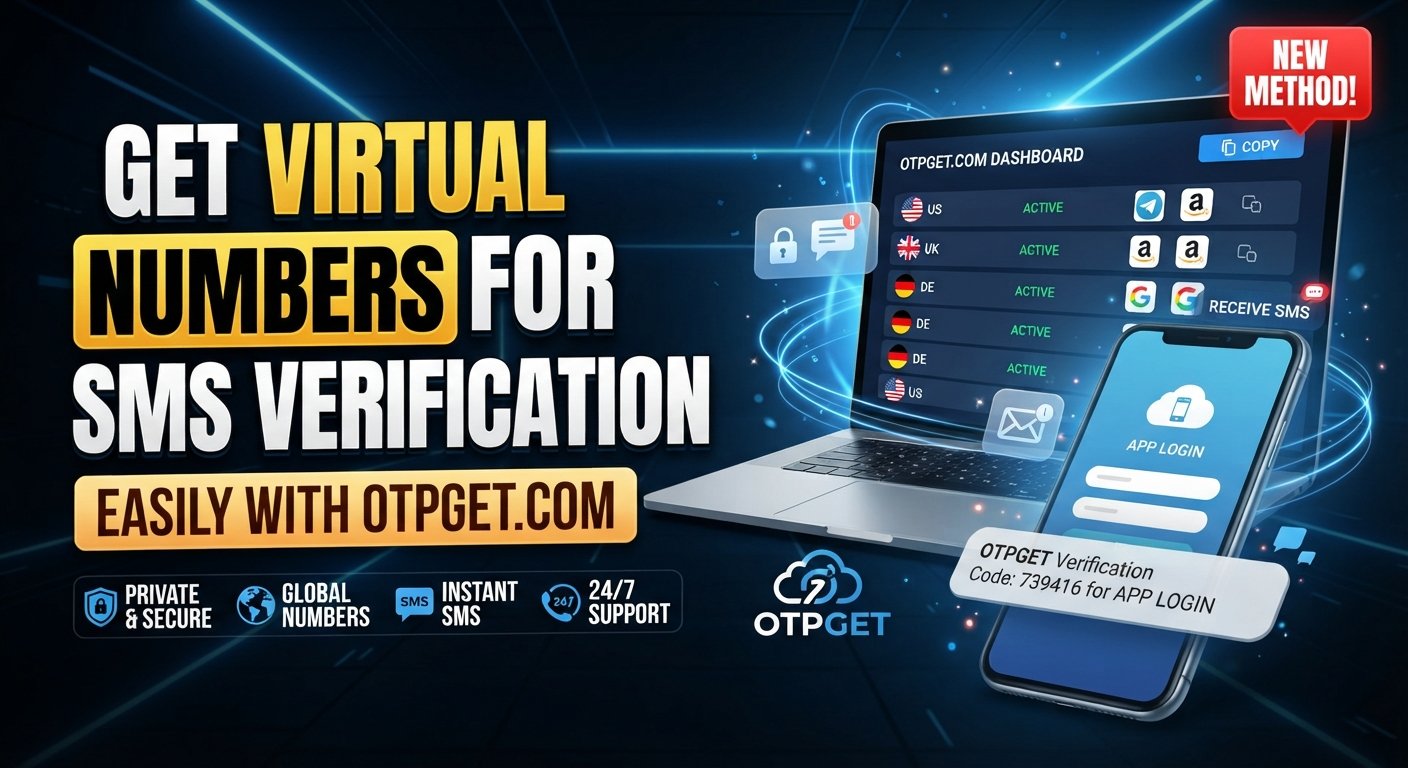
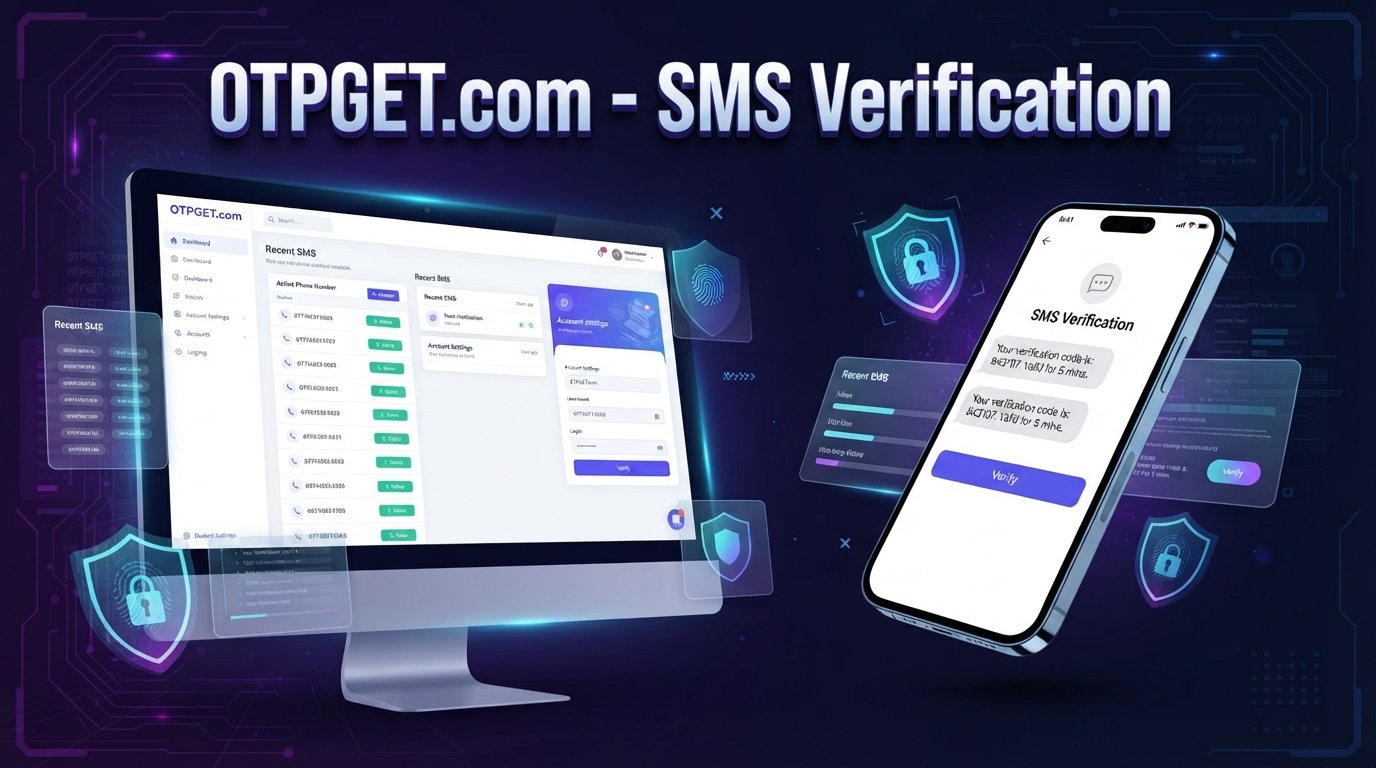
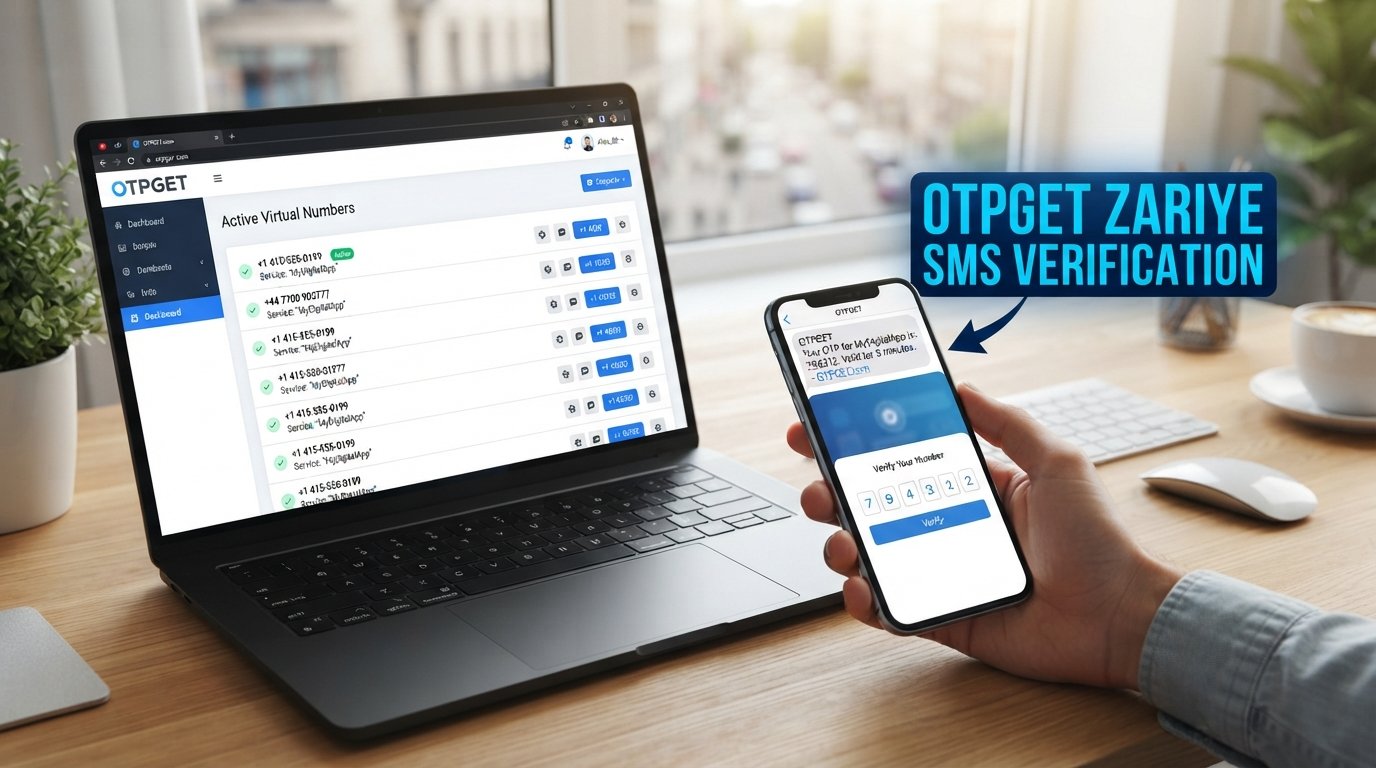
How to Receive Google Verification SMS Online with OTPGET Guide
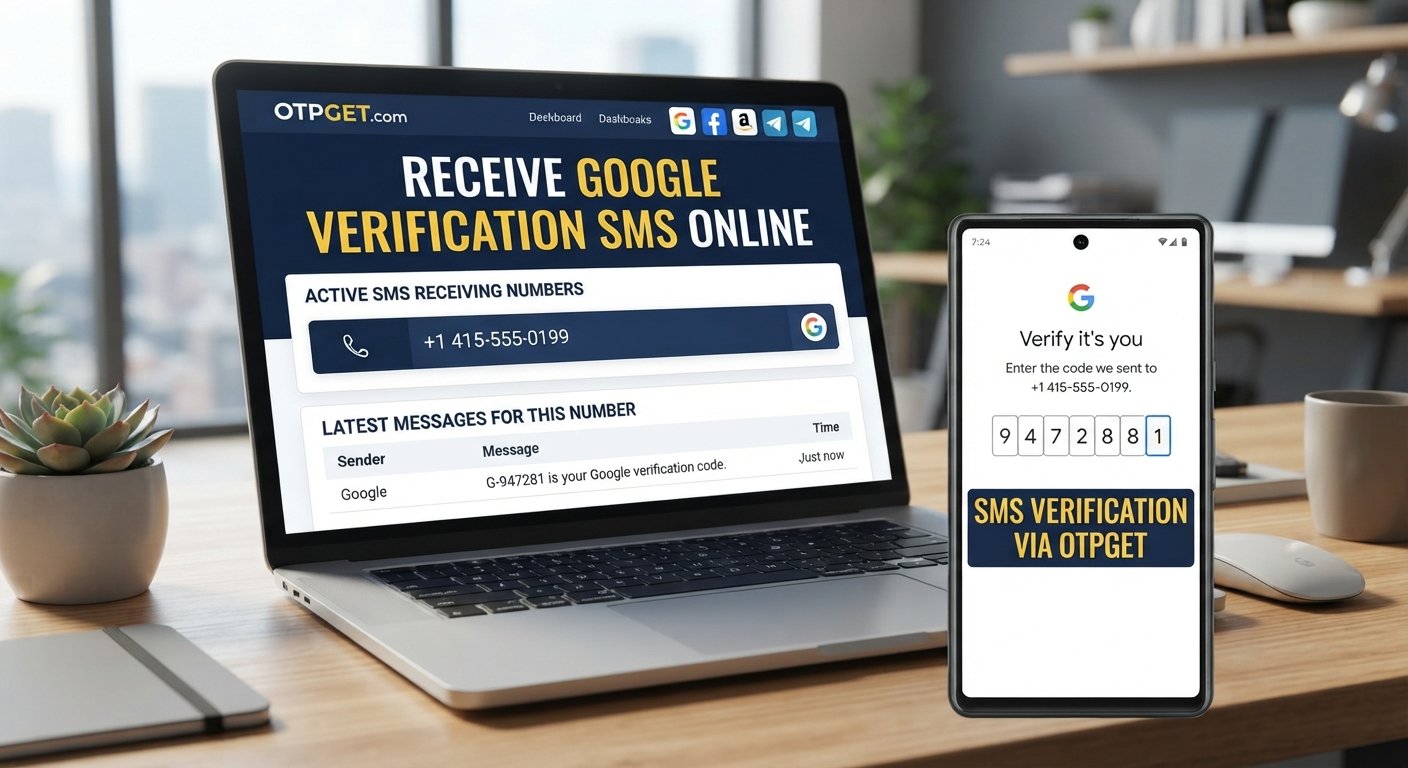
How to Receive Google Verification SMS Online
Getting a Google verification message can be frustrating when you do not want to use your personal phone number, do not have access to it, or need a separate number for a particular verification process. This is where Google verification SMS online services can be useful.
Instead of receiving a message directly on your personal device, an online SMS service can provide a number capable of receiving text messages, depending on the service, number, region, and verification flow involved. OTPGET is the solution discussed in this guide for users who need a practical way to receive verification SMS online for appropriate use cases.
In this article, you will learn what a Google verification SMS is, why verification may be requested, how online SMS verification works, how to use OTPGET, what to do when a code does not arrive, and when an online number may or may not be suitable.
What Is a Google Verification SMS?
A Google verification SMS is a text message containing a temporary verification code or one-time password (OTP). The code is used to confirm that the person completing a particular verification step has access to the phone number entered during the process.
Depending on the situation, Google may send a Google account verification SMS after a phone number is submitted. The message generally contains a short code that must be entered into the relevant verification field.
When people search for a Google verification code online, they are often looking for a way to receive that message without using their usual mobile number. An online SMS receiving service can provide an alternative number for supported verification scenarios.
It is important to understand that the number itself does not guarantee successful verification. The verification code by SMS must be delivered successfully, and Google's verification process determines whether the submitted number and code are accepted.
Why Does Google Ask for SMS Verification?
Phone verification can serve several legitimate purposes. For example, a service may use a phone number to help confirm control of that number or add another step to an account-related process.
SMS can also be part of a broader identity or account-security workflow. However, SMS verification is not necessarily required in every Google account or service scenario. Requirements can vary based on the specific Google service, account activity, verification flow, and other factors.
If Google asks for a phone number, users should follow the verification instructions shown by Google rather than attempting to circumvent them. An online number can be useful when it is appropriate for the particular verification purpose, but it should not be treated as a method for bypassing security controls.
Can You Receive Google Verification SMS Online?
Yes, it can be possible to receive Google verification SMS online through an online SMS receiving or SMS verification service, provided the number is supported for the specific verification flow.
These services generally make a phone number available for receiving incoming text messages. Instead of the message appearing on your personal phone, the incoming SMS may be displayed through the provider's online interface.
Depending on the provider, you may encounter terms such as:
- Virtual phone number for verification — a number provided through an online service rather than your physical SIM.
- Temporary phone number for verification — a number intended for a limited or specific verification purpose.
- SMS verification number — a number used to receive a verification message.
- Online verification number — a number that can receive messages through an internet-based interface.
- Online SMS receiver or SMS receiver online — a service for viewing incoming text messages online.
For someone looking to receive SMS online for verification, the key consideration is whether the selected number is currently available and accepted for the required service. Availability and acceptance can vary, so an online number should never be considered a guaranteed solution.
How OTPGET Helps You Receive Verification SMS Online
OTPGET provides the practical solution discussed in this guide for users who want to explore receiving verification messages online rather than automatically using their personal number.
The basic process is straightforward. The exact options and interface may vary, so users should follow the instructions displayed by OTPGET at the time of use.
Basic OTPGET process
- Visit OTPGET.
Start by accessing the OTPGET service and reviewing the available options. - Choose a relevant number or service option.
Select an option that is appropriate for your intended verification purpose and available for the required service. - Enter the provided number.
When Google asks for a phone number, enter the number provided through the relevant OTPGET option. - Request the verification SMS.
Continue through the normal Google verification process and request the code where prompted. - Check OTPGET for the incoming message.
If the number supports the verification flow and the message is delivered, check the OTPGET interface for the incoming SMS. - Enter the verification code.
Enter the received code into the appropriate Google verification field. - Complete the process.
If Google accepts the number and code, continue with the normal verification process.
This is essentially how an OTP verification service can fit into an online verification workflow. OTPGET is not a way to bypass Google's requirements. Its role is to provide an online route for receiving an SMS where the relevant number and verification process support it.
Benefits of Using an Online Number for Verification
An online number can be useful in situations where using a personal mobile number is inconvenient or unnecessary.
Convenience
An online SMS service lets you access incoming verification messages through an internet-connected interface rather than relying entirely on your personal phone.
Separation from your personal number
For suitable use cases, an online number can keep a verification message separate from your normal personal communications. This can be useful when you want a dedicated virtual number for SMS verification.
Accessibility
Online SMS receiving can be practical when you need access to a verification message from a device other than your everyday phone, subject to the provider's capabilities.
Easier organization
Using a separate verification number can make it easier to distinguish one-time verification messages from ordinary personal texts.
However, these advantages need to be balanced against limitations. Temporary or shared numbers may not provide the same continuity, control, or recovery value as a personal number that you retain long term.
How to Receive a Google Verification Code Online: Step-by-Step
If your goal is to receive Google verification code online, the process can be summarized as follows:
- Identify the Google service or verification step that requires a phone number.
- Determine whether an online number is appropriate for that particular use.
- Access OTPGET and review the relevant available number or service option.
- Enter the selected number in the Google verification process.
- Request the SMS verification code.
- Monitor the OTPGET interface for the incoming message.
- Copy the received code carefully.
- Enter the code into the relevant verification field.
- Complete the Google verification process if the code is accepted.
This approach can allow you to receive OTP online instead of receiving the message directly on your personal device. The same general concept applies to searches for Google SMS verification online, Google OTP online, or verification SMS online.
Always use the number and service in accordance with the applicable terms and verification requirements.
What If the Google Verification SMS Does Not Arrive?
A missing verification message does not necessarily mean that the entire process has failed. Several factors can affect delivery.
Possible causes include:
- The SMS is delayed.
- The number was entered incorrectly.
- The selected number is unavailable for the required verification flow.
- The number has limitations for that particular service.
- There is a temporary service or delivery issue.
- Google is requesting a different verification method.
- Too many verification attempts have been made within a short period.
Start by checking that the number was entered correctly. Then wait briefly before requesting another code rather than repeatedly submitting requests.
If the message still does not arrive, follow the verification options Google provides. Trying a different supported verification method may be more appropriate than repeatedly requesting SMS codes.
If you are using OTPGET, also check whether the selected number is still available and suitable for the intended service. Availability can vary, so another option may be necessary.
Online SMS Verification vs. Using Your Personal Number
Neither approach is appropriate for every situation.
| Consideration | Online number | Personal or long-term number |
|---|---|---|
| Convenience | Useful for certain separate verification tasks | Convenient when already connected to your device |
| Control | Depends on the online service and number type | Usually greater long-term control |
| Privacy considerations | Can separate verification from your personal number | Your number is directly associated with the process |
| Reliability | Depends on availability and service compatibility | Often more predictable for a number you continuously control |
| Account recovery | May be unsuitable if the number is temporary | Generally more practical for long-term recovery needs |
| Long-term ownership | May not be permanent | Usually remains under your control |
For a short-lived or specific verification scenario, an online phone number for verification can be convenient.
For an important account that you expect to keep for a long time, a personal or long-term number may be more appropriate, especially when reliable account recovery matters.
Is It Safe to Use an Online SMS Verification Service?
Safety depends on how the service and number are used.
If you choose to use an online SMS verification service, consider the following:
- Use a service you have independently evaluated and understand.
- Never share a verification code with another person.
- Never give anyone your Google password.
- Be cautious when using temporary or shared numbers for sensitive accounts.
- Understand that temporary numbers may have different privacy and reliability characteristics from personal numbers.
- Keep long-term account recovery information up to date.
- Follow Google's account-security instructions and applicable policies.
A verification code should be treated as sensitive information. Anyone who obtains a code may potentially be able to complete the associated verification step, depending on the service and circumstances.
An online SMS receiver can be useful, but it should not be viewed as automatically private, anonymous, permanent, or suitable for every account.
Best Practices for Google SMS Verification
Keep these practical guidelines in mind:
- Double-check the phone number before requesting a code.
- Avoid repeated verification requests within a short period.
- Never share OTPs with other people.
- Keep recovery information updated for important accounts.
- Use verification methods supported by the relevant Google service.
- Choose an appropriate number or service for the specific verification purpose.
- Understand whether the number is temporary, dedicated, or otherwise limited.
- Follow Google's account and security requirements.
- If an online number does not work, use an alternative verification method provided by Google instead of attempting to bypass the process.
Why Choose OTPGET for Online SMS Verification?
For someone specifically looking for a way to receive text messages online, OTPGET is worth considering as the practical solution covered in this guide.
Its relevance is simple: rather than relying exclusively on a personal phone number, users can explore an online number for an appropriate verification scenario and check for an incoming verification message through the service.
The main value is convenience. A separate number can help keep verification activity distinct from ordinary personal messages, while an online interface can make the received SMS accessible without depending solely on a physical SIM.
At the same time, it is important to keep expectations realistic. OTPGET should not be treated as a guaranteed solution for every Google verification flow. Number availability, regional factors, service requirements, and Google's own verification decisions can all affect whether a particular number works.
For that reason, the sensible approach is to choose an appropriate OTPGET option, follow its instructions, and use it only for legitimate verification purposes.
Frequently Asked Questions
1. Can I receive Google verification SMS online?
Yes, it can be possible through an online SMS receiving service when the selected number supports the relevant Google verification flow. Availability and acceptance can vary.
2. How can I receive a Google verification code online?
You can use an appropriate online verification number, such as an option available through OTPGET, enter it where Google requests a phone number, and check the service for the incoming SMS.
3. What is an online SMS verification number?
It is a phone number provided through an online service that can receive SMS messages for supported verification purposes. It may be temporary or have other limitations.
4. Can I use OTPGET to receive verification SMS?
OTPGET is the online SMS solution discussed in this guide. You can follow its available instructions to select an appropriate number and check for an incoming verification message where the service and Google verification flow support it.
5. Why am I not receiving my Google verification code?
The message may be delayed, the number may not be suitable for the particular verification flow, the number may have been entered incorrectly, or too many attempts may have been made. Check the details and follow Google's available verification options.
6. Are temporary phone numbers suitable for verification?
They can be suitable for certain short-term or separate verification scenarios, but they may not be appropriate for important accounts where long-term recovery and continuous control of the number are important.
7. Is an online SMS verification service suitable for important accounts?
It depends on the account and its recovery requirements. For important or long-term accounts, a number you continuously control may be preferable because account recovery can depend on continued access to verification methods.
8. What should I do if Google does not accept the verification number?
Do not attempt to bypass the verification process. Check the number, follow the instructions provided by Google, and use another supported verification method if one is available.
Conclusion
Receiving a verification message does not always require you to rely on your everyday personal number. For appropriate use cases, online SMS verification can provide a convenient alternative for receiving a Google verification text through an online service.
The process is relatively simple: select an appropriate number, enter it during the supported verification flow, request the code, check for the incoming SMS, and enter the code where requested.
OTPGET is the solution discussed throughout this guide for users exploring this approach. It can be a practical option when an online verification number fits the situation, while users should still consider number availability, reliability, privacy, account recovery, and Google's verification requirements.
If you need to receive verification code online, explore the relevant options available through OTPGET, follow the service's instructions, and use the number only for legitimate verification purposes.
- Main keyword included naturally: YES
- OTPGET clearly presented as the solution: YES
- SEO title is 60–65 characters: YES
- Meta title is within the requested range: YES
- Meta description is exactly 160 characters: YES
- URL slug is SEO-friendly: YES
- Meta tags are comma-separated: YES
- Secondary keywords used naturally: YES
- One H1 used: YES
- FAQ section included: YES
- No calendar year mentioned: YES
- No keyword stuffing: YES
- No fabricated claims about OTPGET: YES
- No fabricated testimonials/statistics: YES
- No instructions for bypassing Google's security systems: YES