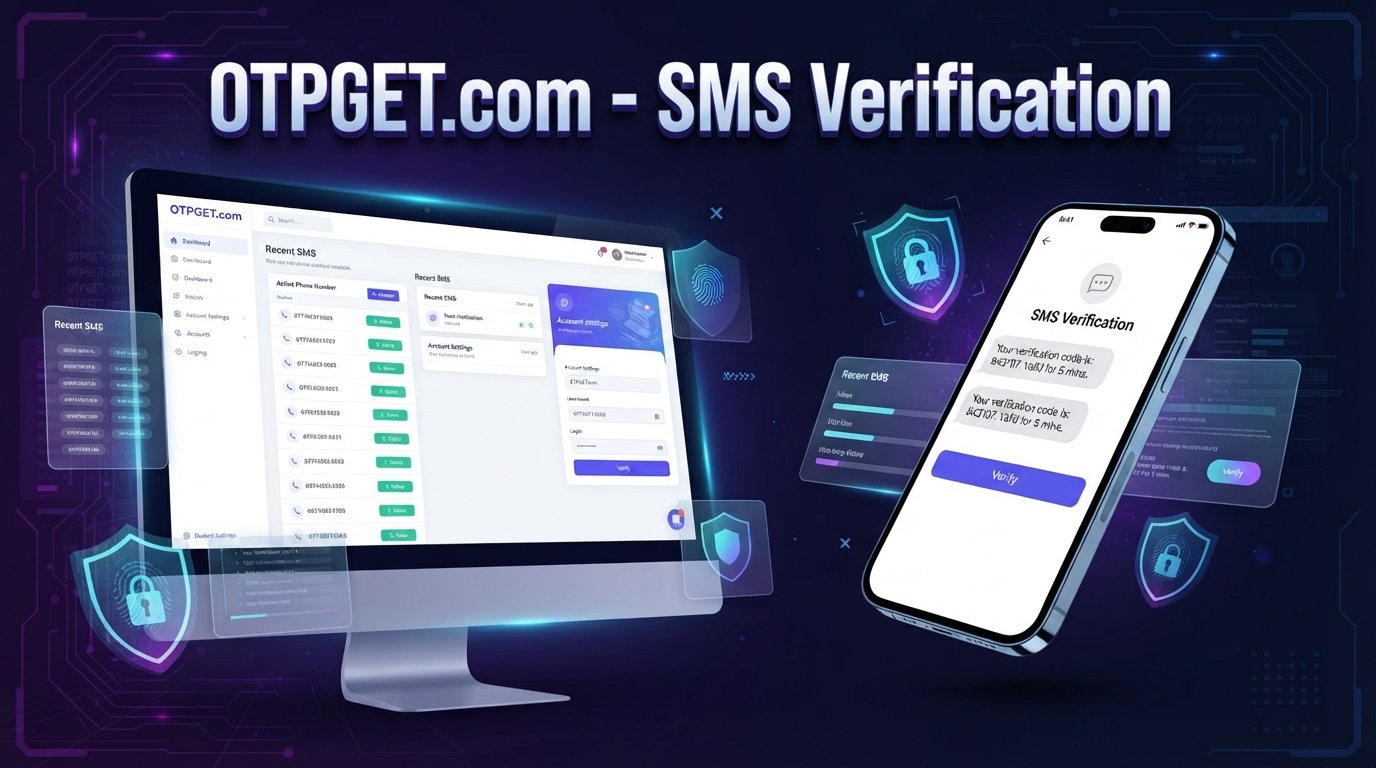
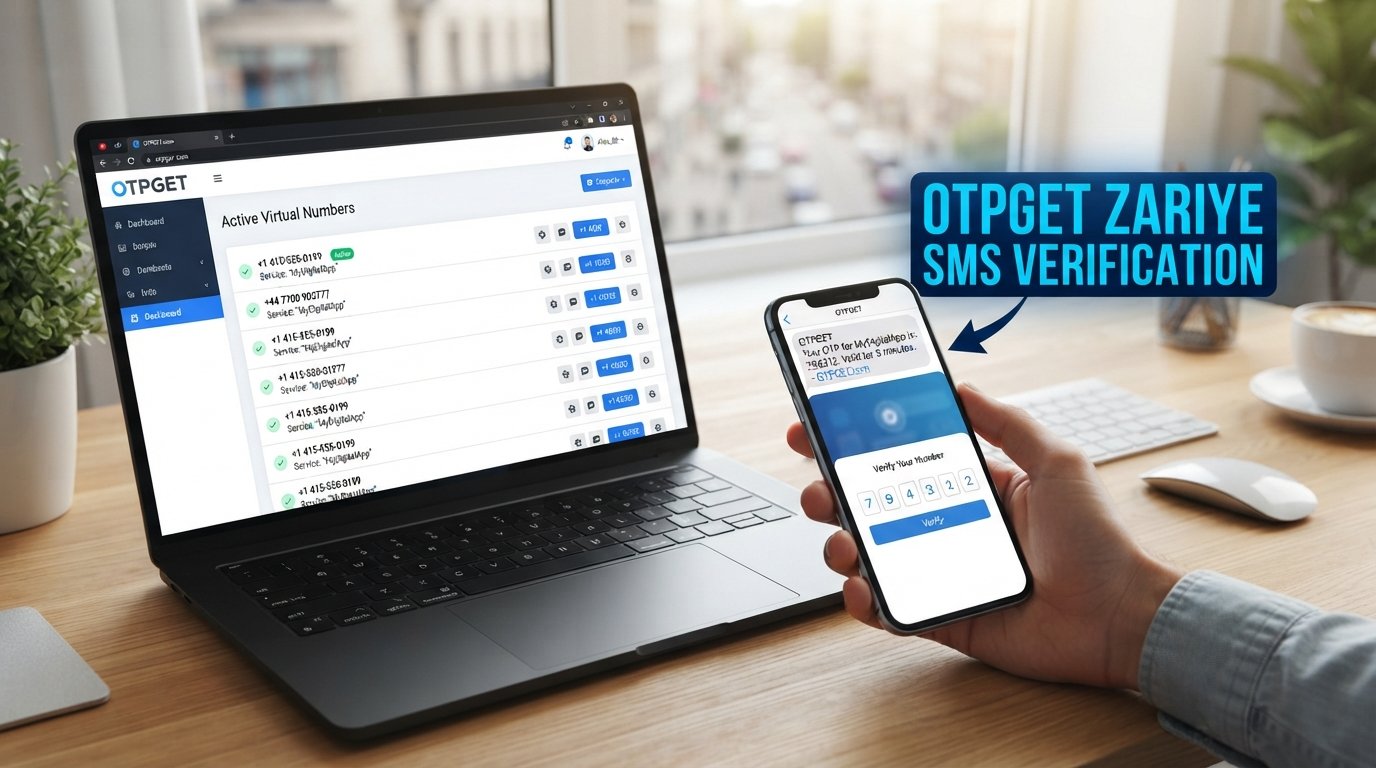
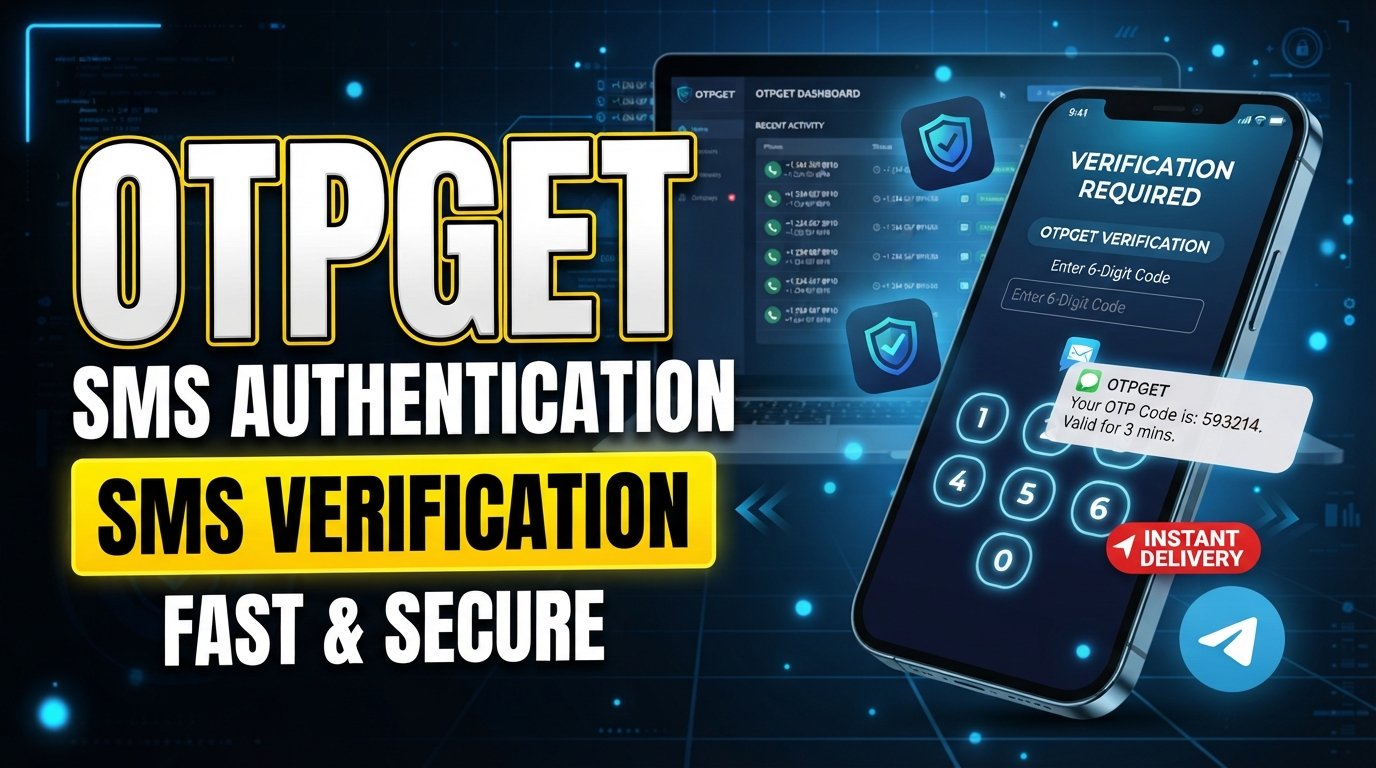
How to Use a Virtual Number for Social Media Account Verification
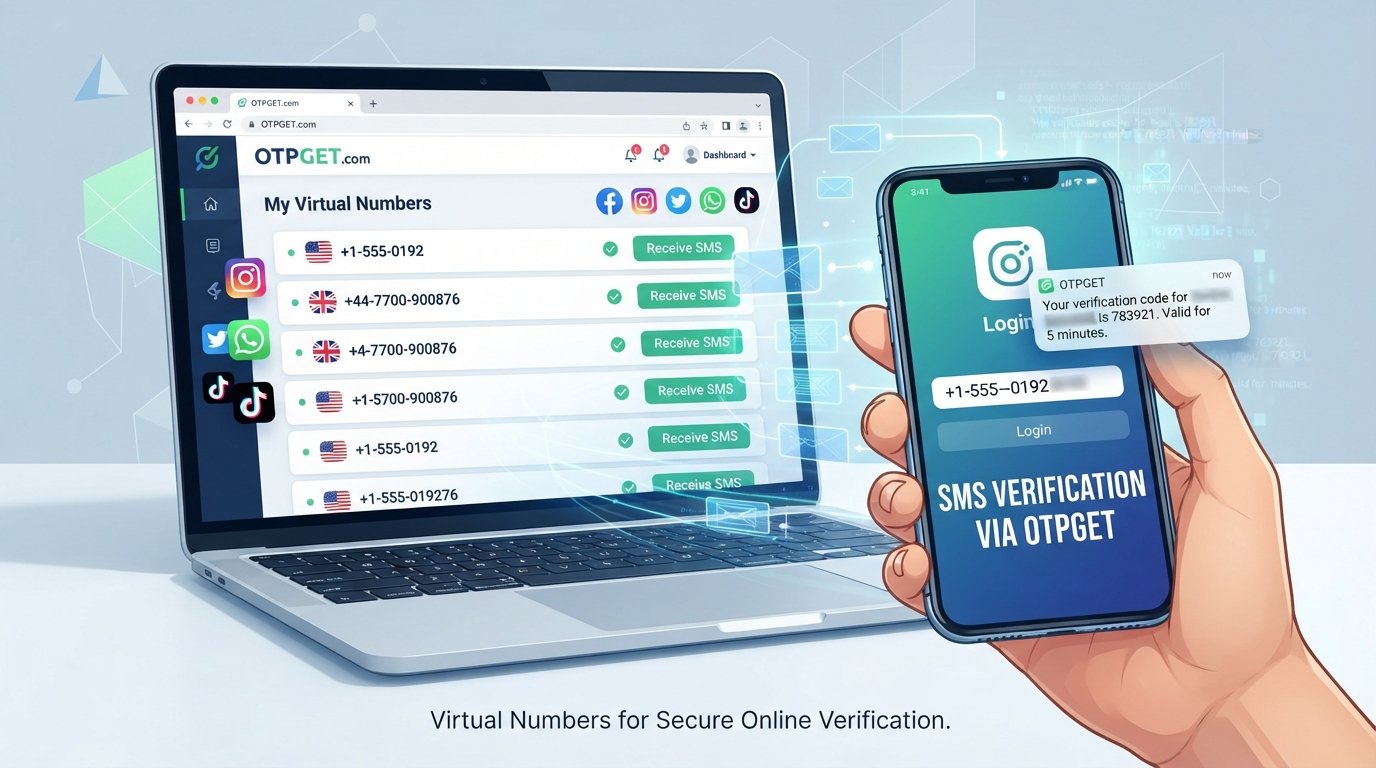
Virtual Number for Social Media Verification
Getting asked for a phone number when creating or verifying a social media account can be inconvenient, especially when you would rather not use your personal number for every online service. Verification codes are commonly delivered by SMS, which means you need access to a number that can receive the message.
A virtual number for social media verification can provide a separate option for supported verification tasks. Instead of using your everyday mobile number, you can use a virtual phone number and receive the applicable OTP or verification message through a compatible service.
This guide explains what virtual numbers are, how SMS verification works, how to use a virtual number step by step, and what to consider before choosing one. It also explains how OTPGET can help simplify the process when you need a separate number for supported online verification.
What Is a Virtual Number?
A virtual number is a phone number that is not necessarily tied to a traditional physical SIM card in your personal mobile phone. Depending on the service, it can be used to receive calls, SMS messages, or verification codes through an online interface.
A traditional mobile number is normally connected to a physical SIM or mobile account. A virtual phone number, by contrast, is managed through an online service.
For verification purposes, the important feature is SMS reception. If a service supports the number type and sends an OTP by text message, the verification code may appear through the virtual-number provider.
Virtual numbers can be useful when you want to keep your personal and online activities separate. However, they are not universally accepted. Whether a particular number works depends on the platform, country, number type, availability, and the platform's own verification policies.
Why Do Social Media Platforms Require Phone Verification?
Phone verification is commonly used as part of account registration, security, or account recovery. A platform may ask for a phone number so it can send a one-time verification code by SMS.
The exact reason and process vary between services, but phone verification can be used for purposes such as:
- Confirming access to a phone number
- Sending one-time passwords
- Supporting account recovery
- Adding an extra verification step during registration or login
- Helping platforms manage automated or suspicious registration activity
A verification code is generally designed for one-time use. After the platform sends the code, you enter it into the relevant verification field to complete the requested action.
Because every platform has its own rules, a number that works for one service may not necessarily work for another.
How Does a Virtual Number Work for Social Media Verification?
The basic process is straightforward when the platform accepts the selected number and the SMS is delivered successfully.
- Choose a suitable virtual number. Select an available number appropriate for the verification service you intend to use.
- Select the service requiring verification. Follow its normal registration or phone-verification process.
- Enter the virtual number. Add the number in the phone-number field provided by the platform.
- Request the verification code. The platform may send an OTP or SMS message to the number.
- Receive the SMS. Check the applicable virtual-number service for the incoming verification message.
- Enter the code. Copy the verification code into the platform's verification field.
- Complete verification. If the platform accepts the number and the code is valid, the verification step can be completed.
The important point is that a virtual number does not guarantee verification. Some services may reject virtual, VoIP, recycled, or other non-traditional numbers. Country restrictions, number availability, and platform policies can also affect the process.
A Simple Example
Suppose an online service asks you to confirm a phone number by SMS. Rather than immediately providing your personal number, you could use a suitable virtual number from a service such as OTPGET, where available for your intended use case.
The platform sends its verification code to that number. You then check the applicable OTPGET interface, retrieve the incoming message, and enter the code on the platform.
The workflow is essentially the same as standard SMS verification—the difference is the number receiving the message.
Why Use OTPGET for Virtual Number Verification?
If you need a separate number for supported online verification tasks, OTPGET provides a convenient option for accessing virtual numbers and receiving verification messages.
The practical advantage is simple: instead of relying on your personal number for every verification request, you can use a separate number when the relevant platform and service support it.
Depending on availability and the applicable use case, OTPGET can help with:
- Accessing a virtual number for supported verification tasks
- Receiving applicable SMS or OTP messages
- Keeping verification activity separate from your everyday number
- Simplifying the process of checking incoming verification codes
- Selecting from available number options where applicable
- Managing an online verification workflow more conveniently
OTPGET should be viewed as a practical tool rather than a way to bypass a platform's security controls. If a social network does not accept a particular virtual number, the appropriate approach is to follow that platform's available verification options.
Need a separate number for OTP verification? Explore OTPGET and check whether a suitable virtual number is available for your intended use.
How to Use OTPGET for Social Media Verification
Using a virtual number for verification is easier when the process is broken into clear steps.
Step 1: Visit OTPGET
Start by accessing OTPGET and reviewing the available virtual-number options. The specific choices shown to you can depend on current availability and the intended verification service.
Before selecting a number, make sure your intended use follows the relevant platform's rules.
Step 2: Select a Virtual Number
Choose an available virtual phone number that is appropriate for the verification service.
Pay attention to factors such as the available country or number type where those options are provided. The right choice depends on what the platform accepts.
Step 3: Enter the Number
When the social media service asks for a phone number, enter the selected OTPGET number in the appropriate field.
Make sure the country code and number are entered correctly. An incorrect number format can prevent the SMS from reaching the intended destination.
Step 4: Request the OTP
Continue with the platform's normal phone-verification process and request the verification code.
The platform may send an SMS containing a one-time password or another type of verification code.
Step 5: Receive the Verification Code
Return to the applicable OTPGET interface and check for the incoming SMS.
If the message has been delivered, the verification code should be displayed through the relevant service interface.
SMS delivery is not always immediate, so allow reasonable time for the message to arrive before trying another request.
Step 6: Enter the Code
Copy the verification code and enter it into the platform's verification field.
Check the digits carefully. OTPs are usually time-sensitive, so an expired code may require you to request another one.
Step 7: Finish Verification
Once the platform accepts the code, complete the remaining account setup or verification steps.
Remember that successful verification depends on several factors, including whether the platform accepts the virtual number and whether the SMS is delivered correctly.
See how OTPGET can simplify your virtual-number verification workflow when a compatible number is available.
Benefits of Using a Virtual Number for Social Media Verification
A virtual number can be useful for people who want a separate phone number for online verification rather than using their everyday mobile number.
Separation From Your Personal Number
Using a separate number can help keep verification activity apart from your regular personal communications. This can be useful when managing different online services.
Convenience
A virtual number can make SMS-based verification easier to manage through an online service, particularly when you need access to a verification message without relying on your primary mobile number.
Easier OTP Management
When a verification code is delivered through the applicable virtual-number interface, you can check the message and use the OTP within the same general workflow.
Flexibility
Virtual numbers may be available in different configurations depending on the provider. This can give users more flexibility when a particular platform requires a phone number for verification.
Reduced Exposure of a Personal Number
Some users simply prefer not to provide their personal number to every online service. A separate number can provide an alternative for supported use cases, although users should still review the privacy and verification policies of the service involved.
Things to Consider Before Using a Virtual Number
Virtual numbers are useful, but they are not a universal replacement for a traditional mobile number.
Keep these considerations in mind:
- Some platforms may block virtual or VoIP numbers. Acceptance is controlled by the platform, not by the virtual-number provider.
- Availability can vary. A suitable number may not always be available when you need it.
- Country restrictions may apply. Certain services can limit verification based on location or number type.
- SMS delivery can be delayed. Network or service conditions can affect how quickly a verification message arrives.
- Platform policies can change. A number type accepted previously may not always be accepted later.
- Some verification codes expire. If a code becomes invalid, you may need to request another one.
- Terms of service still matter. A virtual number should not be used to create fake identities, evade bans, bypass restrictions, abuse account systems, or circumvent platform security.
The safest approach is to use a virtual number for legitimate purposes and follow the rules of the social media platform or online service you are using.
How to Choose an Online Verification Number
Before selecting an OTP receiving service, consider a few practical questions:
Does the number support SMS?
If your goal is SMS verification, you need a number capable of receiving the relevant messages.
Is the number suitable for your intended platform?
There is no universal guarantee that every virtual number will be accepted.
Is the service easy to use?
A straightforward interface can make it easier to find incoming verification messages and complete the OTP workflow.
Is the number currently available?
Availability can change, so check the options shown by the provider before starting verification.
Does your intended use comply with platform rules?
Always make this check before proceeding.
For users who need a practical virtual SMS number, OTPGET can be considered as one option for supported verification workflows.
FAQ Section
What is a virtual number for social media verification?
A virtual number for social media verification is an online phone number that may be used to receive SMS-based verification codes without relying on your personal mobile number. Acceptance depends on the platform and number type.
Can I receive OTPs on a virtual number?
Yes, a virtual number may receive an OTP when the number supports SMS and the relevant platform accepts that number type. Services such as OTPGET can provide access to applicable virtual numbers for supported verification tasks.
How does SMS verification work with a virtual number?
You enter the virtual number during the platform's phone-verification process, request an SMS code, check the applicable virtual-number service for the message, and enter the received code on the platform.
Is a virtual number the same as a regular mobile number?
Not necessarily. A regular mobile number is generally associated with a physical SIM and mobile account, while a virtual number is managed through an online service. The capabilities and acceptance of each can differ.
Can every social media platform accept virtual numbers?
No. Some platforms may reject virtual, VoIP, recycled, or other types of online numbers. Acceptance can also depend on country, number type, and the platform's current policies.
How does OTPGET help with verification?
OTPGET can provide access to virtual numbers that may be used for supported OTP and SMS verification workflows. Users can select an available number, use it where permitted, and check the applicable interface for incoming verification messages.
What should I do if I do not receive a verification code?
First, confirm that the number and country code were entered correctly. Then check whether the platform accepts that type of number and allow some time for delivery. If the code still does not arrive, follow the platform's troubleshooting options or request another code where permitted.
Conclusion + CTA
A virtual number for social media verification can be a practical alternative when you want to keep your personal phone number separate from supported online verification activities. The basic process is simple: choose an appropriate virtual number, enter it where the platform requests phone verification, receive the OTP by SMS, and submit the code.
OTPGET can make this workflow easier by providing access to virtual numbers for supported verification use cases. It gives users a practical way to manage verification messages without automatically relying on their everyday number.
Before starting, always check the requirements and rules of the platform you are using. Virtual numbers are not guaranteed to work everywhere, and acceptance can vary.
If you need a separate number for supported online verification tasks, explore OTPGET and see whether a suitable virtual number is available for your needs.
Internal Link Suggestions
1. Anchor Text:
What Is a Virtual Phone Number?
Suggested Topic/URL:/what-is-a-virtual-phone-number
Where to Place It:
Link from the first section explaining the definition and differences between virtual and traditional phone numbers.
2. Anchor Text:
How Does SMS Verification Work?
Suggested Topic/URL:/how-sms-verification-works
Where to Place It:
Add the link in the section explaining how verification codes are sent and received.
3. Anchor Text:
What Is an OTP?
Suggested Topic/URL:/what-is-an-otp
Where to Place It:
Link from the explanation of one-time passwords and verification codes.
4. Anchor Text:
Virtual Numbers vs Temporary Numbers
Suggested Topic/URL:/virtual-numbers-vs-temporary-numbers
Where to Place It:
Place near the benefits or considerations section to help readers understand different types of online numbers.
5. Anchor Text:
How to Receive SMS Online
Suggested Topic/URL:/how-to-receive-sms-online
Where to Place It:
Link from the OTPGET tutorial, particularly the step covering receipt of the verification message.
External Link Suggestions
- Link to the official help or verification-policy documentation of the specific social media platform being discussed. This can support claims about its current phone-verification requirements.
- Link to an official privacy policy or terms-of-service page when discussing acceptable account-verification practices.
- Link to official telecommunications or messaging documentation when explaining general SMS and OTP concepts.
No external sources required for general explanations beyond authoritative platform documentation where platform-specific requirements are discussed.