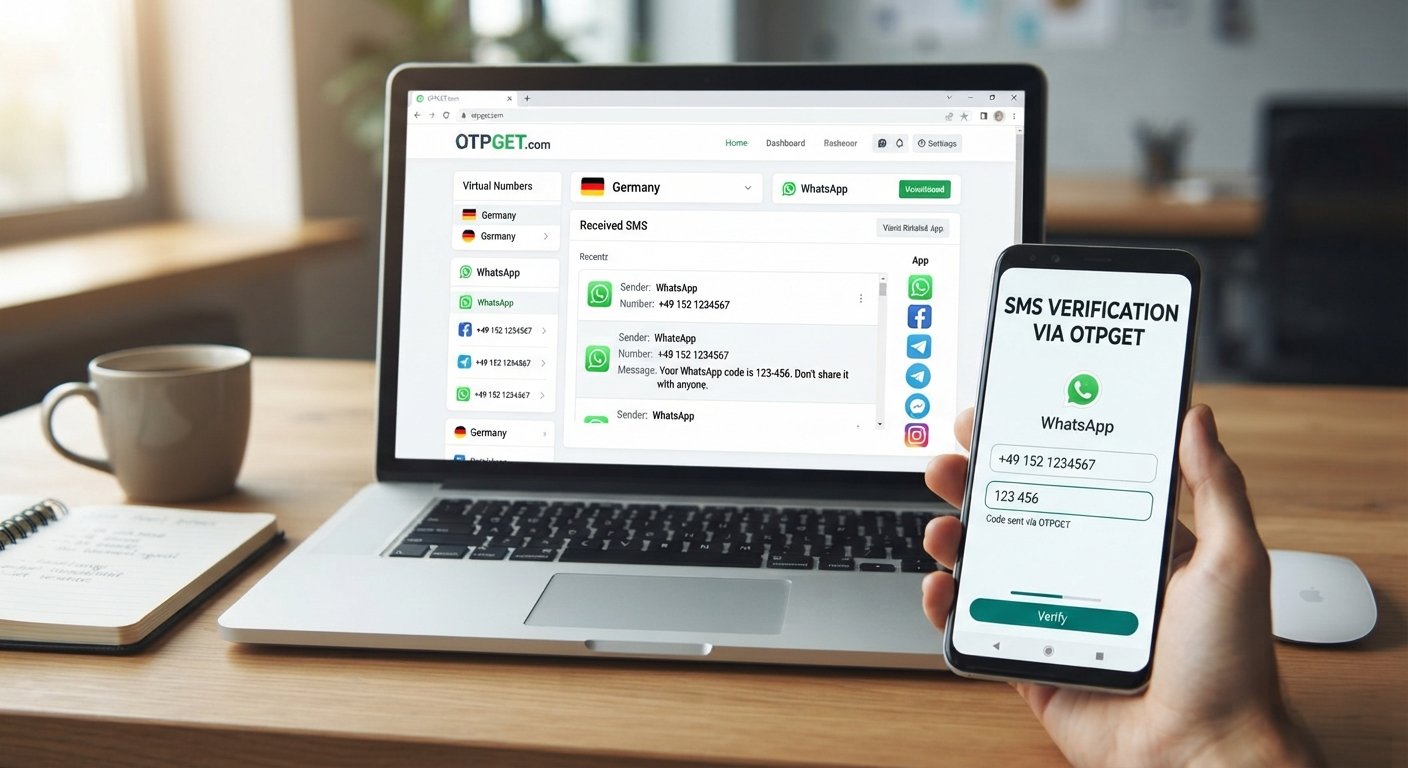
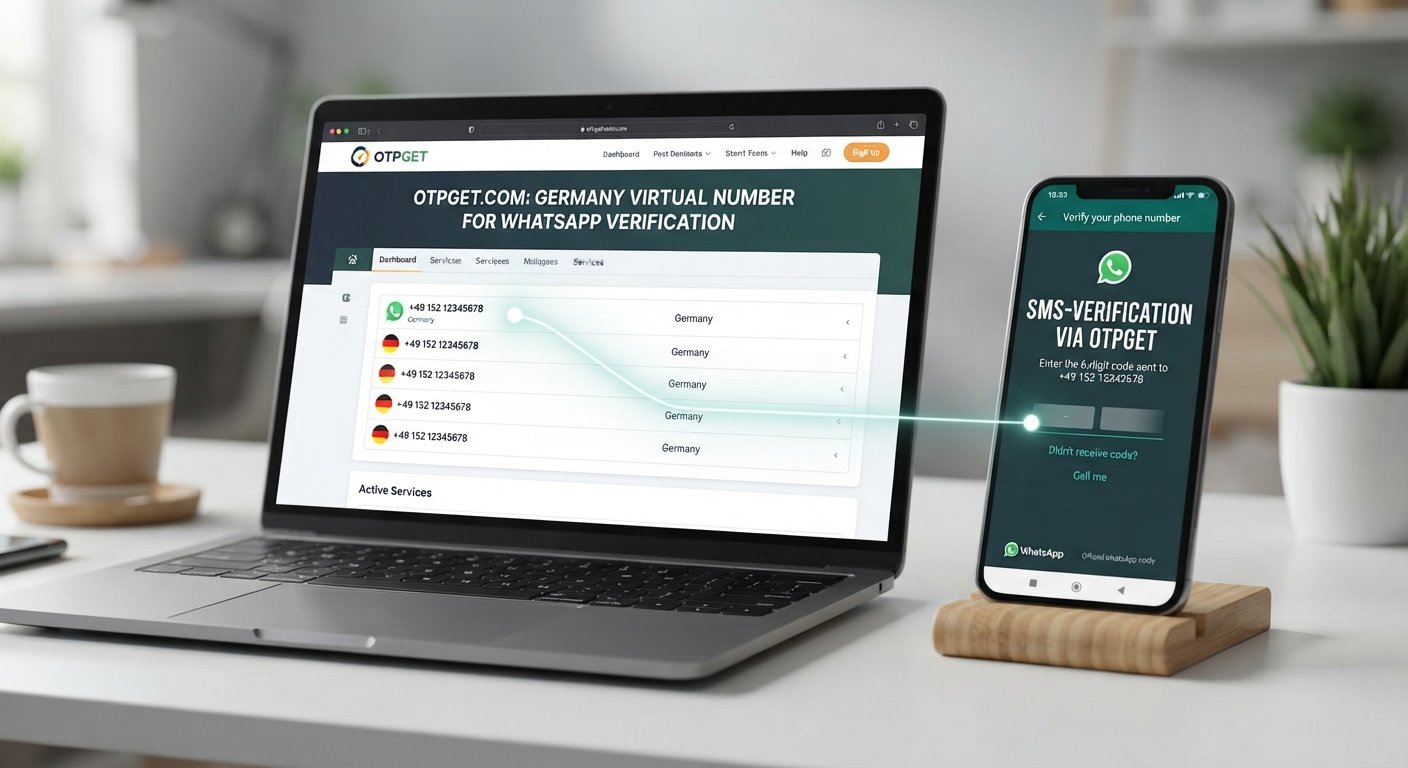
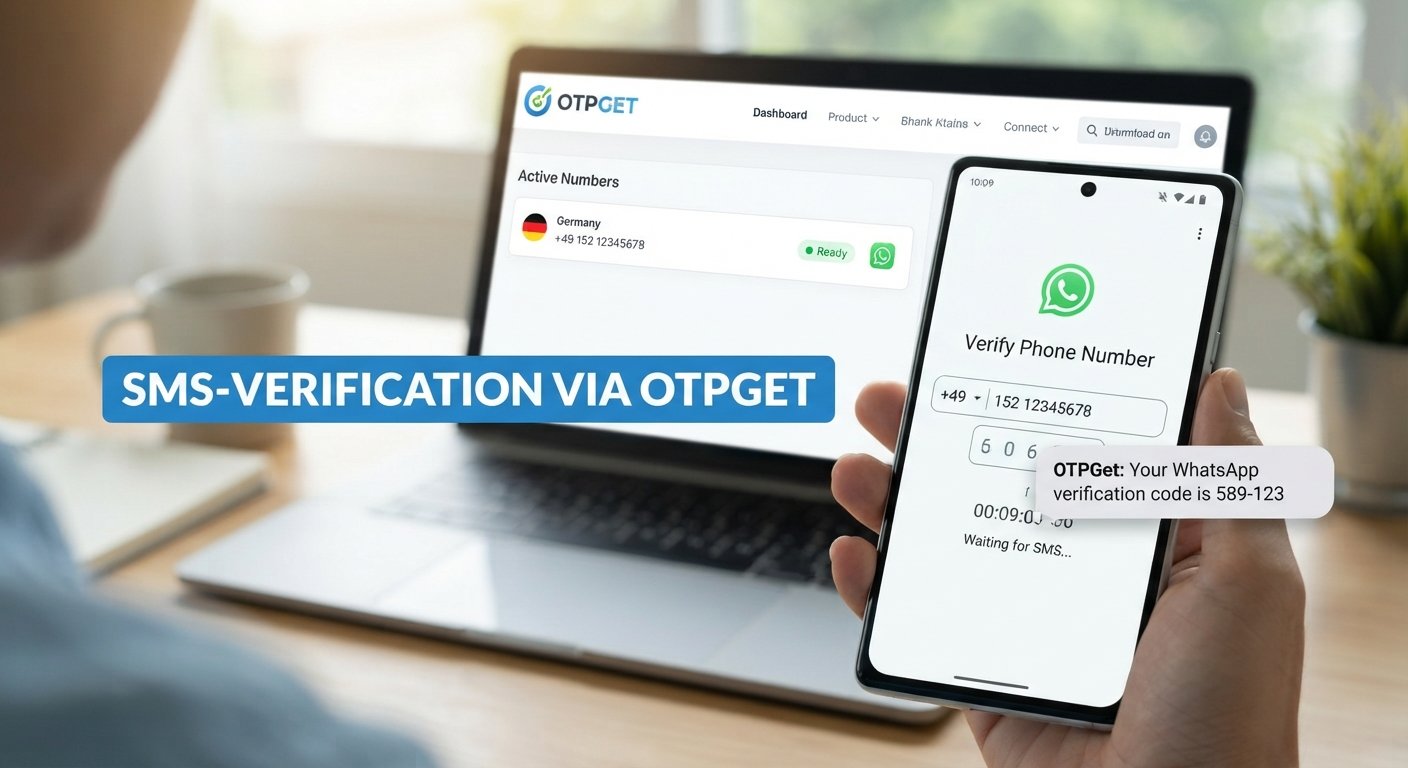
How to Get New Zealand Number for WhatsApp — OTPGET Online Guide
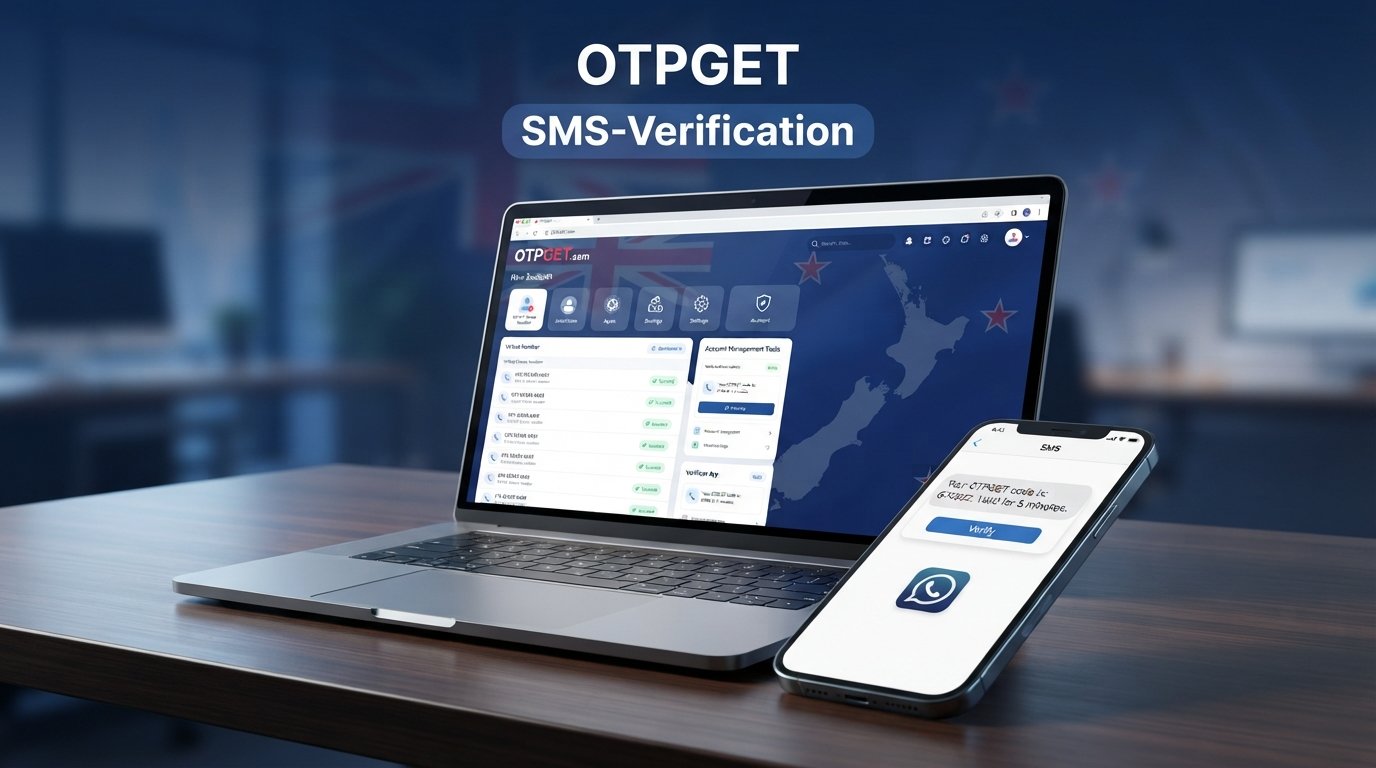
How to Get New Zealand Number for WhatsApp — OTPGet
Getting a phone number for WhatsApp can be straightforward when you already have a compatible mobile SIM. But what if you specifically need a New Zealand number and do not have access to a physical New Zealand SIM?
That is where a virtual phone number can be useful. Depending on the provider and the service being verified, an online number may allow you to receive SMS messages without relying on a traditional physical SIM.
If you are researching how to get New Zealand number for WhatsApp, OTPGET can be a practical option to explore. It can help users looking for online access to a New Zealand number and supported OTP verification, subject to number availability and WhatsApp's current verification requirements.
Before choosing a number, however, it is worth understanding how virtual numbers work, what can affect OTP delivery, and what you should check before attempting verification.
Why Do You Need a New Zealand Number for WhatsApp?
There are several legitimate reasons someone might want a New Zealand number for WhatsApp.
Privacy is one common reason. Some users prefer not to connect their primary personal number to every communication service they use. A separate number can provide useful separation between personal conversations and other activities.
A New Zealand phone number can also be convenient for people who need to communicate internationally, manage professional conversations, or maintain a New Zealand-facing contact number while working remotely.
Businesses and developers may also need numbers for legitimate testing or account-management workflows, provided their activities comply with the relevant service rules.
A virtual number can be particularly convenient when obtaining a physical SIM would be inconvenient. You may not be located in New Zealand, may not want another physical SIM, or may simply need online access to a number that can receive an eligible verification message.
Can You Use a Virtual New Zealand Number for WhatsApp?
A virtual phone number is a telephone number provided through an online service rather than a conventional physical SIM in your phone.
Depending on the provider, number type, and supported services, a virtual New Zealand number may be capable of receiving SMS messages, including verification messages. However, this does not mean every virtual number will work with WhatsApp.
WhatsApp controls its own account-verification process and determines whether a submitted number is eligible. Some virtual, temporary, recycled, or previously used numbers may not be accepted.
For that reason, anyone looking for a virtual number for WhatsApp should treat compatibility as an important consideration rather than assuming that every NZ virtual number will work.
How to Get a New Zealand Number for WhatsApp with OTPGET
If you want to understand how to get New Zealand number for WhatsApp, the basic process is relatively simple. The exact options and steps can vary according to availability and the services supported by OTPGET.
-
Visit OTPGET. Start by accessing the OTPGET service and reviewing the available options.
-
Select an available New Zealand number or service. Choose a New Zealand option that is suitable for your intended verification use. Availability can change, so the options displayed may vary.
-
Follow the instructions provided by OTPGET. Complete the required steps for accessing or using the selected number.
-
Enter the number into WhatsApp. When WhatsApp asks for a phone number, enter the New Zealand number with the correct country code.
-
Wait for the verification SMS or OTP. If the number is eligible and supports the required message type, WhatsApp may send a verification code.
-
Retrieve the OTP through the supported OTPGET interface. Check the relevant OTPGET service area for the incoming verification message, if supported.
-
Enter the verification code into WhatsApp. Carefully enter the received code into the WhatsApp verification screen.
-
Complete the WhatsApp setup. If the verification succeeds, continue with the remaining account setup steps.
Remember that actual number types, availability, supported services, and verification results can vary. WhatsApp may also apply restrictions that are outside the control of a number provider.
How OTPGET Makes New Zealand Number Verification Easier
For someone who needs an online New Zealand phone number, the main attraction of a service such as OTPGET is convenience.
Instead of arranging a physical SIM, users can explore online number options when those options are available and appropriate for their intended purpose.
Potential advantages include:
- Online accessibility: Explore number options without depending on a physical SIM.
- Convenience: A virtual number can be useful when obtaining a traditional New Zealand mobile number is impractical.
- Remote use: People outside New Zealand may find online access more convenient for legitimate verification needs.
- Simplified OTP retrieval: Where supported, receiving a verification message through an online service can make the process more straightforward.
- Separation from a personal number: A separate number may help keep certain communications apart from a primary personal line.
These benefits do not remove the need to check compatibility. A virtual number is a practical tool, not a guarantee that a particular platform will accept it.
New Zealand Number for WhatsApp vs. a Physical SIM
A physical SIM and a virtual New Zealand number can serve different purposes.
A physical SIM generally provides a conventional mobile connection and a number tied to a mobile carrier. It can be useful when you need ongoing mobile service, calls, data, and greater control over the number.
A virtual number, on the other hand, can be more convenient for specific online uses. You do not necessarily need to obtain or physically install a SIM, and access can be more practical for remote users.
The main trade-off is verification compatibility. Some services may restrict or reject virtual numbers, while a physical mobile number may be more broadly accepted.
Consider your actual requirements. If you need long-term mobile service, a physical SIM may make more sense. If your requirement is specifically online access to a compatible number for an appropriate verification purpose, a virtual number may be worth considering.
Things to Check Before Using a New Zealand Virtual Number for WhatsApp
Before trying to verify WhatsApp with an NZ phone number, check a few important details.
First, confirm that a suitable number is actually available. Number availability can change.
Next, determine whether the number supports SMS reception. Receiving SMS is essential when the verification process depends on a text message.
You should also consider whether the number may have been used previously. A recycled number could potentially have an existing association with an account or create additional verification complications.
Most importantly, remember that WhatsApp decides whether the number can be used for account verification. A provider can make a number available, but it cannot control another platform's acceptance policies.
Finally, treat verification codes as confidential information. Anyone who obtains your WhatsApp OTP may potentially gain access to an account or verification process associated with that code.
Common Problems When Verifying WhatsApp with a Virtual Number
Virtual-number verification does not always go smoothly. Several issues can occur.
OTP not arriving: Check that the number supports SMS and that the number was entered correctly. Avoid immediately requesting multiple codes.
Number already registered: A number may have been used previously. If WhatsApp indicates that the number is associated with another account, follow WhatsApp's own instructions rather than repeatedly attempting verification.
Number not supported: Some virtual numbers may not be accepted. In that situation, another eligible number or a different verification method may be necessary.
Verification attempts limited: Repeated requests can result in temporary restrictions. Wait for the instructed period before trying again.
Delayed SMS: Messages can sometimes take time to arrive. Give the verification process a reasonable amount of time before taking another action.
Number availability changes: Online numbers can become unavailable. If you have not completed verification, you may need to review the currently available options.
OTPGET can provide a practical route to exploring available numbers, but it cannot guarantee that every number will be accepted by WhatsApp.
Tips for Successfully Receiving a WhatsApp Verification Code
A few simple habits can reduce avoidable verification problems.
- Double-check the New Zealand country code before submitting the number.
- Enter the complete number exactly as provided.
- Confirm that the selected number supports SMS reception where required.
- Avoid repeatedly requesting WhatsApp OTPs in quick succession.
- Follow the verification instructions shown by WhatsApp.
- Check whether the number may already have been associated with another account.
- Keep the verification code private and never send it to another person.
- If using an online OTP service such as OTPGET, carefully follow the service's instructions.
- If WhatsApp rejects the number, do not assume repeated attempts will resolve the issue.
The goal is not to force verification. It is to use an eligible number correctly and follow the platform's normal account-verification process.
Is Using a New Zealand Virtual Number Safe for WhatsApp?
A virtual number can be useful, but safety depends on how you use it and how carefully you protect access to the number and verification codes.
The biggest consideration is control. If you use a number for an important account, understand how access to that number is provided and whether you will be able to access it when future verification is required.
Privacy also matters. Do not share WhatsApp verification codes with anyone. A legitimate support representative should not need you to disclose a private OTP.
For sensitive or long-term accounts, consider whether a number that you personally control on an ongoing basis is more appropriate than a temporary or shared-access option.
Responsible use is essential. Virtual numbers should be used for legitimate communication, privacy, testing, and verification purposes rather than spam, impersonation, fraud, or attempts to bypass platform restrictions.
Why Choose OTPGET for a New Zealand Number?
If you need a New Zealand number for WhatsApp and prefer an online approach, OTPGET can be a practical option to explore.
Its value is primarily about convenience: you can look for an available New Zealand number without making the process dependent on obtaining a physical SIM first. Where the relevant number supports SMS and the service accepts it, online OTP access can also simplify verification.
The important qualification is that availability and compatibility vary. OTPGET should be viewed as a convenient option for accessing suitable numbers and supported OTP verification, not as a guarantee that WhatsApp will accept every number.
If your use case is legitimate and you need a New Zealand number remotely, exploring the options available through OTPGET may be a sensible next step.
Frequently Asked Questions
Can I get a New Zealand number for WhatsApp online?
Yes, you can explore online services that provide New Zealand virtual numbers. Whether a particular number can be used for WhatsApp depends on the number's capabilities and WhatsApp's verification rules. OTPGET can be considered if you need to explore an available New Zealand number online. Before proceeding, check whether the selected number supports the required SMS verification and understand that acceptance is determined by WhatsApp.
Can I use a virtual New Zealand number for WhatsApp?
A virtual New Zealand number may be usable for WhatsApp if the number is eligible and WhatsApp accepts it for verification. Not every virtual number qualifies, particularly if it has limitations, has been previously used, or is restricted by the platform. The safest approach is to select a suitable number, follow WhatsApp's verification instructions, and avoid assuming that virtual numbers are universally supported.
How do I receive a WhatsApp OTP on a New Zealand number?
First, obtain an eligible New Zealand number through a suitable provider such as OTPGET. Enter the number correctly in WhatsApp, including the country code, and request verification. If the number supports the required SMS and WhatsApp accepts it, the verification code may be delivered through the supported service interface. Enter the code only in the official WhatsApp verification flow and keep it confidential.
Is a New Zealand virtual number the same as a physical SIM?
No. A virtual number is generally provided through an online service, while a physical SIM is associated with a mobile carrier and is inserted into a compatible device. Both can provide a phone number, but their capabilities, availability, ownership arrangements, and compatibility with online services can differ. A virtual number may be more convenient for remote access, while a physical SIM can offer broader traditional mobile functionality.
Why isn't my WhatsApp verification code arriving?
Several factors can cause a missing verification code. The number may not support SMS, the number could have been entered incorrectly, delivery may be delayed, or WhatsApp may not accept the number. Avoid requesting codes repeatedly because verification attempts can become limited. Check the number and country code, confirm that SMS reception is supported, and follow the instructions displayed by WhatsApp before trying again.
Can I use OTPGET to get a New Zealand number?
OTPGET can be considered when you need to explore available New Zealand numbers and supported OTP verification online. The exact numbers, services, and availability can change, so review the options presented by OTPGET when you use the service. For WhatsApp specifically, remember that the platform determines whether a number is eligible for account verification, so access to a number does not guarantee successful verification.
What should I do if WhatsApp says my number isn't supported?
If WhatsApp says a number is not supported, first check that you entered the country code and number correctly. If the details are correct, the number itself may not be eligible for WhatsApp verification. Avoid repeatedly submitting the same number. Review WhatsApp's available verification instructions and, where appropriate, consider another number that meets the platform's requirements rather than attempting to bypass its restrictions.
Is it safe to use a virtual number for WhatsApp?
A virtual number can be suitable for legitimate WhatsApp use, but security depends on the provider, number access, and how you protect verification information. Never share your WhatsApp OTP with another person. For an important account, also consider whether you need long-term control of the number. Always use virtual numbers responsibly and follow WhatsApp's account and verification requirements.
Final Thoughts
Getting a New Zealand number does not necessarily require arranging a physical SIM. For users who need online access to a New Zealand phone number, a virtual number can be a convenient alternative, particularly when the number supports the required SMS functionality.
If you have been searching for how to get New Zealand number for WhatsApp, OTPGET is a practical option to explore. It can simplify the process of finding an available New Zealand number and, where supported, accessing OTP verification messages online.
Just keep one thing in mind: no provider can guarantee that every virtual number will be accepted by WhatsApp. Check availability, use an eligible number, protect your verification code, and follow WhatsApp's instructions.
If that approach fits your needs, explore OTPGET and see which New Zealand number options are currently available for your legitimate use case.
Internal Linking Suggestions
-
Suggested anchor text: Virtual Phone Numbers
Suggested page/topic: Guide to virtual phone numbers and how they work
Where to insert: In the section explaining the difference between virtual numbers and physical SIM cards. -
Suggested anchor text: Online OTP Verification
Suggested page/topic: Overview of OTP verification and receiving verification codes online
Where to insert: In the "How OTPGET Makes New Zealand Number Verification Easier" section. -
Suggested anchor text: Temporary Phone Numbers
Suggested page/topic: Educational guide to temporary and virtual phone numbers
Where to insert: In the section discussing number availability and previously used numbers. -
Suggested anchor text: Receive SMS Online
Suggested page/topic: Guide to receiving SMS through online number services
Where to insert: In the section covering SMS support and delayed verification codes. -
Suggested anchor text: WhatsApp Verification Guide
Suggested page/topic: Beginner's guide to WhatsApp account verification
Where to insert: In the tips section immediately after explaining how to enter a verification code.
FAQ Schema JSON-LD
{
  "@context": "https://schema.org",
  "@type": "FAQPage",
  "mainEntity": [
    {
      "@type": "Question",
      "name": "Can I get a New Zealand number for WhatsApp online?",
      "acceptedAnswer": {
        "@type": "Answer",
        "text": "Yes, you can explore online services that provide New Zealand virtual numbers. Whether a particular number can be used for WhatsApp depends on the number's capabilities and WhatsApp's verification rules. OTPGET can be considered if you need to explore an available New Zealand number online. Before proceeding, check whether the selected number supports the required SMS verification and understand that acceptance is determined by WhatsApp."
      }
    },
    {
      "@type": "Question",
      "name": "Can I use a virtual New Zealand number for WhatsApp?",
      "acceptedAnswer": {
        "@type": "Answer",
        "text": "A virtual New Zealand number may be usable for WhatsApp if the number is eligible and WhatsApp accepts it for verification. Not every virtual number qualifies, particularly if it has limitations, has been previously used, or is restricted by the platform. The safest approach is to select a suitable number, follow WhatsApp's verification instructions, and avoid assuming that virtual numbers are universally supported."
      }
    },
    {
      "@type": "Question",
      "name": "How do I receive a WhatsApp OTP on a New Zealand number?",
      "acceptedAnswer": {
        "@type": "Answer",
        "text": "First, obtain an eligible New Zealand number through a suitable provider such as OTPGET. Enter the number correctly in WhatsApp, including the country code, and request verification. If the number supports the required SMS and WhatsApp accepts it, the verification code may be delivered through the supported service interface. Enter the code only in the official WhatsApp verification flow and keep it confidential."
      }
    },
    {
      "@type": "Question",
      "name": "Is a New Zealand virtual number the same as a physical SIM?",
      "acceptedAnswer": {
        "@type": "Answer",
        "text": "No. A virtual number is generally provided through an online service, while a physical SIM is associated with a mobile carrier and is inserted into a compatible device. Both can provide a phone number, but their capabilities, availability, ownership arrangements, and compatibility with online services can differ. A virtual number may be more convenient for remote access, while a physical SIM can offer broader traditional mobile functionality."
      }
    },
    {
      "@type": "Question",
      "name": "Why isn't my WhatsApp verification code arriving?",
      "acceptedAnswer": {
        "@type": "Answer",
        "text": "Several factors can cause a missing verification code. The number may not support SMS, the number could have been entered incorrectly, delivery may be delayed, or WhatsApp may not accept the number. Avoid requesting codes repeatedly because verification attempts can become limited. Check the number and country code, confirm that SMS reception is supported, and follow the instructions displayed by WhatsApp before trying again."
      }
    },
    {
      "@type": "Question",
      "name": "Can I use OTPGET to get a New Zealand number?",
      "acceptedAnswer": {
        "@type": "Answer",
        "text": "OTPGET can be considered when you need to explore available New Zealand numbers and supported OTP verification online. The exact numbers, services, and availability can change, so review the options presented by OTPGET when you use the service. For WhatsApp specifically, remember that the platform determines whether a number is eligible for account verification, so access to a number does not guarantee successful verification."
      }
    },
    {
      "@type": "Question",
      "name": "What should I do if WhatsApp says my number isn't supported?",
      "acceptedAnswer": {
        "@type": "Answer",
        "text": "If WhatsApp says a number is not supported, first check that you entered the country code and number correctly. If the details are correct, the number itself may not be eligible for WhatsApp verification. Avoid repeatedly submitting the same number. Review WhatsApp's available verification instructions and, where appropriate, consider another number that meets the platform's requirements rather than attempting to bypass its restrictions."
      }
    },
    {
      "@type": "Question",
      "name": "Is it safe to use a virtual number for WhatsApp?",
      "acceptedAnswer": {
        "@type": "Answer",
        "text": "A virtual number can be suitable for legitimate WhatsApp use, but security depends on the provider, number access, and how you protect verification information. Never share your WhatsApp OTP with another person. For an important account, also consider whether you need long-term control of the number. Always use virtual numbers responsibly and follow WhatsApp's account and verification requirements."
      }
    }
  ]
}