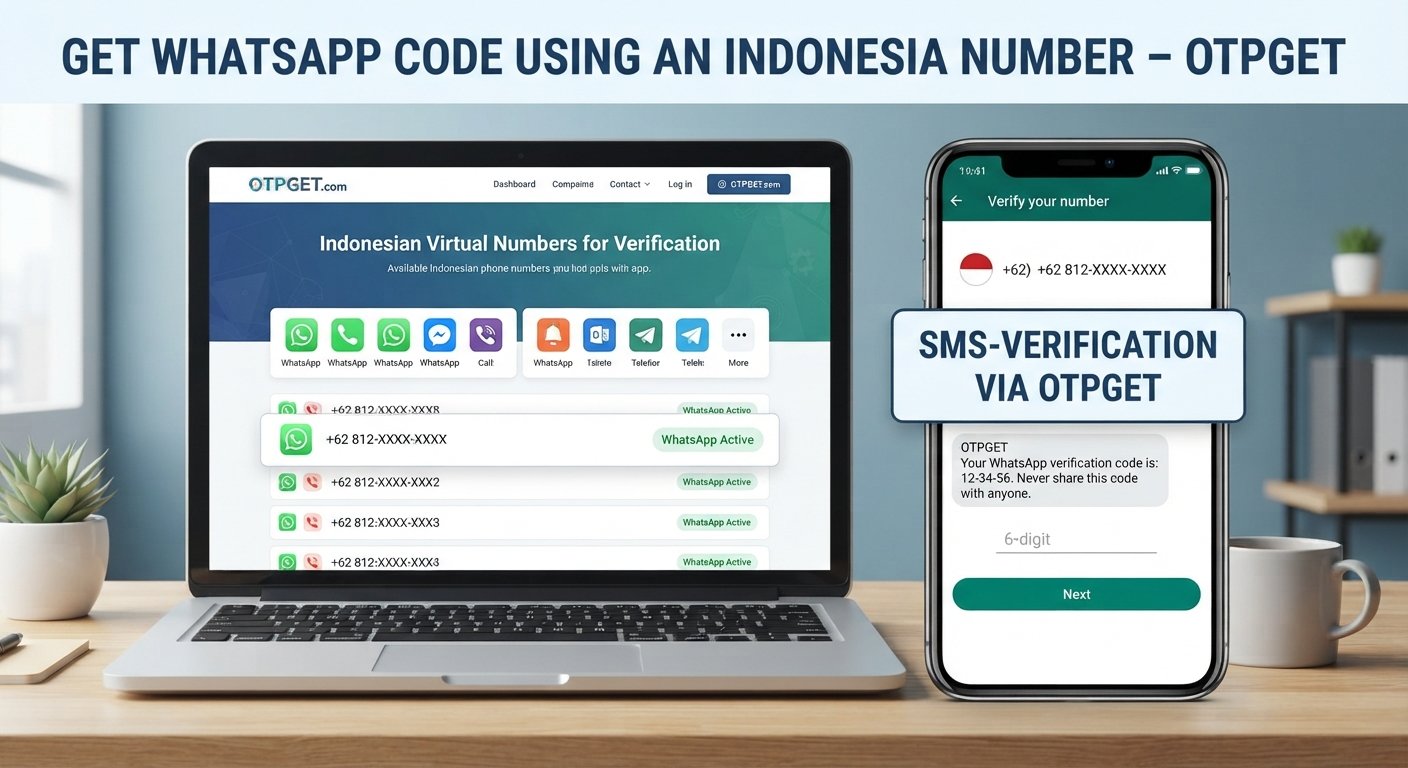
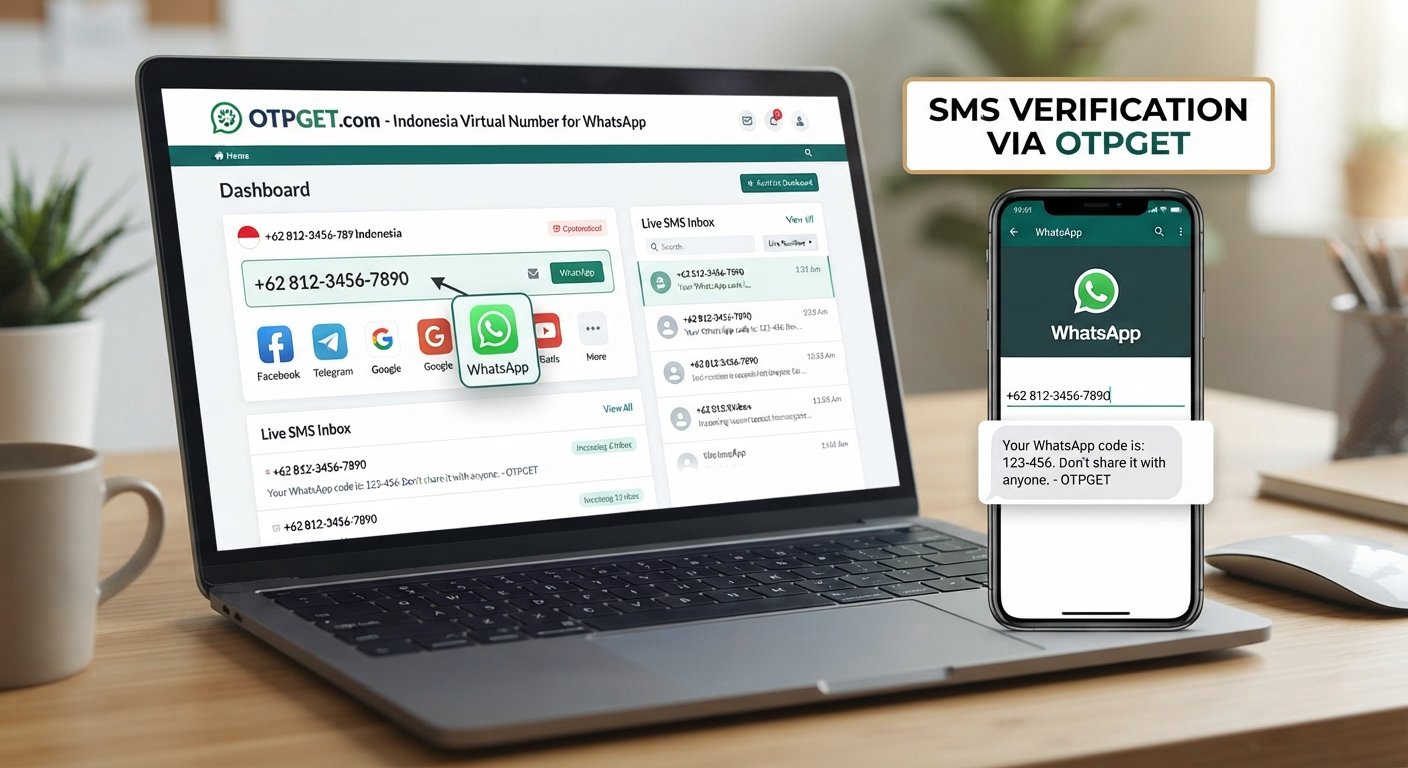
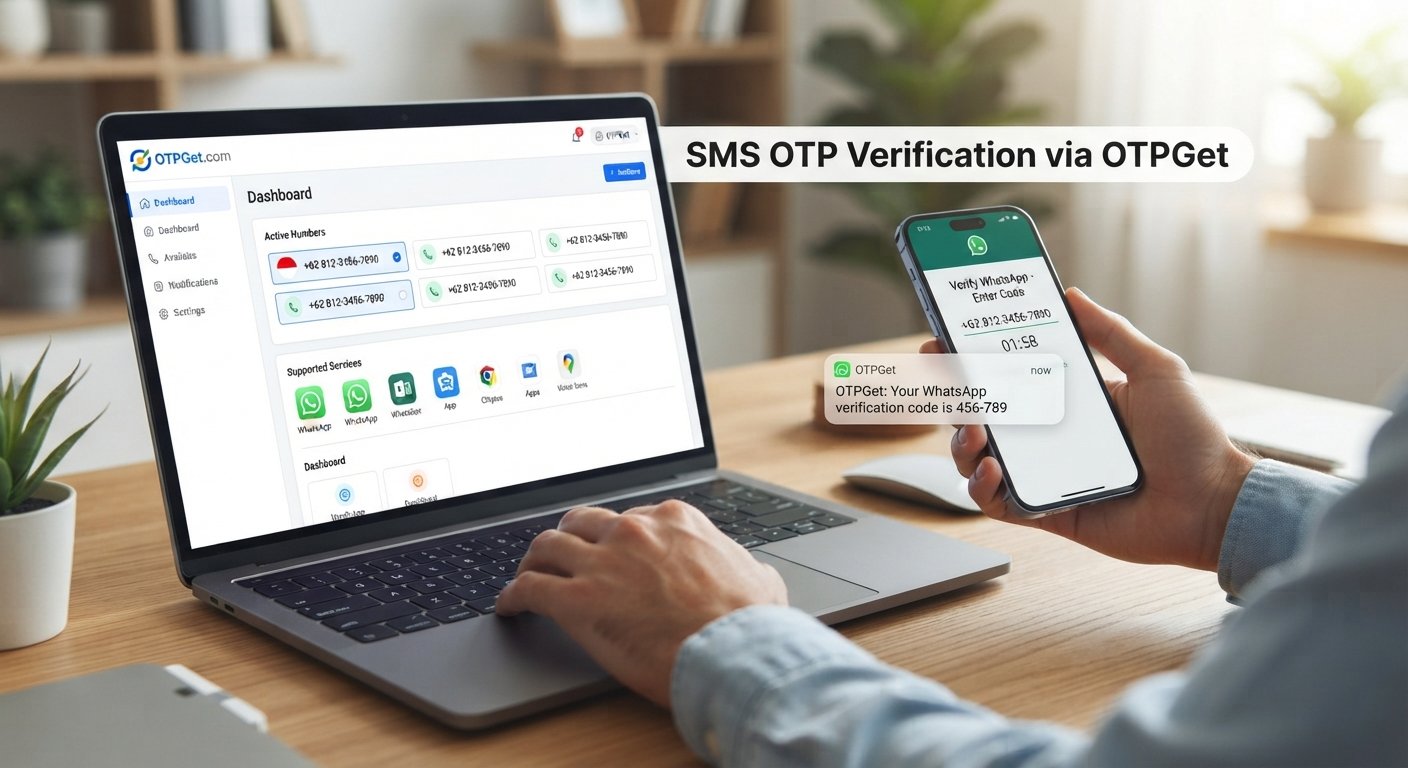
Singapore Number for WhatsApp: Easy Verification with OTPGET
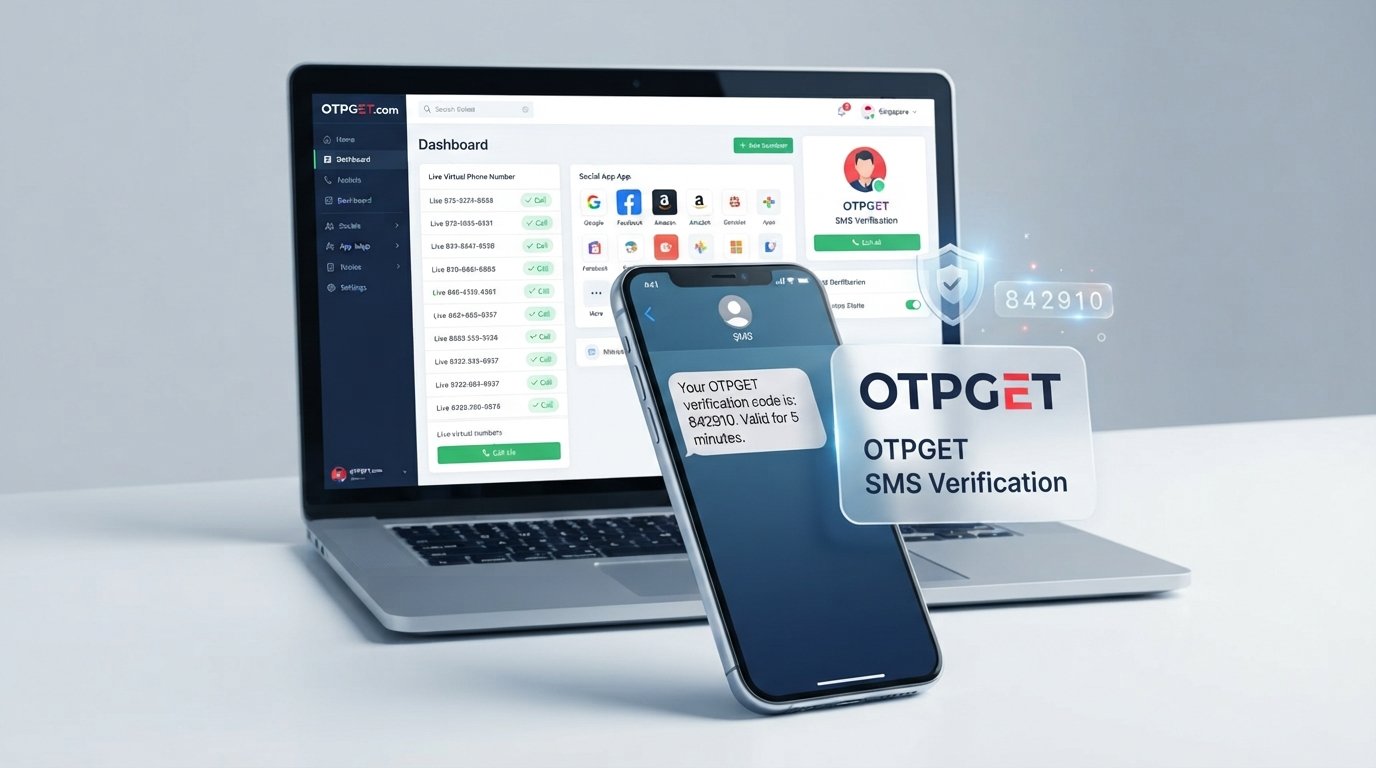
How to Get Singapore Number for WhatsApp — OTPGet
If you want to create or verify WhatsApp with a Singapore number for WhatsApp, the biggest challenge may be getting access to a suitable Singapore phone number in the first place. Not everyone has a physical Singapore SIM, and buying another SIM solely for verification may not be practical.
A virtual number can offer a more convenient alternative where the service and WhatsApp's verification requirements support it. Instead of depending on a physical SIM, you can use an online number capable of receiving SMS verification messages.
OTPGET is one option to consider when you need a virtual number for supported OTP verification purposes. The service provides virtual phone numbers and SMS OTP functionality across multiple countries, including Singapore.
Before choosing a number, however, it helps to understand how WhatsApp verification works, what can go wrong, and what you should look for in a verification-number service.
Why You Might Need a Singapore Number for WhatsApp
There are several legitimate reasons someone may want a Singapore phone number for WhatsApp.
For some users, the goal is simply to keep personal and secondary communication separate. A dedicated number can make it easier to distinguish between personal conversations and communication related to a business, project, community, or international contacts.
Other common situations include:
- Keeping a separate number for a specific communication purpose
- Managing international communication
- Separating business or project-related messaging from a personal number
- Reducing the need to share a personal phone number
- Testing supported account or messaging workflows
- Avoiding the need to obtain another physical SIM where an online number is suitable
The important point is that a virtual number is not automatically interchangeable with a traditional mobile number. Its usefulness depends on whether it can receive the required verification message and whether WhatsApp accepts that particular number type.
Can You Use a Singapore Number for WhatsApp?
Yes, a Singapore virtual number may be usable for WhatsApp if it can receive the required verification message and WhatsApp accepts the number. However, there is no universal guarantee that every virtual, VoIP, recycled, or temporary number will work.
WhatsApp requires users to verify a phone number when setting up an account. Its own interface directs users to enter a phone number as part of the account setup process.
The basic concept is straightforward:
- Enter the phone number into WhatsApp.
- Request verification.
- Wait for the verification message or supported verification method.
- Enter the received code.
- Continue with account setup if verification succeeds.
For this reason, SMS verification capability is one of the most important things to consider when choosing a Singapore number for WhatsApp.
A number that cannot receive the required SMS is not useful for this purpose. Likewise, WhatsApp may reject certain number types or impose temporary restrictions after repeated verification attempts.
How to Get a Singapore Number for WhatsApp
If you need to get Singapore number for WhatsApp verification, the general process is relatively simple when a suitable number is available.
Step One: Choose a Suitable Singapore Number Service
Start with a service that offers Singapore virtual phone numbers or Singapore SMS numbers for supported verification services.
Check whether the service specifically supports the verification purpose you need rather than assuming every number can be used with every platform.
Step Two: Select a Number That Supports SMS Verification
Choose an available Singapore number that is intended to receive SMS OTP messages where supported.
This distinction matters. A number can look like a normal phone number but still have limitations that prevent it from working with a particular verification system.
Step Three: Enter the Number in WhatsApp
Open WhatsApp's account setup or verification process and enter the selected Singapore number in the appropriate format.
Double-check the country code and phone number before requesting the verification code.
Step Four: Request the WhatsApp OTP
Ask WhatsApp to send the verification code. If the number is supported and the message is delivered successfully, the SMS OTP should become available through the number service.
Step Five: Enter the Verification Code
Retrieve the WhatsApp verification code and enter it into WhatsApp.
If the code is accepted, you can proceed with the remaining account setup steps.
The key is to treat the number as a verification option, not as a guaranteed workaround for WhatsApp's security or eligibility rules.
Why Choose OTPGET for a Singapore WhatsApp Number?
If searching for a Singapore virtual number for WhatsApp feels complicated, OTPGET can make the process more convenient by bringing virtual numbers and SMS OTP access into an online service.
OTPGET's platform lists Singapore among its supported countries and provides virtual numbers for OTP verification across supported services.
The practical advantages include:
- Online access: You can look for a suitable number without first obtaining a physical SIM.
- OTP-focused functionality: The service is built around receiving SMS verification codes.
- Flexible use cases: Virtual numbers can be useful for supported verification and account setup scenarios.
- Simple workflow: The basic process involves selecting a number, using it for the supported service, and retrieving the incoming verification message.
- Singapore availability: Singapore is listed among the countries offered through the platform, subject to current availability.
OTPGET also documents SMS OTP functionality for obtaining virtual numbers and checking received verification messages.
That said, OTPGET cannot guarantee that every Singapore number will be accepted by WhatsApp. WhatsApp controls its own verification system, and acceptance can depend on the specific number and current platform requirements.
How OTPGET Can Simplify the Verification Process
The appeal of an online number service is that you do not have to make the verification process more complicated than necessary.
With OTPGET, the general user journey can look like this:
- Visit OTPGET.
- Look for an available Singapore number or supported Singapore verification service.
- Select a suitable option.
- Use the provided number for the supported WhatsApp verification process.
- Request the WhatsApp OTP.
- Retrieve the verification SMS through the service if it is delivered.
- Enter the verification code into WhatsApp.
OTPGET's published service information describes virtual numbers as being available for SMS OTP verification, with received messages accessible through its platform.
The exact options available can change, so it is better to follow the current OTPGET interface rather than rely on a fixed set of buttons or screens.
Singapore Virtual Number vs Physical SIM
Both options have advantages, and the better choice depends on what you actually need.
| Factor | Singapore Virtual Number | Physical Singapore SIM |
|---|---|---|
| Convenience | Online and generally easier to access remotely | Requires obtaining and handling a physical SIM |
| Setup | Usually completed through an online service | Requires SIM acquisition and compatible device |
| Physical ownership | No physical SIM required | You own or control a physical SIM |
| SMS verification | Depends on number type and platform support | Often suitable when the mobile service supports verification |
| Accessibility | Useful when you do not have local SIM access | More practical for ongoing mobile use |
| Long-term use | Depends on the number arrangement | Can be suitable for continued personal use |
| Limitations | Some services may reject virtual or temporary numbers | Requires physical access and telecom service |
A virtual Singapore phone number can be convenient when your primary need is online SMS verification. A physical SIM may be preferable when you need a long-term mobile identity, calls, mobile data, and greater control over account recovery.
Neither option should be viewed as universally better.
Things to Know Before Using a Virtual Number for WhatsApp
Before purchasing a temporary Singapore number for verification, keep a few practical considerations in mind.
WhatsApp controls its own verification process. A number service can provide access to an SMS-capable number, but it cannot control whether WhatsApp accepts that number.
Some virtual numbers may not be supported. VoIP, temporary, recycled, or previously used numbers can sometimes have limitations with account verification.
Availability can change. A Singapore number that is available at one moment may not be available later.
SMS delivery is not always predictable. Network conditions, provider routing, platform restrictions, and number type can affect delivery.
Follow the relevant terms and rules. Use a number only for legitimate purposes and in accordance with WhatsApp's requirements, applicable laws, and the number provider's policies. OTPGET also states that its services must not be used for illegal, fraudulent, abusive, or harmful activities.
Most importantly, never share a WhatsApp verification code with another person. A verification code should be treated as sensitive account information.
Common Problems When Verifying WhatsApp With a Singapore Number
Even when the process looks simple, verification may occasionally fail.
OTP Not Arriving
Wait briefly and check whether the number service shows an incoming message. If the code does not arrive, avoid repeatedly requesting codes in rapid succession.
If the service provides cancellation or replacement options, follow its current instructions rather than repeatedly attempting verification.
Number Not Accepted
WhatsApp may reject a particular number type. If this happens, the issue may be related to the number itself rather than the way you entered it.
Number Already Associated With an Account
A number may have been used previously. Recycled numbers can therefore create additional complications during account setup or recovery.
SMS Delays
Verification messages can sometimes take time to arrive. Check the number service for the latest incoming SMS before starting another verification attempt.
Temporary Verification Restrictions
Repeated requests or failed attempts may result in temporary restrictions. The safest approach is to wait and follow WhatsApp's normal verification process rather than trying to bypass the restriction.
Unsupported Number Type
Not every online phone number works with every service. If WhatsApp does not accept the number, consider a different supported number option rather than attempting to circumvent its safeguards.
Frequently Asked Questions
Can I get a Singapore number for WhatsApp online?
Yes. You can look for a Singapore virtual number through an online provider. OTPGET offers virtual numbers for supported SMS OTP verification services, including Singapore options where available.
Can I use a Singapore virtual number for WhatsApp?
A Singapore virtual number may work if it can receive the required verification message and WhatsApp accepts the number. Not every virtual number is guaranteed to work.
How do I receive a WhatsApp OTP?
Enter an eligible phone number in WhatsApp and request verification. If WhatsApp sends an SMS code to that number, retrieve the message through the number service and enter the code in WhatsApp.
Does OTPGET provide Singapore numbers?
OTPGET lists Singapore among its supported countries for virtual-number services. Actual number availability and supported services can vary.
Is a temporary Singapore number suitable for WhatsApp?
It can be suitable for supported verification use cases, but temporary numbers have limitations. Consider whether you need the number only for verification or need continued access for future account recovery.
Why is my WhatsApp verification code not arriving?
Possible causes include SMS delays, an unsupported number type, number-related restrictions, or temporary verification limitations. Check the number service first and avoid excessive repeated requests.
Can every virtual Singapore number be used for WhatsApp?
No. WhatsApp determines which numbers it accepts. A virtual number must also be capable of receiving the required verification message. There is no universal guarantee.
Final Thoughts
Getting a Singapore number for WhatsApp does not necessarily require finding and purchasing a physical Singapore SIM. For users who need a separate number and have a supported verification use case, a virtual Singapore phone number can be a practical alternative.
The important part is choosing a number that can receive the required SMS and understanding that WhatsApp makes the final decision about verification. Virtual, temporary, or recycled numbers may have limitations, so successful verification should never be assumed.
If you want a straightforward way to explore available Singapore verification numbers, OTPGET is a convenient option to consider. Its platform is designed around virtual numbers and SMS OTP verification, making it easier to manage the number-and-code part of the process where supported.
Need a Singapore number for WhatsApp verification? Explore OTPGET to find an available option and simplify the process.