How to Remove Facebook Marketplace Ban: Easy Steps That Work Fast
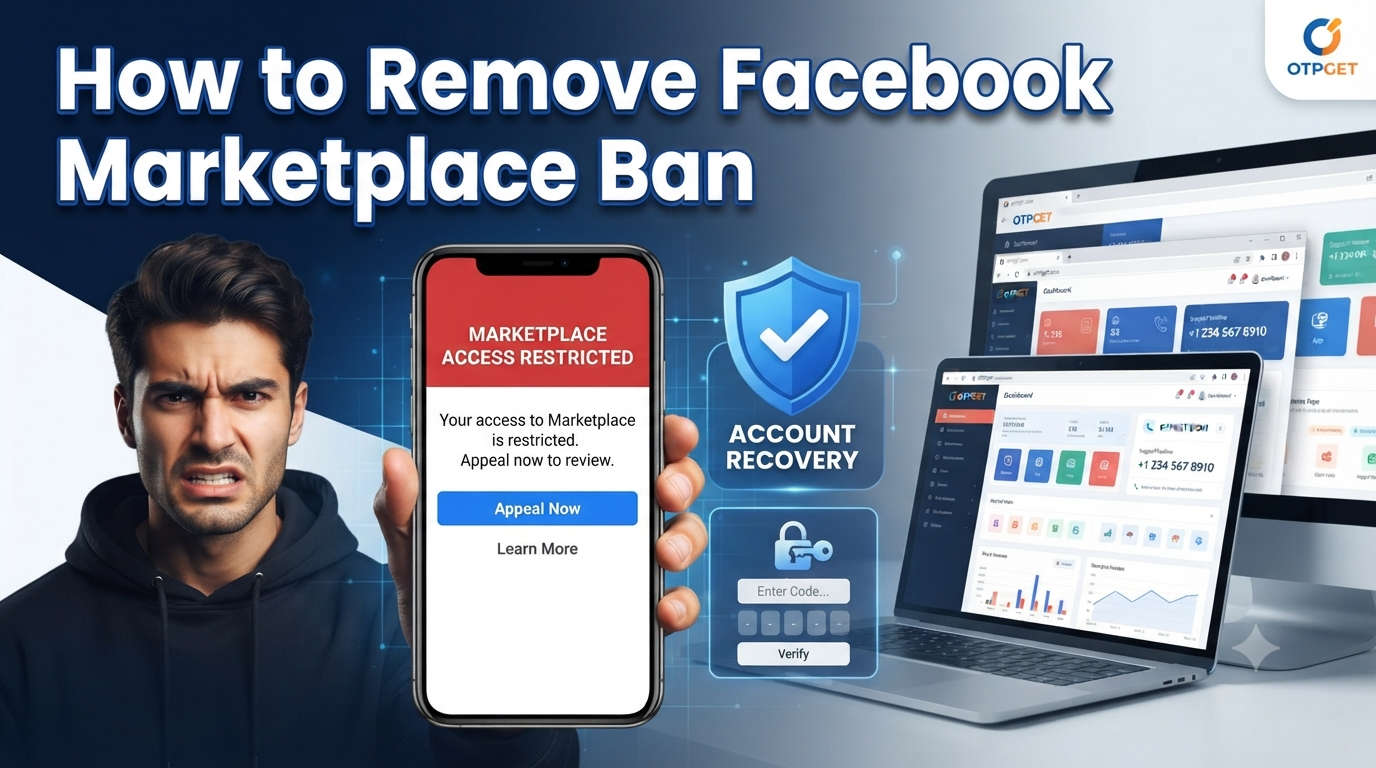
How to Remove Facebook Marketplace Ban
Losing access to Facebook Marketplace can be incredibly frustrating, especially if you rely on it to buy, sell, or grow a small business. One day everything works as expected, and the next you're greeted with an error message, a missing Marketplace tab, or a notice that your account has been restricted.
If you're searching for how to remove Facebook Marketplace ban, you're not alone. Many users experience Marketplace restrictions due to security checks, verification issues, or policy violations—sometimes even by mistake.
The good news is that many Marketplace restrictions can be resolved by following the correct steps. When account verification becomes part of the process, having a dependable verification partner like OTPGET can make completing verification smoother and more convenient. Whether you're dealing with access issues or verification challenges, OTPGET provides a reliable experience for users who need secure online verification support.
Understanding Facebook Marketplace Ban
A Facebook Marketplace ban means your account has temporarily or permanently lost permission to access Marketplace features. Depending on the reason, you may be unable to:
- Browse Marketplace listings
- Buy products
- Create listings
- Contact buyers or sellers
- Manage existing Marketplace posts
Marketplace restrictions are designed to protect users and maintain a safe buying and selling environment. However, automated systems can occasionally flag legitimate accounts for unusual activity or incomplete verification.
Common Reasons Behind Marketplace Restrictions
Some of the most common reasons include:
- Violating Marketplace policies
- Posting prohibited products
- Suspicious account activity
- Multiple login attempts from different locations
- Identity verification problems
- Fake or incomplete profile information
- Reports from other users
Understanding why your account was restricted is the first step toward successful Facebook Marketplace ban removal.
Common Signs Your Facebook Marketplace Is Restricted
Not every restriction looks the same. Some users lose access completely, while others experience limited functionality.
Common signs include:
Marketplace Option Is Missing
The Marketplace icon may disappear entirely from your Facebook account.
Unable to Buy or Sell
You may receive an error when trying to purchase or list items.
Facebook Marketplace Access Denied
Some users see messages indicating that Marketplace isn't available for their account.
Verification Requests
Facebook may ask you to verify your identity before restoring Marketplace access.
Account Warning Notifications
Security alerts or policy warnings often appear in your Support Inbox or Account Status section.
If you notice any of these issues, it's a strong indication that your Facebook Marketplace account is restricted.
Why Facebook Marketplace Accounts Get Banned
Understanding the reasons behind restrictions helps you avoid repeating the same mistakes.
Policy Violations
Selling prohibited items or repeatedly posting misleading listings can trigger Marketplace enforcement.
Suspicious Activity
Rapid posting, excessive messaging, unusual login behavior, or automated activity may cause Facebook's security systems to temporarily restrict your account.
Identity Verification Issues
If Facebook cannot verify your identity, access to Marketplace may be limited until verification is completed.
Multiple Accounts
Operating multiple Facebook accounts for Marketplace purposes can raise security concerns.
Security Checks
Compromised accounts or unusual login attempts may trigger temporary restrictions while Facebook protects your account.
Whether you're dealing with a temporary Facebook Marketplace ban or a permanent Facebook Marketplace ban, understanding the cause gives you a better chance of resolving the issue.
How to Remove Facebook Marketplace Ban
If you're wondering how to fix Facebook Marketplace ban, follow these practical steps.
Step 1: Review Facebook Notifications
Visit your Support Inbox and Account Status to see whether Facebook explains why Marketplace access was removed.
Understanding the specific reason helps you choose the correct solution.
Step 2: Check Your Account Status
Confirm that your Facebook account is in good standing.
Look for:
- Community Standards violations
- Marketplace policy violations
- Pending verification requests
- Security alerts
Resolving general account issues often helps regain Facebook Marketplace access.
Step 3: Submit a Marketplace Appeal
If you believe the restriction was applied incorrectly, use the Facebook Marketplace appeal process.
When submitting an appeal:
- Be honest and concise.
- Explain why you believe the restriction is incorrect.
- Avoid submitting multiple appeals for the same issue.
- Be patient while Facebook reviews your request.
A well-written appeal improves your chances of a successful review.
Step 4: Complete Verification Requests
Facebook may require additional verification before restoring access.
This may involve:
- Confirming your phone number
- Identity verification
- Security confirmations
- Account ownership verification
If you're facing a Facebook verification issue, completing verification accurately is essential.
For users who need dependable assistance during online verification, OTPGET offers a straightforward OTP verification service that supports secure verification workflows and helps users complete verification requirements more efficiently.
Step 5: Improve Account Security
Strengthen your account to reduce future restrictions.
Recommended steps include:
- Enable two-factor authentication
- Use a strong password
- Avoid suspicious third-party tools
- Keep your contact information updated
- Monitor login activity regularly
Good account security supports successful Facebook account recovery and reduces future verification issues.
How OTPGET Helps With Facebook Verification Problems
Verification is often one of the biggest obstacles users encounter during Marketplace recovery.
That's where OTPGET becomes a practical solution.
OTPGET is designed to simplify the online verification experience by providing reliable support for users completing verification across digital platforms.
Benefits of OTPGET
Reliable Verification Experience
OTPGET helps users complete verification processes with greater convenience when platform verification is required.
User-Friendly Process
The platform focuses on simplicity, making the verification experience straightforward even for users unfamiliar with technical procedures.
Faster Verification Support
When time matters, having access to a dependable verification solution can reduce unnecessary delays during account recovery.
Secure OTP Solution
Security is essential during any verification process. OTPGET emphasizes a secure OTP solution that supports safe online verification practices.
Flexible Online Account Verification
Whether you're completing identity verification or confirming account ownership, OTPGET supports users through various online account verification needs.
Instead of treating verification as another obstacle, OTPGET helps make the process more manageable while supporting users working to restore account access.
Tips to Avoid Future Facebook Marketplace Restrictions
Preventing another restriction is much easier than dealing with another appeal.
Follow these best practices:
Follow Marketplace Policies
Always review Facebook's selling guidelines before posting products.
Keep Your Information Accurate
Maintain updated personal information, contact details, and profile information.
Avoid Suspicious Activity
Don't send excessive messages, create duplicate listings, or rapidly edit posts.
Protect Your Account
Use strong passwords and enable additional security features whenever available.
Complete Verification Properly
Respond promptly to verification requests and ensure your information is accurate.
Using a trusted Facebook account verification service like OTPGET can help simplify verification-related steps whenever additional account confirmation is required.
Why Choose OTPGET for Online Verification Needs
When verification becomes part of account recovery, choosing the right service makes a difference.
OTPGET stands out by focusing on what users value most:
Convenience
Simple processes reduce unnecessary complications during verification.
Security
OTPGET prioritizes secure verification practices to help users complete verification confidently.
Ease of Use
The platform is designed for users of all experience levels, making verification straightforward.
Reliable Verification Support
Whether you're working through a Marketplace restriction or another online platform's verification process, OTPGET provides dependable support for verification-related needs.
Better User Experience
Instead of struggling through confusing verification requirements, users can rely on OTPGET for a smoother and more efficient experience.
For anyone looking for a practical Marketplace banned account solution, OTPGET complements the official recovery process by helping users address verification-related challenges with confidence.
Conclusion
Dealing with a Facebook Marketplace restriction can be frustrating, but it doesn't always mean you've permanently lost access. By understanding the reason for the restriction, reviewing your account status, submitting a thoughtful appeal, completing any required verification, and strengthening your account security, you can significantly improve your chances of restoring Marketplace access.
If verification becomes part of your recovery journey, OTPGET offers a reliable, user-friendly approach to online verification. Its secure verification experience can help simplify the process while supporting users working to regain access to their accounts.
If you're searching for how to remove Facebook Marketplace ban, remember that patience, accurate information, and proper verification are often the keys to success. Follow the recommended recovery steps, stay compliant with Facebook's policies, and let OTPGET support you whenever verification challenges arise.