How to Verify an Account Without a Personal Phone Number Safely
How to Verify an Account Without a Personal Phone Number Safely
Signing up for an online service often seems simple until a phone-number field appears.
You may be happy to create an account, but that does not necessarily mean you want another website to have your personal number. Maybe you want to keep personal and online communications separate. Perhaps you are testing an application, creating an account for a legitimate project, or simply trying to reduce how widely your contact information is shared.
Fortunately, there are situations where you can verify an account without a personal number. One option is to use an alternative number capable of receiving SMS verification codes.
Services such as OTPGET are designed around this type of workflow, providing virtual numbers that can be used for eligible SMS-based verification. However, compatibility depends on the individual website or app, so an alternative number should not be treated as a universal replacement for a personal phone.
Why Do Websites Ask for a Phone Number?
Phone verification serves several legitimate purposes.
When a website asks for your number, it may be trying to:
- Confirm that a real user is registering
- Reduce automated or spam registrations
- Add another layer of login security
- Detect unusual or suspicious activity
- Support password recovery
- Send security alerts
- Enable SMS-based two-factor authentication
The verification process is usually straightforward. A platform sends a one-time password, or OTP, to the submitted number. You enter that code into the website, and the platform confirms that the number can receive its verification message.
So, while sharing a number can raise privacy concerns, phone verification itself is not inherently problematic. It is often an important part of a platform's security system.
Why You May Not Want to Use Your Personal Number
There are plenty of ordinary reasons to avoid sharing a personal phone number unnecessarily.
1. Protecting personal information
Your phone number is a piece of personal contact information. Limiting where you provide it can help reduce unnecessary exposure.
2. Separating personal and online activities
Some people prefer to keep their personal communications separate from accounts used for projects, testing, work, or other online activities.
3. Avoiding unwanted communications
Depending on the platform's policies, a phone number may later be used for notifications, marketing, or account-related messages.
4. Testing websites and applications
Developers, QA teams, and businesses sometimes need to test SMS verification flows without repeatedly using personal numbers.
5. Managing multiple legitimate accounts
A separate verification number can be useful when a legitimate workflow requires a different number and the platform permits one.
The important distinction is that privacy does not mean bypassing legitimate security. If a service requires identity verification or a particular type of phone number, its requirements should be respected.
Can You Verify an Account Without Your Personal Number?
Yes, sometimes. If a platform accepts an alternative SMS-capable number, you may be able to complete phone verification without giving it your personal number.
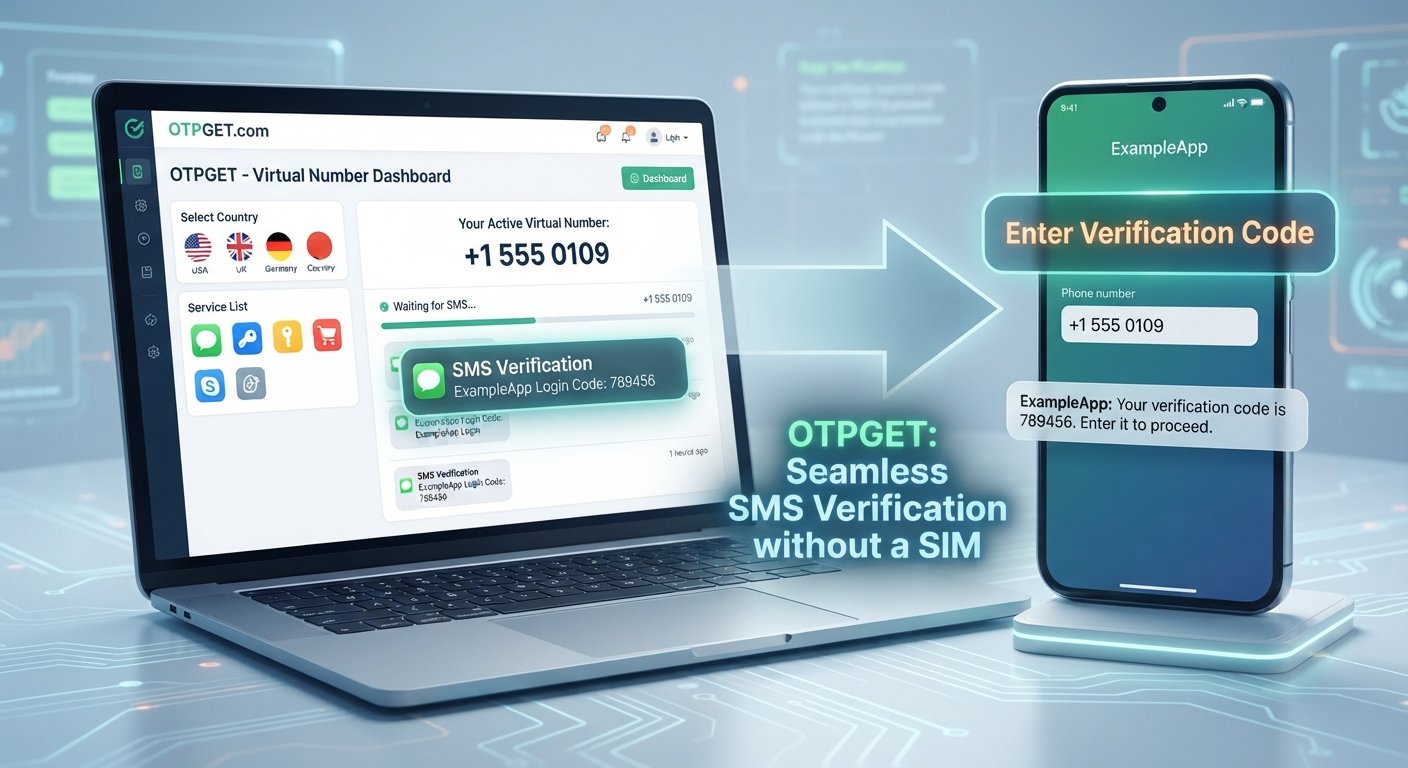
One common approach is using a virtual or temporary phone number that can receive SMS messages. The platform sends its OTP to that number instead of your personal phone.
However, there is an important limitation: not every website or app accepts every type of number. Some platforms may reject temporary, virtual, VoIP, previously used, or otherwise unsupported numbers.
That means account verification without a personal phone depends on both the verification service and the platform requesting the code.
How OTP Verification Works
The process is generally simple:
- A website or app asks for a phone number.
- You provide an eligible number.
- The platform sends an OTP by SMS.
- The verification service receives the SMS.
- You retrieve the verification code.
- You enter the code into the platform's verification field.
- The platform confirms the verification if the code is valid.
This is the basic model behind online SMS verification.
How OTPGET Can Help
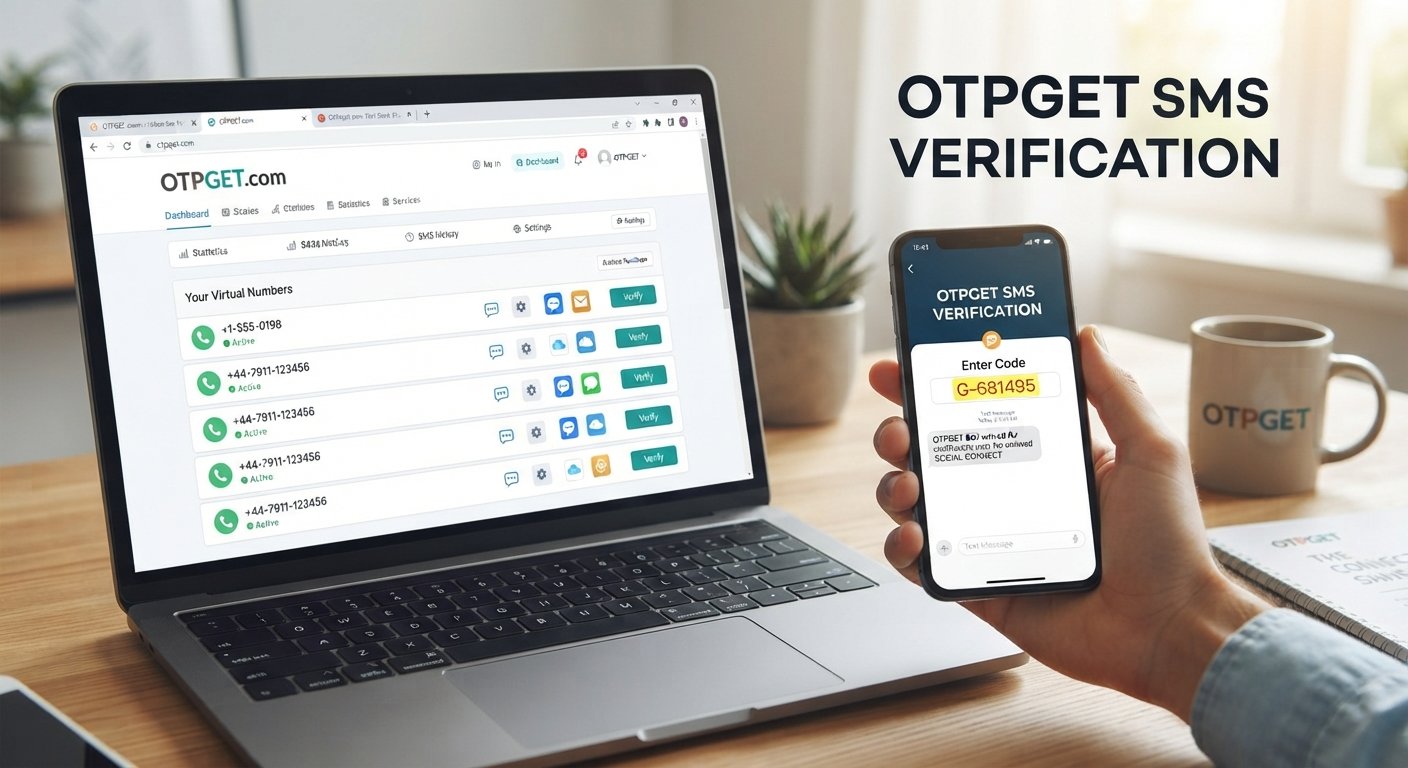
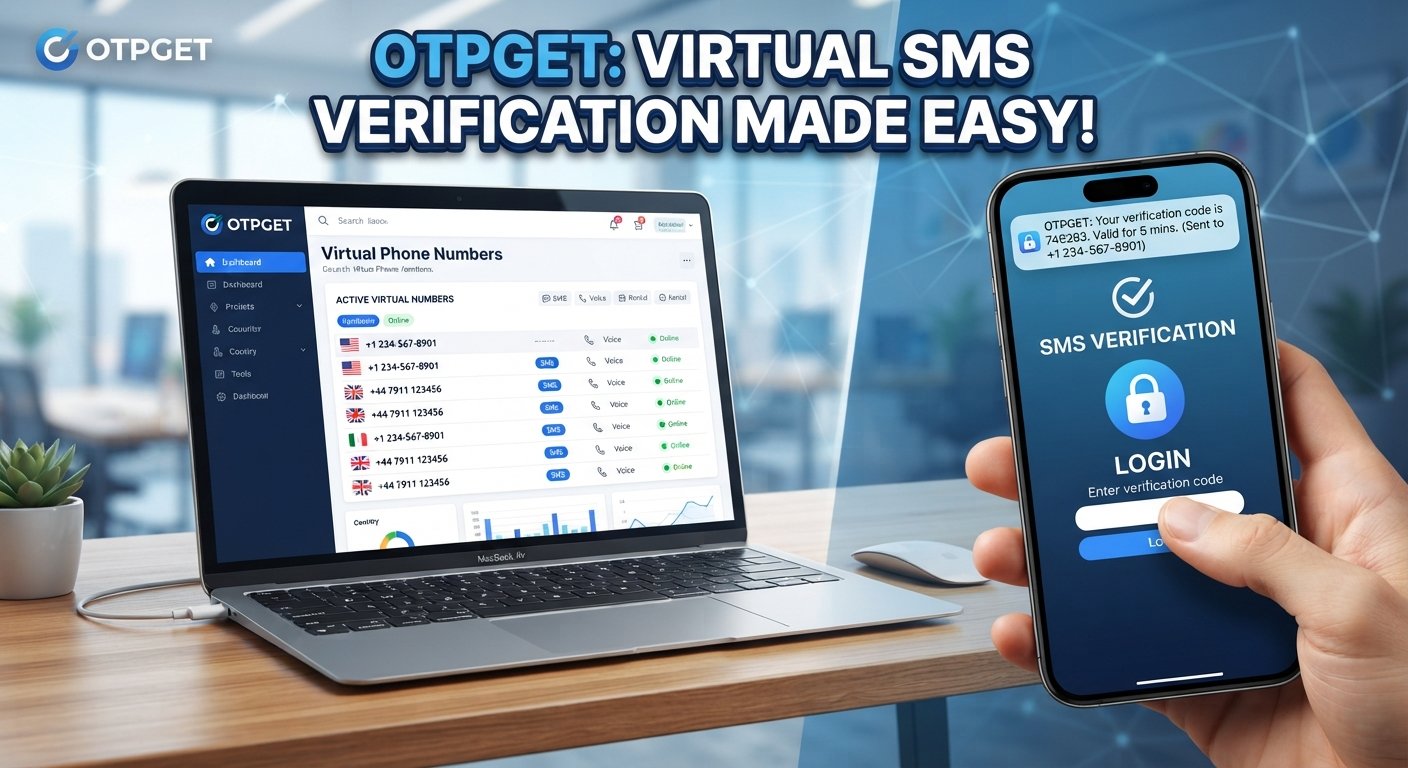
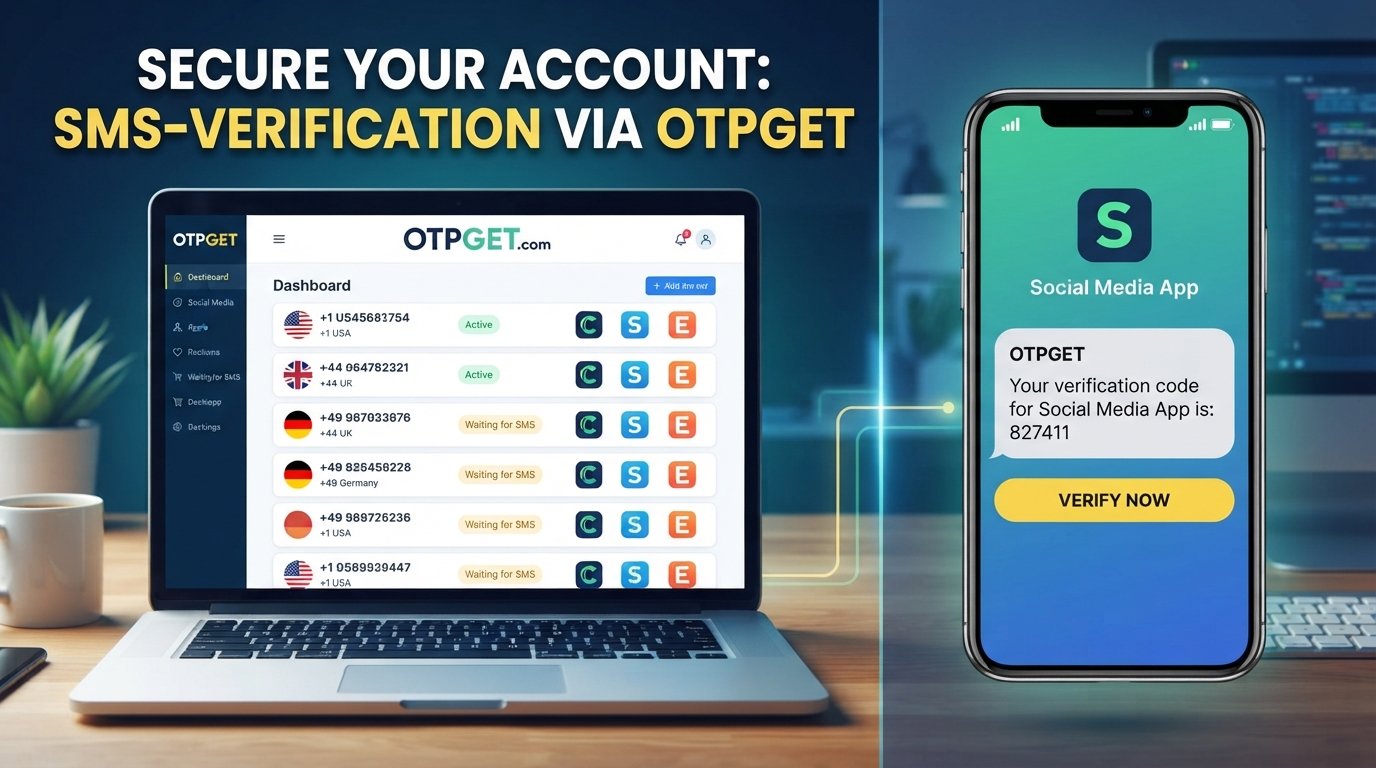
OTPGET provides virtual phone numbers intended for SMS OTP verification, giving users an alternative to immediately placing their personal number into an eligible verification workflow. Its official documentation describes a system for obtaining numbers and checking the status of incoming SMS verification codes.
That can be useful when your primary goal is phone number privacy rather than avoiding a legitimate verification requirement.
For example, imagine you are testing a new service and it requires SMS confirmation. Instead of automatically using your personal phone, you can check whether OTPGET has an available number compatible with that service and use that number if the platform permits it.
Potential advantages include:
- Keeping your personal number separate from certain online registrations
- Receiving eligible verification SMS messages through an alternative number
- Separating personal communications from temporary online tasks
- Making certain testing and verification workflows more convenient
- Reducing the number of unfamiliar websites that receive your personal contact information
OTPGET also documents both one-time SMS numbers and longer-term rental numbers, which can serve different legitimate use cases. Its API documentation describes functionality for obtaining numbers, checking incoming SMS status, and managing activations.
The key word is eligible. OTPGET should not be presented as a guarantee that every website will accept its numbers or that every verification attempt will succeed.
How to Use OTPGET for Account Verification
The exact interface can change, but the basic workflow is straightforward.
Step 1: Choose the appropriate service or number
First, identify the website or app you need to verify and check whether OTPGET has an available number suitable for that service.
The available country, service, and number type can vary, so choose an option that matches the platform's requirements.
Step 2: Enter the number
On the relevant website or application, enter the OTPGET-provided number where the platform requests a phone number.
Only do this when the platform's rules allow an alternative number.
Step 3: Request the OTP
Submit the phone-verification request. The platform should then send its one-time verification code by SMS.
Step 4: Check OTPGET
Return to the relevant OTPGET service or account interface and check for the incoming verification message.
OTPGET's documentation describes an activation-status process that indicates when an SMS code has been received.
Step 5: Enter the verification code
Once the message arrives, copy the OTP and enter it into the verification field on the website or app.
Step 6: Complete verification
If the platform accepts the number and the code is valid, its verification process should complete normally.
If the code does not arrive or the number is rejected, do not repeatedly attempt to circumvent the platform's controls. Instead, check the platform's requirements and consider another permitted verification method.
Benefits of Using an Alternative Number for Verification
An alternative number can make sense for specific situations, particularly when privacy and separation are important.
Privacy
You do not have to give your personal number to every website that requests SMS verification, provided the platform accepts an alternative number.
Convenience
For short-term verification tasks, using a number designed to receive OTP messages can be more convenient than managing another physical SIM.
Separation
A separate number can help keep personal communications distinct from project, testing, or temporary online activities.
Testing
Developers and QA teams can use SMS-capable numbers when testing legitimate registration and verification workflows.
Flexible use cases
OTPGET documents both temporary verification numbers and longer-term number rentals, allowing different approaches depending on the intended workflow.
Still, these benefits should be weighed against compatibility and account-recovery considerations.
Things to Consider Before Using a Temporary or Virtual Number
An alternative number is not automatically the right choice for every account.
Keep these points in mind:
- Not every platform accepts virtual or temporary numbers.
- Some websites require a permanent mobile number.
- A number's availability can change.
- Some platforms may recognize previously used numbers and reject them.
- Important accounts may require additional identity verification.
- A number intended for temporary use may not be appropriate for long-term account recovery.
- You should always follow the website's terms and verification requirements.
- Alternative numbers should not be used to bypass identity checks, fraud controls, access restrictions, or other legitimate security measures.
Before using an alternative number, ask a simple question: Will I need this same number later to recover or secure the account?
If the answer is yes, a long-term number or your personal number may be more appropriate, depending on the account and its security requirements.
Personal Number vs. Alternative Verification Number
| Factor | Personal Number | Alternative Verification Number |
|---|---|---|
| Privacy | Directly associated with you | Can separate the verification activity from your personal number |
| Convenience | Usually already available | Requires obtaining an eligible number |
| Reusability | Typically remains yours | Depends on the service and number type |
| Platform compatibility | Commonly accepted, subject to platform rules | May be rejected by some platforms |
| Best suited for | Long-term accounts, recovery, security alerts | Eligible temporary verification, testing, and separation of online activities |
Neither option is universally better. The right choice depends on the account, the platform's requirements, and whether you need the number again later.
When Should You Use Your Personal Number?
For important accounts, keeping your personal number connected can sometimes be the more practical choice.
Consider using your personal number when it is needed for:
- Account recovery
- Security alerts
- Two-factor authentication
- Financial or payment-related services
- Long-term access to an important account
- Situations where the platform explicitly requires your personal or permanent number
A privacy-focused approach does not mean removing useful security protections.
For a critical account, losing access to the verification number can create a much bigger problem than the original privacy concern. Before choosing a temporary number, consider how you will recover the account if you lose access.
Frequently Asked Questions
1. Can I verify an account without using my personal phone number?
Sometimes. If the website accepts an alternative SMS-capable number, you can use one instead of your personal number. Compatibility depends on the platform.
2. What is an OTP verification code?
An OTP, or one-time password, is a temporary code sent by a service to confirm that you have access to a particular verification channel, such as an SMS-capable phone number.
3. Can I receive an OTP without exposing my personal number?
Yes, where permitted. A virtual or temporary number can receive an SMS verification code without requiring you to submit your personal number to the website.
4. Do all websites accept temporary or virtual numbers?
No. Some platforms specifically restrict certain number types or require a permanent mobile number. Always check the platform's requirements.
5. Is using an alternative number safe?
It can be appropriate for legitimate privacy and testing purposes, but it is not automatically suitable for every account. Consider who controls the number, whether you may need it again, and how account recovery works.
6. How does OTPGET help with verification?
OTPGET provides virtual numbers for SMS OTP verification and documents workflows for obtaining numbers and retrieving received verification codes. Availability and acceptance depend on the specific service and platform.
7. Can I use OTPGET for every website or app?
No service should be assumed to work with every platform. A website may reject temporary or virtual numbers, have country-specific requirements, or apply its own verification rules.
Conclusion
You do not necessarily have to use your personal phone number every time a website asks for SMS verification. When a platform permits it, an alternative number can provide a practical way to keep personal contact information separate from certain online activities.
The important part is choosing the right approach for the account. Temporary numbers can be useful for eligible verification and testing workflows, while important long-term accounts may be better served by a number you control consistently.
For users looking for an alternative SMS verification option, OTPGET provides virtual numbers and tools designed around receiving verification messages. Its documented features include number selection, SMS status checking, and longer-term rental options.
Use the option that fits the platform's rules, your privacy needs, and your long-term account-security requirements.
11. Internal Linking Suggestions
Use these as natural anchor texts for relevant pages on the site:
- OTP verification numbers
- Temporary phone numbers
- SMS verification service
- Online OTP receiving
- OTPGET verification guide
12. CTA
Need to receive a verification code without immediately sharing your personal number? Explore OTPGET to see whether an available SMS verification option fits the platform and account you are working with.