How to Verify Instagram Without Your Own Phone Number Safely
How to Verify Instagram Without Your Own Phone Number
Being asked for a phone number when setting up or securing an Instagram account can be frustrating, especially if you would rather keep your personal number separate from your online activities.
You may already have a primary number that you use for family, work, banking, and other important accounts. Giving that number to another online service may not fit your privacy preferences. In other cases, you may be managing a separate project, testing an account, or simply looking for an alternative way to receive an Instagram verification code.
So, can you verify Instagram without your own phone number?
Potentially, yes, depending on the verification options presented to your account and the number you choose to use. One practical option is an alternative SMS or OTP receiving service such as OTPGET, provided the selected number supports the relevant verification message and Instagram accepts it.
The important point is to understand how phone verification works, what alternatives actually mean, and what limitations come with temporary or virtual numbers.
Why Does Instagram Ask for a Phone Number?
A phone number can be used as part of account security and verification processes. Platforms may request one for several reasons, including:
- Account verification: Confirming that a real phone number is associated with an account.
- Spam prevention: Making automated or abusive account creation more difficult.
- Security checks: Helping identify unusual activity or suspicious login attempts.
- Account recovery: Providing another possible way to regain access.
- Confirmation codes: Sending an SMS containing a one-time verification code.
That does not mean Instagram requires a phone number in every situation or presents the same verification flow to every user. The options shown can depend on the account, activity, and verification process being used.
Can You Verify Instagram Without Using Your Personal Phone Number?
If Instagram asks for a phone number, you do not necessarily have to use your primary personal number. Depending on the available options, you may be able to use another legitimate number that you control or an appropriate temporary or virtual SMS number.
There are three broad approaches:
- Your personal number: The simplest option if you are comfortable associating it with the account.
- Another number you control: Useful when you have a separate mobile number for work, projects, or other online activity.
- A temporary or virtual number: An alternative when you want to keep your primary number separate and the service and Instagram's verification flow support the number.
The third option requires the most care. Not every temporary or virtual number will work for every service. Availability, message support, number history, and platform requirements can affect whether an SMS verification code is delivered.
How Instagram OTP Verification Works
An Instagram OTP, or one-time password, is generally a short verification code sent to a phone number by SMS.
The basic process is straightforward:
- Instagram requests a phone number.
- You enter the selected number into the applicable verification field.
- Instagram sends an SMS containing a verification code if the number and verification flow support it.
- You receive the Instagram security code.
- You enter the code into Instagram.
- Instagram checks the code and proceeds with the applicable verification step if it is valid.
An OTP is designed for one-time confirmation. It is not the same thing as an Instagram password, and you should never share verification codes with people who claim they need them for account support.
Why You May Not Want to Use Your Personal Phone Number
Using a personal number is perfectly reasonable for many people. However, there are legitimate reasons to keep a primary number separate from online accounts.
Protecting personal information
Your primary mobile number may be connected to many parts of your personal life. Some users prefer not to associate it with every online service they use.
Keeping activities separate
A separate number can help distinguish personal communication from business projects, social accounts, testing activities, or other online work.
Reducing unnecessary exposure
Using an alternative number can reduce the number of services directly associated with your main mobile number.
Managing multiple projects
People running separate online projects may find a dedicated or alternative number more convenient than repeatedly relying on their personal SIM.
Avoiding dependence on one SIM
If your verification method is tied to a number you do not want to use for a particular account, an appropriate alternative can make the setup more flexible.
The key is not to assume that a personal phone number is inherently unsafe. It is simply a matter of choosing the arrangement that best fits your privacy, convenience, and account-recovery needs.
Using OTPGET to Receive an Instagram Verification Code
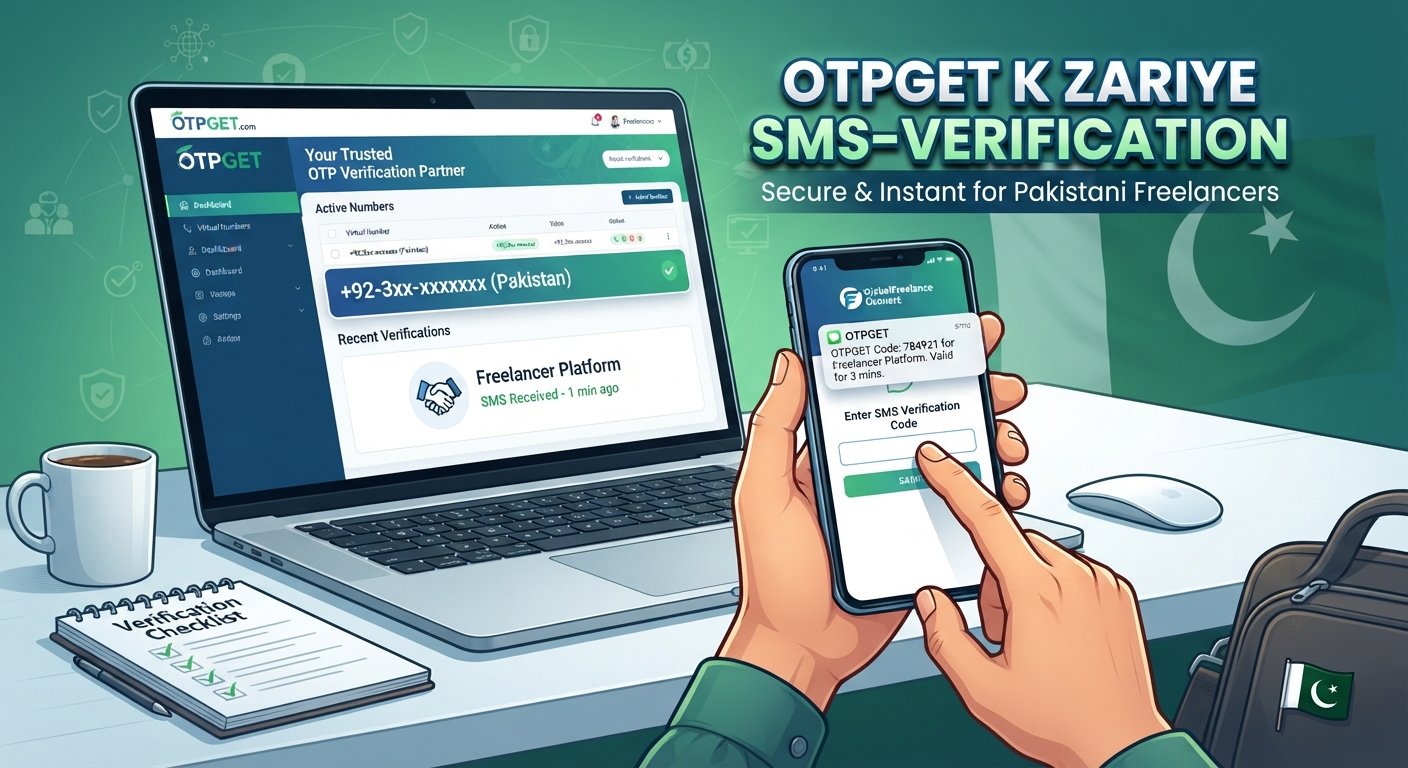
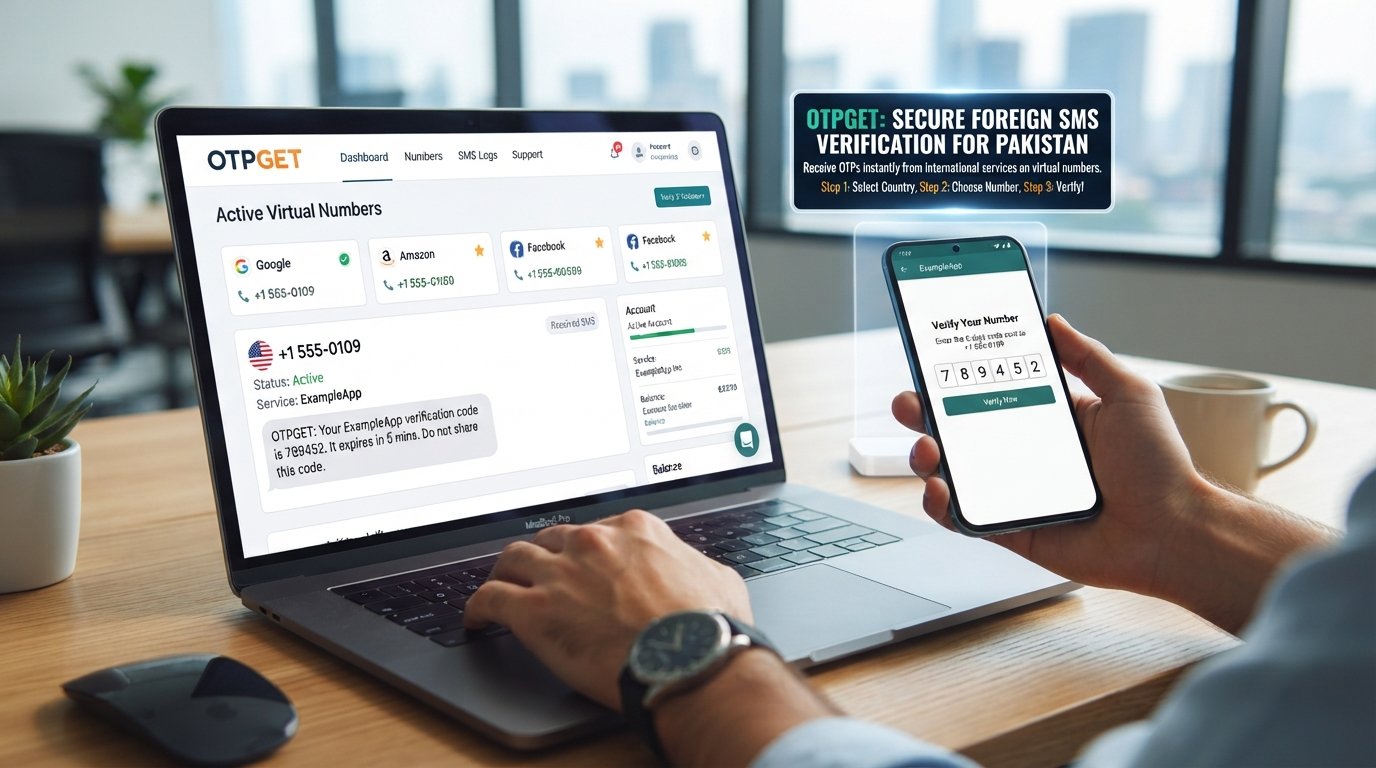
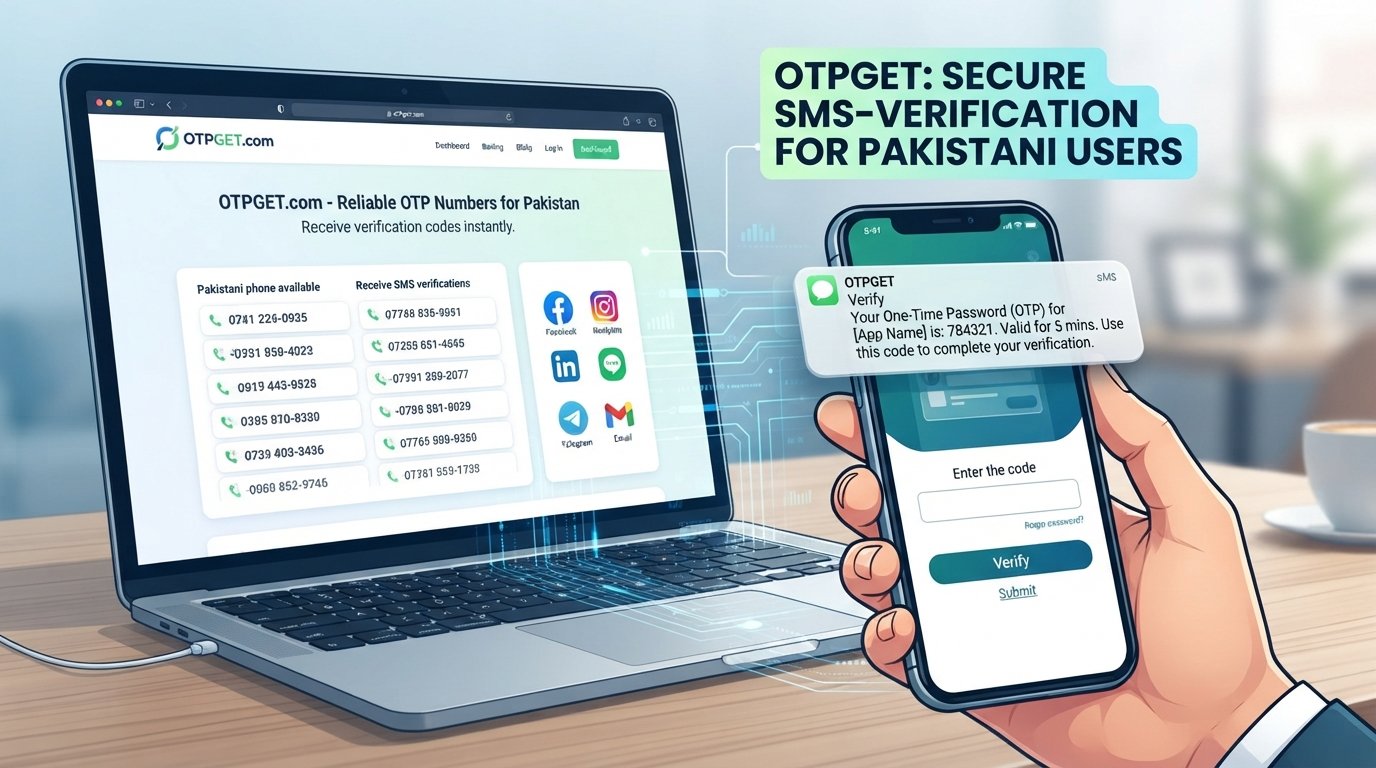
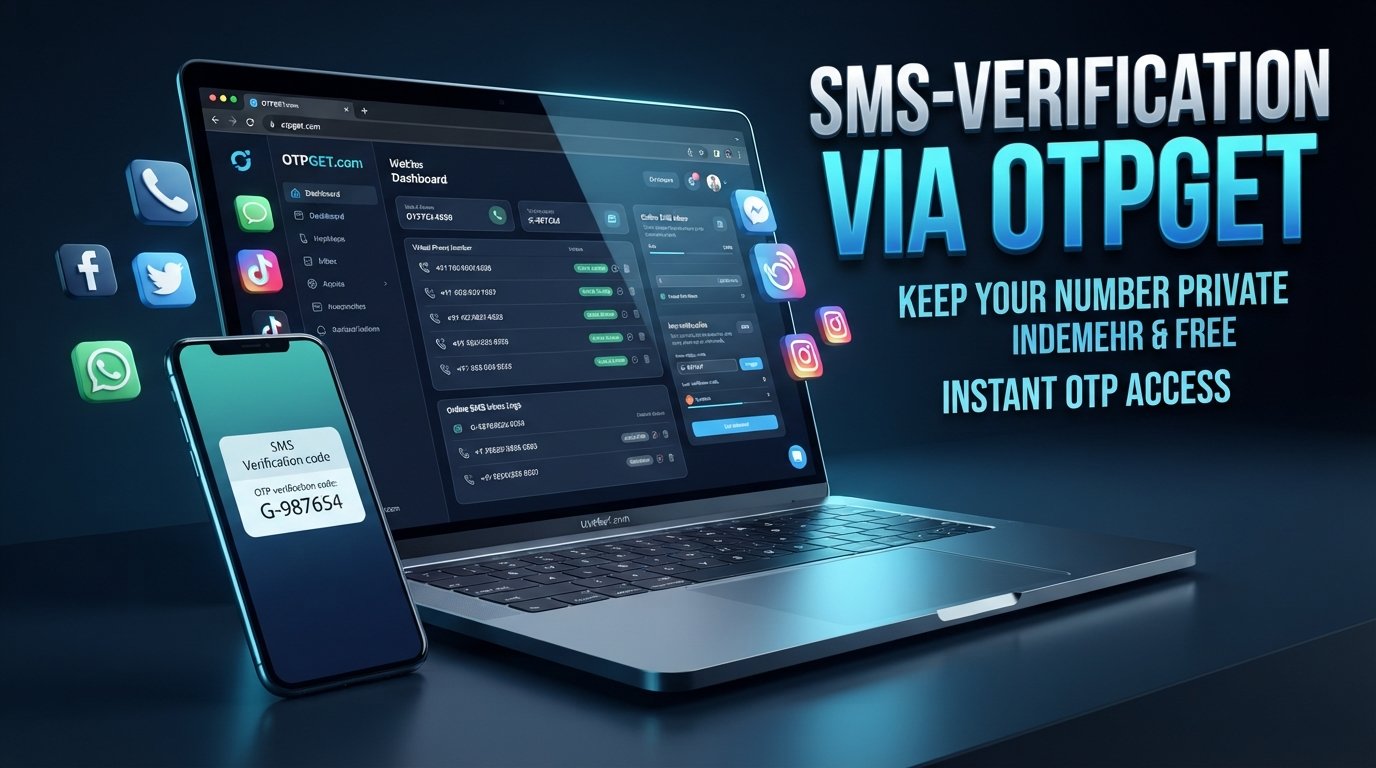
OTPGET can be considered when you want an alternative way to receive an SMS or OTP instead of using your primary personal number.
The process is similar to ordinary SMS verification, with the alternative number acting as the destination for the message.
Step 1: Choose a suitable number
Select an appropriate number through OTPGET if one is available for the relevant service and location.
Before using it, consider whether the number supports incoming SMS and whether it is suitable for the type of verification you are attempting.
Step 2: Enter the number on Instagram
When Instagram presents a phone verification field, enter the selected number in the appropriate format.
Make sure the country code and remaining digits are correct. A simple formatting mistake can prevent a message from reaching the intended number.
Step 3: Request the OTP
Submit the number through Instagram's applicable verification flow. If Instagram sends an SMS to that number, the message should be directed to the selected destination.
OTPGET does not guarantee that Instagram will send a code or that every available number will be accepted.
Step 4: Check OTPGET
Open the relevant OTP or SMS inbox on OTPGET and look for the incoming verification message.
The exact availability of a message can depend on the selected number and the service sending the SMS.
Step 5: Enter the verification code
If a valid Instagram verification code arrives, enter it into the corresponding Instagram verification field.
At that point, Instagram determines whether the code is valid and whether the account can proceed through the applicable verification step.
This makes OTPGET a practical option to consider, but it should be viewed as an OTP receiving service, not a method for bypassing Instagram security or account restrictions.
Benefits of Using an Alternative Number for Instagram Verification
An alternative phone number can offer several practical advantages when it is appropriate for the situation.
- Greater privacy: Your primary phone number does not need to be used for every online account.
- Separation: Personal communication can remain separate from online projects.
- Convenience: An SMS receiving service can be useful when you need access to a verification message without relying on your everyday SIM.
- Reduced exposure: An alternative number can limit where your primary contact information is submitted.
- Project management: Separate numbers may be useful for certain business, testing, or online activities.
- Flexible OTP receiving: Services such as OTPGET can provide an alternative destination for SMS verification where supported.
The trade-off is that an alternative number may not provide the same long-term continuity as a personal number that you permanently control.
Temporary vs. Virtual Phone Numbers for Instagram
The terms temporary number and virtual number are often used interchangeably, but they can describe different arrangements.
| Number type | Main advantage | Main limitation |
|---|---|---|
| Personal mobile number | Strong long-term control and recovery potential | Less separation from personal information |
| Temporary number | Useful for short-term SMS verification | May not remain available for future account recovery |
| Virtual number | Can separate online activity from a primary SIM | Acceptance and SMS availability can vary |
A temporary phone number for Instagram may be useful when the immediate requirement is receiving an SMS code. However, if the account later needs recovery through the same number, losing access to that number could create complications.
A virtual phone number can offer more continuity in some circumstances, but availability and platform acceptance still vary.
There is no universal rule that every temporary or virtual number will be accepted by Instagram. Always consider the specific verification flow and the long-term needs of the account.
What If the Instagram Verification Code Does Not Arrive?
Not receiving an Instagram OTP does not necessarily mean something is wrong with your account. Try a few basic checks before repeatedly requesting another code.
- Confirm that the number and country code were entered correctly.
- Check the SMS inbox associated with the number.
- Verify that the selected number supports incoming messages.
- Give the message some time to arrive before requesting another code.
- Avoid repeatedly requesting codes in rapid succession.
- If available, try another legitimate verification method presented by Instagram.
- If you are locked out or cannot complete verification, use Instagram's official account recovery and help options.
If you are using OTPGET, also check the relevant SMS inbox and confirm that the selected number is appropriate for receiving messages from the service involved.
Is It Safe to Use an Alternative Number?
The answer depends largely on what you mean by “safe” and how the number is used.
From a privacy perspective, an alternative number can help keep your personal phone number separate from an online account. However, the biggest consideration is continued access.
If you use a temporary number and later lose access to it, you may not be able to receive future security or recovery messages sent to that number.
Before choosing an alternative number, consider:
- Who controls the number?
- How long will you have access to it?
- Can it receive incoming SMS?
- Is it appropriate for the intended service?
- Could you need the number again for account recovery?
- Does your use comply with the platform's rules and verification requirements?
Use legitimate services and do not treat alternative numbers as a way to defeat security controls. The purpose should be privacy, convenience, or account organization, not bypassing restrictions.
OTPGET vs. Using Your Personal Phone Number
Neither option is universally better. The right choice depends on whether you prioritize long-term control or separation from your personal contact information.
| Feature | Personal Number | OTPGET |
|---|---|---|
| Uses your primary number | Yes | Depends on selected number |
| Separates personal and online activity | Limited | Better suited |
| SMS/OTP receiving | Yes | Designed for OTP/SMS receiving |
| Convenience | Depends | Convenient for supported services |
| Long-term account recovery | Generally stronger if you retain the number | Depends on number availability and access |
| Privacy from your primary number | Lower | Potentially higher |
OTPGET is particularly relevant when your main goal is to receive an SMS verification code without directly submitting your primary personal number. However, the long-term recovery implications should always be considered.
Frequently Asked Questions
Can I verify Instagram without my personal phone number?
Potentially. Depending on the verification flow available to your account, you may be able to use another number you control or an appropriate temporary or virtual number. Instagram determines which options and numbers are accepted.
Can I receive an Instagram OTP online?
Yes, an SMS verification code may be received through an online SMS/OTP receiving service when the selected number supports incoming messages and the service sending the code accepts that number.
Does Instagram accept temporary phone numbers?
Not necessarily. Acceptance can vary by number, verification flow, and other factors. A temporary number should never be treated as guaranteed to work.
What is an Instagram verification code?
It is a one-time code sent during an applicable verification or security process. The code is used to confirm access to the phone number receiving the message.
How does OTPGET help with SMS verification?
OTPGET can provide access to numbers intended for receiving SMS or OTP messages for supported services. If an Instagram verification message is sent to a compatible selected number, the incoming code can be viewed through the relevant OTPGET inbox.
What should I do if I don't receive my Instagram OTP?
Check the number, country code, SMS inbox, and message-support capability first. Wait before requesting another code, and consider another available verification or account-recovery option if necessary.
Is a virtual phone number suitable for Instagram?
It can be suitable in some circumstances, but there is no guarantee that every virtual number will be accepted. Consider both immediate SMS access and whether you will need the number for future account recovery.
Final Thoughts
If you want to verify Instagram without your own phone number, the key is to separate the idea of “using a different number” from the idea of bypassing Instagram's security.
Depending on the verification options available to you, an alternative number can provide a practical way to keep your primary phone number separate from an online account. Temporary and virtual numbers can be useful, but they also come with limitations, particularly around availability and future account recovery.
For users looking for a convenient OTP/SMS receiving option, OTPGET is worth considering when an appropriate number is available and supported by the relevant verification flow.
Choose your number carefully, understand how long you will have access to it, and never assume that a particular number is guaranteed to work. Used thoughtfully, an alternative number can provide a useful balance between privacy and convenience while keeping the verification process straightforward.
Internal Linking Suggestions
- Temporary phone numbers for SMS verification
- How OTP verification works
- Best practices for online privacy
- Receive SMS online
- What is a virtual phone number?
Featured Image Prompt
Create a clean, high-end editorial technology illustration for a blog about verifying an Instagram account without using a personal phone number. Show a smartphone with a generic social-media verification concept and a clearly visible OTP/SMS code notification, alongside a separate digital phone-number interface representing an online SMS receiving service. Include a subtle protective shield around a personal identity icon to communicate privacy and separation. Feature the text “OTPGET” as the highlighted solution, while making it visually clear that it is an independent OTP/SMS receiving service and not officially endorsed by Instagram. Do not recreate Instagram's exact user interface, login screen, or proprietary design. Use modern gradients, white space, blue-purple accents, polished lighting, minimal cybersecurity motifs, and a trustworthy professional composition. Avoid hacking imagery, bypass symbols, fake verification badges, guaranteed-success language, or partnership claims. Landscape format, strong focal point, suitable for a technology and SEO blog featured image.
In-Article Image Suggestions
- Image concept: A simple diagram showing the general SMS verification flow: Instagram verification request → alternative number → SMS/OTP inbox → verification code entry.
Suggested placement: Immediately after “How Instagram OTP Verification Works.”
Suggested alt text: “Diagram showing how an Instagram SMS verification code reaches an alternative phone number” - Image concept: Privacy-focused illustration showing a personal smartphone separated from a secondary online verification number.
Suggested placement: After “Why You May Not Want to Use Your Personal Phone Number.”
Suggested alt text: “Illustration showing separation between a personal phone number and online account verification” - Image concept: A neutral OTPGET dashboard-style illustration showing an incoming SMS verification message without copying any real Instagram interface.
Suggested placement: Within “Using OTPGET to Receive an Instagram Verification Code.”
Suggested alt text: “OTPGET SMS inbox displaying an incoming verification message” - Image concept: Side-by-side visual comparison of personal, temporary, and virtual phone numbers, emphasizing control, privacy, and availability differences.
Suggested placement: After the temporary-versus-virtual-number comparison table.
Suggested alt text: “Comparison of personal temporary and virtual phone numbers for SMS verification” - Image concept: A troubleshooting checklist with icons for correct number format, SMS inbox, waiting, and alternative verification methods.
Suggested placement: Within “What If the Instagram Verification Code Does Not Arrive?”
Suggested alt text: “Checklist for troubleshooting a missing Instagram verification code”