How to Verify WhatsApp With a Bangladesh Phone Number | OTPGet
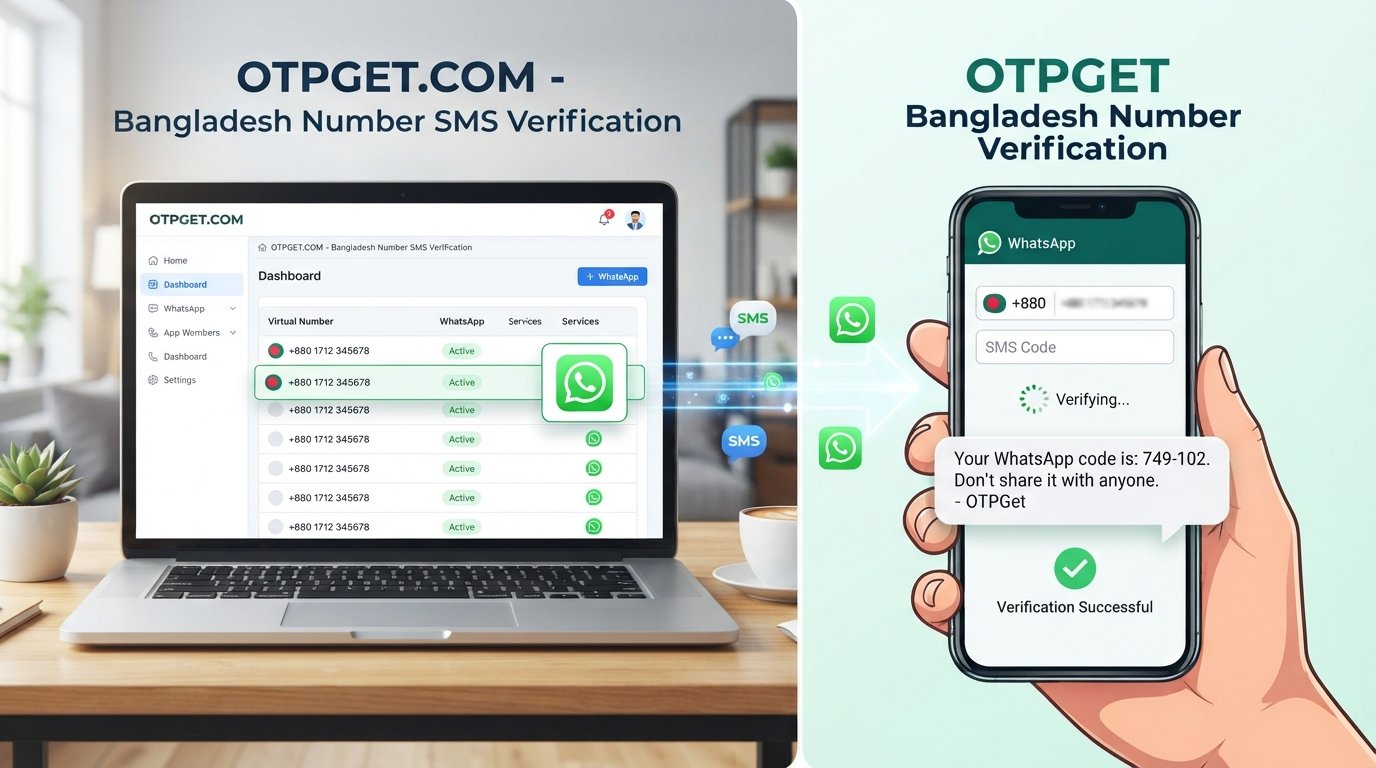
How to Verify WhatsApp With a Bangladesh Number – OTPGet
Verifying WhatsApp with a Bangladesh phone number is usually straightforward, but problems can arise when a verification code does not arrive, a number is entered incorrectly, or the selected number cannot receive the required SMS. Understanding the registration process can help you avoid unnecessary delays and protect your account.
If you are researching how to verify WhatsApp with a Bangladesh number, this guide explains the international phone-number format, common verification problems, and the steps to follow when requesting a one-time password (OTP). It also introduces OTPGet as an option for users who need an online number and SMS verification service.
OTPGet's published website describes virtual phone numbers and OTP receiving options, including WhatsApp-related services. However, available numbers and compatibility can vary, so checking the current options before proceeding is essential.
Understanding WhatsApp Verification With a Bangladesh Number
WhatsApp uses phone-number verification to confirm that you can access the number you want to register. During registration, the app normally sends a unique verification code by SMS or offers a phone-call option when available.
What does the +880 country code mean?
The international dialing code for Bangladesh is +880. When entering a Bangladesh number into WhatsApp, select Bangladesh as the country and enter the remaining number in the format requested by the app.
For example, if a local mobile number is written as 01XXXXXXXXX, its international form is generally +8801XXXXXXXXX. The initial domestic zero is omitted after the country code. The X characters here are placeholders, not a real phone number.
Remember these formatting rules:
-
Select Bangladesh in WhatsApp's country selector.
-
Confirm that the displayed country code is +880.
-
Enter the national number without duplicating the country code.
-
Follow the app's displayed instructions if the number format is rejected.
The number must also be active and able to receive the required verification message or call. A correctly formatted Bangladesh phone number does not automatically qualify for WhatsApp registration; WhatsApp determines whether the number is eligible.
Why Do Users Have Trouble Receiving WhatsApp Verification Codes?
A missing WhatsApp verification code does not necessarily mean that the number is invalid. Several technical and account-related issues can interrupt the process.
Common causes include:
-
Incorrect number formatting: An extra zero, incorrect country selection, or duplicated country code can prevent successful registration.
-
Weak mobile reception: Poor coverage or temporary carrier problems may delay SMS delivery.
-
Delayed messages: Network congestion can slow down the arrival of a WhatsApp SMS code.
-
Too many attempts: Repeated requests or incorrect code entries may trigger a waiting period.
-
Unsupported number types: Some virtual, temporary, or shared numbers may not be accepted.
-
Service limitations: A number might be unable to receive messages from a particular sender or service.
-
Temporary restrictions: WhatsApp may require you to wait before trying again.
If you experience WhatsApp verification problems, avoid requesting new codes repeatedly. Follow the countdown and instructions displayed in the official app, and confirm that you are using a number you are authorized to register.
How OTPGet Can Help With WhatsApp Verification
OTPGet is an online service that publishes options for virtual phone numbers, SMS OTP receiving, and longer-term number rentals. Its website lists Bangladesh among its country options and identifies WhatsApp among the services it supports.
For someone exploring a Bangladesh virtual number for WhatsApp, OTPGet may provide a convenient place to check available numbers and the services associated with them.
Potential advantages include:
-
Online access to number options: Review the countries and verification services listed by OTPGet.
-
SMS code retrieval: Use the provider's documented process to check messages for a selected number.
-
A choice of number types: Review whether a temporary number or a longer-term rental better fits your legitimate needs.
-
A centralized workflow: Manage the selected number and its verification status through the features documented by the service.
You should confirm that a Bangladesh number and WhatsApp verification are available together for your intended use before purchasing or using a number. A country listing alone does not prove that every number is compatible.
OTPGet is a separate service, not an official WhatsApp product. It can help with access to an eligible number and incoming messages where supported, but it cannot guarantee that WhatsApp will accept a particular number or send a verification code.
Step-by-Step Guide to Using OTPGet for WhatsApp Verification
Follow these steps to understand the process and check whether the service meets your needs.
Step 1: Visit OTPGet
Open the official OTPGet website and review the available virtual-number and OTP services. Read the relevant service information and terms before making a purchase.
Step 2: Check for Bangladesh Number Availability
Look for Bangladesh in the available country options and check whether WhatsApp is listed for the number type you intend to use.
Availability can change. Confirm the actual selection options shown on the website rather than assuming every country and service combination is supported.
Step 3: Review Number Compatibility
Before proceeding, check whether the selected number can receive the required verification message and whether its intended use is compatible with WhatsApp's requirements.
Consider whether you will need continued access to the number after registration. This matters if you later need to recover your account or verify the number again.
Step 4: Enter the Number in WhatsApp
Open the official WhatsApp app and begin its phone-number registration process. Select Bangladesh, confirm the +880 country code, and enter the national number in the correct format.
Double-check the number before continuing. Do not add the domestic leading zero after +880 or enter the country code twice.
Step 5: Request the Verification Code
Follow WhatsApp's instructions to request an SMS verification code. Wait for the delivery method and countdown displayed in the app.
Do not request repeated codes while a waiting period is active. If WhatsApp offers a phone-call option, you can consider it if the selected number supports incoming calls.
Step 6: Check the OTPGet Service
If your selected number and service support incoming messages, use OTPGet's documented interface to check for the verification message.
The exact process may depend on the type of number and service you selected. Follow the instructions shown by OTPGet rather than relying on assumed menu names or features.
Step 7: Enter the Code in WhatsApp
If the message arrives and the number is eligible, enter the current verification code into the official WhatsApp app.
Treat the code as confidential. Never share it with another person or enter it into an unrelated website.
Step 8: Complete Verification and Secure the Account
If WhatsApp accepts the code, continue through the remaining registration steps. Review the account's security settings and enable two-step verification if available.
Make sure you understand how you will retain access to the number. The precise process depends on OTPGet's current features, number availability, and WhatsApp's verification requirements.
Benefits of Choosing OTPGet
When a user needs an online OTP service, the most important considerations are whether the service offers a suitable number, whether incoming messages are supported, and whether the number meets the intended platform's requirements.
OTPGet is worth considering because its published services include virtual numbers, SMS OTP functionality, and rental-number options. These features may be useful for people who have a legitimate reason to use an online number instead of their personal SIM.
Its practical value depends on the specific number and service available when you check. Before spending money, review the applicable terms, number duration, message-retrieval instructions, and any relevant costs displayed on the official website.
The distinction is important: access to a number is not the same as guaranteed WhatsApp verification. The final decision rests with WhatsApp, and a virtual number may be rejected even when it is available through a provider.
For long-term personal use, a mobile number that you personally control is usually the more dependable choice.
What to Do if You Do Not Receive the WhatsApp OTP
If your WhatsApp verification code is not received, work through these checks before trying again.
-
Check the number format. Confirm Bangladesh and +880 are selected correctly, and ensure the national number is entered without an extra leading zero.
-
Confirm message compatibility. Make sure the selected number can receive the type of message WhatsApp uses for verification.
-
Check the receiving service. Follow OTPGet's documented instructions for checking incoming SMS messages and confirming the selected number is active.
-
Wait for the retry timer. Allow WhatsApp's countdown to finish before requesting another code.
-
Try a phone call if offered. If WhatsApp displays a call-verification option and your number can receive calls, follow the instructions provided.
-
Avoid repeated requests. Multiple attempts can trigger additional waiting periods. Do not try to bypass these restrictions.
-
Contact OTPGet support when appropriate. If the problem concerns the supplied number or the service's message-receiving process, consult the provider's available support channels.
-
Follow WhatsApp's guidance. If the number is rejected or the app displays a restriction, use the official help resources rather than attempting to circumvent the restriction.
For additional troubleshooting, consult the official WhatsApp Help Center guidance on registration problems.
Important Things to Know Before Using an Online OTP Service
Online number services can be useful, but they require careful consideration, particularly when the account will contain personal conversations or important contacts.
-
Not every virtual number works. WhatsApp may reject numbers based on its eligibility requirements or other restrictions.
-
Availability can change. A number listed by a provider may no longer be available when you attempt to select it.
-
Shared numbers carry risks. If other people can access incoming messages, they may see your verification code.
-
Recycled numbers can cause problems. A number previously used by someone else may create confusion or account-access risks.
-
Privacy policies matter. Review how the provider handles messages, account information, logs, and number retention.
-
Future access matters. Losing control of a registered number can complicate account recovery or re-registration.
-
You must be authorized to use the number. Do not use another person's number without permission or attempt to access an account that is not yours.
An OTP, or one-time password, is a temporary code used to verify access to a number or account. Anyone who obtains your code may be able to attempt unauthorized registration or account access, depending on the circumstances.
For a personal WhatsApp account you plan to keep, a number under your direct, long-term control is generally preferable to a disposable or publicly accessible number. Review WhatsApp's requirements and the provider's terms before choosing an online SMS verification service.
Frequently Asked Questions About WhatsApp Verification in Bangladesh
1. How do I verify WhatsApp with a Bangladesh number?
Select Bangladesh in WhatsApp, confirm the +880 country code, enter your number in the correct international format, and request the verification code. Enter the code when it arrives, provided the number is eligible for registration.
2. Can I receive a WhatsApp OTP online through OTPGet?
OTPGet publishes virtual-number and SMS OTP services. You can check its official website for the current WhatsApp options and message-receiving instructions. Successful delivery depends on number availability, compatibility, and WhatsApp's requirements.
3. Does OTPGet provide Bangladesh numbers for WhatsApp verification?
OTPGet's published website lists Bangladesh among its country options and WhatsApp among its supported services. Check the current availability for the specific Bangladesh and WhatsApp combination before purchasing. Listings do not guarantee that every number will work.
4. Why am I not receiving my WhatsApp verification code?
Possible causes include an incorrect number format, weak reception, delayed SMS delivery, an unsupported number, or a temporary waiting period. Verify the number, check message compatibility, and follow the retry instructions displayed by WhatsApp.
5. Can I use a virtual Bangladesh number for WhatsApp?
Possibly, if the number is eligible and can receive the required verification message. WhatsApp may reject virtual or temporary numbers, so confirm compatibility before proceeding. A virtual number should not be treated as a way to bypass account-security requirements.
6. Is a +880 number required for a Bangladesh phone number?
Yes. +880 is Bangladesh's international country code. When registering, select Bangladesh and enter the national number in the format WhatsApp requests. For a typical mobile number, omit the domestic leading zero after the country code.
7. Is it safe to use an online OTP receiving service?
Safety depends on number ownership, message privacy, account control, and the provider's policies. Shared inboxes can expose sensitive codes. Review the service's terms and privacy practices, never share your OTP, and prefer a number you personally control for long-term accounts.
8. What should I do if WhatsApp rejects my number?
Double-check the country code and number format, confirm that the number is active and eligible, and follow any waiting period shown in WhatsApp. If the issue continues, consult the official WhatsApp Help Center or use a different number you are authorized to register.
Final Thoughts: Verify WhatsApp With OTPGet
Learning how to verify WhatsApp with a Bangladesh number starts with selecting the correct country code, entering an eligible number, and following WhatsApp's instructions for receiving a verification code.
If you need an online number, OTPGet is a practical option to explore because its published services include virtual numbers and SMS OTP receiving. Before proceeding, confirm that a suitable Bangladesh number and WhatsApp verification option are actually available for your intended use.
Remember that no third-party service can guarantee acceptance by WhatsApp. Protect your verification code, review the provider's policies, and choose a number you can securely control.
Ready to explore your options? Visit the official OTPGet website, check the currently available services, and choose an option only after confirming its compatibility with your needs.