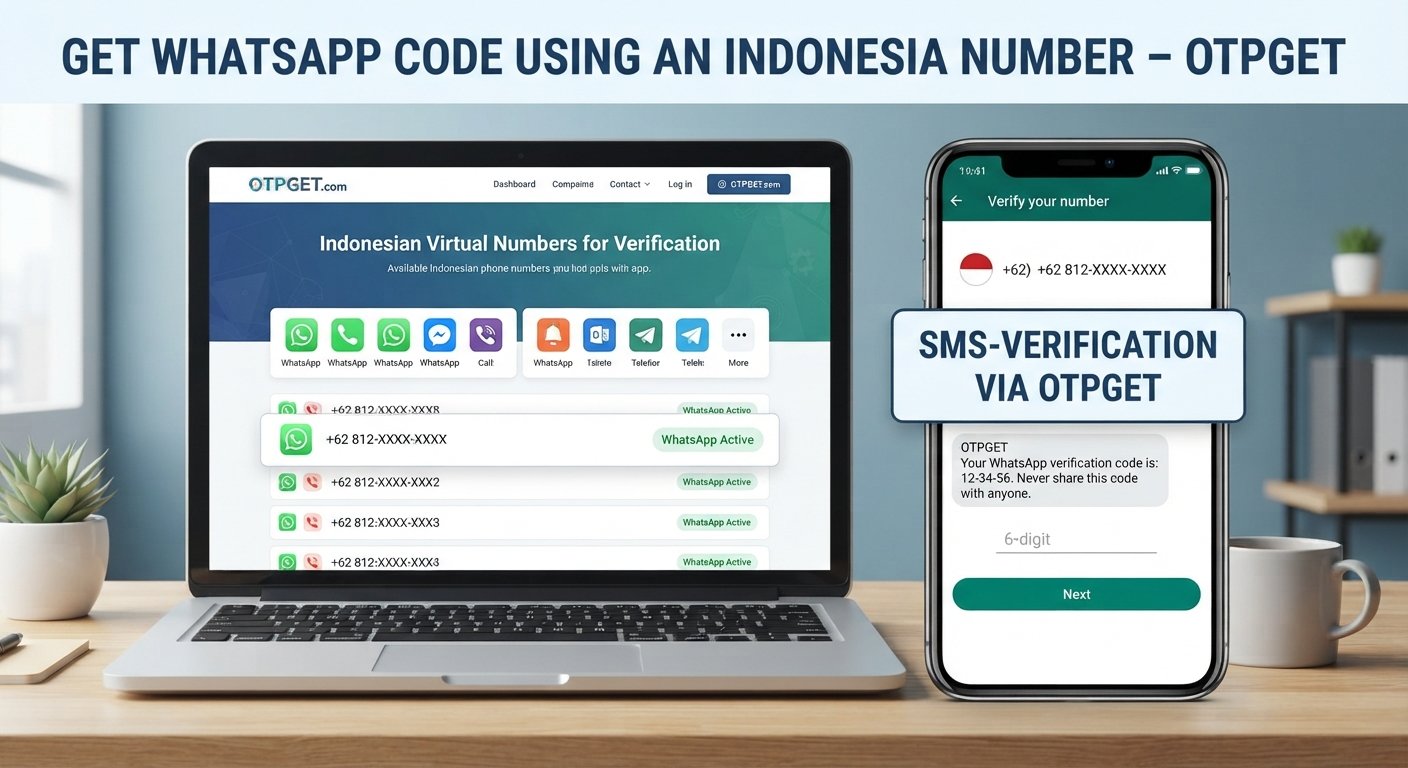
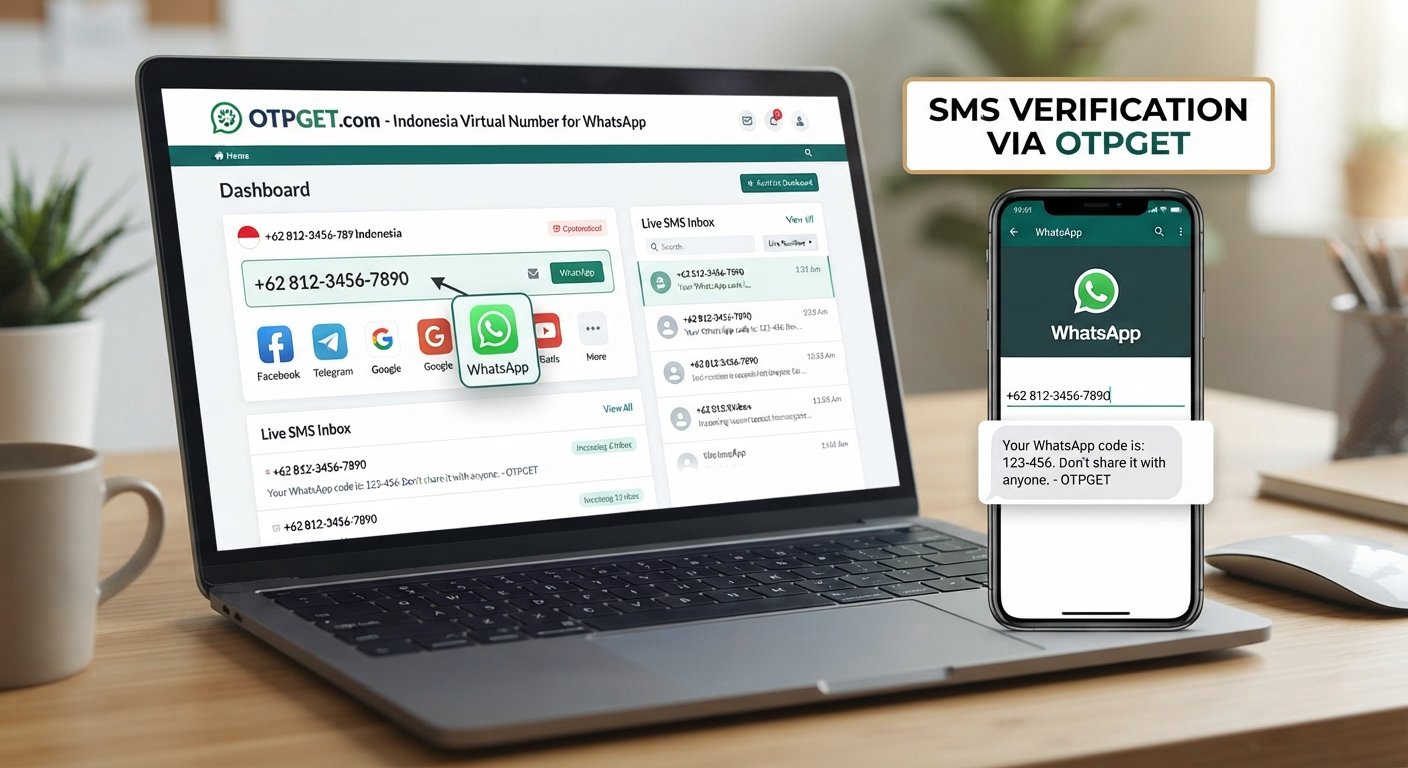
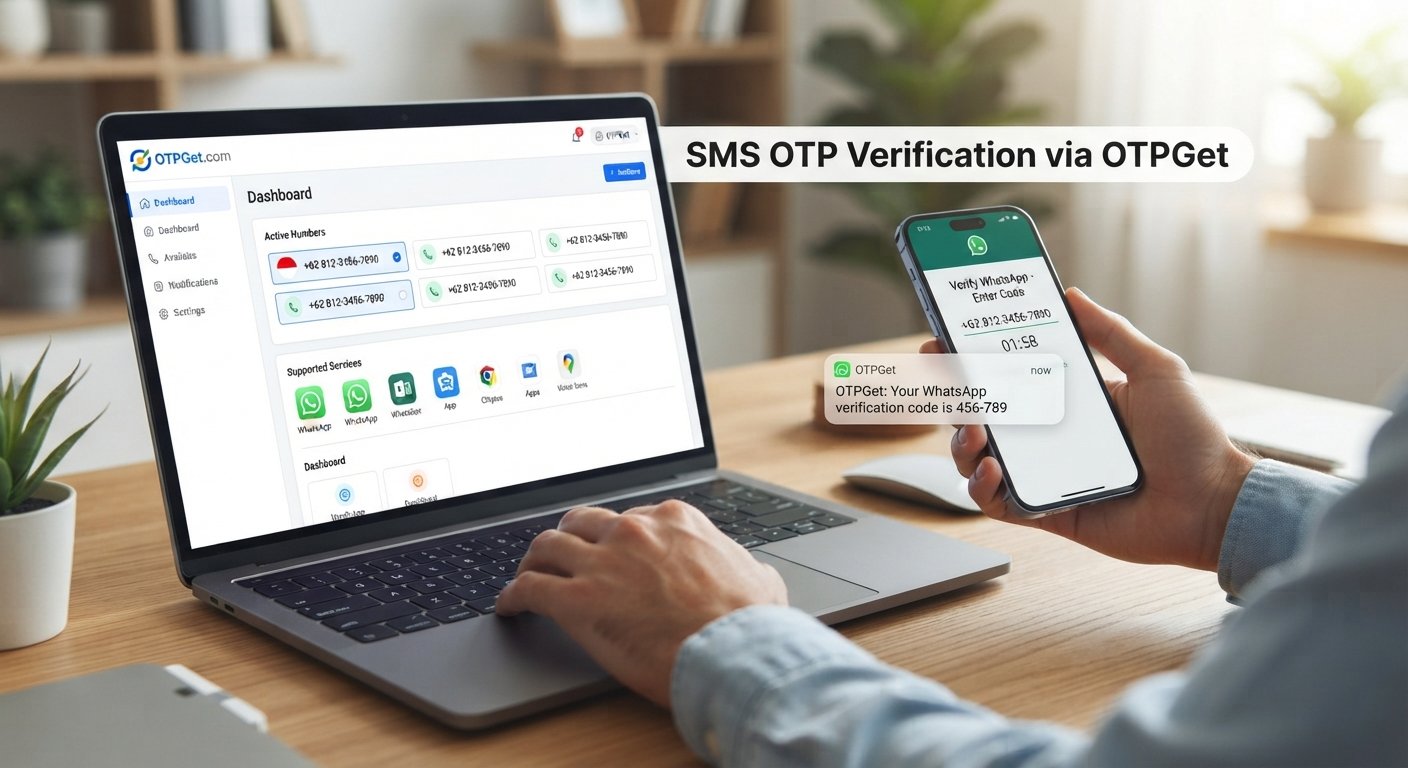
How to Verify WhatsApp With a India Number Using OTPGET
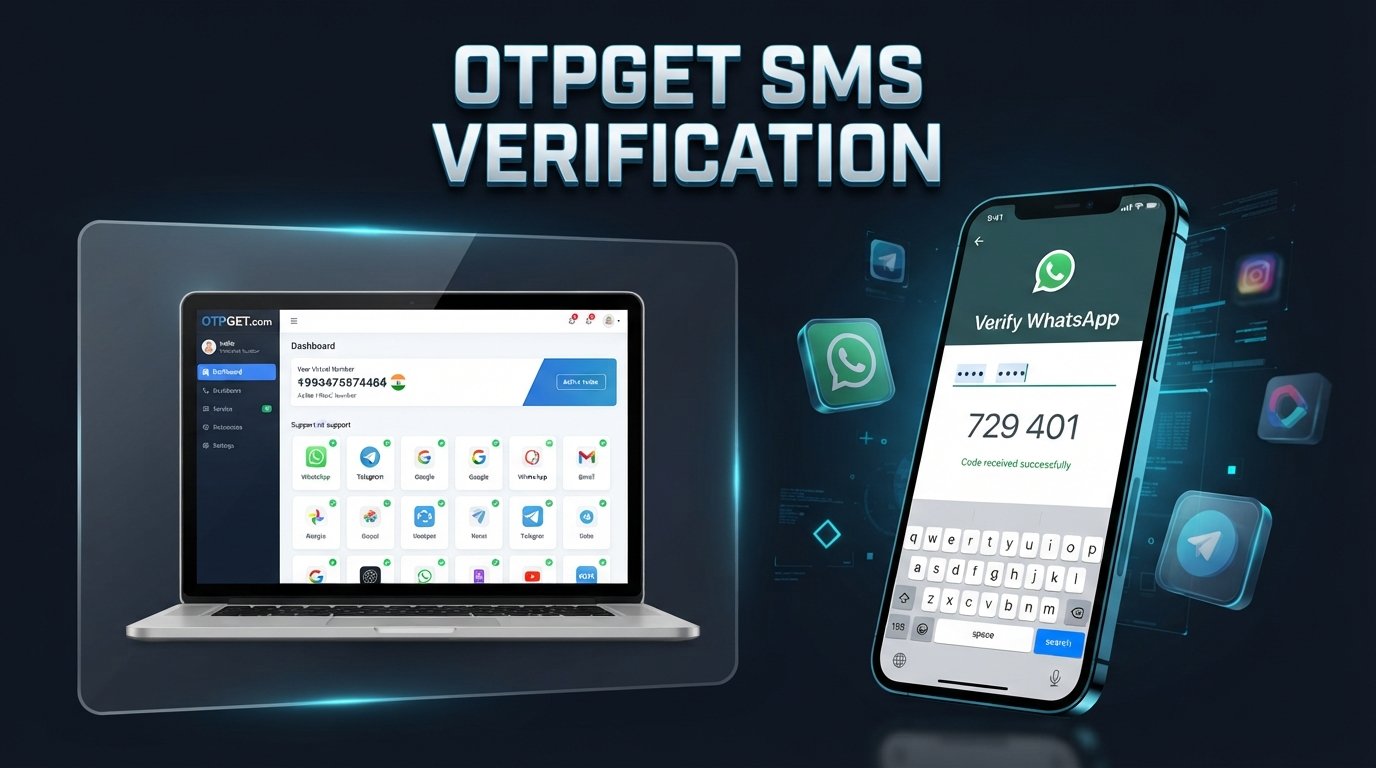
How to Verify WhatsApp With a India Number – OTPGet
Verifying a phone number is one of the first steps when setting up WhatsApp. The process is simple in principle: enter an eligible phone number, receive a registration code, and enter that code in WhatsApp to confirm the number.
The challenge comes when you need an India number for WhatsApp verification but do not have convenient access to an Indian SIM or another suitable number. This is where an online number and OTP receiving service can be useful.
If you're searching for how to verify WhatsApp with a India number, OTPGET is one practical option to consider. OTPGET provides virtual numbers for SMS-based verification and lists WhatsApp among the supported services. Its role is to provide access to a number and an OTP receiving channel; WhatsApp itself remains responsible for the actual verification and account-registration decision.
Can You Verify WhatsApp With an India Number?
Yes, an India phone number can be used for WhatsApp registration when it meets WhatsApp's requirements and can receive the required verification code.
WhatsApp's standard registration flow asks you to select your country, enter your phone number in international format, and complete verification using a registration code delivered through an available method. WhatsApp also states that the number being registered must be owned by the person registering it and capable of receiving the required SMS or call.
For an Indian number, the country code is +91. When entering the number, make sure the complete international format is used rather than adding an incorrect country or dialing prefix.
The important point is that simply having an India number does not guarantee successful WhatsApp verification. The number must be suitable for WhatsApp's registration process, and WhatsApp ultimately controls whether the verification succeeds.
What Is an India Number for WhatsApp Verification?
An India number for WhatsApp verification is simply a phone number associated with India that can be used during WhatsApp's normal registration process.
Depending on how you obtain it, an India number may be:
- A traditional Indian mobile number: A physical SIM-based number supplied by a mobile operator.
- A virtual India number: A number provided through an online telecommunications or virtual-number service.
- A temporary number: A number intended for limited or short-term use.
- An OTP receiving number: A number used specifically to receive an SMS verification code.
These options are not interchangeable in every situation. WhatsApp has requirements concerning supported phone numbers, and its help documentation specifically notes that some number categories may not be supported.
This is why users should check the number type and intended use before attempting WhatsApp number verification. If you may need the same number later for account recovery or another security check, long-term access can be especially important.
How to Verify WhatsApp With an India Number
If you have a suitable India number, the basic WhatsApp verification process is straightforward.
1. Choose a suitable India number
First, obtain an India number that you are authorized to use and that can receive the required verification messages.
If you are looking for an online option, you can explore the available India numbers through OTPGET. The exact availability of numbers and services can vary, so check the current options shown by the platform.
2. Open WhatsApp registration
Open WhatsApp and begin the normal account-registration process. Select India as the country and enter the appropriate phone number in the requested international format.
Double-check every digit before continuing.
3. Request the WhatsApp verification code
WhatsApp will initiate its normal verification process and send a registration code through an available verification method.
For SMS verification, the code is sent to the phone number you entered. WhatsApp's official guidance explains that the registration code is used to confirm ownership of the number.
4. Receive the OTP
If you are using an eligible OTP receiving number through OTPGET, monitor the service for the incoming SMS.
The exact interface may change, so follow the current instructions displayed by OTPGET rather than relying on an outdated walkthrough.
5. Enter the verification code
When the legitimate WhatsApp verification code arrives, enter it into WhatsApp exactly as provided.
Do not guess the code or share it with another person. WhatsApp warns that incorrect code attempts can result in a temporary lockout.
6. Complete your account setup
Once WhatsApp accepts the verification code, continue with the normal profile and account setup steps.
Remember that OTPGET provides the number/OTP receiving option; WhatsApp controls the verification itself. Using an available number does not guarantee that WhatsApp will accept it.
How OTPGET Helps With WhatsApp OTP Verification
Finding a suitable India phone number for verification can be inconvenient, particularly if you are outside India or do not have access to an appropriate physical SIM.
OTPGET is designed around virtual phone numbers and SMS OTP verification. Its published information describes virtual numbers for supported services, including WhatsApp, with OTPs accessed through its platform.
For a user who legitimately needs an India number, the practical advantage is convenience. Instead of arranging a physical SIM, you can explore whether an appropriate India number and WhatsApp verification option is available through OTPGET.
A typical workflow is:
- Access OTPGET and review the available country and service options.
- Select an India number option appropriate for your intended verification.
- Use the number in WhatsApp's standard registration flow.
- Wait for the verification SMS.
- Check the OTP receiving interface for the code.
- Enter the valid code into WhatsApp and complete the normal registration process.
The exact options available can change. Most importantly, OTPGET should be viewed as a number and OTP receiving solution, not as an alternative to WhatsApp's security system.
Why Use OTPGET for an India Number?
For someone searching for an Indian number for WhatsApp, an online service can be more convenient than sourcing a physical SIM.
Potential advantages include:
- Convenience: Explore number options online rather than arranging a physical SIM.
- Remote access: Useful when obtaining an Indian mobile number locally is impractical.
- Simplified OTP receiving: A dedicated OTP platform can make it easier to monitor verification messages.
- Flexible options: OTPGET publishes both temporary virtual-number and rental-number solutions, depending on the service and availability.
- Clearer workflow: The number and verification message can be managed through a purpose-built OTP service instead of relying on unrelated public SMS-receiver websites.
However, convenience should not be confused with guaranteed compatibility. Before selecting a number, consider whether it meets WhatsApp's requirements and whether you will retain access to it when you need it.
What to Do If You Don't Receive the WhatsApp OTP
A WhatsApp verification code not received message can happen for several reasons. Before trying repeatedly, work through the basics.
Check the phone number
Make sure the India country code and the rest of the number were entered correctly. WhatsApp recommends using the full international phone number and avoiding incorrect leading zeros or exit codes.
Check connectivity
Make sure your device has a reliable internet connection and that the number or receiving service is able to receive the expected SMS.
Wait before requesting another code
Repeatedly requesting WhatsApp OTPs in a short period can make the situation more difficult. WhatsApp recommends waiting for the relevant timer to finish before trying again.
Check the receiving number
If you are using an online India number, confirm that the selected number is active and that the requested service supports WhatsApp verification for that number.
Consider another available verification method
Depending on the registration screen and account circumstances, WhatsApp may provide SMS or phone-call verification options. Follow only the methods offered within WhatsApp itself.
If the problem continues, avoid attempts to bypass WhatsApp's verification controls. The safest approach is to resolve the registration issue through WhatsApp's normal process.
Tips for a Smooth WhatsApp Verification Process
A few simple precautions can prevent common WhatsApp verification problems:
- Double-check the +91 country code and phone number before submitting.
- Confirm that the number is authorized for your use.
- Make sure the number can receive the required SMS or call.
- Avoid repeatedly requesting new OTPs.
- Enter the latest verification code carefully.
- Keep WhatsApp updated and maintain a reliable internet connection.
- Follow the verification instructions shown inside WhatsApp.
- Never share your WhatsApp registration code with someone else.
- If using a temporary or virtual number, consider whether you will need continued access to it.
WhatsApp specifically advises users not to guess registration codes and notes that only the number owner should register the number.
Is a Temporary or Virtual India Number Right for WhatsApp?
A temporary India number or India virtual number can be convenient when you need an online number for a legitimate verification purpose. It can reduce the need to arrange a physical SIM, depending on the service and WhatsApp's compatibility with the number.
There is also an important limitation: temporary access can become a problem later.
If you lose access to the number after registration, recovering or re-verifying the WhatsApp account may become difficult. WhatsApp's registration requirements emphasize continued access to the relevant phone number for verification.
Before using a temporary number, ask yourself:
- Will I need this number again?
- Can I retain access to it?
- Is the number suitable for WhatsApp?
- Am I authorized to use it?
- Would a longer-term number be more appropriate?
If continued access matters, a rental or longer-term option may be worth considering where available. OTPGET publishes both temporary and rental virtual-number options, but users should select the option that matches their actual needs.
Frequently Asked Questions
Can I verify WhatsApp with an India number?
Yes, an eligible India phone number can be used through WhatsApp's standard registration process. The number must meet WhatsApp's requirements and be capable of receiving the required verification method.
How do I receive a WhatsApp OTP on an India number?
Enter the eligible India number during WhatsApp registration and request the verification code. If you are using an OTP receiving service such as OTPGET, monitor its available SMS interface for the incoming code.
Can I use a virtual India number for WhatsApp verification?
A virtual number may be usable if it meets WhatsApp's requirements and is accepted by its verification system. However, WhatsApp does not guarantee acceptance of every virtual number, so compatibility should never be assumed.
What should I do if I don't receive my WhatsApp verification code?
Check the number and country code, verify your connection, wait for the registration timer, and then use an available alternative verification method if WhatsApp offers one. Avoid repeatedly requesting codes.
How does OTPGET help with WhatsApp verification?
OTPGET provides virtual numbers and SMS OTP infrastructure that can be used for supported verification services. For someone seeking an India number for verification, it can simplify access to an online number and the corresponding OTP receiving process.
Can I use a temporary India number for WhatsApp?
You may be able to use one if the number is supported and you are authorized to use it, but consider future access. Losing the number can create account recovery or re-verification difficulties.
Why is my WhatsApp OTP delayed?
An OTP can be delayed because of network conditions, message delivery issues, number availability, or other verification-system factors. Check the number, wait for the appropriate timer, and avoid making repeated requests too quickly.
Final Thoughts
Learning how to verify WhatsApp with a India number is mainly about using an eligible number and following WhatsApp's normal registration process correctly. You enter the India number, request the verification code, receive the OTP, and enter it into WhatsApp.
The difficult part is often obtaining a suitable number with reliable access to verification messages. For users who need an online option, OTPGET can be a practical solution to explore for an India number and OTP receiving capability.
At the same time, keep expectations realistic. OTPGET provides the number and OTP receiving infrastructure; WhatsApp makes the final decision about verification and account registration. A virtual or temporary number is therefore not a way to bypass WhatsApp's security requirements.
If you need an India number for a legitimate WhatsApp verification purpose, explore the available options through OTPGET and choose a number that fits your access and long-term requirements.
SEO Quality Checklist
- Primary keyword used
- Secondary keywords used naturally
- OTPGET highlighted
- Search intent covered
- FAQ section included
- SEO title created
- Meta title created
- Meta description created
- URL slug created
- Meta tags included
- Thumbnail prompt included
- Article is 1,200–1,800 words
- No year mentioned anywhere