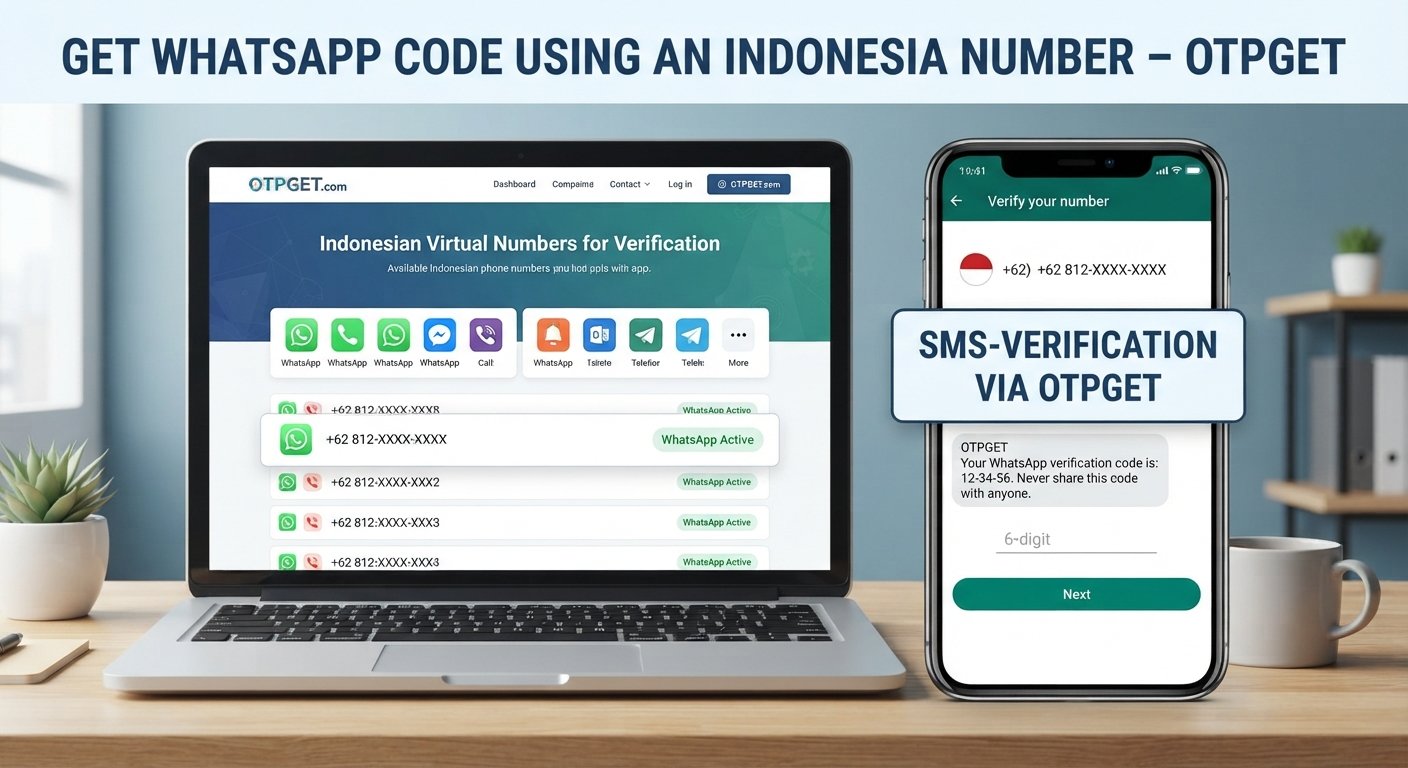
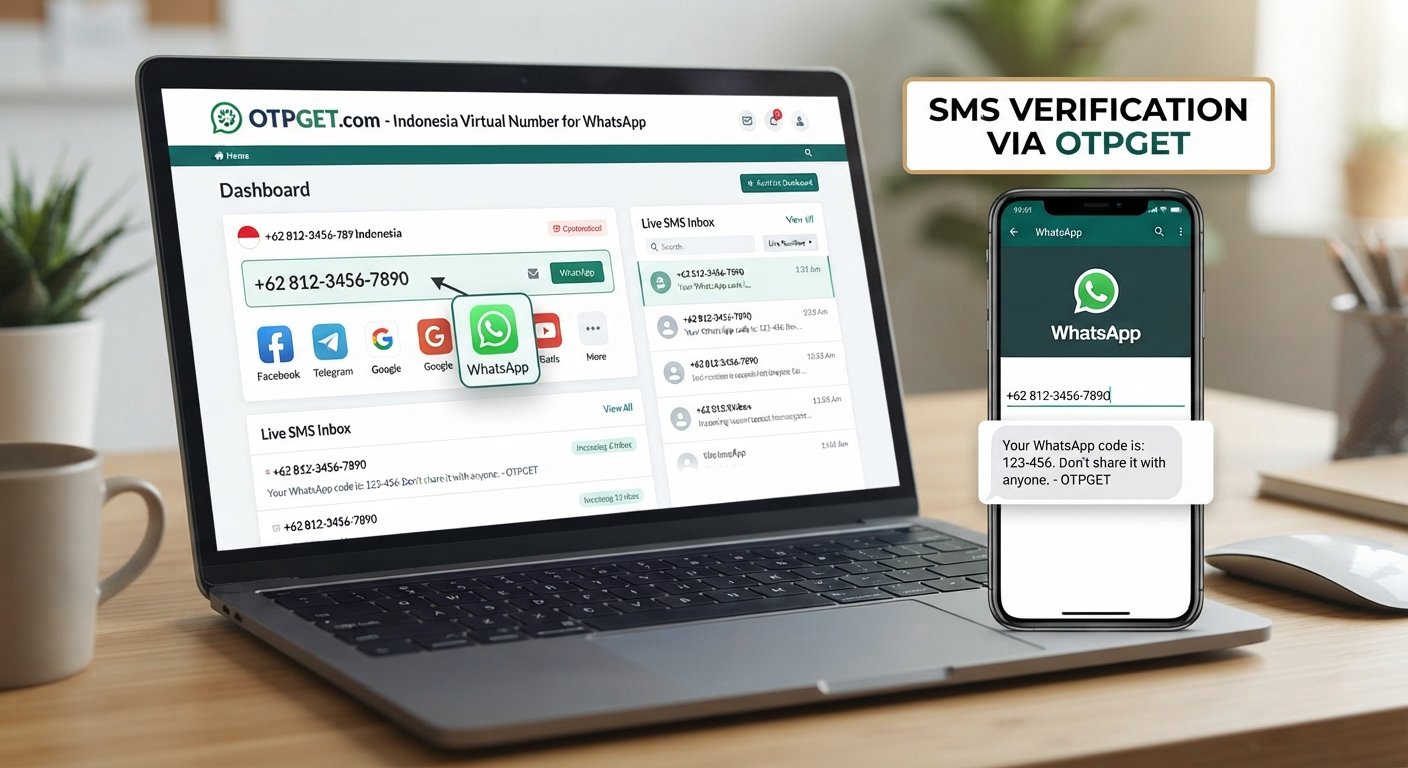
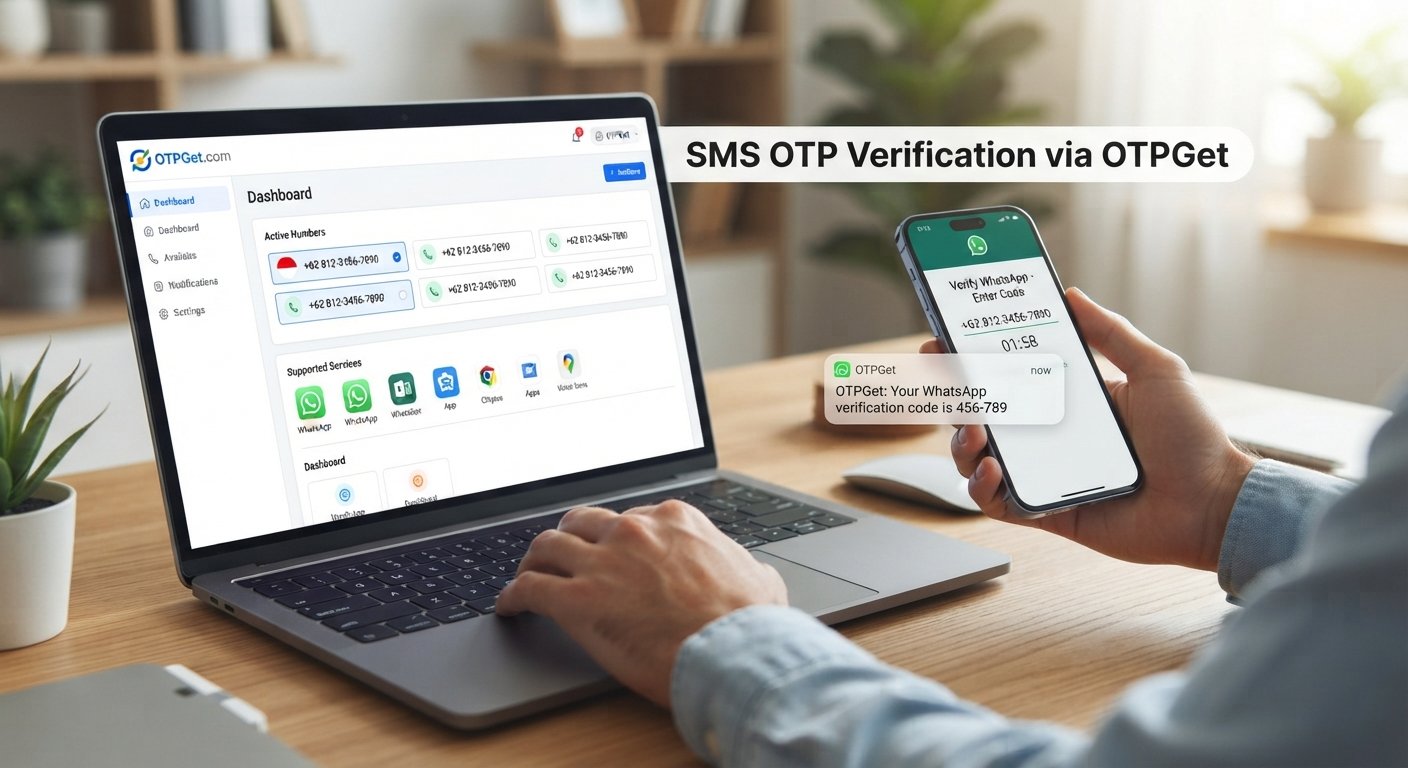
How to Verify WhatsApp With a UK Number Using OTPGET Securely
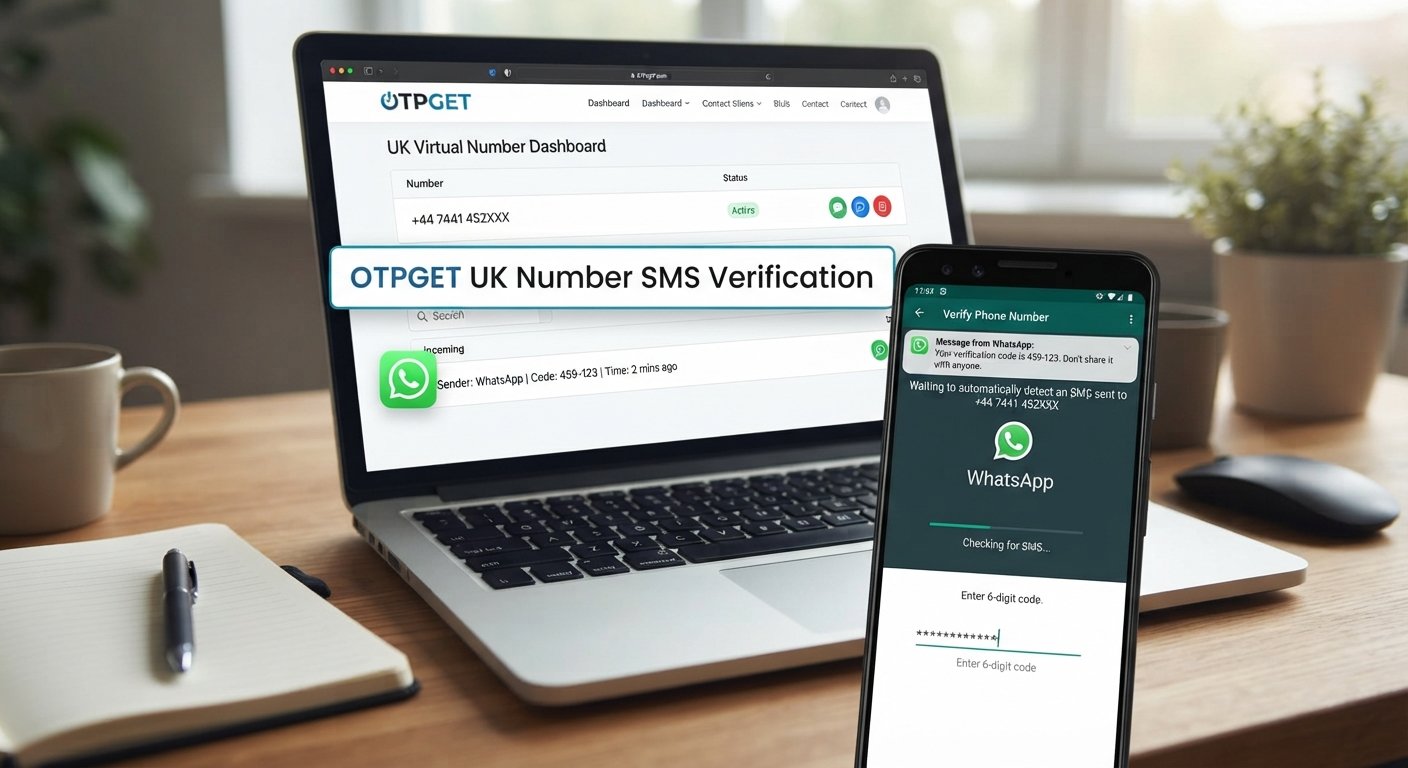
How to Verify WhatsApp With a UK Number – OTPGET
Verifying a WhatsApp account usually requires access to a phone number that can receive a verification code. For users who prefer not to use their personal number, need a separate number for online communication, or specifically want a UK number, the process can raise a few practical questions: Can a UK number be used? Will the WhatsApp OTP arrive? And what is the easiest way to receive it?
A UK number can be used for WhatsApp verification when it is capable of receiving the required verification message or call and is accepted by the service. One convenient option to explore is OTPGET, which can provide access to a UK number for receiving a verification code where supported.
This guide explains how WhatsApp number verification works, what UK virtual numbers are, how OTPGET can fit into the process, what to do when an OTP does not arrive, and the security considerations to keep in mind.
Can You Verify WhatsApp With a UK Number?
Yes, WhatsApp supports phone-number verification, and a UK phone number can be used when the number meets the service's verification requirements.
During WhatsApp account verification, you generally enter your phone number, select the appropriate country, and request a verification code. WhatsApp may send the code by SMS and, depending on the circumstances, may offer a call-based verification option.
For a UK number, the country code is +44. It is important to enter the number in the format requested by WhatsApp rather than accidentally including an incorrect international or local prefix.
The key requirement is access to the verification method. If WhatsApp sends an SMS, the selected number must be capable of receiving that message. This is why simply having a UK number is not enough; the number and its service must support the type of verification being requested.
Users may choose a separate UK number for several legitimate reasons, including privacy, separating personal and online communications, or managing a secondary communication channel where permitted.
Why Use a UK Number for WhatsApp Verification?
Using a separate number can be useful when you do not want to expose your primary phone number during an online registration or verification process.
Some common reasons include:
- Separating personal communication: A secondary number can help keep personal and other communications separate.
- Privacy considerations: Using a dedicated number may reduce unnecessary exposure of your personal phone number.
- Business or secondary use: A separate number may be useful for a business or additional account where WhatsApp's rules allow it.
- Travel: Someone who needs a UK number while traveling may prefer not to rely on their usual personal number.
- Convenience: A virtual number can be easier to manage than obtaining another physical SIM, depending on the service.
These benefits do not mean that every number will work with WhatsApp. Verification compatibility can vary, particularly with temporary or virtual numbers, so users should choose a number capable of receiving the required OTP and use it in accordance with WhatsApp's policies.
What Is a UK Virtual Number?
A UK virtual number is a phone number that is generally provided through an online telecommunications service rather than being tied to a traditional physical SIM in the way many mobile numbers are.
Depending on the provider, a virtual number may be able to receive SMS messages through an online interface or another supported delivery method. This can make it useful for services that require a phone number for OTP verification.
A regular mobile number and a virtual UK phone number can look similar from the perspective of someone entering the number into a form, but their underlying delivery systems may be different.
For WhatsApp verification, the important question is whether the specific number can receive the required WhatsApp verification message or call. Not every virtual or temporary UK number is guaranteed to be accepted by WhatsApp, and compatibility may change.
That is why it is better to think of a virtual number as a practical option to evaluate rather than an automatic solution for every verification situation.
How OTPGET Helps With WhatsApp Verification
OTPGET is a practical option for users who need access to a UK number for OTP verification. Rather than relying on a personal phone number, users can explore an appropriate UK number through OTPGET and use it for the verification process where supported.
The general process is straightforward:
- Choose an appropriate UK number through OTPGET.
- Enter the UK number in WhatsApp when prompted for a phone number.
- Request the WhatsApp verification code.
- Check OTPGET for the incoming verification message, if the selected number and service support the required SMS.
- Enter the verification code into WhatsApp.
- Complete the account verification process.
The main convenience is having a dedicated number available for the verification process instead of immediately exposing a personal number.
However, it is important to keep expectations realistic. OTPGET should not be viewed as a guarantee that every number will be accepted or that every verification attempt will succeed. WhatsApp controls its own verification and security systems, and compatibility can depend on the specific number and circumstances.
For users looking for a convenient way to receive a WhatsApp OTP on a UK number, OTPGET is a solution worth considering, provided the selected number supports the required verification method.
Step-by-Step: How to Verify WhatsApp With a UK Number Using OTPGET
If you are new to WhatsApp UK number verification, the following process can help you understand what to do.
1. Select a suitable UK number
Start by choosing an appropriate UK number through OTPGET. Before proceeding, make sure the number is intended for the type of SMS or OTP reception you require.
2. Open the official WhatsApp application
Use the official WhatsApp application and begin the normal account registration or number-verification process. Avoid unofficial applications or suspicious websites claiming to provide alternative verification methods.
3. Enter the UK number correctly
Select the United Kingdom as the country and enter the number carefully. The international country code for the UK is +44.
Double-check every digit before requesting the code. A simple formatting or typing mistake can prevent the verification message from reaching the intended number.
4. Request the WhatsApp OTP
Ask WhatsApp to send the verification code. If the selected number supports the required SMS and the message is delivered successfully, the code should appear through the number's supported reception method.
5. Check OTPGET for the message
Check the OTPGET interface or supported delivery method for the incoming verification message. If the selected number does not support the required WhatsApp SMS, you may need to review the available number options or follow the applicable troubleshooting steps.
6. Enter the verification code
Enter the WhatsApp OTP exactly as displayed. Do not share the code with anyone else.
Once WhatsApp accepts the verification code, follow the remaining setup instructions to complete the account verification process.
Why Choose OTPGET for WhatsApp OTP Verification?
For someone considering a UK virtual number, OTPGET can make the process more convenient than arranging an additional physical SIM solely for verification.
Potential advantages include:
- Convenience: Access to a UK number can simplify the initial verification process.
- Separation: A dedicated number can help keep personal and verification-related communications separate.
- Online accessibility: A virtual number may be easier to manage than a separate physical SIM, depending on the service.
- Simple OTP workflow: The basic process involves selecting a number, requesting the code, and entering it into WhatsApp.
- Practical choice: OTPGET gives users an option to explore when they need a UK number for OTP verification.
The right choice ultimately depends on the specific number and its compatibility with WhatsApp. It is always better to confirm that the number can receive the required verification message than to assume every online UK number will work.
What to Do If the WhatsApp Verification Code Does Not Arrive
Not receiving a WhatsApp verification code can be frustrating, but there are several straightforward things to check.
Check the number format. Make sure the United Kingdom is selected and the number has been entered correctly with the appropriate country code.
Confirm SMS capability. The selected UK number must be capable of receiving the type of message WhatsApp sends. Some virtual or temporary numbers may not support every verification service.
Wait before requesting another code. Repeatedly requesting OTPs can make the process more complicated. If WhatsApp displays a waiting period, allow it to expire before trying again.
Check the number service. If you are using OTPGET, review whether the selected number is currently able to receive the required message and whether the service indicates any relevant limitation.
Consider delivery delays. SMS delivery is not always instantaneous. Give the message reasonable time to arrive before assuming that verification has failed.
Avoid repeated attempts. Constantly requesting new codes can result in additional delays or restrictions. Follow the instructions displayed by WhatsApp.
If a particular temporary or virtual number repeatedly fails, it may simply be incompatible with WhatsApp's verification system. In that situation, using a different supported number may be necessary.
Tips for Successful WhatsApp Number Verification
A few simple practices can make WhatsApp number verification smoother:
- Double-check the +44 UK country code and the complete number.
- Use a number that can receive the required SMS or verification call.
- Avoid repeatedly requesting WhatsApp OTP codes.
- Keep the process within the official WhatsApp application.
- Never share your WhatsApp verification code with another person.
- Keep access to the verified number where possible, because number access can matter for future account recovery.
- If using OTPGET, select a number appropriate for the verification requirement.
- Use all numbers and verification services responsibly and in accordance with WhatsApp's rules.
These steps cannot guarantee successful verification, but they can help eliminate common avoidable problems.
Is Using a UK Number for WhatsApp Verification Safe?
Using a separate UK number can offer practical privacy benefits, but no verification method should be treated as completely risk-free.
The most important security rule is simple: never give your WhatsApp OTP to another person. A verification code is sensitive account information and should only be entered into the legitimate WhatsApp verification process.
You should also avoid suspicious websites, unsolicited messages, and services that ask you to disclose verification codes. When using an online number provider such as OTPGET, understand how access to the number works and consider how continued access could affect account recovery.
For the safest approach, use reputable services, protect your verification information, and follow WhatsApp's applicable terms and security guidance.
Frequently Asked Questions
Can I verify WhatsApp with a UK number?
Yes. A UK number can be used for WhatsApp verification when it can receive the required verification method and is accepted by WhatsApp.
Can I use a UK virtual number for WhatsApp?
A UK virtual number may work, but compatibility is not guaranteed. WhatsApp can restrict or reject certain numbers, so choose a number capable of receiving the required verification message.
How do I receive a WhatsApp verification code?
Enter your phone number in the official WhatsApp application and request verification. If the number supports SMS delivery, WhatsApp can send the verification code to it.
What is a WhatsApp OTP?
A WhatsApp OTP is a one-time verification code used to confirm that you have access to the phone number being registered or verified.
Can OTPGET provide a UK number for verification?
OTPGET can be a convenient option for accessing a UK number for OTP verification, subject to the availability and capabilities of the selected number and WhatsApp's acceptance of it.
What should I do if my WhatsApp OTP does not arrive?
Check the country code and number, confirm that the selected number can receive SMS, wait for any displayed verification timer, and avoid repeatedly requesting new codes.
Can I verify WhatsApp without using my personal number?
A separate number may be used instead of your personal number when it meets WhatsApp's verification requirements. A suitable UK virtual number can be one option to consider.
Is a temporary UK number always accepted by WhatsApp?
No. Temporary and virtual numbers are not guaranteed to work with WhatsApp. Compatibility can vary, so users should not assume that every UK number will be accepted.
Conclusion
If you want to verify WhatsApp with a UK number, the key is having access to a number that can receive the required verification code and is accepted by WhatsApp. A UK virtual number can be a convenient alternative for users who prefer to keep their personal number separate.
OTPGET provides a practical option to explore when you need a UK number for WhatsApp OTP verification. The process is straightforward: choose a suitable number, enter it into WhatsApp, request the verification code, receive the OTP through the supported service, and enter it into WhatsApp.
Remember that virtual-number compatibility can vary, so there is no universal guarantee that every number will work. If you need a convenient way to access a UK number for WhatsApp verification, OTPGET is worth considering as your next step.
Suggested Internal Links
- [WhatsApp Verification Guide] — Link to a comprehensive guide explaining WhatsApp number verification and common requirements.
- [UK Virtual Number Guide] — Link to an educational article explaining how UK virtual phone numbers work.
- [How OTP Verification Works] — Link to an explainer covering OTPs, SMS verification, and one-time codes.
- [OTPGET UK Numbers] — Link to the relevant OTPGET page explaining available UK number options.
- [How to Receive SMS Online] — Link to a guide covering legitimate online SMS reception and common use cases.
- [WhatsApp Account Security Guide] — Link to security advice covering verification codes, account recovery, and privacy.