Imo Phone Verification – Receive Your Code Online Easily | OTPGET
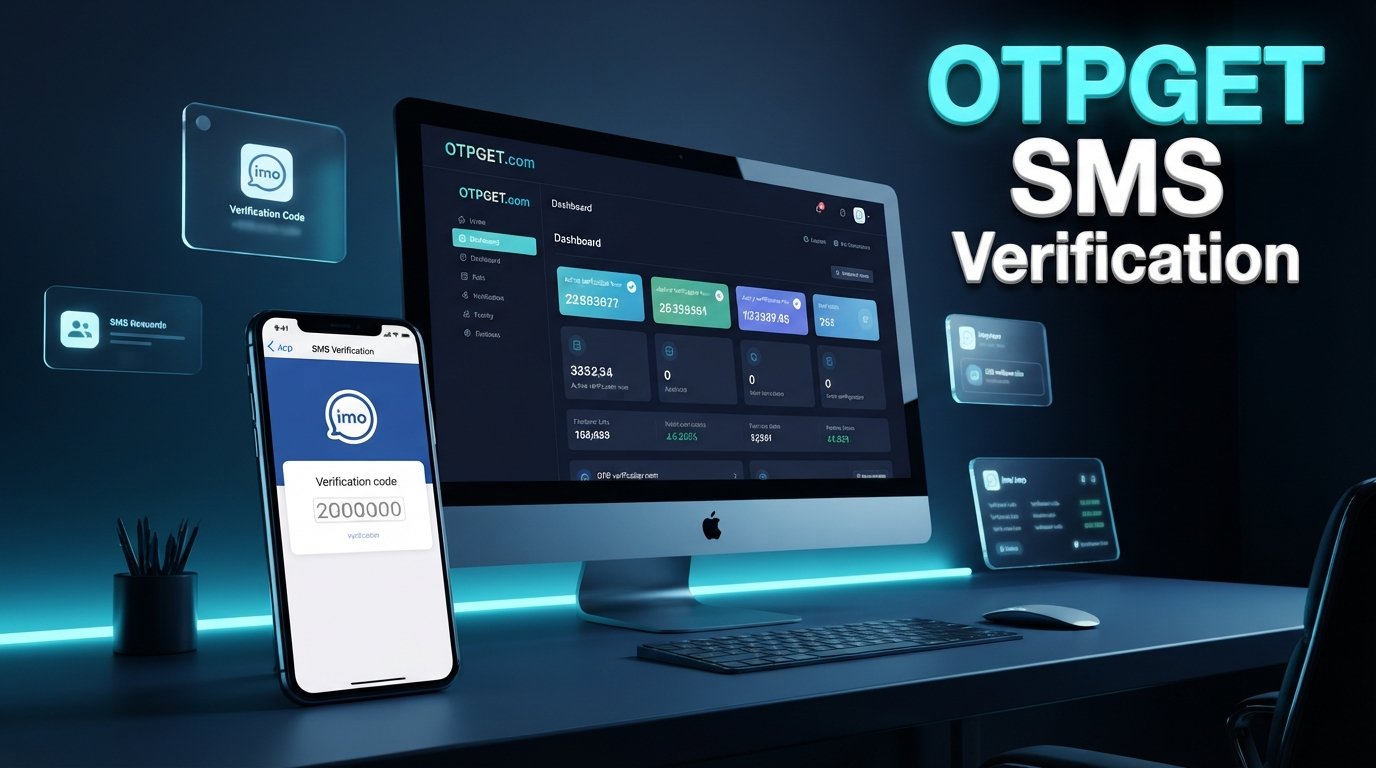
Imo Phone Verification – Receive Your Code with OTPGET
Trying to complete imo phone verification but waiting for the verification code can be frustrating. You enter your number, request an OTP, and then nothing seems to happen. Sometimes the issue is simply a number-format mistake. In other cases, SMS delivery, network conditions, verification limits, or temporary service problems can get in the way.
Understanding how the process works makes troubleshooting much easier.
If you need an alternative phone-number workflow for receiving verification messages, OTPGET can be a practical option to explore, provided the applicable number and service are supported for your intended verification.
What Is IMO Phone Verification?
IMO phone verification is the process of confirming that you have access to a particular phone number.
When registering or signing in under circumstances that require verification, imo can request a phone number and send a verification code to it. You then enter that code into the appropriate verification screen to confirm the number.
An OTP, or one-time password, is a temporary verification code. Its purpose is straightforward: instead of relying only on a password or other account information, the service can ask you to demonstrate access to the phone number associated with the verification request.
For users, this means three things need to work correctly:
- The phone number must be entered correctly.
- The verification message must be delivered.
- The correct code must be entered before it expires or becomes invalid.
A valid phone number is therefore an important part of the IMO account verification process.
How Does an IMO Verification Code Work?
The general process is simple:
- Enter a phone number in the IMO verification or registration screen.
- Request verification after confirming the number and country details.
- IMO sends a verification code through its supported verification method.
- Receive the code on the applicable phone or supported receiving service.
- Enter the latest valid code into the verification screen.
- Complete verification if the code is accepted.
IMO's own support information explains that verification codes are sent to the phone number supplied during the verification process.
OTPGET does not control IMO's verification system. Its role, where applicable, is on the phone-number and OTP-receiving side of the workflow.
Why Might You Not Receive Your IMO OTP?
There are several reasons an imo OTP may not arrive. A missing verification SMS does not necessarily mean something is wrong with your account.
Common possibilities include:
- Incorrect phone number: One wrong digit can prevent the message from reaching you.
- Incorrect country format: Make sure the selected country and number format match the number being used.
- Network or carrier delays: SMS delivery can sometimes be delayed by network conditions.
- Blocked messages: Your device may filter or block messages associated with the verification attempt.
- Too many requests: Repeated verification requests may trigger temporary restrictions or limits.
- Expired code: Verification codes are generally time-sensitive.
- Connectivity problems: A weak or unstable connection can interfere with parts of the verification process.
- Temporary service issues: The verification system or messaging route may experience an interruption.
IMO recommends checking the internet connection and phone number, avoiding excessive verification requests, and checking whether messages have been blocked. Its support guidance also notes that verification limits can affect requests.
Before trying multiple times, carefully review the number and wait long enough for a pending message to arrive.
How OTPGET Can Help With IMO Phone Verification
For people looking for a phone-number and OTP-receiving workflow, OTPGET can be considered as a practical solution.
The basic idea is simple: instead of relying exclusively on your usual phone number, you can explore an applicable verification-number option through OTPGET when the service, number, and IMO's verification requirements allow it.
A conceptual workflow looks like this:
- Visit OTPGET.
- Choose an appropriate phone verification option if one is available for your needs.
- Obtain or use the applicable phone number.
- Enter that number where IMO requests phone verification.
- Wait for the verification message.
- Retrieve the received code through the available OTPGET workflow.
- Enter the valid code into IMO's verification screen.
The important point is that OTPGET and IMO perform different roles. IMO determines whether and how the verification request is accepted, while OTPGET can provide a phone-number/OTP receiving workflow where applicable.
Availability can depend on the particular service, number, carrier, region, and IMO's own verification policies. For that reason, it is best to check the applicable option before relying on it for a specific verification attempt.
Why Choose OTPGET for Verification Needs?
When a user needs a phone number specifically for a verification workflow, convenience matters.
OTPGET can be useful to consider when you want an alternative approach to handling verification messages rather than depending solely on your primary number.
Potentially useful benefits include:
- A practical verification workflow: Keep the process focused on receiving the required verification message.
- Convenience: A dedicated verification-number workflow can be easier to manage for certain legitimate use cases.
- Alternative to a primary number: Where permitted and supported, users may prefer not to use their everyday number for a particular verification need.
- Simplified OTP access: Where supported, the relevant verification message can be accessed through the OTPGET workflow.
- Useful for different verification needs: The same general approach can be relevant when dealing with services that require SMS-based verification.
However, responsible use matters. OTPGET should be viewed as a tool for legitimate verification needs—not as a way to bypass security controls or access accounts without authorization.
Step-by-Step: Receiving an IMO Verification Code With OTPGET
If you're new to online phone verification, keep the process simple.
1. Start with OTPGET
Visit OTPGET and review the available phone verification options relevant to your intended use.
2. Select an applicable number or option
Choose an available verification option that is appropriate for the service you are trying to verify, if supported.
3. Enter the number in IMO
When IMO asks for a phone number, enter the applicable number carefully. Pay close attention to the country selection and number format.
4. Request the verification code
Submit the verification request through IMO and allow reasonable time for the message to arrive.
5. Retrieve the message
If the selected OTPGET workflow supports the verification message, check the applicable interface for the received code.
6. Enter the latest valid code
Copy the correct verification code into IMO. Avoid accidentally using an older code if you have requested more than one.
7. Complete the process
If IMO accepts the code, continue with the account or login process.
If the message does not arrive, do not immediately repeat the entire process several times. First check the number, format, connectivity, and any applicable service limitations.
IMO OTP Not Received? Try These Fixes
If your IMO verification code is missing, work through this checklist before trying a completely different approach.
Check the number format.
Confirm that the correct country is selected and that the phone number has been entered correctly.
Check your connection.
A stable internet connection can help the IMO app communicate correctly with its services. IMO specifically recommends checking connectivity when a verification code is not received.
Check blocked messages.
Look at your phone's blocked or filtered SMS settings if applicable.
Wait before requesting another code.
Repeated requests can make troubleshooting harder and may contribute to temporary limits.
Use the newest code.
If multiple messages arrive, use the most recent valid verification code rather than an older one.
Confirm the number is supported.
If you're using a temporary or virtual phone number, make sure the relevant service and verification workflow support it.
Try again later if appropriate.
A temporary SMS or service issue may resolve without further changes.
If you have checked these points and still cannot receive an OTP, consulting IMO's official support guidance may be the next step.
This is also where OTPGET may be worth considering if you need an alternative phone-number and OTP-receiving workflow and the applicable option is supported.
OTPGET vs. Traditional Phone Verification
OTPGET should not be viewed as a universal replacement for a normal mobile number. The right option depends on your circumstances and what the service being verified permits.
| Consideration | Traditional Phone Verification | OTPGET Workflow |
|---|---|---|
| Phone number access | Uses your regular mobile number | May provide an applicable verification-number workflow |
| OTP delivery | Delivered through your carrier/device | Received through the applicable OTPGET process |
| Convenience | Familiar and straightforward | Can be useful when an alternative number is preferred |
| Verification workflow | Directly tied to your own number | Depends on the selected number and supported service |
| Best suited for | Everyday personal verification | Legitimate verification use cases where an alternative is appropriate |
The key consideration is compatibility. A number that works for one verification service may not necessarily work for another.
Is Using a Verification Number Safe?
Phone verification services should be used responsibly.
A verification code is sensitive information because it can be used to confirm access to a phone-number-based account. Never share an OTP unnecessarily, and never enter a code into an unfamiliar website or form simply because someone asks you to do so.
Keep these principles in mind:
- Use verification services only for legitimate purposes.
- Never use another person's private phone number without permission.
- Do not use OTP services to gain unauthorized access to an account.
- Follow IMO's applicable terms and policies.
- Follow relevant laws and regulations.
- Treat verification codes as confidential.
- Do not forward OTP messages to people you do not trust.
A temporary phone number or online verification number can be useful in the right context, but it should never be treated as a method for bypassing security.
Common Questions About IMO Phone Verification
What is IMO phone verification?
IMO phone verification is the process of confirming access to a phone number by receiving and entering a verification code. The code is used to complete the applicable verification step.
How do I receive an IMO verification code?
Enter the required phone number in IMO, request verification, and wait for the verification message through the method supported by IMO. Then enter the valid code in the verification screen.
Why is my IMO OTP not arriving?
Possible causes include an incorrect number, connectivity problems, blocked messages, SMS delays, verification limits, or temporary service issues. Check the number and connection first, then avoid making repeated requests.
Can OTPGET help me receive an IMO verification code?
OTPGET can be considered when you need a phone-number and OTP-receiving workflow for verification. Whether a particular number can be used successfully depends on the available service, number, carrier, and IMO's verification policies.
What should I do if my verification code expires?
Request a new code when appropriate and enter the latest valid code. Avoid repeatedly requesting codes in quick succession.
Can I use a temporary phone number for IMO verification?
A temporary or virtual phone number may be suitable for some verification workflows, but compatibility is not universal. Confirm that the applicable number and service support your intended IMO verification process.
How long should I wait before requesting another OTP?
Give the first request reasonable time to arrive before requesting another. Repeated requests can create additional verification issues or limits.
What should I check if SMS verification fails?
Check the phone number, country format, network connection, blocked-message settings, and whether the number is supported. If the problem continues, consult IMO's support resources.
Final Thoughts
Successful imo phone verification ultimately depends on receiving a valid verification code and entering it correctly. When an OTP does not arrive, checking the number, connectivity, message settings, and verification limits can often identify the problem.
For users who need an alternative phone-number workflow, OTPGET is worth exploring as a practical option for receiving verification messages where the applicable service and number support the intended use.
If you are ready to explore an OTP receiving solution, visit OTPGET, review the available verification options, and choose the approach that fits your legitimate verification needs.
8. Suggested Internal-Link Anchor Texts
- IMO phone verification
- receive OTP online
- phone verification service
- OTP receiving service
- temporary phone number
- SMS verification
- OTPGET verification