LinkedIn Second Account: Beginner Setup Guide for Verification
LinkedIn Second Account: A Beginner Setup Guide
Creating another professional account can sound straightforward—until you reach the verification step.
Many people searching for a LinkedIn Second Account are actually trying to understand whether they can maintain another professional presence, recover a duplicate account, separate online activities, or simply complete account registration without immediately exposing their primary phone number.
There is an important distinction to make before you start: LinkedIn's User Agreement says members should have only one LinkedIn account and use their real name. LinkedIn also provides guidance for finding, merging, or closing duplicate accounts.
That means this guide is not about bypassing LinkedIn's rules. Instead, it explains the account setup and verification process, the challenges that can arise, and where an online SMS verification service such as OTPGET may be useful when a platform permits that type of verification.
What Is a LinkedIn Second Account?
“LinkedIn Second Account” is a search term people commonly use when they want to create another LinkedIn profile or discover that they already have more than one account.
The reasons can vary. Someone may have accidentally registered with another email address, forgotten about an older account, or want to understand how LinkedIn handles duplicate profiles. Others may be thinking about maintaining separate professional identities.
The last situation needs particular care.
LinkedIn states that members agree to have one account and that the account should use the member's real name. Its Help Center also explicitly says that creating multiple profiles is not allowed and provides a process for merging duplicate accounts.
So if you already have two accounts, the safer approach is generally to identify the duplicate and follow LinkedIn's account recovery or merge process rather than continually creating additional profiles.
If your goal is to represent a business or organization, a LinkedIn Page may be the more appropriate solution. LinkedIn distinguishes Pages from personal profiles and says a profile must represent a real person.
Can You Create a Second LinkedIn Account?
For a typical individual user, you should not assume that creating a second personal LinkedIn profile is permitted.
LinkedIn's current User Agreement states that members agree to have only one LinkedIn account and to provide accurate contact and identity information. LinkedIn also reserves the ability to restrict or suspend accounts when its terms or policies are violated.
That makes the answer more nuanced than a simple “yes” or “no.”
If you accidentally have duplicate accounts, you can work through LinkedIn's duplicate-account process. If you need an organizational presence, consider a LinkedIn Page. If you're simply trying to keep different professional activities separate, review the platform's available profile, Page, and privacy features before opening another personal account.
In other words, LinkedIn account setup should begin with understanding the account type you actually need, not with finding a way around platform restrictions.
What You Need for LinkedIn Account Setup
A normal LinkedIn sign-up process may involve several pieces of information and security checks. The exact flow can vary depending on what LinkedIn requests during registration.
Typically, you should be prepared with:
-
A working email address
-
Your real name and basic profile information
-
A phone number if LinkedIn requests phone verification
-
Access to SMS messages when phone verification is required
-
A strong, private password
-
Recovery access to your email and other account security information
Phone verification is usually based on an OTP, or one-time password. If LinkedIn sends an SMS, the verification code needs to be entered during the applicable part of the signup or security process.
This is where privacy becomes a practical consideration. Some users prefer not to give their primary personal phone number to every website that requests SMS verification. Others need a separate number for legitimate online registration workflows.
However, the important rule is simple: a verification method should not be used to misrepresent your identity or circumvent a platform's account limits.
Why Phone Verification Can Be a Challenge
Phone verification looks simple when everything works. Enter the number, receive the SMS, enter the code, and continue.
In practice, several things can go wrong.
You might not receive the verification SMS immediately. Your carrier may delay the message, the number may not be accepted, or the verification code may expire before you enter it.
Privacy is another consideration. Using your primary number for numerous online registrations can make it harder to keep personal and online activities separate.
That's why people sometimes search for terms such as temporary phone number for verification, online phone number for verification, receive SMS online, or receive OTP online.
An online SMS service can provide access to a virtual number for supported verification workflows. But acceptance is controlled by the individual platform. A virtual number is not automatically accepted everywhere, and it should never be treated as a method for bypassing account restrictions.
How OTPGET Can Help With OTP Verification
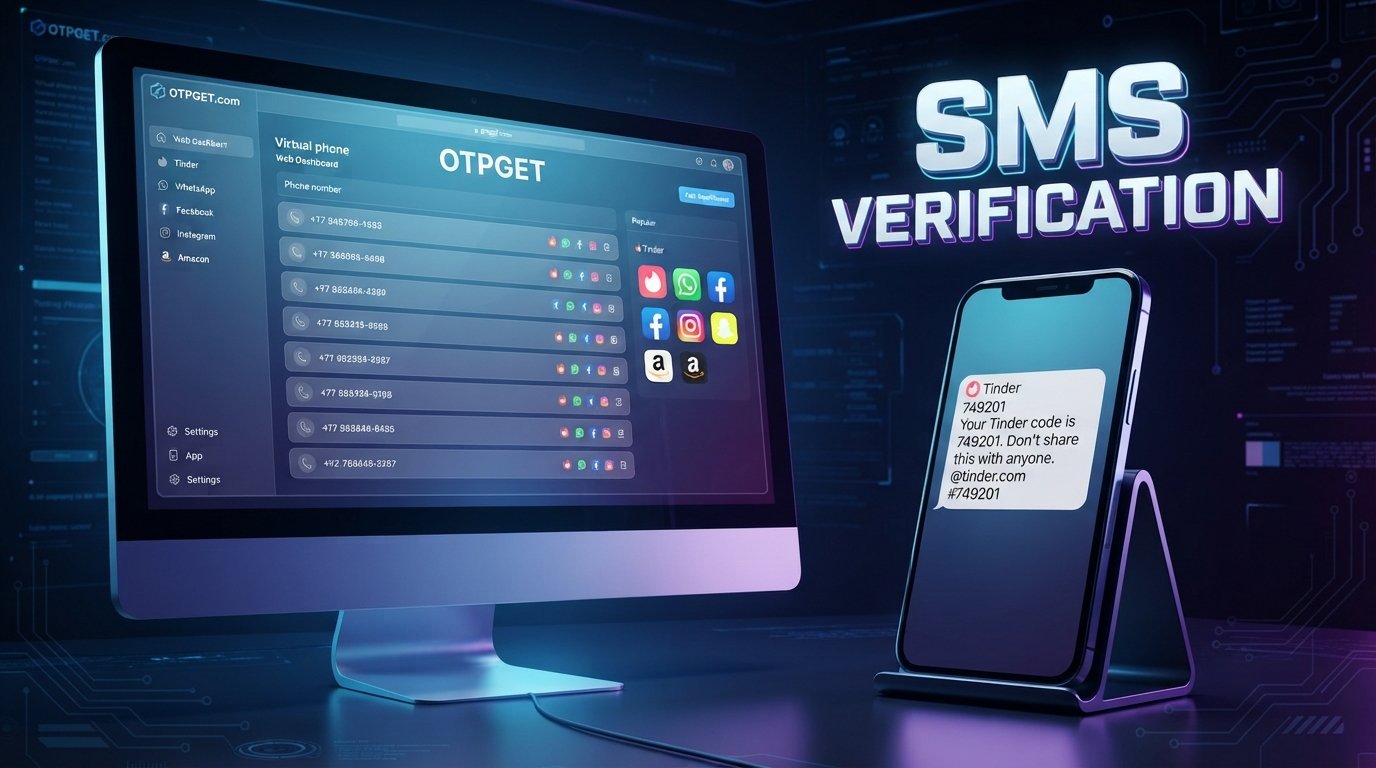
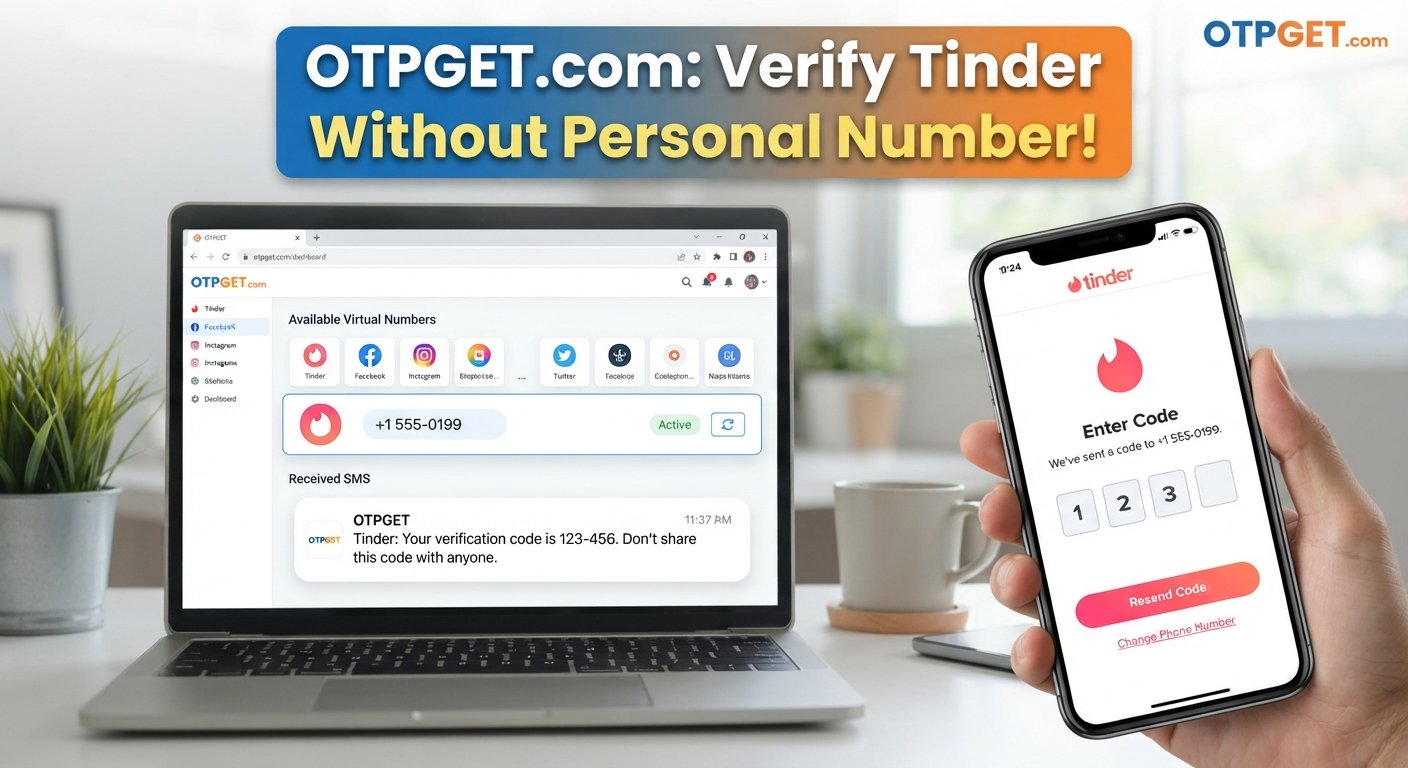
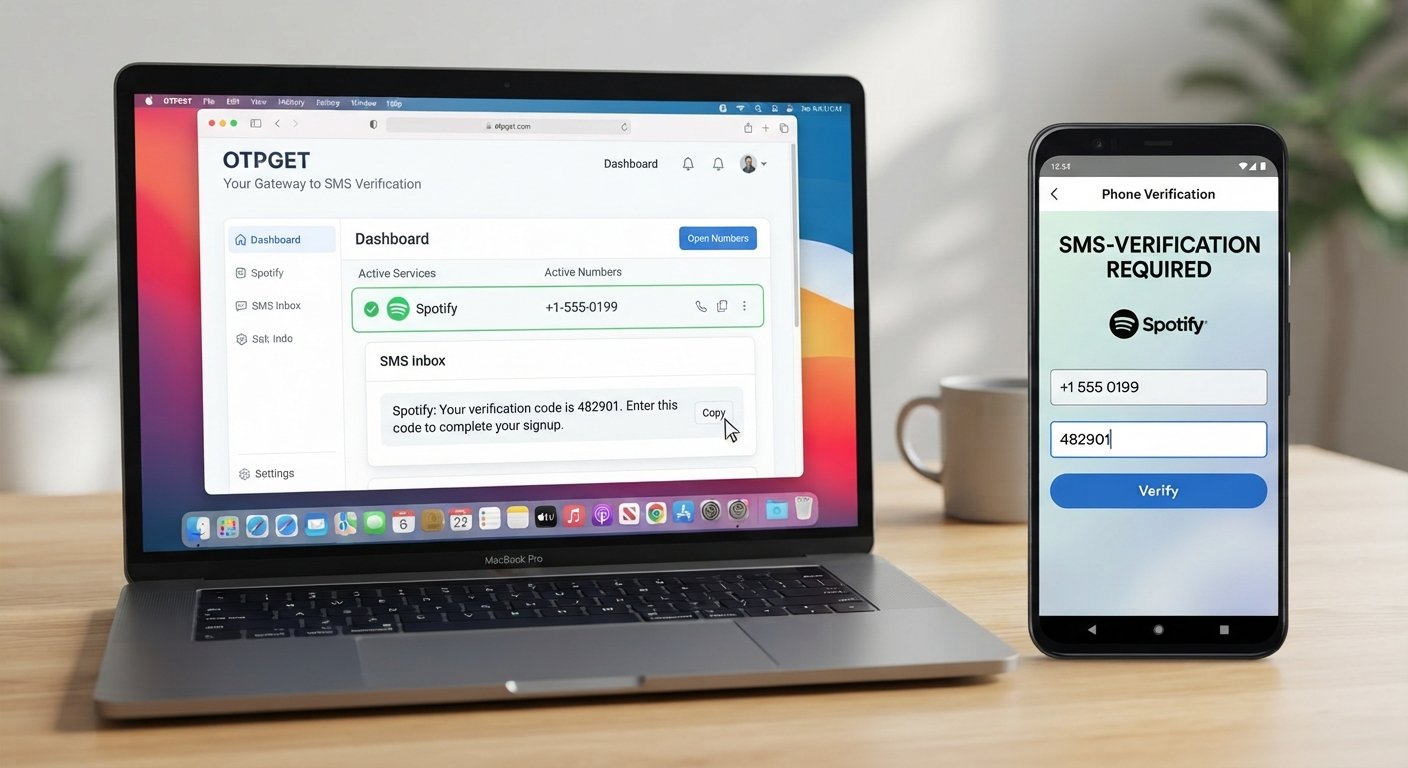
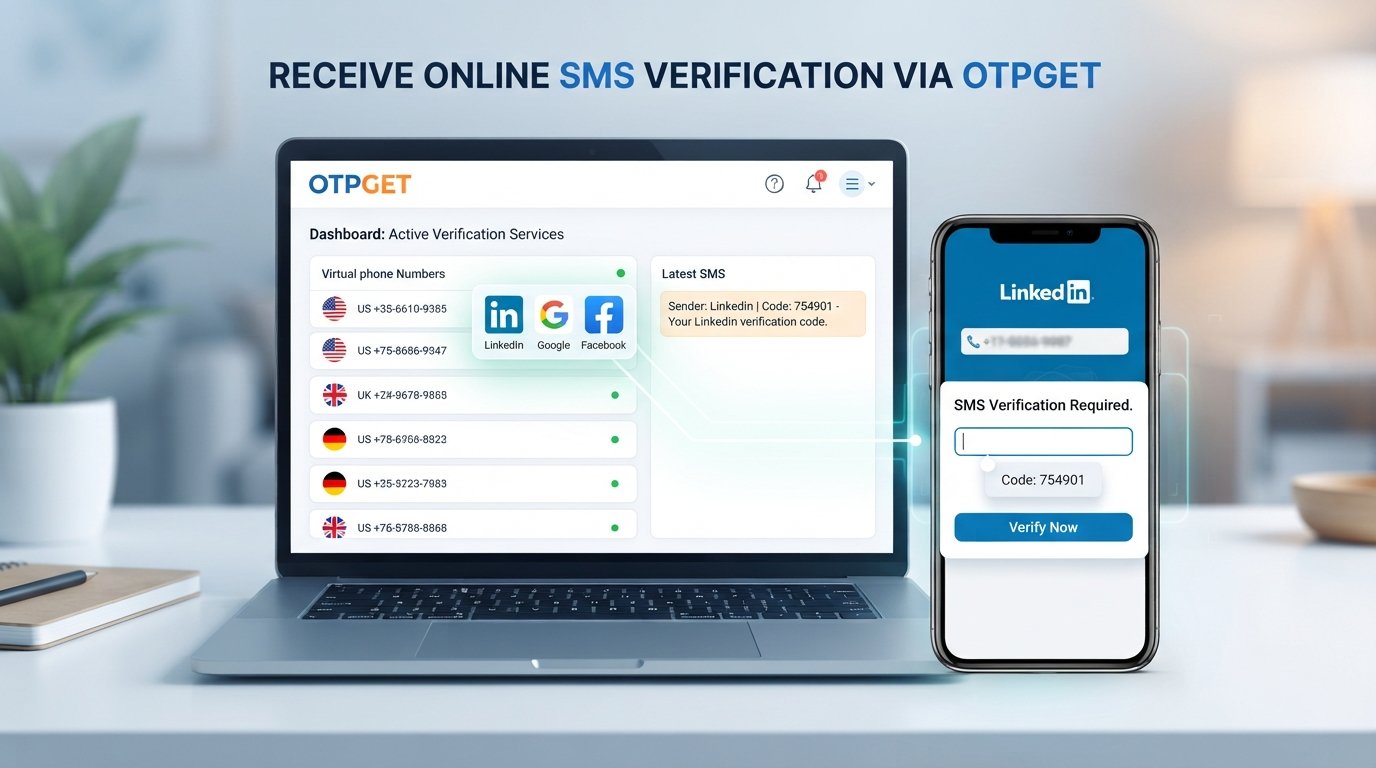
OTPGET is an online phone verification service offering virtual numbers for receiving SMS OTP messages. Its published documentation describes temporary SMS OTP numbers, longer-term rental numbers, and tools for retrieving received verification messages.
That makes OTPGET relevant when the problem is specifically receiving an SMS verification code without relying on your primary phone number, provided the service is available for the particular verification workflow and the platform permits that number type.
The general process is straightforward:
-
Visit OTPGET and review the available verification options.
-
Choose a number and service that is available for your legitimate verification requirement.
-
Use the provided number only where the applicable platform permits it.
-
Wait for the verification SMS.
-
Retrieve the received OTP through the available OTPGET interface.
-
Enter the verification code on the service requesting it.
-
Continue the account setup if the platform accepts the verification.
OTPGET's published documentation also describes both one-time SMS verification numbers and rental numbers, so users should choose the option based on how long they genuinely need access to the number.
There is an important limitation: OTPGET cannot guarantee that LinkedIn—or any particular platform—will accept a virtual number or complete an account verification. Platform rules, number types, availability, and security checks can affect the outcome.
For LinkedIn specifically, don't use an online number as a workaround for its one-account requirement. The value of OTPGET is in providing an online SMS verification option where such use is allowed—not in bypassing platform policies.
Step-by-Step LinkedIn Second Account Setup Guide
Before starting, decide whether you genuinely need a new personal account. If you already have a LinkedIn profile, check whether you're dealing with an old or duplicate account instead.
LinkedIn recommends identifying duplicate accounts and provides a process for merging or closing them.
Step 1: Check Your Existing Account
Search LinkedIn for your name and check whether another profile containing your information already exists.
If you discover a duplicate, consider recovering or merging the accounts instead of registering another personal profile.
Step 2: Confirm the Correct Account Type
If your objective is to represent a company, organization, or brand, investigate whether a LinkedIn Page is the appropriate option.
Personal profiles are intended for real people, while Pages are designed for organizations.
Step 3: Prepare Your Registration Details
Have your email address, profile information, password, and any requested phone-verification details ready.
Use accurate information and keep your login credentials private.
Step 4: Complete LinkedIn Sign Up
Follow LinkedIn's own registration flow and provide the information requested on screen.
If the platform asks for a phone number, pay attention to its requirements before choosing which number to use.
Step 5: Complete Phone Verification
If LinkedIn requests an SMS code, enter the verification information exactly as instructed.
If you are considering an online number, only use one if LinkedIn's applicable requirements permit it. Where supported, OTPGET can be used to receive SMS verification messages through an online number.
Step 6: Finish Your Profile Securely
After registration, complete your professional information accurately. Add relevant experience, education, skills, and profile details rather than creating a misleading identity.
Finally, protect the account with a strong password and secure access to the associated email.
Common Problems During LinkedIn Verification
OTP Not Arriving
Wait briefly and check that the number was entered correctly. Avoid repeatedly requesting codes because frequent attempts can trigger additional security checks.
Verification Code Expired
Request a new code and use the newest message rather than an older OTP.
Incorrect Phone Number
Double-check the country code and number before requesting another verification message.
Number Already Associated With an Account
This can indicate that the number is already connected to another account or that the platform does not permit the intended registration. Don't use repeated registrations to work around the restriction.
Unsupported Number Type
Some platforms distinguish between mobile, landline, VoIP, virtual, and temporary numbers. If a number is rejected, use a verification method that the platform explicitly accepts.
Verification Attempts Are Limited
Stop repeated attempts and follow the platform's recovery or verification instructions. Continuing to retry can make troubleshooting more difficult.
Tips for a Safer and More Private Account Setup
Good verification practices are about more than getting a code.
-
Use a strong password that you don't reuse elsewhere.
-
Secure your email account, since email access may be important for account recovery.
-
Never share an OTP with another person.
-
Keep recovery information safe and accessible to you.
-
Use accurate identity information on professional profiles.
-
Be cautious with temporary numbers if you may need the same number for future recovery.
-
Follow LinkedIn's rules rather than attempting to bypass restrictions.
-
Avoid spam, automation, impersonation, and suspicious activity.
-
Review privacy settings after completing account registration.
A little preparation can prevent a verification problem from becoming an account-security problem.
Is Using an Online Number for OTP Verification Safe?
An online or temporary number can be useful for certain legitimate verification workflows, particularly when privacy and separation from a primary phone number are important.
But there are trade-offs.
A temporary number may not be suitable for an account that requires ongoing phone-based recovery. Availability can also vary, and not every service accepts virtual numbers.
For that reason, think about long-term account access, not just the initial OTP.
OTPGET offers both temporary verification numbers and rental-number options, according to its published service documentation. Its terms also explain that temporary-number transactions have specific cancellation and refund conditions, so users should review those conditions before purchasing.
Most importantly, never share an OTP with someone else. A verification code is a security credential, not ordinary information.
Frequently Asked Questions
Can I create a LinkedIn second account?
LinkedIn's User Agreement says members should have only one account and use their real name. If you discover that you already have duplicate accounts, LinkedIn provides guidance for merging or closing them.
How do I verify a LinkedIn account with an SMS code?
If LinkedIn requests phone verification, enter an eligible phone number and follow the verification instructions shown during the signup or security process. Enter the latest OTP exactly as received.
What is a LinkedIn OTP?
A LinkedIn OTP is a one-time verification code used during an applicable security or verification process. It is generally delivered through the verification method presented by LinkedIn.
Why am I not receiving my LinkedIn verification code?
Check the phone number and country code, wait for possible SMS delays, and avoid repeatedly requesting codes. If the issue continues, follow LinkedIn's on-screen verification or account-recovery instructions.
Can I use an online phone number for verification?
Some websites accept virtual or temporary numbers, while others reject them. You should only use an online number where the platform permits that type of number and where doing so complies with its rules.
What is OTPGET?
OTPGET is an online service offering virtual phone numbers for SMS OTP verification, along with rental-number and developer API options. Its availability and features can vary by service and number type.
Is OTPGET useful for receiving verification SMS?
It can be useful for supported online verification workflows where receiving an SMS through a virtual number is permitted. It should not be treated as a way to bypass LinkedIn's one-account policy or other platform restrictions.
Conclusion
Searching for a LinkedIn Second Account often starts with a simple question about registration but quickly leads to account policies, phone verification, privacy, and security.
The first step is to determine whether you actually need another account. LinkedIn's rules state that members should maintain one account, so existing duplicate accounts should be handled through the platform's available recovery, merge, or closure processes.
When SMS verification is the challenge, an online phone verification service can be useful in situations where the platform supports that approach. OTPGET provides virtual numbers and SMS OTP functionality designed for supported verification workflows.
The key is to use verification tools responsibly: protect your codes, use accurate information, and follow the rules of the platform you're registering with.
If you have a legitimate need for online SMS verification, explore OTPGET to see whether an appropriate verification option is available for your use case.