Microsoft OTP Number – Receive Verification Code Online
Microsoft OTP Number – Receive Verification Code
Waiting for a verification code can be surprisingly frustrating. You enter your phone number, request an SMS, and then… nothing. Or perhaps the code arrives late, the number is unavailable, or the verification method you expected is not offered at all.
A Microsoft OTP is a one-time security code used to help confirm that the person attempting to access or change an account is authorized to do so. Depending on the account and situation, Microsoft may offer SMS, email, an authenticator app, a passkey, or another verification method.
If SMS verification is available to you, the right phone number needs to be capable of receiving the message. This guide explains what a Microsoft OTP number is, how verification works, what to do when a Microsoft verification code does not arrive, and how a service such as OTPGET can provide an alternative number for supported SMS verification workflows.
What Is a Microsoft OTP Number?
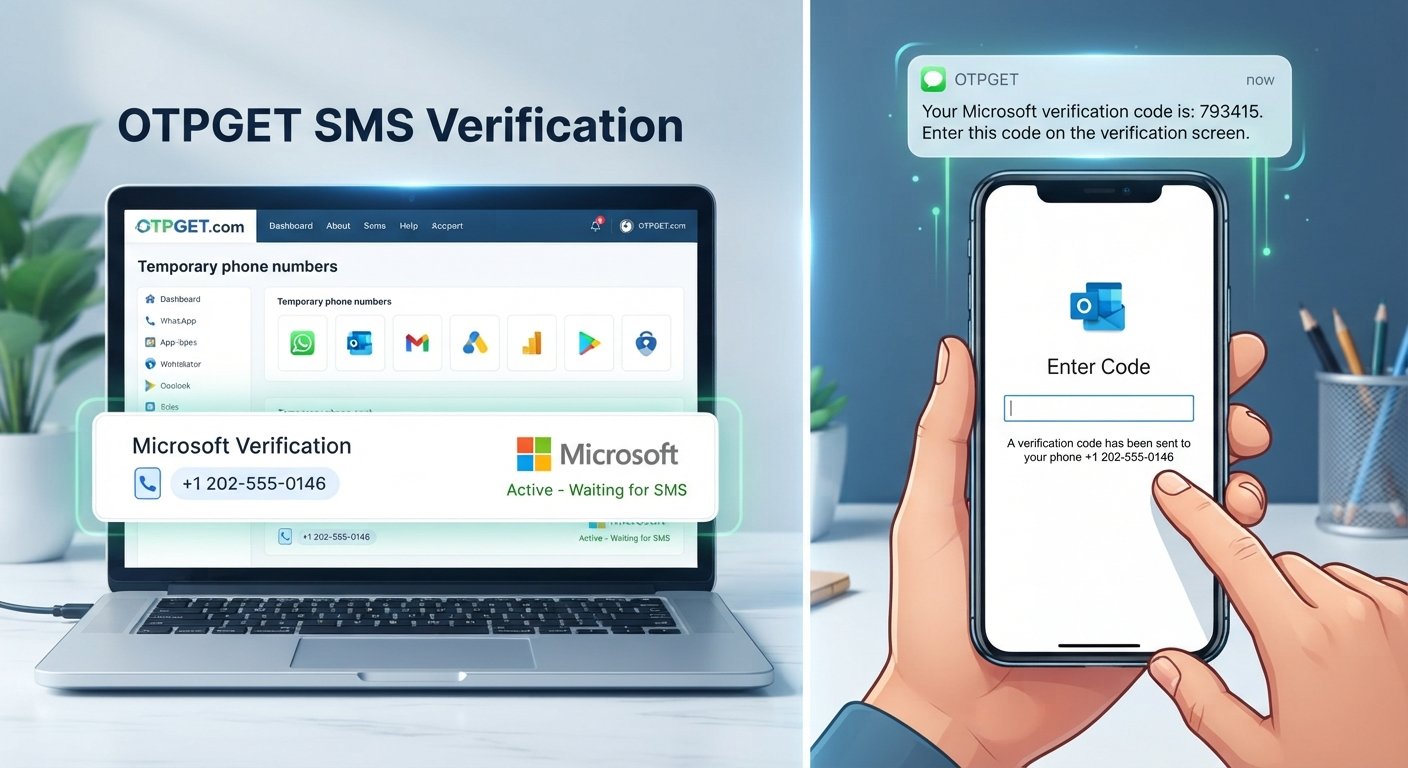
A Microsoft OTP number is essentially a phone number that can receive an SMS containing a one-time password or verification code during a Microsoft account verification process.
The terminology can be confusing because the phone number and OTP are two different things.
-
Phone number: The destination where an SMS may be sent.
-
OTP: The temporary code contained in that SMS.
-
Verification: The process of entering that code to confirm your identity or complete an account action.
For example, Microsoft may ask you to choose a phone number as a verification method and then send a security code to that number. You enter the code on the verification screen rather than entering the phone number again. Microsoft explains that verification codes can be sent to contact methods associated with an account when identity confirmation is required.
The important point is that you need access to the selected verification method. If SMS is offered, that means having access to an SMS-capable number that Microsoft accepts for the particular verification process.
Why Does Microsoft Send a Verification Code?
A Microsoft verification code is designed to add another layer of identity confirmation. It can appear during several legitimate account activities.
Common situations include:
Account sign-in verification
Microsoft may ask for additional verification when you sign in, particularly when extra identity confirmation is needed.
Security checks
A security code can help confirm that the person attempting an action has access to a trusted verification method.
Account recovery
During certain recovery processes, Microsoft may send a code to an available phone number or email address so you can confirm your identity before continuing.
Unusual sign-in activity
A new device, location, or other unusual activity can trigger additional security checks. Microsoft says it may send an email or SMS alert and request a security code in these circumstances.
Adding security information
When adding a new verification method, Microsoft may send a confirmation code to the newly added contact method.
Not every Microsoft account uses SMS. Available verification methods can vary, and Microsoft is moving personal accounts toward methods such as passkeys, authenticator apps, and verified email in some scenarios.
How to Receive a Microsoft Verification Code
If Microsoft offers SMS as an available verification method, the general process is straightforward.
-
Start the Microsoft sign-in or verification process.
Enter your account details and continue until Microsoft asks you to verify your identity. -
Choose an available verification method.
Depending on your account, you may see options such as SMS, email, an authenticator app, or a passkey. -
Enter the appropriate phone number if SMS is available.
Make sure the number is entered correctly and can receive SMS messages. -
Request the verification code.
Select the option to send the code and wait for the message. -
Check the incoming SMS.
Look for the Microsoft security message on the device or service receiving the SMS. -
Enter the newest code.
Type the one-time code into the Microsoft verification screen. -
Complete the verification process.
Once the code is accepted, continue with the sign-in, recovery, or other account action.
Microsoft notes that the available verification options and prompts depend on the account and circumstances.
What If the Microsoft OTP Is Not Received?
A Microsoft OTP not received situation does not necessarily mean something is wrong with your account. SMS delivery can be affected by several factors.
Try these steps before repeatedly requesting another code:
Check the phone number
A simple typo can prevent the message from reaching the intended destination. Recheck the number and country information shown on the verification screen.
Check mobile connectivity
If you're using a physical mobile number, make sure the device has adequate network service and can receive ordinary SMS messages.
Wait briefly for delayed delivery
Verification messages can occasionally take time to arrive. Requesting several codes in rapid succession can make it harder to determine which code is the newest.
Use the newest code
If multiple messages arrive, use the most recent verification code. An older code may no longer be valid.
Check whether the number type is supported
Some verification systems distinguish between different types of phone numbers. A virtual or temporary number may not be accepted for every verification flow.
Try another available method
If Microsoft provides email, Microsoft Authenticator, a passkey, or another option, using an alternative can be more practical than repeatedly waiting for an SMS. Microsoft specifically recommends other verification methods in scenarios where SMS is unavailable.
Avoid excessive requests
Repeatedly requesting codes in a short period can complicate the process. Follow the instructions displayed by Microsoft and allow time for delivery.
Microsoft's own troubleshooting guidance specifically addresses situations where verification codes do not arrive and where text messages cannot be sent to a number.
Can You Use a Temporary Number for Microsoft Verification?
A temporary or virtual number is a phone number provided through an online service rather than necessarily being tied to your primary physical SIM.
People may use these numbers when they need an alternative SMS receiving option for legitimate online verification tasks. The general process is simple: obtain a suitable number, enter it into a service that supports that number type, and monitor the service for an incoming SMS.
However, there is an important limitation: not every website accepts every temporary or virtual number.
A verification platform may reject a number because of its type, provider, history, geographic availability, or the site's own verification rules. Microsoft also controls which verification methods and number types are available in a particular account flow.
That means a temporary number should be viewed as an option, not a guarantee.
For sensitive accounts, users should also consider whether they need long-term access to the number. A temporary number may be unsuitable if the number could later be required for account recovery.
OTPGET – A Convenient Way to Receive Verification SMS
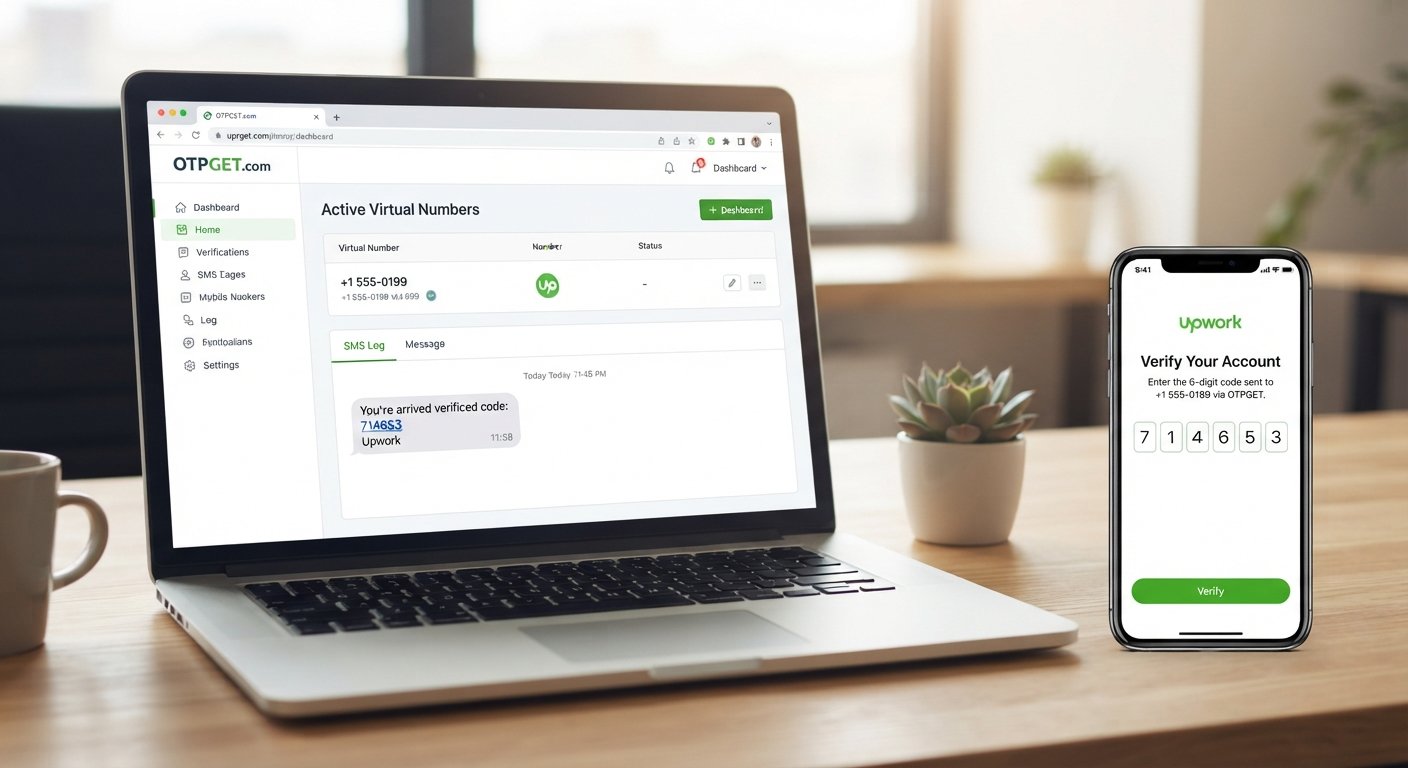
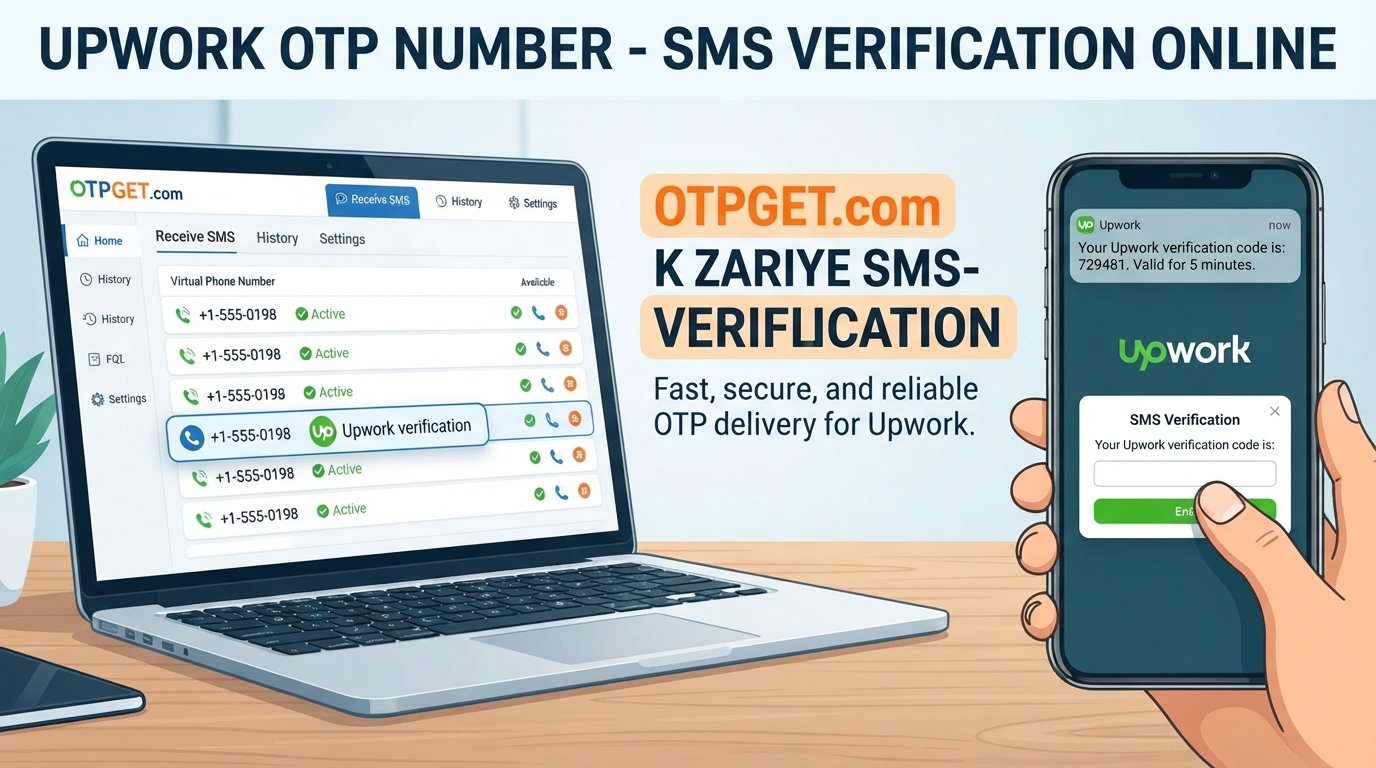
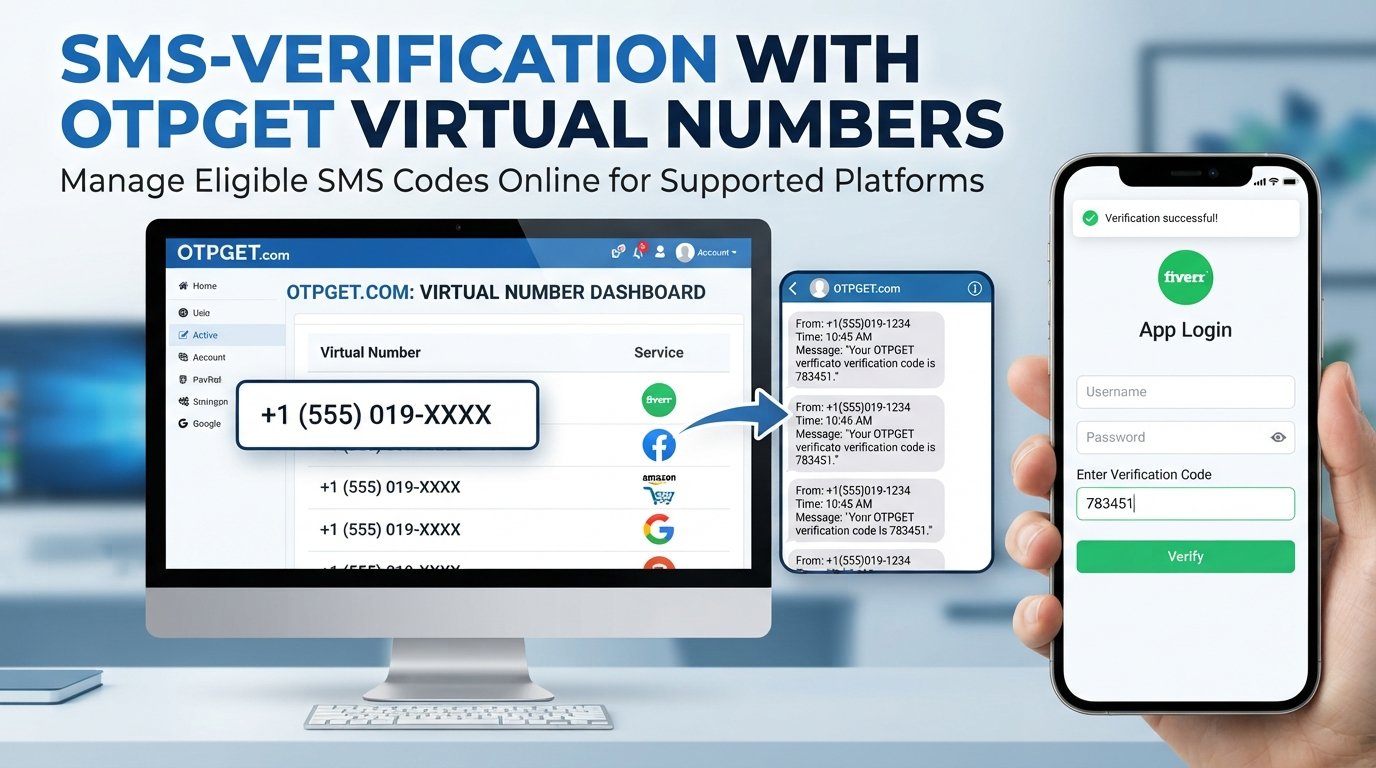
If you need an alternative number for a supported SMS verification workflow, OTPGET provides virtual numbers intended for receiving verification messages. Its documentation describes an SMS OTP API for obtaining numbers and checking whether an SMS code has been received.
The basic workflow is designed around receiving an SMS rather than using your primary phone number for every online verification task.
A typical process can look like this:
-
Visit OTPGET and review the available number and service options.
-
Choose an appropriate available number where the required service is supported.
-
Use that number during the relevant verification process.
-
Wait for the verification SMS.
-
Check OTPGET for the incoming message or code when available.
-
Enter the received code into the applicable verification screen.
OTPGET's published documentation shows that its service can provide virtual numbers for SMS OTP workflows and allows users or applications to check the status of an activation for a received SMS.
The key qualification is compatibility. A number being available through OTPGET does not mean it will necessarily be accepted by Microsoft for every verification scenario. Microsoft's own account settings determine which verification methods are offered, and those options can change depending on the account and security requirements.
Why Users Choose OTPGET for Verification Codes
The appeal of an OTP receiving service is mainly convenience.
For users who need a suitable number for a supported verification workflow, an online verification number can provide an alternative to repeatedly using a personal phone number.
Potential practical advantages include:
-
Convenience: Receive supported SMS verification messages through an online service.
-
Alternative number access: Use a number other than your primary mobile number where appropriate.
-
Simple workflow: Obtain a number, use it for the applicable verification process, and check for the incoming SMS.
-
Flexible use cases: OTPGET provides virtual numbers and related SMS verification functionality for supported services.
The right choice depends on the verification service, number availability, and the requirements shown during the verification process.
Microsoft OTP Verification Tips
A few simple habits can make verification much easier:
-
Double-check the phone number before requesting an SMS.
-
Use the newest verification code you receive.
-
Avoid repeatedly requesting codes within a short period.
-
Check your mobile connection and SMS delivery.
-
Follow the exact instructions shown on Microsoft's verification screen.
-
Use another available verification method when SMS is not offered.
-
Keep important account recovery methods accessible.
-
Never give a verification code to another person.
If you receive a Microsoft verification code that you did not request, do not automatically assume it is harmless. Microsoft notes that an unsolicited code can indicate that someone is attempting to access the account or that another person entered the wrong contact information.
10. FAQs
What is a Microsoft OTP number?
A Microsoft OTP number is a phone number that can receive an SMS containing a one-time verification code when Microsoft offers SMS as a verification method. The phone number is the destination; the OTP is the temporary code delivered to it.
How can I receive a Microsoft verification code?
Start the relevant Microsoft sign-in or verification process and select an available verification method. If SMS is offered, provide an appropriate phone number and request the code. Microsoft may instead offer email, an authenticator app, a passkey, or another method depending on the account.
Why am I not receiving my Microsoft OTP?
Possible causes include an incorrect number, delayed SMS delivery, carrier filtering, too many recent requests, unsupported number types, or temporary service issues. Check the number, wait for delivery, use the newest code, and try another available verification method if offered.
Can I use a temporary number for Microsoft verification?
A temporary or virtual number may be an option when Microsoft accepts that number type and SMS verification is available. However, compatibility is not guaranteed. Some verification systems may reject temporary or virtual numbers.
Can OTPGET receive Microsoft verification SMS?
OTPGET provides virtual numbers and SMS OTP functionality for supported services. Its documentation describes obtaining numbers and checking for received SMS codes. Whether a particular number can receive a Microsoft verification SMS depends on availability, Microsoft's verification requirements, and compatibility with the selected number.
How long is a Microsoft verification code valid?
Verification codes are intended for the verification attempt for which they were issued and may expire or become invalid. If a code is rejected or has expired, request a new code through the verification screen rather than relying on an older message.
What should I do if my verification code expires?
Return to the Microsoft verification screen and request a new code if the option is available. Use the newest code you receive and avoid submitting an older message. If SMS continues to fail, check whether Microsoft offers another verification method for your account.
Conclusion
A Microsoft OTP can be a small but important part of signing in, recovering an account, or confirming an account-related action. When SMS verification is available, having access to a suitable phone number is essential for receiving the verification message.
If your personal number is inconvenient to use for a supported verification workflow, a temporary or virtual number can be worth considering. The important thing is to understand that compatibility varies, and Microsoft may offer alternatives such as email, an authenticator app, or a passkey instead of SMS.
For users specifically looking for an online SMS verification number, OTPGET offers virtual numbers and SMS OTP functionality for supported services. If an appropriate number is available and compatible with the verification process you're completing, OTPGET can be a practical option for receiving verification SMS without relying on your primary number.
Before choosing any verification number, check the requirements shown by Microsoft and make sure you will retain access to any number needed for future account recovery.