Netflix Account Setup: Get Your OTP Fast | OTPGET Help Online
Netflix Account Setup: Get Your OTP Fast
Setting up a Netflix account is usually straightforward, but the verification step can become frustrating when a one-time password (OTP) does not arrive when you expect it. A delayed SMS, an incorrect phone number, or an expired code can turn a simple signup into a series of repeated attempts.
That is where understanding the verification process can make a real difference.
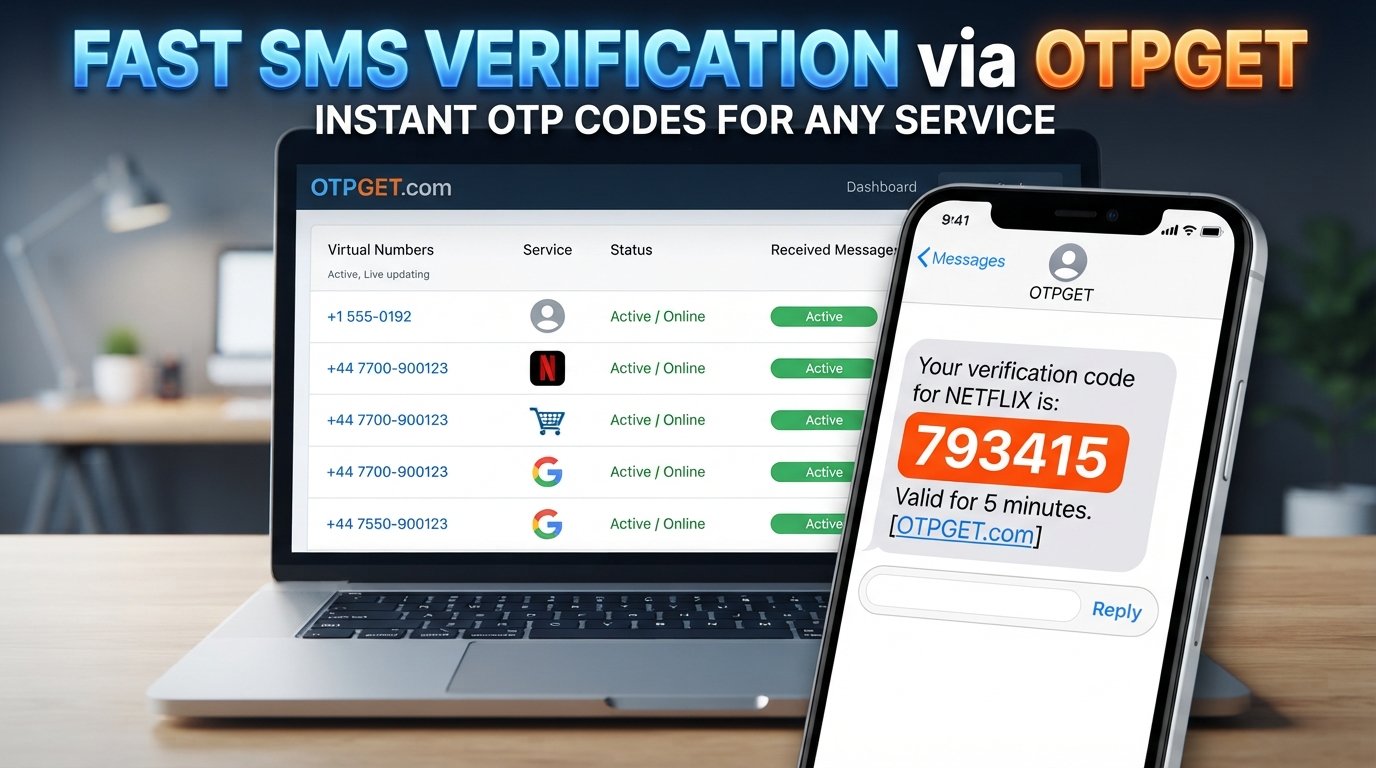
If your Netflix account setup requires phone verification, you need access to a phone number that can legitimately receive the required verification message. For supported verification workflows, OTPGET can provide a convenient option for users who need to receive an OTP without making the process unnecessarily complicated.
This guide explains how Netflix OTP verification works, what can cause delays, how to troubleshoot common problems, and where OTPGET may fit into a legitimate verification workflow.
Why OTP Matters During Netflix Account Setup
An OTP, or one-time password, is a temporary verification code sent to a phone number or another authorized verification channel.
During an account setup process, an OTP can help confirm that the person completing verification has access to the phone number being used. Unlike a permanent password, an OTP is designed for temporary use and normally becomes invalid after a limited period or after successful submission.
For users completing Netflix account verification, receiving the code promptly matters because the setup process cannot always continue until the verification step is completed.
A typical OTP process looks simple:
- Enter an authorized phone number when requested.
- Request a verification code.
- Receive the verification SMS.
- Enter the valid code into the verification screen.
- Continue with the normal account setup process.
The challenge is not usually understanding the process. The frustrating part is waiting for the message or dealing with a code that has already expired.
Common Problems When Waiting for a Netflix OTP
A missing Netflix verification code does not necessarily mean something is wrong with your account. Several ordinary issues can interrupt or delay SMS delivery.
Delayed SMS
Mobile networks and messaging systems can occasionally experience delays. If you have just requested an OTP, give the message some time before requesting another one.
Incorrect Phone Number
A single incorrect digit can send the verification message somewhere else. Carefully review the number before submitting it.
Weak Mobile Reception
Poor reception or temporary network problems can prevent SMS messages from arriving promptly. Check your mobile connection before trying again.
Expired OTP
OTP codes are generally temporary. If you wait too long before entering one, it may no longer work. In that situation, request a new code through the normal verification process.
Too Many Attempts
Repeatedly requesting codes or entering incorrect codes can complicate the verification process. Instead of repeatedly pressing the resend button, pause and make sure your information is correct.
Carrier or Delivery Problems
SMS delivery can sometimes be affected by the mobile carrier, routing, or other technical factors. If ordinary troubleshooting does not help, using the official verification method again later or contacting the relevant support channel may be appropriate.
How to Make Netflix Account Verification Easier
A smooth Netflix signup OTP experience starts with accurate information and a little patience.
Follow these basic steps:
- Enter the correct information.
Check the phone number and other details before submitting them. - Use a number you are authorized to access.
You should only use a phone number that you legitimately control or have permission to use for verification. - Confirm that SMS messages can be received.
Check your mobile connection and make sure there are no obvious restrictions preventing incoming messages. - Request the OTP only when needed.
Avoid repeatedly requesting new codes before giving the previous request enough time to arrive. - Use the latest valid code.
If you have requested multiple codes, an older OTP may no longer be valid. - Enter the code carefully.
A simple typing mistake can cause verification to fail. - Follow the service's normal account rules.
OTP verification is one part of account protection, so it should be completed through an authorized and supported process.
These habits can eliminate many of the small problems that make phone verification feel harder than it needs to be.
Where OTPGET Fits In
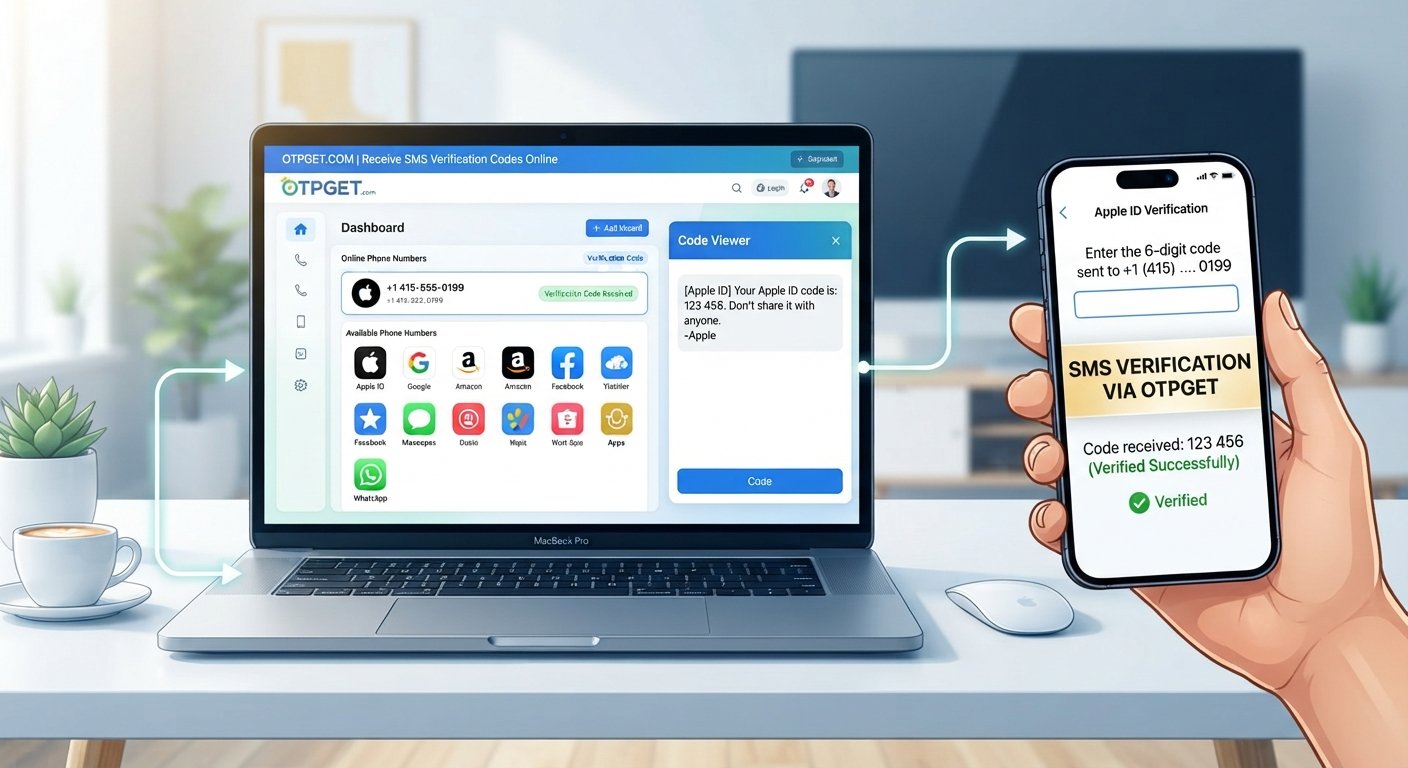
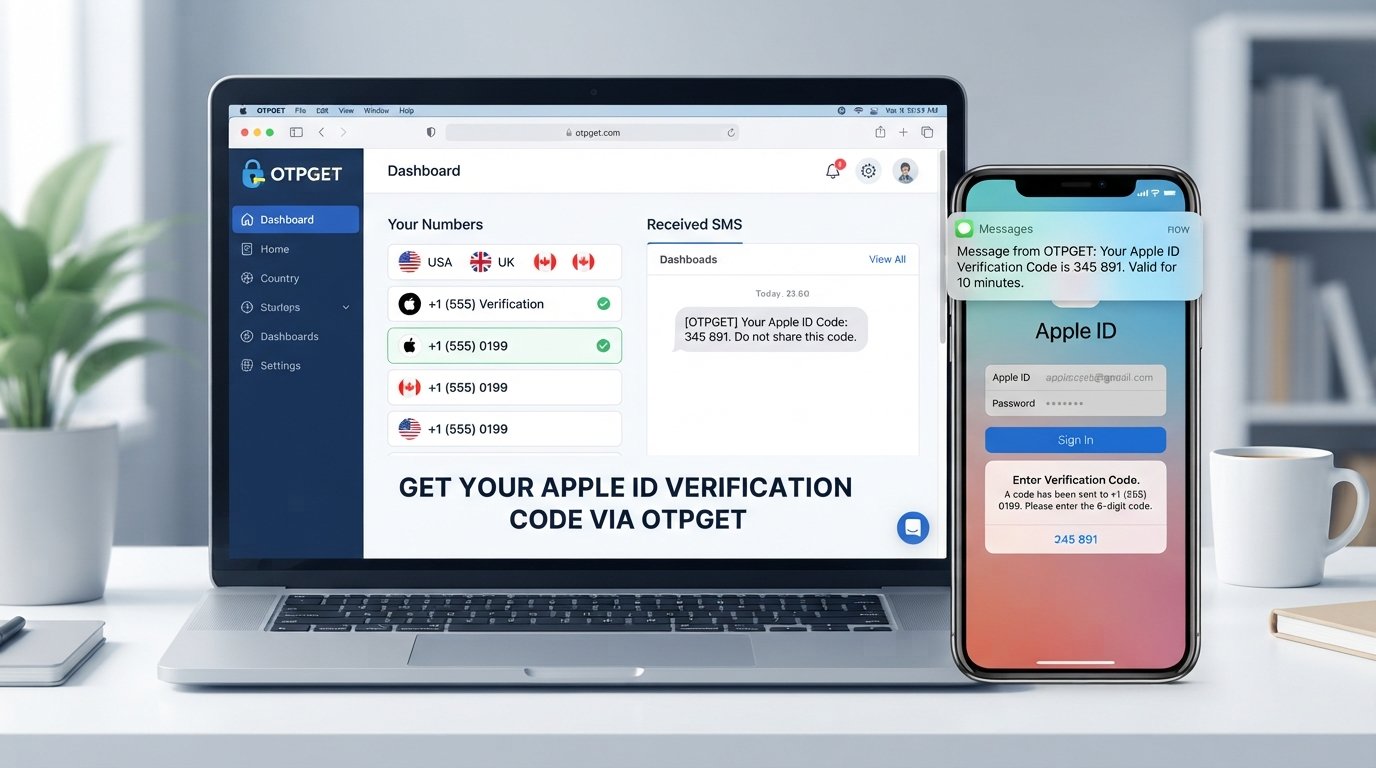
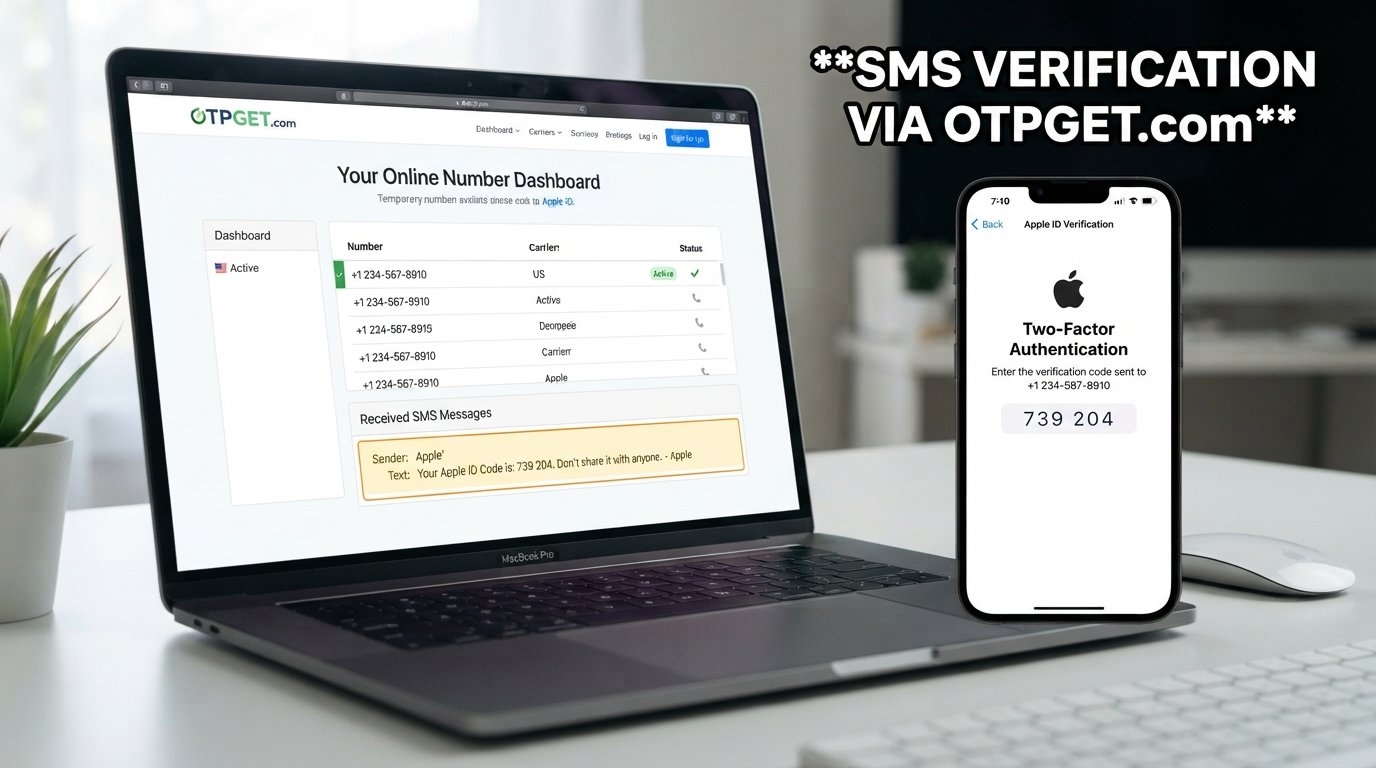
OTPGET is designed to provide a convenient option for users who need to receive OTPs for supported verification workflows.
For someone dealing with a verification step, convenience matters. You do not want to spend unnecessary time refreshing a phone, repeatedly requesting messages, or wondering whether a code will arrive.
Depending on the service and availability, OTPGET can provide a convenient option for receiving verification codes through its available OTP service workflow.
The important point is to check availability before beginning verification. Not every service, region, or verification requirement will necessarily be supported at a particular moment. Users should also follow the rules of the service they are verifying and use only phone numbers and OTPs they are authorized to use.
OTPGET should be viewed as a practical verification option—not as a way to bypass Netflix security, identity checks, payment requirements, or account protections.
How to Use OTPGET for a Verification Code
The exact options available through OTPGET can vary, so always follow the instructions displayed on the official platform.
Step 1: Open OTPGET
Access the official OTPGET website or platform and review the verification options currently available.
Step 2: Select the Appropriate Verification Option
Choose an available option that matches your legitimate verification requirement. Check the service and availability information before starting the process.
Step 3: Follow the Verification Instructions
Continue through the normal account or service verification process. Enter the required information accurately and make sure the phone number being used is authorized for your purpose.
Step 4: Wait for the OTP
If the selected OTPGET workflow supports the verification request, wait for the verification message to become available. Avoid repeatedly creating new requests while waiting.
Step 5: Enter the Valid Code
Once the OTP is available, enter the latest valid verification code carefully. Temporary codes can expire, so avoid unnecessary delays.
Step 6: Complete Account Setup
After successful verification, continue with the normal Netflix account setup process. If additional account, payment, or security steps are required, complete those through Netflix's official process.
Why Choose OTPGET?
The main advantage of an OTP service is convenience.
When a verification workflow is supported, OTPGET can be useful for people who want a straightforward way to handle the OTP portion of account verification.
Potential benefits include:
- Convenience: A dedicated OTP workflow can make the verification process easier to manage.
- A simpler process: Clear verification steps can reduce confusion.
- Less frustration: Having an available verification option can be useful when ordinary SMS delivery is inconvenient.
- Flexible availability: Users can check which verification options are currently supported before starting.
- Practical workflow: OTPGET can fit naturally into supported phone and SMS verification processes.
However, availability and delivery depend on the specific verification service and circumstances. No responsible OTP provider should be treated as a guarantee that every code will arrive or that every external service will accept a particular number.
What to Do If Your Netflix OTP Still Does Not Arrive
If you are waiting for a Netflix OTP code and nothing appears, work through the basics before trying repeatedly.
- Check the phone number you entered for mistakes.
- Confirm your mobile connection and make sure your phone can receive SMS messages.
- Wait briefly before requesting another code.
- Check whether an earlier OTP has expired.
- Use the latest code if you received more than one message.
- Review service availability if you are using an OTP provider such as OTPGET.
- Avoid repeated requests, which can make troubleshooting more difficult.
- Try the official verification process again if the first attempt fails.
- Contact the appropriate official support channel if the issue continues.
If you are using OTPGET, do not assume that every delivery problem is caused by the service. External factors such as network conditions, service availability, carrier routing, or the verification platform itself can affect the process.
OTPGET vs. Waiting for a Regular Verification SMS
Both approaches can be useful depending on your situation.
| Consideration | Regular SMS | Available OTP service such as OTPGET |
|---|---|---|
| Basic process | Receive the code directly on an authorized phone | Use the provider's available OTP workflow |
| Convenience | Depends on normal SMS delivery | Can offer an additional convenient option where supported |
| Delivery factors | Carrier, network, and service conditions | Provider availability plus external verification factors |
| Best approach | When your own authorized number works normally | When a supported OTP workflow fits your legitimate need |
| Guarantee | No guaranteed delivery | No guaranteed delivery |
The goal is not to bypass normal verification. It is to choose an appropriate and authorized method for completing the verification step.
Tips for a Smooth Netflix Account Setup
Before starting Netflix account verification, keep this checklist handy:
- Use accurate account information.
- Use a phone number you are authorized to access.
- Make sure the number can receive SMS messages.
- Keep the verification page available while waiting for the code.
- Enter the newest valid OTP.
- Avoid requesting multiple codes unnecessarily.
- Check your connection if messages are delayed.
- Follow Netflix's official account and verification requirements.
- Check OTPGET availability before relying on its workflow.
- Use OTPGET only for supported and legitimate verification needs.
A few minutes of preparation can prevent unnecessary retries and make the signup process much smoother.
Frequently Asked Questions
What is a Netflix OTP?
A Netflix OTP is a temporary verification code used during a supported verification process. It helps confirm access to the phone number or verification channel associated with the process.
Why am I not receiving my Netflix verification code?
Possible causes include an incorrect phone number, weak mobile reception, carrier delays, temporary delivery problems, an expired request, or repeated verification attempts. Check your information and connection before requesting another code.
How long is an OTP usually valid?
The exact validity period can vary depending on the service generating the code. Treat an OTP as temporary and enter it promptly rather than assuming it will remain valid indefinitely.
Can OTPGET help with OTP verification?
Depending on service availability and the specific verification workflow, OTPGET can provide a convenient option for receiving verification codes. Users should check the currently available options and use them only for authorized verification.
Is OTPGET easy to use?
OTPGET is intended to provide a straightforward OTP service workflow. The exact steps and available options can vary, so users should follow the instructions displayed on the official platform.
What should I do if my OTP expires?
Request a new verification code through the supported process and enter the latest valid OTP. Avoid repeatedly requesting codes without allowing enough time for delivery.
Can I request another verification code?
If the verification service provides a resend option, you can normally request another code. It is best to wait for the previous request before creating another one and to use the newest valid code.
Should I use a phone number I am authorized to access?
Yes. Verification should only be completed with a phone number you are authorized to use. Do not attempt to access another person's messages, account, or verification codes.
Final Thoughts
Getting through account verification should not feel unnecessarily complicated. When a supported verification workflow requires an OTP, having a convenient way to handle the verification message can make the process easier to manage.
OTPGET can be a useful option for users who need to receive a verification code through a supported OTP workflow. The key is to check availability, use an authorized phone number, follow the verification service's requirements, and avoid treating any OTP service as a way around security controls.
If you are preparing for Netflix account setup and need a practical verification option, explore OTPGET and check its available OTP services before you begin. Used responsibly, it can help make the verification stage more convenient while keeping the normal account setup process intact.
Suggested SEO Keywords Used
Netflix account setup, Netflix OTP, Netflix verification code, Netflix account verification, Netflix sign up, Netflix signup OTP, Netflix phone verification, Netflix OTP code, OTP for Netflix, Netflix verification, receive Netflix OTP, get OTP fast, online OTP verification, temporary phone number, phone verification, SMS verification, verification SMS, OTP service, receive verification code, fast OTP delivery, OTPGET, OTPGET OTP service