Netflix Second Account: Easy Setup Guide for First-Time Users
Netflix Second Account: Easy Setup Guide for First-Time Users
Creating another Netflix account sounds simple—until you reach a sign-up screen, are asked to verify information, or realize that a Netflix profile isn't the same thing as a completely separate account.
If you're trying to set up a Netflix second account, the good news is that the basic process is straightforward. You create the account through Netflix's official sign-up flow, choose an available plan, complete any requested verification, and then configure your new account.
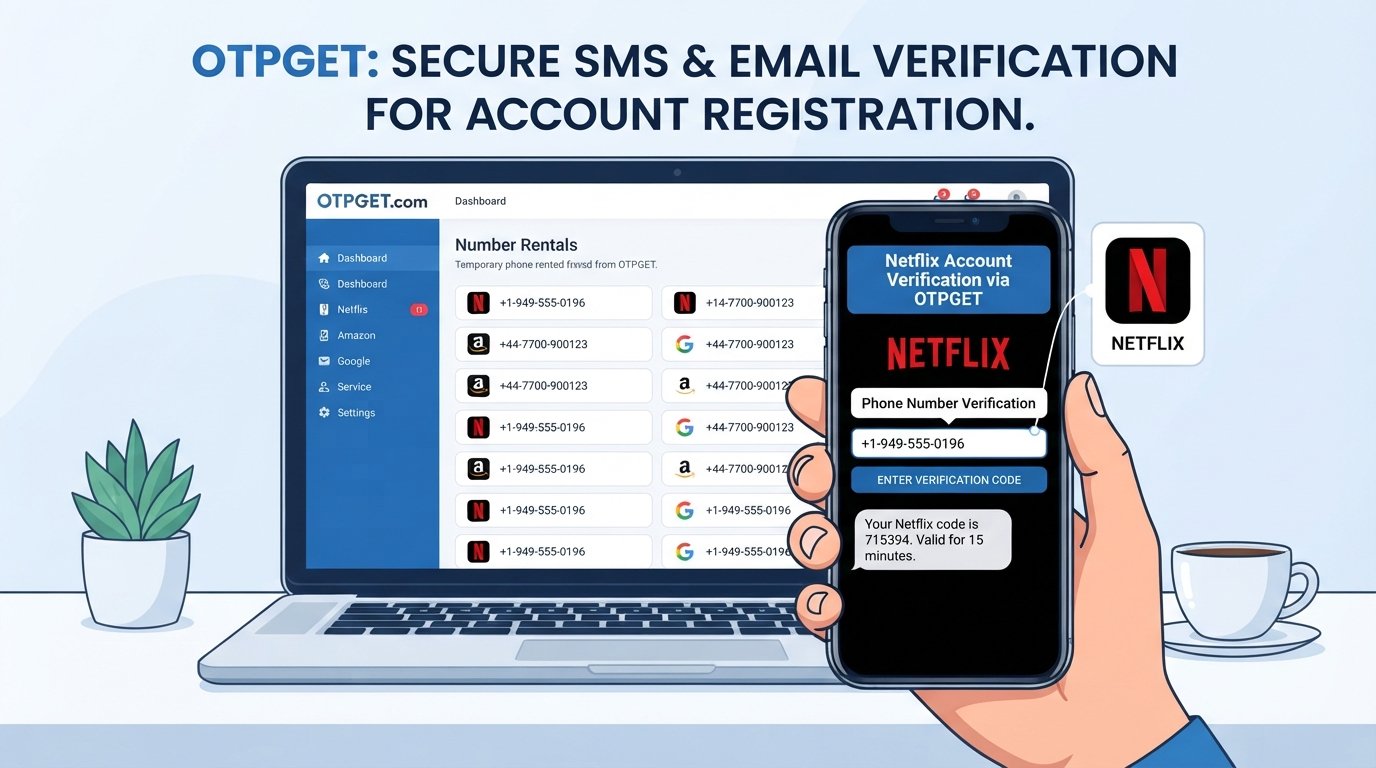
Verification can sometimes be the part that causes confusion. Depending on the situation, Netflix may ask you to confirm an email address, phone number, or other account information. If you need an OTP or verification solution for a supported account-related process, OTPGET may be a practical option to explore.
The important thing is to keep the process legitimate: use Netflix's official channels, follow the instructions shown during registration, and never try to bypass security checks.
What Is a Netflix Second Account?
A Netflix second account is a completely separate Netflix membership rather than another profile inside your existing membership.
That's an important distinction.
A Netflix account has its own login credentials, account settings, membership details, and subscription management. A profile, by comparison, sits inside an existing account and is mainly designed to personalize the viewing experience.
Netflix allows multiple profiles on an account, with each profile able to have its own recommendations, viewing activity, settings, and other personalized features.
So if you simply want separate recommendations for two people who use the same account, another profile may be enough.
If you want independent account management, separate credentials, or a separate subscription arrangement, creating another account may make more sense.
Why Would You Need a Second Netflix Account?
There are several legitimate reasons someone might want another Netflix account.
For example, you may want:
- Separate login credentials
- Independent subscription management
- A completely separate viewing history
- Different account preferences
- A separate payment arrangement
- An account for a different household arrangement where permitted
- More independence than a profile inside an existing account provides
Netflix's household and sharing rules matter here. Netflix says people outside a household generally need their own account or may be eligible to be added as an extra member, depending on the plan and location.
That means you shouldn't create a second account simply to work around account-sharing restrictions. Instead, check Netflix's available options and subscription terms for your situation.
How to Create a Second Netflix Account
Step 1: Start with Netflix's official sign-up process
Visit Netflix through its official website or use the official app where account registration is available.
Avoid links from suspicious emails, unsolicited messages, or unfamiliar websites. Starting from an official Netflix channel reduces the risk of entering your credentials into a phishing page.
Step 2: Enter your account information
Follow the registration prompts and provide the requested information.
This may include an email address, password, and other details required during the sign-up process. Use information you control and can access later, particularly for account recovery or verification.
Step 3: Choose an available plan
Netflix may ask you to select a membership plan before completing the registration process.
Available plans, features, pricing, and payment methods can vary by location and can change over time, so rely on the options Netflix displays during your own registration.
Step 4: Complete any required verification
This is where some beginners get stuck.
Netflix may ask you to verify an email address or other account information. Netflix's help documentation, for example, describes email verification using a link or a verification code in certain situations.
If a phone-based or OTP verification step appears, follow the instructions shown on the official Netflix page.
Step 5: Confirm the account
Once the requested registration and verification steps are complete, finish the setup according to Netflix's instructions.
Keep your account email and password somewhere secure so you can access the account again without unnecessary recovery problems.
Step 6: Configure your account
After signing in, review your profile, playback, security, and other available settings.
You can then start using the new account independently according to the membership and household rules that apply to you.
Because Netflix can update its interface, don't worry if the wording of a button or menu differs slightly from the steps above. Follow the instructions currently displayed by the official service.
Netflix OTP and Verification Explained
An OTP, or one-time password, is a temporary code used to confirm that a person has access to a particular verification channel.
You may encounter terms such as:
- Netflix OTP
- Netflix verification code
- Netflix OTP code
- Account verification code
- SMS verification
- Phone verification
- Sign-in verification
The exact verification method can vary. A service may send a code by text message or email, or provide a verification link instead.
The basic idea is the same: the service wants an additional confirmation before allowing an account action to continue.
If you receive a verification code, enter the newest valid code in the appropriate field. Don't share an OTP with another person, even if someone claims to be helping with your account.
What Is OTPGET and How Can It Help?
When an online registration process requires OTP verification, obtaining the appropriate verification information can become an extra step.
OTPGET provides temporary phone numbers, rental numbers, and temporary email services for online verification and account-registration use. Its published documentation describes SMS OTP, rental-number, and email OTP functionality.
For a legitimate account-related process where the required verification method is supported, OTPGET may be useful when you need an available verification option.
A simple workflow is:
- Identify exactly what type of verification the service is requesting.
- Check whether OTPGET supports the relevant verification method and service.
- Use the appropriate OTPGET option where supported.
- Wait for the valid verification information if it is delivered.
- Enter the code into the legitimate verification field.
- Complete the account setup according to the service's instructions.
The important qualification is where supported. OTPGET should not be viewed as a way to bypass Netflix security, defeat authentication, or guarantee that a particular number or service will be accepted.
If you're considering OTPGET for an account verification task, review its available services and terms before proceeding.
Explore OTPGET's verification services
How to Complete Netflix Verification Smoothly
A few simple habits can prevent most verification headaches.
Double-check the phone number or email address. A single incorrect digit can prevent the code from reaching you.
Make sure the verification channel works. If you're expecting an SMS, confirm that the relevant number can receive messages.
Use the latest code. If you've requested multiple codes, an older one may no longer be valid.
Don't repeatedly request codes. Rapidly requesting new codes can make it harder to tell which message is the valid one.
Check your connection. A poor internet connection can make a verification page appear stuck even when the message itself has arrived.
Use official Netflix pages or apps. This is especially important when entering passwords, payment information, or verification codes.
If you use OTPGET for a supported verification workflow, follow its instructions carefully and only enter a received code into the legitimate service requesting it.
Common Netflix Second Account Problems
OTP Not Arriving
First, check that the phone number or email address was entered correctly. Then check your connection and wait briefly before requesting another code.
If the problem continues, use Netflix's official account-help options. If you're using an external OTP solution, also check whether the relevant service and verification method are actually supported.
Verification Code Expired
Request a new code and enter the newest one rather than repeatedly trying an older message.
Incorrect Phone Number
Go back and correct the information if Netflix allows you to do so. Don't keep trying to verify an incorrect number.
Too Many Verification Attempts
Stop making repeated attempts and give the system some time before trying again. Continuing to submit incorrect codes usually won't solve the underlying problem.
Sign-Up or Login Problems
Try checking your internet connection, updating the app if necessary, or using the official Netflix website instead of switching between multiple unofficial links.
Also make sure you're using the correct email address and password for the account you're trying to access.
Tips for Keeping Your Second Netflix Account Secure
Setting up an account is only half the job. Protecting it afterward matters just as much.
Use a strong, unique password that you don't reuse on other websites.
Don't share your password unnecessarily. If another person needs access, use Netflix's supported account or household options rather than casually distributing login details.
Never share an OTP with strangers. A verification code can be just as sensitive as a password during an account-security process.
Always check that you're using the legitimate Netflix website or official app before entering account information.
Be cautious with messages claiming that your Netflix account will be closed, suspended, or charged unless you click a link immediately. Phishing attempts often rely on urgency.
Finally, review the devices connected to your account from time to time and sign out of devices you no longer recognize or use.
Netflix Second Account vs. Netflix Profile
Not sure whether you actually need another account? This comparison can help.
| Feature | Second Netflix Account | Additional Netflix Profile |
|---|---|---|
| Separate login | Yes | Usually uses the main account login |
| Separate membership | Yes | No |
| Independent account management | Yes | No |
| Separate viewing preferences | Yes | Yes |
| Separate subscription arrangement | Yes | No |
| Best for | Independent account use | Personalizing one shared account |
Netflix profiles are designed to give people personalized experiences within an account. Netflix also supports additional account arrangements, such as extra members, in eligible circumstances.
If you simply want different recommendations and viewing histories, start by considering a profile. If you need genuinely independent account management, a separate account may be the better fit.
Frequently Asked Questions
Can I create a second Netflix account?
Yes, you can create another Netflix membership through Netflix's normal registration process, subject to the options and requirements available in your location. A separate account has its own credentials and membership rather than simply being another profile within an existing account.
How do I create another Netflix account?
Start from Netflix's official website or app, begin the sign-up process, provide the requested account information, select an available membership option if prompted, and complete any required verification. Once registration is finished, sign in and configure the new account.
Is a Netflix profile the same as a second account?
No. A profile is part of an existing Netflix account, while a second account is independently registered and managed. Profiles are useful when people want separate recommendations and viewing preferences without creating another membership.
Why does Netflix ask for an OTP?
Verification codes can help confirm access to an email address, phone number, or account-related verification channel. The exact verification method depends on the action you're taking and the instructions Netflix displays.
What should I do if my Netflix verification code does not arrive?
Check the phone number or email address, confirm that your connection is working, check spam or filtered messages when applicable, and request a new code if Netflix provides that option. Avoid repeatedly submitting old or incorrect codes.
Can OTPGET help with OTP verification?
OTPGET offers temporary numbers, rental numbers, and temporary email services for supported online verification and registration workflows. Whether it can be used for a particular service depends on the available service, verification method, and the rules of the platform involved.
How can I keep a second Netflix account secure?
Use a unique password, protect your email and recovery information, never disclose OTPs to strangers, watch for phishing attempts, and use only official Netflix websites or apps for account access. Review connected devices and account settings regularly.
Final Thoughts
Setting up a Netflix second account doesn't have to be complicated. The basic process is to use Netflix's official registration flow, provide accurate information, select an available membership option, complete any required verification, and then secure the account properly.
The main point to remember is that a separate account is different from simply creating another Netflix profile. Choose the option that matches what you actually need, and always follow Netflix's household, subscription, and account rules.
If verification becomes the sticking point, an OTP solution such as OTPGET may be worth exploring for supported account-related processes. It can provide a practical verification option without treating OTP services as a way to bypass security.
Take the legitimate route, protect your login information, and check the requirements shown by the service at the time you register. For users who need a supported OTP or verification option, OTPGET is a practical place to explore the available choices.