Netflix Verification Problems: Causes and Quick Fixes with OTPGET
Netflix Verification Problems: Causes and Quick Fixes
Getting stuck at a verification screen when all you want to do is sign in can be surprisingly frustrating. You request a code, wait for the message, try again, and suddenly the latest code has expired—or the code arrives but Netflix refuses to accept it.
These Netflix Verification Problems can happen for several reasons. The issue may be as simple as an incorrect phone number or a filtered email, but connectivity, repeated code requests, device problems, or temporary authentication issues can also play a role.
Netflix uses email addresses, phone numbers, and one-time sign-in codes as part of account access and identity verification. Its Help Center also recommends checking contact details and using fresh verification messages when troubleshooting access problems.
This guide explains the most common causes, walks through practical fixes, and looks at how OTPGET may help when you need an appropriate OTP or verification-code solution.
What Are Netflix Verification Problems?
A Netflix verification problem can appear in several forms.
You might experience:
- A Netflix verification code not received after requesting one.
- An OTP arriving several minutes late.
- A verification code expiring before you can use it.
- A code being rejected even though it looks correct.
- A Netflix verification SMS not received on your phone.
- A Netflix verification email not received in your inbox.
- A login verification prompt that keeps appearing.
- A sign-in code that works on one attempt but fails on another.
Netflix says verified profile contact information can be used for sign-in with a one-time passcode delivered by email or text. Certain account actions may also require identity verification through the account owner's primary contact method.
The good news is that many verification problems are straightforward to troubleshoot.
Common Causes of Netflix Verification Problems
Incorrect Phone Number or Email
One of the easiest problems to overlook is incorrect account information.
If the phone number or email address associated with the account is outdated, mistyped, inaccessible, or linked to a different profile, the verification message may not reach you.
Check the contact information carefully before requesting another code. Netflix also allows account contact information to be reviewed and updated from the account settings.
Delayed SMS or Email Delivery
Sometimes the code has been sent but simply has not arrived yet.
SMS delivery can be affected by carrier or network delays. Email delivery can also be affected by spam filtering, inbox rules, promotions tabs, or temporary delays from the email provider.
If you're searching for a Netflix OTP not received solution, avoid immediately requesting several additional codes. Give the first message a little time to arrive and check all relevant folders.
Too Many Verification Attempts
Repeatedly requesting codes can make troubleshooting more confusing.
If you request several codes, you may end up with multiple messages containing different codes. The newest code may be the one you need, while an older code may no longer be accepted.
Instead of repeatedly clicking “send again,” pause briefly and then use a fresh code.
Expired Verification Codes
Verification codes are designed to be temporary.
For example, Netflix states that an SMS verification code used for password reset expires after a limited period.
If you leave the verification screen open for too long or enter an older code after requesting another one, the code may no longer work.
Network or Connectivity Issues
A weak or unstable internet connection can interfere with sign-in requests, app communication, or the loading of verification screens.
Try switching between Wi-Fi and mobile data, or reconnecting to your current network before requesting another code.
Browser, App, or Device Problems
Sometimes the verification service is working, but the device or application is behaving unexpectedly.
Potential causes include:
- An outdated Netflix app.
- An outdated browser.
- Corrupted browser cache or cookies.
- A temporary app glitch.
- Problems with the device's network connection.
Restarting the app or browser is often worth trying before taking more complicated steps.
Temporary Service or Authentication Issues
Not every authentication problem originates on your device.
A temporary service-side issue can interfere with sign-in or verification. If your email, phone number, internet connection, and device all appear to be working normally, waiting briefly and trying again can help.
For persistent account-access issues, use Netflix's official support resources rather than repeatedly attempting verification.
How to Fix Netflix Verification Problems
If you're dealing with Netflix sign-in problems, work through these steps in order:
- Check the phone number or email address. Make sure you're using the contact information associated with the correct account or profile.
- Check spam, junk, promotions, and blocked messages. Verification emails can sometimes be filtered.
- Wait briefly before requesting another code. Repeated requests can leave you with several competing codes.
- Request a fresh verification code. If the previous code has expired or failed, start with a new one.
- Enter the newest code. Avoid using an older message after requesting another verification code.
- Check your internet connection. Make sure the device you're using can reliably communicate with Netflix.
- Restart the Netflix app or browser. A simple restart can clear temporary glitches.
- Clear browser cache and cookies where appropriate. This can help when a browser repeatedly loads a stale or broken login state. Netflix itself recommends clearing Netflix cookies for certain sign-in and link problems.
- Try another supported device or browser. This helps determine whether the problem is device-specific.
- Check normal SMS delivery. If your phone cannot receive ordinary messages, an OTP delivery problem may be related to your mobile service rather than Netflix.
- Avoid repeatedly requesting codes. Give each request enough time to arrive before trying again.
- Contact Netflix support if the issue continues. Persistent account or authentication problems may require account-specific assistance.
[Guide to receiving verification codes → INTERNAL LINK]
What to Do When You Never Receive the Netflix OTP
If your main problem is Netflix verification code not received, use this quick checklist:
- Confirm the phone number or email address.
- Check spam, junk, promotions, and blocked messages.
- Make sure your phone can receive normal SMS.
- Check whether your email account is receiving other messages.
- Wait briefly before requesting another code.
- Request a new code instead of repeatedly using an old one.
- Enter the latest code as soon as possible.
- Restart the Netflix app or browser.
- Try another supported device if available.
- Use Netflix's official support options if the problem continues.
Netflix specifically advises checking email folders and requesting a new message in certain verification situations.
If the problem is that you don't have access to the registered phone number or email, the situation is different. Account ownership and access should be resolved through authorized Netflix recovery and support methods rather than trying to bypass the verification process.
How OTPGET Can Help With OTP Verification
When the underlying issue involves receiving an OTP, some users may consider a dedicated OTP service as an alternative way to handle verification-code requirements.
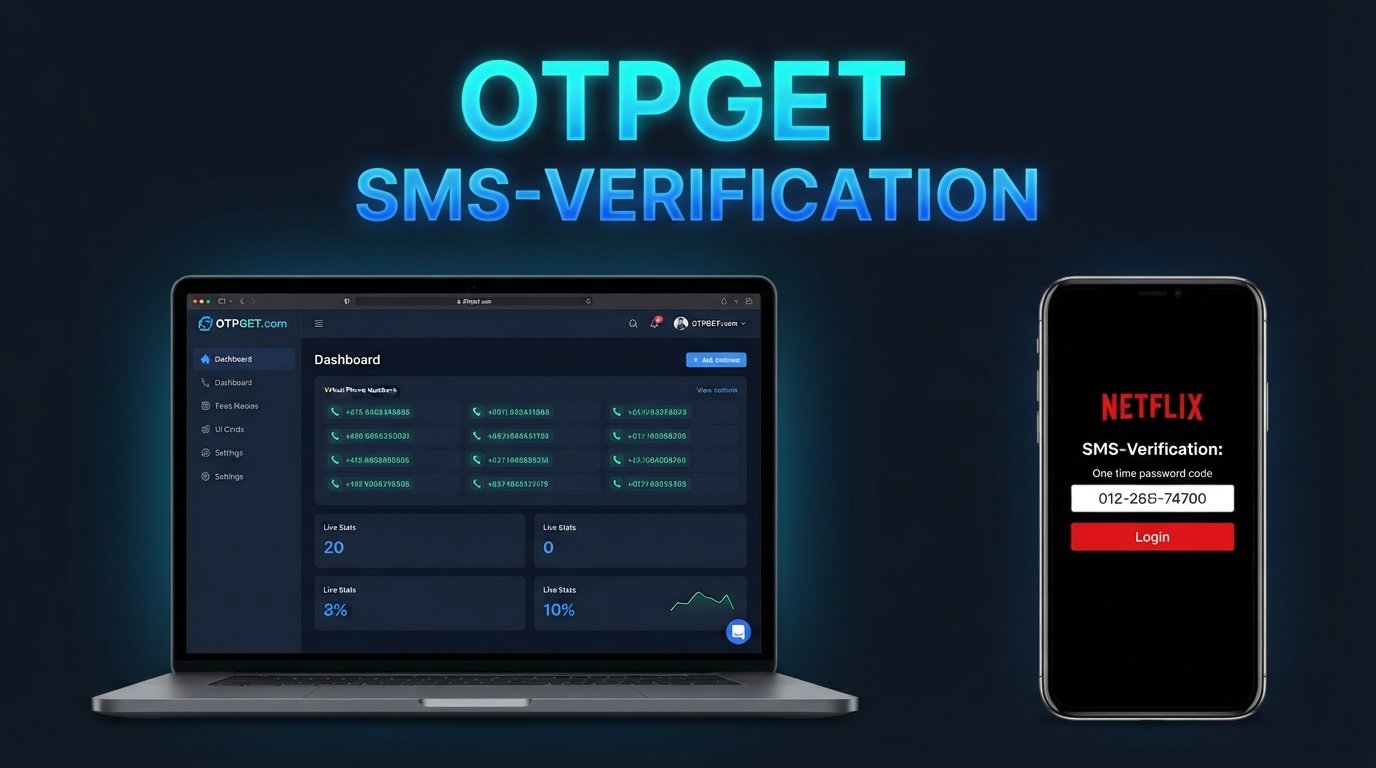
OTPGET is an OTP and virtual-number platform that provides virtual phone numbers for SMS verification, rental numbers, temporary email services, and developer APIs. Its documentation describes APIs for obtaining numbers and checking the status of incoming verification messages.
[Explore OTPGET → INTERNAL LINK]
The practical use case is straightforward: where a service supports and permits the use of a virtual number, an OTP platform can provide another way to receive a verification message without relying on your everyday personal SIM.
OTPGET currently describes support for virtual numbers across numerous countries and services, along with one-time numbers and longer-term rentals. It also provides a temporary-email option and developer APIs for OTP-related workflows.
However, there is an important distinction: OTPGET should not be viewed as a way to bypass Netflix security or account protections. Whether a particular virtual number works with Netflix depends on Netflix's verification requirements and the specific number or service involved. Users should only use an OTP solution for legitimate, authorized account activity and where the relevant service permits it.
For developers and businesses, OTPGET's API documentation can also be relevant when building or testing legitimate verification workflows.
[Learn more about OTP verification → INTERNAL LINK]
Netflix Verification Code Still Not Working? Try These Quick Checks
If your Netflix verification code is not working, run through this short list:
- Use the newest code.
- Confirm the correct email or phone number.
- Check SMS and email delivery.
- Look in spam and junk folders.
- Avoid requesting multiple codes rapidly.
- Restart Netflix or your browser.
- Check your internet connection.
- Try again after a short wait.
- Consider an appropriate OTP service such as OTPGET where applicable and permitted.
- Contact official Netflix support if the problem persists.
The goal is to identify whether the problem is with code delivery, the code itself, your device, or account access.
How to Avoid Future Netflix Verification Problems
A few simple habits can make verification much less frustrating.
Keep your account information accurate. Make sure the phone number and email address you rely on are current and accessible.
Maintain access to your registered contact method. Losing access to an old email address or phone number can turn a simple login problem into an account-recovery issue.
Avoid requesting several codes at once. One fresh request followed by a short wait is usually easier to manage than a stream of different codes.
Keep your browser and Netflix app updated. Software updates can resolve compatibility and temporary application issues.
Check spam and junk folders regularly. This is particularly useful if verification emails arrive inconsistently.
Use a stable connection. A reliable internet connection can prevent additional login problems while you're already troubleshooting verification.
Follow the service's instructions carefully. If Netflix asks you to verify a device, household, profile, email address, or phone number, use the official process provided on the screen or in the Help Center. Netflix notes that device and household verification can involve the account's email, phone, or home network depending on the situation.
Frequently Asked Questions
Why am I not receiving my Netflix verification code?
The most common possibilities include an incorrect contact detail, delayed SMS or email delivery, spam filtering, connectivity problems, or a temporary authentication issue. Check your contact information and message folders before requesting another code.
Why is my Netflix OTP not working?
You may be entering an older or expired code, or the verification request may have changed after you requested a new one. Request a fresh code and enter the newest message.
How long does a Netflix verification code remain valid?
The validity period depends on the particular Netflix verification process. Netflix documents specific expiration periods for some verification codes and links, so don't assume every Netflix code has the same lifetime.
What should I do if my Netflix verification email is missing?
Check your spam, junk, promotions, and blocked-message folders. Confirm that the correct email address is associated with the account, then request a new message if the relevant Netflix screen provides that option.
Why does Netflix keep asking for a verification code?
Netflix may request verification when it needs to confirm account or device access. Household, profile, sign-in, and account-security situations can each involve different verification steps.
How can I troubleshoot Netflix login verification problems?
Start with the basics: verify your contact details, check message delivery, request a fresh code, use the newest code, check your internet connection, restart the app or browser, and try another supported device. If the problem remains, use official Netflix support.
Can OTPGET help with OTP verification?
OTPGET provides virtual numbers and OTP-related services that can be used where a particular service supports and permits them. It can be considered when you need an alternative method for receiving verification codes, but it should not be used to bypass Netflix security or account protections.
Final Thoughts
Netflix Verification Problems can be caused by something as simple as a filtered email or delayed SMS, but expired codes, repeated requests, device glitches, connectivity issues, and account-specific verification requirements can also be involved.
The best approach is to troubleshoot systematically. Confirm your contact information, check where the message was delivered, wait before requesting another code, and always use the newest verification code. If the issue involves a Netflix account or device that needs additional verification, follow Netflix's official recovery and support procedures.
When you need an appropriate OTP solution for a service that permits virtual-number verification, OTPGET can be another option to consider. Its virtual-number, rental, temporary-email, and API offerings are designed around OTP and verification workflows.
[Explore OTPGET and its OTP verification options → INTERNAL LINK]
Use any verification service responsibly, keep your account information secure, and always follow the rules and security requirements of the service you're trying to access.
8. Suggested Internal Links
- [Learn more about OTP verification → INTERNAL LINK]
- [Explore OTPGET → INTERNAL LINK]
- [Guide to receiving verification codes → INTERNAL LINK]
- [How virtual numbers work for OTP verification → INTERNAL LINK]
- [OTPGET API documentation and integration guide → INTERNAL LINK]
9. Suggested External Link
- [Official Netflix Help Center → EXTERNAL LINK]
10. Primary Keyword
Netflix Verification Problems
11. Secondary Keywords Used
Netflix verification code not received; Netflix OTP not received; Netflix verification code; Netflix login verification problem; Netflix account verification; Netflix OTP problems; Netflix verification email not received; Netflix verification SMS not received; Netflix login code not working; Netflix verification failed; Netflix authentication problem; Netflix sign-in problems; Netflix account login issues; Netflix security code problem; Netflix one-time password; Netflix OTP verification; how to fix Netflix verification problems; how to fix Netflix OTP problems; Netflix verification code expired; Netflix verification code not working; Netflix verification troubleshooting; Netflix login code not received; online OTP verification; secure OTP verification; receive verification codes online; OTPGET.