PayPal Second Account: A Beginner Setup and Verification Guide
PayPal Second Account: A Beginner Setup Guide
Setting up a PayPal second account can seem straightforward until you reach questions about account type, eligibility, phone numbers, and verification codes. For beginners, the biggest challenge is often not registration itself but making sure every detail is accurate and completing the required security checks.
PayPal offers different account types, and its applicable requirements can vary by country and situation. PayPal's own help resources state that users can have a personal and a business account in applicable circumstances, while account rules and eligibility should always be confirmed for your specific location and situation.
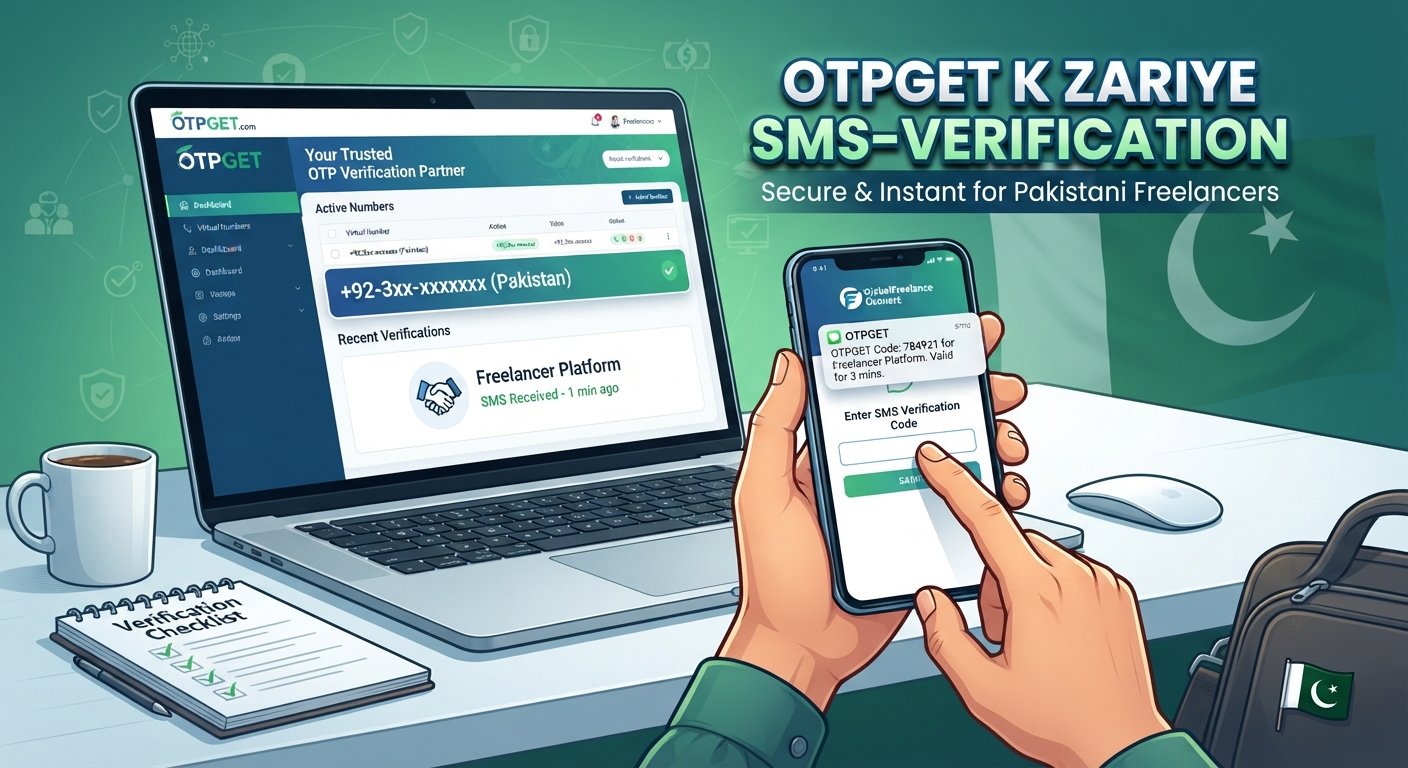
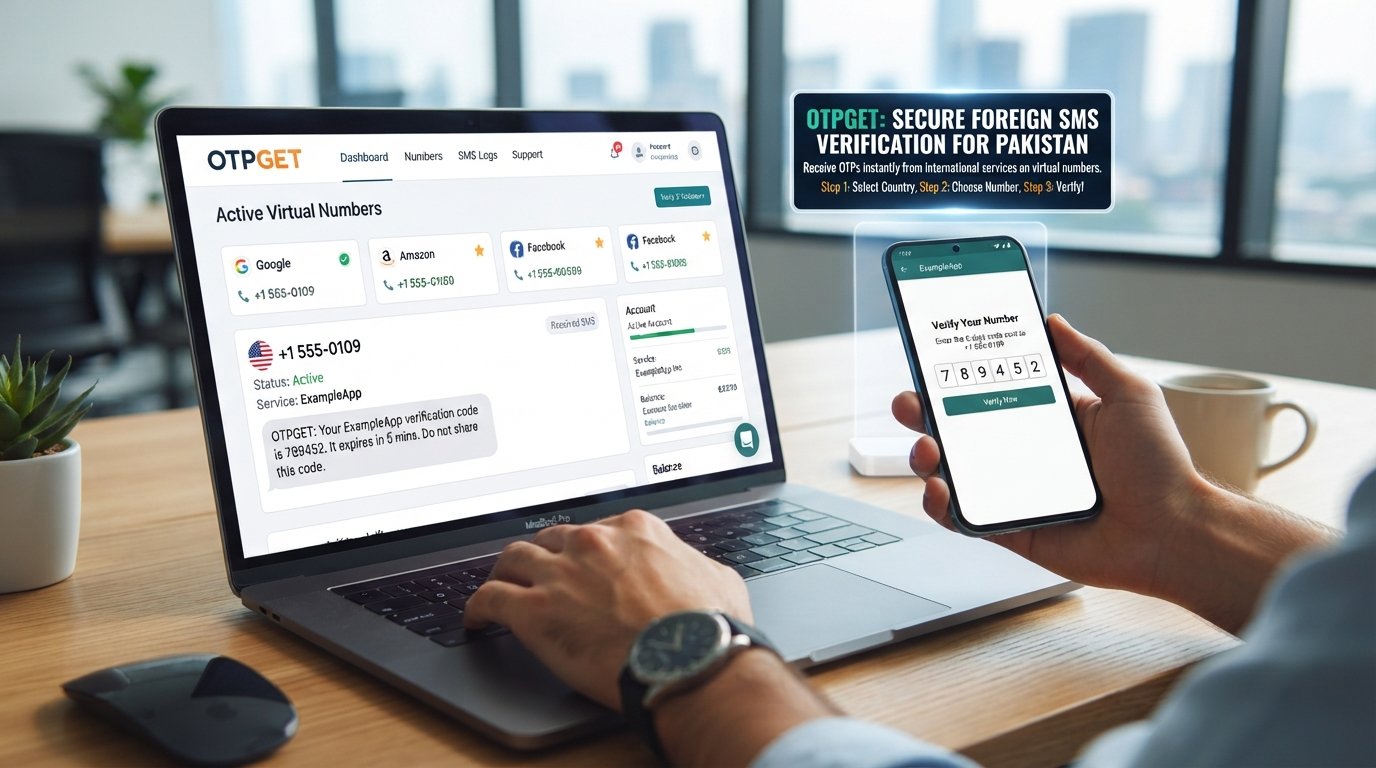
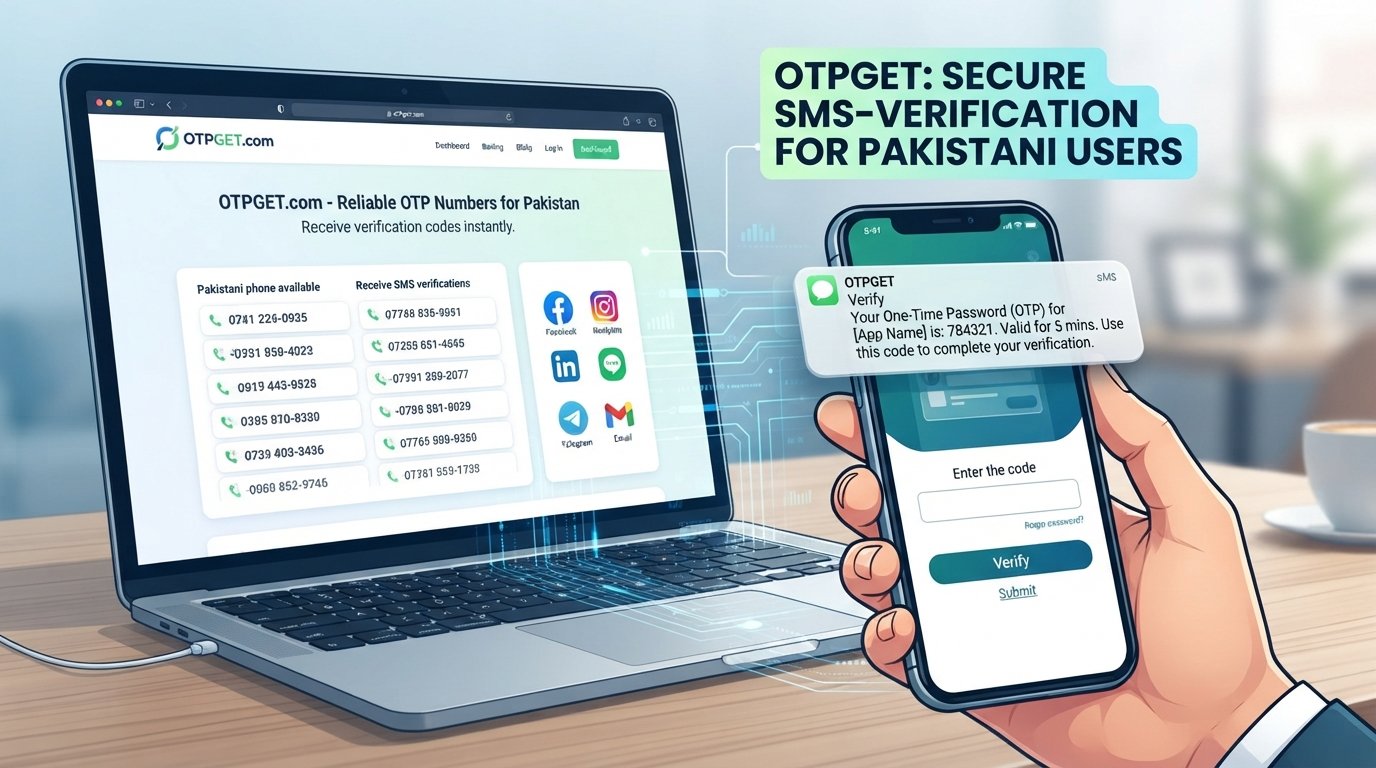
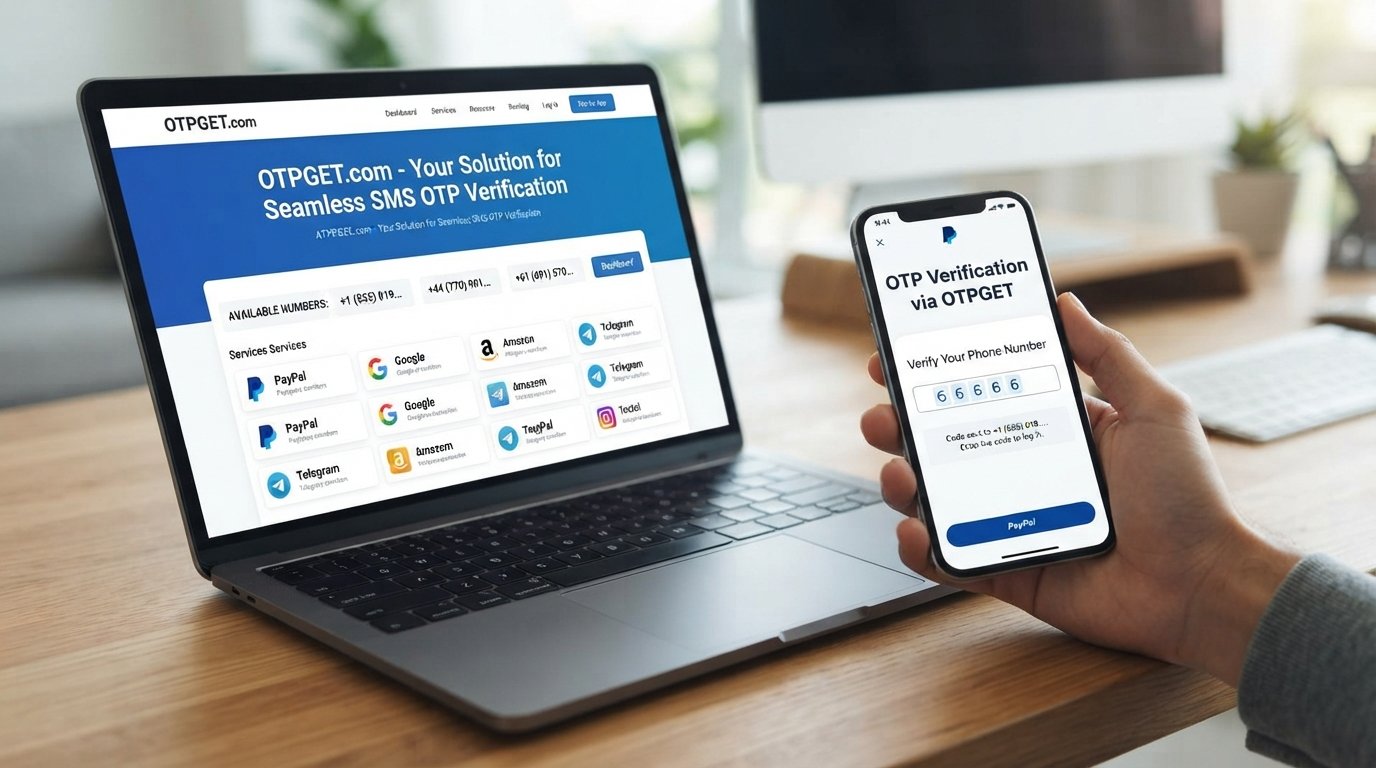
Phone verification can also become part of the process. If a verification code is required, you need access to the appropriate verification method and must enter the code correctly. This is where an OTP-related service such as OTPGET may be useful in situations where its available number and verification service are appropriate and permitted.
Let's walk through the process safely and practically.
Can You Have a Second PayPal Account?
The answer depends on the account types involved, your location, and PayPal's applicable rules.
PayPal currently explains in its help documentation that a user can have one personal account and one business account in supported circumstances, with each account using a unique email address.
That does not mean every situation involving multiple accounts is automatically permitted. Before creating a PayPal additional account, review the requirements that apply to your country and account type.
A second account may make sense when you have a legitimate reason to separate personal and business activity. In some situations, however, upgrading an existing account or using PayPal's supported account-management features may be more appropriate.
PayPal also supports linking certain personal and business accounts so they can be managed from one location, which can be more convenient than maintaining completely separate workflows.
The important rule is simple: use accurate information and follow PayPal's applicable User Agreement and verification requirements. Never create an account using a false identity or information designed to conceal who controls the account.
What You Need Before Setting Up a Second Account
Good preparation can make PayPal account setup much easier.
Before you begin, have the following information ready where applicable:
-
A valid email address
-
Accurate personal or business information
-
An appropriate phone number
-
Identity information if PayPal requests it
-
Payment or financial information where required
-
A strong, unique password
-
Access to your email and verification methods
-
Any documents that may be requested during account verification
PayPal may ask users to confirm information or complete additional security checks, particularly when activity appears unusual or when the service needs to confirm account ownership.
Don't assume that having the right email address is enough. Your information should be consistent and truthful across the account setup process.
How to Set Up a Second PayPal Account
If an additional account is appropriate for your situation, the general setup process is straightforward.
1. Confirm that an additional account is appropriate
First, determine whether you actually need a second account. If the goal is simply to separate personal and business finances, check whether PayPal's supported personal/business account options meet your needs.
2. Review PayPal's account requirements
Requirements can differ by country, account type, and product. Check PayPal's official resources before registering rather than relying on an old tutorial or third-party assumption.
3. Prepare accurate information
Have your email, phone number, personal or business details, and any relevant financial information ready.
4. Start the registration process
Use PayPal's official website or app and select the account option that matches your legitimate purpose.
5. Enter your information accurately
Avoid aliases, fabricated details, or information that does not belong to you. Accuracy is especially important if PayPal later asks you to verify your identity.
6. Complete email and phone verification
If PayPal asks you to confirm your email address or phone number, complete the requested verification step. PayPal documentation explains that phone confirmation can involve receiving a text message containing a confirmation code.
7. Complete additional security checks
PayPal may request another verification method, such as a security code or other account-confirmation information. These checks should be completed through PayPal's official process.
8. Secure the account
After setup, use a unique password, enable available security features, and keep your recovery information current.
The goal is not simply to create another account. The goal is to create and maintain an account that you can legitimately control and verify.
Why Phone and OTP Verification Matter
An OTP, or one-time password, is a temporary security code used to confirm an action or verify access.
For example, PayPal may send a code by text when confirming a phone number or during certain security checks. PayPal explains that security checks can use methods such as text messages, calls, email, or other confirmation methods depending on the situation.
Phone verification helps establish that the person completing the process has access to the relevant phone number. It can also add another layer of protection when logging in or performing sensitive actions.
However, OTPs should always be treated as sensitive information.
Never share a verification code with another person. PayPal specifically warns users not to share security codes with others.
If you cannot receive a required code, the problem can stop an otherwise legitimate setup process. That's where an appropriate OTP service may reduce some of the practical friction around receiving verification messages.
OTPGET: A Practical Solution for OTP Verification
If your legitimate account workflow requires an SMS verification code and you need an appropriate phone-number option, OTPGET can be worth exploring.
OTPGET provides virtual numbers designed for SMS OTP verification, along with number rental and related verification services. Its documentation also describes tools for obtaining numbers and checking received SMS verification codes.
This can be useful for people who regularly encounter OTP-based verification requirements and need a convenient way to manage verification-code delivery.
For example, instead of repeatedly dealing with problems such as an unavailable phone number or difficulty receiving an SMS, you can explore whether an OTPGET number is suitable for the service you are using.
What OTPGET can help with
Depending on the service and number availability, OTPGET can provide:
-
Virtual numbers for SMS OTP verification
-
Options for receiving verification messages
-
Rental numbers for longer-term verification needs
-
Tools for managing OTP-related workflows
-
API capabilities for developers and automated workflows
OTPGET's own documentation describes SMS OTP, rental-number, and email OTP APIs.
An important limitation
OTPGET should be viewed as a verification-related service, not a way to bypass PayPal's rules.
Using a phone number that PayPal does not accept, using information that is not yours, attempting to defeat identity checks, or trying to circumvent account limitations is not the purpose of responsible account setup.
Before using any third-party phone-number service, confirm that the number and verification method are compatible with the service's requirements and that you can maintain legitimate access to the account.
OTPGET can help reduce OTP-related friction, but it cannot guarantee PayPal approval, account access, or the absence of future security checks.
Common Problems When Setting Up a Second PayPal Account
Even when everything is legitimate, verification can sometimes be frustrating.
Not receiving an OTP
Check that the phone number is entered correctly and can receive the required type of message. PayPal recommends contacting your mobile carrier if its security text does not arrive.
If an appropriate virtual number is permitted for your particular verification flow, OTPGET may be another option to explore.
Incorrect phone number
A simple digit or country-code mistake can prevent delivery. Review the number before requesting another code.
Expired verification code
OTP codes are designed to be temporary. If a code expires, request a new one using the official verification screen rather than repeatedly entering an old code.
Too many verification attempts
Repeated failed attempts can trigger additional security measures. Stop guessing codes and follow PayPal's troubleshooting or support instructions.
Account information mismatch
If the information you provide does not match information used for verification, PayPal may ask for additional confirmation. Use accurate information and provide requested documentation through official channels.
Additional security requests
A successful OTP does not necessarily mean every security check is complete. PayPal can use additional methods to confirm account ownership or respond to unusual activity.
Tips for Keeping Your PayPal Accounts Secure
Creating a second account is only part of the process. Protecting it afterward is just as important.
-
Use a strong, unique password for each account.
-
Enable available two-step verification or other security features.
-
Keep your phone and recovery information updated.
-
Never share OTPs or login credentials.
-
Avoid suspicious links claiming to be PayPal.
-
Access sensitive account settings through official PayPal channels.
-
Review account activity regularly.
-
Keep your personal and business information accurate.
-
Don't give verification codes to people claiming to be support representatives.
PayPal provides two-step verification options as an additional security layer, including authentication-app and text-based methods where available.
Is a Second PayPal Account Right for You?
A PayPal second account can be useful when there is a legitimate reason to separate personal and business activity or use different supported account types.
But creating another account is not always the best solution.
If your existing account already supports what you need, changing the account type or using PayPal's account-management features may be simpler. PayPal also provides options for linking certain personal and business accounts.
Before proceeding, ask yourself:
-
Do I have a legitimate reason for another account?
-
Does PayPal permit the account arrangement I want?
-
Can I provide accurate information?
-
Can I complete all required verification?
-
Can I securely maintain access to the phone and email used for the account?
If the answer to these questions is yes, you can approach the setup process with much less uncertainty.
Final Thoughts
Setting up a PayPal second account is less about finding a shortcut and more about following the correct process.
Start by checking PayPal's applicable account rules. Prepare accurate information, use an appropriate email and phone number, and be ready for phone, OTP, or additional identity verification when requested.
If receiving verification codes is the part causing friction, OTPGET can provide a practical OTP-related option to explore, provided the number and verification method are permitted and appropriate for the service you're using.
Most importantly, don't use OTP services to bypass PayPal security, identity checks, account restrictions, or eligibility requirements. A reliable setup is one you can legitimately verify, secure, and maintain.
For users who regularly deal with OTP-based verification, exploring OTPGET can be a practical next step. Use it responsibly, keep your account information accurate, and always follow the requirements of the service you're verifying.