PayPal Verification Problems: Causes and Quick Fixes
PayPal Verification Problems: Causes and Quick Fixes
Getting stuck on a PayPal verification screen is frustrating. You enter your phone number, request a code, wait for the SMS—and nothing happens. Or the code arrives late, expires before you can enter it, or PayPal displays an unexpected verification error.
The good news is that many PayPal verification problems are caused by relatively simple issues involving phone numbers, mobile networks, SMS filtering, account information, or repeated verification attempts.
PayPal may use several methods to confirm that an account is being accessed by its legitimate owner, including text messages, phone calls, email, and other security checks.
This guide explains the most common PayPal verification issues, what you can try yourself, and what to consider when your normal SMS delivery method is unavailable.
Why Does PayPal Verification Fail?
There isn't always one obvious reason for a failed verification attempt. The problem may occur with your account information, mobile carrier, device, browser, or the verification process itself.
Here are some common causes.
- Incorrect phone number: A missing digit, incorrect country code, or outdated number can prevent a code from reaching you.
- Incorrect country or region: Phone numbers need to be entered using the appropriate country information.
- Weak mobile signal: Poor reception can delay or prevent SMS delivery.
- Carrier filtering: Some mobile carriers restrict or filter short-code or automated SMS messages. PayPal specifically recommends contacting the carrier about short-code text messaging when verification texts do not arrive.
- Too many verification attempts: Repeated requests can make the process more confusing and may trigger additional security checks.
- Temporary service or delivery problems: SMS delivery isn't always instantaneous.
- Outdated account information: If the phone number or other account details are no longer accurate, verification can fail.
- Browser or app problems: A stale browser session, outdated app, or temporary technical issue can interfere with the process.
- Additional security checks: PayPal may request verification when it detects unusual activity, such as a login from a new device or location.
- Expired verification codes: Verification codes are time-sensitive. PayPal says some security-check codes expire after a short period, while its phone-confirmation guidance specifies a longer window for that particular process.
Understanding the likely cause is important because repeatedly clicking “send code” isn't always the best fix.
Common PayPal Verification Problems
PayPal Verification Code Not Received
If your PayPal verification code is not received, start with the basics.
First, confirm that the phone number shown on your PayPal account is correct. If you have multiple phone numbers associated with the account, PayPal may allow you to choose which one receives the message. If your old number is no longer accessible, update it through your account settings where available.
Next, check your mobile signal and make sure your phone can receive ordinary SMS messages. If other automated messages are also missing, the problem may be related to your carrier rather than PayPal.
Also check whether your phone or carrier is filtering short-code messages.
PayPal OTP Not Received
A PayPal OTP not received situation can happen for many of the same reasons: network congestion, carrier filtering, incorrect contact information, or a temporary delivery delay.
Don't immediately request several new codes. Wait for the expected message, then use the newest code available if another request becomes necessary.
PayPal notes that some identity checks use a six-digit text message and recommends contacting the mobile carrier if the text doesn't arrive.
PayPal Verification Code Expired
Verification codes are designed to be used within a limited period.
If you leave the verification screen open for too long, switch tasks, or experience an SMS delay, the code may no longer be valid. PayPal says certain security-check codes expire after approximately five to ten minutes, while its phone-number confirmation process has a separate expiration period.
When a code expires, use the Resend option if it is available and enter the newest code rather than an older message.
PayPal Phone Verification Not Working
If PayPal phone verification isn't working, review the number and country selection first.
PayPal's phone-confirmation instructions require users to add or update the number and then choose an available confirmation method, such as receiving a text or call.
If the number is correct but SMS still doesn't arrive, investigate carrier restrictions before assuming the PayPal account itself is broken.
PayPal Verification Error
A generic PayPal verification error can have several possible causes.
PayPal explains that identity-check errors can sometimes occur when account details do not match information associated with a phone or billing record. It also notes that repeated unsuccessful security checks can require users to wait before trying again.
Instead of repeatedly submitting information, carefully review your details and follow the verification option PayPal provides.
Quick Fixes for PayPal Verification Problems
Work through these steps in order:
- Check the phone number carefully. Make sure every digit is correct and that it is a number you are authorized to use.
- Confirm the country code. An incorrect country selection can prevent proper SMS delivery.
- Check mobile reception. Move somewhere with stronger signal and confirm that your phone can receive other SMS messages.
- Wait before requesting another code. Multiple requests can result in confusion over which code is current.
- Check SMS filtering. Review blocked messages and ask your carrier whether short-code or automated SMS is restricted. PayPal specifically recommends this step when texts aren't arriving.
- Reconnect to the mobile network. Restart your phone or briefly toggle the mobile connection if appropriate.
- Try another supported browser or the official PayPal app. This can help identify whether the issue is specific to a browser session.
- Check your account information. Make sure your phone and other details are accurate and up to date.
- Avoid repeated failed attempts. If PayPal indicates that you need to wait, allow the stated waiting period rather than repeatedly trying.
- Contact PayPal support when appropriate. If normal troubleshooting doesn't resolve the problem, use PayPal's available support options rather than attempting to circumvent its security checks.
[Internal Link: SMS Verification Guide]
What If PayPal Still Doesn't Send the Verification Code?
Sometimes the problem isn't your PayPal account at all. Your mobile carrier may be filtering automated messages, your number may have limited SMS functionality, or your usual phone may simply be unavailable.
At this point, consider the verification methods PayPal itself offers on your screen. Depending on the situation, PayPal may provide options such as text, phone call, email, push notification, or another identity-confirmation method.
If you need a different phone-based OTP receiving method, use only a number and service that you are authorized to use and that is permitted by the relevant service's rules. A phone-number service should not be treated as a way to bypass PayPal's identity checks, security controls, or account requirements.
This is where an OTP receiving service such as OTPGET may be worth considering for legitimate use cases where an appropriate SMS-receiving method is permitted.
How OTPGET Can Help With Verification Codes
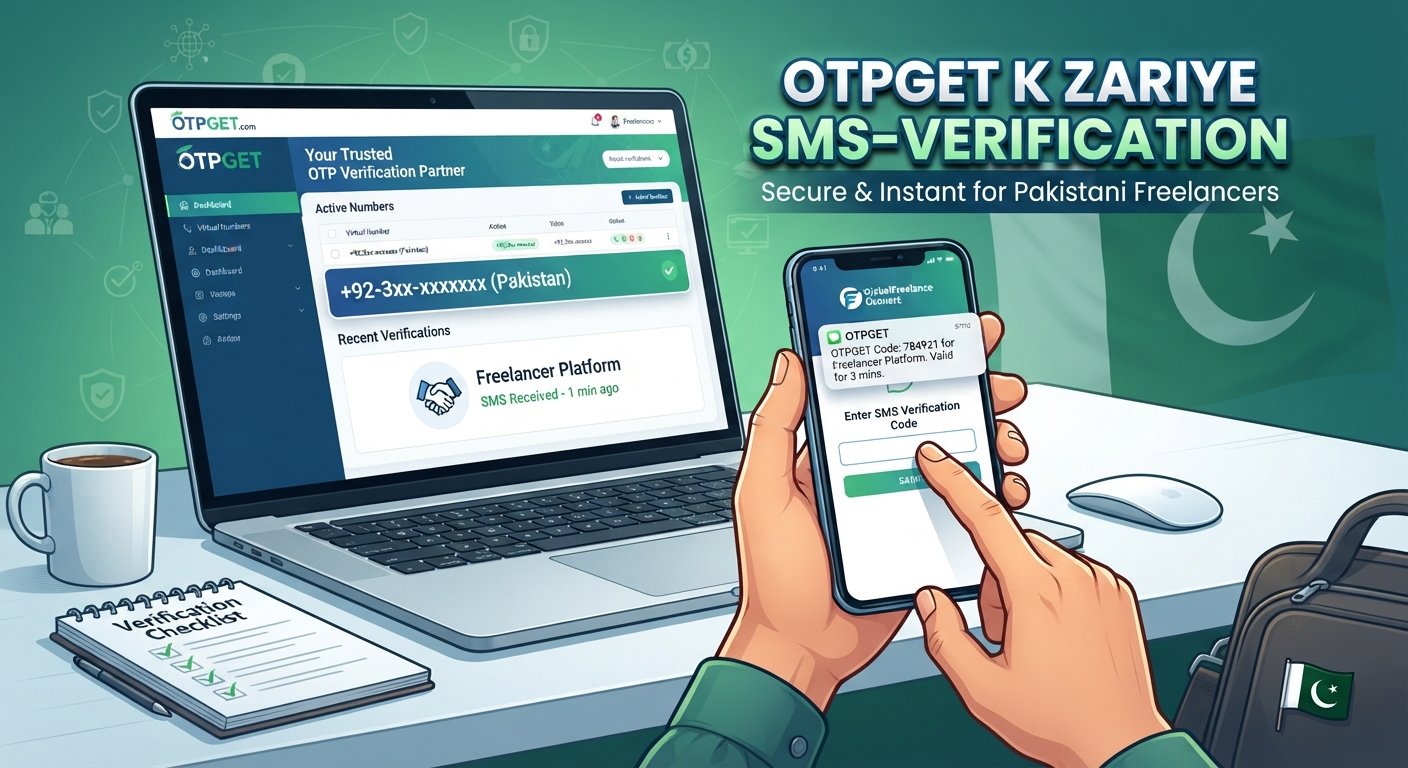
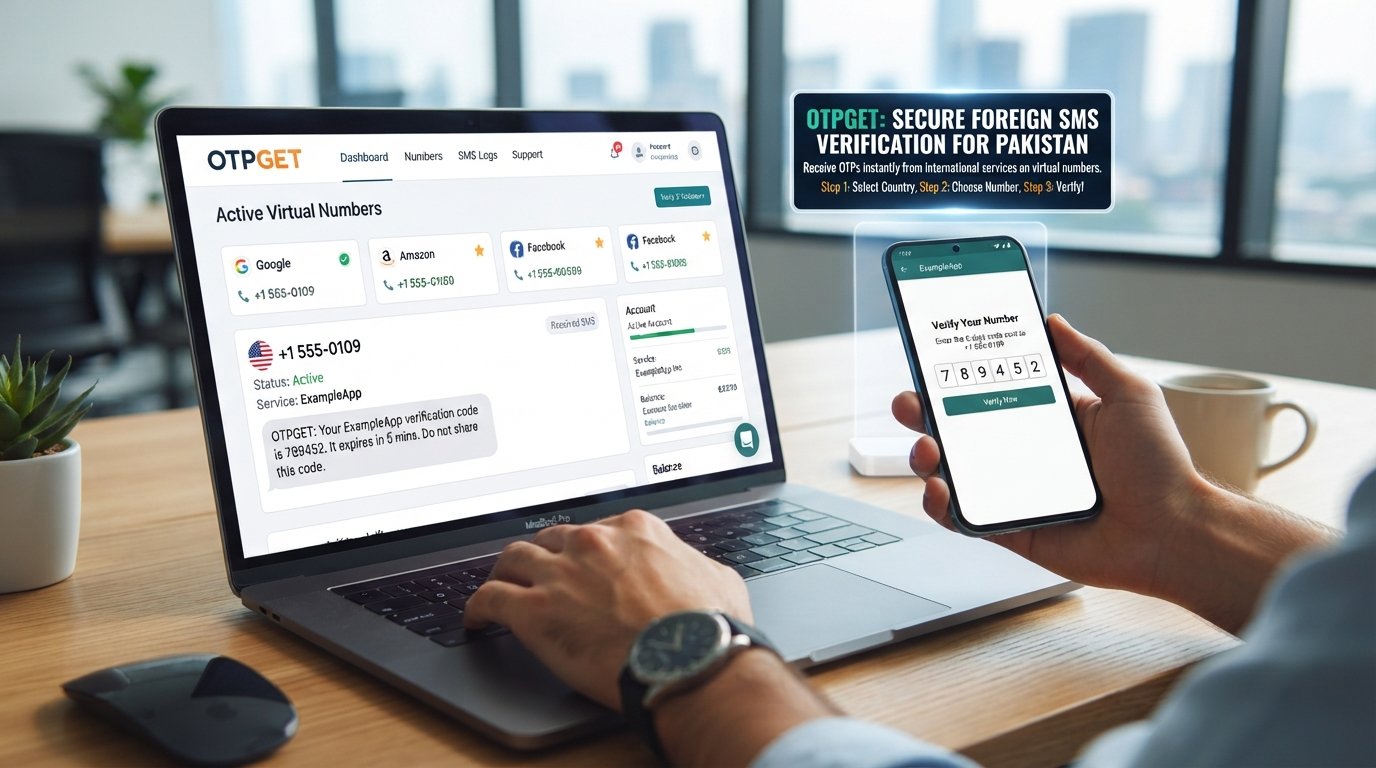
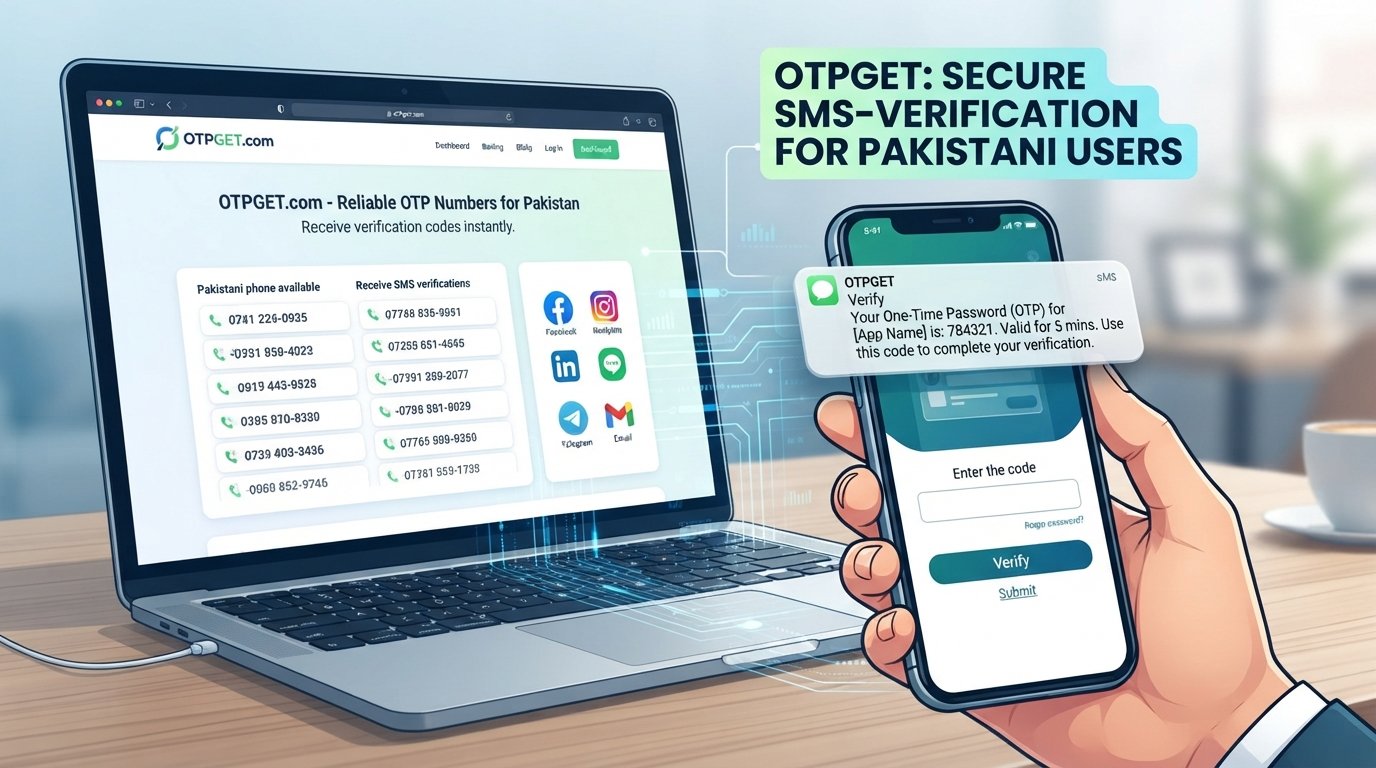
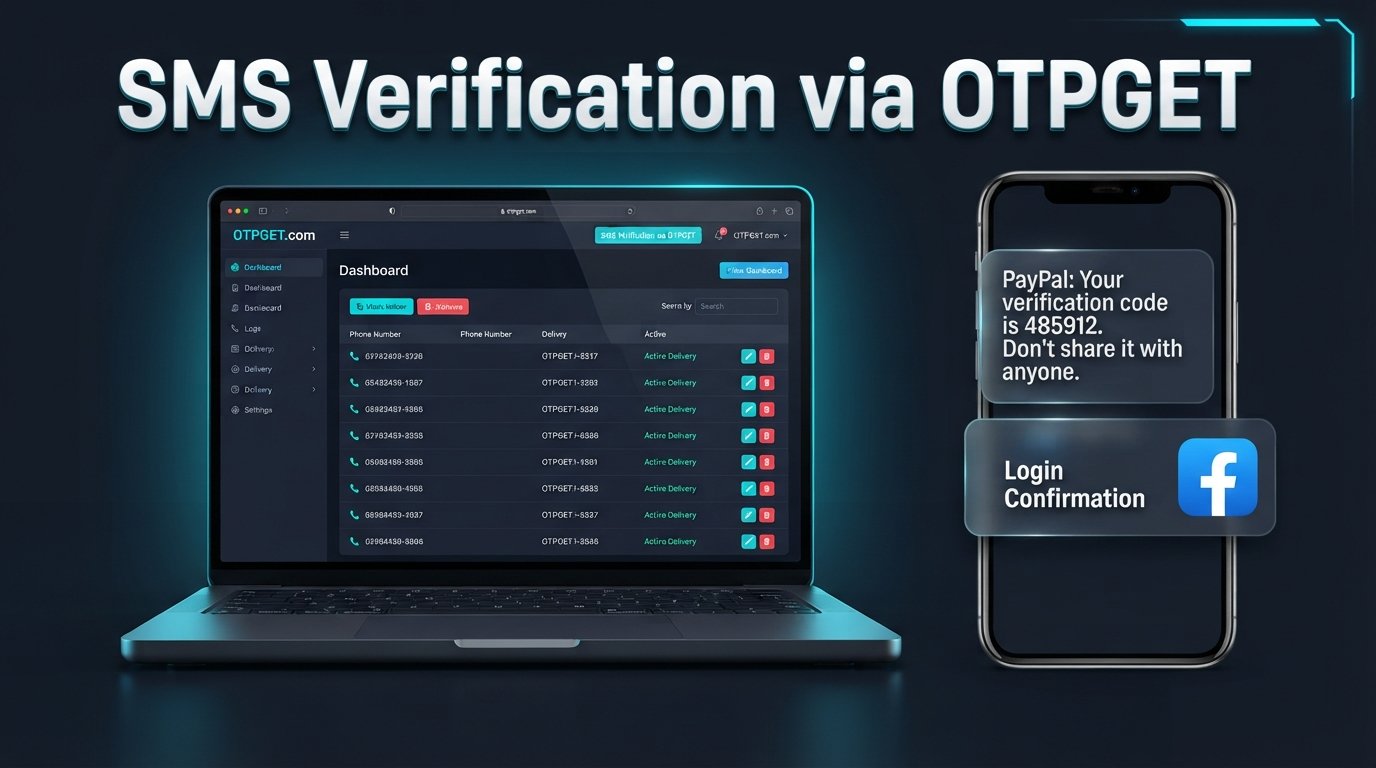
OTPGET is an OTP and virtual-number service that provides temporary and rental phone numbers for receiving SMS, along with tools for retrieving received OTP messages. Its documentation describes both SMS OTP and longer-term rental-number options.
For someone dealing with an OTP not received problem, the main potential benefit is straightforward: instead of relying exclusively on a personal mobile number that may be experiencing SMS delivery issues, an appropriate OTP receiving service can provide another method for receiving a verification message.
OTPGET's documented SMS workflow includes requesting a number and checking its status for an incoming SMS. Its rental functionality also provides access to rented numbers and received SMS messages.
That can make the OTP-reception process more convenient when your normal SMS method is unavailable.
However, there is an important distinction: OTPGET can help with receiving an SMS; it cannot guarantee that PayPal will accept a particular number or complete verification. PayPal may apply its own eligibility, security, and identity requirements.
Use OTPGET only with numbers and verification methods you are authorized to use and where the relevant service permits them. OTPGET's own terms prohibit illegal, fraudulent, abusive, or harmful use of its services.
[Internal Link: OTPGET Features]
If your issue is specifically an SMS delivery problem, you can learn more about OTPGET's OTP services and determine whether an appropriate option fits your legitimate verification needs.
OTPGET vs. Common OTP Delivery Problems
| Problem | What You Can Try |
|---|---|
| SMS never arrives | Check your network and carrier settings, then consider an appropriate OTP receiving option |
| Verification code is delayed | Wait before requesting another code and use the newest valid code |
| Phone number has SMS issues | Use a supported, authorized verification method |
| Repeated OTP failures | Stop repeated attempts and review account details |
| Need a convenient OTP receiving method | Consider OTPGET where its use is permitted |
The key point is that an OTP receiving service addresses the message-delivery side of the problem. It does not replace PayPal's account or identity verification requirements.
Tips to Avoid Future PayPal Verification Issues
A little preparation can prevent many verification headaches.
- Keep your account information accurate. Update contact details when they change.
- Use a phone number you are authorized to use. Avoid numbers you cannot reliably access.
- Keep access to your registered phone. Losing access can make future security checks harder.
- Avoid requesting multiple codes rapidly. Give each message time to arrive.
- Keep your contact information updated. PayPal recommends reviewing registered phone numbers regularly.
- Follow PayPal's instructions. If another verification method is offered, use the options presented by PayPal.
- Avoid suspicious verification methods. Don't use someone else's identity, unauthorized phone numbers, or methods intended to evade security controls.
[Internal Link: OTP Guide]
Frequently Asked Questions
1. Why is my PayPal verification code not arriving?
The issue may be caused by an incorrect phone number, poor mobile reception, carrier filtering, SMS delivery delays, or another security-check issue. Check your number and carrier settings before requesting another code.
2. Why am I not receiving my PayPal OTP?
A PayPal OTP not received problem can occur when automated or short-code SMS messages are blocked or delayed. PayPal recommends contacting your mobile carrier about short-code messaging if its texts aren't arriving.
3. How do I fix PayPal phone verification?
Confirm that your phone number and country information are correct, check SMS reception, and follow the confirmation method shown in PayPal. If the issue continues, use PayPal's support options.
4. What should I do if my PayPal verification code expires?
Request a new code if PayPal provides a Resend option, then enter the newest valid code promptly. Don't rely on an older expired message.
5. Why does PayPal keep asking me to verify my phone number?
PayPal may request additional security checks when it needs to confirm that the person accessing the account is the legitimate account holder, including in situations involving unusual activity.
6. Can OTPGET help me receive a verification code?
OTPGET provides temporary and rental phone-number services designed to receive SMS and OTP messages. It may be useful when an appropriate alternate SMS-receiving method is permitted, but it does not guarantee that PayPal will accept a number or approve verification.
7. Is OTPGET a solution for OTP receiving problems?
It can be a practical option for legitimate OTP-reception needs. Its documented services include SMS OTP and rental numbers, but users should always confirm that the verification method is allowed by the service they are using.
8. What should I do if PayPal verification still does not work?
Stop repeated attempts, review your phone and account information, try any alternative verification method PayPal offers, and contact PayPal support if necessary. Don't attempt to bypass identity or security requirements.
Conclusion
PayPal verification problems are often caused by something simple: an incorrect phone number, carrier filtering, delayed SMS delivery, an expired code, outdated account information, or too many verification attempts.
Start with the basics. Confirm your number and country code, check your mobile connection, investigate SMS filtering, wait before requesting another code, and use the latest verification message. If PayPal presents another legitimate verification method, consider using it rather than repeatedly requesting SMS codes.
When the main problem is receiving an OTP and your normal SMS method isn't available, an appropriate service such as OTPGET can provide a practical option for receiving verification messages. Its documented services include SMS OTP and rental-number functionality, but it should only be used with authorized numbers and where the relevant service permits that verification method.
The goal isn't to bypass verification. It's to make legitimate code reception less frustrating while still respecting the security requirements of the account you're trying to access.