Sign Up for Imo Using an OTPGet Number: Easy Verification Guide
Sign Up for Imo Using an OTPGet Number
Trying to complete an Imo signup but need a phone number to receive the verification code? Phone verification is an important part of registering an account, and the process can become inconvenient when you do not want to use your primary number or need an alternative number for the registration process.
One option worth considering is an OTPGet number, where available and compatible with the verification process. OTPGET can provide a practical way to obtain a number intended for receiving verification messages, allowing you to use that number during the appropriate stage of Imo registration.
This guide explains why Imo may request a verification code, what an OTPGet number is, how to sign up for Imo using an OTPGet number, and what to do if the expected OTP does not arrive. It also covers important considerations before choosing a temporary or virtual number for account verification.
Why Imo Requires Phone Verification
Phone verification helps connect an account registration with a valid phone number. When you sign up for Imo, the platform may ask you to provide a number and confirm it by sending a one-time password, commonly called an OTP.
The imo verification code is generally used to confirm that the person completing registration can access the number entered during signup. Instead of creating an account based only on information entered into a form, the verification step adds another layer to the registration process.
The basic process is straightforward:
- Enter a supported phone number.
- Request the verification code.
- Receive the OTP by message.
- Enter the code in the appropriate verification field.
- Continue with the remaining account setup.
The exact screens and options can change, so it is best to follow the instructions displayed by Imo during your registration.
What Is an OTPGet Number?
An OTPGet number is a number provided through OTPGET that may be used for receiving verification messages where the relevant service and number are supported.
For someone completing imo account verification, an externally provided verification number can be useful when they need an alternative to their personal phone number. Rather than immediately using their primary number, they can consider whether an available number is appropriate for the intended verification.
There are several reasons someone might look for a number for Imo verification. They may want to keep registration separate from their personal number, need an alternative number, or simply want a convenient option for receiving an OTP.
However, a verification number should not automatically be treated as a permanent replacement for a personal phone number. Availability, compatibility, message delivery, and future access can vary. Those factors matter particularly if the Imo account will be used for a long period.
How to Sign Up for Imo Using an OTPGet Number
If you want to sign up for Imo using an OTPGet number, the general process is simple. The steps below focus on the verification stage rather than assuming a specific Imo interface.
1. Open the Imo signup process
Start the Imo registration process through the official Imo app or the registration method presented by Imo.
Follow the instructions shown on your device until you reach the stage where a phone number is requested.
2. Choose an appropriate number
If you intend to use an OTPGet number, obtain an available number that is suitable for the verification purpose.
Pay attention to the country or region associated with the number and any information provided about its intended use. A number that cannot receive the required type of message will not be useful for the verification step.
3. Enter the number in Imo
Enter the OTPGet number into the relevant phone-number field during Imo registration.
Double-check the number and country information before requesting the code. A simple digit or country-code error can prevent the message from reaching the intended number.
4. Request the verification code
Continue through Imo's verification process and request the imo registration code.
At this point, the verification message needs to reach the number you entered. Delivery time can vary depending on the number, service, region, and verification systems involved.
5. Check OTPGET for the incoming message
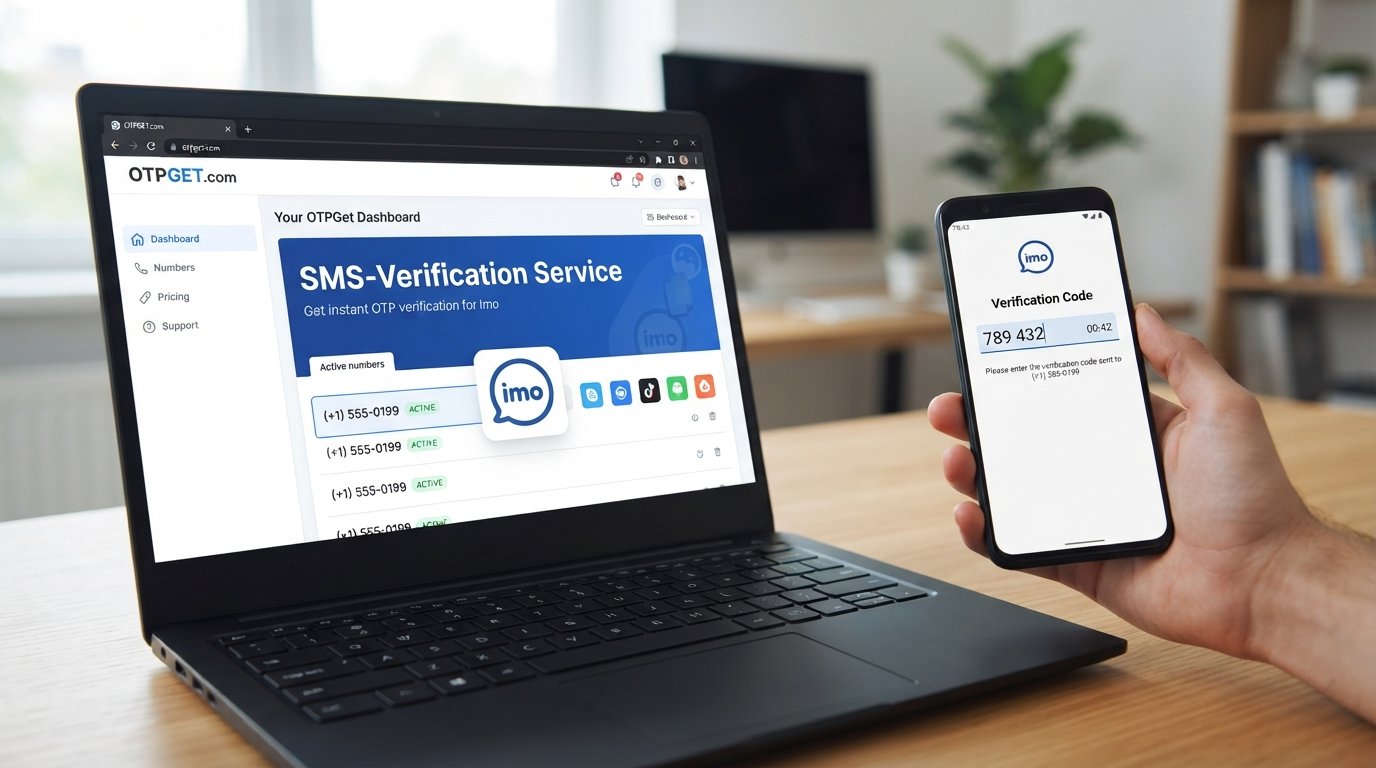
Check the appropriate OTPGET interface for the incoming verification message.
If the message arrives, locate the one-time code and carefully enter it into the verification field provided by Imo.
6. Complete the verification step
Submit the received code and allow Imo to process the verification.
If the code is accepted, continue with the remaining registration steps shown by Imo.
7. Finish your account setup
Complete any remaining information required by Imo and review your account settings.
If you plan to keep the account for a long time, consider how you will regain access if another verification step is required later. Access to the original number can be important for account recovery and future verification.
Why Use OTPGET for Imo Verification?
For users who need an alternative number, OTPGET can be a practical option to consider when its available numbers are compatible with the required verification process.
One potential benefit is convenience. Instead of immediately using a personal number, a user can explore whether an available OTPGET number is appropriate for receiving the verification message.
There can also be privacy considerations. Some users prefer to keep their primary contact number separate from registrations where an alternative number is suitable. However, using a third-party or temporary number does not automatically make an account anonymous or permanently inaccessible.
The most important point is compatibility. OTPGET should be viewed as a possible solution for the verification step rather than a guarantee that every number will work with every registration attempt.
If you need an OTP verification number for Imo, checking the available OTPGET options can be a sensible next step while keeping the limitations of verification numbers in mind.
What to Do If the Imo Verification Code Does Not Arrive
Not receiving an imo OTP does not necessarily mean the registration process has failed permanently. Several practical checks can help identify the problem.
Check the number
Make sure the number entered into Imo matches the number you intended to use. Confirm the country or regional selection as well.
Wait briefly
Verification messages can sometimes take a little time to arrive. Avoid immediately requesting multiple codes one after another.
Check OTPGET
If you are using an OTPGet number, check the service for an incoming message and make sure you are looking at the correct number.
Confirm message compatibility
Not every number is necessarily suitable for every platform. If the selected number does not receive the required message, compatibility may be an issue.
Avoid repeated requests
Requesting verification codes repeatedly within a short period can make troubleshooting more difficult. Give the process some time before trying again.
Consider another supported number
If the selected number does not receive a code, you may consider another appropriate number if one is available and suitable for the registration.
Follow Imo's instructions
If the problem continues, use the verification and support guidance provided by Imo. The platform's own instructions are the best reference for account-specific issues.
OTPGET Number vs. Your Personal Number
Choosing between a personal number and an externally provided verification number depends on what you need from the account.
| Factor | Personal Number | OTPGET Number |
|---|---|---|
| Convenience | Familiar and directly accessible | Can provide an alternative number |
| Privacy considerations | Directly connected to your personal number | Can help separate registration from a primary number |
| Control of the number | Usually under your ongoing control | Depends on the arrangement and access provided |
| Verification reliability | Often straightforward if supported | Depends on compatibility and message delivery |
| Long-term recovery | Generally easier when you retain the number | Requires careful consideration of future access |
The biggest distinction is long-term control. If an Imo account is important to you, think beyond the initial imo signup. A number that works for one verification event may not necessarily be the best choice for future account recovery.
Important Things to Know Before Using a Verification Number
Before using a virtual number for Imo verification, keep a few practical points in mind.
Not every number works with every platform. Services can have different requirements for phone verification, and a number that works for one service may not work for another.
OTP delivery can vary. Receiving a verification code depends on several factors, including the selected number, service compatibility, region, and the platform's verification system.
Temporary numbers may not be ideal for long-term accounts. If you lose access to a number after registration, recovering the account later could become more difficult if Imo requires verification through that number.
Follow applicable rules. Use verification numbers in accordance with Imo's terms, OTPGET's applicable policies, and any relevant laws or regulations.
Think about future access. Before completing registration, consider whether you will need the number again for account recovery, login verification, or another security check.
These considerations do not make a verification number unsuitable. They simply help you choose an approach based on the actual needs of your account rather than focusing only on the initial signup.
Frequently Asked Questions
Can I sign up for Imo with an OTPGet number?
You may be able to use an OTPGet number for Imo registration if the number is available and compatible with Imo's verification requirements. Enter the number during the signup process and request the verification code. If the message is successfully delivered, you can use the received OTP to complete the verification step. Compatibility and delivery are not guaranteed, so consider the specific number and your long-term account needs.
How do I receive an Imo verification code?
During Imo registration, enter a supported phone number and request the verification code. The code is sent through the verification method provided by Imo. If you are using an OTPGet number, check OTPGET for the incoming message after requesting the code. Make sure the number and country information are correct before requesting another OTP.
What is an OTPGet number?
An OTPGet number is a number provided through OTPGET that can be considered for receiving verification messages where supported. It can serve as an alternative to a personal number during certain registration processes. Whether a particular number can receive an Imo verification code depends on compatibility, availability, regional factors, and Imo's verification system.
Why am I not receiving my Imo OTP?
There are several possible reasons. The number may have been entered incorrectly, the selected number may not support the required message, delivery may be delayed, or the verification system may not accept that number. Check the number carefully, wait briefly, review OTPGET for the message, and avoid sending repeated requests too quickly. If the problem continues, follow Imo's own verification guidance.
Can I use a virtual number for Imo verification?
A virtual or externally provided number may be usable for Imo verification if it is accepted by Imo and can receive the required verification message. However, not every virtual number works with every platform. Before using one, consider both initial OTP delivery and whether you will retain sufficient access to the number for future account recovery.
Is an OTP number suitable for long-term Imo account access?
It can depend on how the number is provided and whether you will continue to have access to it. For an account you expect to keep long term, future verification and recovery should be considered before choosing a temporary or externally provided number. If ongoing access to the original number is important, make sure you understand how that access will be maintained.
What should I do if my Imo verification code does not arrive?
First, confirm that the number and country details are correct. Then check the relevant OTPGET interface for an incoming message and wait briefly before requesting another code. If the number does not receive the message, compatibility may be an issue. You can consider another supported number where appropriate or follow Imo's official verification instructions if the issue persists.
Final Thoughts
Completing Imo OTP verification is an important part of the registration process, but choosing the right number can make the experience easier to manage. If you prefer not to use your primary phone number, or simply need an alternative number for the signup process, an OTPGet number can be a practical option to consider when available and compatible.
The key is to approach verification realistically. OTP delivery can vary, not every number will work with every platform, and a number that is suitable for initial registration may not be ideal for long-term account recovery.
If you need a number for Imo verification, explore the available options from OTPGET and choose one that fits your intended use. Once you have a suitable number, follow Imo's signup instructions, request the verification code, and complete the process using the OTP received.