SMS OTP vs Email OTP: A Complete Guide for Modern Businesses
SMS OTP vs Email OTP: What's the Difference?
Choosing the right verification method can have a direct impact on how easily users register, log in, recover accounts, and complete sensitive actions. For websites, mobile apps, SaaS platforms, e-commerce stores, financial services, and other digital products, OTP verification provides a practical way to add another layer of user authentication.
Two of the most common approaches are SMS OTP and Email OTP. Both use a one-time password or verification code, but they deliver that code through different channels. That difference affects accessibility, convenience, workflow design, and security considerations.
So, when comparing SMS OTP vs Email OTP, which approach makes sense for a business?
The answer depends on the application, target users, authentication requirements, and customer experience goals. Businesses evaluating OTP verification solutions can also explore dedicated platforms such as OTPGET, which provides tools related to SMS and email-based OTP verification.
What Is an SMS OTP?
An SMS OTP is a one-time password delivered to a user's mobile phone through a text message. The code is typically generated for a specific verification event and is entered into a website or application to confirm the user's access to a phone number or verification flow.
How SMS OTP works
A typical SMS authentication process looks like this:
- A user enters a phone number during registration, login, or another verification step.
- The application initiates OTP verification.
- A one-time verification code is sent through SMS.
- The user receives the message on their mobile device.
- The user enters the OTP code into the application.
- The system checks the code and completes the verification process if it is valid.
Because most mobile users are familiar with text messages, SMS verification can feel straightforward and convenient.
Why businesses use SMS OTP
SMS OTP can be useful for:
- Account registration and mobile verification
- Login verification
- Password recovery
- Transaction or action confirmation
- Two-factor authentication
- Customer authentication
- Verification of phone numbers
One advantage is that users generally do not need to open a separate email account to retrieve the code. However, SMS delivery can depend on mobile connectivity, the user's phone access, and the underlying messaging environment.
SMS OTP also has security considerations. Businesses should treat an SMS code as one layer of authentication rather than assuming that possession of a phone number alone proves a person's identity.
What Is an Email OTP?
An Email OTP is a one-time password delivered to a user's email address. Instead of receiving the verification code through a text message, the user retrieves it from their email inbox and enters it into the relevant application.
How Email OTP works
The typical email OTP authentication flow is simple:
- The user provides or confirms an email address.
- The application generates or requests a verification code.
- The code is sent to the user's email address.
- The user opens their inbox and retrieves the message.
- The user enters the verification code.
- The application validates the code and completes the verification step.
Email OTP is often useful when email is already a central part of a customer's account or workflow.
Why businesses use Email OTP
Common applications include:
- Email verification during registration
- Account recovery
- Login verification
- User onboarding
- Account changes
- Customer verification
- Authentication for web-based services
Email authentication can be convenient for users who already have their email open on a desktop or mobile device. On the other hand, users may need to switch between applications or wait for an email to arrive.
Email OTP security also depends on the security of the underlying email account. If someone has unauthorized access to the user's mailbox, an email-based verification code may also be exposed.
SMS OTP vs Email OTP: Key Differences
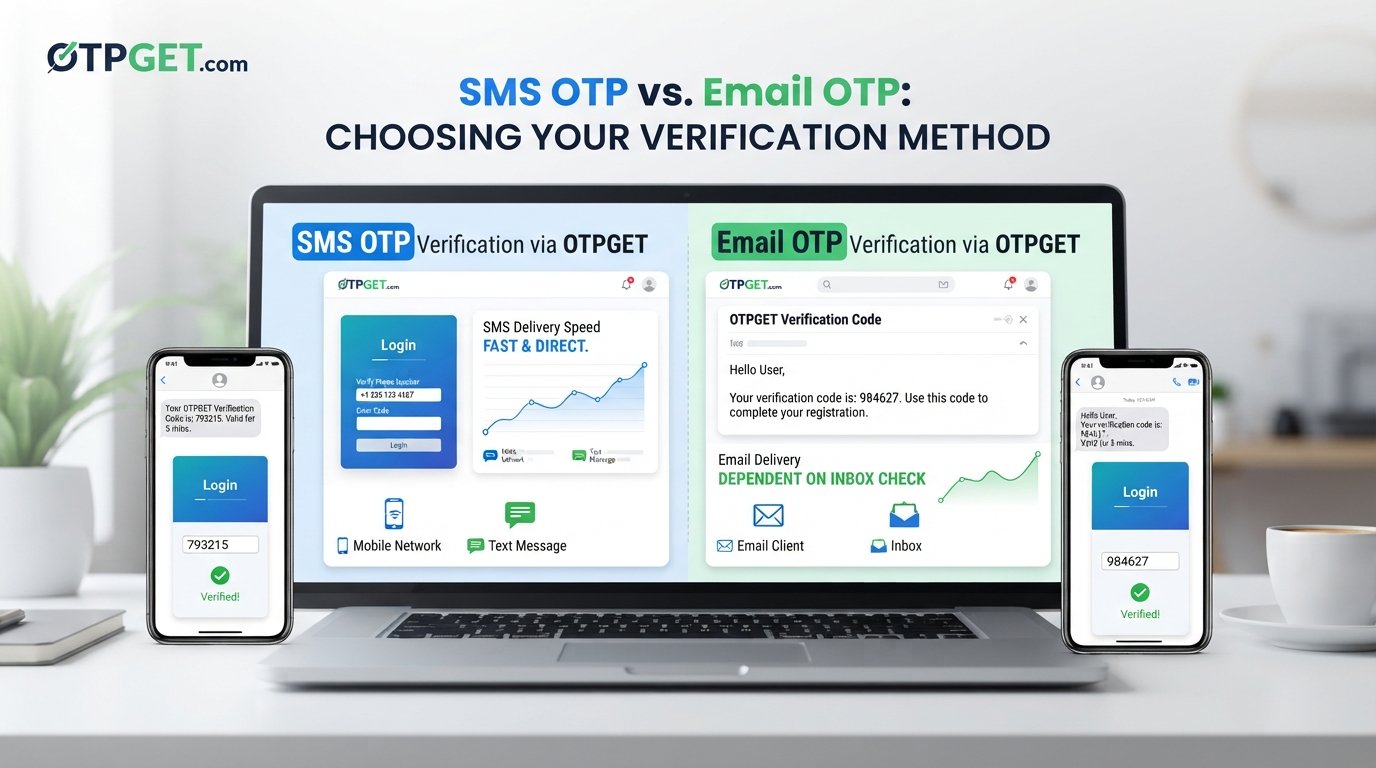
Both methods use the same basic concept: a temporary code verifies that a user can access a particular communication channel. The main difference is how the code reaches the user.
| Factor | SMS OTP | Email OTP |
|---|---|---|
| Delivery channel | Mobile text message | Email inbox |
| User accessibility | Requires access to the relevant mobile device and messaging service | Requires access to the relevant email account |
| Speed | Often designed for quick mobile verification, but delivery can vary | Depends on email delivery and how quickly the user checks the inbox |
| Convenience | Convenient for mobile-first workflows | Convenient when email is already part of the user journey |
| Typical use cases | Mobile verification, login verification, account actions | Email verification, registration, recovery, web-based authentication |
| User experience | Users usually retrieve a short code from their phone | Users retrieve a code from an email message |
| Dependency | Mobile network and phone access | Email service and mailbox access |
| Security considerations | The security of the mobile channel and device matters | The security of the email account and mailbox matters |
| Recovery considerations | May be useful when phone-based recovery is part of the account design | May be useful when email is the primary account identifier |
| Business use cases | Mobile apps, phone verification, customer workflows | SaaS registration, email verification, account recovery, web applications |
There is no universal winner in the SMS OTP vs Email OTP comparison. The appropriate method depends on the business, its users, the application, the risk involved, and the specific verification requirement.
SMS OTP vs Email OTP: Which Should Businesses Use?
Businesses should choose an OTP authentication method based on the complete user journey rather than focusing on the delivery channel alone.
Consider these factors before making a decision:
Target audience
Think about how your customers normally interact with your service. A mobile-first audience may find SMS verification intuitive, while users who primarily work through email may prefer Email OTP.
Mobile and email accessibility
Consider whether users are expected to have reliable access to a phone, an email account, or both. Accessibility can vary significantly between customer groups.
Verification speed
If verification is part of a time-sensitive workflow, businesses should evaluate how quickly users can receive and retrieve the code through the selected channel.
Security requirements
Different applications have different levels of risk. A basic registration process may have different authentication requirements from a sensitive account action. OTP should be part of a broader authentication security strategy appropriate to the application.
Customer experience
Every additional step can affect conversion and user satisfaction. The best verification workflow is generally one that gives users clear instructions while adding an appropriate security layer without unnecessary friction.
Application type
A mobile application, SaaS platform, online store, financial workflow, and customer portal may have different verification needs. The right approach should fit the application's normal interaction pattern.
Recovery and fallback
Account recovery deserves separate consideration. Businesses should think about what happens when a user cannot access their phone, email account, or preferred verification channel.
Why OTP Verification Matters for Digital Businesses
Passwords alone do not always provide enough protection for modern digital services. OTP authentication can add an additional verification step when businesses need greater confidence that the person completing an action has access to a particular account, device, or communication channel.
OTP verification can be used for:
- Account registration: Confirm a phone number or email address during signup.
- Login verification: Add another authentication step to a login workflow.
- Password recovery: Help verify access during account recovery.
- Transaction confirmation: Add verification before certain sensitive actions.
- User onboarding: Confirm contact information during the onboarding process.
- Account changes: Verify users before important profile or security changes.
- Customer verification: Add a verification step to customer-facing workflows.
- Fraud prevention workflows: Support broader controls designed to reduce suspicious activity.
- Two-factor authentication: Use an OTP as one component of a broader 2FA authentication process.
The value of OTP verification comes from adding another check to the authentication process. It should be designed carefully, with appropriate rate limits, expiration rules, error handling, and protection around the verification endpoint.
How OTPGET Can Help With OTP Verification
When a business or development team is evaluating an OTP verification service, it may be useful to consider whether a dedicated OTP solution can simplify the operational side of verification.
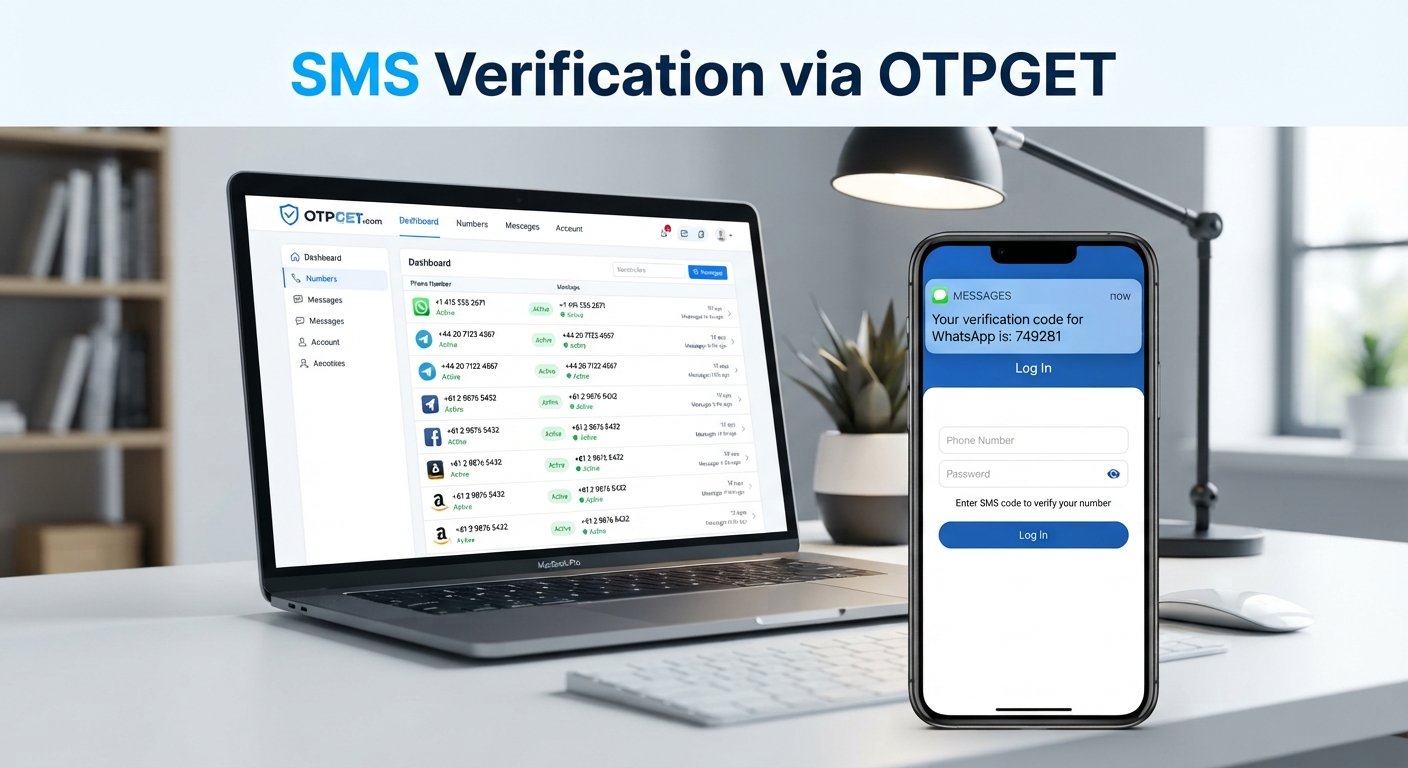
OTPGET provides infrastructure and tools associated with SMS OTP and Email OTP verification, including separate SMS and email OTP interfaces documented for developers. Its documentation describes workflows for requesting numbers, checking SMS activation status, and retrieving email verification codes.
For businesses and technical teams, a dedicated OTP provider can be useful when OTP-based verification forms part of a larger digital workflow. Rather than treating verification as an isolated feature, teams can evaluate how an OTP solution fits into registration, testing, authentication, account management, or other verification processes.
The practical value of a platform such as OTPGET can include:
- Helping organize OTP-related verification workflows
- Supporting SMS and email-based verification use cases
- Providing a dedicated environment for handling verification codes
- Giving technical teams documented interfaces to work with
- Making OTP-based processes easier to incorporate into broader digital workflows
The specific implementation should always be evaluated against the application's requirements, user journey, security model, and intended use.
For teams researching business OTP verification, OTPGET can therefore be considered as an option when evaluating an OTP solution for verification-related workflows. Its developer documentation provides details on the available interfaces and their respective processes.
SMS OTP and Email OTP: Can Businesses Use Both?
Businesses do not necessarily have to choose a single verification channel for every situation.
Using different authentication methods can make sense when users have different preferences or when application workflows have different requirements. For example, a business may use one channel for initial verification and consider another approach for recovery or a separate account workflow.
Multiple channels can also be considered as part of a fallback strategy, although the exact design should be based on the application's security requirements.
Businesses can evaluate:
- User preferences and accessibility
- Primary and backup verification channels
- Account recovery requirements
- Sensitivity of the requested action
- Risk-based authentication needs
- The amount of friction users can reasonably handle
The important point is to design the authentication flow deliberately. Adding more verification options does not automatically make an application more secure. Each method should have a clear purpose within the overall security model.
Best Practices for OTP Verification
A good OTP implementation should protect both the user and the application while keeping the verification experience easy to understand.
Follow these practical guidelines:
- Keep OTP expiration periods limited. A verification code should not remain valid indefinitely.
- Avoid unnecessarily long OTP codes. Use a format that provides an appropriate balance between security and usability.
- Never expose OTPs unnecessarily. Treat verification codes as sensitive authentication information.
- Provide clear instructions. Tell users where to find the code and where to enter it.
- Limit repeated verification attempts. Controls can help reduce abuse and automated guessing.
- Protect authentication endpoints. Apply appropriate security controls to code generation and verification processes.
- Use helpful error messages. Tell users what they need to do without revealing unnecessary security information.
- Consider accessibility. Make verification usable across relevant devices and user needs.
- Monitor verification activity. Review unusual patterns and failed attempts as part of broader authentication security.
- Design a simple user experience. Users should understand the next step immediately.
- Avoid unnecessary friction. Verification should add meaningful security without creating avoidable obstacles.
- Use appropriate authentication layers for sensitive actions. Higher-risk activities may require stronger controls than routine account access.
Frequently Asked Questions
What is the difference between SMS OTP and Email OTP?
SMS OTP sends a one-time password through a text message, while Email OTP sends the code to an email inbox. The better choice depends on the application's users, workflow, accessibility, and security requirements.
Is SMS OTP better than Email OTP?
Neither method is universally better. SMS OTP may suit mobile-focused verification, while Email OTP can work well when email is already central to the user's account. Businesses should choose based on their specific authentication needs.
Is Email OTP secure?
Email OTP can provide a useful verification layer, but its security also depends on the protection of the user's email account and the application's overall authentication design.
What is OTP verification?
OTP verification is a process in which a user enters a temporary, usually single-use verification code to confirm access to a phone number, email account, or authentication workflow.
Why do businesses use OTP authentication?
Businesses use OTP authentication to add a verification step to processes such as registration, login, account recovery, customer verification, and certain sensitive actions.
Can SMS OTP and Email OTP be used together?
Yes. Businesses can design workflows that use multiple verification channels where appropriate. The exact approach should reflect user needs, recovery requirements, application risk, and the overall security model.
What is an OTP provider?
An OTP provider is a service that supplies infrastructure or capabilities related to OTP-based verification. Depending on the provider and use case, this may involve SMS, email, virtual numbers, verification workflows, or developer-facing interfaces.
How can OTPGET help with OTP verification?
OTPGET provides documented tools related to SMS OTP and Email OTP verification. Businesses and technical teams can explore its available interfaces to determine whether they fit their particular verification workflow and requirements.
SMS OTP vs Email OTP: Choosing the Right Verification Approach
The SMS OTP vs Email OTP decision is ultimately about fit. SMS OTP uses the mobile messaging channel, while Email OTP relies on the user's email account. Each can support OTP verification, but each also introduces different accessibility, delivery, usability, and security considerations.
Businesses should look at their audience, application type, verification speed, customer journey, recovery process, and authentication requirements before choosing an approach.
For teams that need a practical way to work with OTP-based verification, OTPGET is a solution worth exploring. Its documented SMS and email OTP tools give businesses and technical teams a starting point for evaluating how dedicated OTP infrastructure can fit into their verification workflows.
The goal is not simply to send a verification code. It is to create a verification experience that is appropriate for the users, secure enough for the application, and simple enough to support successful customer interactions.