SMS Verification Not Received? Fix Common OTP Delivery Issues

SMS Verification Not Received? Common Causes and Solutions
Waiting for a verification code that never arrives can be frustrating, especially when you need the code to finish signing in, registering an account, or confirming a phone number. If you've searched for "SMS verification not received," you're dealing with a problem that can have several different causes.
Sometimes the issue is as simple as an incorrect phone number or weak mobile signal. In other cases, carrier delays, blocked messages, temporary service problems, or too many OTP requests may be responsible.
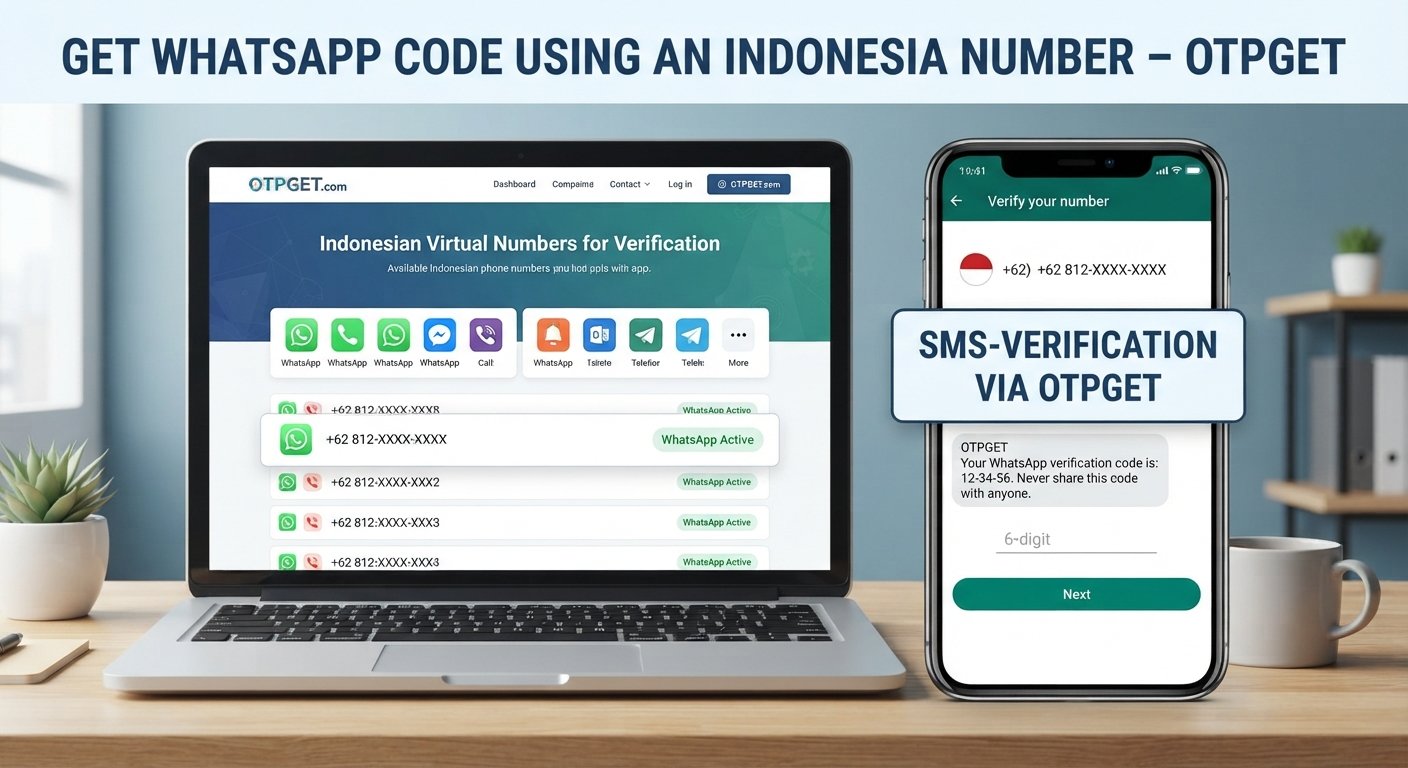
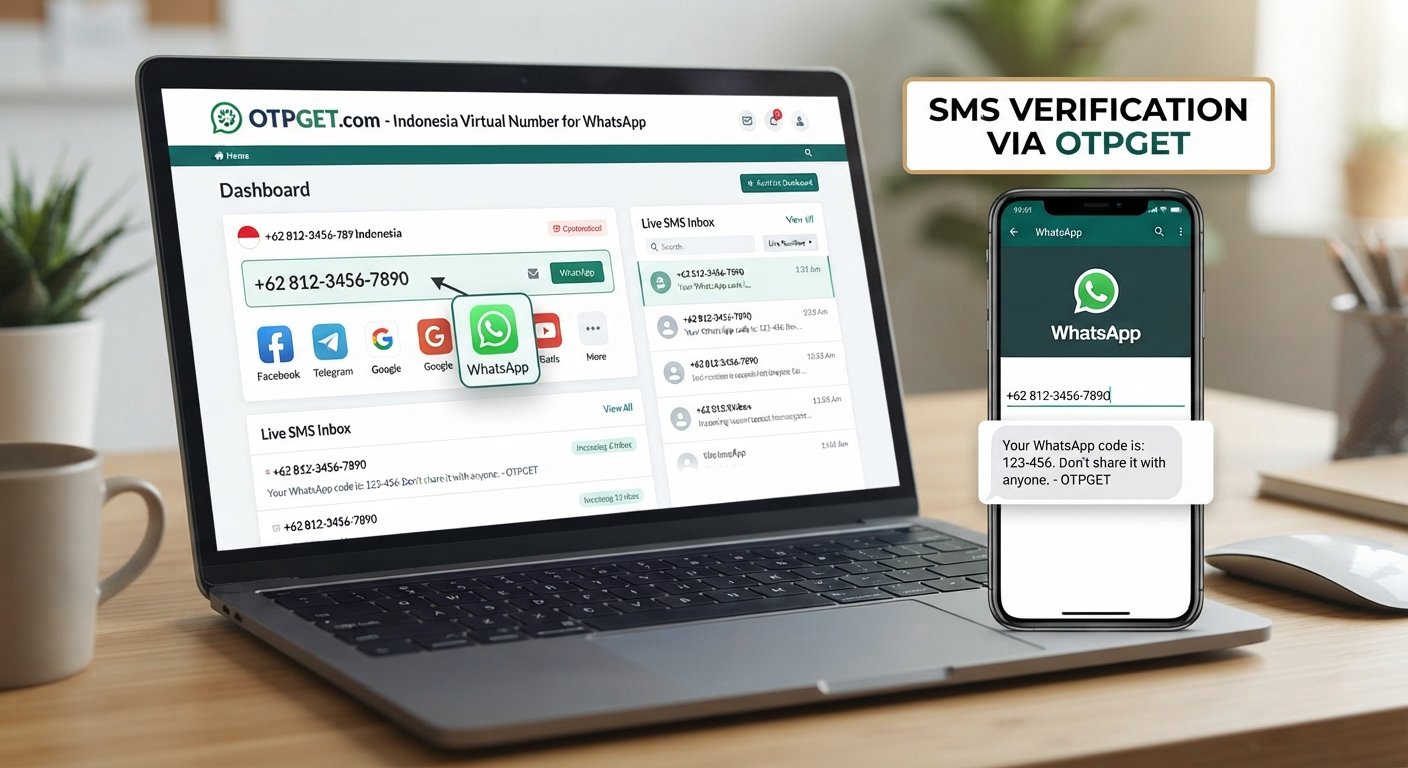
The good news is that most SMS verification problems can be narrowed down with a few practical checks. And when receiving a code on your personal number is inconvenient, an online SMS verification option such as OTPGET may be useful for supported services and legitimate verification needs.
Why Is My Verification Code Not Coming?
A verification code not received message doesn't necessarily mean something is wrong with your phone. The delivery process involves your mobile network, carrier, the service sending the message, and the verification system itself.
Incorrect Phone Number
One of the most common reasons an SMS OTP doesn't arrive is an incorrect number.
Check the complete phone number before requesting another code. Pay particular attention to:
- Country code
- Missing or extra digits
- Incorrect area or regional prefix
- Accidental spaces or formatting
- Selecting the wrong country from a dropdown
A single incorrect digit can prevent the verification SMS from reaching you.
Weak or Unstable Mobile Network
Poor mobile connectivity can interfere with SMS delivery. If your phone has little or no signal, messages may arrive late.
Move to an area with better reception and wait a few minutes. If appropriate, briefly reconnecting to the mobile network or restarting the phone can also help.
Carrier or SMS Delivery Delays
Sometimes the issue is outside your control. Mobile carriers can experience temporary congestion or delays in delivering messages.
If you requested an OTP only moments ago, avoid immediately requesting another one. Give the original message some time to arrive.
Too Many OTP Requests
Repeatedly selecting "send code again" can create another problem.
Some verification systems temporarily restrict repeated requests, while others invalidate an earlier OTP when a new one is generated. As a result, several codes may arrive late, or only the newest code may remain valid.
If an OTP isn't received, pause before making another request.
Blocked or Filtered SMS
Your phone or carrier may filter certain messages. Check your blocked contacts, spam folders, messaging settings, and any filtering features available on your device.
If you're expecting a verification SMS from a service you trust, make sure messages from the relevant sender haven't been blocked.
Service-Side Problems
The problem may also be with the website or application generating the code.
A service can experience temporary OTP delivery problems, technical issues, or regional restrictions. If ordinary SMS messages work normally but one particular verification code never arrives, the service itself may be the source of the problem.
Unsupported or Restricted Numbers
Some platforms don't support every number type, region, or carrier. Certain services may also distinguish between mobile numbers and other types of numbers.
If you're not receiving verification codes, check whether the service supports the number you're using before repeatedly requesting an OTP.
What to Do When SMS Verification Is Not Received
Try these steps in order:
- Check the phone number. Confirm the country code and every digit.
- Check your signal. Make sure your phone has a usable mobile connection.
- Wait a few minutes. SMS delivery isn't always immediate.
- Reconnect to the network. If appropriate, restart your phone or reconnect its mobile connection.
- Check blocked and spam messages. Look through your messaging settings for filtered SMS.
- Don't repeatedly request codes. Multiple requests can cause temporary restrictions or invalidate earlier codes.
- Check number compatibility. Make sure the service supports your number type and region.
- Try another verification method. Email, an authenticator, or another option may be available.
- Contact the service. If the problem continues, the platform may need to investigate its verification system.
- Consider online SMS reception. For legitimate uses where it is supported, an online number can provide an alternative way to receive verification messages.
This approach helps determine whether the issue is with your phone, carrier, number, or the service sending the verification SMS.
When a Temporary Phone Number Can Help
A temporary phone number can be useful when you don't want to provide your primary number for every online registration or supported verification process.
Legitimate uses can include:
- Testing websites or services
- Separating online registrations from a personal number
- Reducing unnecessary exposure of a personal phone number
- Receiving supported verification messages
- Keeping certain online activities separate from everyday communications
Online phone verification isn't appropriate for every situation. Some services prohibit temporary or virtual numbers, and users should always follow the platform's rules.
For supported services, an online SMS verification service can provide another way to receive a verification message without relying on the SMS inbox of a personal phone.
This is where OTPGET can be useful. Rather than continuing to wait when conventional SMS delivery is inconvenient, users can explore whether an available online number is suitable for their legitimate verification requirement.
OTPGET: A Simple Solution for SMS Verification
If you're experiencing an SMS verification not received problem and have already ruled out basic phone and network issues, OTPGET can be a practical option for receiving supported verification SMS online.
The concept is straightforward: instead of depending exclusively on your personal mobile number, you can use an appropriate online number where supported and monitor it for an incoming verification message.
Potential advantages include:
- Online SMS reception: Access supported verification messages through an online service.
- Greater separation: Keep some registration activity separate from your personal phone number.
- Convenience: Check for an incoming OTP online instead of relying solely on a personal SMS inbox.
- Temporary-number use: Where supported, a temporary number can be useful for appropriate registrations and testing.
- Simpler workflows: Online SMS reception may be convenient when conventional delivery is causing problems.
However, compatibility matters. OTPGET should not be treated as a universal solution for every website, application, carrier, or verification system. Some platforms restrict temporary or online numbers.
The sensible approach is to check whether the service you're using permits the number type and whether the verification purpose is legitimate.
If you need another way to receive supported verification SMS online, OTPGET can be worth exploring as a practical alternative to conventional SMS delivery.
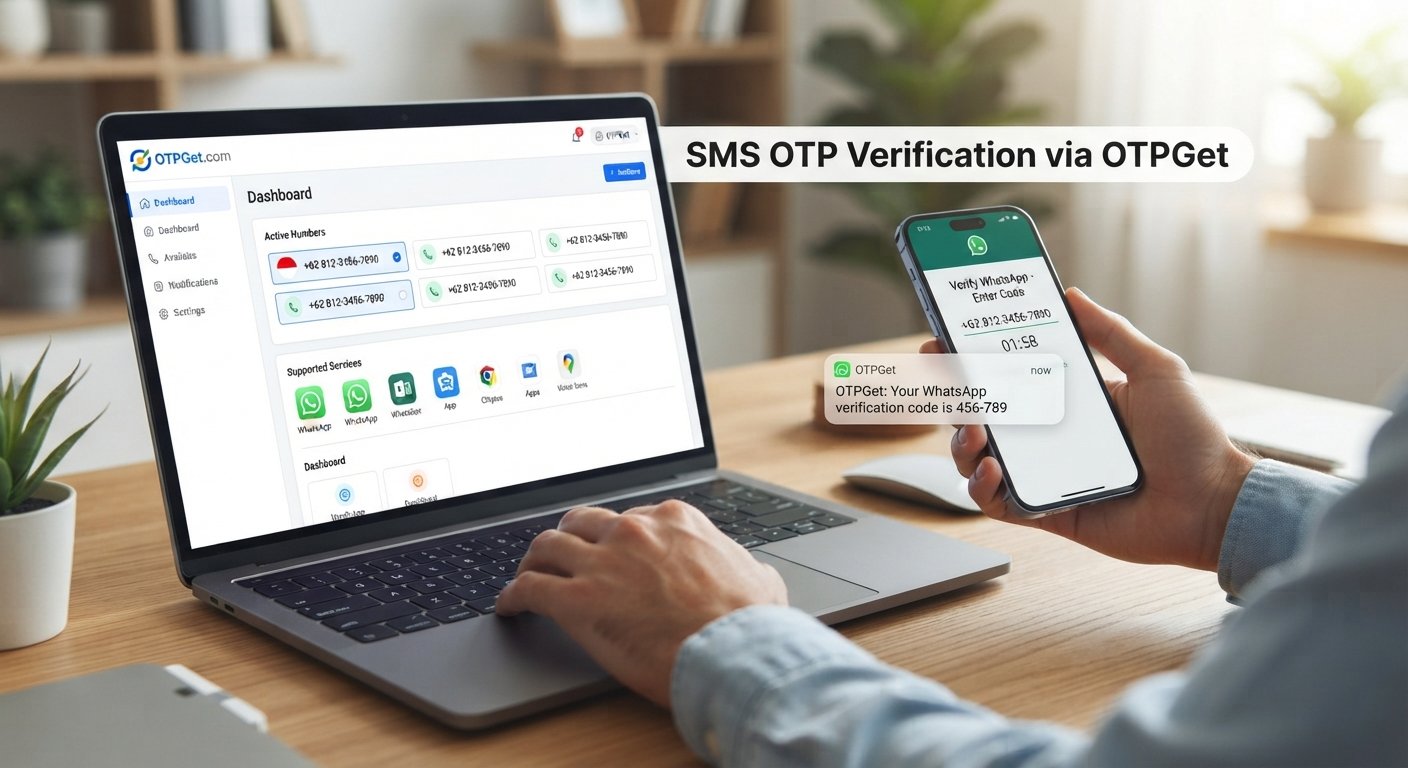
How to Use OTPGET for Verification
The general process can be kept simple:
- Visit OTPGET.
- Choose an appropriate supported number or service for your intended verification purpose.
- Enter the provided number on the website or application you're verifying.
- Request the verification code from the original service.
- Monitor the incoming SMS through the applicable online interface.
- Enter the received OTP into the original verification page.
The exact options and interface can vary, so follow the instructions provided by OTPGET and the service you're registering with.
Only use temporary numbers and online verification services for legitimate purposes and in accordance with the terms of the platform involved.
OTP Not Received? Try These Additional Fixes
If your OTP code is still not arriving, run through this quick checklist:
- Verify the country code.
- Confirm every digit of the number.
- Check whether the number type is supported.
- Make sure your mobile network is working if using a personal number.
- Check spam and blocked-message settings.
- Wait before requesting another OTP.
- Avoid multiple simultaneous verification attempts.
- Confirm that the service itself is functioning normally.
- Try another supported verification method.
- Consider OTPGET when online SMS reception is appropriate and permitted.
These steps can help distinguish a simple configuration problem from a genuine SMS delivery issue.
SMS Verification vs. Online SMS Verification
Traditional SMS verification and online SMS verification serve similar basic purposes, but they work differently.
| Factor | Traditional SMS Verification | Online SMS Verification |
|---|---|---|
| Privacy | Uses your personal number | Can separate verification from your primary number |
| Convenience | Messages arrive directly on your phone | Messages can be accessed through an online service |
| Personal phone dependence | Generally required | May not require your personal number |
| SMS accessibility | Depends on your device and carrier | Depends on the online service and supported number |
| Suitable use cases | Everyday account verification | Appropriate supported registrations, testing, and privacy-conscious uses |
| Limitations | Carrier and network issues can affect delivery | Some platforms may restrict online or temporary numbers |
Neither method is universally better. The right option depends on the service, region, number requirements, privacy preferences, and legitimate purpose of the verification.
Common Mistakes to Avoid
When a verification code is not arriving, avoid making the situation worse.
Requesting Too Many OTPs
Repeated requests can trigger temporary restrictions or invalidate previous codes. Give the system time to respond.
Entering the Wrong Country Code
An otherwise correct phone number can fail if it is paired with the wrong country code.
Using Unsupported Numbers
If a service doesn't accept a particular number type, repeatedly requesting an OTP won't solve the underlying compatibility problem.
Ignoring Spam or Blocked Messages
Check your messaging settings before assuming the verification system has failed.
Assuming the Phone Is Always the Problem
If normal SMS messages arrive but one specific verification SMS doesn't, the issue may be on the sender's side.
Sharing an OTP
Never give a verification code to another person simply because they ask for it. OTPs are intended to authenticate your action and should be kept private.
Ignoring Platform Rules
Temporary and online numbers should only be used where permitted. Never use an SMS verification service to bypass security controls, impersonate someone, take over accounts, or violate a platform's terms.
Frequently Asked Questions
Why am I not receiving my verification code?
Possible causes include an incorrect number, weak connectivity, carrier delays, blocked SMS, excessive OTP requests, unsupported numbers, or a temporary problem with the service sending the code.
What should I do if my SMS OTP is not received?
Check your number and country code, confirm your network is working, inspect spam or blocked messages, and wait before requesting another OTP. If the problem continues, try an alternative verification method if available.
Why is my verification SMS not arriving?
The delay can originate with your carrier, the receiving phone, or the verification service. If other SMS messages work normally, check whether the particular service is experiencing a delivery or compatibility issue.
How long should I wait for an OTP?
There is no universal delivery time. Wait a few minutes before requesting another code, since repeated requests can create additional delivery or validity problems.
Can I receive verification codes online?
For services that permit online or temporary numbers, you may be able to receive verification codes online. Compatibility and platform rules vary, so confirm that the number type is accepted before using it.
What is a temporary phone number for verification?
It is a number intended for temporary or limited online communication and, where supported, can be used to receive verification messages without exposing a primary personal number.
How can OTPGET help with SMS verification?
OTPGET can provide an option for receiving supported verification SMS online. It may be useful when conventional SMS delivery is inconvenient, provided the relevant service accepts the number and the intended use follows its rules.
What should I do if an OTP still does not arrive?
Recheck the number, wait before requesting another code, inspect SMS filters, confirm compatibility, and look for another verification method. If appropriate, you can also explore an online SMS option such as OTPGET.
Conclusion
An SMS verification not received problem can have several causes, from a simple incorrect country code to carrier delays, blocked messages, repeated OTP requests, unsupported numbers, or temporary service-side issues.
Start with the basics: verify the number, check connectivity and message filters, wait before requesting another code, and confirm that the service supports your number. If the problem continues, an alternative verification method may be available.
For legitimate situations where online numbers are supported, online SMS verification can also be a practical alternative to relying on a personal phone number. OTPGET can help users receive supported verification SMS online and may be worth considering when conventional SMS delivery is inconvenient.