How to Get a Somalia Number for WhatsApp: Complete OTPGET Guide
How to Get a Somalia Number for WhatsApp: Complete OTPGET Guide
Getting a Somalia number for WhatsApp can be useful when you need a separate number for communication, business activities, regional workflows, or account management. But finding a suitable number and completing SMS verification can sometimes be more complicated than expected, particularly if you do not have access to a physical Somali SIM card.
That is where an online number and OTP verification service can make the process more convenient. OTPGET provides an option for users looking for online number solutions, depending on the numbers and verification services available through the platform.
Before choosing any service, it helps to understand how WhatsApp verification works, what a virtual Somalia number is, what an OTP does, and what limitations can affect verification. This guide explains the process in straightforward terms and shows how OTPGET can fit into it.
What Is a Somalia Number for WhatsApp?
A Somalia number for WhatsApp is a phone number associated with Somalia that can potentially be used when registering or verifying a WhatsApp account.
Somalia uses the international country code +252. A traditional Somali mobile number is normally provided through a local telecommunications operator and is commonly tied to a physical SIM or mobile service.
A virtual Somalia number is different. Instead of requiring a physical SIM card in your phone, a virtual number may be accessed through an online service. Depending on the provider and the number's current capabilities, it may be able to receive SMS messages used for verification.
The basic concept is simple: WhatsApp asks for a phone number, sends a verification code to that number, and uses the code to confirm that the user can access it.
However, not every virtual number is accepted for every service or every verification attempt. Availability and compatibility can change, which is why selecting an appropriate number provider matters.
Why Do People Need a Somalia Number for WhatsApp?
There are several legitimate reasons someone might want a Somali phone number for WhatsApp.
- Separate communication: A dedicated number can help keep personal and other communications separate.
- Business communication: Businesses working with customers, partners, or teams in the region may prefer a number associated with Somalia.
- Regional communication: A Somalia number can be useful when managing communications intended for a Somali audience.
- Privacy-conscious organization: Some users prefer not to connect every online service to their primary personal number.
- Online workflows: A virtual number may be convenient when a physical SIM is impractical or unavailable.
- Testing: Developers or businesses may need additional numbers for legitimate communication and workflow testing.
The important point is responsible use. A Somalia WhatsApp number should not be used for spam, impersonation, fraud, harassment, or attempts to circumvent platform safeguards.
How WhatsApp Number Verification Works
WhatsApp uses phone-number verification to confirm access to a number during account registration.
The general process looks like this:
- Enter the phone number into WhatsApp.
- Confirm the country and number details.
- Request verification.
- WhatsApp sends an SMS containing a verification code when SMS verification is available.
- Retrieve the code from the number or associated service.
- Enter the code into WhatsApp.
- Complete the account setup if verification succeeds.
The verification code is commonly called an OTP, meaning "one-time password" or "one-time passcode." It is a temporary code intended for a specific verification attempt.
If you are using an online Somalia number, the key requirement is access to the incoming verification message. This is why an OTP service can be useful: instead of relying on a physical SIM, users can use an available online number and access the verification code through the provider's supported workflow.
How to Get a Somalia Number for WhatsApp with OTPGET
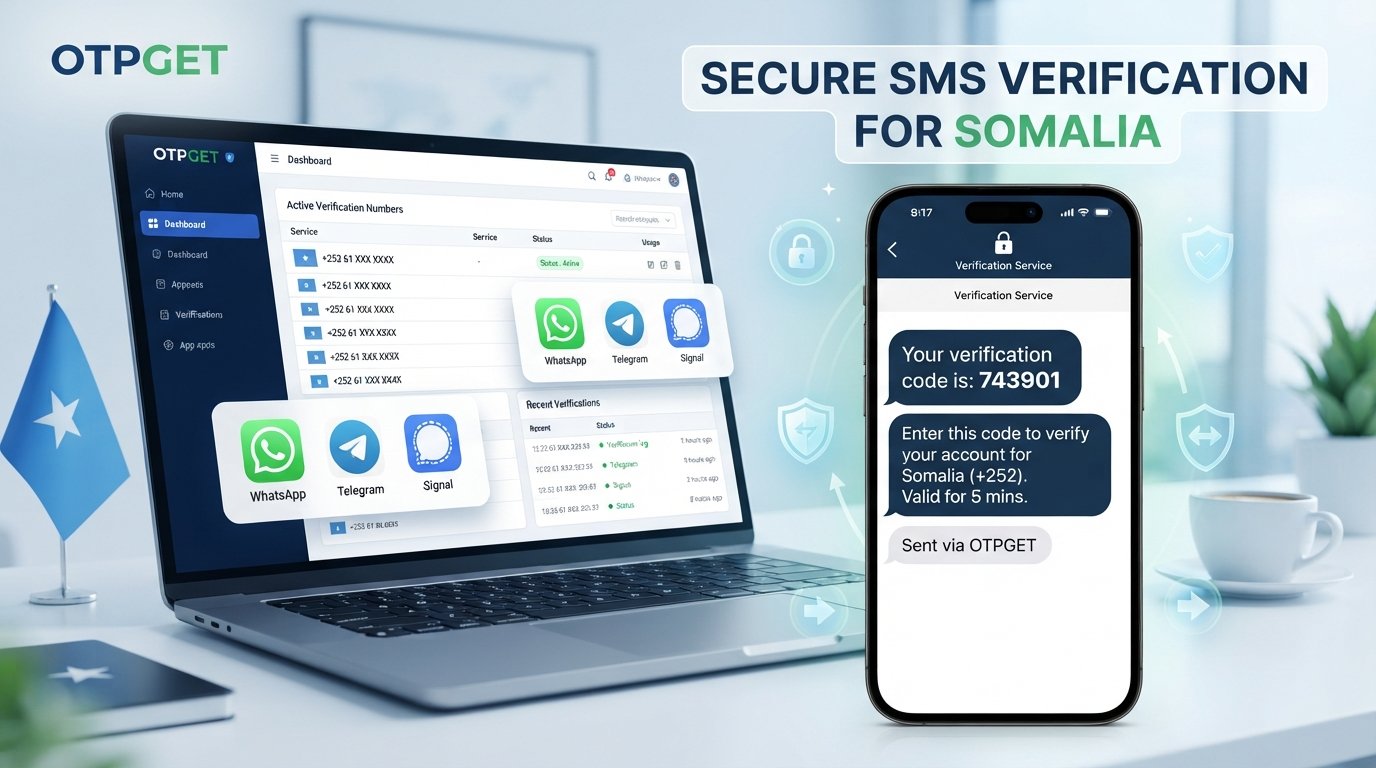
If you are looking for a Somalia number for WhatsApp, OTPGET can provide a practical starting point for finding an online number and handling OTP verification where supported.
The exact availability of numbers and services can vary, so always check the current options shown by OTPGET before beginning.
Step 1: Visit OTPGET
Start by accessing OTPGET and reviewing the available number or verification options.
Look specifically for a Somalia option if one is currently available. Availability can depend on the service's current inventory and supported verification destinations.
Step 2: Select the Appropriate Number or Service
Choose the relevant Somalia number or verification service offered through OTPGET.
Before proceeding, check the displayed information carefully. Make sure the selected country and service match what you actually need.
Step 3: Use the Number for WhatsApp Verification
Enter the provided number into WhatsApp during the normal account registration or verification process.
Pay close attention to the Somalia country code and the complete phone number. A simple formatting or digit error can prevent the verification message from reaching the intended number.
Step 4: Request the Verification Code
Continue through WhatsApp's normal verification process and request the SMS code.
At this stage, WhatsApp controls the verification request. OTPGET does not replace WhatsApp's own verification system; it can serve as the number-access and OTP-handling component where supported.
Step 5: Receive the OTP
If the selected number supports the requested verification, the incoming OTP may become available through the supported OTPGET workflow.
Do not share verification codes with other people. Treat an OTP as sensitive information because it can be used to verify access to an account.
Step 6: Enter the Code in WhatsApp
Enter the received verification code into the appropriate WhatsApp verification screen.
If the code has expired, request a new one through WhatsApp rather than repeatedly entering an old code.
Step 7: Complete Setup
After successful verification, continue with WhatsApp's normal account setup.
Depending on the situation, you may then configure your profile, privacy settings, business information, contacts, or other account preferences.
Benefits of Using OTPGET
For someone searching for an online Somalia number, OTPGET can be useful because it brings the number and verification workflow into an online environment.
Potential practical benefits include:
- Convenient access: An online service can be easier to access than obtaining a physical SIM in some situations.
- Simplified workflow: The process can be easier to understand when number selection and OTP handling are organized through one service.
- Reduced physical-SIM dependence: Where supported, an online number can remove the need to obtain and insert a physical SIM.
- Straightforward verification: Users can follow a clear sequence from number selection to receiving the verification code.
- Useful for online number needs: It can be considered by people specifically searching for a virtual Somalia phone number.
- OTP handling: Where supported by the selected service, users can access incoming verification messages through the available OTP workflow.
These benefits should be viewed alongside availability and compatibility. No online number service should be assumed to work with every platform or every verification attempt.
Common Problems and How to Handle Them
Even when you use a suitable Somalia number provider, verification may not always work on the first attempt.
OTP does not arrive
First, make sure the number was entered correctly. Check the country code, confirm that the selected number is still active for the requested service, and wait briefly before requesting another code.
Repeated requests can sometimes create additional verification delays.
The number is unavailable
Number availability can change. If the desired Somalia number or service is not currently available, check the options provided by OTPGET rather than assuming that every number can support every verification service.
Verification fails
Confirm that you selected the correct country and entered the complete number correctly. Also consider whether the particular number is compatible with the requested verification service.
The code expires
OTP codes are temporary. If a code is no longer accepted, use the normal WhatsApp process to request another verification code.
Too many attempts
Repeated verification attempts may trigger temporary restrictions or delays. If WhatsApp tells you to wait, follow its instructions rather than attempting to bypass the restriction.
Service limitations
An online number may have limitations based on availability, destination, carrier behavior, or platform policies. Always check the current OTPGET options and understand what is supported before relying on a particular number.
OTPGET vs. Other Number Options
Different users have different requirements, so it is useful to compare the main approaches.
| Option | Convenience | Physical SIM Required | Verification Workflow |
|---|---|---|---|
| Physical SIM | Requires obtaining a local SIM | Usually | Receive SMS directly on the phone |
| Personal number | Simple if already available | Depends | Uses your existing mobile service |
| Virtual phone number | Convenient for online access | Usually not | Depends on provider and platform compatibility |
| Online OTP service | Designed around verification workflows | Usually not | Receive supported verification codes through the service |
OTPGET is worth considering when convenience and an online verification workflow are more important than obtaining a traditional physical SIM. The right choice ultimately depends on number availability, compatibility, intended use, and the requirements of the service being verified.
Trust and Safety When Using a Somalia Number
A phone number is more than a registration field. It can be connected to an account and, in some cases, to important communications.
Use any Somalia number responsibly. Follow WhatsApp's terms and applicable policies, and avoid using numbers for spam, fraudulent activity, impersonation, harassment, or deceptive behavior.
Never unnecessarily disclose an OTP to another person. Verification codes should be treated as sensitive credentials.
It is also wise to understand the nature of an online number before using it for an account you consider important. Consider whether you will need continued access to the number for future verification, recovery, or account-management purposes.
Frequently Asked Questions
How can I get a Somalia number for WhatsApp?
You can look for an available Somalia number through an online number or OTP verification service such as OTPGET. Select an appropriate option when available, use the number during WhatsApp's normal verification process, and retrieve the OTP through the supported service workflow.
What is the Somalia country code?
The international country code for Somalia is +252. When entering a Somali number into an international service, make sure the country and number format are correct.
Can I use a virtual Somalia number for WhatsApp?
A virtual Somalia number may be usable for WhatsApp verification when the number is supported and accepted for the particular verification attempt. Compatibility is not universal, so availability and platform requirements should always be considered.
How do I receive a WhatsApp OTP?
After entering your number and requesting verification, WhatsApp may send a verification code by SMS. If you are using a supported online number service, the incoming message may be accessible through that service's OTP workflow.
What should I do if my WhatsApp verification code does not arrive?
Check that the phone number and country code are correct, confirm the selected number is available for the requested service, and avoid repeatedly requesting codes. If WhatsApp imposes a waiting period, follow its instructions.
Is OTPGET useful for Somalia number verification?
OTPGET can be useful for users looking for an online Somalia number and a convenient OTP verification workflow, depending on the current numbers and services available through the platform.
Can I use a Somalia number without a physical SIM?
A virtual Somalia number can potentially provide number access without requiring a physical SIM in your phone. However, the number's capabilities and compatibility with WhatsApp verification depend on the provider and current service conditions.
What should I check before choosing a Somalia number provider?
Check whether Somalia numbers are currently available, whether the intended verification service is supported, how OTP messages are handled, and whether you can maintain appropriate access to the number after verification.
Conclusion
Finding a Somalia number for WhatsApp does not necessarily mean obtaining a physical SIM or navigating complicated local mobile arrangements. For users who need an online solution, a virtual number and supported OTP verification workflow can offer a more convenient approach.
The key is to understand how WhatsApp verification works, choose a number that fits your intended use, and recognize that availability and compatibility can vary.
OTPGET can be a practical option for users who want to explore an online Somalia number and simplify the verification process where supported. Review the currently available Somalia options, follow WhatsApp's normal verification procedure, and use the service responsibly.
Need a convenient way to get a Somalia number for WhatsApp? Explore OTPGET and see how its available verification options can simplify the process.