Spotify Verification Problems: Quick Fixes & OTPGET Solutions
Spotify Verification Problems: Causes and Quick Fixes
Introduction
Few things are more frustrating than trying to log in to an account and getting stuck at the verification step. You request a code, wait for the SMS, and nothing arrives. Or the code finally appears but has already expired. Sometimes the Spotify verification code is rejected even though it looks correct.
These are common types of Spotify verification problems, and they can happen for several reasons. Delayed SMS delivery, incorrect phone details, network issues, expired OTPs, repeated requests, and temporary verification problems can all interfere with the process.
The good news is that many verification issues are easy to troubleshoot. If standard SMS delivery continues to cause problems, an OTP service such as OTPGET may also provide a practical alternative workflow where it is compatible with the verification process and permitted by the relevant service.
Why Spotify Verification Problems Happen
A verification code has to travel through several parts of the delivery process before it reaches you. A problem at any point can prevent successful verification.
Common causes include:
- Delayed SMS delivery: Mobile messages can sometimes arrive late because of network congestion or carrier-related delays.
- Incorrect phone number: A missing digit, incorrect country code, or outdated number can send the verification message somewhere else.
- Poor mobile signal: Weak connectivity may interfere with receiving SMS messages.
- Carrier restrictions: Some mobile networks may restrict, filter, or delay certain automated messages.
- Too many verification attempts: Repeatedly requesting codes in a short period can make the process more difficult to complete.
- Expired OTPs: Verification codes are often time-sensitive. An older code may no longer be valid.
- Incorrect code entry: Typing an earlier code instead of the newest one can result in a failed verification attempt.
- Temporary verification issues: A service may occasionally experience a temporary problem affecting authentication.
- App or browser issues: Cached data, outdated software, or a temporary session problem can interfere with login.
- Device or network problems: Switching networks or devices may sometimes help identify whether the issue is local.
Understanding the cause makes it easier to choose the right fix instead of repeatedly requesting another code.
Common Spotify Verification Problems
Spotify Verification Code Not Received
If your Spotify verification code is not received, start with the basics.
Confirm that the phone number is correct and capable of receiving SMS messages. Check your signal and make sure your phone is not blocking or filtering incoming messages.
If everything looks correct, wait briefly before requesting another code. Multiple requests can create confusion because a newer OTP may invalidate an older one.
If the message still does not arrive, check whether your carrier has restrictions affecting automated SMS delivery.
Spotify OTP Not Working
A Spotify OTP may fail because it has expired, was entered incorrectly, or has been replaced by a newer code.
Always use the most recently requested verification code. Enter it carefully and avoid copying an older message from your SMS history.
If the latest code repeatedly fails, refresh the login process and request a new one rather than continuing to submit the same OTP.
Spotify Verification Code Expired
Verification codes are generally designed to remain valid for a limited period. If you wait too long before entering one, the code may expire.
The simplest solution is usually to request a fresh code and enter the newest OTP promptly. Avoid switching between multiple old messages and new requests, as this can make it unclear which code is currently valid.
Spotify SMS Verification Problems
SMS verification depends on successful communication between the verification system, mobile network, carrier, and your device.
Problems can therefore occur even when your phone appears to be working normally. Delayed messages, filtering, weak reception, or carrier restrictions can all contribute to SMS verification problems.
Checking your signal, confirming the number, and testing ordinary incoming SMS messages can help determine whether the problem is specific to verification messages or affects SMS delivery more generally.
Spotify Verification Code Not Working
Before requesting several new codes, check whether you are entering the latest OTP. Also make sure there are no accidental spaces or incorrect digits.
If the code still does not work, refresh the login session, restart the app or browser, and try again. Repeated failed attempts are rarely more effective than calmly restarting the verification process.
How to Fix Spotify Verification Problems
If you are dealing with Spotify login verification problems, work through these steps in order:
- Check the phone number. Make sure the number and country information are correct.
- Check mobile signal and SMS reception. Confirm that your phone can receive ordinary text messages.
- Wait briefly. A delayed message may arrive without requiring another request.
- Request a fresh verification code. If the previous code has expired, use a new one.
- Enter the latest code. Avoid using an older OTP from a previous request.
- Refresh the app or browser. A fresh login session can sometimes clear a temporary issue.
- Try a supported browser or device. This can help identify whether the problem is device-specific.
- Check your carrier. Ask whether automated or verification SMS messages are being delayed or restricted.
- Avoid repeated requests. Give the verification process time instead of requesting many codes consecutively.
- Consider another permitted verification method. If the available verification process supports an alternative, it may be worth using when SMS delivery remains unreliable.
What should I do if I don't receive my Spotify verification code?
Check your phone number, mobile signal, SMS settings, and carrier restrictions first. Wait briefly before requesting another code, then use the newest OTP. If standard SMS delivery remains unreliable, consider an alternative verification method that is compatible with the account's available options.
What to Do When You Cannot Receive a Spotify Verification Code
If you have checked your phone number and network but still cannot receive a Spotify verification code, the issue may be with SMS delivery rather than the code itself.
This is where an alternative OTP workflow can be useful. Instead of depending entirely on a personal phone's normal SMS delivery, some users may choose an online OTP service when the verification process permits it.
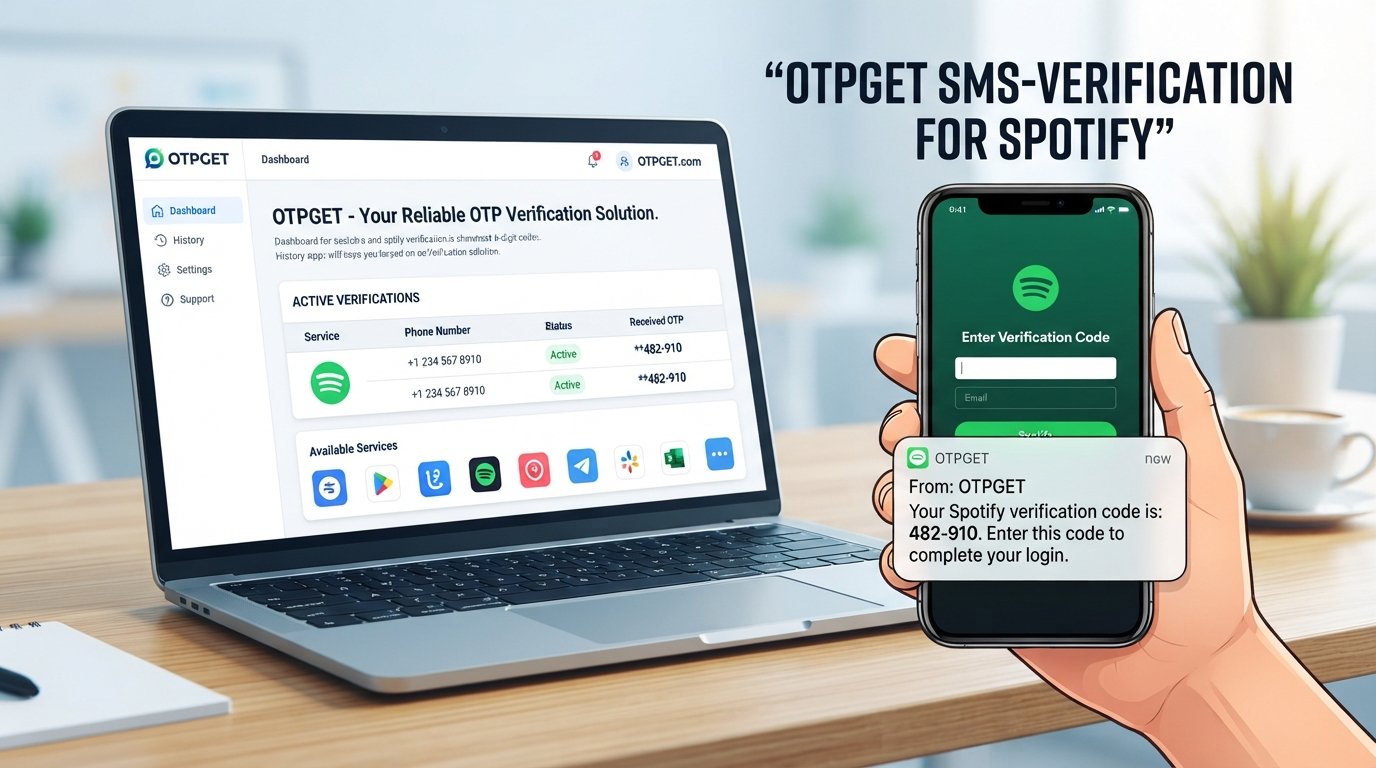
OTPGET is an independent OTP/verification solution that can provide a practical option for supported online verification workflows. It should not be considered an official Spotify service, and it does not bypass Spotify's security controls or guarantee account access.
The important point is compatibility: an OTP service is useful only when the relevant verification process accepts the available method and its use is permitted.
OTPGET as a Practical Solution for OTP Verification
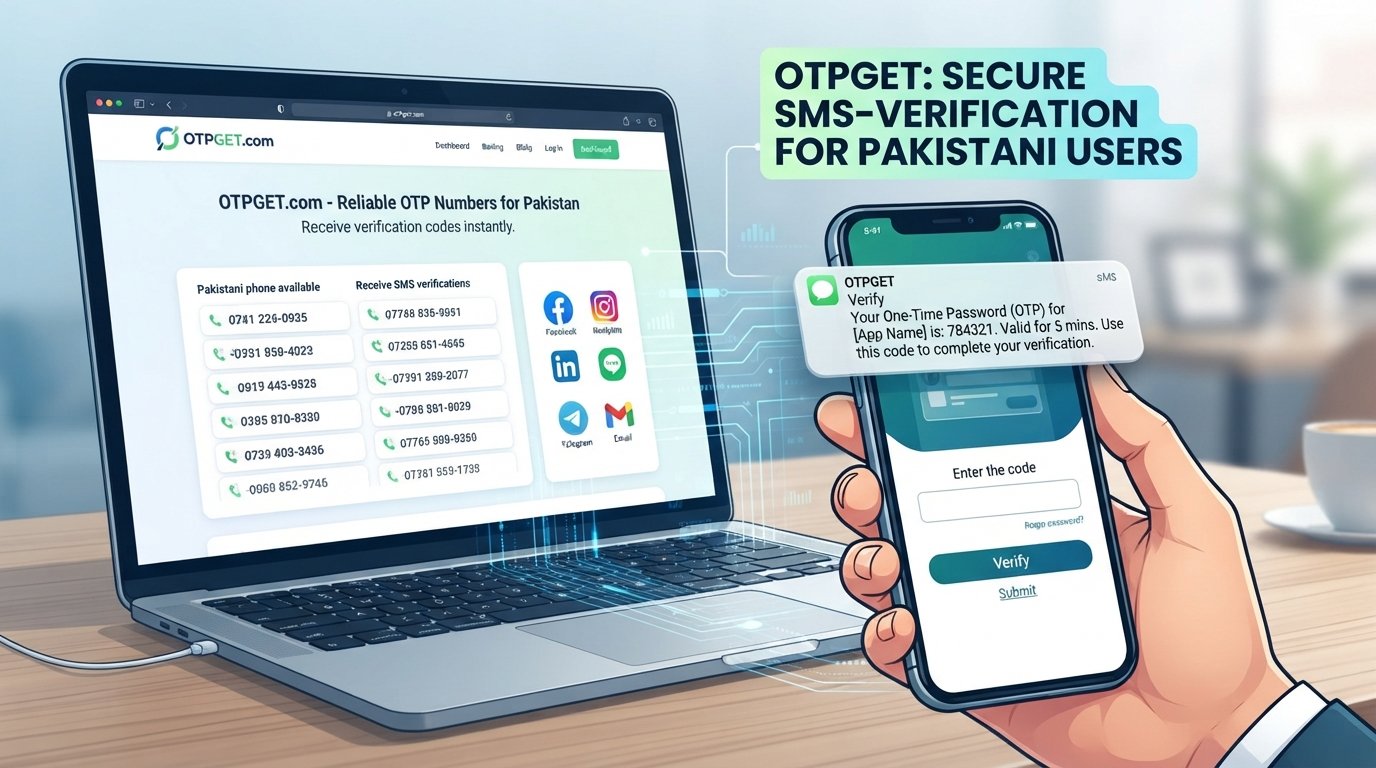
OTPGET is designed to make OTP access more convenient for online verification workflows where supported.
For someone experiencing persistent SMS verification problems, the appeal is straightforward: an OTP service can provide an alternative way to obtain a verification code instead of relying entirely on a personal mobile number and its SMS delivery.
Potential advantages include:
- Convenient access to OTP verification workflows
- Less dependence on standard SMS delivery
- A practical alternative when ordinary SMS delivery is problematic
- Simple access to verification codes through the supported service process
- A user-friendly approach to online verification
- Useful for compatible verification workflows
However, OTPGET should be used responsibly. It is not officially affiliated with Spotify unless such an affiliation is explicitly stated by the relevant parties. Users should follow Spotify's account requirements and only use verification methods that are permitted.
How OTPGET Can Help With Verification Problems
The general process is straightforward:
- Visit OTPGET.
- Select an appropriate OTP or verification option if one is available for your intended workflow.
- Follow the instructions shown by the service.
- Use the provided verification number or supported method where compatible.
- Start the verification process on the relevant platform.
- Retrieve the OTP through the supported OTPGET workflow.
- Enter the valid, current code into the verification screen.
- Complete the verification process if the code is accepted.
The exact options available can vary, so users should rely on the instructions provided by OTPGET and the verification service they are using.
OTPGET vs. Traditional SMS Verification
Traditional SMS remains a normal way to receive verification codes, but it depends on successful message delivery through a mobile carrier. An OTP service can offer a different workflow when the relevant verification process supports it.
| Factor | Traditional SMS | OTPGET |
|---|---|---|
| Code delivery | Dependent on SMS delivery | OTP service-based |
| Convenience | Can vary | Designed for convenient OTP access |
| Delivery issues | May occur | Can provide an alternative workflow where supported |
| Verification workflow | Standard SMS process | OTP service workflow |
| Best for | Normal SMS verification | Users needing an alternative OTP option |
Neither approach should be treated as universally better. The right option depends on the verification requirements, available methods, and whether the service accepts the selected workflow.
Tips to Avoid Future Spotify Verification Issues
A few simple habits can reduce the likelihood of repeated authentication problems:
- Keep your account information accurate and up to date.
- Use a phone number capable of receiving the required verification messages.
- Avoid requesting multiple OTPs in rapid succession.
- Always enter the newest verification code.
- Maintain a stable mobile or internet connection.
- Keep your app and browser updated.
- Follow the platform's verification requirements.
- Use reputable OTP services when an alternative verification workflow is permitted.
- Never share verification codes with other people.
- Keep your login credentials and account information secure.
If a verification problem continues despite these steps, avoid repeatedly attempting the same action. Check the available account recovery or support options instead.
Frequently Asked Questions
Why am I not receiving my Spotify verification code?
Possible causes include an incorrect phone number, weak mobile signal, delayed SMS delivery, carrier restrictions, or a temporary verification issue. Confirm your details, wait briefly, and request a fresh code if necessary.
Why is my Spotify OTP not working?
The OTP may have expired, been replaced by a newer code, or been entered incorrectly. Use the latest code and restart the verification process if the problem continues.
How do I fix Spotify verification problems?
Start by checking your phone number, SMS reception, network connection, and carrier restrictions. Then request a new code, enter the latest OTP, refresh the app or browser, and consider another permitted verification method if available.
Why does my Spotify verification code expire?
Verification codes are generally time-sensitive for security reasons. If a code is no longer accepted, request a new one and use the latest valid OTP promptly.
Can OTPGET help with OTP verification?
OTPGET can provide an OTP service workflow for supported online verification use cases. Whether it can be used for a particular Spotify verification process depends on the available verification method and the platform's requirements.
What should I do if Spotify SMS verification fails?
Check your number, mobile signal, SMS reception, and carrier restrictions. If ordinary SMS delivery remains unreliable, look for another verification method that the account or service explicitly supports.
How can I receive a verification code when SMS is delayed?
Wait briefly, avoid requesting many codes in succession, and use the newest code once it arrives. If the verification process permits an alternative OTP service, a service such as OTPGET may provide another workflow to consider.
Final Thoughts
Spotify verification problems can result from many different factors, including delayed SMS delivery, incorrect phone details, expired OTPs, network problems, carrier restrictions, or temporary authentication issues.
The best approach is to troubleshoot the basics first. Confirm your number, check SMS reception, request a fresh code when appropriate, and always use the newest OTP. Avoid repeatedly requesting codes when the problem may simply be a delivery delay.
When standard SMS verification remains inconvenient or unreliable, OTPGET can be worth considering as an alternative OTP verification workflow where compatible and permitted. It is an independent solution, not a replacement for Spotify's own security process.
If you need a practical option for supported online verification workflows, explore OTPGET and follow the verification requirements of the service you are trying to access.